
Community listing page, reviews here may not be monitored by the author.
Scaley

No reviews yet
Scaley is a Minecraft Fabric mod for stretched resolution, custom FOV, and view-model tweaks. It lets you run aspect ratios like 4:3, bypass vanilla FOV limits, and customize held item positions and rotations for both hands directly in-game.
Community voices
Reviews
No reviews yet. Be the first to review this project!
Get it on
Available Platforms
Compatibility
Supported Environments
Runs entirely on the client. Works on vanilla servers.
About
Project Details
For authors
Embed Badge
If you're the author of this project, you can embed a live badge anywhere that supports HTML or Markdown. It updates automatically whenever ratings change.
Use HTML for any page that supports it, or Markdown for README files and Markdown-based descriptions.
Identifiers
Platform IDs
Resources
External Links
About
Description
Scaley is a client-side Fabric mod for Minecraft 26.2 that gives you full control over your display resolution, field of view, and first-person hand & view-model positions.
Features
🖥️ Stretched & Custom Display Resolution
- Aspect Presets: Easily switch between 4:3, 5:4, 16:10, 16:9, 1:1.
- Window Modes: Seamlessly toggle between Windowed, Borderless Windowed, and Fullscreen.
- Stretched Resolution: Render at stretched aspect ratios (like 4:3) with proper UI scaling and accurate mouse click alignment.
👁️ FOV Overrides
- Uncapped FOV Slider: Set your world FOV anywhere from 1° to 180°, bypassing vanilla's 30–110 limits.
- Dynamic FOV Toggle: Keep or disable sprint, speed, and slowness FOV zoom effects.
⚔️ View-Model & Hand Customization
- 3D Position & Rotation: Adjust X, Y, and Z offsets and rotation angles for your held items and hands.
- Independent Off-Hand Controls:
- Mirror Mode (Default): Automatically flips your main-hand offsets across the Y-axis so your off-hand stays balanced.
- Independent Mode: Customize Off-Hand scale, position, and rotation with dedicated sliders.
- View-Model FOV: Control your hand/held item FOV independently from your world FOV.
- Action Offsets: Set custom X, Y, and Z position offsets specifically while eating/drinking or blocking so food and shields don't block your crosshair during PvP.
- Hand Visibility Toggles: Hide your main hand, off-hand, or empty hands in first-person for a minimalist HUD or screen recording.
Requirements
Scaley is a client-side only mod and works on all multiplayer servers.
- Minecraft:
26.2 - Mod Loader:
Fabric Loader(>= 0.19.3) - Dependencies:
Controls & Usage
Press the Scaley keybind (or open the ModMenu in-game) and navigate to Scaley to adjust all settings live.
Screenshots
Gallery
-
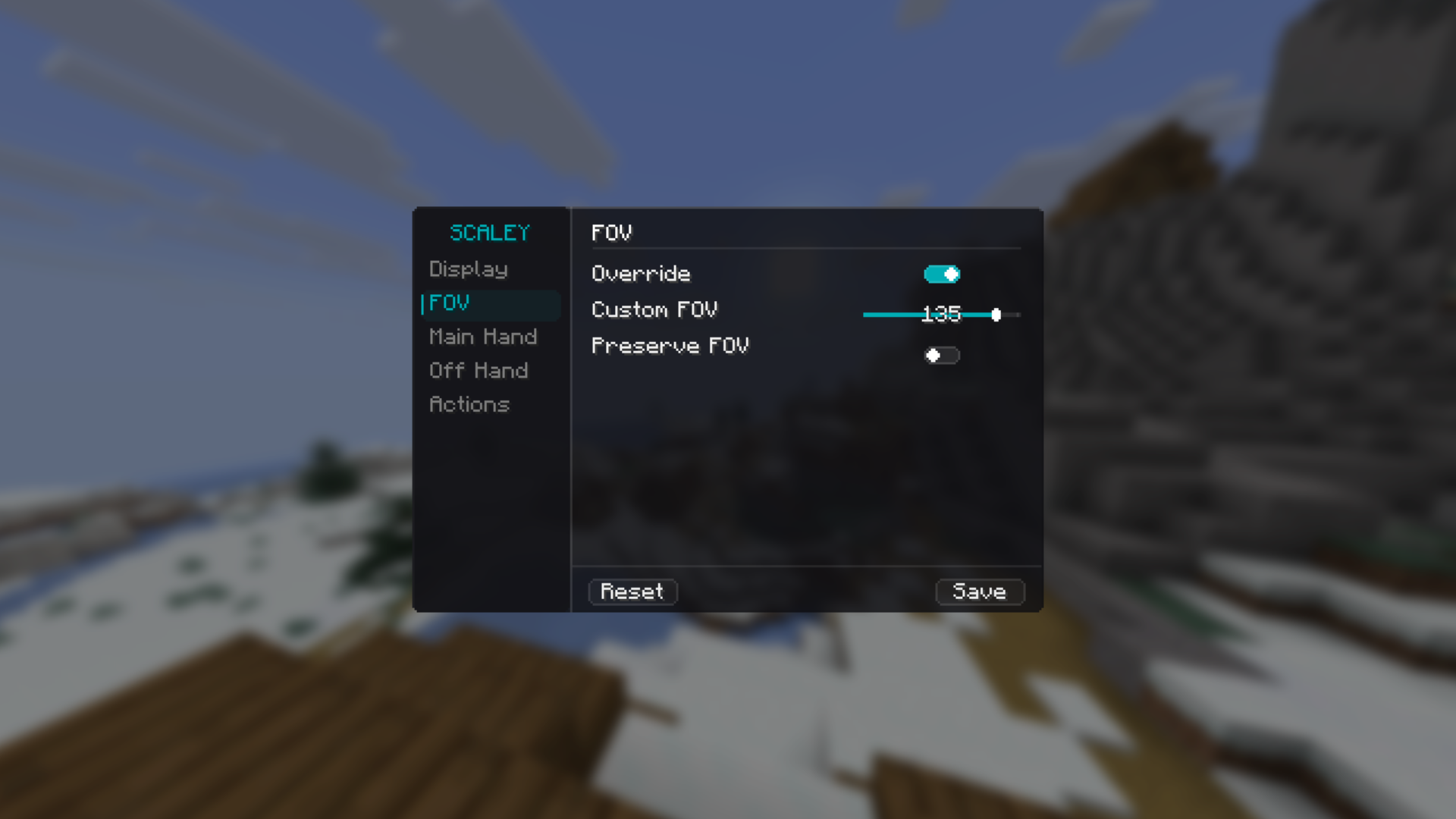 Fov Tab
 -
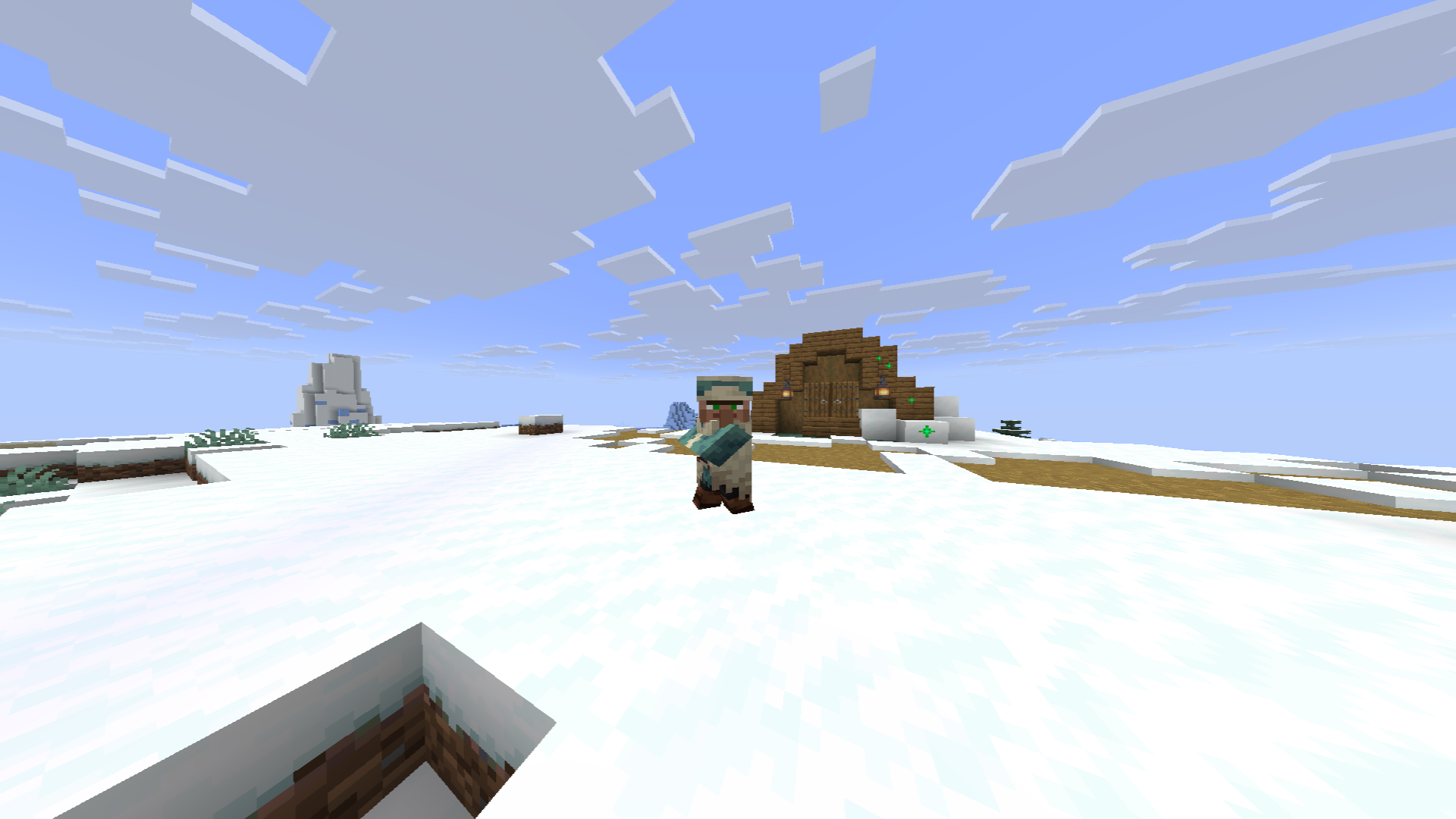 5:4 Villager
 -
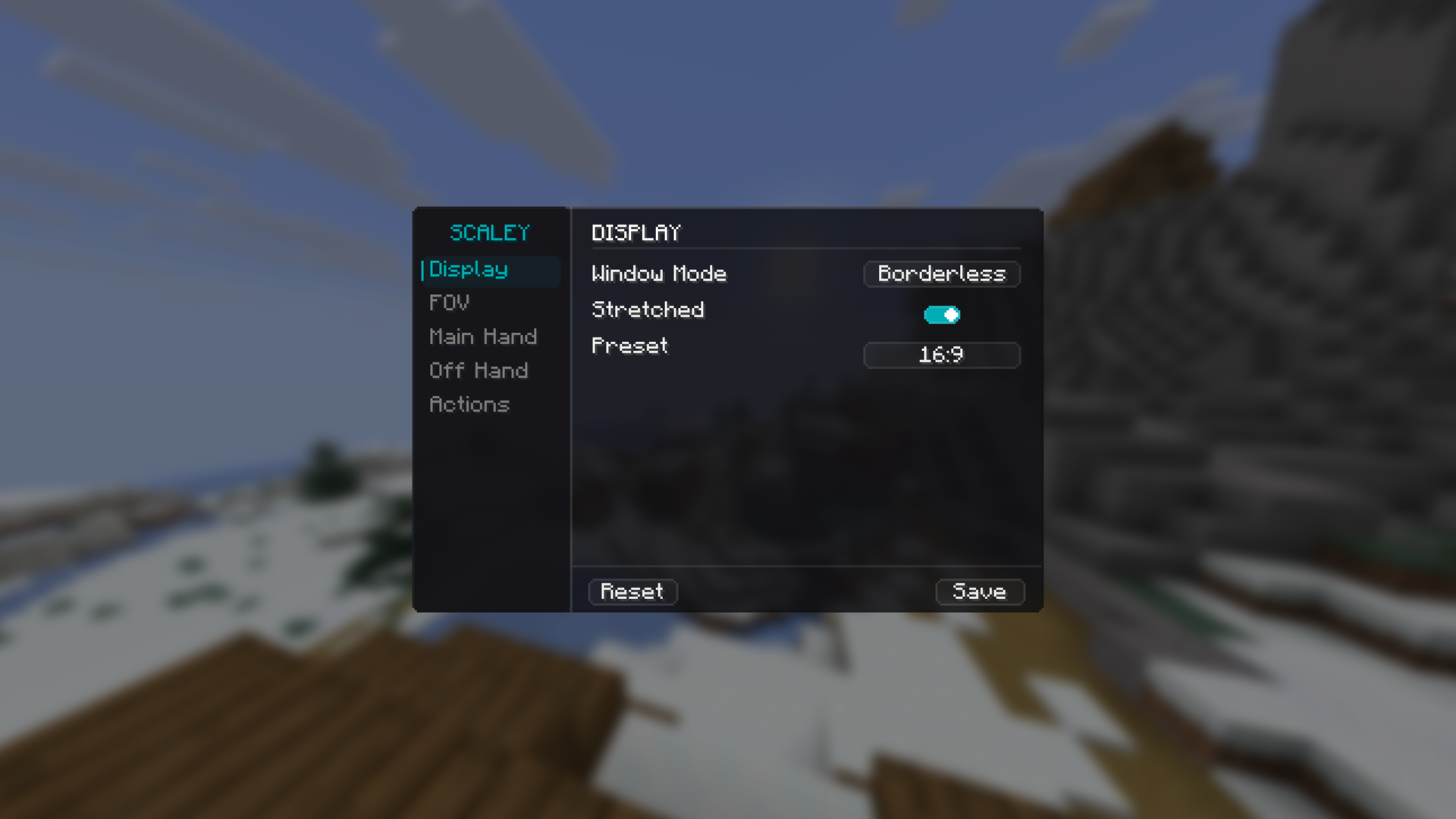 Display Tab
 -
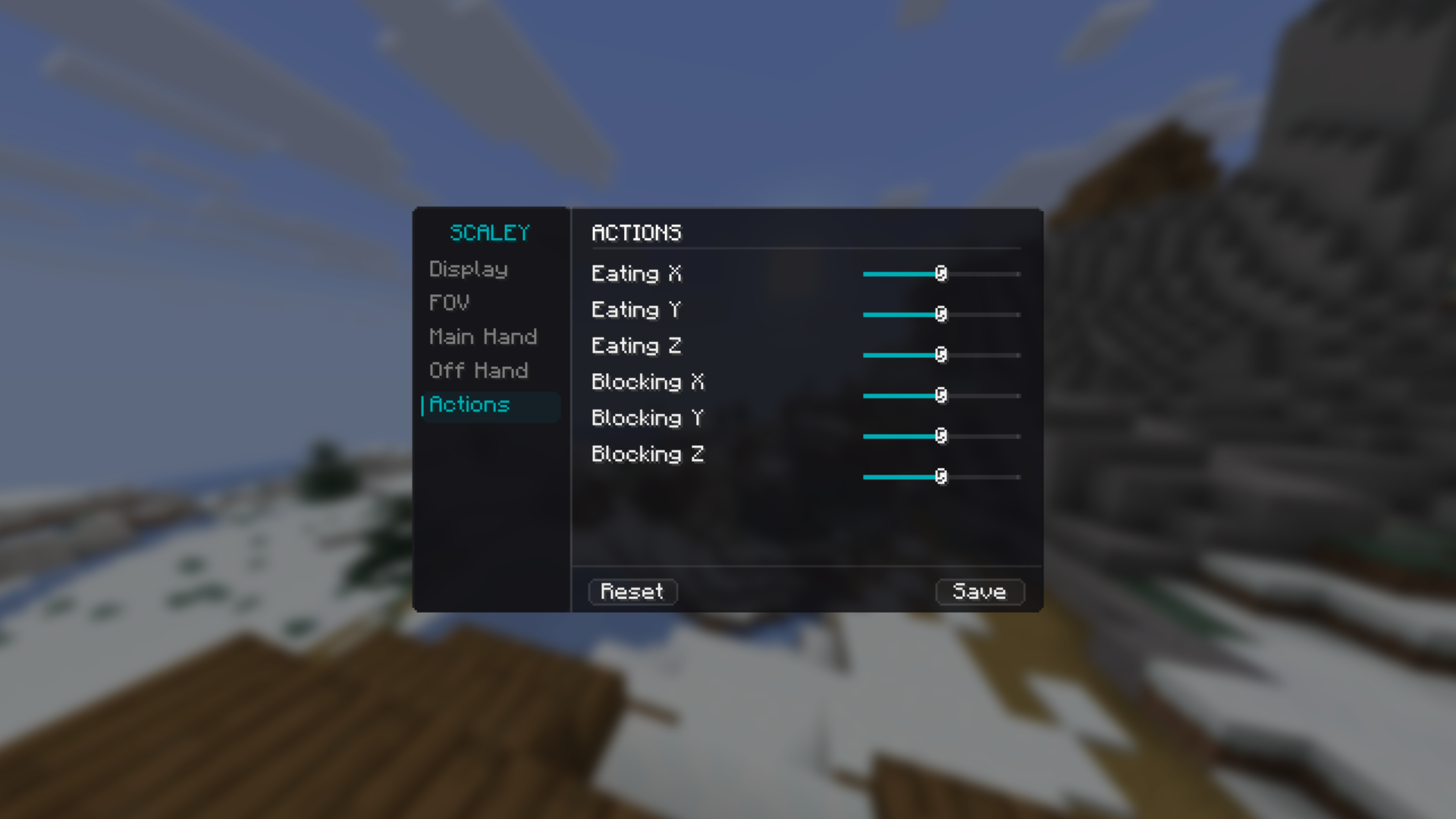 Actions Tab
 -
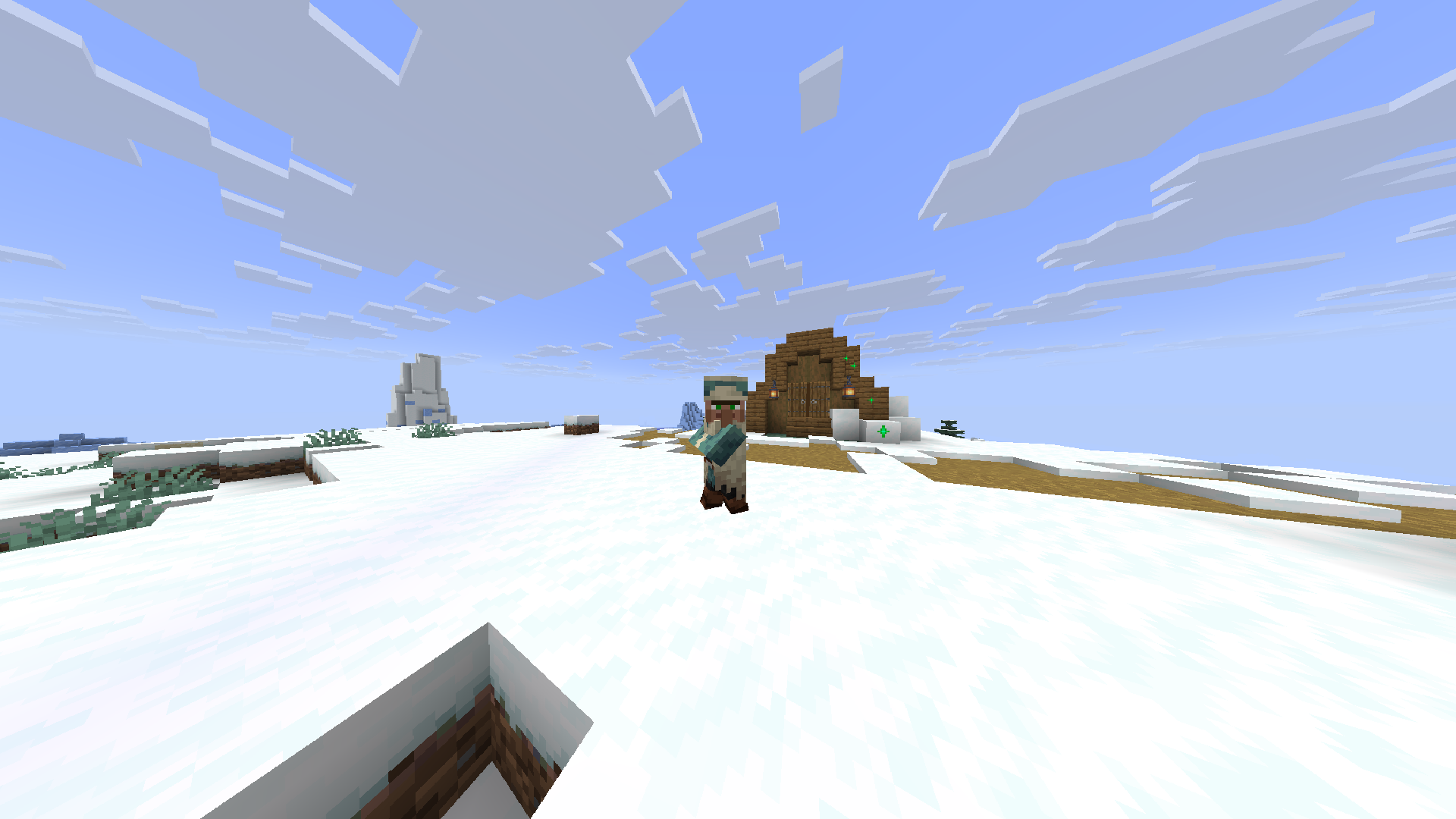 16:10 Villager
 -
 Feelin Cute! 😘
 -
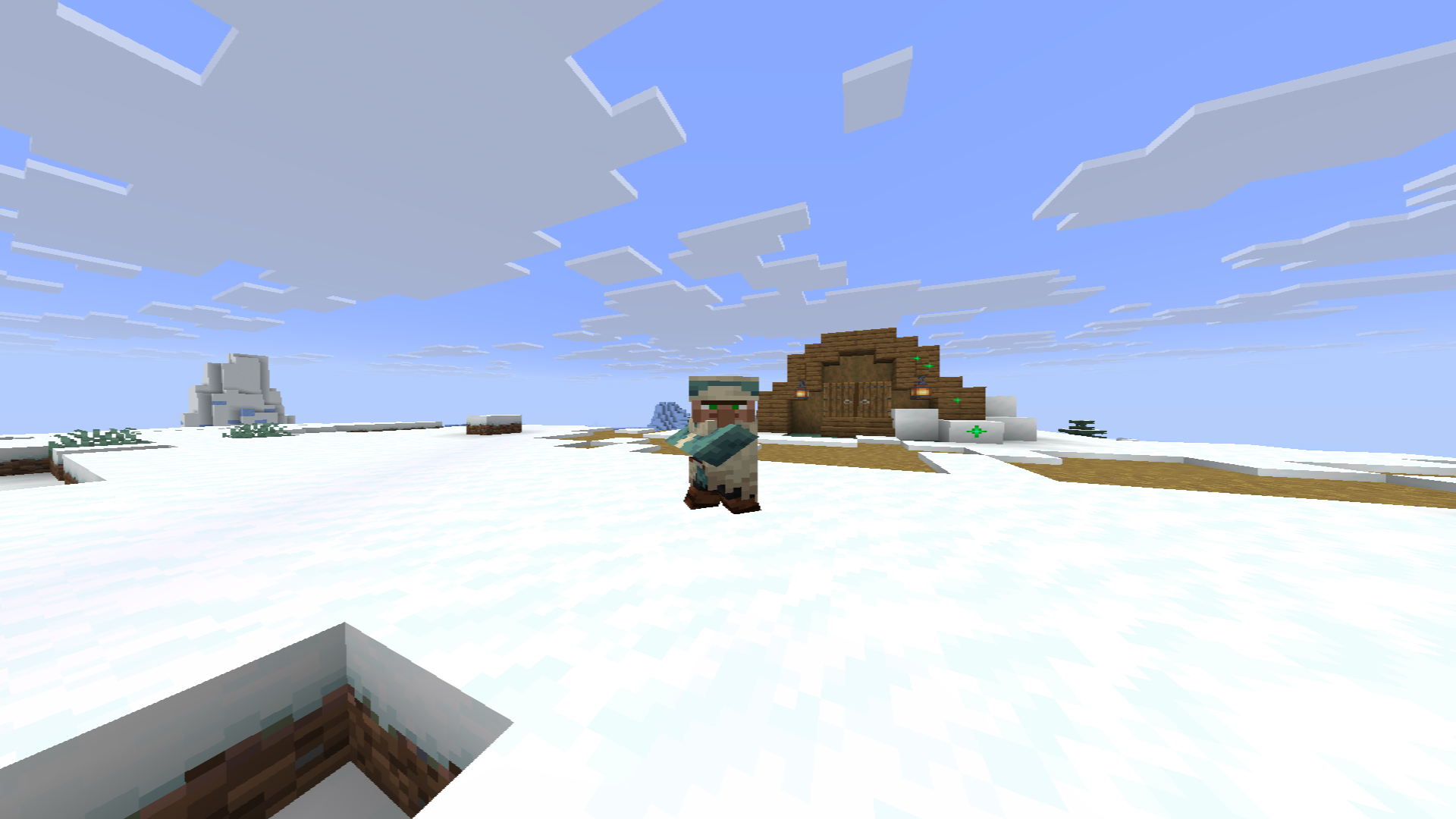 1:1 Villager
 -
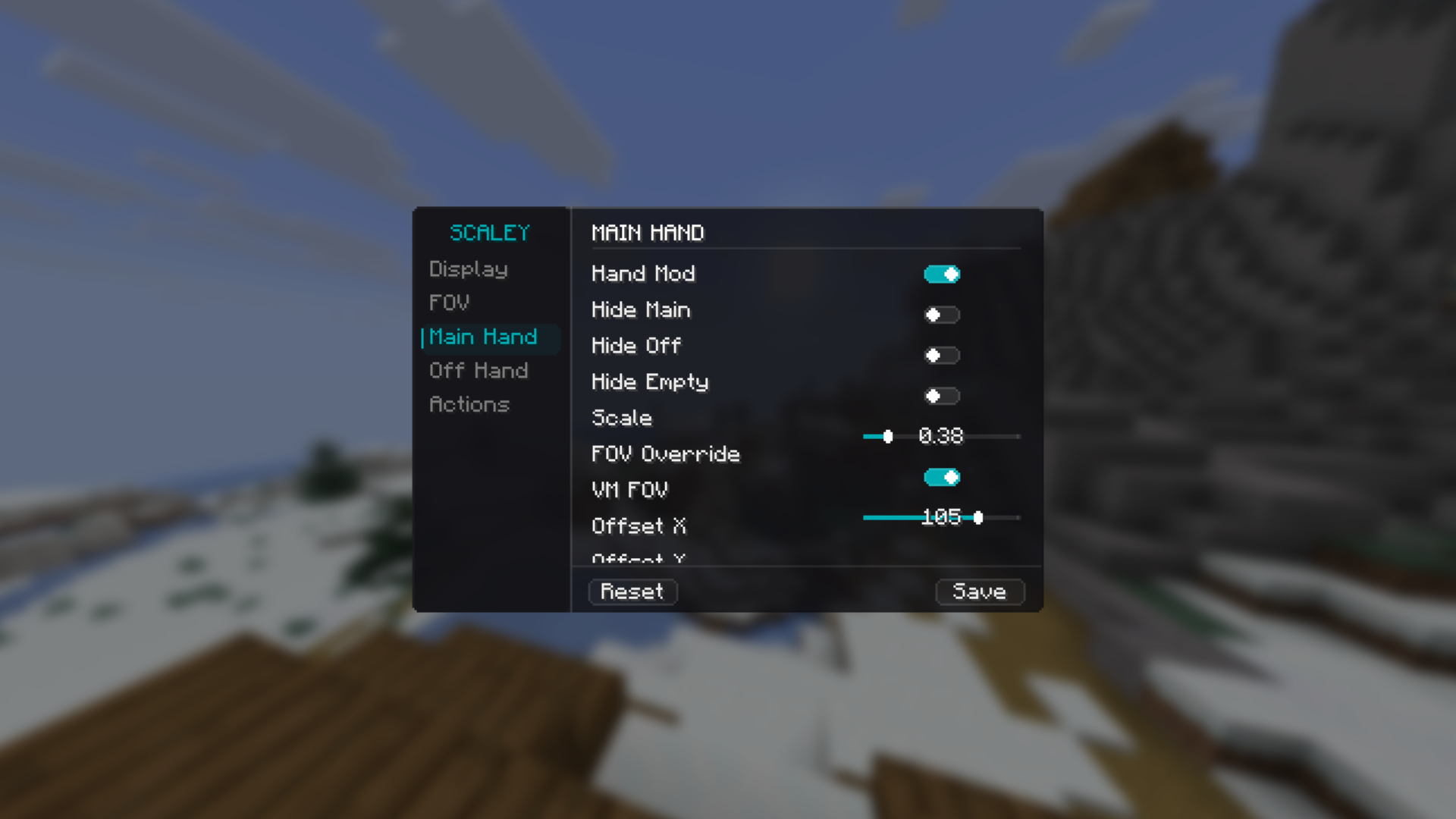 Main Hand Tab
 -
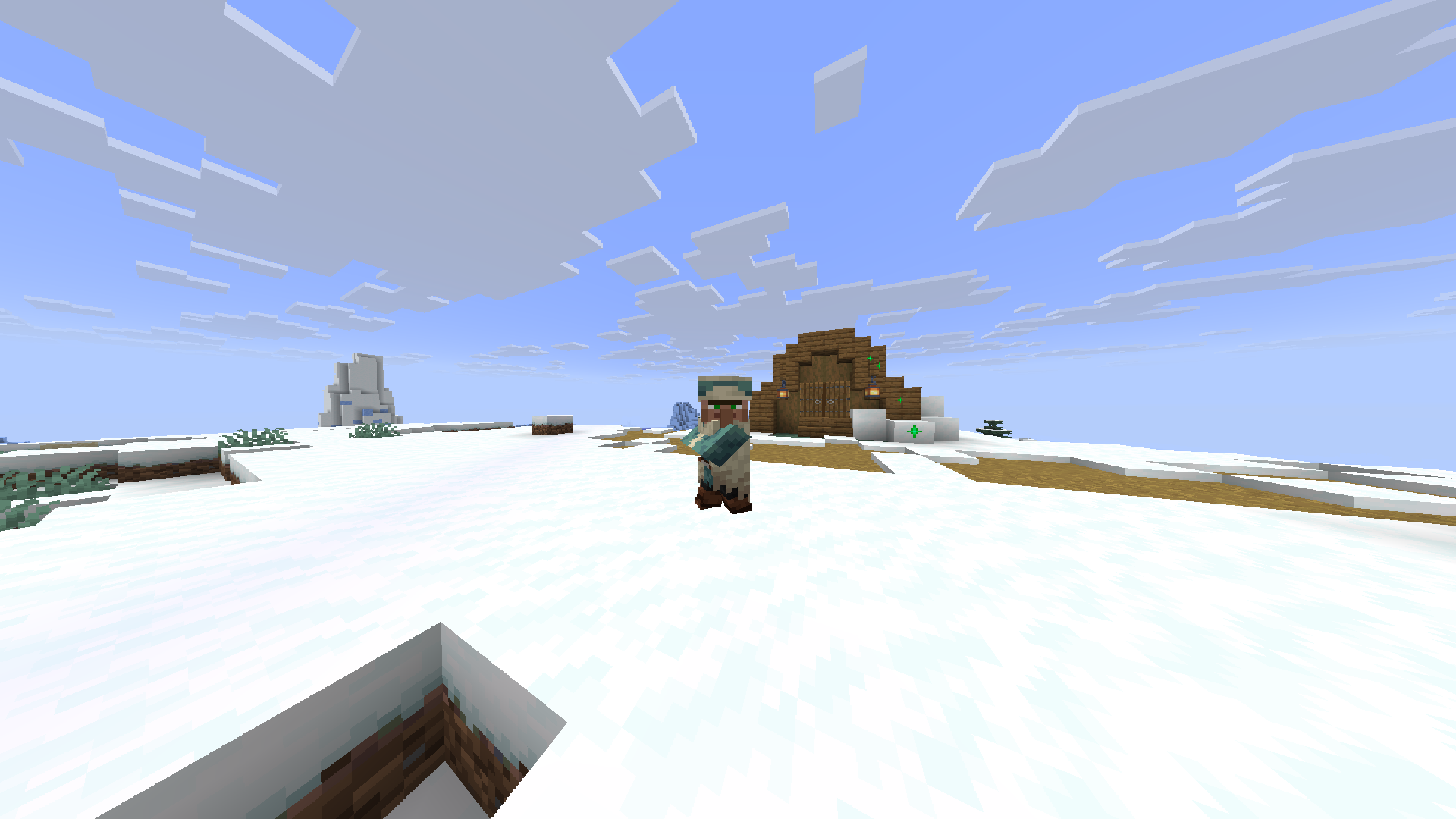 4:3 Villager
 -
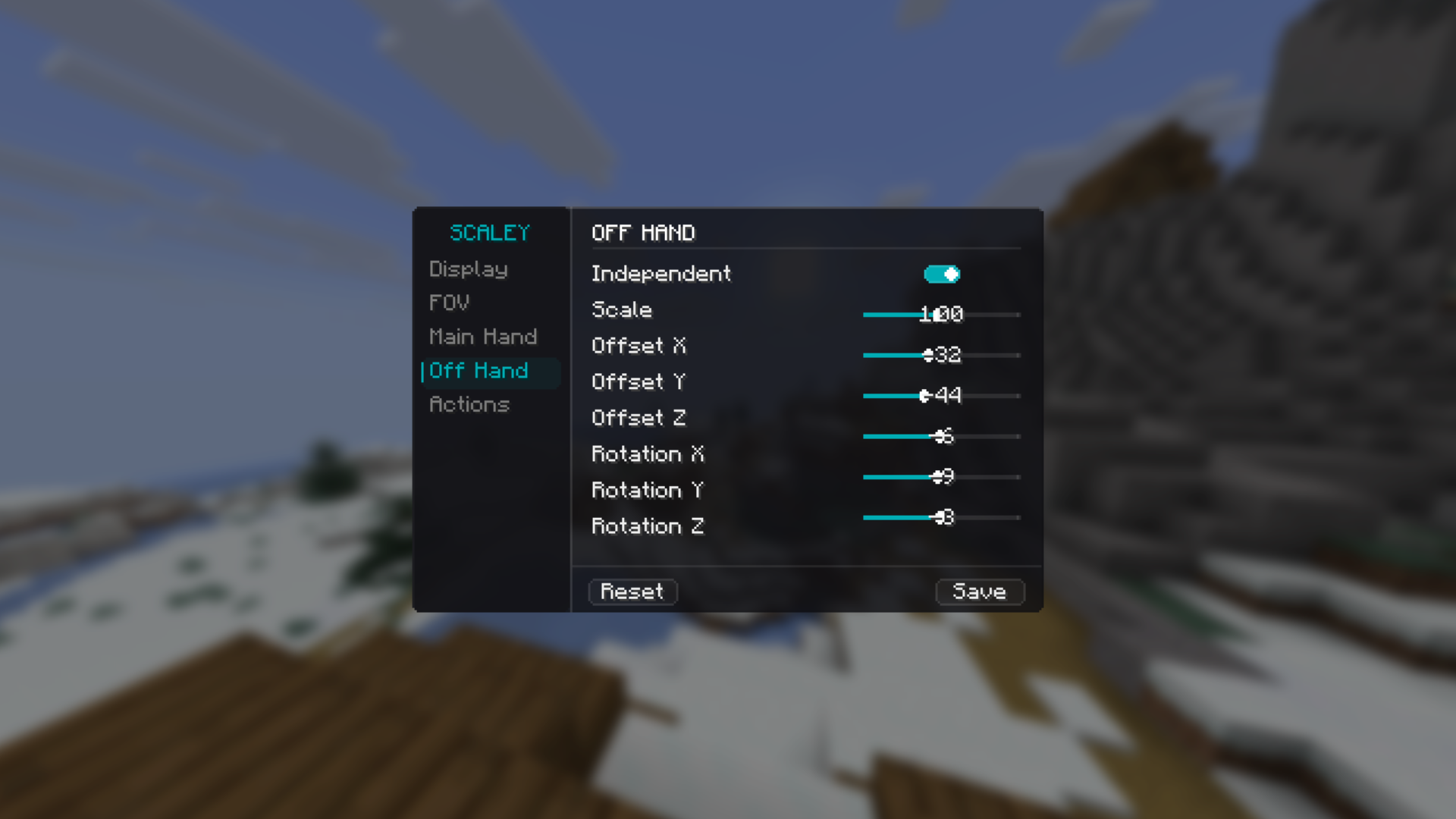 Off Hand Tab
Versions
Files
Relations
Project Relations
More like this
Similar Mods
Suggestions use data such as tags, dependencies, dependents, descriptions, titles, and more to rank how much they overlap with this mod.
On ModDex
Community snapshot
By the numbers
Statistics

Want to reach Minecraft players?
We're looking for a server hosting partner to feature here and other parts of the site. Interested? Send us a message!
Get in touchGet it on
Available Platforms
On ModDex
Community snapshot
By the numbers
Statistics
Resources