Community listing page, reviews here may not be monitored by the author.
Scribble


No reviews yet
Expertly edit your books with rich formatting options, page utilities and more!
Community voices
Reviews
No reviews yet. Be the first to review this project!
Get it on
Available Platforms
Compatibility
Supported Environments
Runs entirely on the client. Works on vanilla servers.
About
Project Details
For authors
Embed Badge
If you're the author of this project, you can embed a live badge anywhere that supports HTML or Markdown. It updates automatically whenever ratings change.
Use HTML for any page that supports it, or Markdown for README files and Markdown-based descriptions.
Identifiers
Platform IDs
About
Description
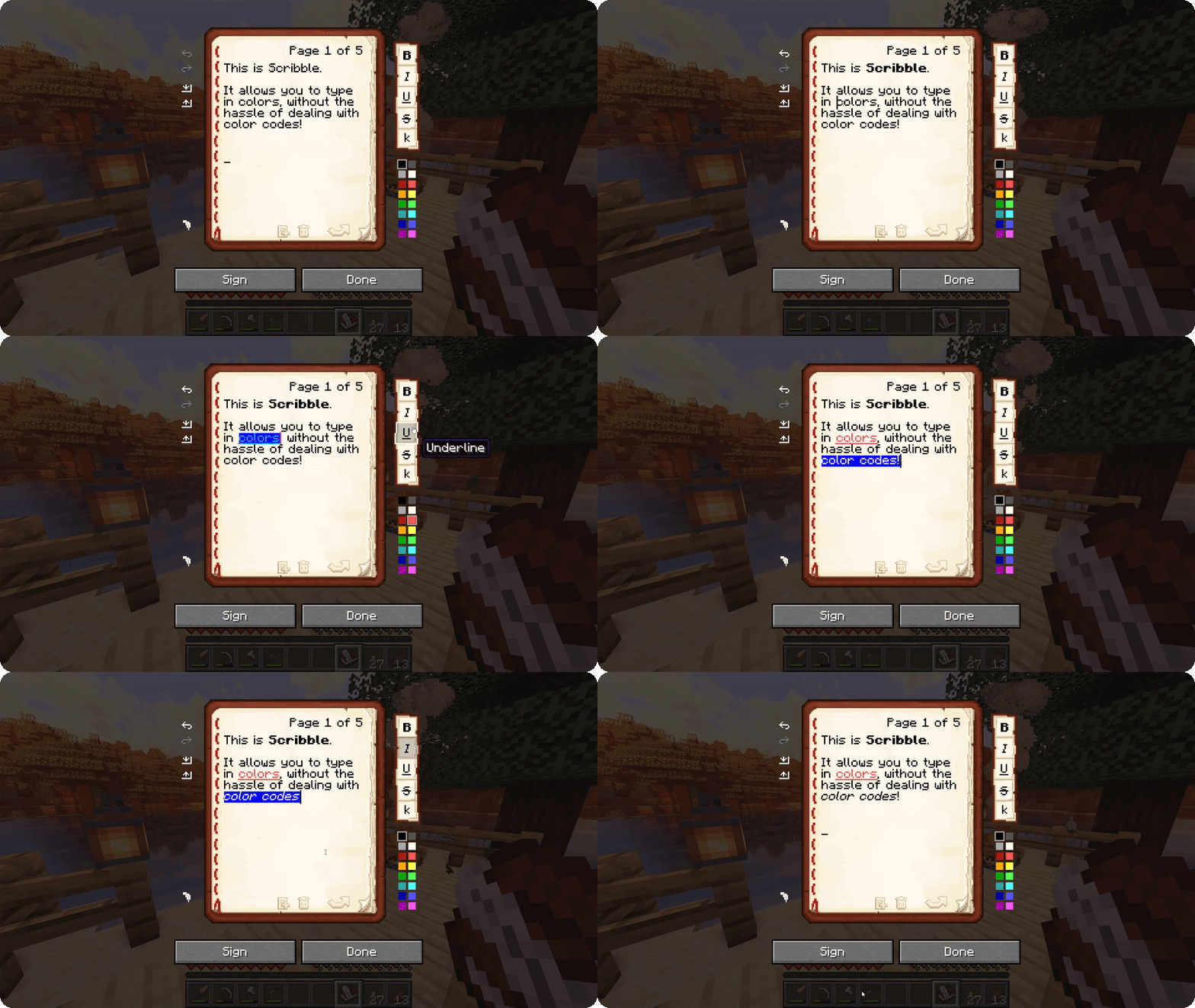
Scribble is a client-side mod to make editing books easier! It comes with a bunch of quality-of-life features, allowing you to precisely manage pages in your book, format text using colors and various modifiers, save/load your books to keep a backup, and much more! And the best thing is, everyone else on the server can see this, even if they don't have the mod themselves!
By default, Scribble intentionally keeps very close to vanilla. It doesn't change any behaviour, but takes the intended book experience, and just sprinkles some nice-to-haves on top. Every single feature is configurable, Scribble gives you options when you want it to, and stays out of your way when you need it to.
But there's more! Scribble comes with lots of little features here and there:
- See two pages at once! If you're jealous of Bedrock players being able to see two pages at once, you can now also toggle this setting in Scribble! This still works seamlessly with every other feature (even lecterns!).
- Insert or remove pages at any point, using the extra buttons below the page. No more shuffling around with copy-pasting pages.
- Skip to any page you want! You can click the page number and type in a page to jump to. Or, hold SHIFT while going a page forward and go all the way to the end!
- Center the book GUI! Minecraft places the book screen at the very top of your screen, which is inconsistent with every other GUI in the game. Scribble fixes that!
- Edit books with existing color codes easily! Scribble will seamlessly take over the color codes that are already there, and allow you to edit them.
- Don't lose your progress! If you're trying to close while you have unsaved work, Scribble will ask if you're sure.
- Undo or redo any action! Oops, accidentally deleted something? Don't worry, it's just a single Ctrl-Z away.
Scribble is a client-side mod to make editing books easier! It comes with a bunch of quality-of-life features, allowing you to precisely manage pages in your book, format text using colors and various modifiers, save/load your books to keep a backup, and much more! And the best thing is, everyone else on the server can see this, even if they don't have the mod themselves!
By default, Scribble intentionally keeps very close to vanilla. It doesn't change any behaviour, but takes the intended book experience, and just sprinkles some nice-to-haves on top. Every single feature is configurable, Scribble gives you options when you want it to, and stays out of your way when you need it to.
But there's more! Scribble comes with lots of little features here and there:
- See two pages at once! If you're jealous of Bedrock players being able to see two pages at once, you can now also toggle this setting in Scribble! This still works seamlessly with every other feature (even lecterns!).
- Insert or remove pages at any point, using the extra buttons below the page. No more shuffling around with copy-pasting pages.
- Skip to any page you want! You can click the page number and type in a page to jump to. Or, hold SHIFT while going a page forward and go all the way to the end!
- Center the book GUI! Minecraft places the book screen at the very top of your screen, which is inconsistent with every other GUI in the game. Scribble fixes that!
- Edit books with existing color codes easily! Scribble will seamlessly take over the color codes that are already there, and allow you to edit them.
- Don't lose your progress! If you're trying to close while you have unsaved work, Scribble will ask if you're sure.
- Undo or redo any action! Oops, accidentally deleted something? Don't worry, it's just a single Ctrl-Z away.
Screenshots
Gallery
-
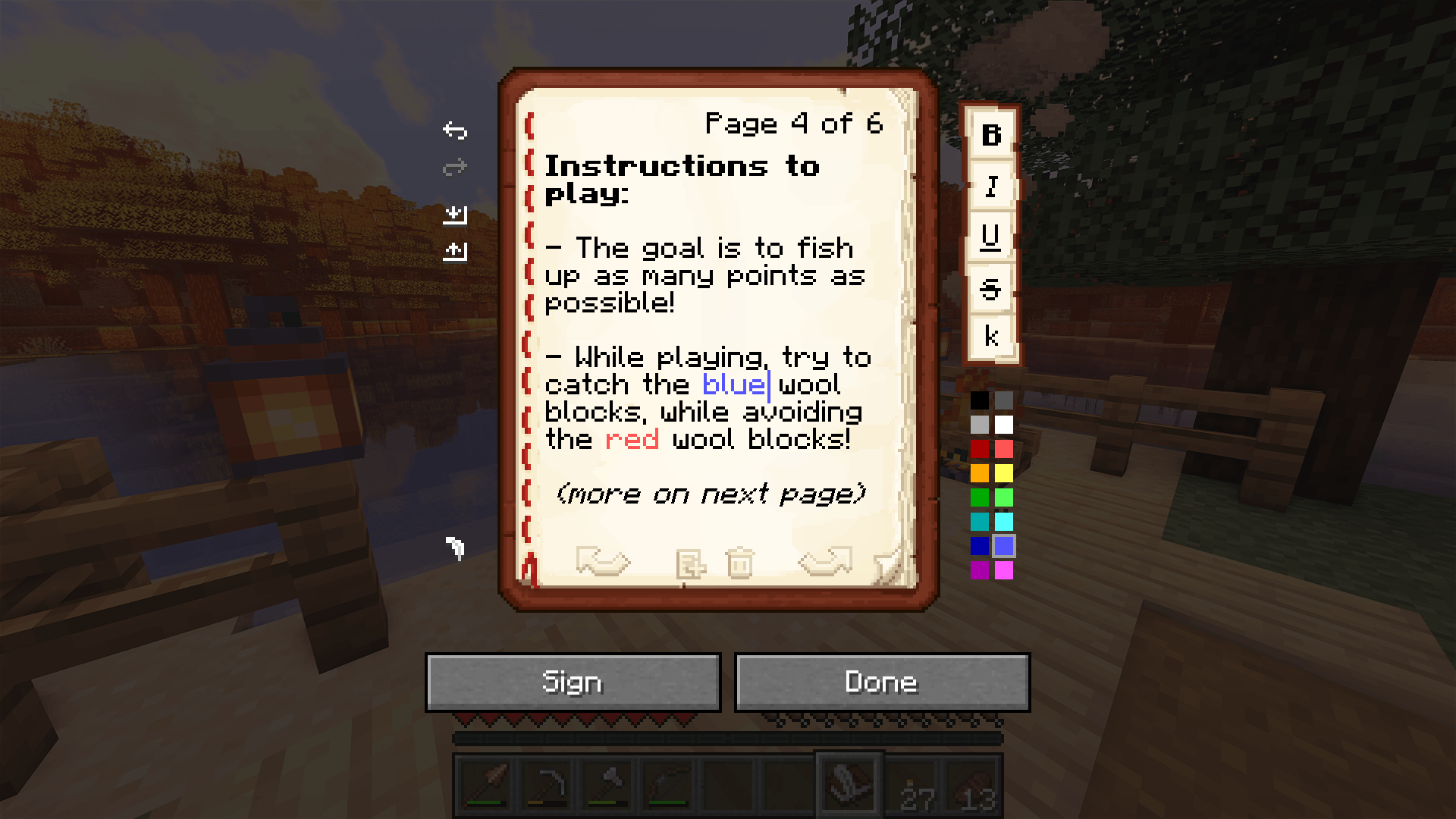 One! Be more creative, use colors and modifiers while writing your books!
 -
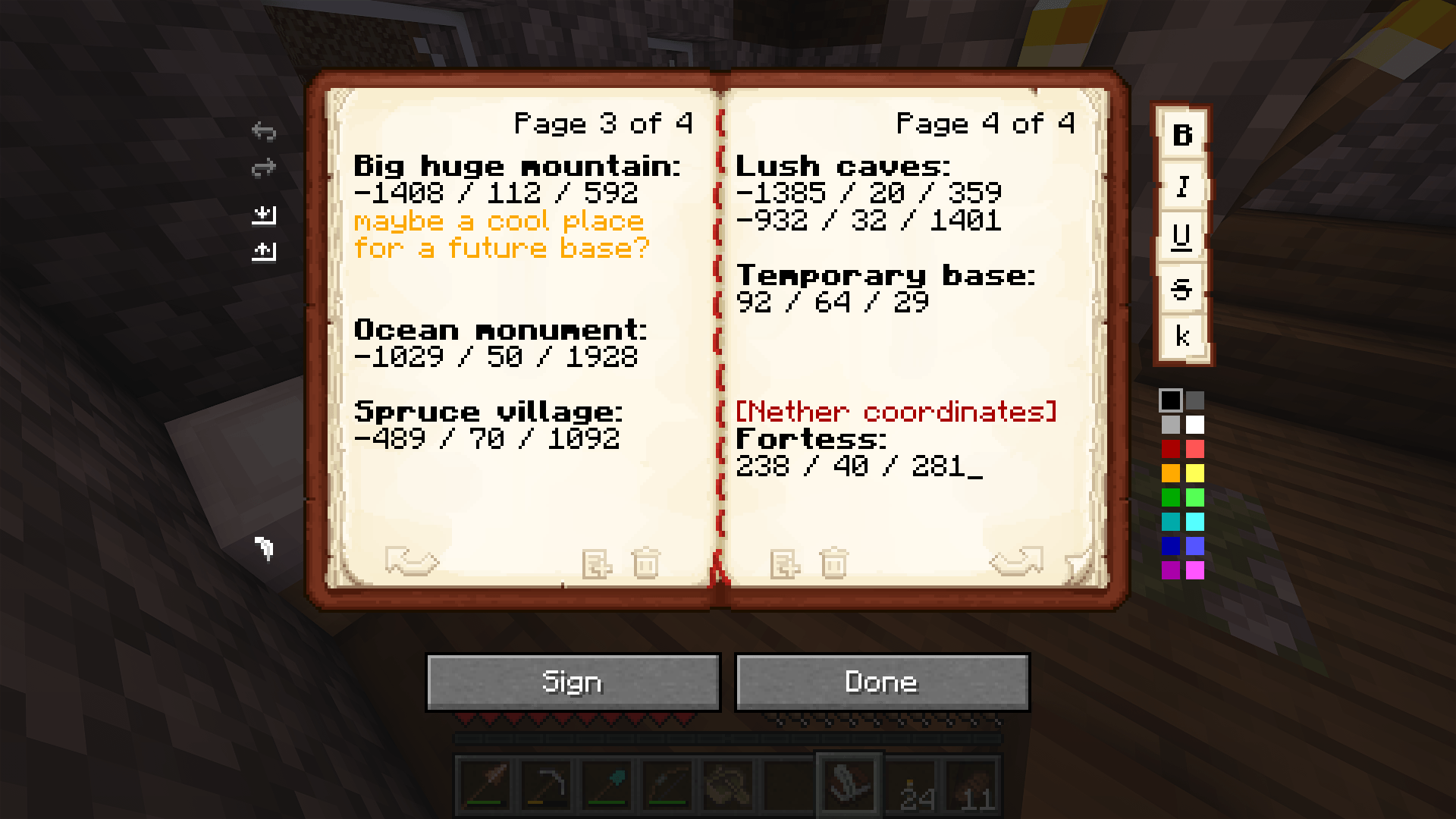 Two?! Look at two pages at once, because, well, that's how books work!
 -
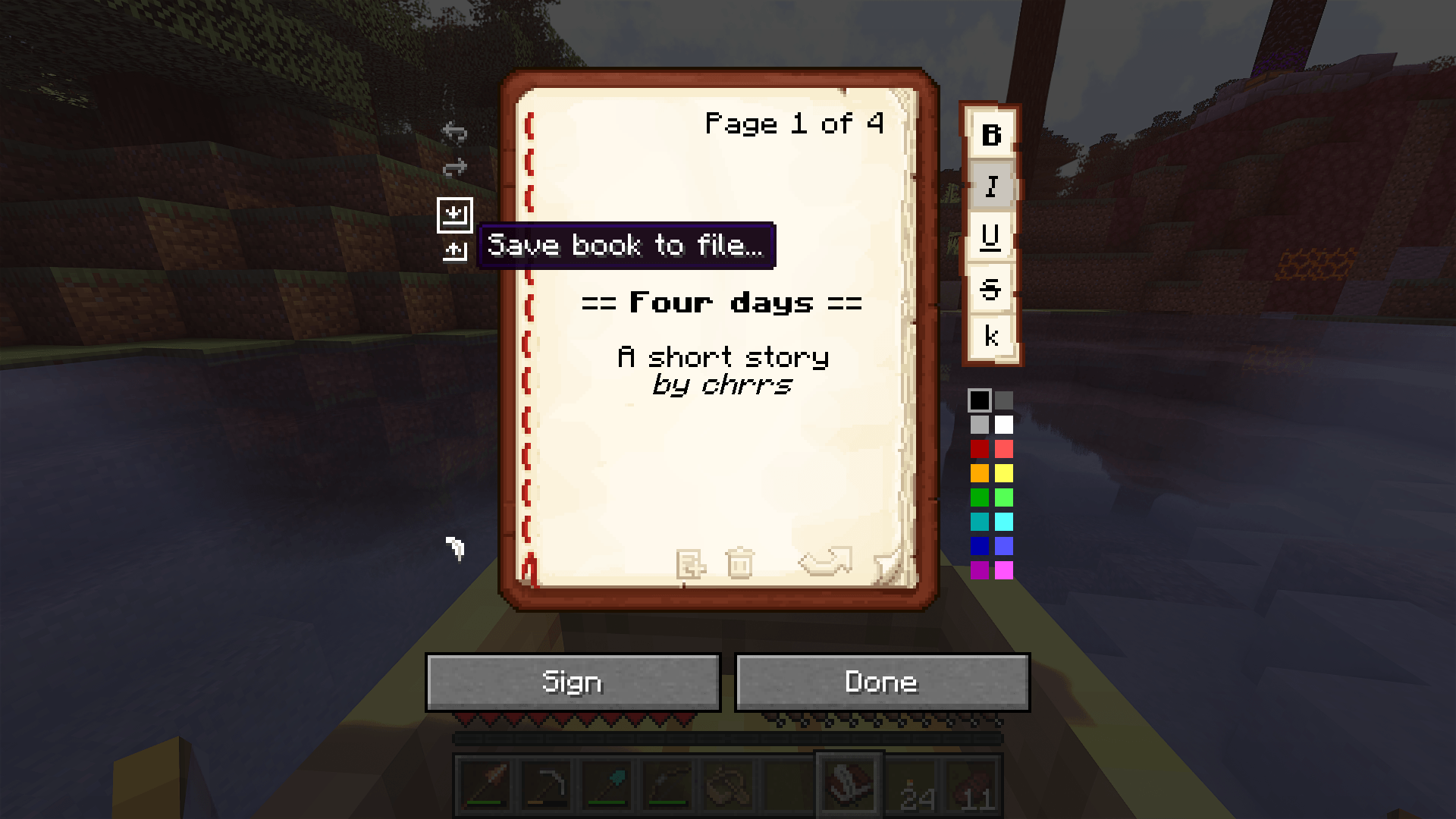 Save & Load! Your hard work can now be saved to your own computer!
 -
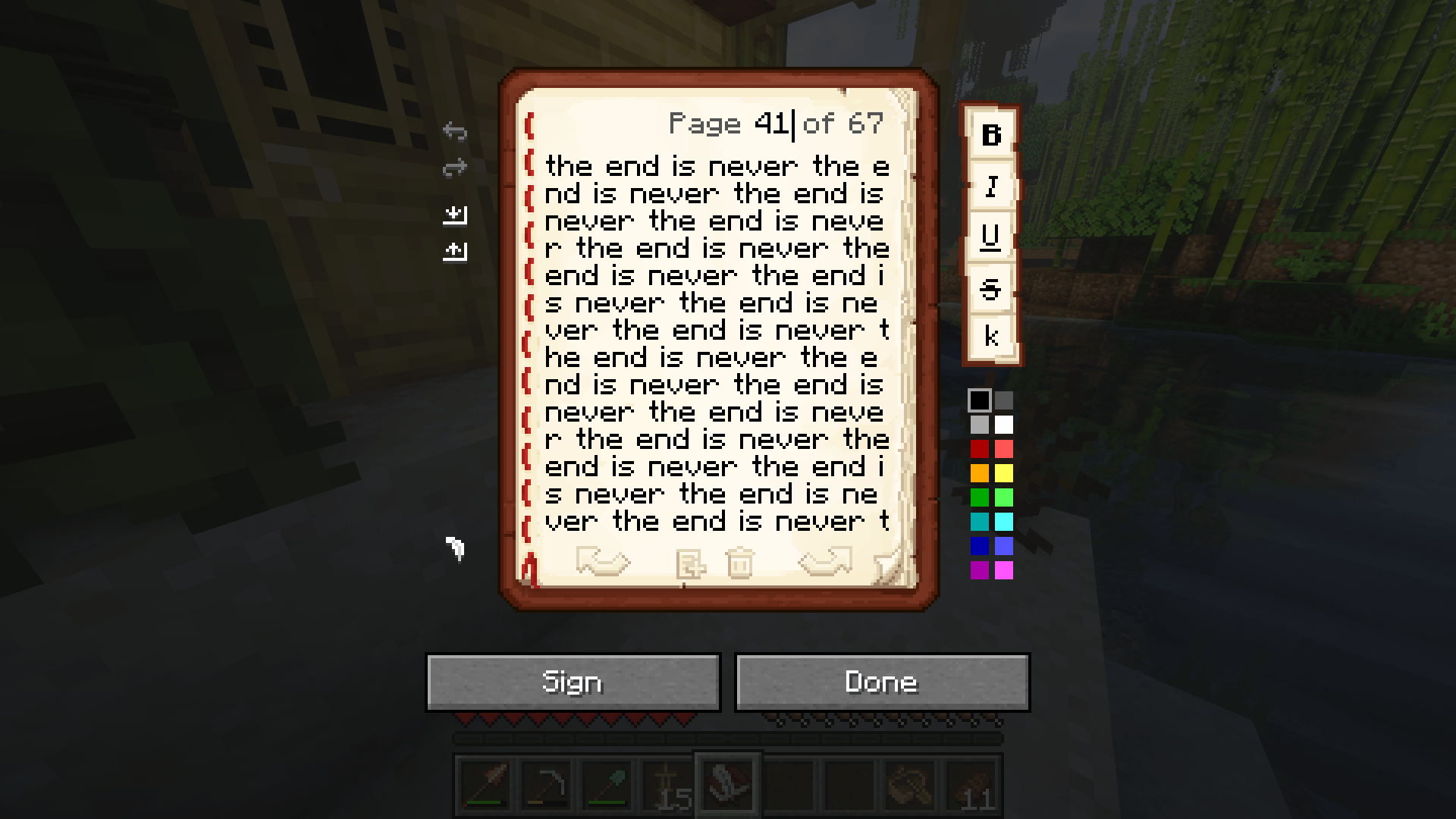 Jump! Navigating long books is easier than ever, just click on the page number!
 -
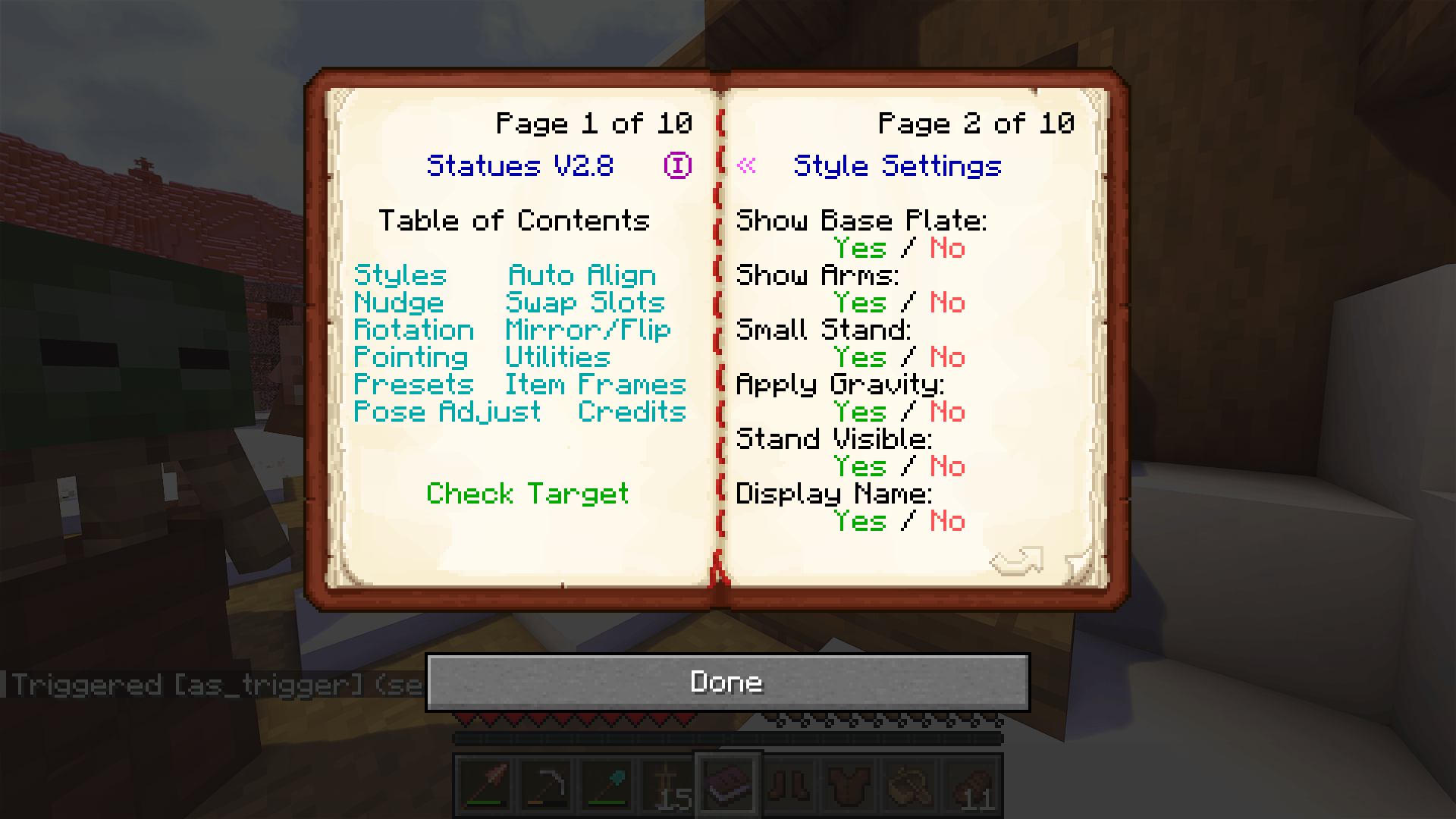 Compatibility! Don't worry, every single book that works in Vanilla works in Scribble. And also the other way around!
-
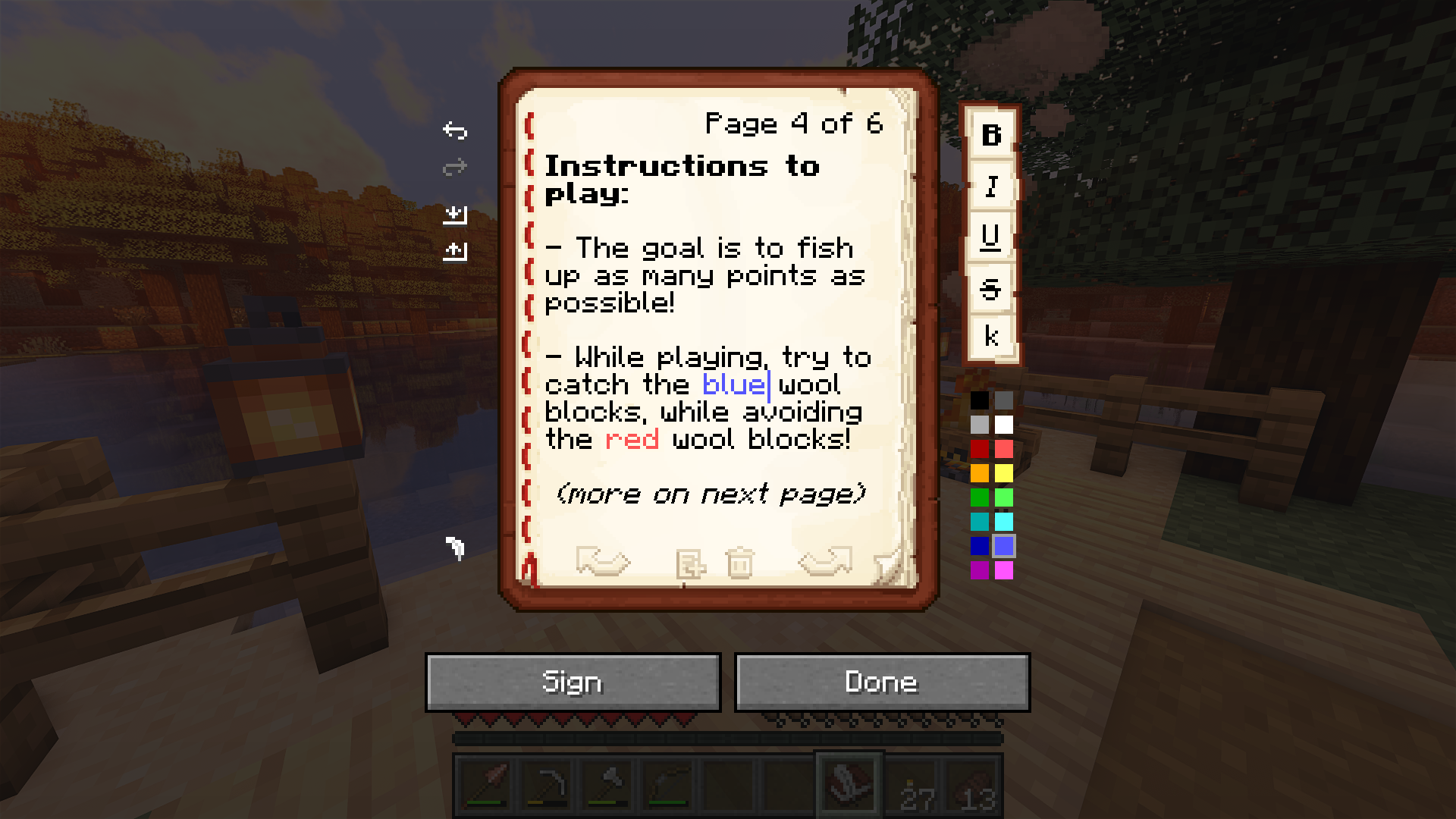 One! Be more creative, use colors and modifiers while writing your books!
 -
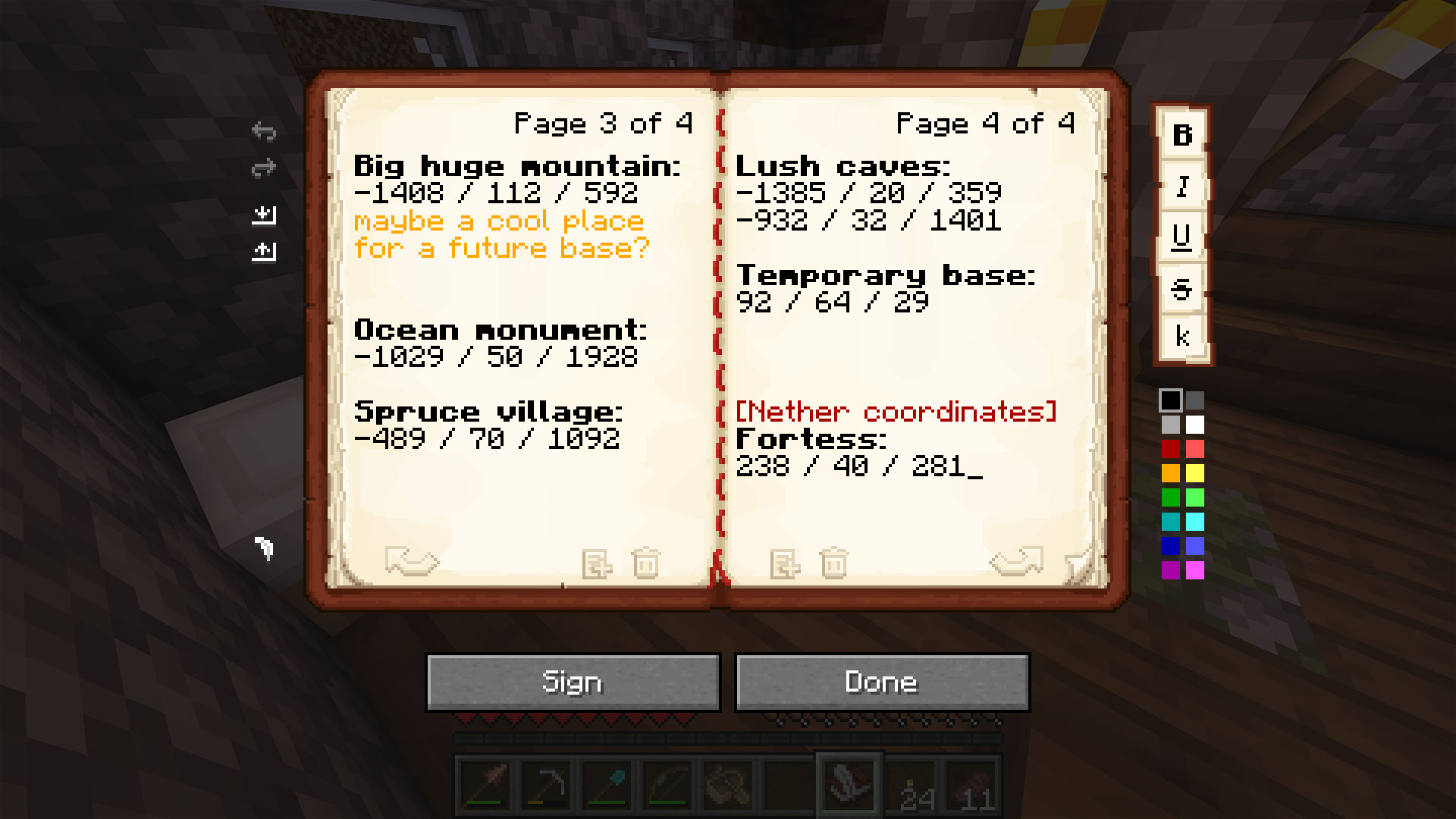 Two?! Look at two pages at once, because, well, that's how books work!
 -
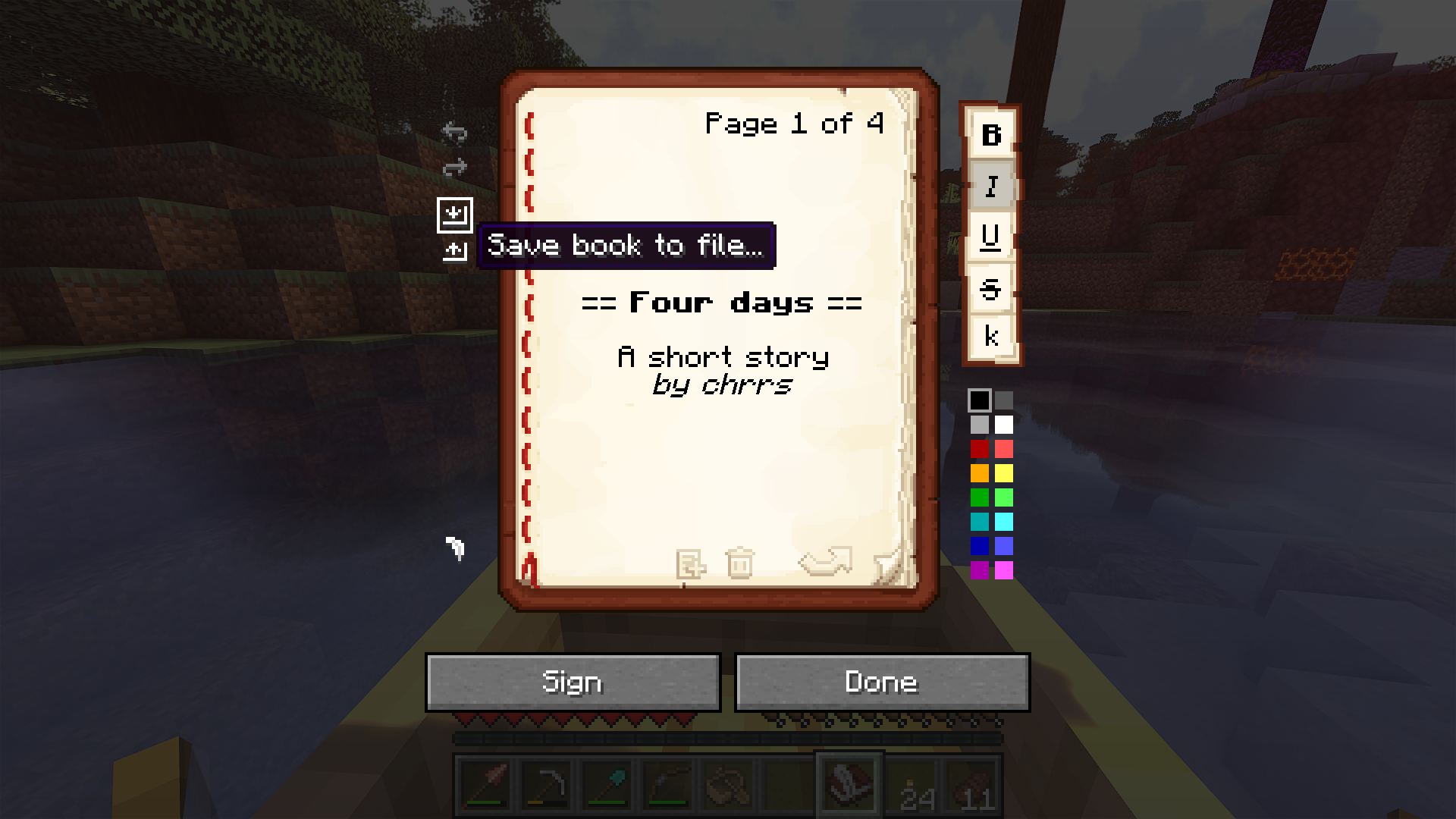 Save & Load! Your hard work can now be saved to your own computer!
 -
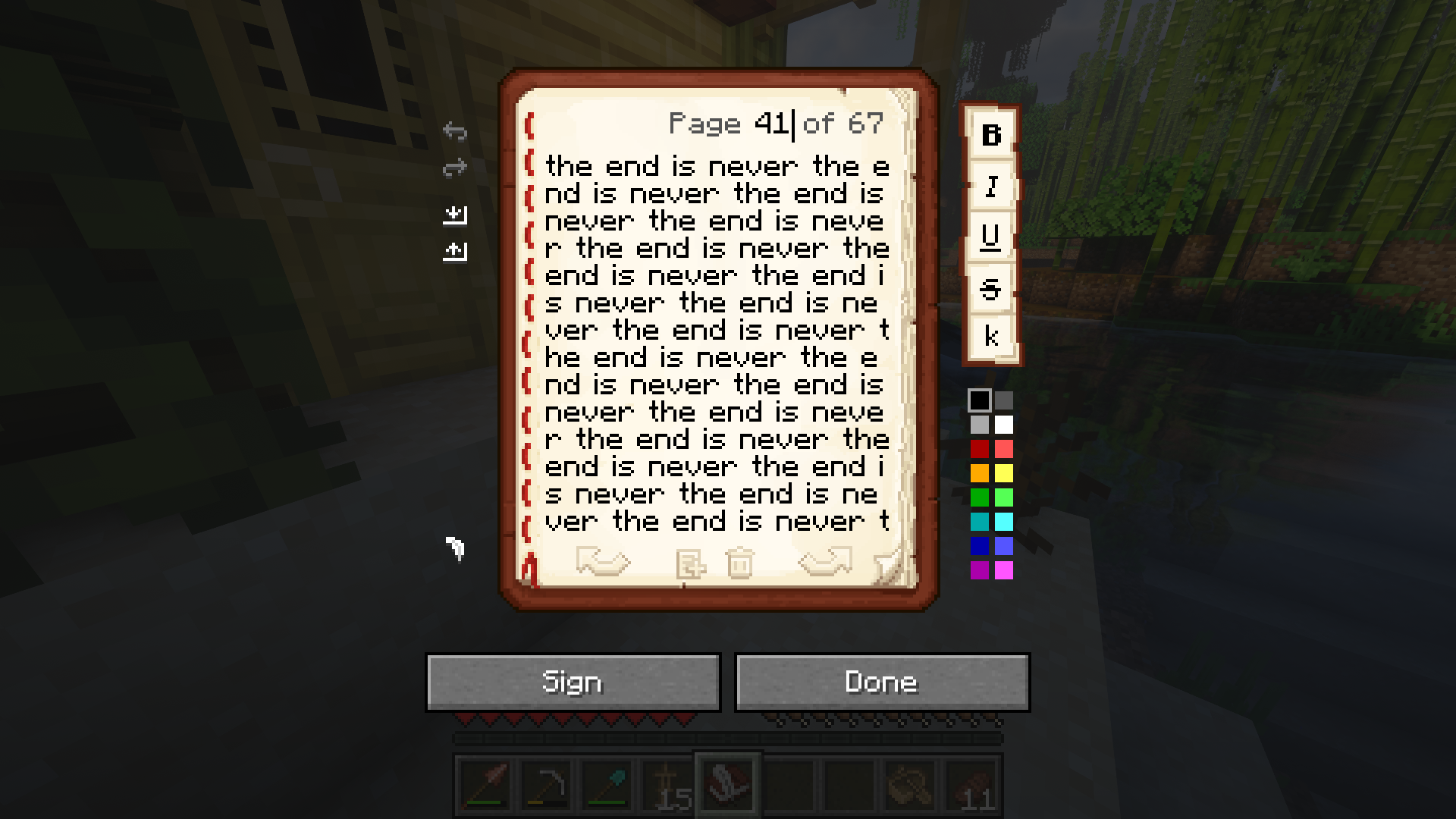 Jump! Navigating long books is easier than ever, just click on the page number!
 -
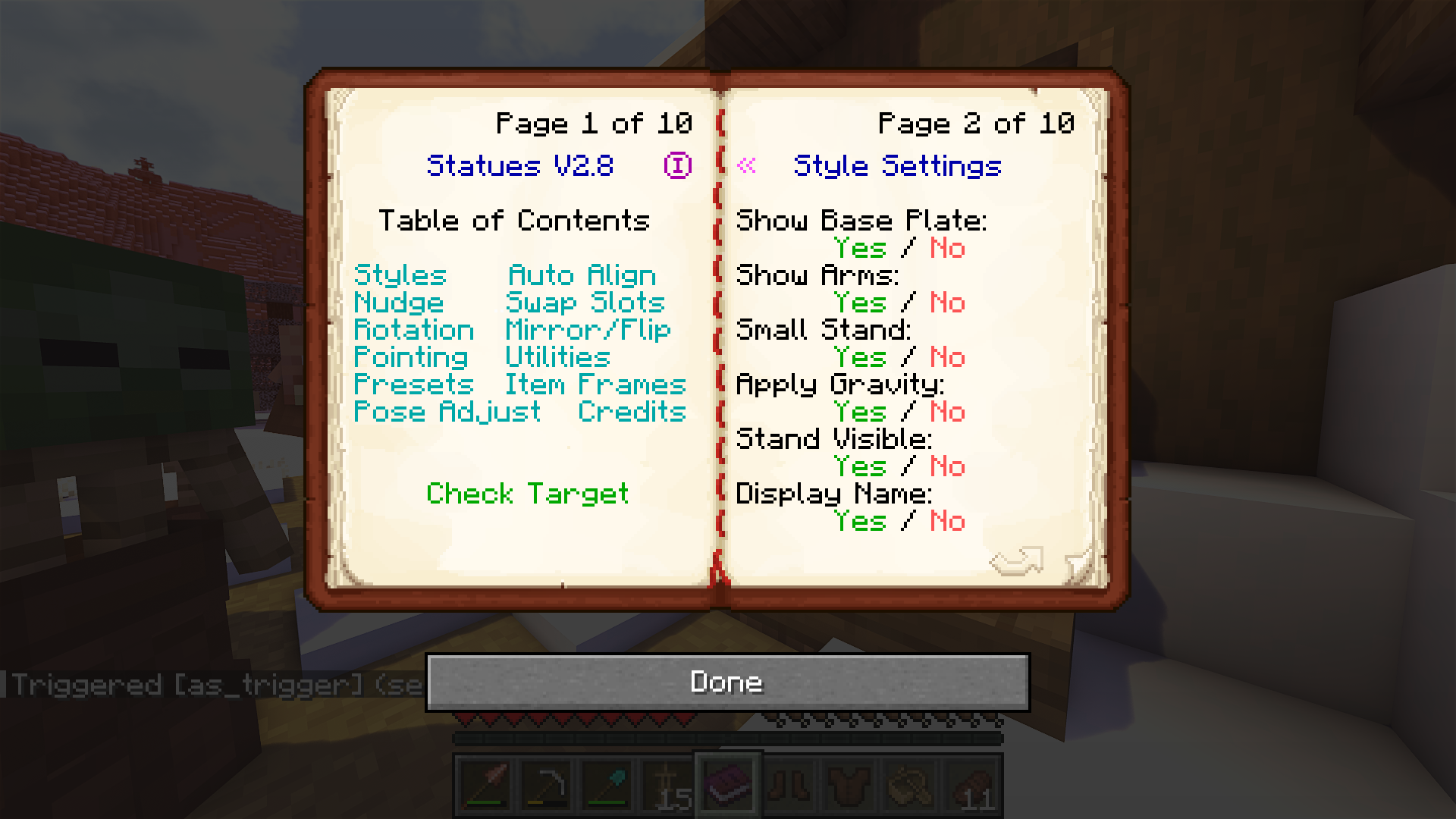 Compatibility! Don't worry, every single book that works in Vanilla works in Scribble. And also the other way around!
Versions
Files
Relations
Project Relations
More like this
Similar Mods
Suggestions use data such as tags, dependencies, dependents, descriptions, titles, and more to rank how much they overlap with this mod.
On ModDex
Community snapshot
By the numbers
Statistics
Want to reach Minecraft players?
We're looking for a server hosting partner to feature here and other parts of the site. Interested? Send us a message!
Get in touchGet it on
Available Platforms
On ModDex
Community snapshot
By the numbers