
Community listing page, reviews here may not be monitored by the author.
Sculk Microphone (Fork)

No reviews yet
Fork of the Sculk Microphone Mod that doesn't crash on dedicated servers with no audio devices.
Community voices
Reviews
No reviews yet. Be the first to review this project!
Get it on
Available Platforms
About
Project Details
For authors
Embed Badge
If you're the author of this project, you can embed a live badge anywhere that supports HTML or Markdown. It updates automatically whenever ratings change.
Use HTML for any page that supports it, or Markdown for README files and Markdown-based descriptions.
Identifiers
Platform IDs
Resources
External Links
About
Description
A fork of the Sculk Microphone Mod by Towo, but patched to not crash on most dedicated servers due to there being 0 audio devices.
Credit to Towo for the mod, all I did was fix a bug.
https://www.curseforge.com/minecraft/mc-mods/sculk-microphone
Description

A Minecraft Forge mod by Towo.
Current Features
- Sculk Sensor activation when talking into your microphone.
- A Warden will be alerted when you speak.
- Comparators linked to Sculk Sensors will output a redstone signal (1 to 15) based on the input volume.
- Customisable options.
- Configurable with commands.
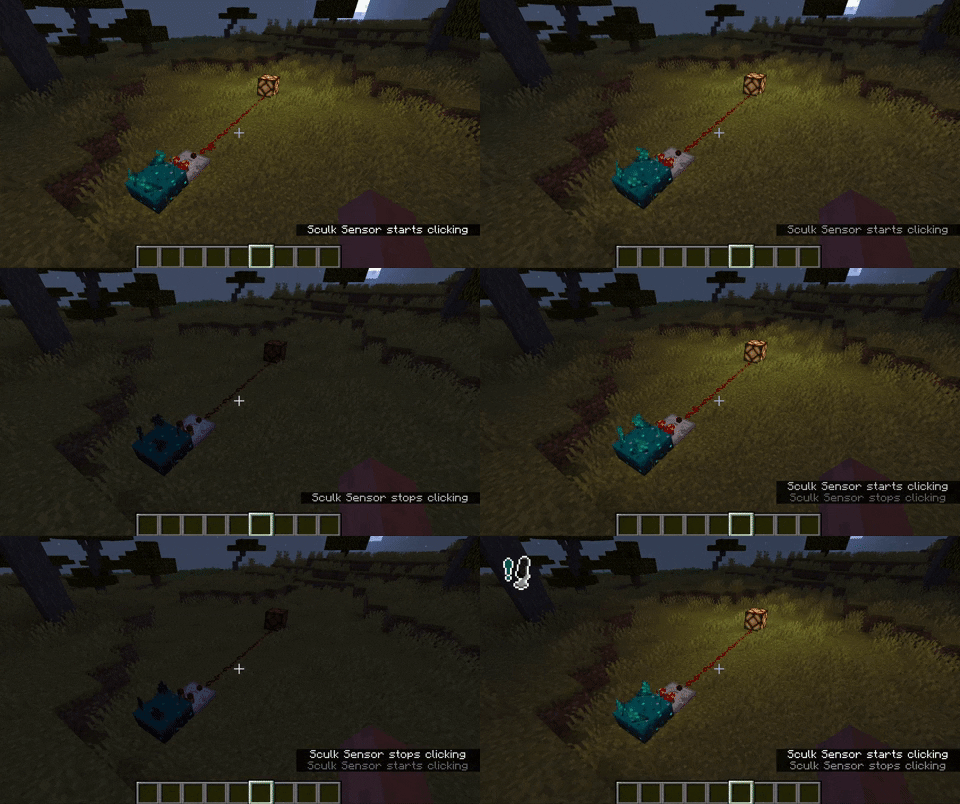
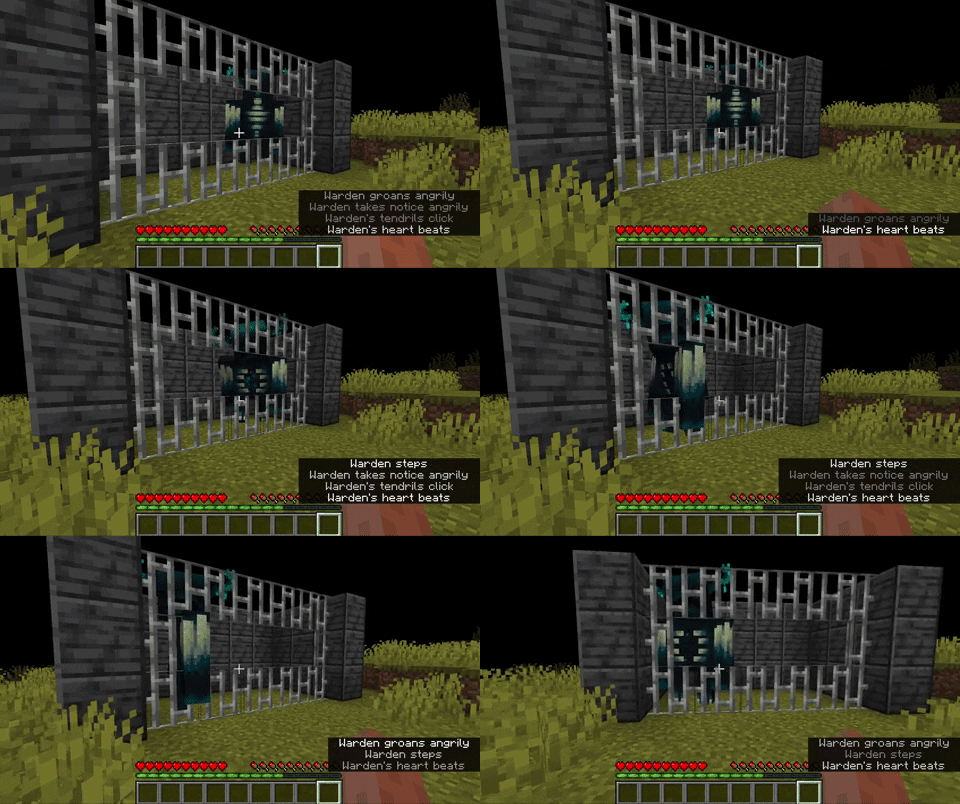
How it works
Simply run the mod, and talk into your microphone! Any nearby sculk sensor should activate. If not, try editing your settings.
Settings
- Microphone This options simply allows you to disable the microphone whenever you wish.
- Sculk Threshold This value will determine at what volume level a sculk sensor will activate / a Warden will hear you. Below the button you can see a moving bar; this is your volume level.
- Icon Whenever your volume is above the given threshold, an icon will appear on-screen. The position of the icon is configurable. This can also be disabled.
- Input Device The device used for recording your voice.
Commands
Somethings are only configurable with commands. These are often things that affect all players in a server.
/sculkmicrophone set ...
/sculkmicrophone set distance [value]will set the maximum distance at which a player will have to be to voice-activate a vibration listener./sculkmicrophone set doDynamicRedstone [true|false]will enable or disable whether a redstone comparator should output a signal depending on the volume of an incoming (microphone) vibration./sculkmicrophone set defaultRedstoneSignal [value]will set the value a comparator outputs if it will not dynamically do so.
Any bug you may find or suggestion you might have, can be reported as an issue here.
Screenshots
Gallery
Versions
Files
Relations
Project Relations
More like this
Similar Mods
Suggestions use data such as tags, dependencies, dependents, descriptions, titles, and more to rank how much they overlap with this mod.
On ModDex
Community snapshot
By the numbers
Statistics
Want to reach Minecraft players?
We're looking for a server hosting partner to feature here and other parts of the site. Interested? Send us a message!
Get in touchGet it on
Available Platforms
On ModDex
Community snapshot
By the numbers
Statistics
Resources