
Community listing page, reviews may not be monitored by the author.
Seamless World Wrap

No reviews yet
Gives your world a fixed size and connects its opposite edges, so walking off one side brings you back on the other with no wall or loading screen.

Community voices
Reviews
No reviews yet. Be the first to review this project!
Get it on
Available Platforms
About
Project Details
For authors
Embed Badge
If you're the author of this project, you can embed a live badge anywhere that supports HTML or Markdown. It updates automatically whenever ratings change.
Use HTML for any page that supports it, or Markdown for README files and Markdown-based descriptions.
Identifiers
Platform IDs
Resources
External Links
About
Description
Seamless World Wrap 🌍
Seamless World Wrap gives a world a fixed size and connects its opposite edges. Walk off the east edge and you come in from the west. There's no wall, no loading screen and no visible seam.
Features
- Wrap east-west, north-south, or both.
- World size from 1 x 1 chunk up to 2048 x 2048 chunks.
- The Nether wraps at 1/8 of the Overworld size, so portals still line up.
- The End can match the Overworld, use its own size, or not wrap.
- Terrain is blended at the edges so it continues across them.
- Blocks, redstone, structures, mobs, minecarts and projectiles work across the edges.
- In small worlds you can see repeated copies of the world, yourself and mobs in the distance.
- "Start in a Forest" moves the terrain so the world is centered on dry land with trees.
- Worlds too small for a stronghold or fortress get an End portal room and a blaze spawner, and the dragon fight is scaled down to fit small Ends.
How it works
There is only one copy of the world. Anything past an edge maps back into it, so both sides of an edge are the same blocks. Chunks near your landing point are sent before you reach the edge, and crossing moves you by exactly one world size without reloading what's on screen. Terrain blending uses Minecraft's own terrain system, so world generation mods built on it should blend at the edges too.
Setup
Choose the settings on the World Wrap tab when creating a world. Settings are saved with each world.
Existing worlds are never changed. New worlds wrap by default; turn it off on the World Wrap tab. A wrapped world needs the mod to keep looping.
Requirements
- Minecraft 1.21.1
- Fabric with Fabric API, or NeoForge
- Install on both the client and the server (in singleplayer, just your game)
Server hosting
Want to play a wrapped world with friends? BisectHosting runs Minecraft servers with mods like this one installed for you, and this link gets you 25% off your first month.
Known issues
- Mobs don't follow or pathfind across an edge yet.
- Light doesn't spread across an edge.
- An axis that doesn't wrap has no border.
- With Sodium, chunks near you rebuild briefly after crossing an edge.
Screenshots
Gallery
-
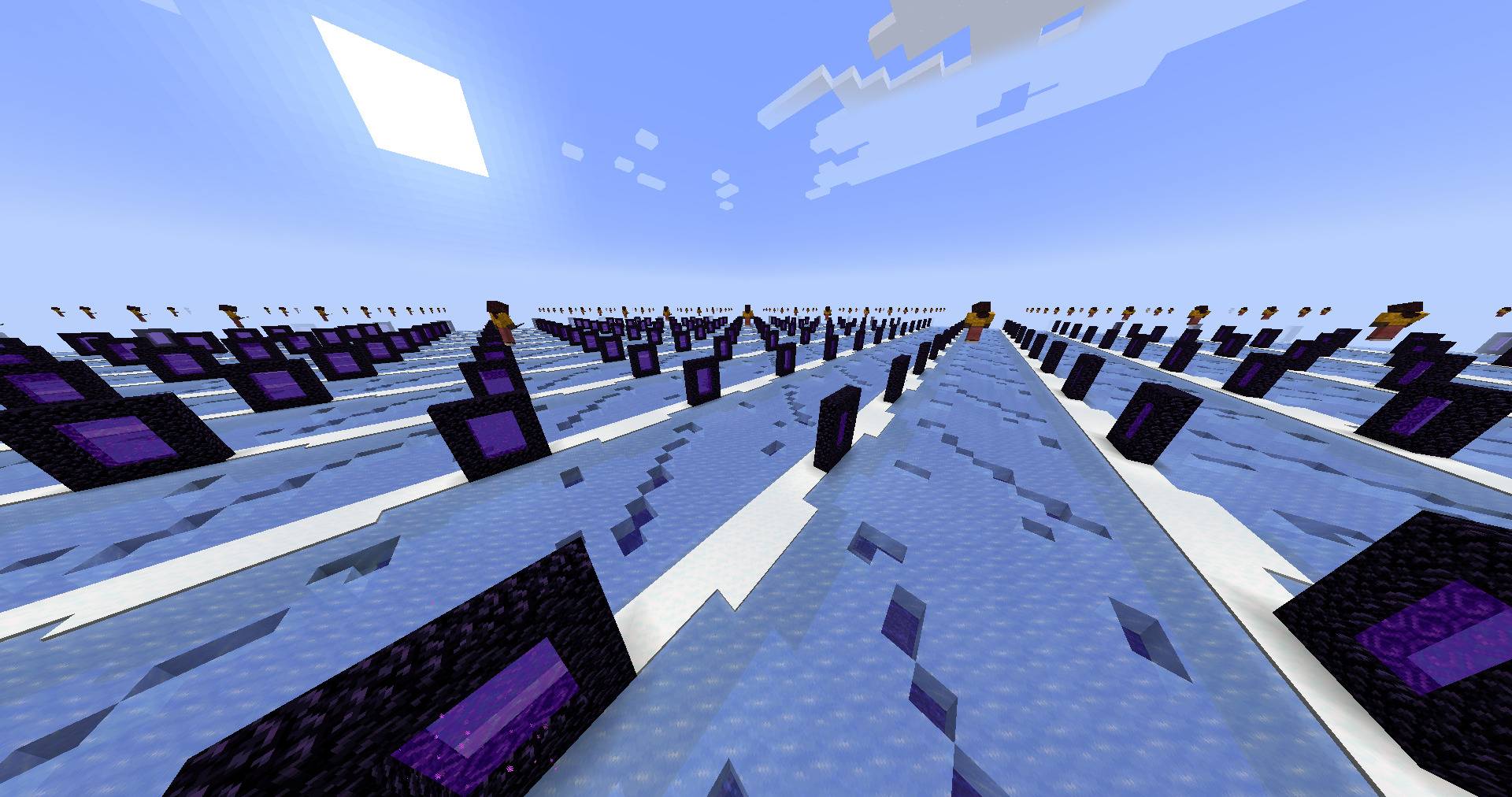 2-hall-of-mirrors-portals.jpg 2-hall-of-mirrors-portals.jpg
 -
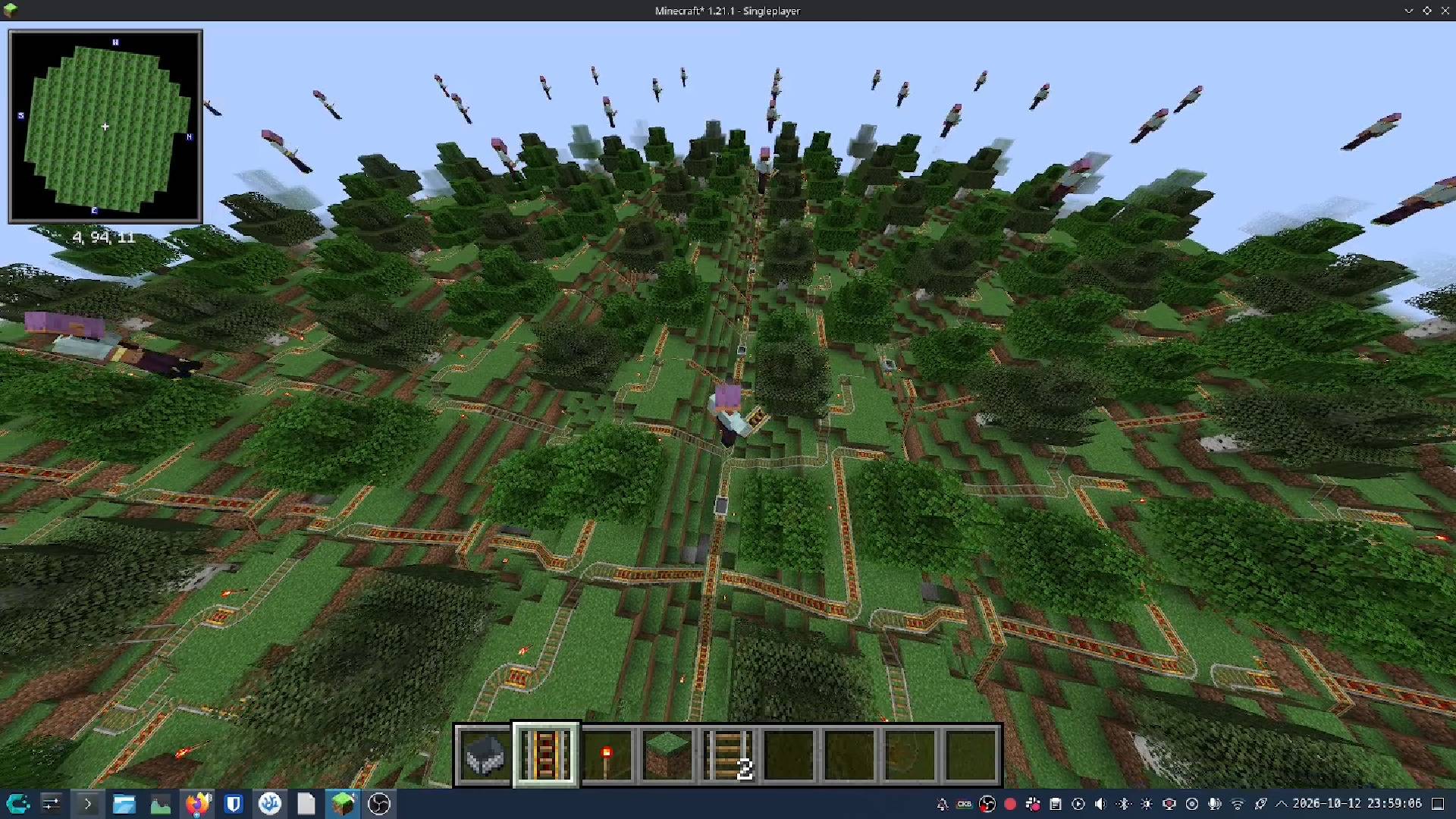 overworld.jpg overworld.jpg
 -
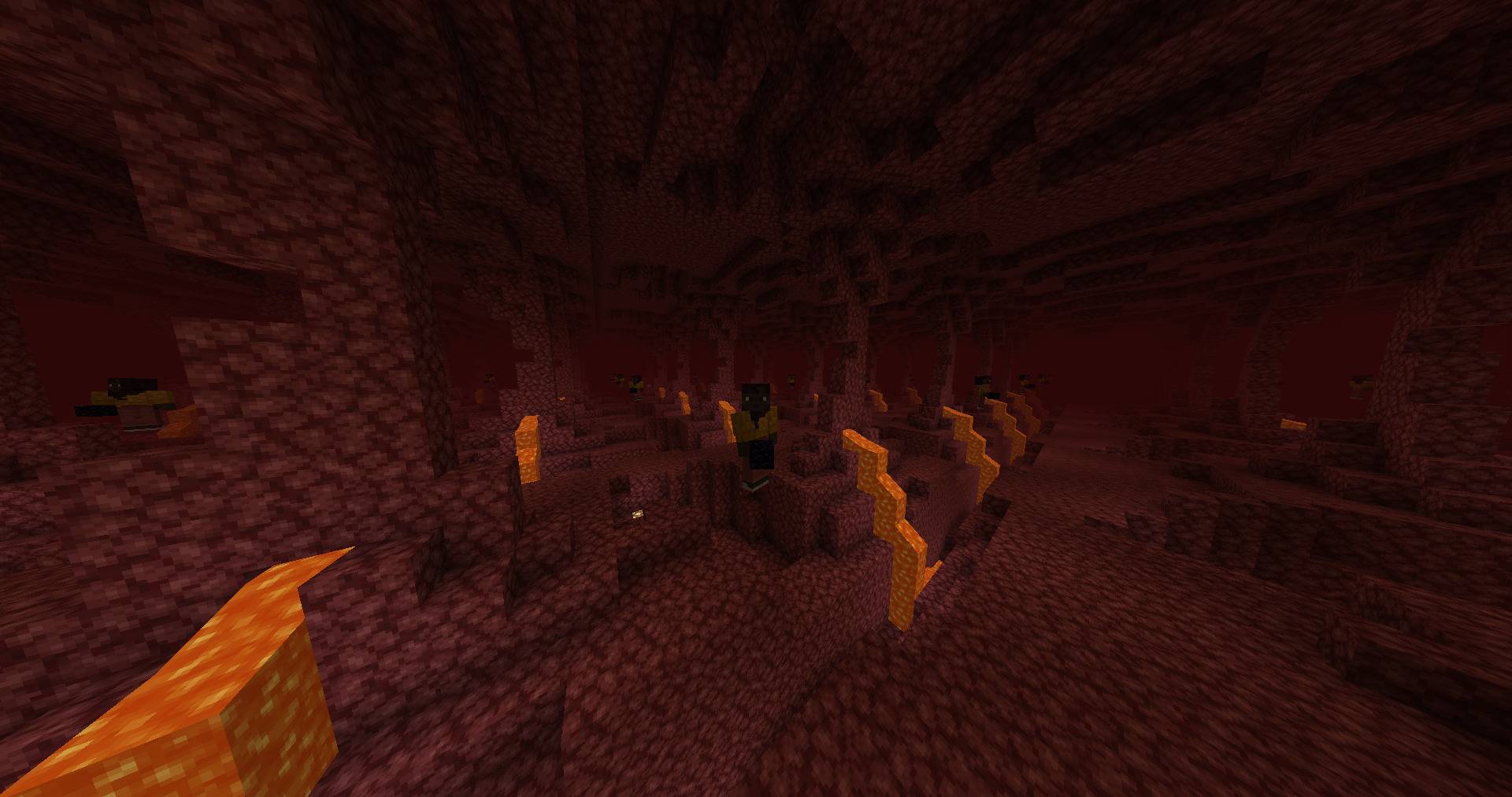 3-nether-copies-of-you.jpg 3-nether-copies-of-you.jpg
 -
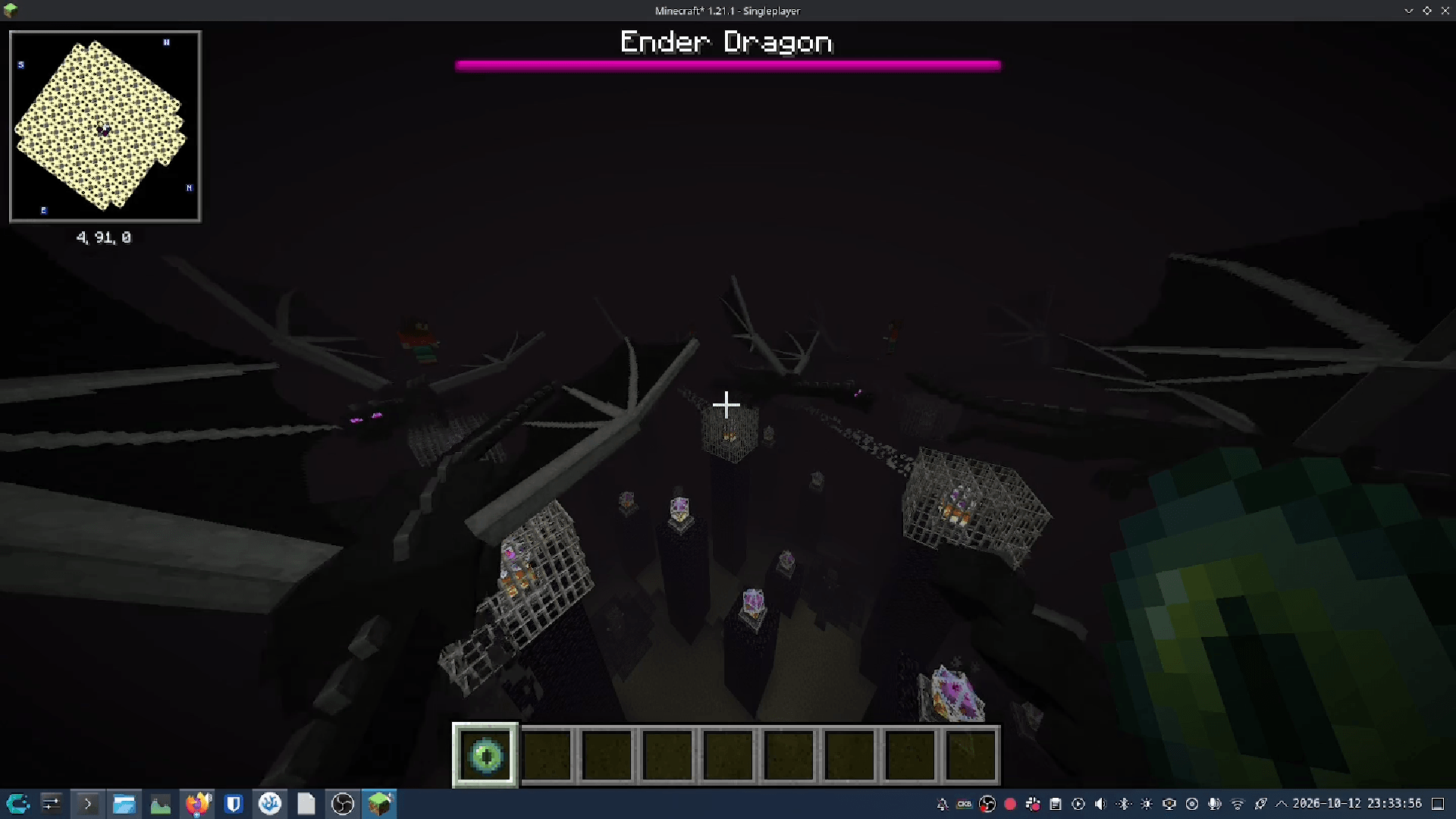 end.png end.png
Versions
Files
Relations
Project Relations
More like this
Similar Mods
Suggestions use data such as tags, dependencies, dependents, descriptions, titles, and more to rank how much they overlap with this mod.
On ModDex
Community snapshot
By the numbers
Statistics

Get it on
Available Platforms
On ModDex
Community snapshot
By the numbers
Statistics
Resources