
Community listing page, reviews here may not be monitored by the author.
Server Shader Gate & Enforcer


No reviews yet
Requires players to use a shader on the server (Iris)

Community voices
Reviews
No reviews yet. Be the first to review this project!
Get it on
Available Platforms
Compatibility
Supported Environments
Works on the client or the server alone, but does more when on both.
About
Project Details
For authors
Embed Badge
If you're the author of this project, you can embed a live badge anywhere that supports HTML or Markdown. It updates automatically whenever ratings change.
Use HTML for any page that supports it, or Markdown for README files and Markdown-based descriptions.
Identifiers
Platform IDs
Resources
External Links
About
Description
Description
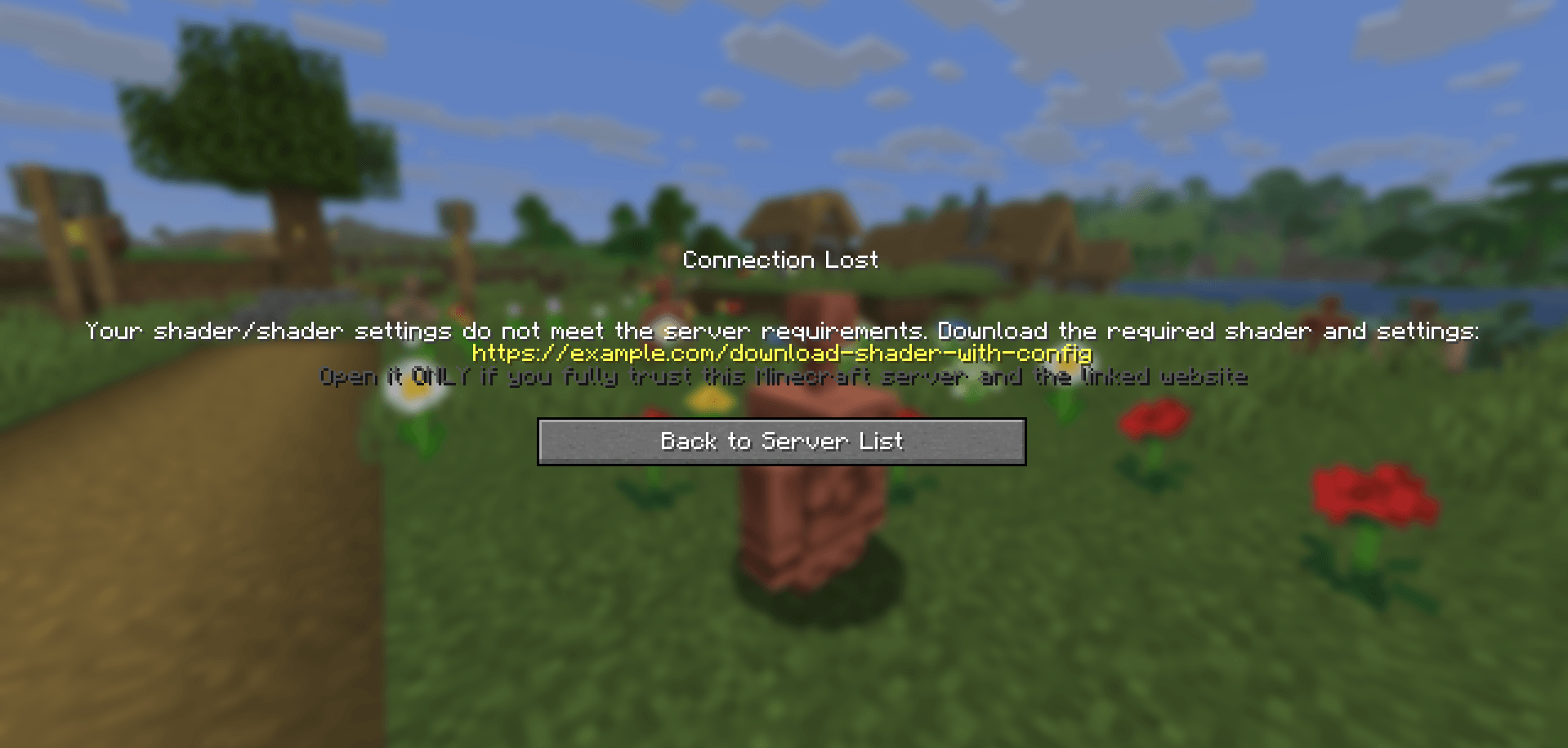
Server Shader Gate & Enforcer (SSGE) – a client-side mod and server-side plugin that requires players to install a shader and use specific shader options to play on the server.
Upon connecting to the server, the SSGE client mod automatically sends its configuration data about the current shader and its settings to the server plugin. The server plugin compares the received data with its own configuration. If the data matches, the player is allowed onto the server. Otherwise, the connection is refused.
The mod requires Iris and Fabric API to work.
Сonfiguration
The configuration file of the mod – ssge_mod.json; the configuration file of the plugin for the server – ssge.yml
ssge_mod.json:
{
  "shaderFile": "",
  "shaderOptions": "",
  "sizeShader": 0,
  "sizeOptions": 0,
  "shaderHash": "",
  "enableShaders": false
}ssge.yml:
require_enabled: true
shader_file: ''
shader_options: ''
size_shader: 0
size_options: 0
shader_hash: ""
require_shader: true
require_options: true
link: https://example.com/download-shader-with-config
exempt_players: []Use /ssge reload to reload the plugin configuration.
Sending and receiving a link
If a player has the client mod installed but their configuration does not match the server’s, the plugin sends them a download link before kicking the player.
The client mod receives the link, saves it to the file ssge_link.txt in the .minecraft/config directory, and automatically opens the file for the user.
ssge_link.txt:
You received this file because you tried to join a Minecraft server that requires
a specific shader (or shader settings) that you may not have installed.

Download the shader from the link provided by the server administrator and follow
these instructions unless otherwise noted:
1. Download the shader archive (.zip) and the shader settings (.txt) from the link below.
2. Put both files into your game directory's "shaderpacks" folder.
3. Go to the Iris menu, select and enable this shader from the list, and try logging into the server again.

If the server provides a checksum (SHA-256), verify it against the downloaded shader file.
If you still have any difficulties joining the server, please contact the server administration for help.

!!! WARNING: External link below may be dangerous !!!
Open it ONLY if you fully trust this Minecraft server and the linked website.

Possible risks include:
 - malicious installers, viruses, or trojans that can harm your system
 - phishing pages designed to steal Minecraft, Discord, email or other credentials
 - web scripts that can collect personal or sensitive information
 - stealers that silently extract passwords, tokens, or browser data
 - drive-by or automated downloads that execute without clear consent
 - spoofed or tampered downloads (files different from what they claim)

If unsure — do NOT open the link.

https://example.com/download-shader-with-config
Be careful: the server administrator may provide a malicious link to harm your system or steal your data. Always check the link using online scanners and do not open it if it looks suspicious. If you detect a threat, report the server on the hosting platform or listing website.
When placing a link in the plugin configuration, follow these guidelines:
The link should not be excessively short or long.
The link should be readable and not contain random strings.
Avoid shortened URLs or redirects to third-party resources.
The link must not lead to websites containing malware, scripts, or suspicious content.
If the link leads to a file-sharing service, it should point directly to a
.zipfile or afoldercontaining the shader and settings.If your Minecraft server has its own website, it’s better to create a dedicated download page.
The link should not point to any installer files (
.exe,.msi,.jar, etc.).The website should not require registration, phone numbers, email, or other personal data.
For example
Let's say we want all players on our server to play using capttatsu's BSL Shaders.
Then the plugin configuration can be like this:
require_enabled: true                <––
shader_file: 'BSL_v10.0.zip'         <––  Required
shader_options: 'BSL_v10.0.zip.txt'  <––   values
size_shader: 1121678                 <––
size_options: 135                    <––
"shader_hash": "b6e79a4f5..."        <––
require_shader: true
require_options: true
link: https://www.curseforge.com/minecraft/shaders/bsl-shaders
exempt_players: ["Admin", "You"]
The mod configuration must match the plugin configuration and be like this:
{
  "shaderFile": "BSL_v10.0.zip",
  "shaderOptions": "BSL_v10.0.zip.txt",
  "sizeShader": 1121678,
  "sizeOptions": 135,
  "shader_hash": "b6e79a4f5...",
  "enableShaders": true
}
If the player has a different configuration, the server will kick him.
Description
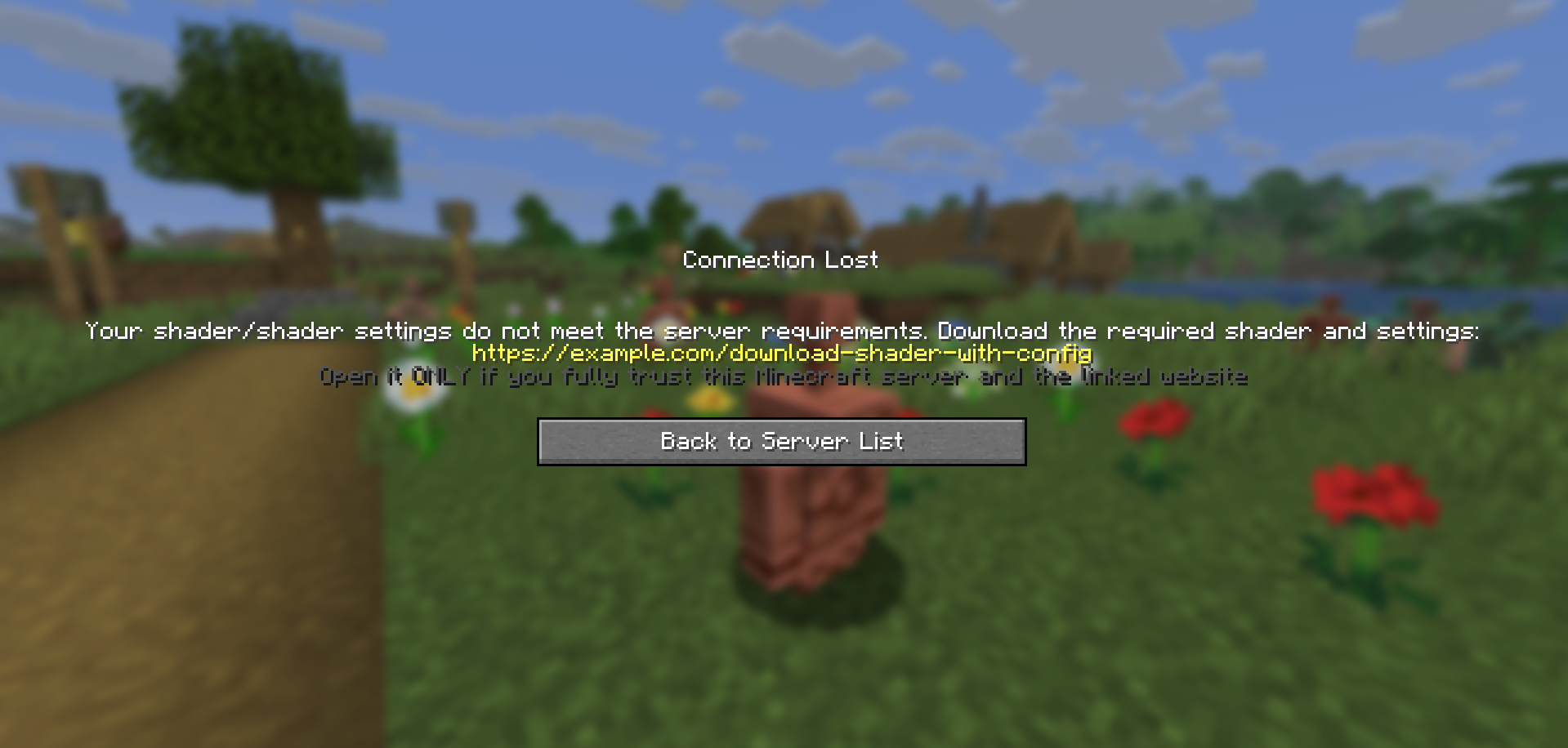 Server Shader Gate & Enforcer (SSGE) – a client-side mod and server-side plugin that requires players to install a shader and use specific shader options to play on the server.
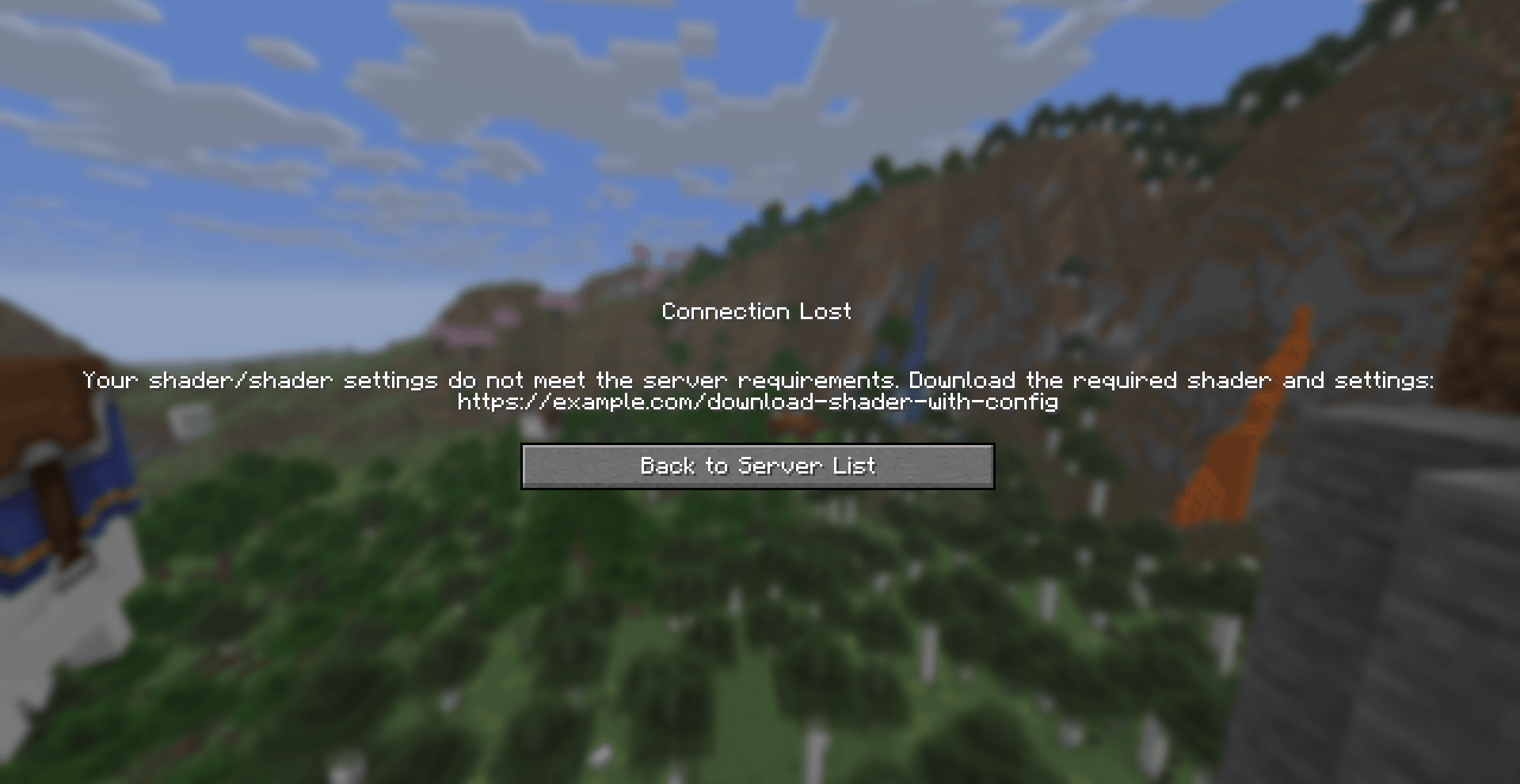
Upon connecting to the server, the SSGE client mod automatically sends its configuration data about the current shader and its settings to the server plugin. The server plugin compares the received data with its own configuration. If the data matches, the player is allowed onto the server. Otherwise, the connection is refused.
The mod requires Iris and Fabric API to work.
Сonfiguration
The configuration file of the mod – ssge_mod.json;
the configuration file of the plugin for the server – ssge.yml
ssge_mod.json
{
  "shaderFile": "",
  "shaderOptions": "",
  "sizeShader": 0,
  "sizeOptions": 0,
  "shaderHash": "",
  "enableShaders": false
}
This configuration is generated automatically when connected to the server and depends on the Iris settings: the switch on/off shader, selected shader file and selected shader settings
shaderFile – shaderpack file
shaderOptions – shader settings file. If the shader uses default settings, this string will be empty because the file does not exist.
sizeShader – shaderpack size in bytes.
sizeOptions – shader settings size in bytes. If the shader uses default settings, this value is 0.
shaderHash - SHA-256 hash of the shader file.
enableShaders – shaders enabled/disabled switch
ssge.yml
require_enabled: true
shader_file: ''
shader_options: ''
size_shader: 0
size_options: 0
shader_hash: ""
require_shader: true
require_options: true
link: https://example.com/download-shader-with-config
exempt_players: []
Generated automatically and must be configured manually to work properly.
require_enabled – shaders enabled/disabled switch.
shader_file – shaderpack file.
shader_options – shader settings file. If the shader uses default settings, this string will be empty because the file will not exist.
size_shader – shaderpack size in bytes.
size_options – shader settings size in bytes. If the shader uses default settings, this value is 0.
shader_hash – SHA-256 hash of the shader file.
require_shader – requires a specific shaderpack.
require_options – requires specific shader settings.
link – your link to download the shader and specific settings.
exempt_players - list of exempt players can play on the server without installing the SSGE client mod or using any shaders (e.g., admins or moderators).
Use /ssge reload to reload the plugin configuration.
Sending and receiving a link
If a player has the client mod installed but their configuration does not match the server’s, the plugin sends them a download link before kicking the player.
The client mod receives the link, saves it to the file ssge_link.txt in the .minecraft/config directory, and automatically opens the file for the user.
ssge_link.txt
You received this file because you tried to join a Minecraft server that requires
a specific shader (or shader settings) that you may not have installed.

Download the shader from the link provided by the server administrator and follow
these instructions unless otherwise noted:
1. Download the shader archive (.zip) and the shader settings (.txt) from the link below.
2. Put both files into your game directory's "shaderpacks" folder.
3. Go to the Iris menu, select and enable this shader from the list, and try logging into the server again.

If the server provides a checksum (SHA-256), verify it against the downloaded shader file.
If you still have any difficulties joining the server, please contact the server administration for help.

!!! WARNING: External link below may be dangerous !!!
Open it ONLY if you fully trust this Minecraft server and the linked website.

Possible risks include:
 - malicious installers, viruses, or trojans that can harm your system
 - phishing pages designed to steal Minecraft, Discord, email or other credentials
 - web scripts that can collect personal or sensitive information
 - stealers that silently extract passwords, tokens, or browser data
 - drive-by or automated downloads that execute without clear consent
 - spoofed or tampered downloads (files different from what they claim)

If unsure — do NOT open the link.

https://example.com/download-shader-with-config
Be careful: the server administrator may provide a malicious link to harm your system or steal your data. Always check the link using online scanners and do not open it if it looks suspicious. If you detect a threat, report the server on the hosting platform or listing website.
When placing a link in the plugin configuration, follow these guidelines:
-
The link should not be excessively short or long.
-
The link should be readable and not contain random strings.
-
Avoid shortened URLs or redirects to third-party resources.
-
The link must not lead to websites containing malware, scripts, or suspicious content.
-
If the link leads to a file-sharing service, it should point directly to a
.zipfile or afoldercontaining the shader and settings. -
If your Minecraft server has its own website, it’s better to create a dedicated download page.
-
The link should not point to any installer files (
.exe,.msi,.jar, etc.). -
The website should not require registration, phone numbers, email, or other personal data.
For example
Let's say we want all players on our server to play using thejinxedartist's MC VHS shader.
Then the plugin configuration can be like this:
require_enabled: true              <––
shader_file: 'MCVHSV2.zip'         <––  Required
shader_options: 'MCVHSV2.zip.txt'  <––   values
size_shader: 275232                <––
size_options: 79                   <––
shader_hash: "e59a3d139..."        <––
require_shader: true
require_options: true
link: https://modrinth.com/shader/mc-vhs
exempt_players: ["Admin", "You"]
The mod configuration must match the plugin configuration and be like this:
{
  "shaderFile": "MCVHSV2.zip",
  "shaderOptions": "MCVHSV2.zip.txt",
  "sizeShader": 275232,
  "sizeOptions": 79,
  "shaderHash": "e59a3d139...",
  "enableShaders": true
}
If the player has a different configuration, the server will kick him.
Screenshots
Gallery
-
ssge_1.0-release_1.png ssge_1.0-release_1.png
-
 SSGE_img.png SSGE_img.png
-
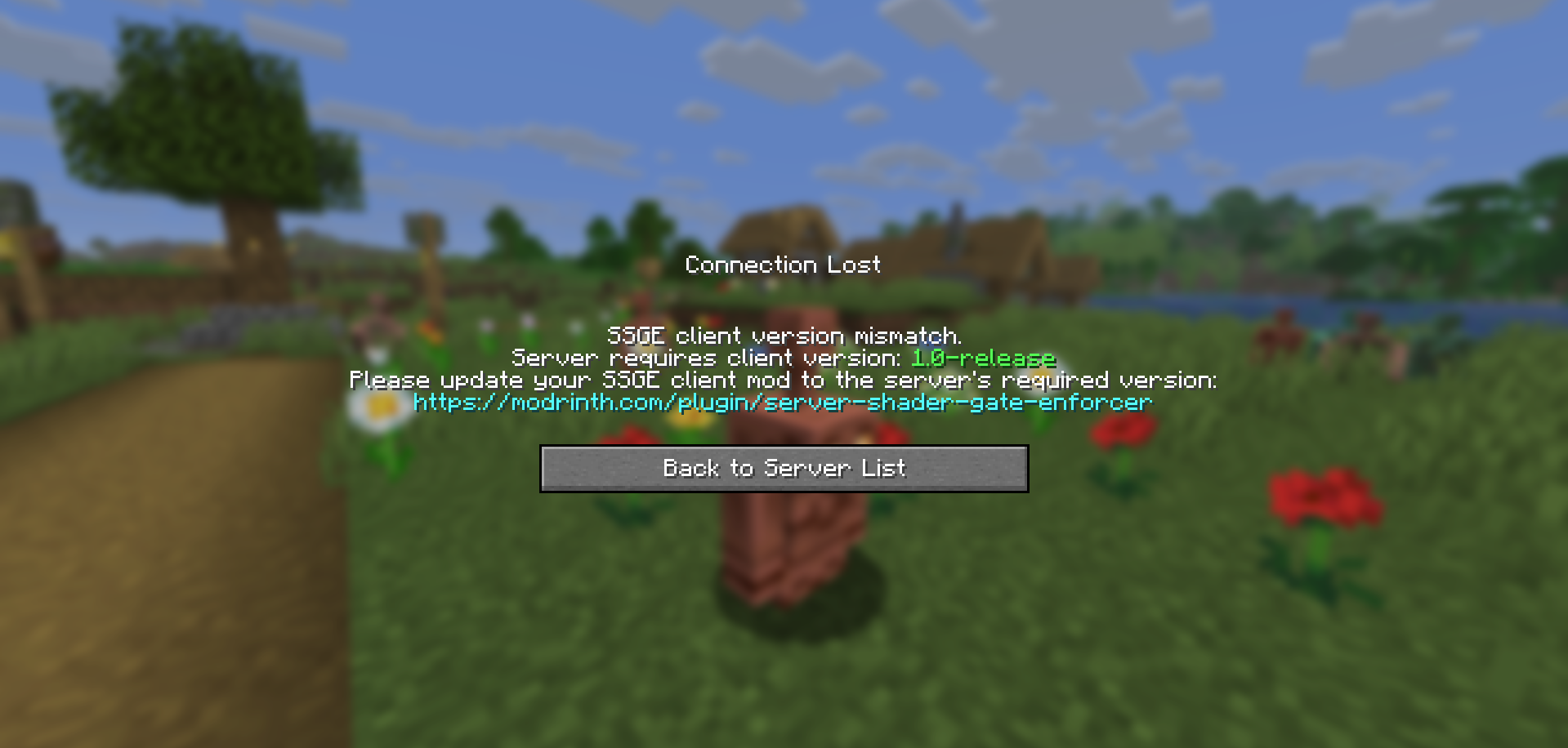 SSGE Client version mismatch
 -
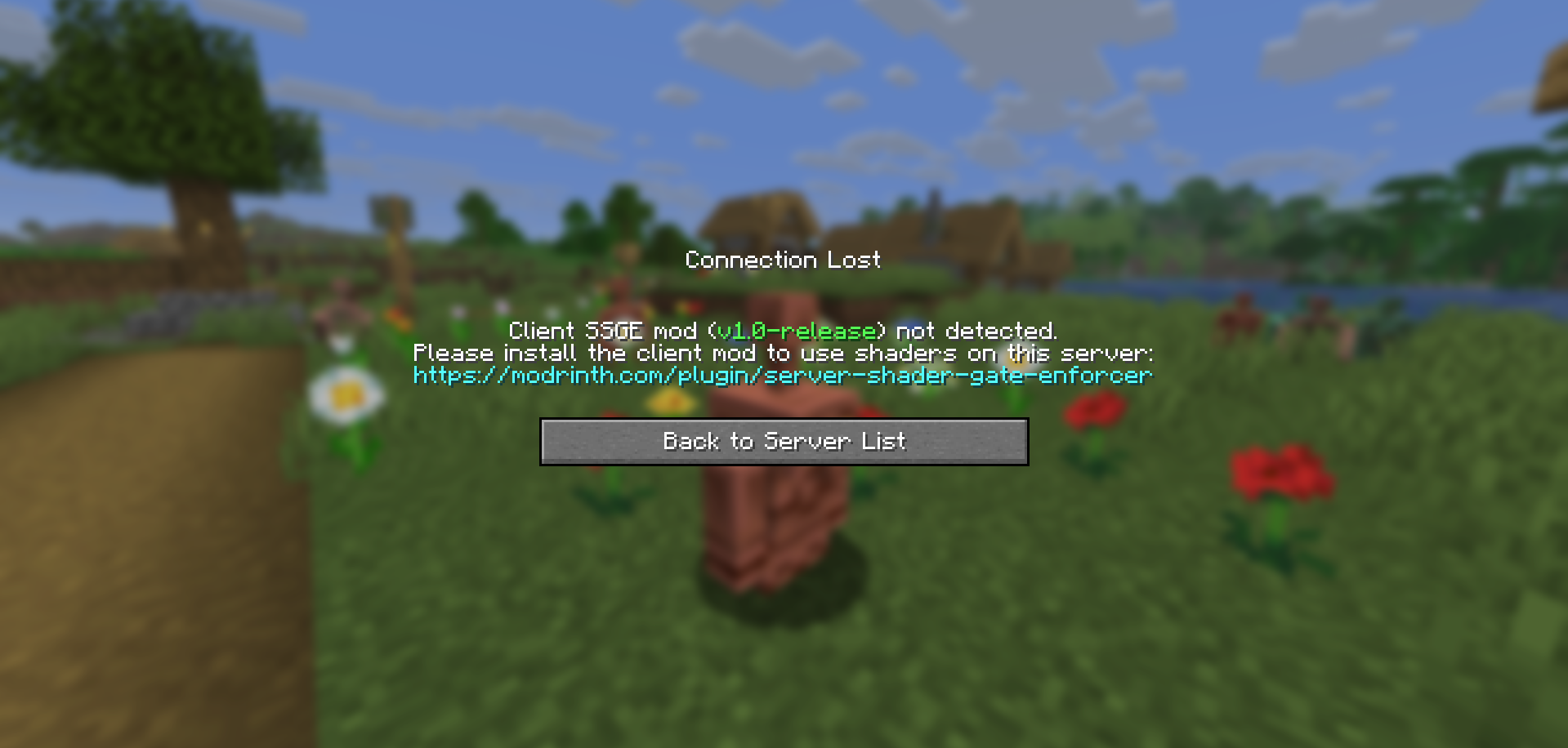 SSGE Client
 -
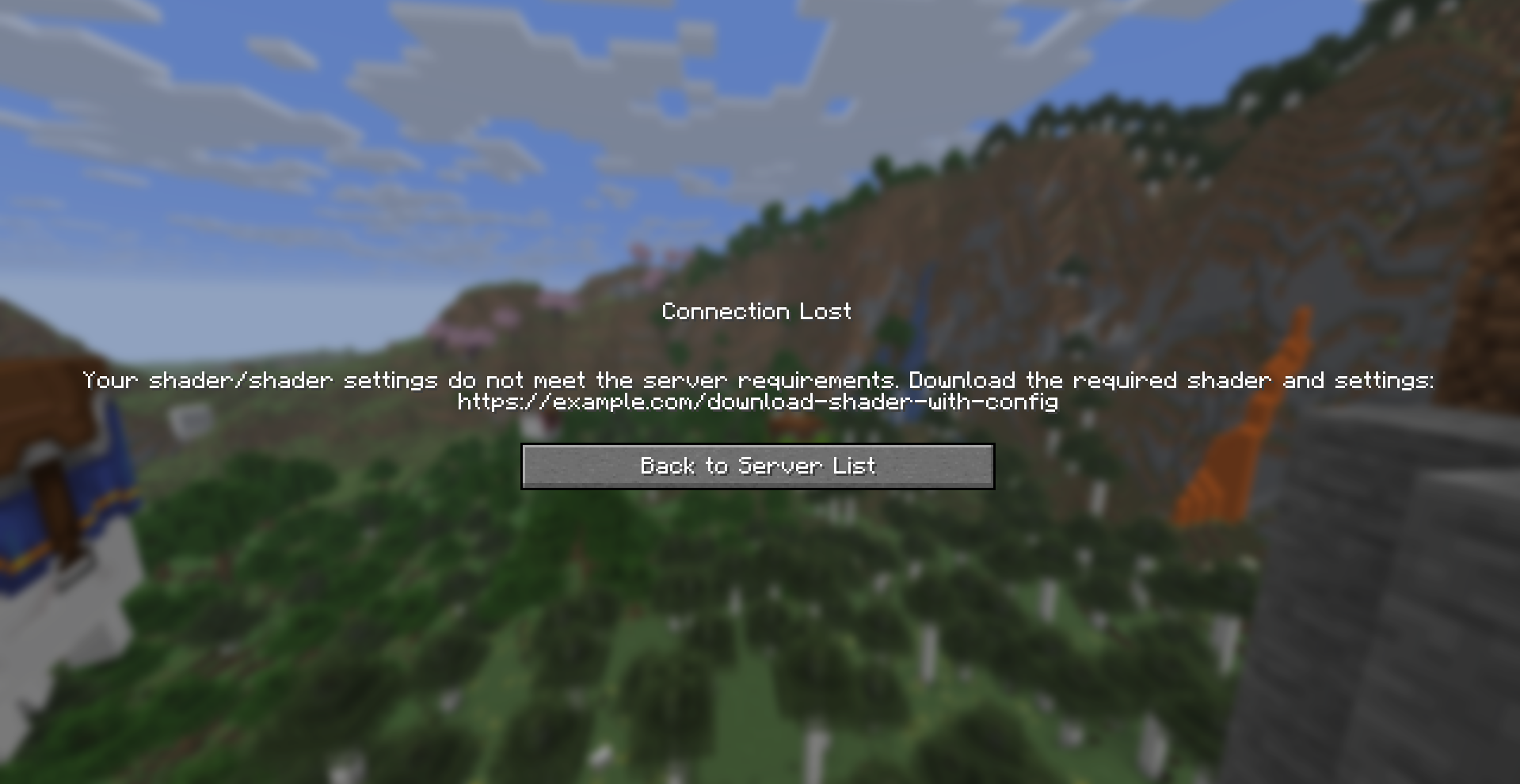 SSGE (alpha/beta)
 -
SSGE
-
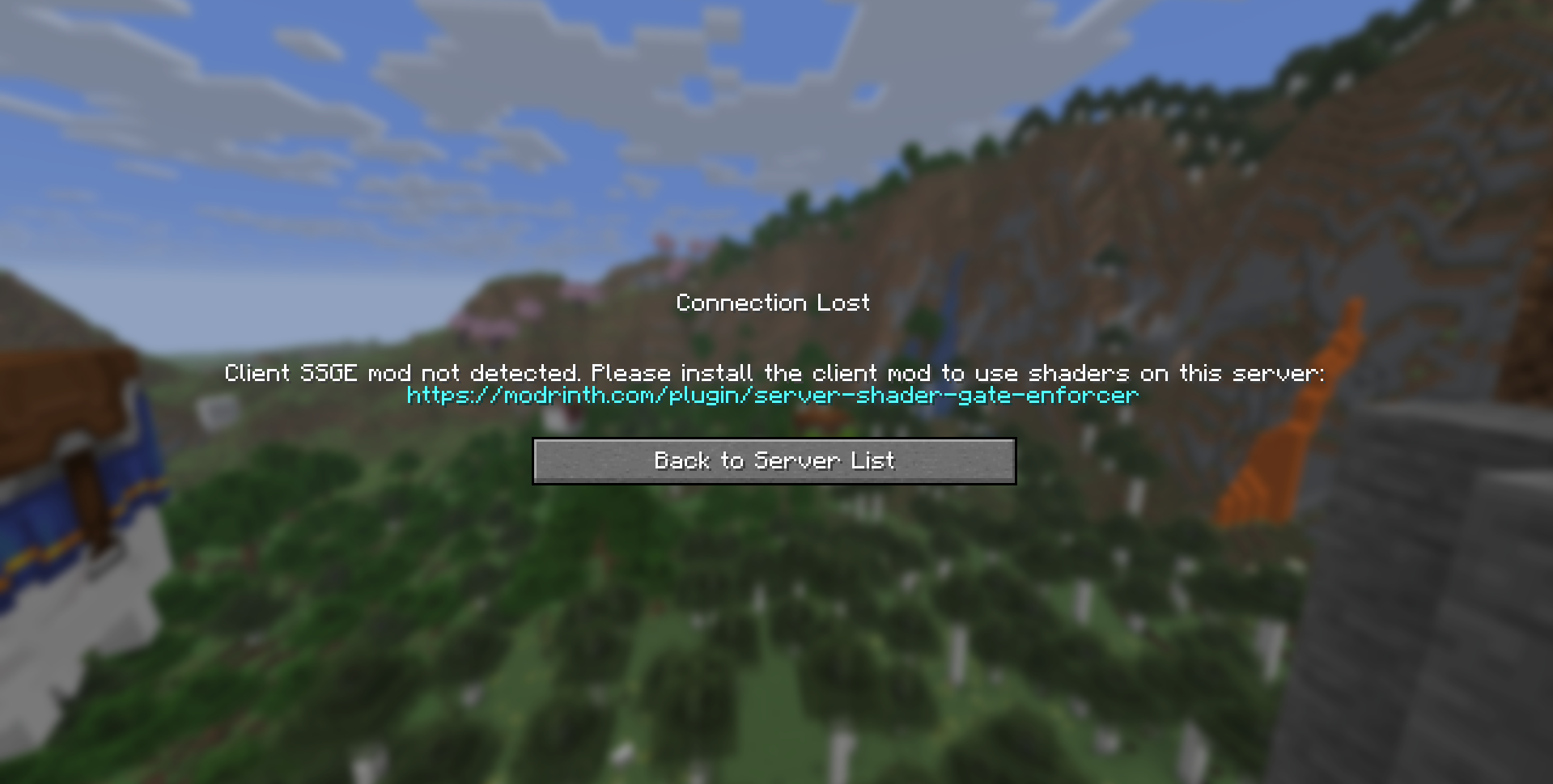 SSGE client (alpha/beta)
Versions
Files
Relations
Project Relations
More like this
Similar Mods
Suggestions use data such as tags, dependencies, dependents, descriptions, titles, and more to rank how much they overlap with this mod.
On ModDex
Community snapshot
By the numbers
Statistics
 (opens in a new tab)
Get it on
Available Platforms
On ModDex
Community snapshot
By the numbers
Statistics
Resources