
Community listing page, reviews here may not be monitored by the author.
Simply Speakers

No reviews yet
Allows players to play custom audio from a local URL in-game using a speaker block.
Community voices
Reviews
No reviews yet. Be the first to review this project!
Get it on
Available Platforms
About
Project Details
For authors
Embed Badge
If you're the author of this project, you can embed a live badge anywhere that supports HTML or Markdown. It updates automatically whenever ratings change.
Use HTML for any page that supports it, or Markdown for README files and Markdown-based descriptions.
Identifiers
Platform IDs
Resources
External Links
About
Description
Simply Speakers
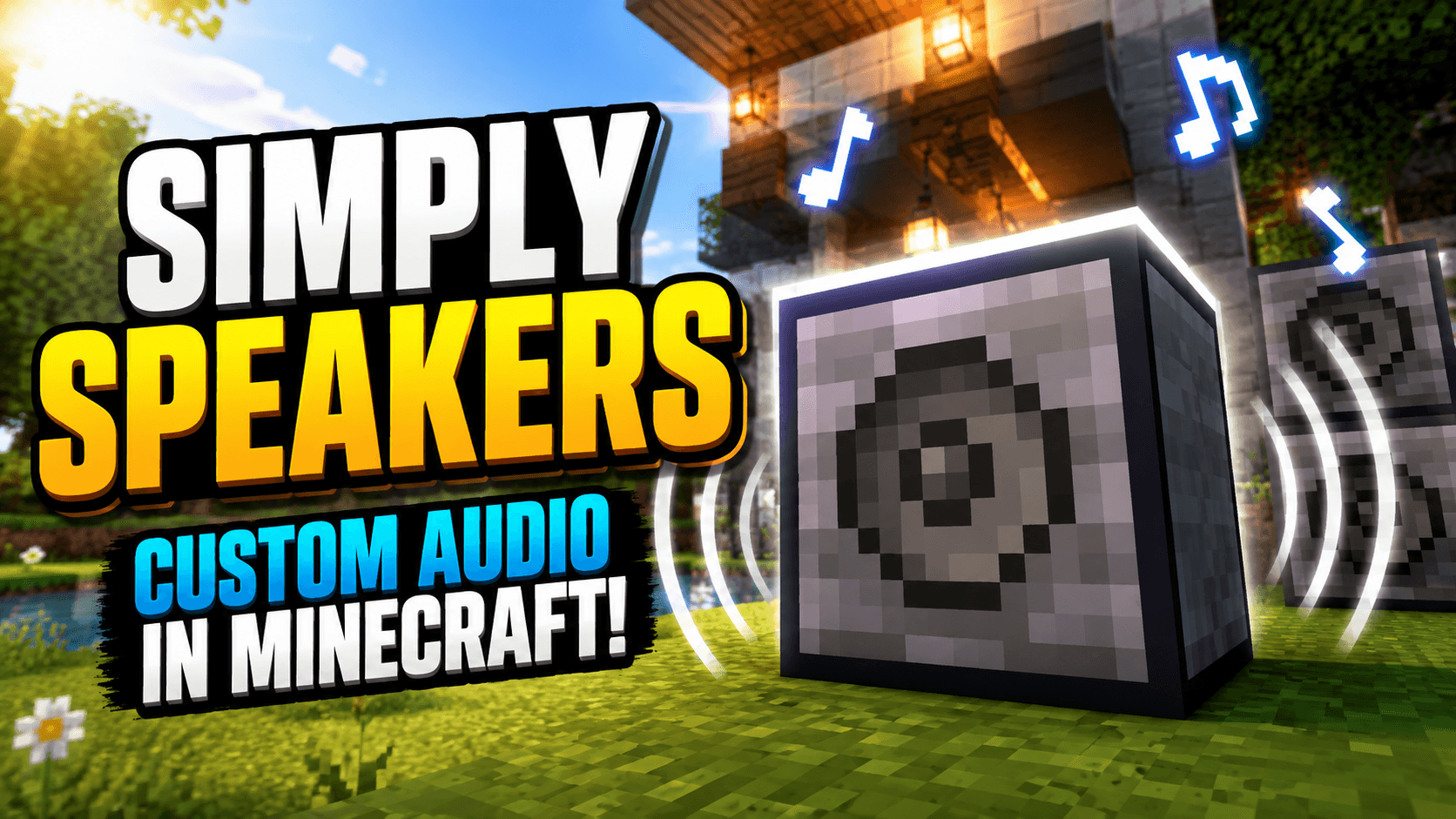
Simply Speakers adds configurable speaker blocks that play your own MP3 and WAV audio in Minecraft. Upload files in game, build synchronized speaker networks across large areas, and control playback with redstone.
Features
- Speaker block: Select audio, configure playback, and control a linked network from one main speaker.
- Proxy speakers: Link multiple locations with the same Speaker ID and keep playback synchronized.
- MP3 and WAV support: Upload local audio files directly through the speaker interface or install them manually in the world save.
- Per-speaker controls: Configure volume, audible range, distance dropoff, and looping.
- Redstone control: Power speakers to play and remove power to stop.
- Multiplayer synchronization: Nearby players hear the same playback position while the server remains authoritative.
- Moving-body audio on 1.21.1: When Sable is installed, speakers mounted on physics bodies follow their actual moving and rotating positions.
Simply Speakers does not stream arbitrary internet URLs. The upload interface accepts files from your local computer and transfers validated MP3 or WAV audio to the server.
Getting Started
- Craft and place a Speaker.
- Right-click it to open the interface.
- Upload or select an audio file.
- Configure its volume, range, dropoff, looping, and Speaker ID.
- Add Proxy Speakers with the same Speaker ID wherever you want synchronized playback.
- Use the interface or redstone to control playback.
Optional Sable Integration
On Minecraft 1.21.1, installing Sable 2.0.5 enables correct spatial audio for speakers placed on Sable physics bodies. Audio follows moving, rotating, and scaled bodies without restarting playback. Networks can span multiple moving bodies and ordinary world speakers.
Sable is optional. Simply Speakers works normally without it; only moving-body spatial compatibility is unavailable.
Create Aeronautics is not required by Simply Speakers. Install Aeronautics and its dependencies only if you want its physics-body blocks and gameplay. Aeronautics is currently available for NeoForge 1.21.1.
Sable Companion is already bundled with Simply Speakers, and Sable's official jar includes its physics backend. Users should not install those components separately.
Manual Audio Installation
Audio files are stored in simply_speakers_audios inside the world's save directory. To add one manually:
- Generate a UUID, such as with uuidgenerator.net.
- Rename the file to
<your-uuid>.mp3or<your-uuid>.wavand place it insimply_speakers_audios. - Add an entry to
audio_manifest.json:
{
  "your-uuid": {
    "uuid": "your-uuid",
    "originalFilename": "your-song.mp3"
  }
}
Supported Platforms
- Fabric 1.20.1
- Forge 1.20.1
- Fabric 1.21.1
- NeoForge 1.21.1
- NeoForge 26.1.2
Sable integration is currently available only on the Minecraft 1.21.1 builds.
Required Dependencies
- Architectury API matching your Minecraft version and loader
- Fabric API on Fabric
Configuration
speakerRange: Default range for new speakers, from 1 to 512 blocks (default: 64)disableUpload: Disable in-game uploadsmaxUploadSize: Maximum upload size in bytesdebugLogging: Enable verbose troubleshooting logs
Support
Screenshots
Gallery
Versions
Files
Relations
Project Relations
More like this
Similar Mods
Suggestions use data such as tags, dependencies, dependents, descriptions, titles, and more to rank how much they overlap with this mod.
On ModDex
Community snapshot
By the numbers
Statistics
Want to reach Minecraft players?
We're looking for a server hosting partner to feature here and other parts of the site. Interested? Send us a message!
Get in touchGet it on
Available Platforms
On ModDex
Community snapshot
By the numbers
Statistics
Resources