
Community listing page, reviews here may not be monitored by the author.
Social Chat


No reviews yet
Social Chat enhances the default Minecraft chat experience. Adds mentions (@player, @everyone) with sound notifications and emojis
Community voices
Reviews
No reviews yet. Be the first to review this project!
Get it on
Available Platforms
Compatibility
Supported Environments
Runs entirely on the client. Works on vanilla servers.
About
Project Details
For authors
Embed Badge
If you're the author of this project, you can embed a live badge anywhere that supports HTML or Markdown. It updates automatically whenever ratings change.
Use HTML for any page that supports it, or Markdown for README files and Markdown-based descriptions.
Identifiers
Platform IDs
Resources
External Links
About
Description
SocialChat – enhances the default Minecraft chat experience.
- Mentions: @player and @everyone with sound notifications.
- Interactive chat: hover menus and dynamic suggestions for players. SocialChat makes multiplayer chat more lively and user-friendly, without requiring any server-side changes.
Emojis (Allure Emoji Pack) by P4ncake: https://modrinth.com/resourcepack/allure-emoji-pack
Social Chat is a lightweight client-side mod that makes chatting in Minecraft more modern and interactive.
Features
@Mentions
Type @ to see a list of online players, as well as @everyone.
Mentioning a player (@Player) or everyone (@everyone) sends them a notification sound, making it easier to get someone's attention even if they're busy.
Emoji Autocomplete
Type : to open an emoji picker.
Social Chat doesn't include emoji textures by default. Instead, it uses Minecraft's built-in emoji system, allowing you to install any compatible resource pack and customize their appearance however you like.
Typing Status (Server Required)
When the mod is installed on both the client and the server, players can see when others are typing.
Examples:
Steve is typing...Alex and Steve are typing...3 players are typing...
This feature is synchronized through the server and is the only functionality that requires the server to have the mod installed.
Client-Side
All core features—including mentions, notifications, and emoji autocomplete—work entirely on the client. Servers do not need to install Social Chat unless they want to enable typing indicators.
Social Chat is designed to improve communication while remaining lightweight, simple, and fully compatible with vanilla gameplay.
Screenshots
Gallery
-
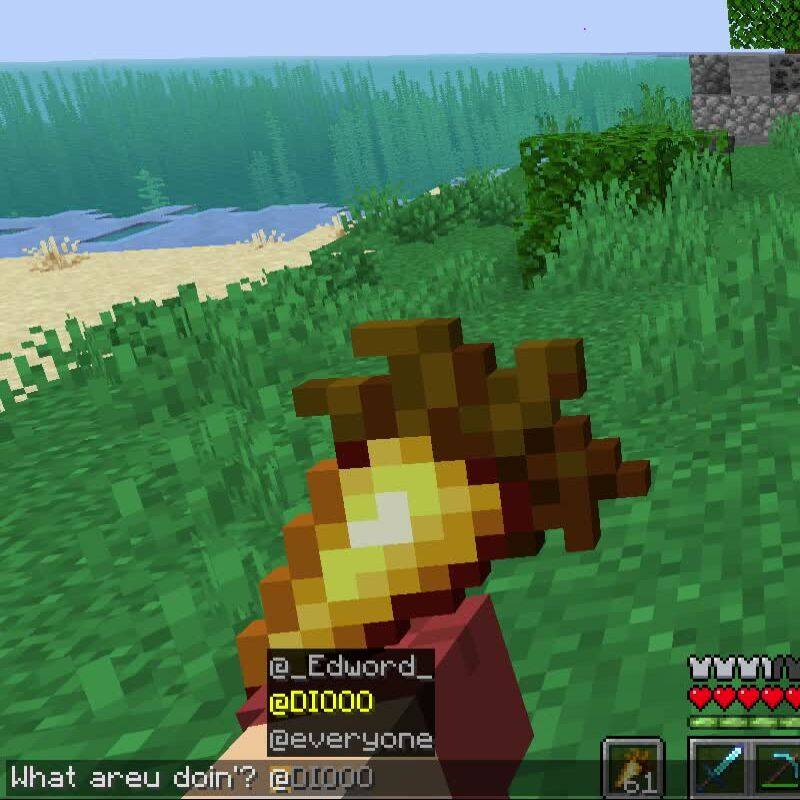 mentions
 -
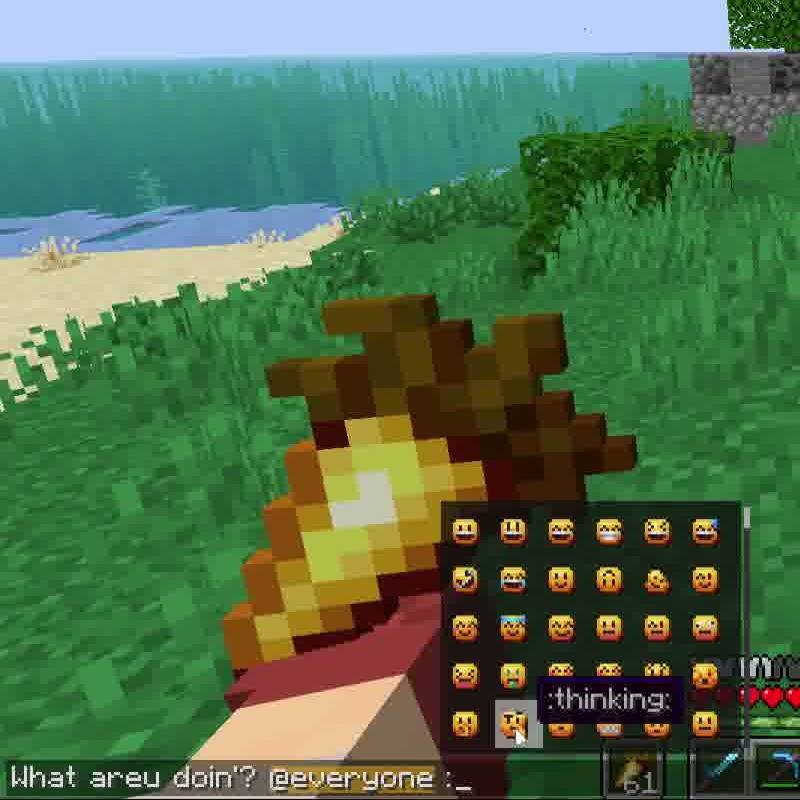 emojis
 -
 Typing Works only if mod is installed on server
-
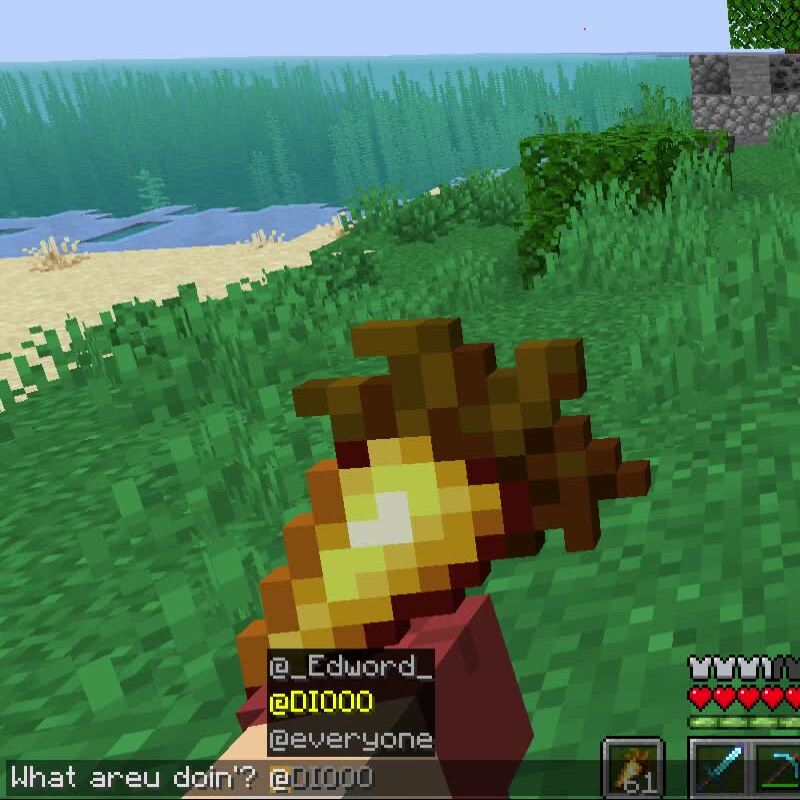 Mentions
 -
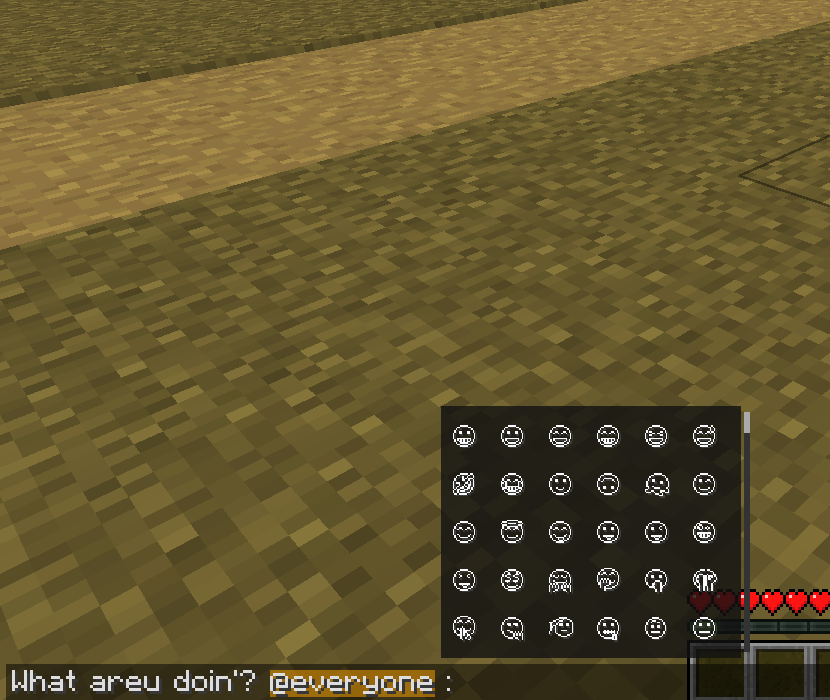 Emojis You can use any emoji resource pack
 -
 Works only if mod is installed on server
Versions
Files
Relations
Project Relations
More like this
Similar Mods
Suggestions use data such as tags, dependencies, dependents, descriptions, titles, and more to rank how much they overlap with this mod.
On ModDex
Community snapshot
By the numbers
Statistics
Want to reach Minecraft players?
We're looking for a server hosting partner to feature here and other parts of the site. Interested? Send us a message!
Get in touchGet it on
Available Platforms
On ModDex
Community snapshot
By the numbers
Statistics
Resources