

Reputation ranks
Ranks only ever go up; points can drop but your rank stays.
About reputation ranksThis is compatible with many mods and better than optifine, vulkan mod is better but that has less mod compatibility.
Mod
The fastest and most compatible rendering optimization mod for Minecraft. Now available for both NeoForge and Fabric!
Does not follow a specific thematic focus apart from vanilla Minecraft.
Used for mods with little to no gameplay elements.
Enhances game performance and optimizes resource usage.
Adds tools to customize the user interface and menus.
Neoforge is a fork of the Minecraft Forge available for versions 1.20.1+ of Minecraft. Many Forge mods are compatible with Neoforge and vice versa.
Fabric is a mod loader for versions 1.14+ of Minecraft, particularly popular for client side and optimization mods.
Quilt is a fork of the Fabric mod loader. Many Fabric mods are compatible with Quilt and vice versa.
Community voices
Click once to include, again to exclude, again to clear
Reputation ranks
Ranks only ever go up; points can drop but your rank stays.
About reputation ranksThis is compatible with many mods and better than optifine, vulkan mod is better but that has less mod compatibility.
Reputation ranks
Ranks only ever go up; points can drop but your rank stays.
About reputation ranksReputation ranks
Ranks only ever go up; points can drop but your rank stays.
About reputation ranksThe performance is the best as is doubles or triples FPS, the UI for video settings and on how easy it is just amazing. Simply the best for performance
Reputation ranks
Ranks only ever go up; points can drop but your rank stays.
About reputation ranksGet it on
Compatibility
About
For authors
If you're the author of this project, you can embed a live badge anywhere that supports HTML or Markdown. It updates automatically whenever ratings change.
Use HTML for any page that supports it, or Markdown for README files and Markdown-based descriptions.
Identifiers
About
Latest News (June 16, 2026) - Sodium 0.9.x is now available for Minecraft 26.2, with early support for Vulkan! The performance of the Vulkan backend is already in a good place (even faster than before on many devices), and we expect to be able to improve it even further with future updates.
This mod is the result of thousands of hours of development, and is made possible thanks to players like you. If you would like to show a token of your appreciation for my work, and help support the development of Sodium in the process, then consider buying me a coffee.

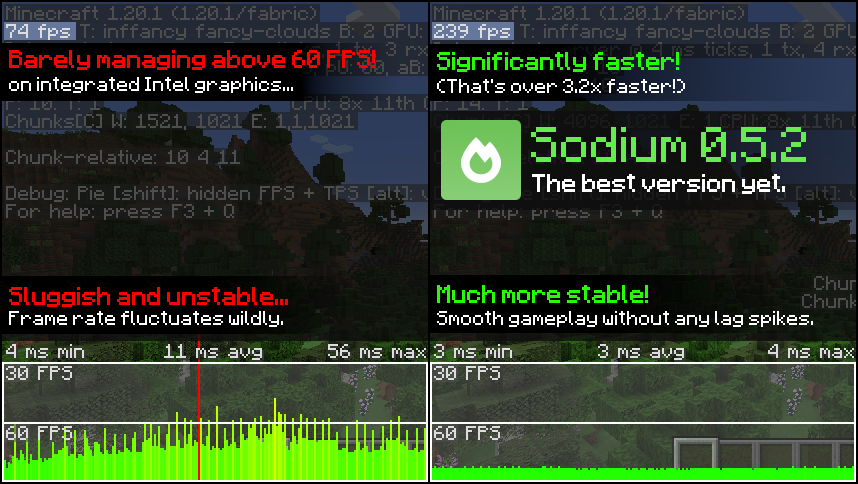
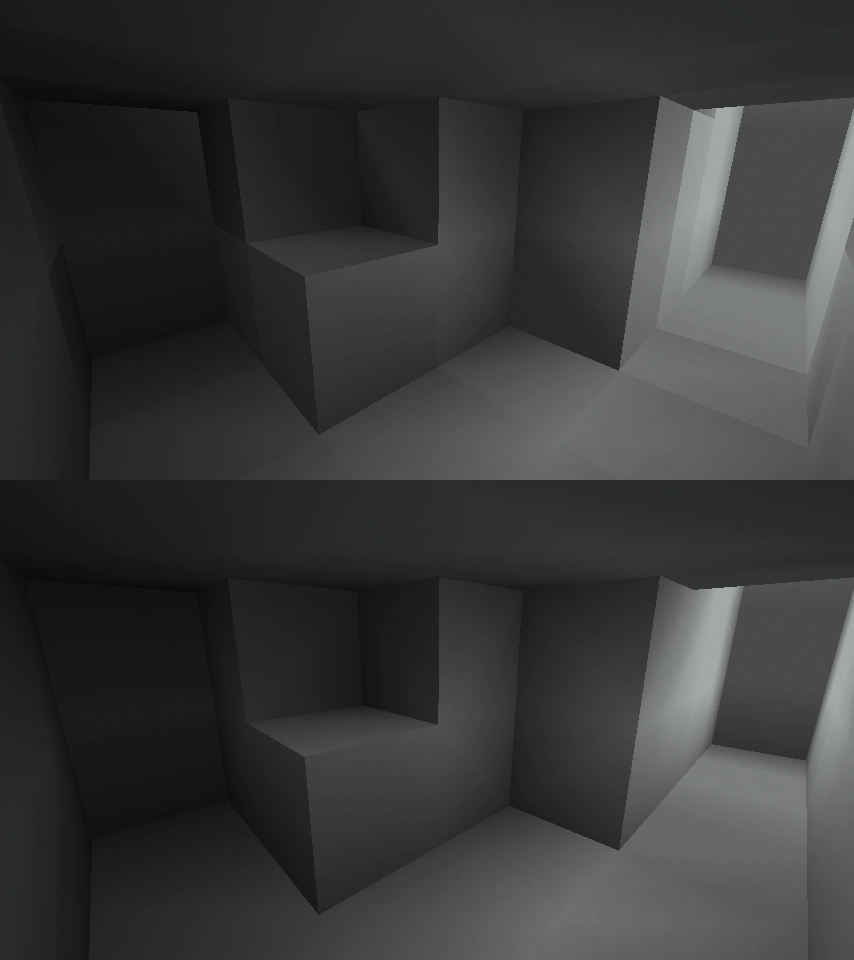
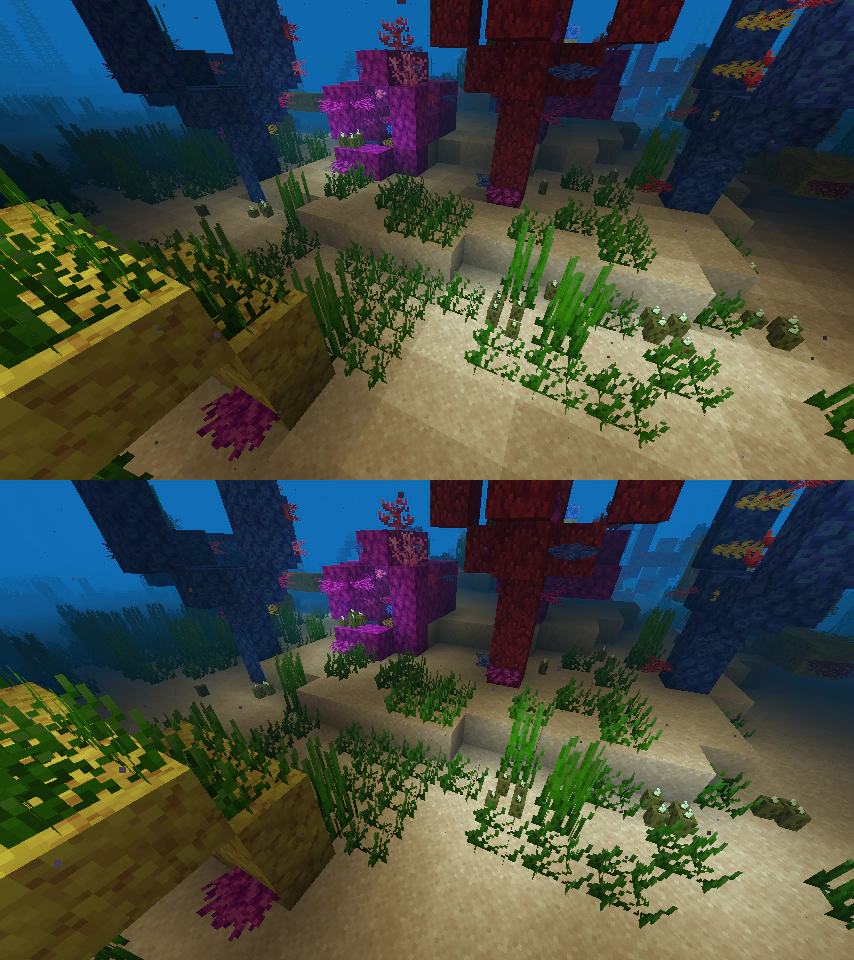
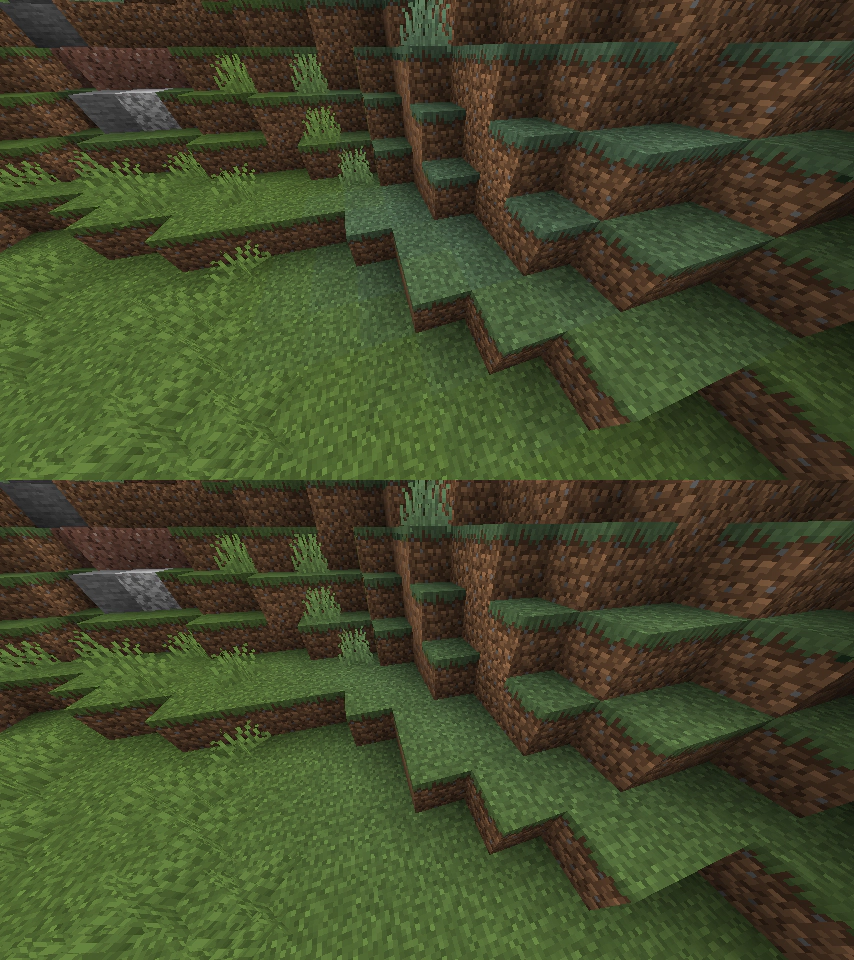
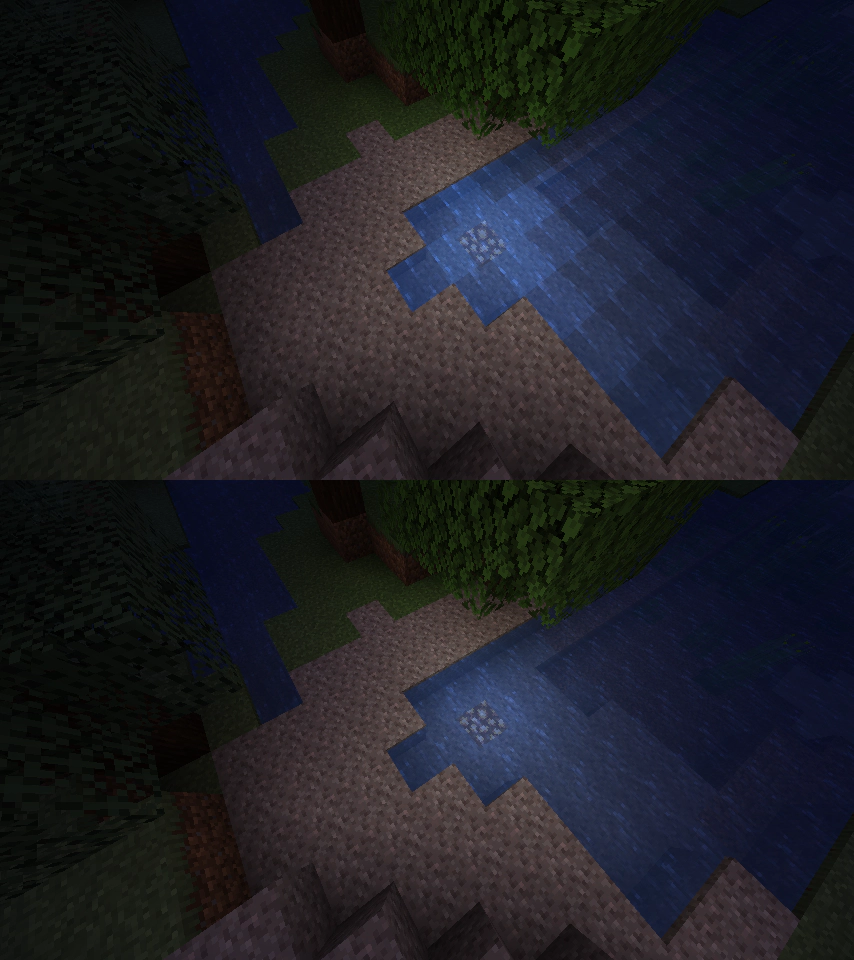
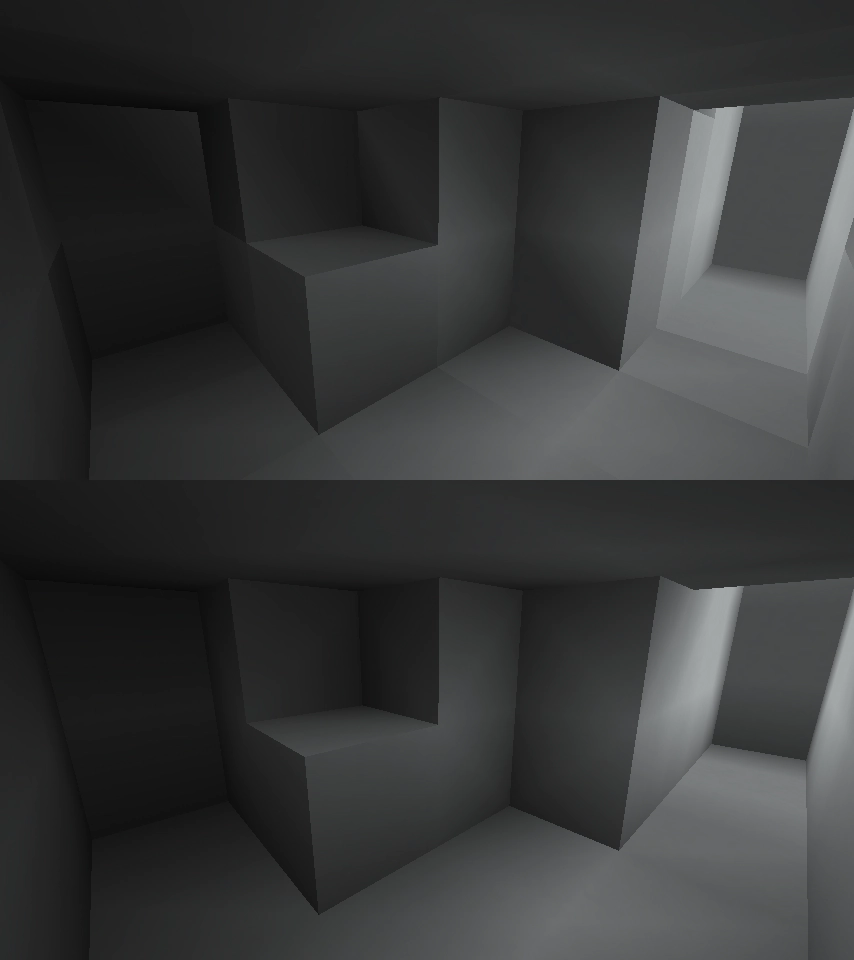
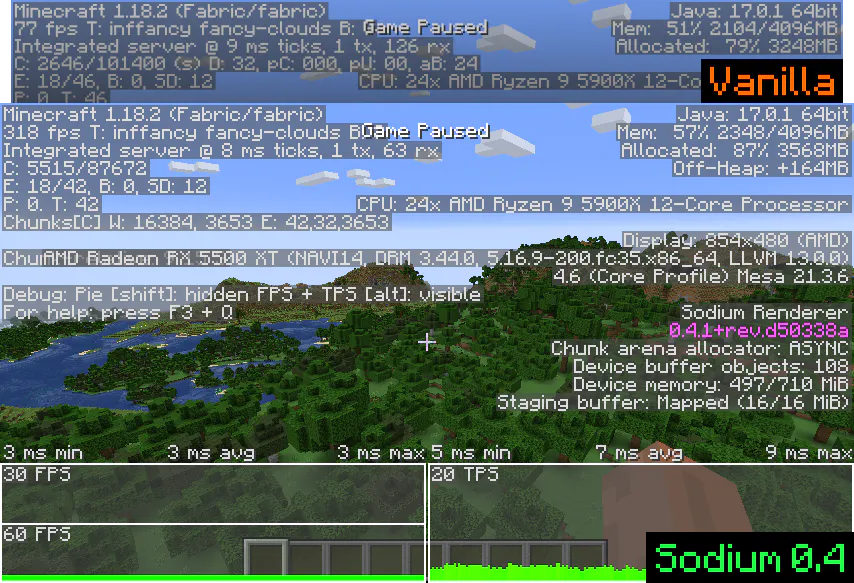
Sodium is a powerful optimization mod for the Minecraft client, which greatly improves frame rates and micro-stutter, while fixing many graphical issues in Minecraft.
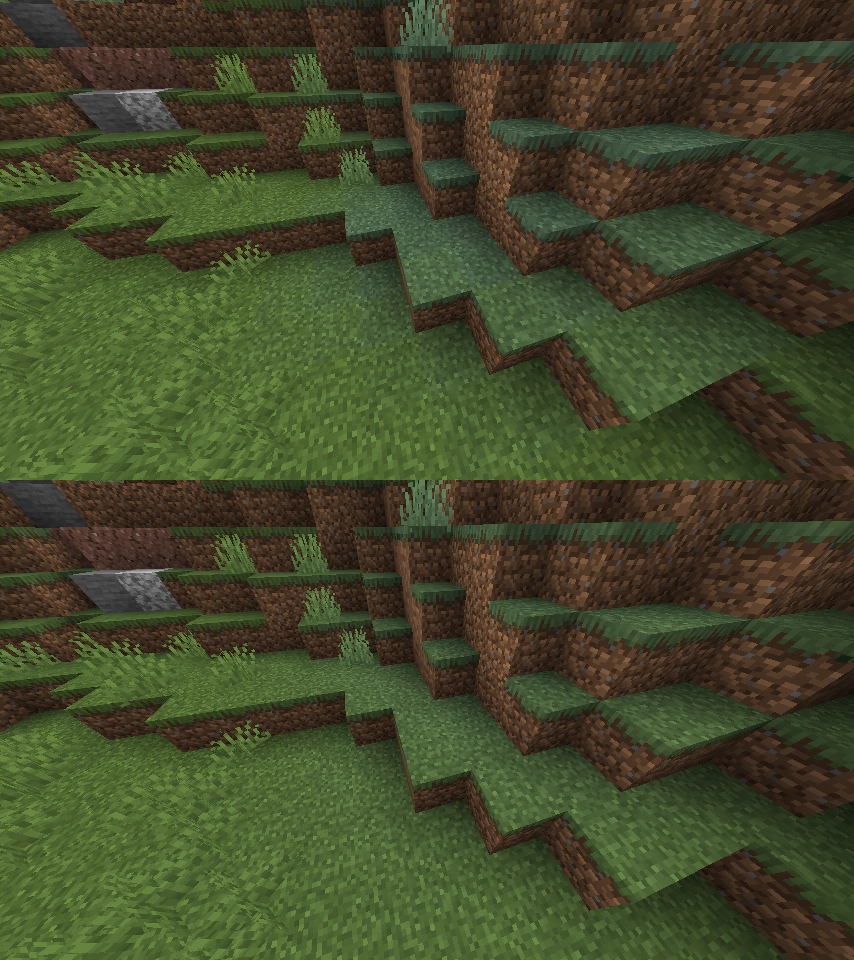
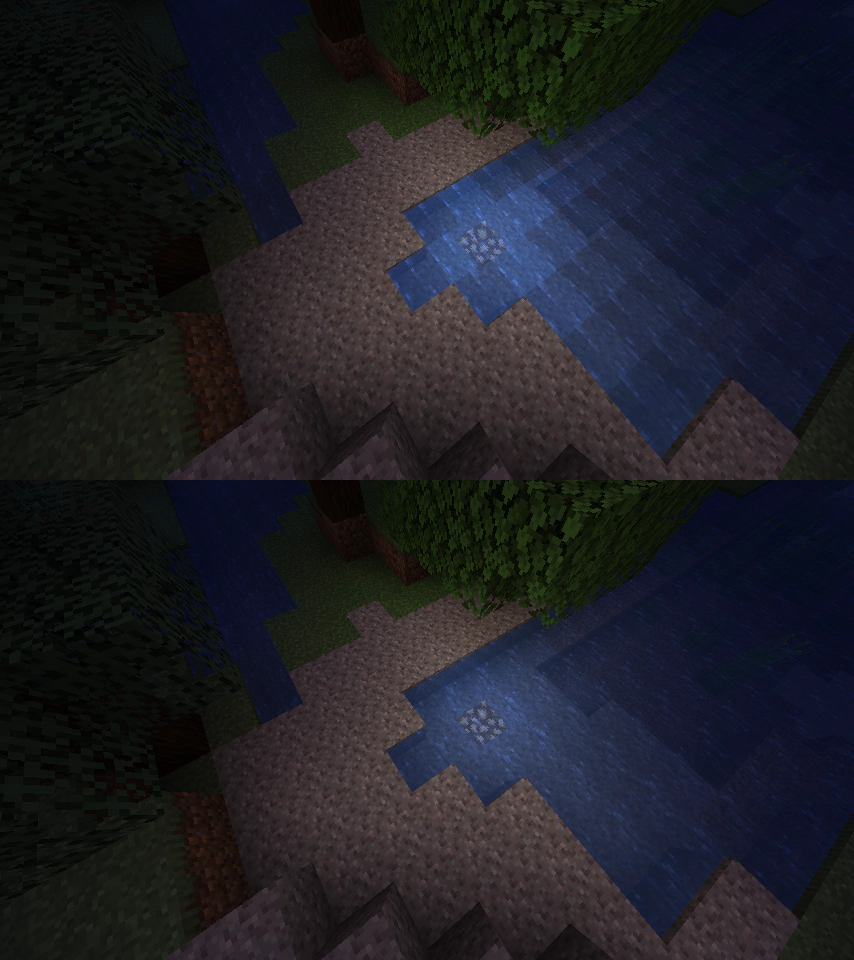
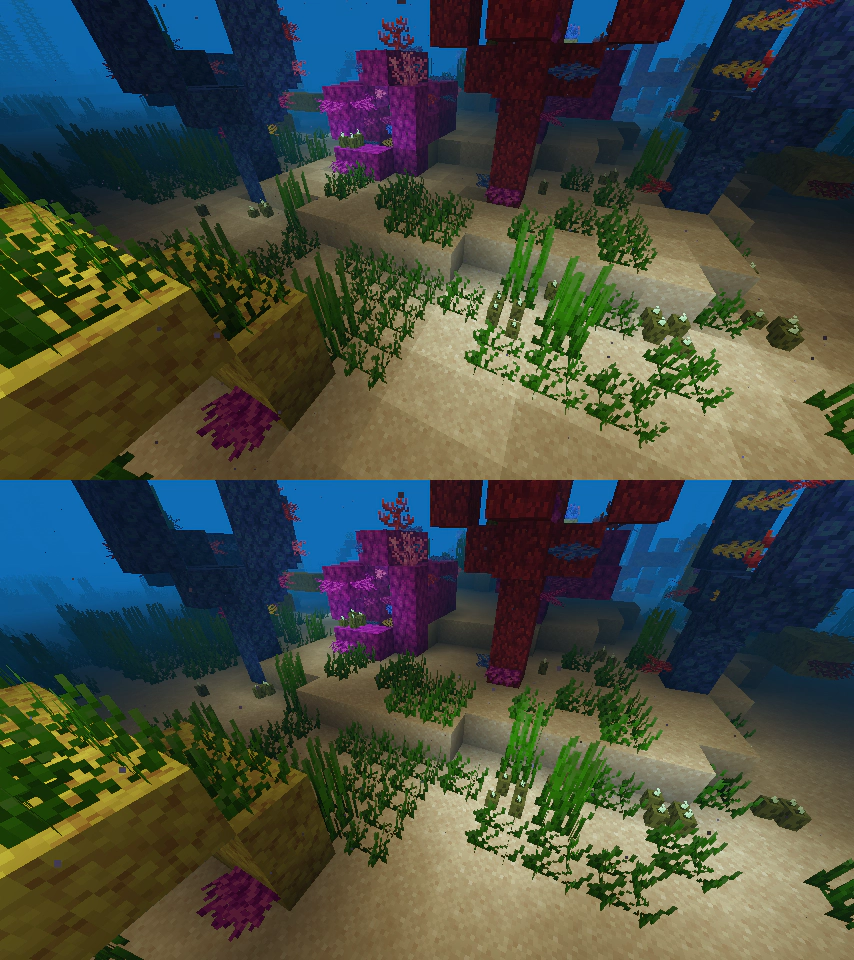
Unlike other rendering-focused mods, it boasts wide compatibility with the wider modding ecosystem. And it does so without compromising on how the game looks, giving you that authentic block game feel.
And now, with the latest version of Sodium, you can use the same mod on all of your favorite platforms. Compared to older forks (Xenon, Embeddium, etc.,) you can turbo-charge your game to be as much as 23% faster than before![1]
Sodium is available for multiple mod loaders, but we recommend using Fabric Loader for the most simple and lightweight experience. If you are using a third-party launcher, it probably has built-in functionality to automatically install mod loaders. Once you have installed your mod loader, you can simply place Sodium into your mods folder like anything else.
Not sure if you installed the mod correctly? Check your Video Settings screen in Minecraft, which should show our new and improved user interface for changing settings.
Not sure how to configure the mod? Don't worry, you probably don't need to. By default, Sodium will enable all optimizations which are supported on your system, giving you the best experience possible. You should generally only change video settings related to performance and other advanced features if you are experiencing issues.
Need even more performance? By design, Sodium only optimizes the rendering code of Minecraft. You should also install our other mods, such as Lithium (for MC 1.15+) and Phosphor (for MC <1.19), to optimize the other parts of your game. This is done so that players can pick and choose which mods they want to use, but we generally recommend using our entire collection.
We only provide official support for graphics cards which have up-to-date drivers that are compatible with OpenGL 4.5 or newer. Most graphics cards released in the past 12 years will meet these requirements, including the following:
Nearly all graphics cards that are already compatible with Minecraft (which requires OpenGL 3.3) should also work with Sodium. But our team cannot ensure compatibility or provide support for older graphics cards, and they may not work with future versions of Sodium.
If you are running into problems, you should make sure that your graphics drivers are up-to-date. Out-of-date graphics drivers are often the reason for most crashes, rendering bugs, and performance issues.
Android devices (and some Windows-on-ARM devices) which use OpenGL translation layers (such as GL4ES, ANGLE, GLonD3D12 etc) are not supported and will very likely not work with Sodium. These translation layers do not implement required functionality and they suffer from underlying driver bugs which cannot be worked around.
Please use the issue tracker to report bugs, crashes, and other issues. Make sure you include information about the mods you are using, and attach any crash/log files you have.
We have a short wiki with some of the most frequently asked questions here. More likely than not, your question already has an answer here.
Note: The level of performance you see while using the Sodium mod will vary depending on exact hardware and software configuration. For all performance comparisons provided on this page, we used a computer with integrated graphics which we believe to be representative of the casual player.
Hardware configuration: Intel Core i7-1165G7 (4c/8t, up to 4.70 GHz) with Intel Xe Graphics (96 EUs, up to 1.30 GHz), 2x16 GB DDR4-3200. Software configuration: Fedora 41, Linux 6.12.4, Mesa 24.3.4, Prism Launcher 9.1, OpenJDK 21.0.7 runtime (as packaged by distribution), Fabric Loader 0.16.10.
[^1] As measured with Sodium 0.6.9 and Embeddium 1.0.15 (latest as of time of writing) on Minecraft 1.21.1 and NeoForge 21.1.128, using default settings with V-Sync and frame rate limits disabled, at a render distance of 24 chunks.
Latest News (June 16, 2026) - Sodium 0.9.x is now available for Minecraft 26.2, with early support for Vulkan! The performance of the Vulkan backend is already in a good place (even faster than before on many devices), and we expect to be able to improve it even further with future updates.
This mod is the result of thousands of hours of development, and is made possible thanks to players like you. If you would like to show a token of your appreciation for my work, and help support the development of Sodium in the process, then consider buying me a coffee.
Sodium is a powerful optimization mod for the Minecraft client, which greatly improves frame rates and micro-stutter, while fixing many graphical issues in Minecraft.
Unlike other rendering-focused mods, it boasts wide compatibility with the wider modding ecosystem. And it does so without compromising on how the game looks, giving you that authentic block game feel.
Sodium is available for multiple mod loaders, but we recommend using Fabric Loader for the most simple and lightweight experience. If you are using a third-party launcher, it probably has built-in functionality to automatically install mod loaders. Once you have installed your mod loader, you can simply place Sodium into your mods folder like anything else.
Not sure if you installed the mod correctly? Check your Video Settings screen in Minecraft, which should show our new and improved user interface for changing settings.
Not sure how to configure the mod? Don't worry, you probably don't need to. By default, Sodium will enable all optimizations which are supported on your system, giving you the best experience possible. You should generally only change video settings related to performance and other advanced features if you are experiencing issues.
Need even more performance? By design, Sodium only optimizes the rendering code of Minecraft. You should also install our other mods, such as Lithium (for MC 1.15+) and Phosphor (for MC <1.19), to optimize the other parts of your game. This is done so that players can pick and choose which mods they want to use, but we generally recommend using our entire collection.
Android devices (and some Windows-on-ARM devices) which use OpenGL translation layers (such as GL4ES, ANGLE, GLonD3D12 etc) are not supported and will have severe performance issues.
We only provide official support for desktop graphics cards which have up-to-date drivers compatible with OpenGL 4.5 or newer. Most graphics cards released in the past 12 years will meet these requirements, including the following:
Nearly all desktop graphics cards that are already compatible with Minecraft (which requires OpenGL 3.3) should also work with Sodium. But our team cannot ensure compatibility or provide support for older graphics cards, and they may not work with future versions of Sodium.
If you are running into problems, you should make sure that your graphics drivers are up-to-date. Out-of-date graphics drivers are often the reason for most crashes, rendering bugs, and performance issues.
Please use the issue tracker linked at the top of the page to report bugs, crashes, and other issues. Make sure you include information about the mods you are using, and attach any crash/log files you have.
Note: The level of performance you see while using the Sodium mod will vary depending on exact hardware and software configuration. For all performance comparisons provided on this page, we used a computer with integrated graphics which we believe to be representative of the casual player.
Hardware configuration: Intel Core i7-1165G7 (4c/8t, up to 4.70 GHz) with Intel Xe Graphics (96 EUs, up to 1.30 GHz), 2x16 GB DDR4-3200. Software configuration: Fedora 41, Linux 6.12.4, Mesa 24.3.4, Prism Launcher 9.1, OpenJDK 21.0.7 runtime (as packaged by distribution), Fabric Loader 0.16.10.
Screenshots
Versions
Relations
More like this
Suggestions use data such as tags, dependencies, dependents, descriptions, titles, and more to rank how much they overlap with this mod.
On ModDex
By the numbers
Want to reach Minecraft players?
We're looking for a server hosting partner to feature here and other parts of the site. Interested? Send us a message!
Get in touchGet it on
On ModDex
By the numbers
ModDex uses cookies that are strictly necessary for the site to work. With your consent we also use privacy-preserving analytics (no cookies, no cross-session tracking) to understand which features get used. We will never sell or share personal information.
Choose which categories of cookies you want to allow. You can change these anytime from the footer.
We will never sell or share personal information. Read the full privacy policy.
Strictly necessary
Required for login sessions, CSRF protection, and abuse prevention. These cannot be turned off.
Analytics
Privacy-preserving analytics (PostHog EU): no cookies or cross-session tracking. Still requires consent as it sends anonymous usage data to a third-party server. No advertising or profiling.