
Community listing page, reviews may not be monitored by the author.
Sophisticated Smeltery

No reviews yet
This simple mod is to put tinker smeltery into Sophisticated backpack or Sophisticated storage

Community voices
Reviews
No reviews yet. Be the first to review this project!
Get it on
Available Platforms
About
Project Details
For authors
Embed Badge
If you're the author of this project, you can embed a live badge anywhere that supports HTML or Markdown. It updates automatically whenever ratings change.
Use HTML for any page that supports it, or Markdown for README files and Markdown-based descriptions.
Identifiers
Platform IDs
Resources
External Links
About
Description
Sophisticated Smeltery
Mod Overview
Sophisticated Smeltery is an addon for Tinkers' Construct that brings its massive multiblock smelteries into a single Sophisticated Backpack or Sophisticated Storage block, while retaining convenient smelting, fluid handling, item interaction, and casting functionality.
Added Features
Melting Upgrades
Blank Melting Upgrade: Craft it with a Smeltery Controller, Foundry Controller, or Transmute Controller from Esotericism Tinker to bind the corresponding furnace functionality. The controller can be retrieved or replaced with another one through crafting.
Once bound, the upgrade can be installed in a backpack or storage block. Seared Fuel Tanks can be added to provide fuel capacity, while seared structural blocks increase the furnace's capacity. The upgrade also benefits from other upgrades, such as Stack Upgrades.
Part of the storage inventory becomes available for smelting, automatically processing items whenever sufficient fuel is available.
The system automatically prioritizes fuels that meet the required temperature. Fluids inserted from either side will preferentially enter the fuel tank if they are valid fuels.
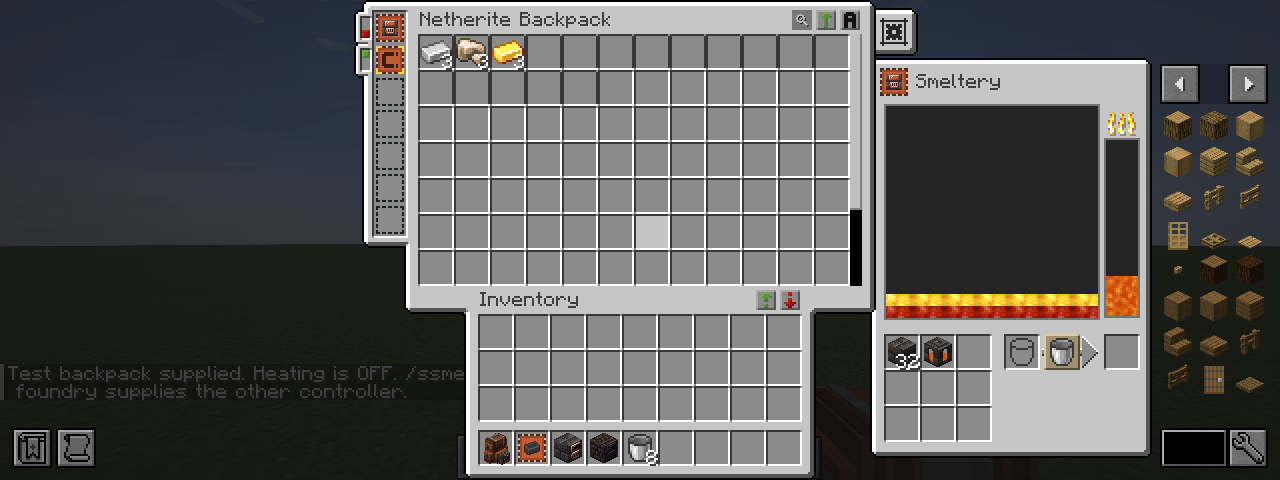
Smeltery Upgrade: Functions like a regular Smeltery, including its bonus output yields.
Foundry Upgrade: Functions like a regular Foundry, producing byproducts instead of alloying fluids.
Transmute Upgrade: Functions like a Transmute Furnace, disabling alloying and exchanging byproducts. It can also be upgraded to an Advanced version, which provides three selectable melting modes and an alloying toggle.
Seared / Scorched Casting Upgrades
Seared and Scorched Casting Upgrades: Work like their corresponding Casting Tables and Casting Basins, with the ability to switch between table and basin modes.
Items can be locked into casting slots for automatic extraction from the backpack's inventory. Scorched casting still requires casts where applicable.
Advanced Casting Upgrades can automatically transfer completed cast items into inventory slots that are not used for smelting.
If there is insufficient fluid to complete a casting operation, the remaining fluid can be returned to the tank using the refund button.
Alloying Furnace
Alloying Furnace: Provides eight slots for fluid tanks, allowing alloying operations to take place directly inside the backpack or storage block. The remaining fuel slots support both solid and liquid fuels.
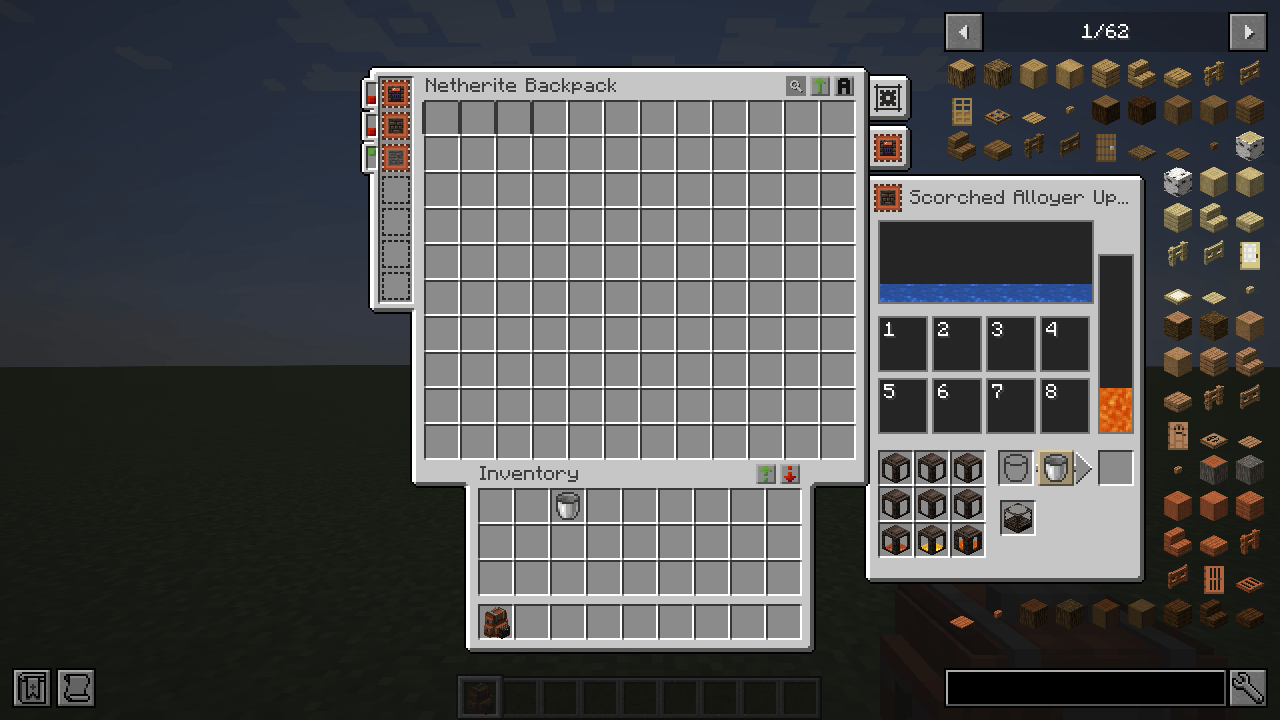
Entity Melting
Entity Melting: Captured entities placed partially into the fuel slot can be melted when the appropriate conditions are met, producing their corresponding melting outputs.
Since Sophisticated Storage does not have an Entity Capture Upgrade, this feature is unavailable for storage blocks.
Spawner Upgrades
Spawner Upgrade: Allows a Monster Spawner to be placed into an upgrade slot and continue spawning mobs normally.
If an Entity Capture Upgrade is installed and the required conditions are met, spawned mobs will preferentially be captured into the backpack.
Alternatively, placing a backpack next to a Monster Spawner allows eligible spawned mobs to be captured directly.
Advanced Spawner Upgrade: Allows spawners inside the backpack or directly adjacent to it to ignore player-distance requirements and natural spawning rules.
Additional Notes
More features may be added in the future based on demand.
Screenshots
Gallery
-
alloyer.png alloyer.png
-
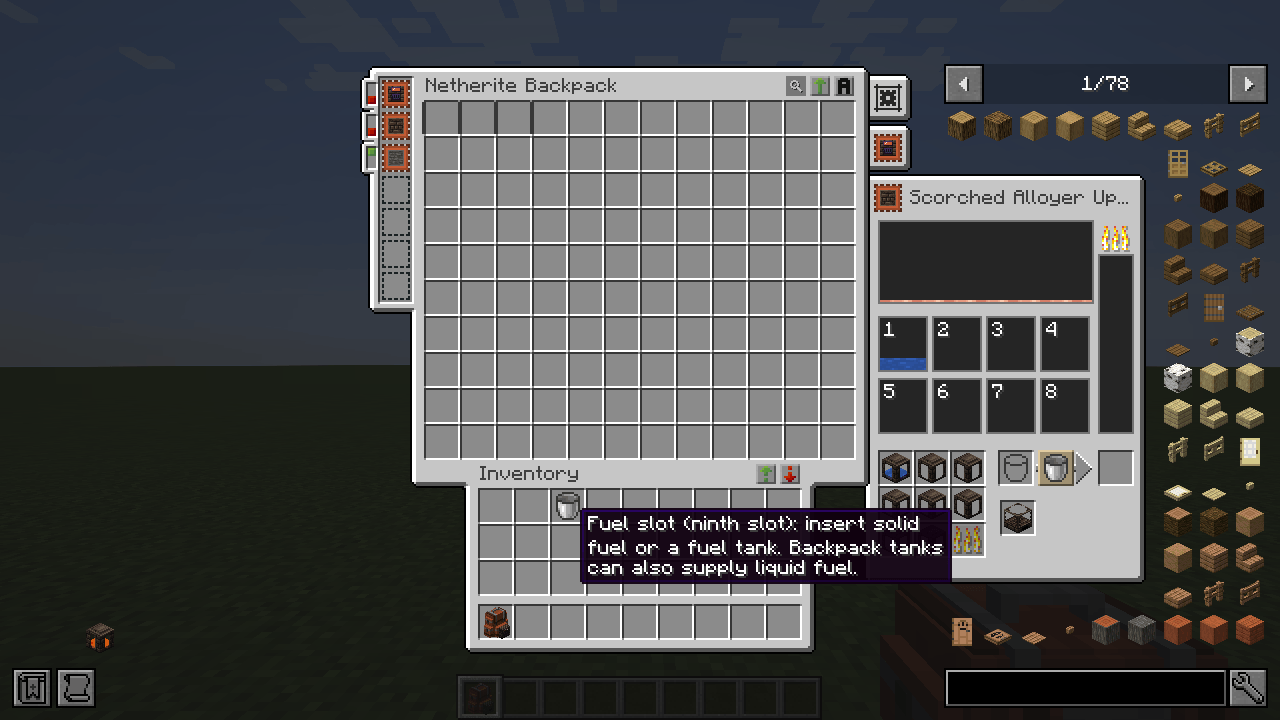 alloyer-fuel.png alloyer-fuel.png
-
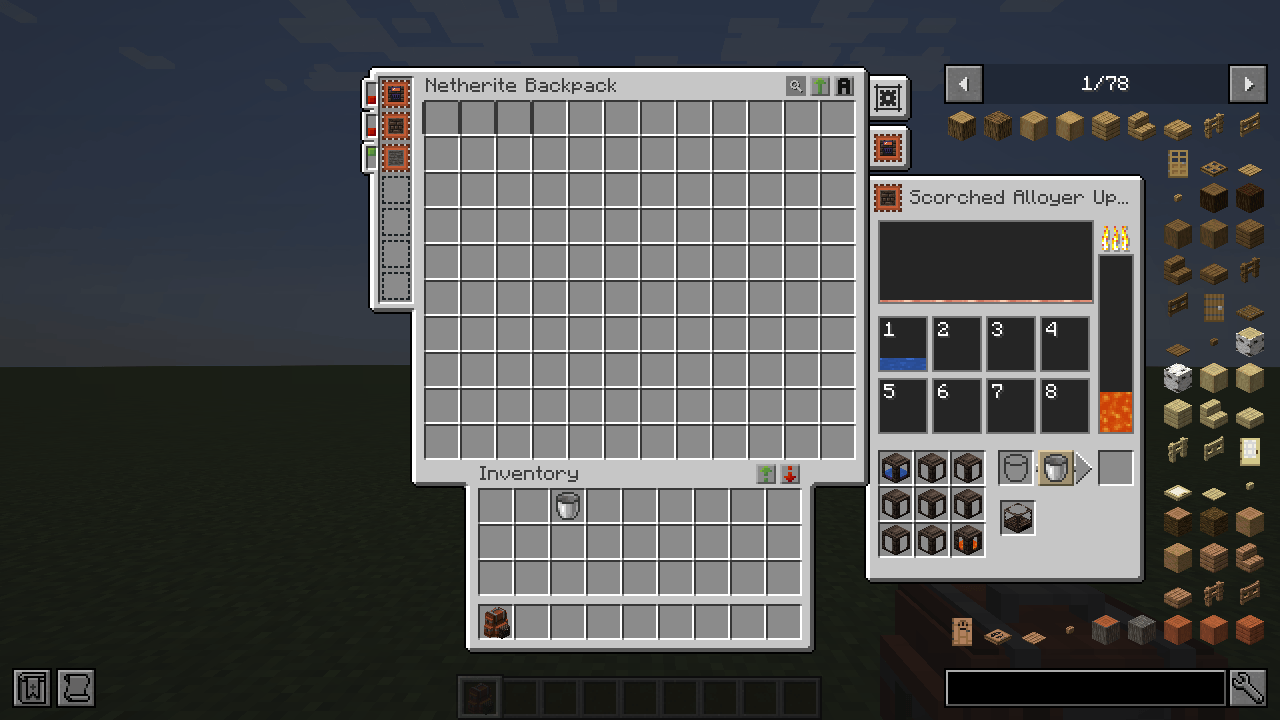 alloyer-paused.png alloyer-paused.png
-
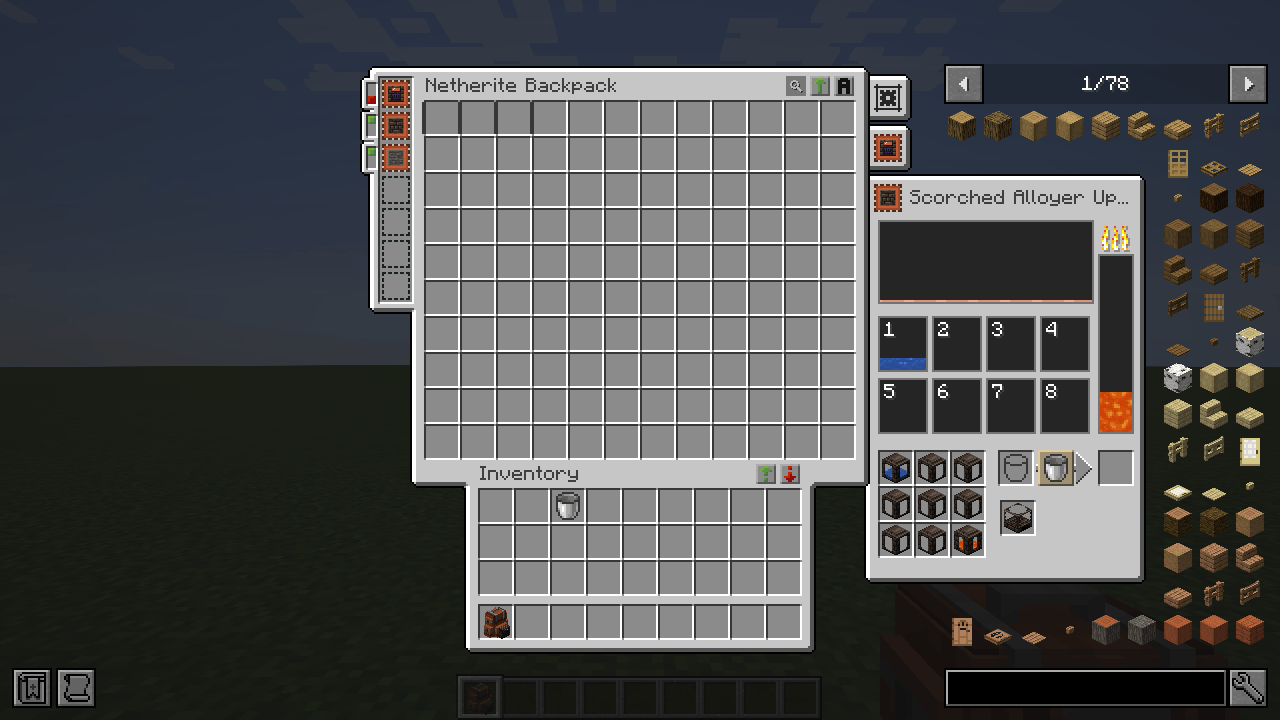 alloyer-running.png alloyer-running.png
-
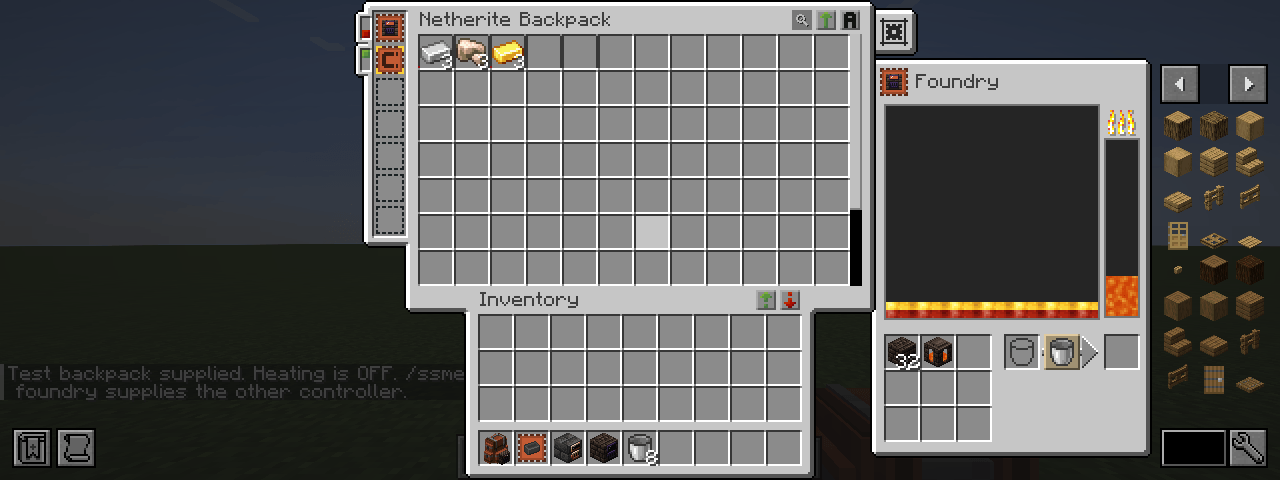 foundry-wide.png foundry-wide.png
-
smeltery-wide.png smeltery-wide.png
-
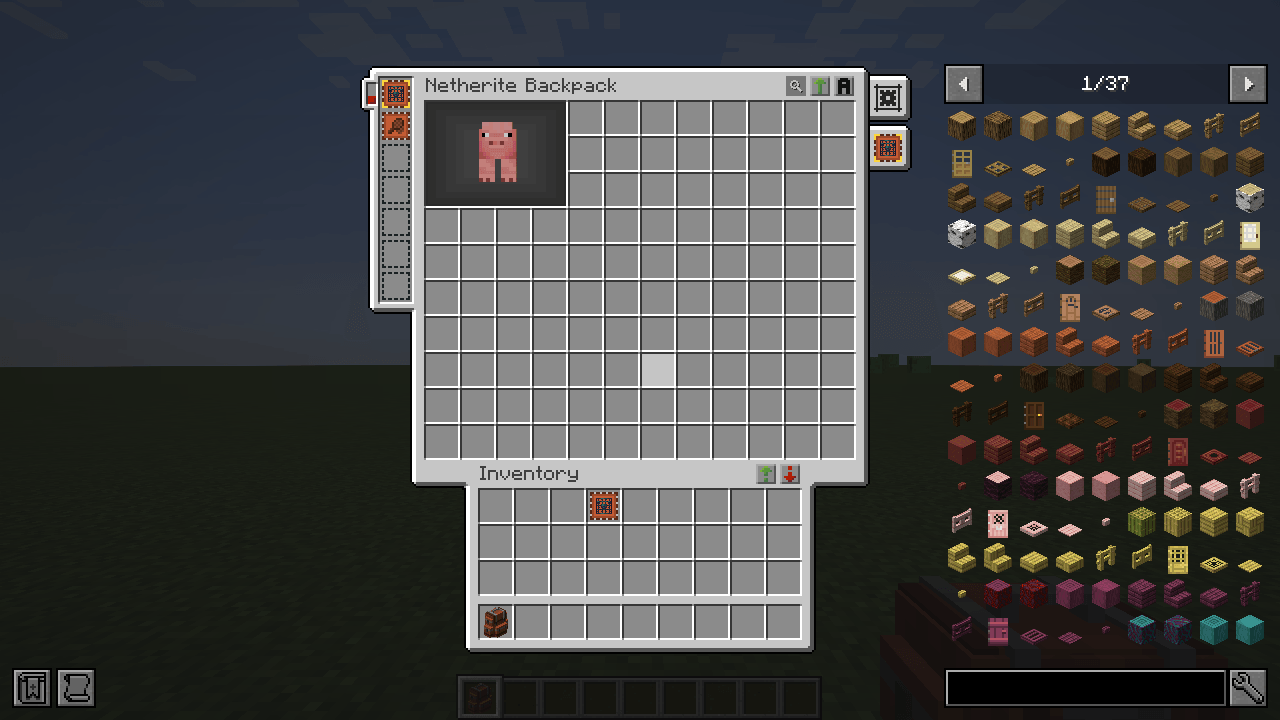 spawner-paused.png spawner-paused.png
-
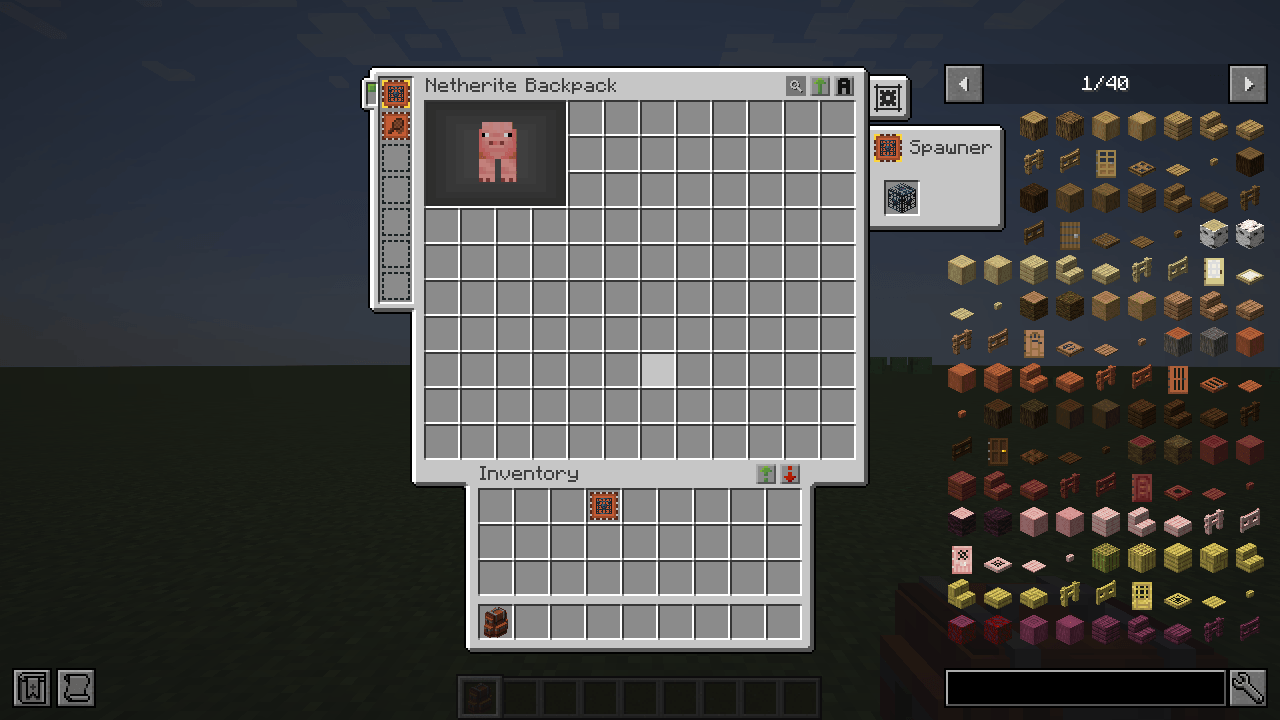 spawner-running.png spawner-running.png
-
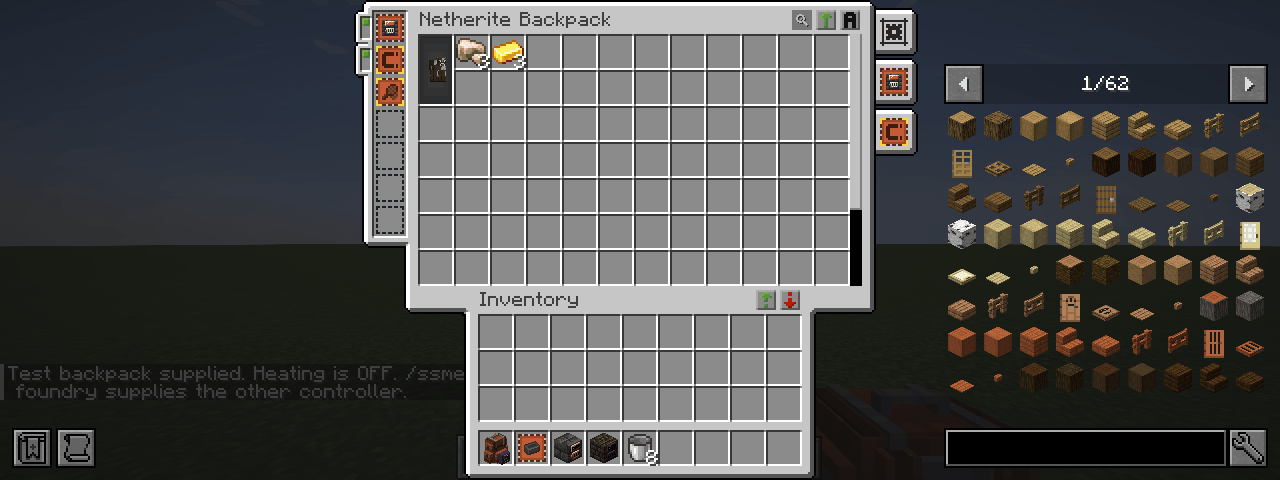 mob-hit-0.png mob-hit-0.png
-
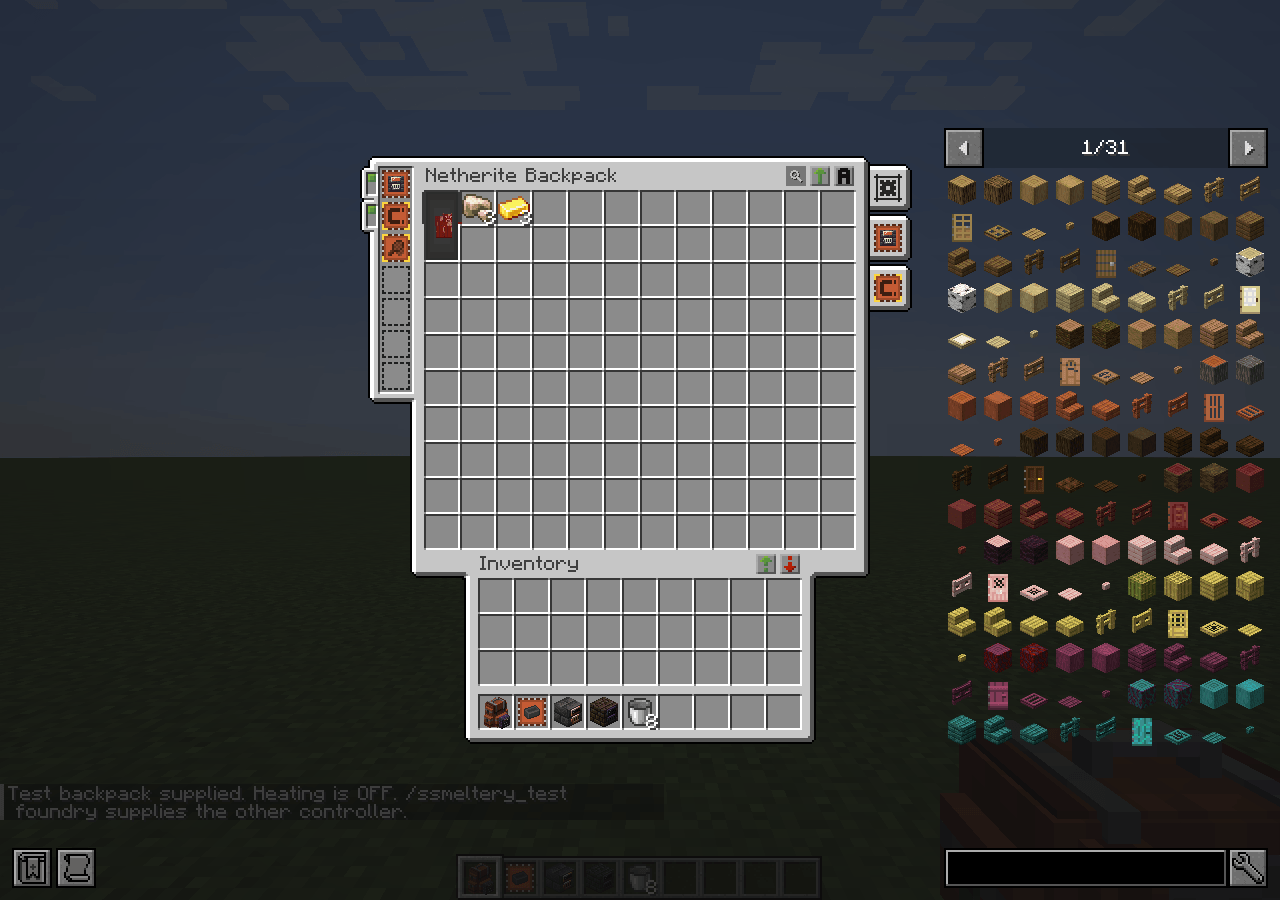 mob-hit-1.png mob-hit-1.png
-
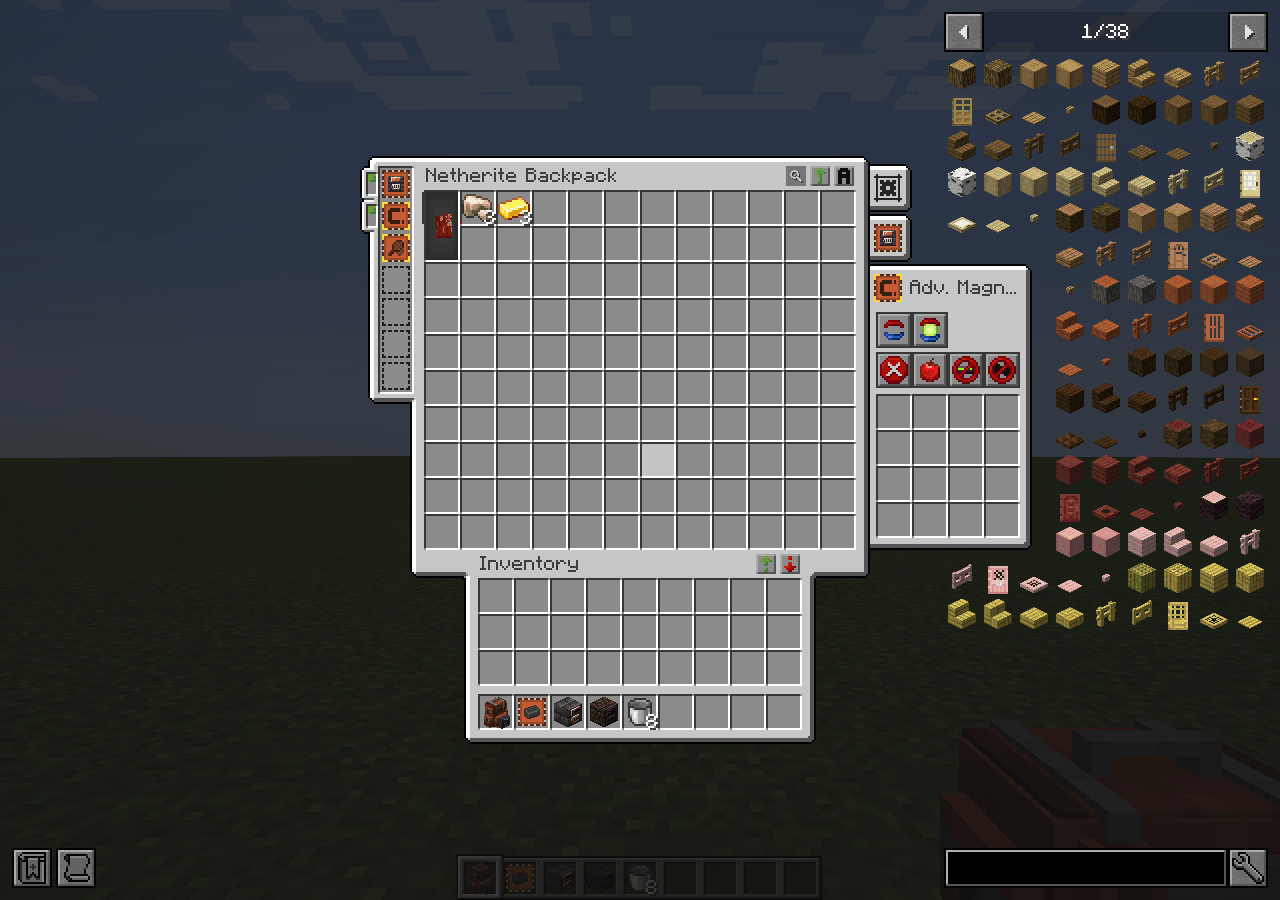 mob-reloaded.png mob-reloaded.png
-
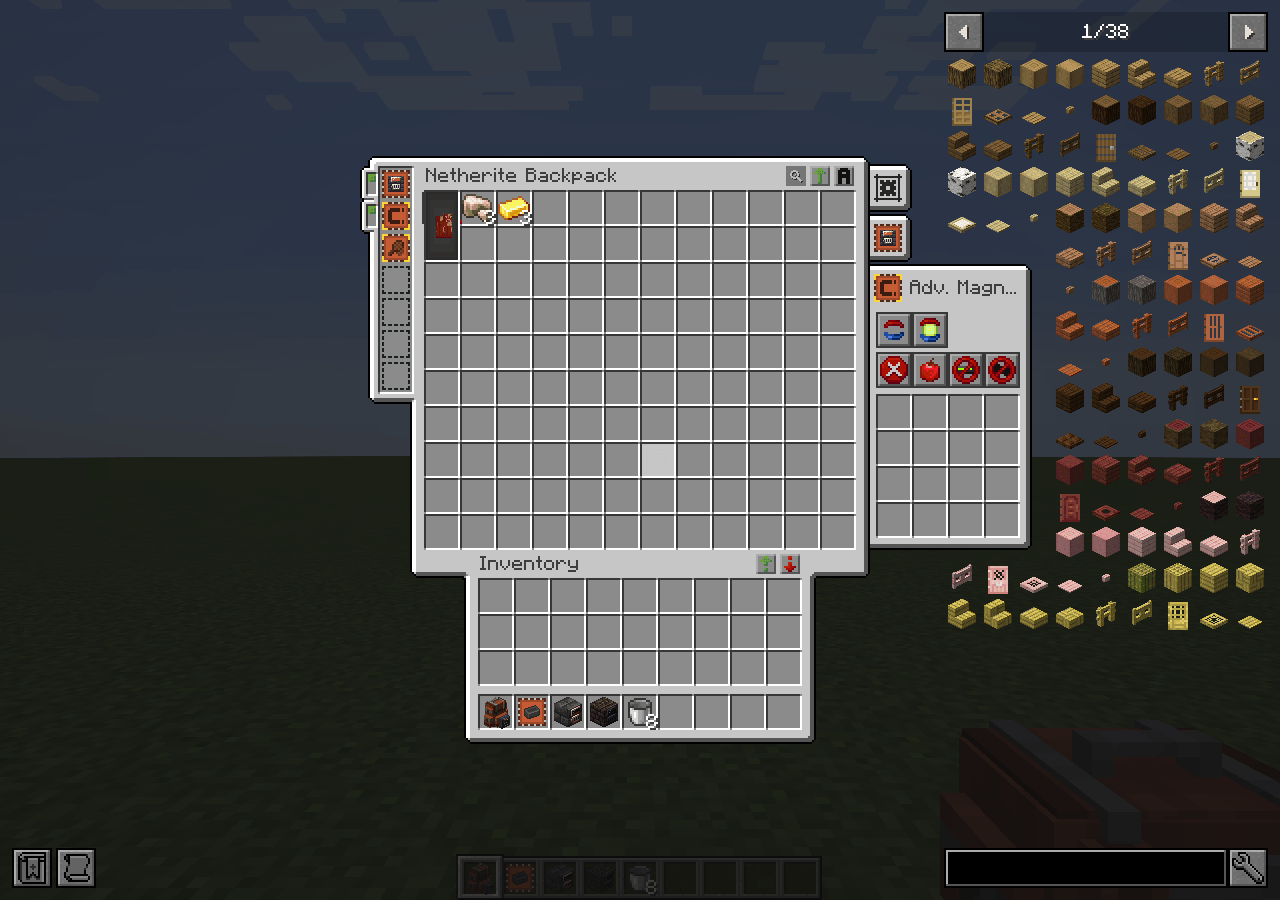 mob-resumed.png mob-resumed.png
-
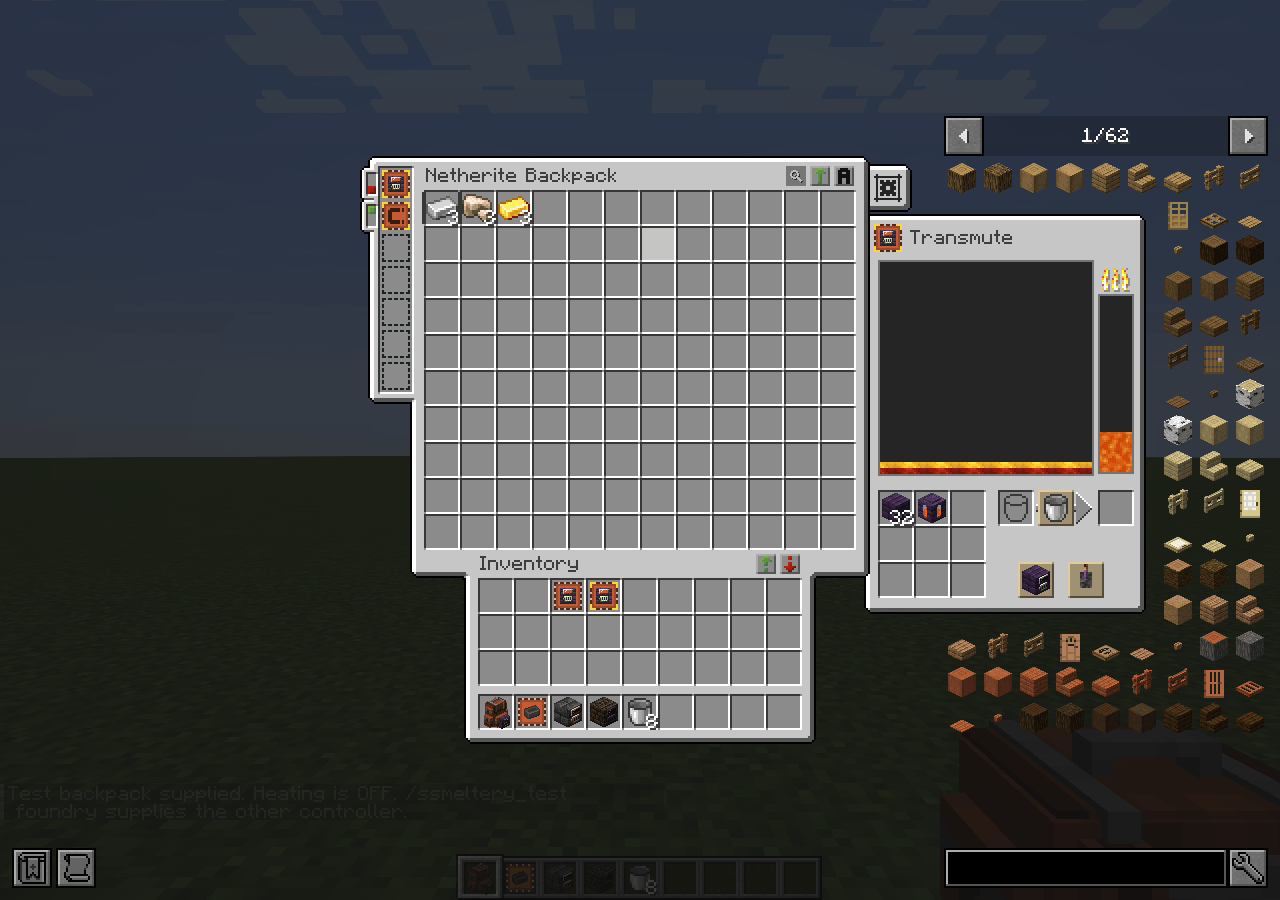 transmute-alloy-off.png transmute-alloy-off.png
-
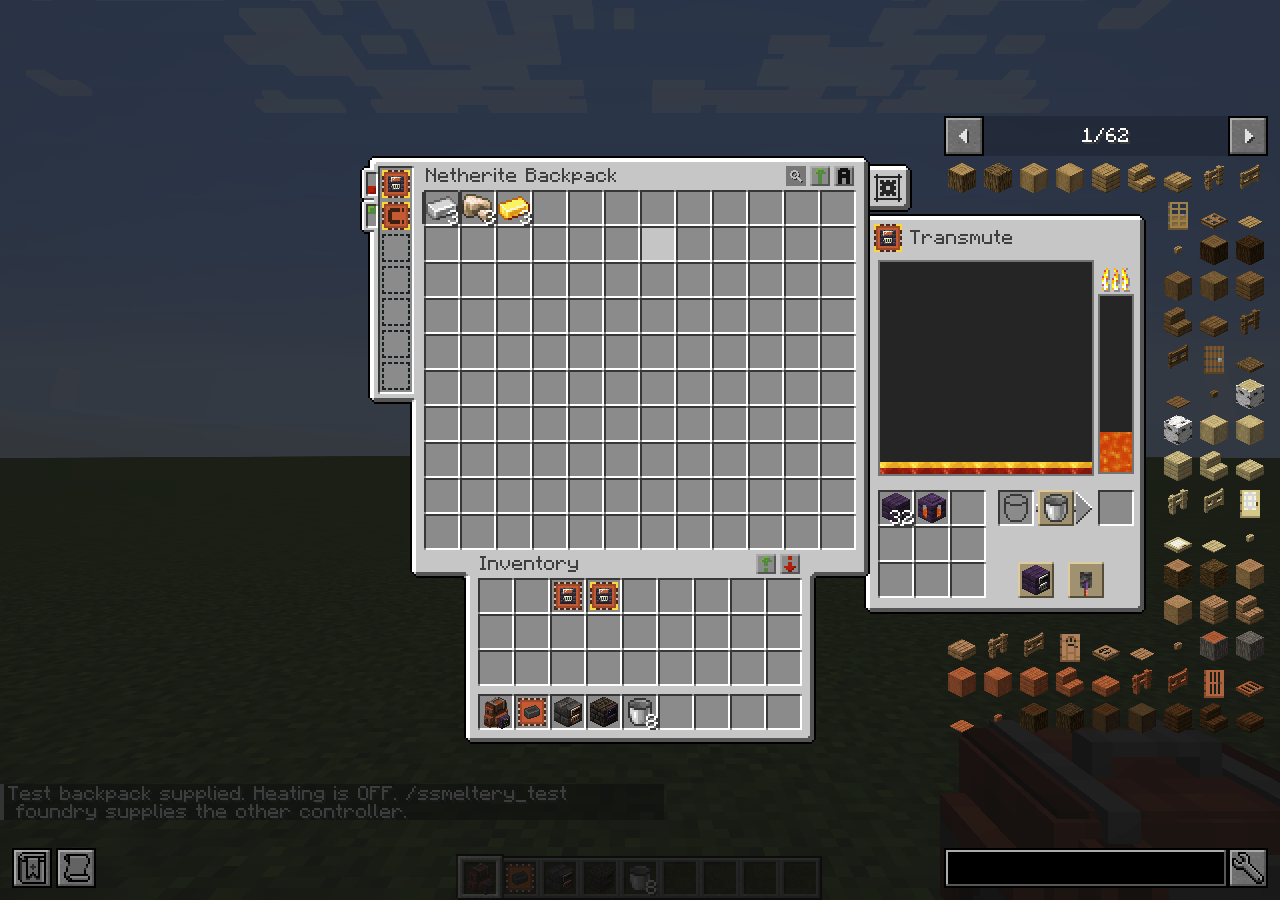 transmute-alloy-on.png transmute-alloy-on.png
-
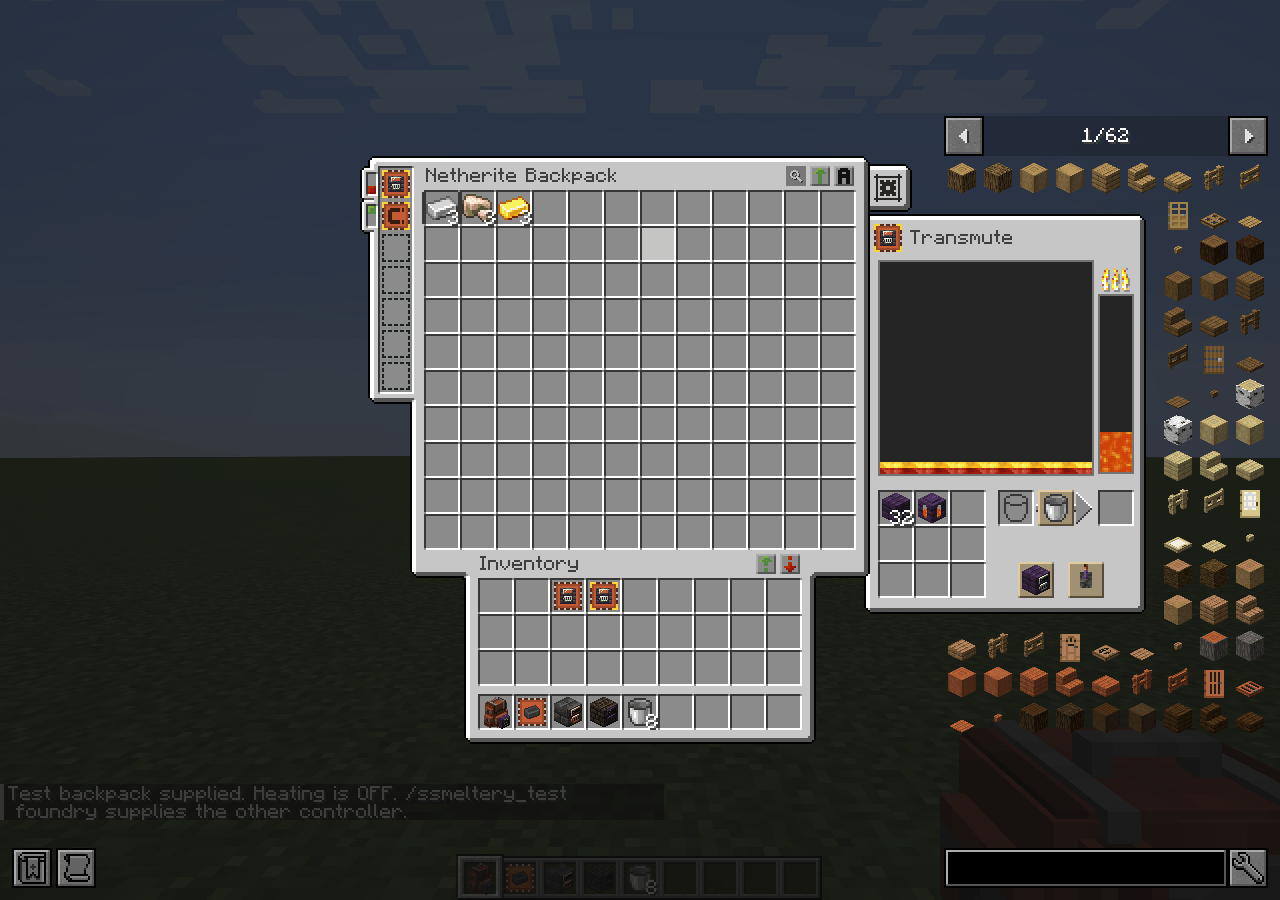 transmute-mode-0.png transmute-mode-0.png
-
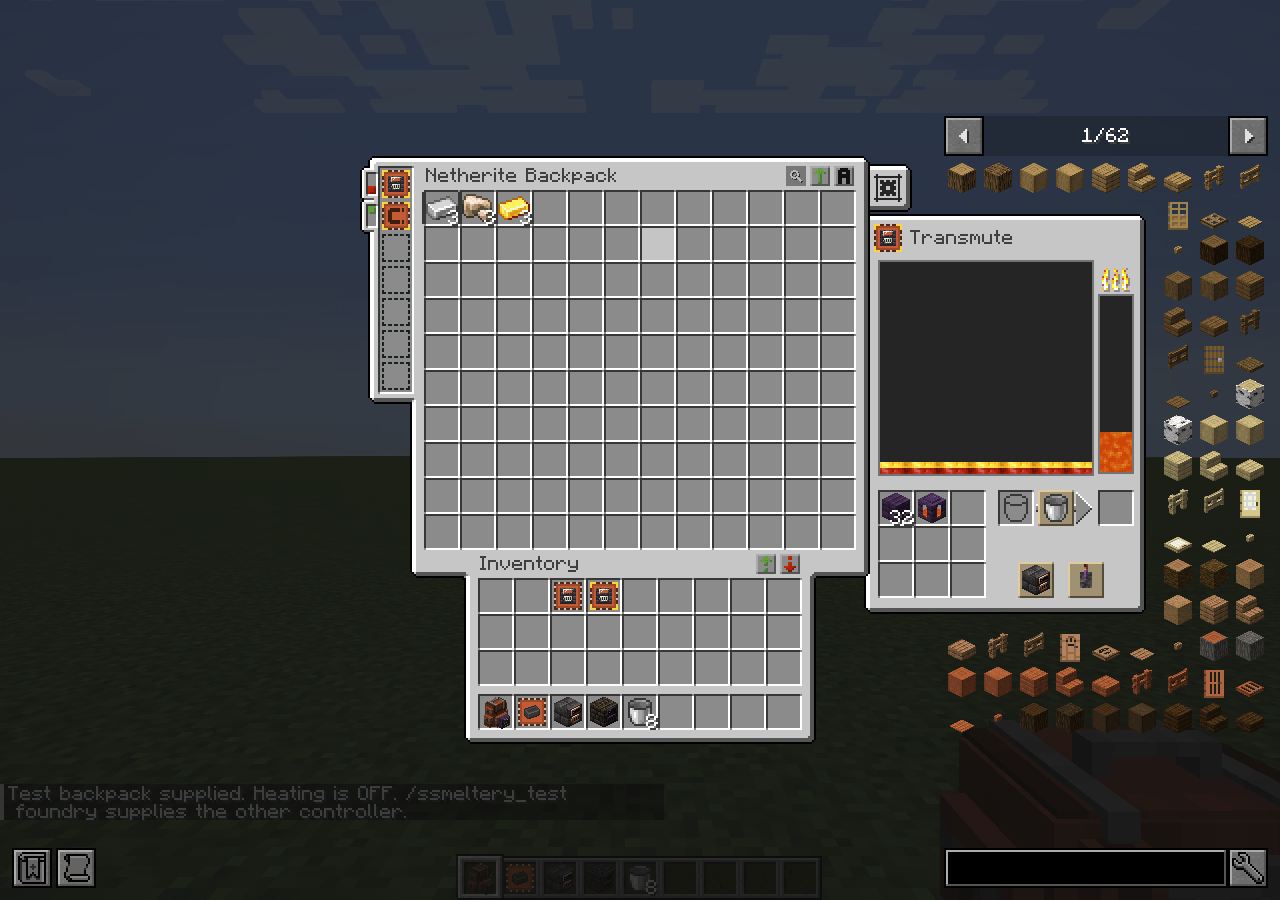 transmute-mode-1.png transmute-mode-1.png
-
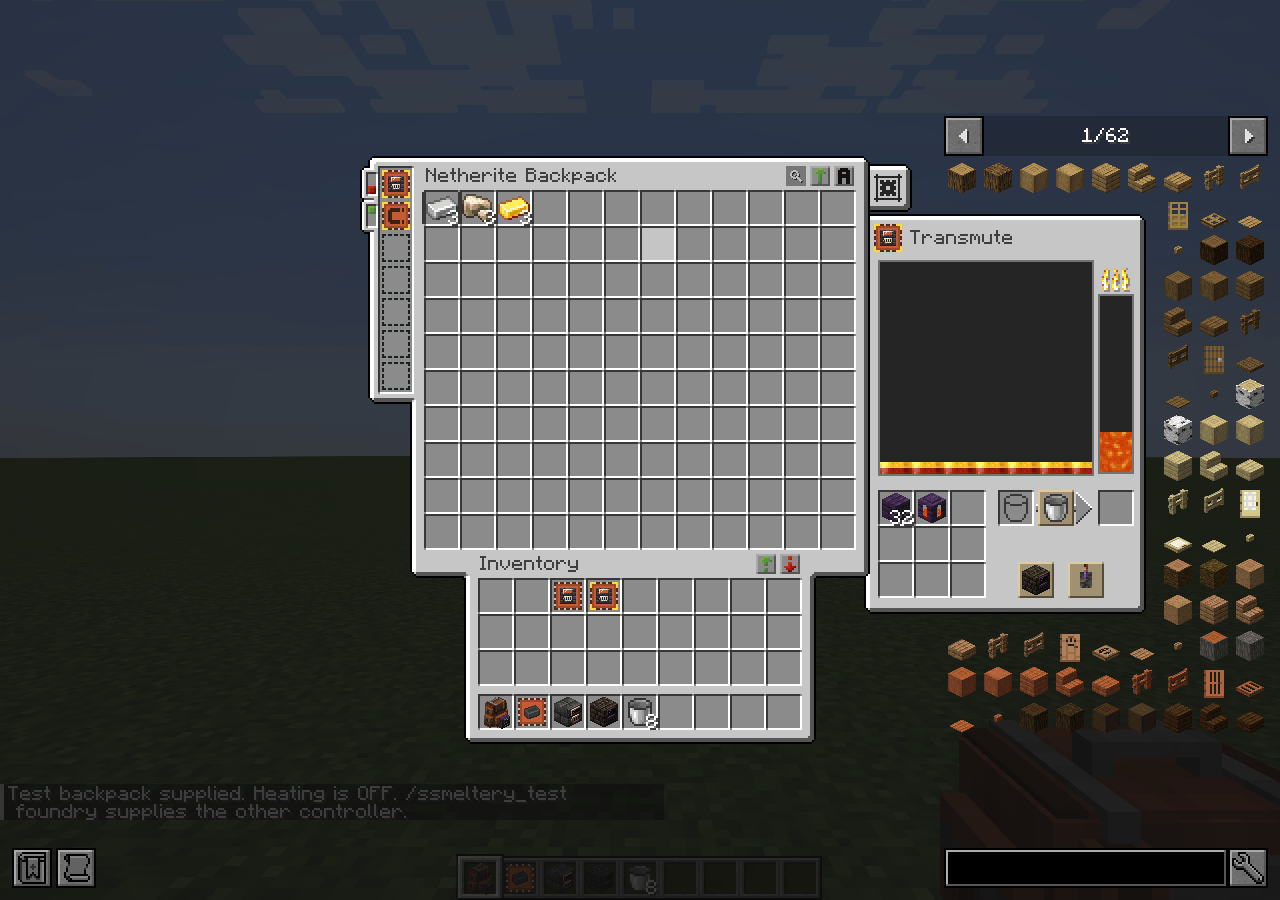 transmute-mode-2.png transmute-mode-2.png
Versions
Files
Relations
Project Relations
More like this
Similar Mods
Suggestions use data such as tags, dependencies, dependents, descriptions, titles, and more to rank how much they overlap with this mod.
On ModDex
Community snapshot
By the numbers
Statistics

Get it on
Available Platforms
On ModDex
Community snapshot
By the numbers
Statistics
Resources