
Community listing page, reviews here may not be monitored by the author.
Spotify Displayer

No reviews yet
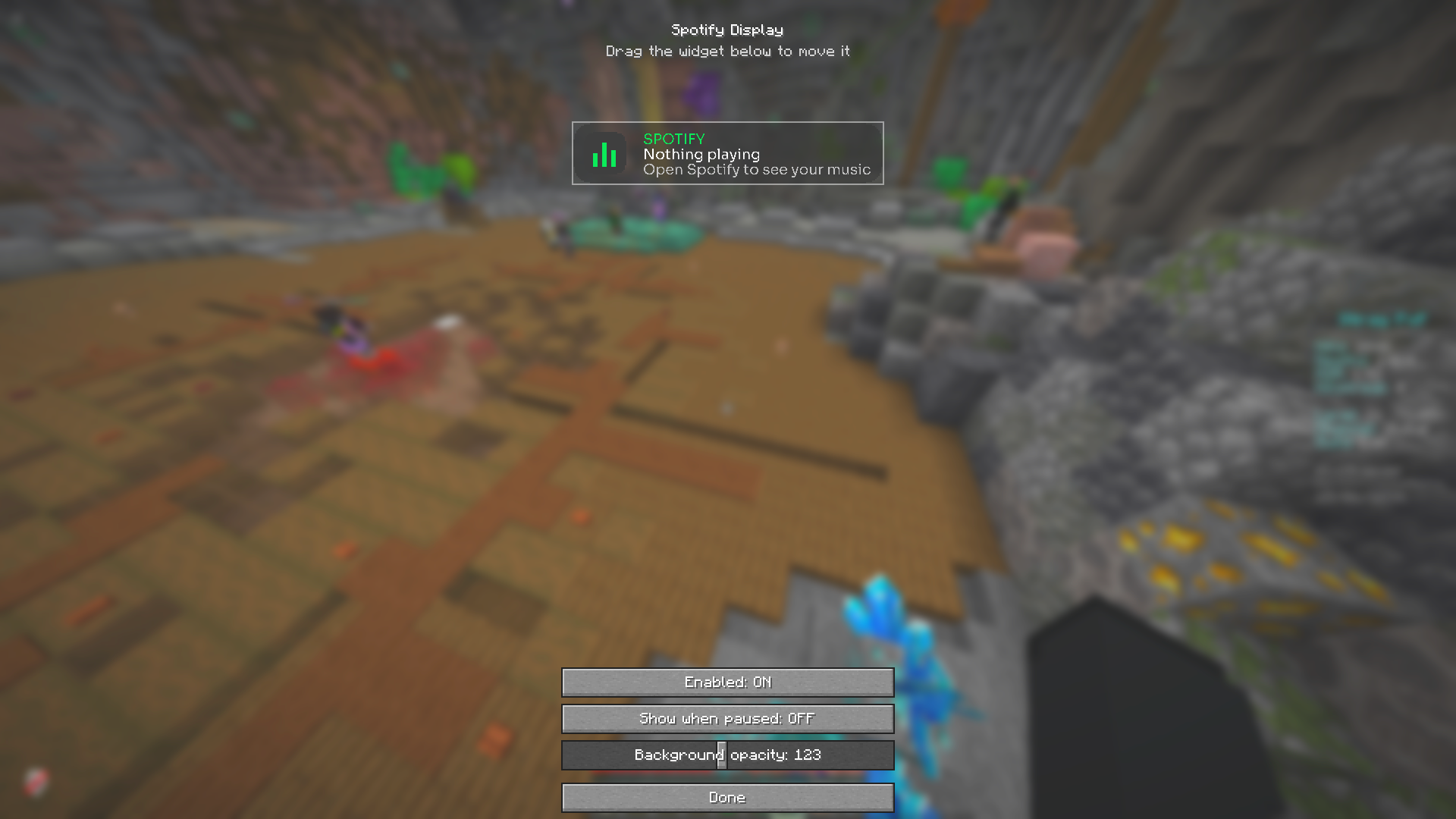
Show the song currently playing in your Spotify desktop app as a sleek, movable in-game HUD — with real album art. No account or login needed.
Community voices
Reviews
No reviews yet. Be the first to review this project!
Get it on
Available Platforms
Compatibility
Supported Environments
Runs entirely on the client. Works on vanilla servers.
About
Project Details
For authors
Embed Badge
If you're the author of this project, you can embed a live badge anywhere that supports HTML or Markdown. It updates automatically whenever ratings change.
Use HTML for any page that supports it, or Markdown for README files and Markdown-based descriptions.
Identifiers
Platform IDs
Resources
External Links
About
Description
Spotify Display
See what's playing on Spotify without ever leaving your game. Spotify Display shows your currently-playing track as a clean, modern HUD — complete with the real album cover, track title, and artist — right on top of your Minecraft screen.
No account, no login, no OAuth. It simply reads your Spotify desktop app locally, so setup is zero: install, play music, done.
✨ Features
- 🎵 Now-playing HUD — artist, song title, and a live NOW PLAYING indicator
- 🖼️ Real album cover — fetched automatically and rendered crisp (pixel-perfect at any size)
- 🎨 Modern design — soft anti-aliased rounded corners, Spotify-green accents, clean custom Sora font
- 🖱️ Fully movable — drag the HUD anywhere on screen
- 📏 Adjustable size — scale the whole widget from 50% to 250%
- 🎚️ Customizable — background opacity, "show when paused", enable/disable
- 🔒 No login required — reads the local Spotify desktop app; no Spotify account, token, or API key
⚙️ How to use
- Install Fabric Loader + Fabric API (and optionally Mod Menu).
- Open the Spotify desktop app and play a song.
- The HUD appears in-game. Open the settings (keybind or Mod Menu) to drag it, resize it, and tweak the look.
📌 Requirements & notes
- Fabric API required · Mod Menu recommended (for the settings screen)
- Client-side only — works on any server, no server install needed
- Reads the Spotify desktop app (currently Windows); idle on other systems
- An internet connection is used only to fetch album art (via the public iTunes artwork lookup)
🧩 Supported versions
1.21 · 1.21.1 · 1.21.4 · 1.21.8 · 1.21.11 · 26.1
Made by x1eqn
Screenshots
Gallery
Versions
Files
Relations
Project Relations
More like this
Similar Mods
Suggestions use data such as tags, dependencies, dependents, descriptions, titles, and more to rank how much they overlap with this mod.
On ModDex
Community snapshot
By the numbers
Statistics

Want to reach Minecraft players?
We're looking for a server hosting partner to feature here and other parts of the site. Interested? Send us a message!
Get in touchGet it on
Available Platforms
On ModDex
Community snapshot
By the numbers
Statistics
Resources