
Community listing page, reviews may not be monitored by the author.
Wireless-Redstone


No reviews yet
Adds a performant wireless redstone system

Community voices
Reviews
No reviews yet. Be the first to review this project!
Get it on
Available Platforms
Compatibility
Supported Environments
Must be installed on both the client and the server.
About
Project Details
For authors
Embed Badge
If you're the author of this project, you can embed a live badge anywhere that supports HTML or Markdown. It updates automatically whenever ratings change.
Use HTML for any page that supports it, or Markdown for README files and Markdown-based descriptions.
Identifiers
Platform IDs
About
Description


Wireless-Redstone is a simple mod to transmit a redstone signal wirelessly. This is especially convenient for large redstone techniques or long distances. The signal is also transmitted in non-loaded chunks!

- transmit a wireless redstone signal
- works also in non-loaded chunks
- with remote activator you can toggle redstone output from everywhere
- with multiemitter you can transmit a wireless signal to multiple acceptors
How to use
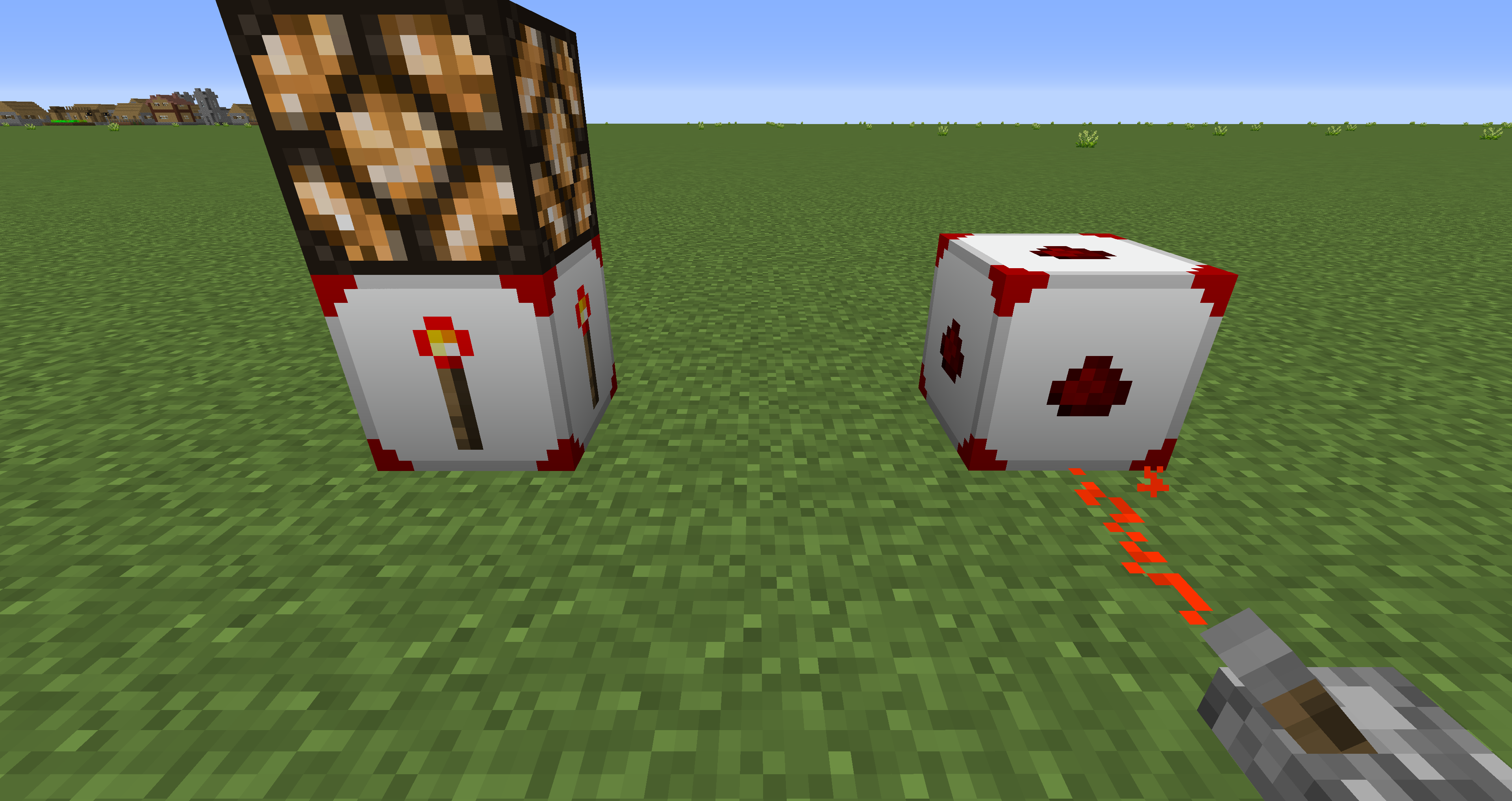
With the WLR Linker you can link a WLR Acceptor with a WLR Emitter. To do this, first right-click on the WLR Acceptor and then on the corresponding WLR Emitter. The emitter is used to send an incoming Redstone signal to the acceptor, which then outputs the signal.

Acceptor

Emitter

Multiemitter

Linker

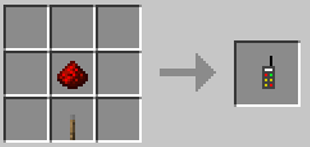
Remote Control

Have a look at our Discord. undefined


Also have a look at our other mods.
Invisible Lights Mod - This mod adds invisible light blocks to help you better illuminate your world.
Open Signal Mod - Open Signals is a Minecraft mod that adds German railroad signals. The signals are compatible with all train mods.

MrTroble – Developer
Jeronimo – Models, textures and development
TimeJudge – Jun. Dev
Description
Wireless-Redstone is a simple mod to transmit a redstone signal wirelessly. This is especially convenient for large redstone techniques or long distances. The signal is also transmitted in non-loaded chunks!
Features
- transmit a wireless redstone signal
- works also in non-loaded chunks
- with remote activator you can toggle redstone output from everywhere
- with multiemitter you can transmit a wireless signal to multiple acceptors
How to use
With the WLR Linker you can link a WLR Acceptor with a WLR Emitter. To do this, first right-click on the WLR Acceptor and then on the corresponding WLR Emitter. The emitter is used to send an incoming Redstone signal to the acceptor, which then outputs the signal.
Screenshots
Gallery
-
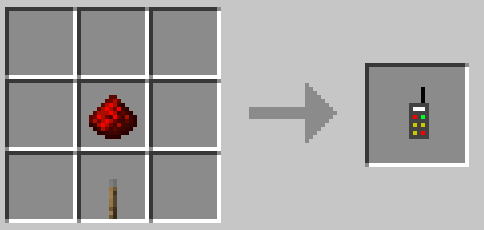 Crafting: Remote Control
 -
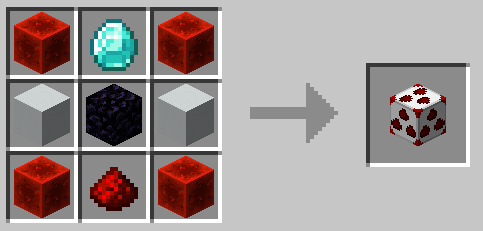 Crafting: Multiemitter
 -
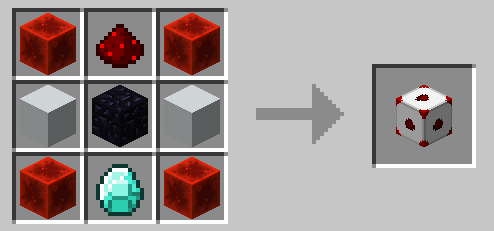 Crafting: Acceptor
 -
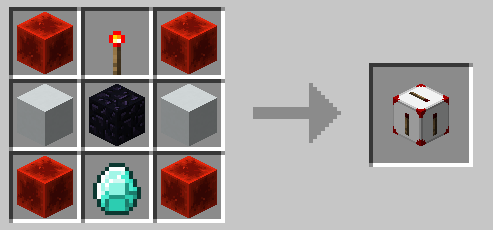 Crafting: Emitter
 -
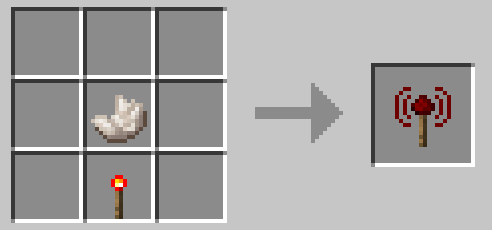 Crafting: Linker
 -
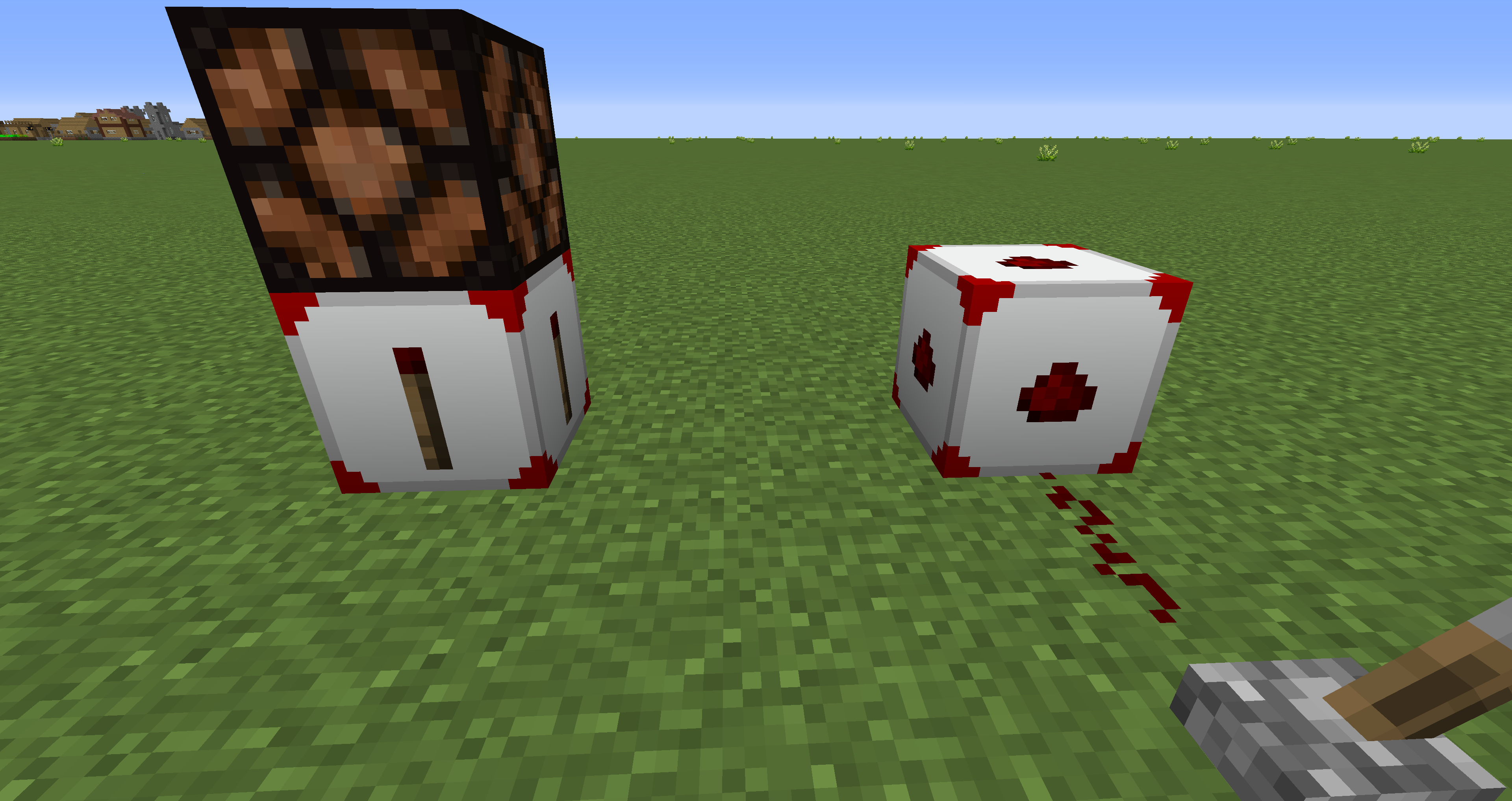 Wireless Redstone
 -
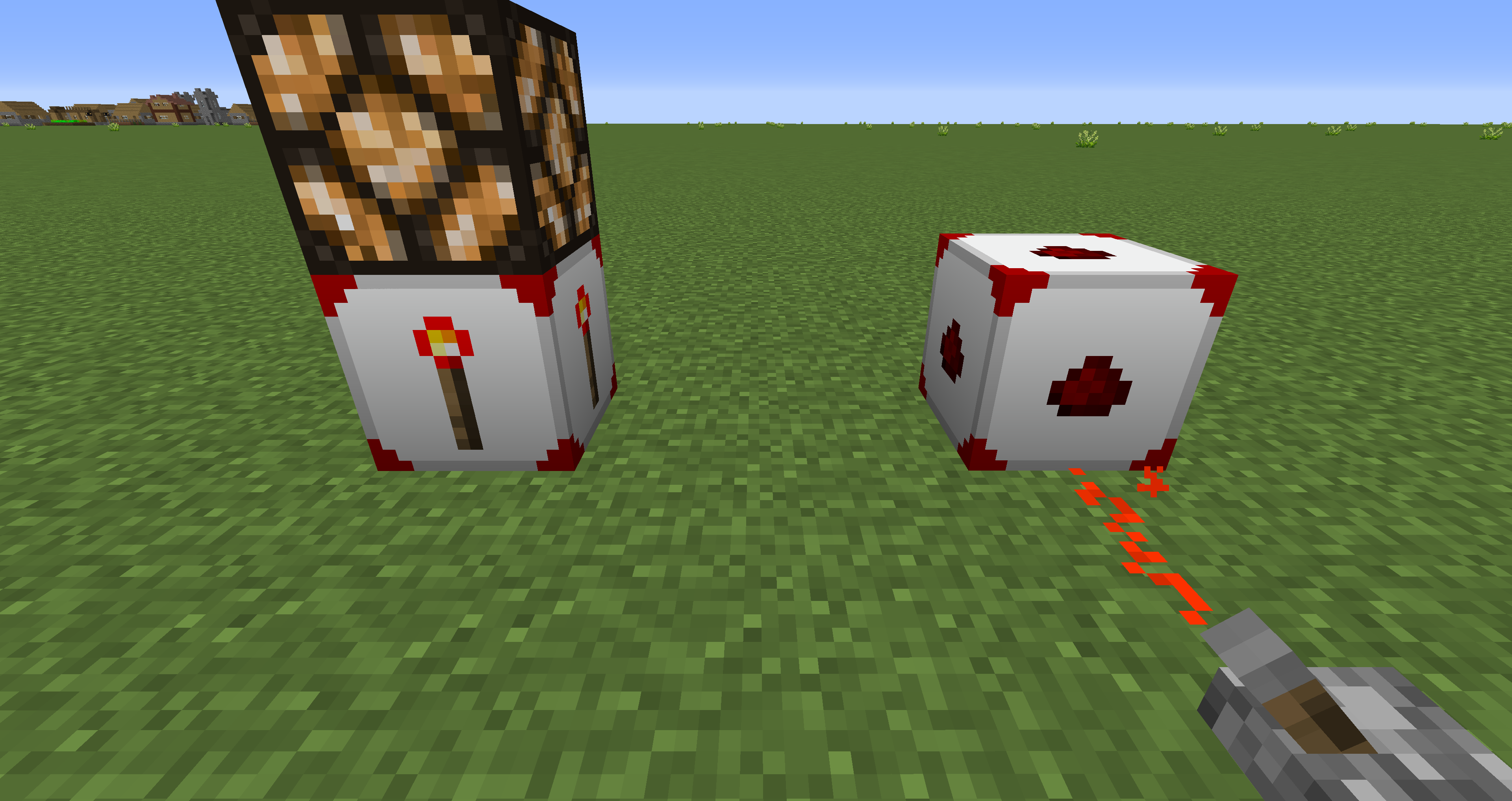 Wireless Redstone
-
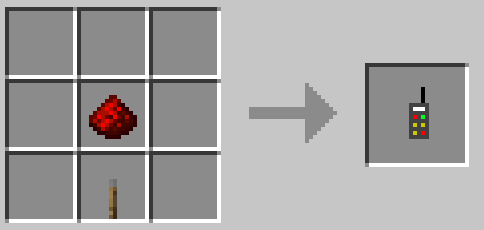 Remote Control
 -
Wireless Redstone
-
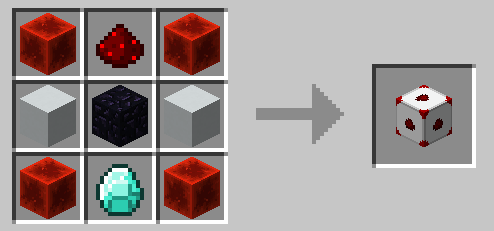 Acceptor
 -
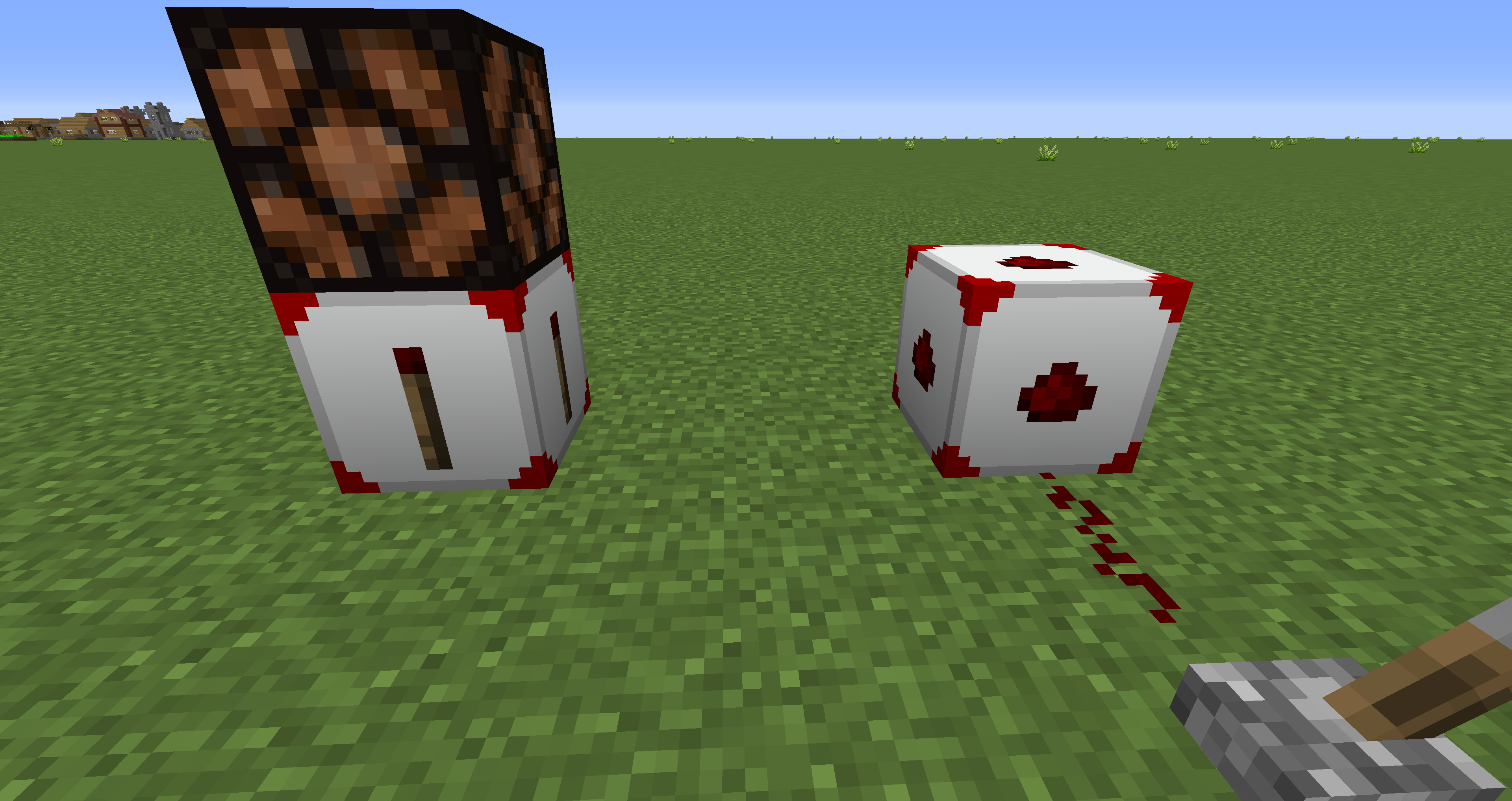 Wireless Redstone
 -
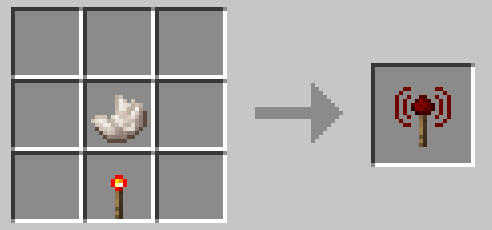 Linker
 -
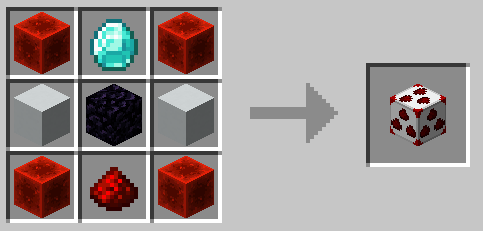 Multiemitter
 -
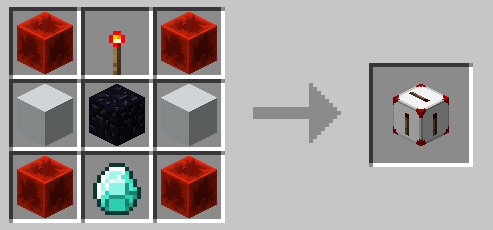 Emitter
Versions
Files
Relations
Project Relations
More like this
Similar Mods
Suggestions use data such as tags, dependencies, dependents, descriptions, titles, and more to rank how much they overlap with this mod.
On ModDex
Community snapshot
By the numbers
Statistics
 (opens in a new tab)
Get it on
Available Platforms
On ModDex
Community snapshot
By the numbers