
Community listing page, reviews here may not be monitored by the author.
Time Loop

No reviews yet
Creates a time loop using the Motion Capture Mod by mt1006.
Community voices
Reviews
No reviews yet. Be the first to review this project!
Get it on
Available Platforms
About
Project Details
For authors
Embed Badge
If you're the author of this project, you can embed a live badge anywhere that supports HTML or Markdown. It updates automatically whenever ratings change.
Use HTML for any page that supports it, or Markdown for README files and Markdown-based descriptions.
Identifiers
Platform IDs
About
Description
Time Loop



A mod that 'loops' time by using the Motion Capture Mod. Motion Capture mod by mt1006. Inspired by this Tombino video. Original datapack by Penguin Mafia.
Installation
Requires Motion Capture Mod 1.4-alpha-10
The mod works in singleplayer and multiplayer.
Usage
Simply use commands to configure the loop.
/loop
start- Start the loop.skip- Skip the loop and advance to the next iteration.stop- Stop the loop.reset- Reset the loop and go back to the first recording. This doesn't delete the recordings as of yet but it's being worked on.status- Shows the status of the loop in chat.- settings
maxLoops [disabled]- Sets the maximum amount of loops.loopType [duration] [5mins]- Sets the type of loop.modifyPlayer [target_player] [nickname] [skin_from_file|skin_from_name|skin_from_mineskin] [skin]- Changes a looped player's nickname and skin.setRewindType [none]- Sets the rewind type.- toggles
trackTimeOfDay [false]- Toggles tracking the time of day during loops.trackItems [true]- Toggles tracking dropped items during loops.trackInventory [false]- Toggles tracking the player's inventory during loops.showLoopInfo [true]- Toggles a bar at the top of the screen showing the amount of ticks/time left until the next loop.displayTimeInTicks [false]- Displays the ticks instead of HH:MM:SS on the info bar.trackChat [true]- Toggles tracking chat during loops.hurtLoopedPlayers [false]- Toggles being able to hit looped players.
- voice (Requires simple voice chat to be installed)
trackVoice [true]- Toggles tracking simple voice chat during loops.showPlayerVoiceIcon [true]- Toggles whether or not to show the speaking icon for looped players.
Loop Types
manual➔ Only loops when you use theskipcommandduration x➔ Loops every x. Defaults to 5 minutes (6000 ticks)time_of_day x➔ Loops when the time reaches the set time of day, x. Defaults to 13000sleep➔ Loops when a player sleepsdeath➔ Loops when a player dies
Rewind Types
none➔ Doesn't rewindstart_position➔ Rewinds players to their position when the loop startedjoin_position➔ Rewinds players to their position when they joinedspawn_position➔ Rewinds players to the world's spawn position
Max Loops Types
disabled➔ Disables the settingstop_loop➔ Stops the loop after x loopskeep_newest➔ Keeps the newest x loopskeep_newest_delete➔ Keeps the newest x loops and deletes their recording files
Skin Types
skin_from_name [x]➔ Sets the skin from the given name, x. If no name is given, it defaults to the player's name.skin_from_mineskin x➔ Sets the skin from the given url, xskin_from_file x➔ Sets the skin from the file x. Skin location is:saves/<World name here>/mocap_files/skins/
Support
If you need help or encounter an issue, don't hesitate to ask someone in the discord: https://discord.gg/nzDETZhqur
Screenshots
Gallery
-
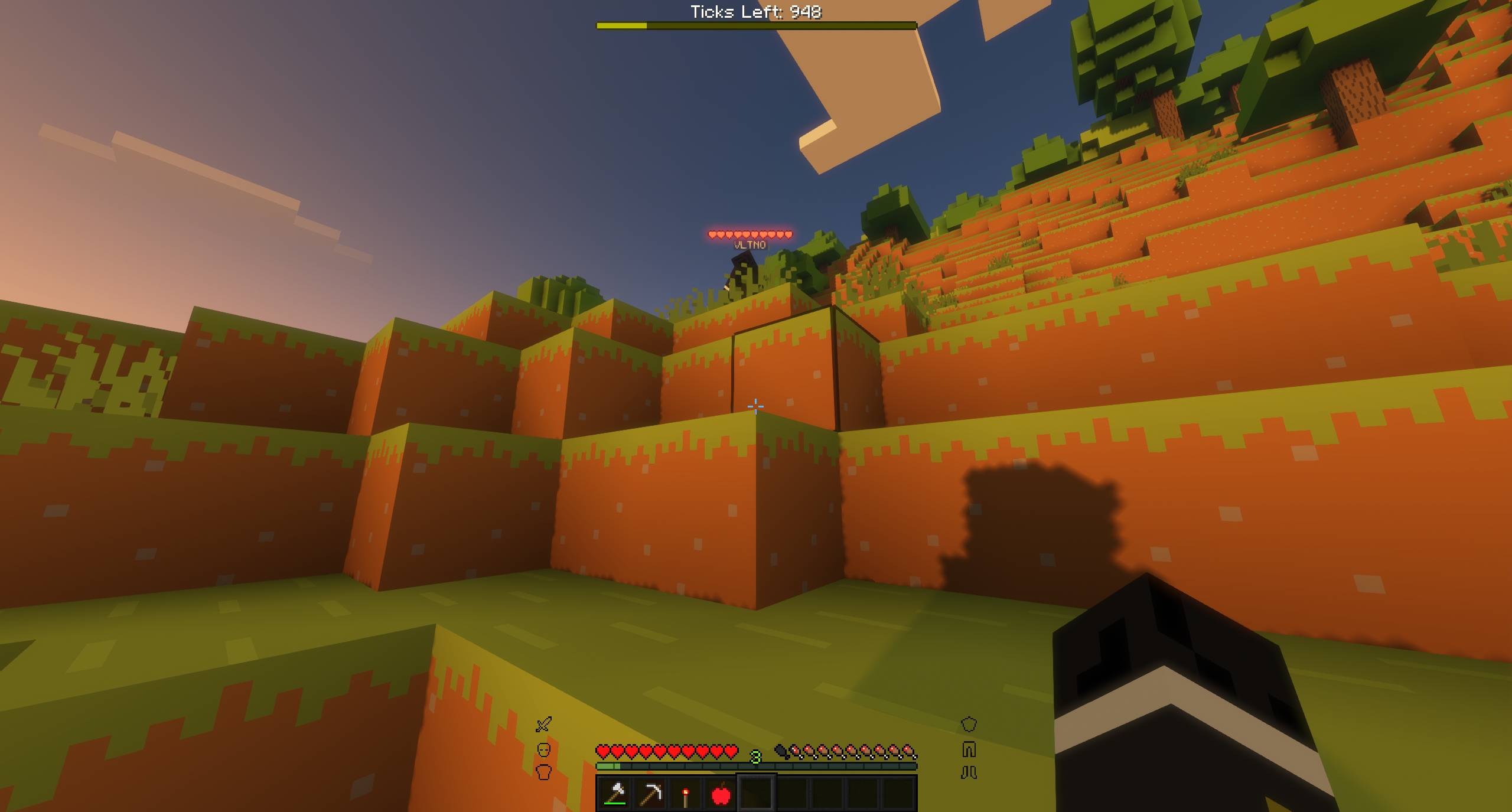 4.jpeg 4.jpeg
 -
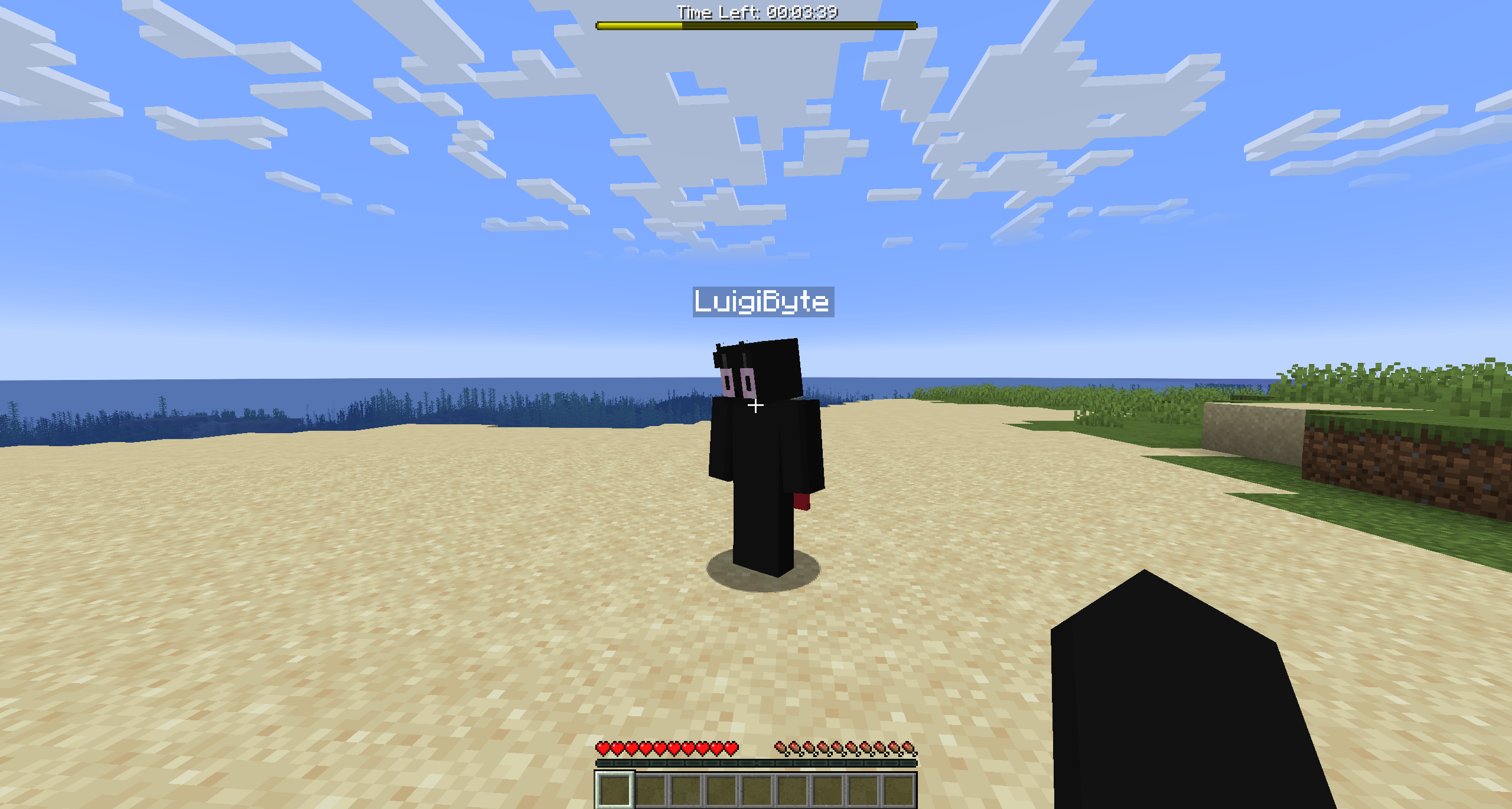 3.png 3.png
 -
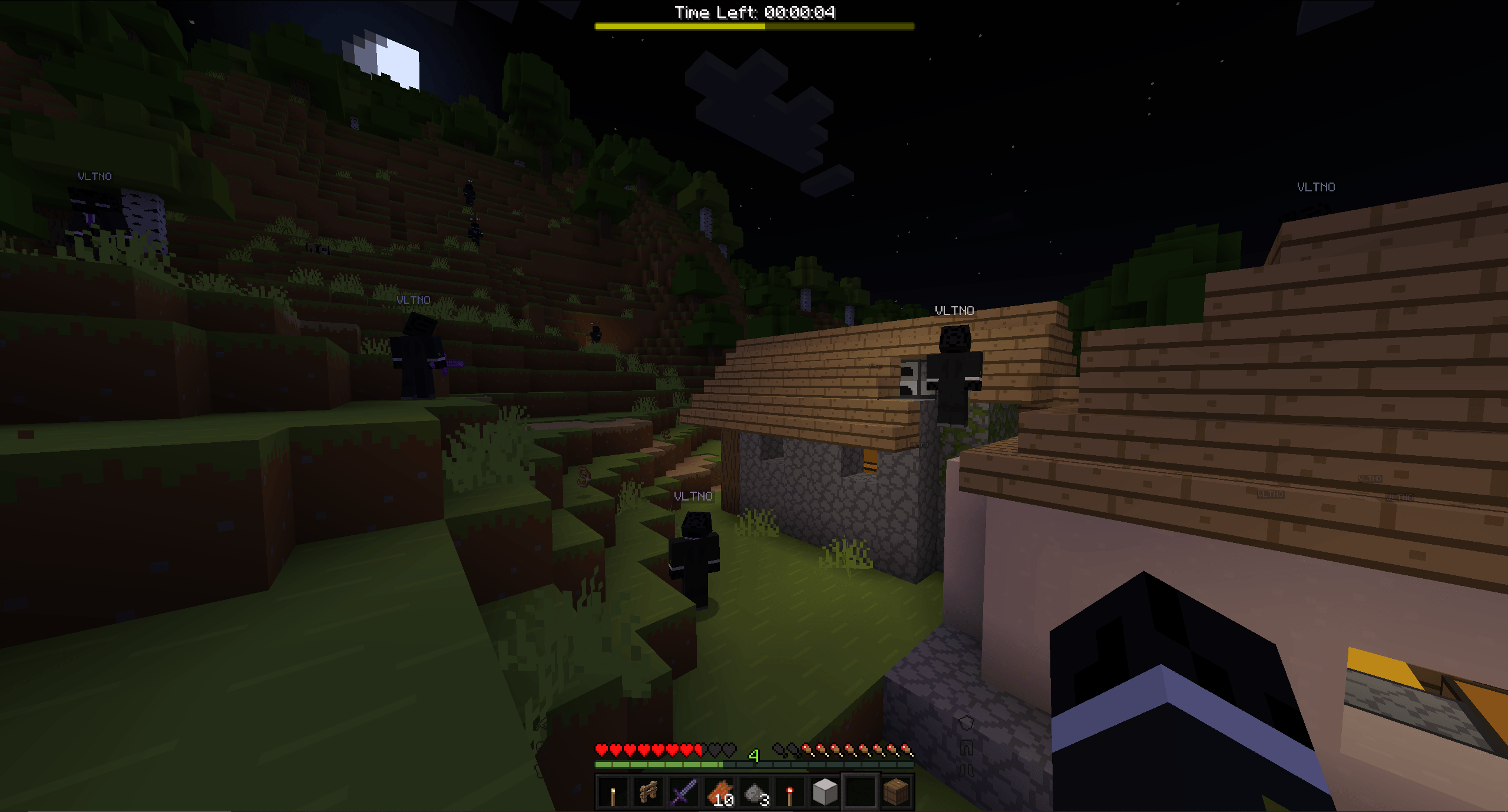 2.png 2.png
 -
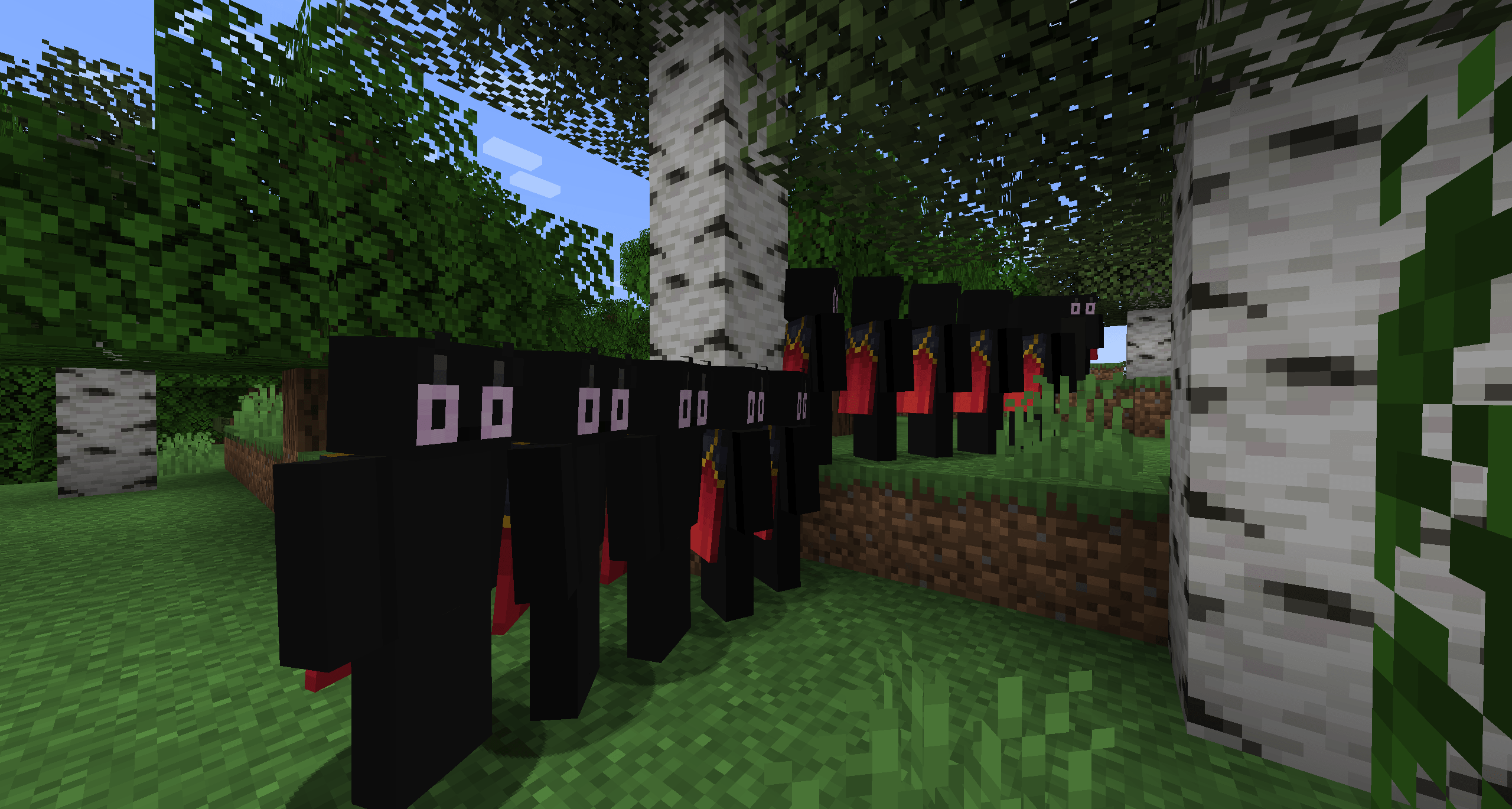 1.png 1.png
Versions
Files
Relations
Project Relations
More like this
Similar Mods
Suggestions use data such as tags, dependencies, dependents, descriptions, titles, and more to rank how much they overlap with this mod.
On ModDex
Community snapshot
By the numbers
Statistics
Want to reach Minecraft players?
We're looking for a server hosting partner to feature here and other parts of the site. Interested? Send us a message!
Get in touchGet it on
Available Platforms
On ModDex
Community snapshot
By the numbers