
Community listing page, reviews here may not be monitored by the author.
TMwU Review


No reviews yet
Template Menu with Unicode Review (TMwU Review) for TMwU.
Community voices
Reviews
No reviews yet. Be the first to review this project!
Get it on
Available Platforms
Compatibility
Supported Environments
Runs entirely on the server. Also works in singleplayer.
About
Project Details
For authors
Embed Badge
If you're the author of this project, you can embed a live badge anywhere that supports HTML or Markdown. It updates automatically whenever ratings change.
Use HTML for any page that supports it, or Markdown for README files and Markdown-based descriptions.
Identifiers
Platform IDs
Resources
External Links
About
Description
TMwU Review
To preview the textures included in the TMwU Resource Pack, use one of the following commands:
/function tmwu:54x /function tmwu:27x
Choose the command corresponding to the texture preview you wish to display.
Template Menu with Unicode (TMwU)
A resource pack created specifically for servers that need to visually customize their menus without the need to install extra plugins.
README
TMwU pack
This resource pack is designed to customize the appearance of inventory-based menus. It does NOT create custom menus or provide any functionality by itself.
IMPORTANT
For the best experience, it is highly recommended to use this template together with plugins, mods, or datapacks that support custom inventory menus (GUI systems).
This resource pack only changes the visual appearance of menus.
The included template is intended to make creating custom menu textures as simple as possible while remaining easy to integrate into existing projects.
== FEATURES ==
• Easy-to-use template for custom inventory menu textures. • Supports both 27-slot and 54-slot container menus. • Simple Unicode-based texture registration. • Fully customizable textures. • Compatible with Minecraft 1.21.4 and newer.
== PREVIEWING MENU TEXTURES ==
27-Slot Chest
Run the following command in chat:
/give @p minecraft:chest[minecraft:custom_name={"text":"\uE200\uE201","color":"white","italic":false}]
This gives you a chest using the default 27-slot menu texture.
54-Slot Double Chest
Run the following command in chat:
/give @p minecraft:chest[minecraft:custom_name={"text":"\uE100\uE000","color":"white","italic":false}] 2
Place two chests next to each other so they combine into a double chest.
==ADDING YOUR OWN MENU TEXTURES==
- Create your texture inside:
minecraft/textures/tmwu/menu
- Give the texture an English file name.
Recommendations:
- Use only letters and numbers.
- Do not use spaces.
- Avoid underscores whenever possible.
- Open the following file:
minecraft/font/default.json
You can edit it with any code editor. Visual Studio Code (VSCode) is recommended.
== BASIC EXAMPLE ==
{ "providers": [ { "type": "space", "advances": { "\uE100": -48 } }, { "type": "bitmap", "file": "minecraft:tmwu/menu/template.png", "ascent": 46, "height": 256, "chars": [ "\uE000" ] } ] }
Explanation:
- "advances" controls the horizontal offset.
- "ascent" controls the vertical position.
- "height" controls the rendered size.
- "file" specifies which texture is used.
- "chars" assigns the Unicode character to that texture.
==CREATING A NEW UNICODE CHARACTER==
Copy the bitmap section above.
Change the Unicode value.
Example:
From: "\uE000"
To: "\uE523"
IMPORTANT
Every Unicode value must be unique. Never reuse a Unicode character that has already been assigned to another texture.
After changing the Unicode value, duplicate the bitmap entry and edit the file path to point to your new texture.
Example:
{ "type": "bitmap", "file": "minecraft:tmwu/menu/my_menu.png", "ascent": 46, "height": 256, "chars": [ "\uE523" ] }
== USING YOUR NEW TEXTURE ==
If you use the included spacing characters, your command will look like this:
/give @p minecraft:chest[minecraft:custom_name={"text":"\uE100\uE523","color":"white","italic":false}] 2
In this command:
\uE100 = horizontal spacing character.
\uE523 = your custom texture.
Support
If you run into any difficulties configuring the template, please feel free to ask for help on our Discord server. Select the "TMwU" tag, head over to the "questions-about-tmwu" thread, and describe your problem in detail. If necessary, you can attach any configuration or visual component files needed to help resolve the issue.
TMwU Review
To preview the textures included in the TMwU Resource Pack, use one of the following commands:
/function tmwu:54x /function tmwu:27x
Choose the command corresponding to the texture preview you wish to display.
Screenshots
Gallery
-
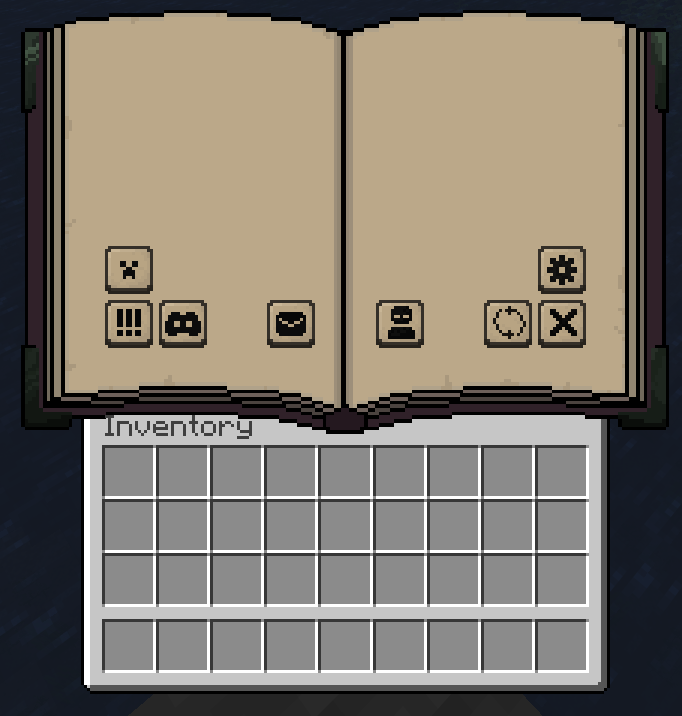 v1.0 - Usage Example (54-Slot)
 -
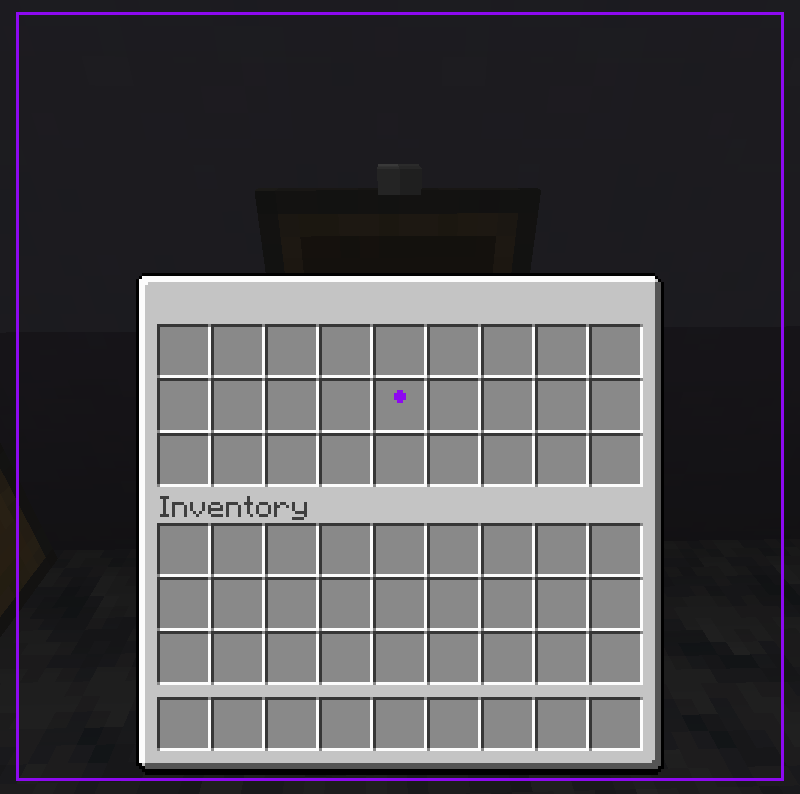 v1.0 - 27-Slot Template Overview
 -
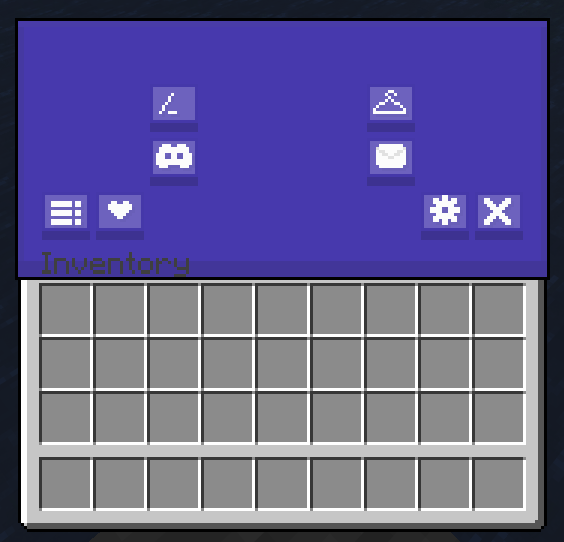 v1.0 - Usage Example (27-Slot)
 -
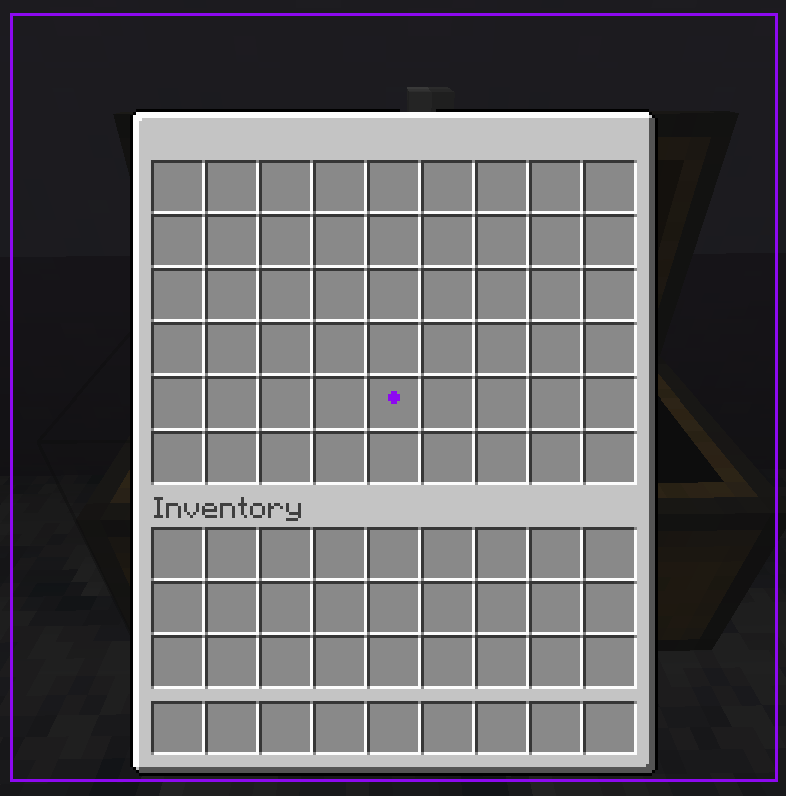 v1.0 - 54-Slot Template Overview
Versions
Files
Relations
Project Relations
More like this
Similar Mods
Suggestions use data such as tags, dependencies, dependents, descriptions, titles, and more to rank how much they overlap with this mod.
On ModDex
Community snapshot
By the numbers
Statistics
Want to reach Minecraft players?
We're looking for a server hosting partner to feature here and other parts of the site. Interested? Send us a message!
Get in touchGet it on
Available Platforms
On ModDex
Community snapshot
By the numbers
Statistics
Resources