
Community listing page, reviews here may not be monitored by the author.
TNTTime


No reviews yet
Display time left to the TNT explosion!

Community voices
Reviews
No reviews yet. Be the first to review this project!
Get it on
Available Platforms
Compatibility
Supported Environments
Runs entirely on the client. Works on vanilla servers.
About
Project Details
For authors
Embed Badge
If you're the author of this project, you can embed a live badge anywhere that supports HTML or Markdown. It updates automatically whenever ratings change.
Use HTML for any page that supports it, or Markdown for README files and Markdown-based descriptions.
Identifiers
Platform IDs
About
Description
TNTTime
Displays time left to the TNT explosion above primed TNT. No complex configuration, lightweight mod that does a thing!
Fabric API is not required.
Issues, suggestions
Also on Modrinth
Secrets
- Known incopatibilities may be the ones that modify Minecraft FontRenderer, EntityRenderer or DataTracker in harmful ways.
- You can change the display of the text between color and non-color, by changing "Chat Colors" option.
Images
TNTTime - Refabricated
Displays time left to the TNT explosion above primed TNT. No complex configuration, lightweight mod that does a thing!
Sup, 1.20 and 1.20.1 works fine!
Fabric API isn't required here. Simply no dependencies. Known incopatibilities may be the ones that modify Minecraft's FontRenderer, EntityRenderer or DataTracker in harmful ways.
Secrets
- You can change the display of the text between color and non-color, by changing "Chat Colors" option.
Images
How it started?
Legacy mod brought to the fresh Minecraft release! I made it because I thought that TNT jumping would be cool if I could have mod like this for FabricMC - which I didn't found. Code from here is based off https://github.com/Sk1erLLC/TNTTimer - it isn't stolen, it's my personal implementaion.
I've spent over a week on testing and looking for gaps, so I made simple mod for practice and viable port :)
Screenshots
Gallery
-
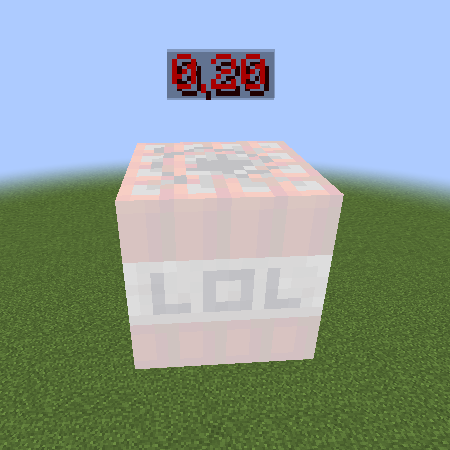 It's gonna exlpooode!!! Run away! Or try TNT jumping :D
 -
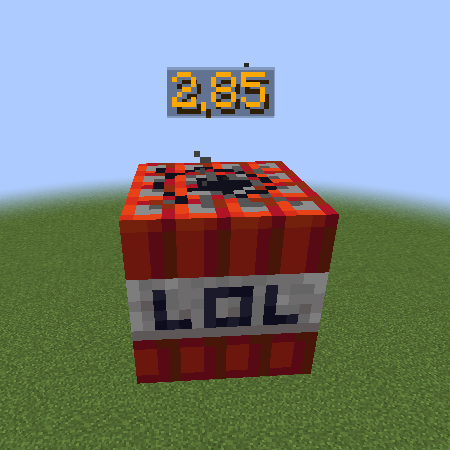
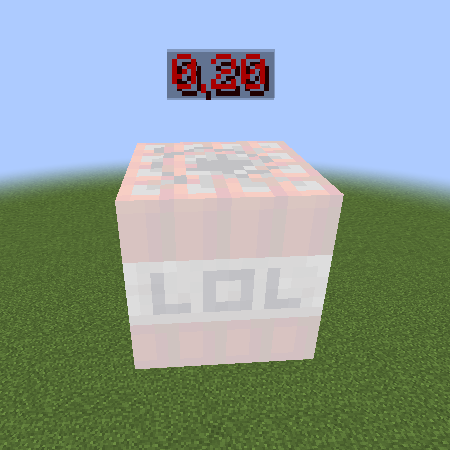
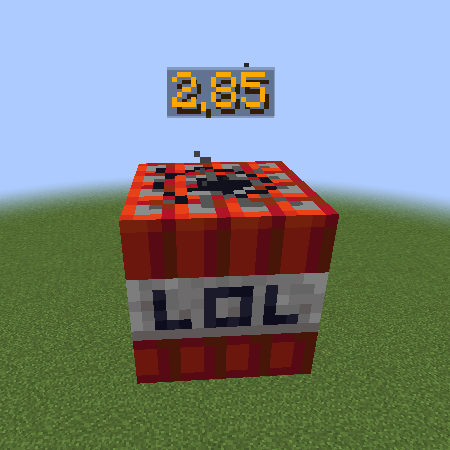 Primed TNT Text color changes and has some states which I won't mention here, you can turn colors off using Chat Colors option in Chat Settings.
 -
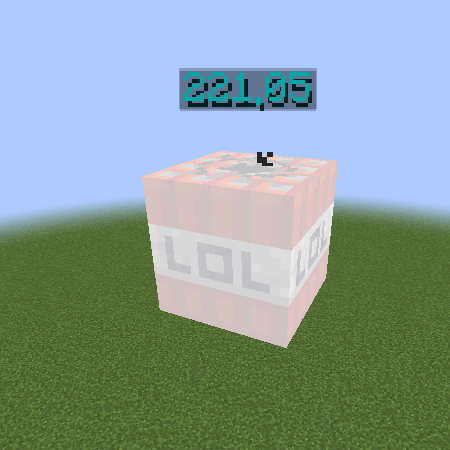
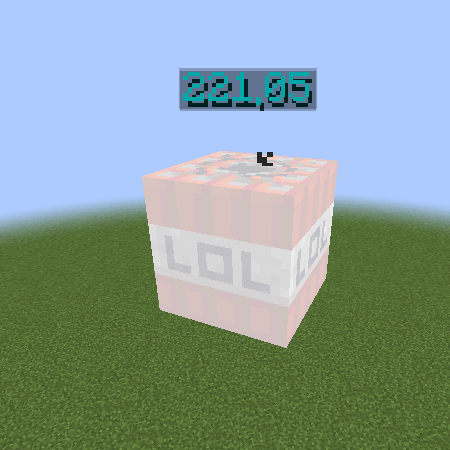 221 seconds till detonation! Woah! It handles different fuse times by data tracker :D
-
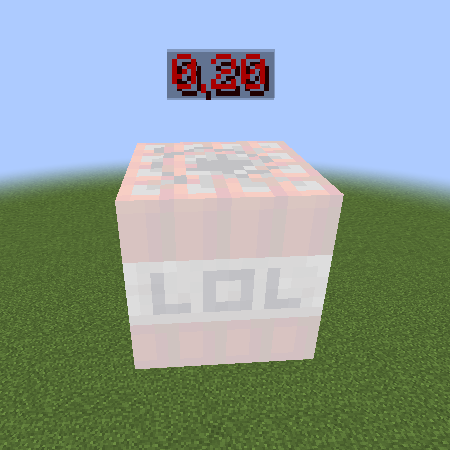 Exploding!
 -
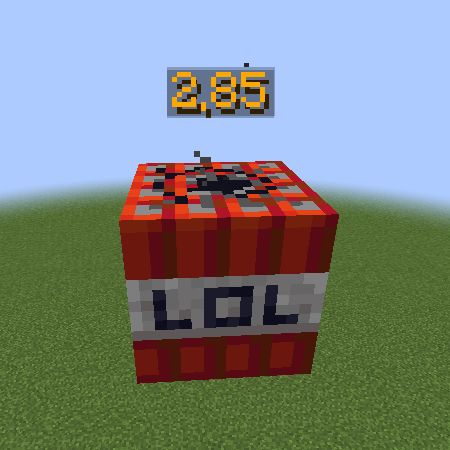 2.85 seconds till the boom
 -
 LOL
LOL
Versions
Files
Relations
Project Relations
More like this
Similar Mods
Suggestions use data such as tags, dependencies, dependents, descriptions, titles, and more to rank how much they overlap with this mod.
On ModDex
Community snapshot
By the numbers
Statistics
 (opens in a new tab)
Get it on
Available Platforms
On ModDex
Community snapshot
By the numbers