
Community listing page, reviews here may not be monitored by the author.
TravelBag


No reviews yet
A reliable backpack mod with configurable sizes and shortcut support.
Community voices
Reviews
No reviews yet. Be the first to review this project!
Get it on
Available Platforms
Compatibility
Supported Environments
Runs entirely on the server. Also works in singleplayer.
About
Project Details
For authors
Embed Badge
If you're the author of this project, you can embed a live badge anywhere that supports HTML or Markdown. It updates automatically whenever ratings change.
Use HTML for any page that supports it, or Markdown for README files and Markdown-based descriptions.
Identifiers
Platform IDs
About
Description
TravelBag
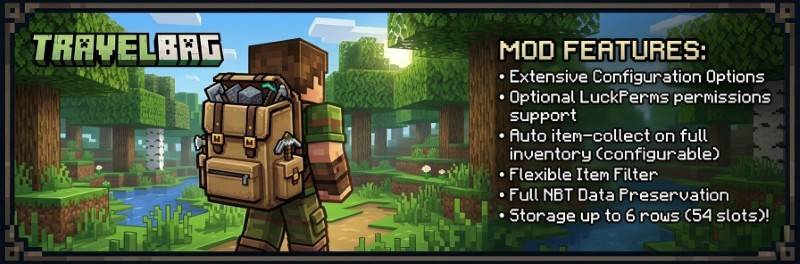
TravelBag is a free and reliable backpack mod for Fabric with configurable sizes, optional LuckPerms support, smart file-based storage, and a built-in shortcut item for quick access.
It is designed to be safe on real servers:
- Each player has their own stored TravelBag
- The storage format always keeps room for 6 rows internally
- Downgrading permissions or config size does not delete hidden items
- Backups are created safely without generating nested backup files
- The latest 2 backups are rotated automatically per player file
- Item data is serialized with registry-aware codecs so enchantments and other components stay intact
- Unsafe bag data is locked instead of being silently overwritten
- No client-side mod needed
✨ Features
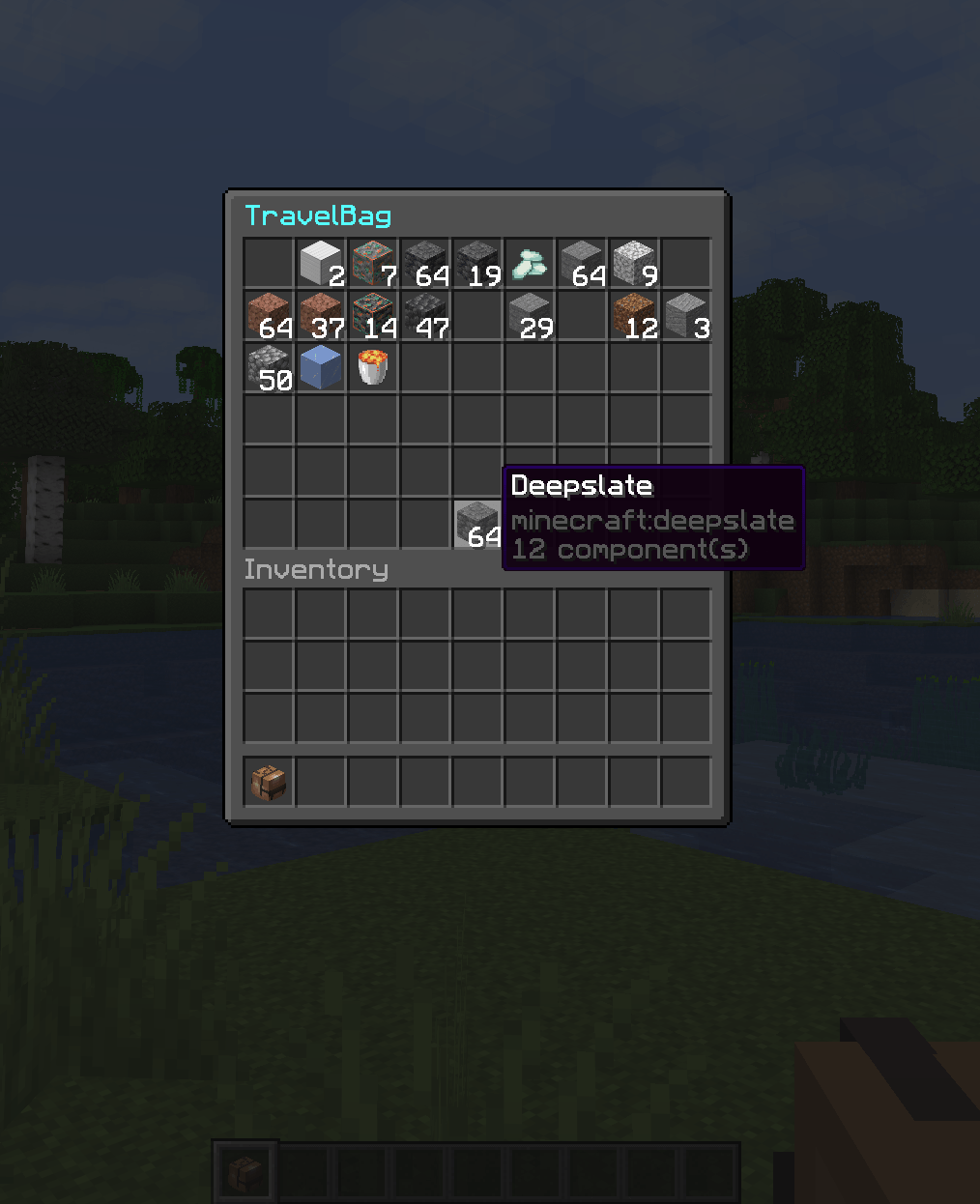
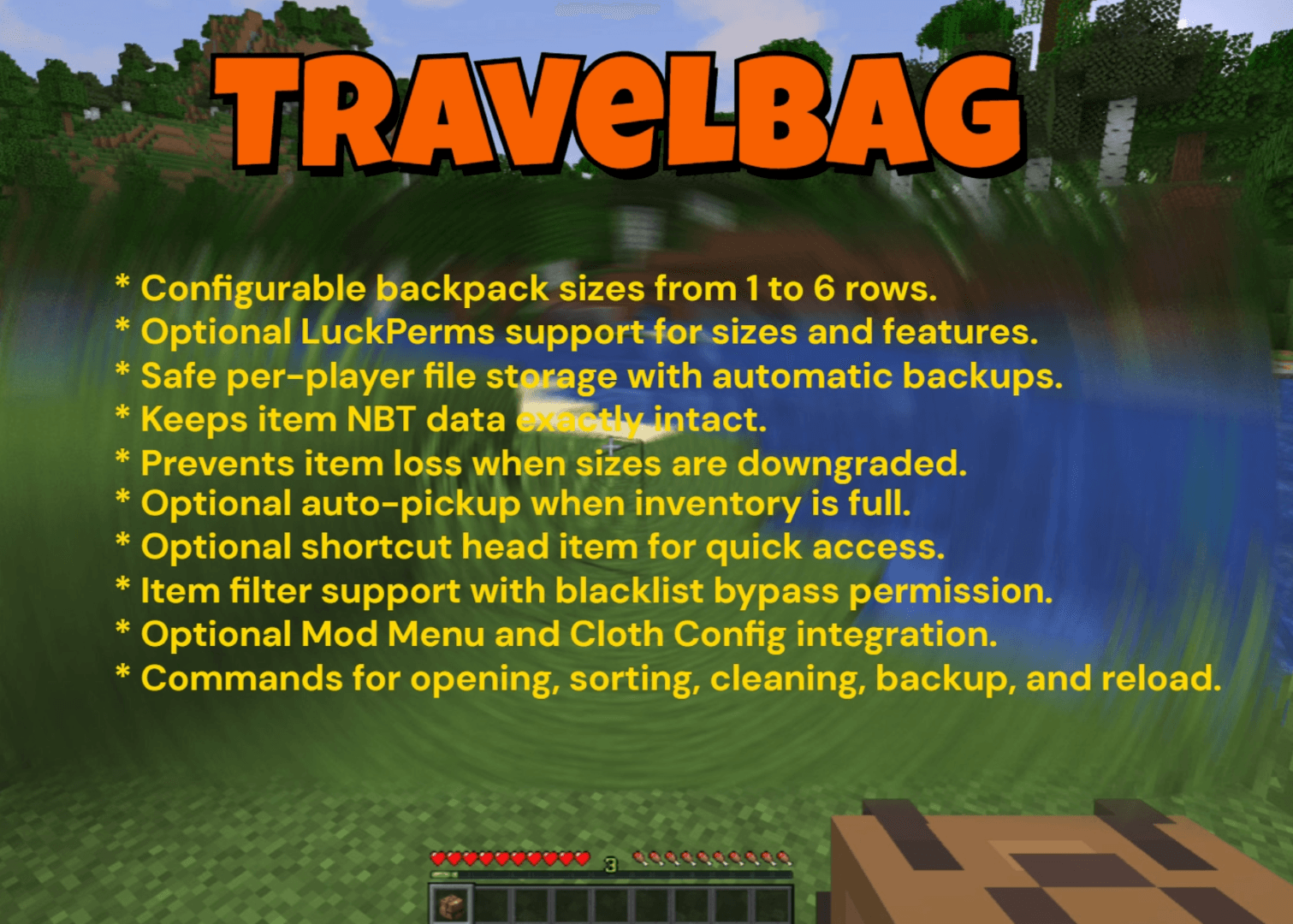
- Configurable TravelBag size from 1 to 6 rows
- Optional LuckPerms integration for size and feature permissions
- Optional auto-pickup when a player's inventory is full
- Optional shortcut head item for fast TravelBag access
- Configurable TravelBag shortcut head item.
- Per-player TravelBag files stored by UUID
- Automatic backup support with rotation
- Item filter support
- Shulker box restriction toggle
- Config reload command
- Mod Menu integration
- Optional Cloth Config support for an in-game config screen
⚙️ Config Highlights
TravelBag uses a simple properties config file: `config/travelbag/travelbag.properties`
Important options include:
- titles for owner and non-owner views
- drop-on-death behavior
- keepInventory interaction
- default size
- LuckPerms toggle
- cooldown
- shortcut item toggle
- shortcut preferred slot
- open sound toggle
- open sound id
- auto-pickup settings
- shulker restriction
- item filter
- allowed game modes
- aliases
🔄 Commands
/travelbag - Open your own TravelBag
/travelbag help - Show the available TravelBag commands
/travelbag clean - Remove all items from your own TravelBag
/travelbag clean <player> - Remove all items from another player's TravelBag
/travelbag sort - Compact and sort your own TravelBag
/travelbag <player> - Open another player's TravelBag
/travelbag backup - Create backups of all TravelBag data files
/travelbag restore <player> <latest|previous> - Preview a valid backup for a locked TravelBag
/travelbag restore <player> <latest|previous> confirm - Restore the previewed backup within 60 seconds
/travelbag reload - Reload the config file
Aliases are configurable and default to:
/bp and /backpack
🤷🏻♂️ How Storage Works
TravelBag stores player data in the Fabric config directory: config/travelbag/players/
Each player gets a separate file based on their UUID. TravelBag always stores up to 6 rows internally, even if a player currently only has access to fewer rows.
This means:
- hidden rows stay preserved when a player is downgraded
- re-upgrading size or permissions reveals those items again
- compacting can move stackable items upward into visible rows when possible
- item serialization uses registry-aware codecs to preserve enchantments and other modern item components
- if TravelBag cannot safely decode a bag file, that bag is locked to prevent accidental overwrite or item loss
Backups are written as:
<uuid>.dat<uuid>.backup.1.dat- newest backup<uuid>.backup.2.dat- previous backup
Legacy <uuid>.backup.dat files from older TravelBag versions remain available as the latest restore candidate when no rotated latest backup exists.
Backups are created:
- on server start
- on
/travelbag reload - on
/travelbag backup - automatically every 10 minutes, but only if TravelBag data changed since the previous backup
If a bag file cannot be decoded safely, TravelBag also creates a timestamped failure snapshot before refusing further saves for that bag.
Locked bags can only be restored by an administrator with travelbag.restore or the umbrella travelbag.admin permission. The target player must be offline and the bag must be closed by all viewers. TravelBag validates the selected backup before confirmation, snapshots the current data file, replaces it atomically, verifies the restored data, and rolls back automatically if verification fails.
🎒 Shortcut Item
TravelBag can give players a shortcut head item that opens their backpack quickly.
The shortcut item:
- can be enabled or disabled globally
- supports a configurable head texture
- can be moved freely inside the player's inventory and hotbar
- cannot be placed inside the TravelBag
- cannot be placed inside chests or ender chests
- cannot be dropped normally
- is normalized automatically if duplicates somehow appear
The displayed shortcut name uses the player's name, for example:
- Alex's TravelBag
- James' TravelBag
🚗 Auto Pickup
If enabled, TravelBag can collect nearby item entities when a player's inventory is full.
Safety rules:
- filtered items are never removed from the ground
- blocked shulker boxes are never removed from the ground
- items are only collected if they can be stored safely
- open TravelBag screens stay in sync with auto-pickup changes
📊 Permissions
When LuckPerms support is enabled, TravelBag uses the following nodes:
- travelbag.use
- travelbag.fullpickup
- travelbag.size.1
- travelbag.size.2
- travelbag.size.3
- travelbag.size.4
- travelbag.size.5
- travelbag.size.6
- travelbag.clean
- travelbag.clean.other
- travelbag.sort
- travelbag.others
- travelbag.others.edit
- travelbag.keepOnDeath
- travelbag.noCooldown
- travelbag.ignoreBlacklist
- travelbag.backup
- travelbag.restore
- travelbag.reload
- travelbag.bypass.gamemode
- travelbag.admin
travelbag.admin acts as an umbrella admin permission for TravelBag management features.
When LuckPerms support is disabled, TravelBag follows the config fallback values. Admin-only actions fall back to vanilla OP / gamemaster level.
🏜️ Test Server
Feel free to join my Minecraft server to test my mods: play.swordfishbe.eu
💡 Credits/Idea
Fabric mod idea based on Minepacks by GeorgH93.
TravelBag
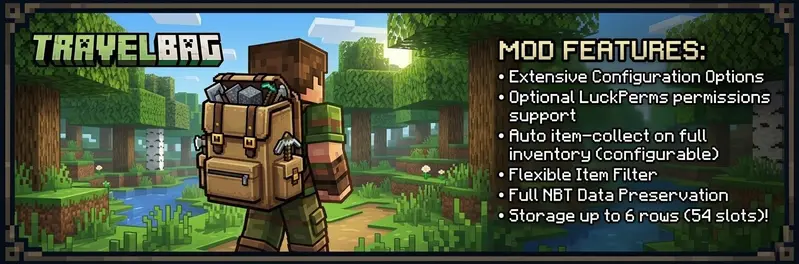
TravelBag is a free and reliable backpack mod for Fabric with configurable sizes, optional LuckPerms support, smart file-based storage, and a built-in shortcut item for quick access.
It is designed to feel safe on real servers:
- Each player has their own stored TravelBag
- The storage format always keeps room for 6 rows internally
- Downgrading permissions or config size does not delete hidden items
- Backups are created safely without generating nested backup files
- The latest 2 backups are rotated automatically per player file
- Item data is serialized with registry-aware codecs so enchantments and other components stay intact
- Unsafe bag data is locked instead of being silently overwritten
- No client-side mod needed
✨ Features
- Configurable TravelBag size from 1 to 6 rows
- Optional LuckPerms integration for size and feature permissions
- Optional auto-pickup when a player's inventory is full
- Optional shortcut head item for fast TravelBag access
- Configurable TravelBag shortcut head item.
- Per-player TravelBag files stored by UUID
- Automatic backup support with rotation
- Item filter support
- Shulker box restriction toggle
- Config reload command
- Mod Menu integration
- Optional Cloth Config support for an in-game config screen
⚙️ Config Highlights
TravelBag uses a simple properties config file: config/travelbag/travelbag.properties
Important options include:
- titles for owner and non-owner views
- drop-on-death behavior
- keepInventory interaction
- default size
- LuckPerms toggle
- cooldown
- shortcut item toggle
- shortcut preferred slot
- open sound toggle
- open sound id
- auto-pickup settings
- shulker restriction
- item filter
- allowed game modes
- aliases
🔄 Commands
/travelbag- Open your own TravelBag/travelbag help- Show the available TravelBag commands/travelbag clean- Remove all items from your own TravelBag/travelbag clean <player>- Remove all items from another player's TravelBag/travelbag sort- Compact and sort your own TravelBag/travelbag <player>- Open another player's TravelBag/travelbag backup- Create backups of all TravelBag data files/travelbag restore <player> <latest|previous>- Preview a valid backup for a locked TravelBag/travelbag restore <player> <latest|previous> confirm- Restore the previewed backup within 60 seconds/travelbag reload- Reload the config file
Aliases are configurable and default to:
/bp/backpack
🤷🏻♂️ How Storage Works
TravelBag stores player data in the Fabric config directory: config/travelbag/players/
Each player gets a separate file based on their UUID. TravelBag always stores up to 6 rows internally, even if a player currently only has access to fewer rows.
This means:
- hidden rows stay preserved when a player is downgraded
- re-upgrading size or permissions reveals those items again
- compacting can move stackable items upward into visible rows when possible
- item serialization uses registry-aware codecs to preserve enchantments and other modern item components
- if TravelBag cannot safely decode a bag file, that bag is locked to prevent accidental overwrite or item loss
Backups are written as:
<uuid>.dat<uuid>.backup.1.dat- newest backup<uuid>.backup.2.dat- previous backup
Legacy <uuid>.backup.dat files from older TravelBag versions remain available as the latest restore candidate when no rotated latest backup exists.
Backups are created:
- on server start
- on
/travelbag reload - on
/travelbag backup - automatically every 10 minutes, but only if TravelBag data changed since the previous backup
If a bag file cannot be decoded safely, TravelBag also creates a timestamped failure snapshot before refusing further saves for that bag.
Locked bags can only be restored by an administrator with travelbag.restore or the umbrella travelbag.admin permission. The target player must be offline and the bag must be closed by all viewers. TravelBag validates the selected backup before confirmation, snapshots the current data file, replaces it atomically, verifies the restored data, and rolls back automatically if verification fails.
🎒 Shortcut Item
TravelBag can give players a shortcut head item that opens their backpack quickly.
The shortcut item:
- can be enabled or disabled globally
- supports a configurable head texture
- can be moved freely inside the player's inventory and hotbar
- cannot be placed inside the TravelBag
- cannot be placed inside chests or ender chests
- cannot be dropped normally
- is normalized automatically if duplicates somehow appear
The displayed shortcut name uses the player's name, for example:
Alex's TravelBagJames' TravelBag
🚗 Auto Pickup
If enabled, TravelBag can collect nearby item entities when a player's inventory is full.
Safety rules:
- filtered items are never removed from the ground
- blocked shulker boxes are never removed from the ground
- items are only collected if they can be stored safely
- open TravelBag screens stay in sync with auto-pickup changes
📊 Permissions
When LuckPerms support is enabled, TravelBag uses the following nodes:
travelbag.usetravelbag.fullpickuptravelbag.size.1travelbag.size.2travelbag.size.3travelbag.size.4travelbag.size.5travelbag.size.6travelbag.cleantravelbag.clean.othertravelbag.sorttravelbag.otherstravelbag.others.edittravelbag.keepOnDeathtravelbag.noCooldowntravelbag.ignoreBlacklisttravelbag.backuptravelbag.restoretravelbag.reloadtravelbag.bypass.gamemodetravelbag.admin
travelbag.admin acts as an umbrella admin permission for TravelBag management features.
When LuckPerms support is disabled, TravelBag follows the config fallback values. Admin-only actions fall back to vanilla OP / gamemaster level.
🏜️ Test Server
Feel free to join my Minecraft server to test my mods: play.swordfishbe.eu
💡 Credits/Idea
Fabric mod idea based on Minepacks by GeorgH93.
Screenshots
Gallery
-
 TravelBag TravelBag Example
 -
 TravelBag Features TravelBag Features
 -
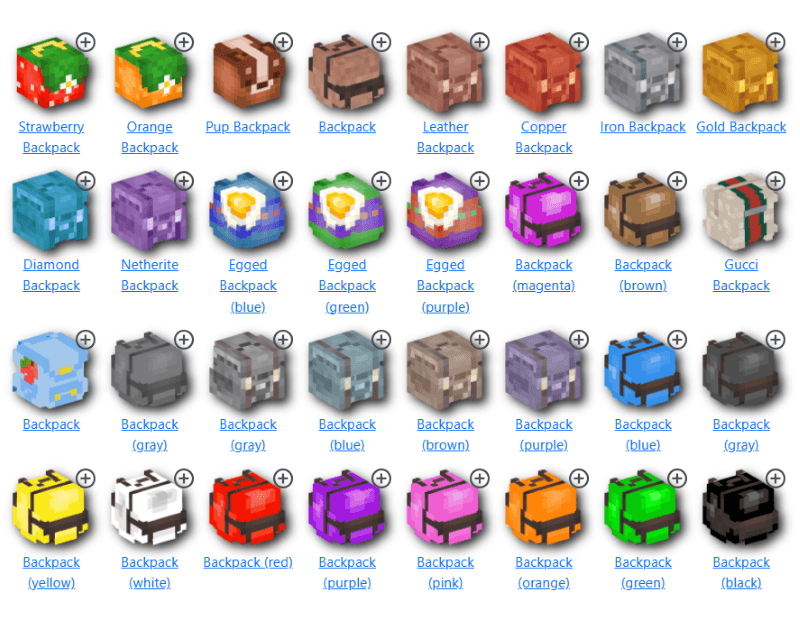 Customize The Backpack Icon Customize the backpack icon by going to https://minecraft-heads.com/custom-heads/ . Copy the "Value" into the config file of TravelBag (HeadTextureValue=)
-
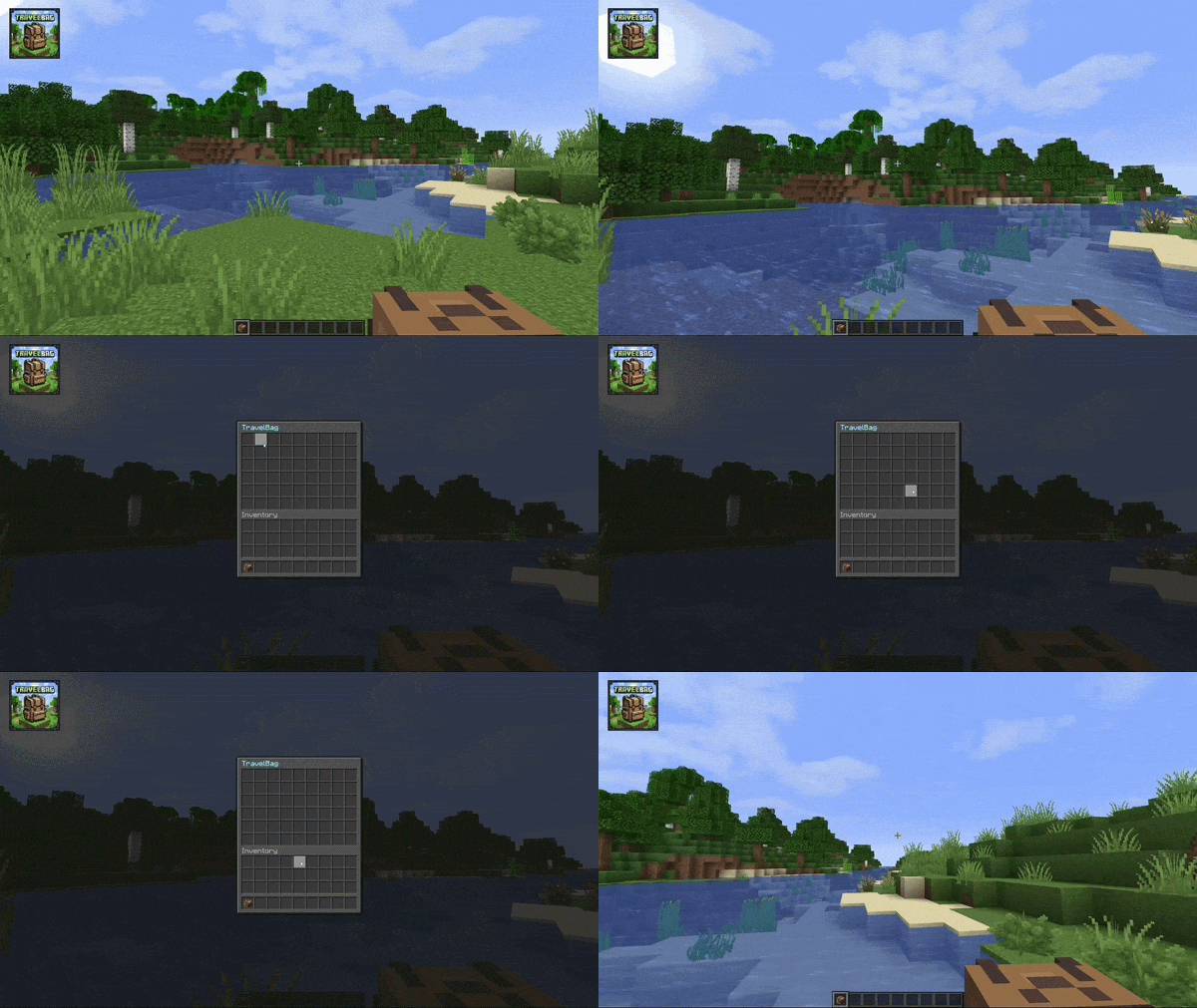 TravelBag The TravelBag in action! Full video: https://youtu.be/DLDpFTlANHk
 -
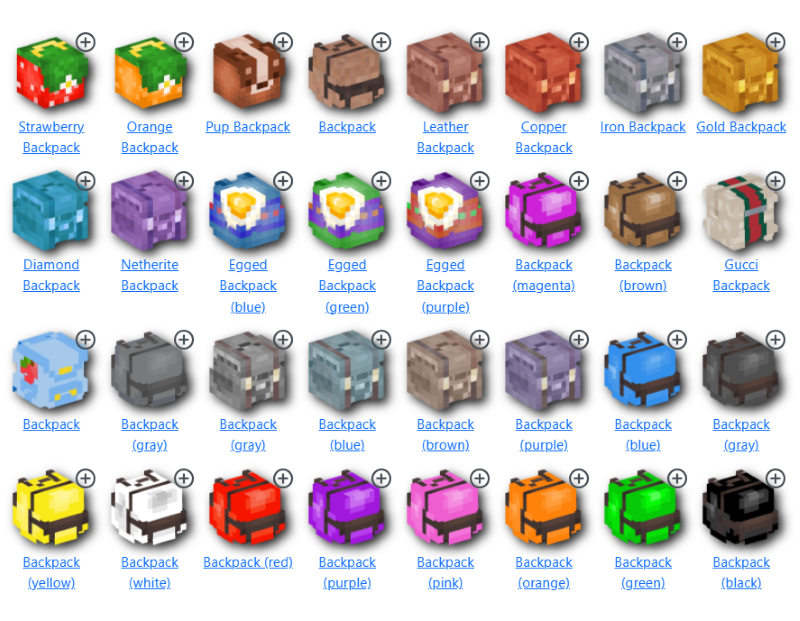 Customize The Backpack Icon Customize the backpack icon by going to https://minecraft-heads.com/custom-heads/ . Copy the "Value" into the config file of TravelBag (HeadTextureValue=)
 -
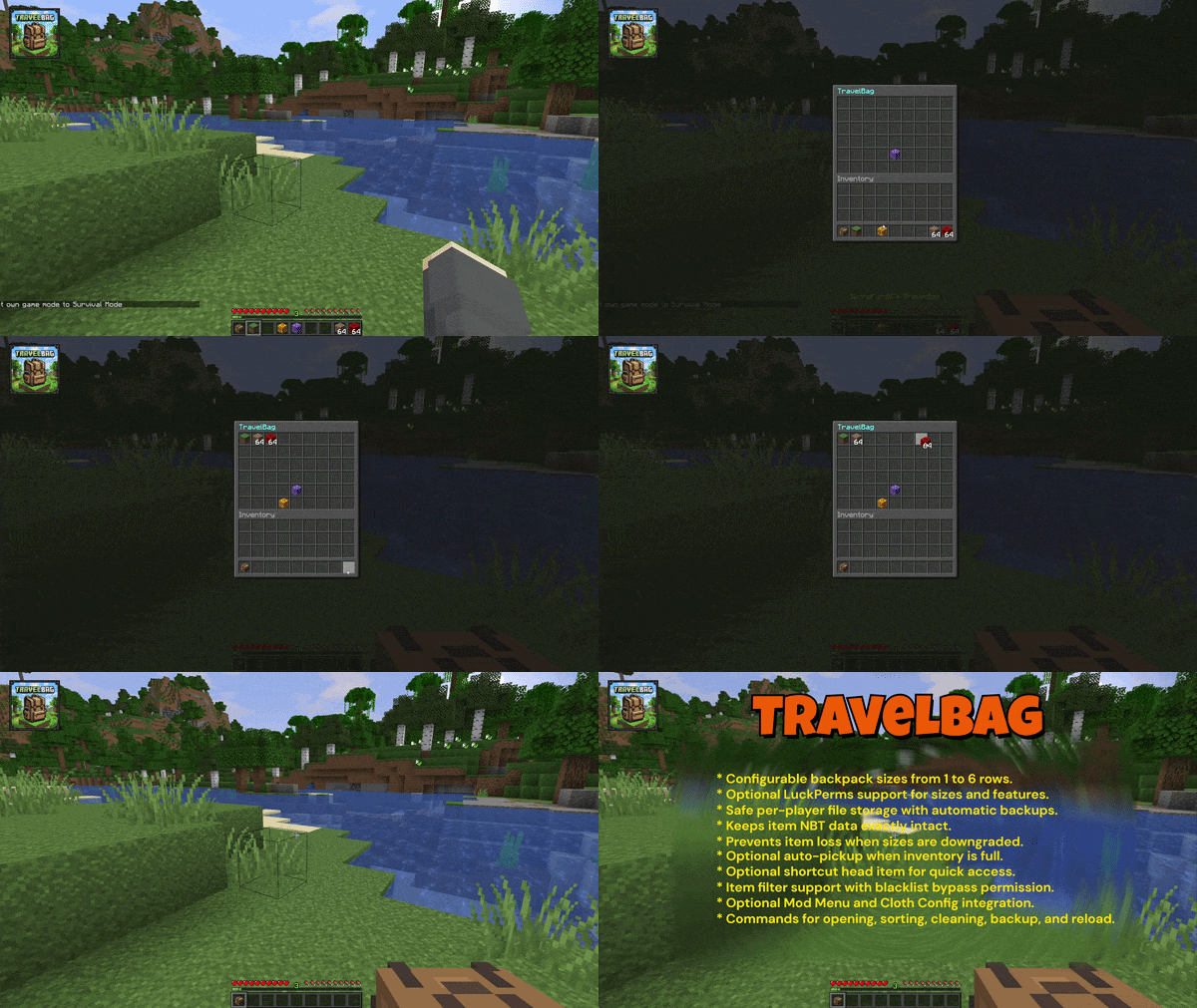 TravelBag Features TravelBag Features. Full video: https://youtu.be/XFB4sLCujlc
 -
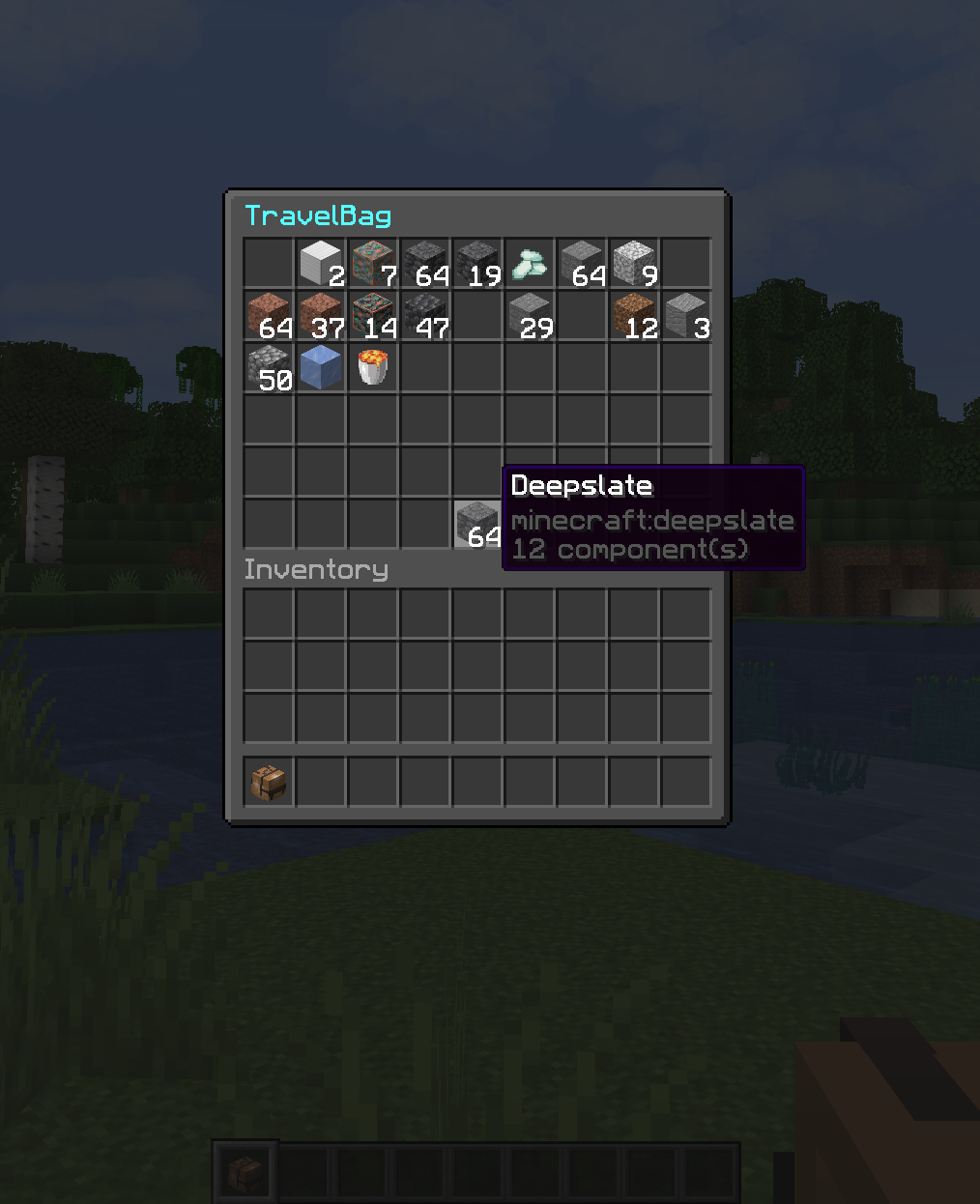 TravelBag TravelBag
 -
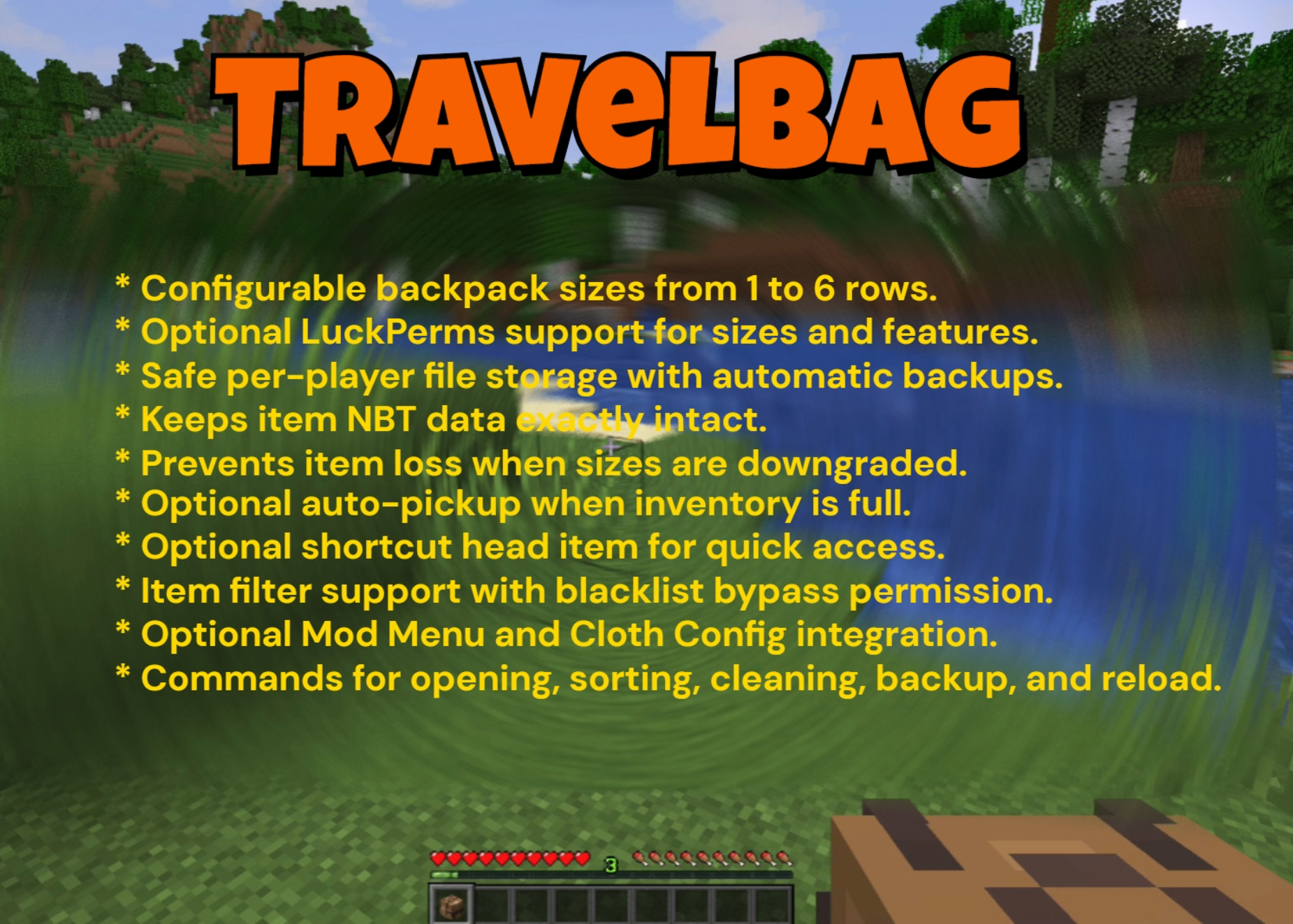 TravelBag Features TravelBag Features
Versions
Files
Relations
Project Relations
More like this
Similar Mods
Suggestions use data such as tags, dependencies, dependents, descriptions, titles, and more to rank how much they overlap with this mod.
On ModDex
Community snapshot
By the numbers
Statistics
Want to reach Minecraft players?
We're looking for a server hosting partner to feature here and other parts of the site. Interested? Send us a message!
Get in touchGet it on
Available Platforms
On ModDex
Community snapshot
By the numbers