
Community listing page, reviews here may not be monitored by the author.
Traveler's Index

No reviews yet
Know which blocks you have collected so far, and which are left to be found!
Community voices
Reviews
No reviews yet. Be the first to review this project!
Get it on
Available Platforms
About
Project Details
For authors
Embed Badge
If you're the author of this project, you can embed a live badge anywhere that supports HTML or Markdown. It updates automatically whenever ratings change.
Use HTML for any page that supports it, or Markdown for README files and Markdown-based descriptions.
Identifiers
Platform IDs
Resources
External Links
About
Description
This mod adds a new tool to let you keep track of your block collection in game.
Ever wanted to see each block you have collected so far in your game, and which ones are left to be found? Then this mod is for you!
How it works
A new button is available on the main menu to open the index!
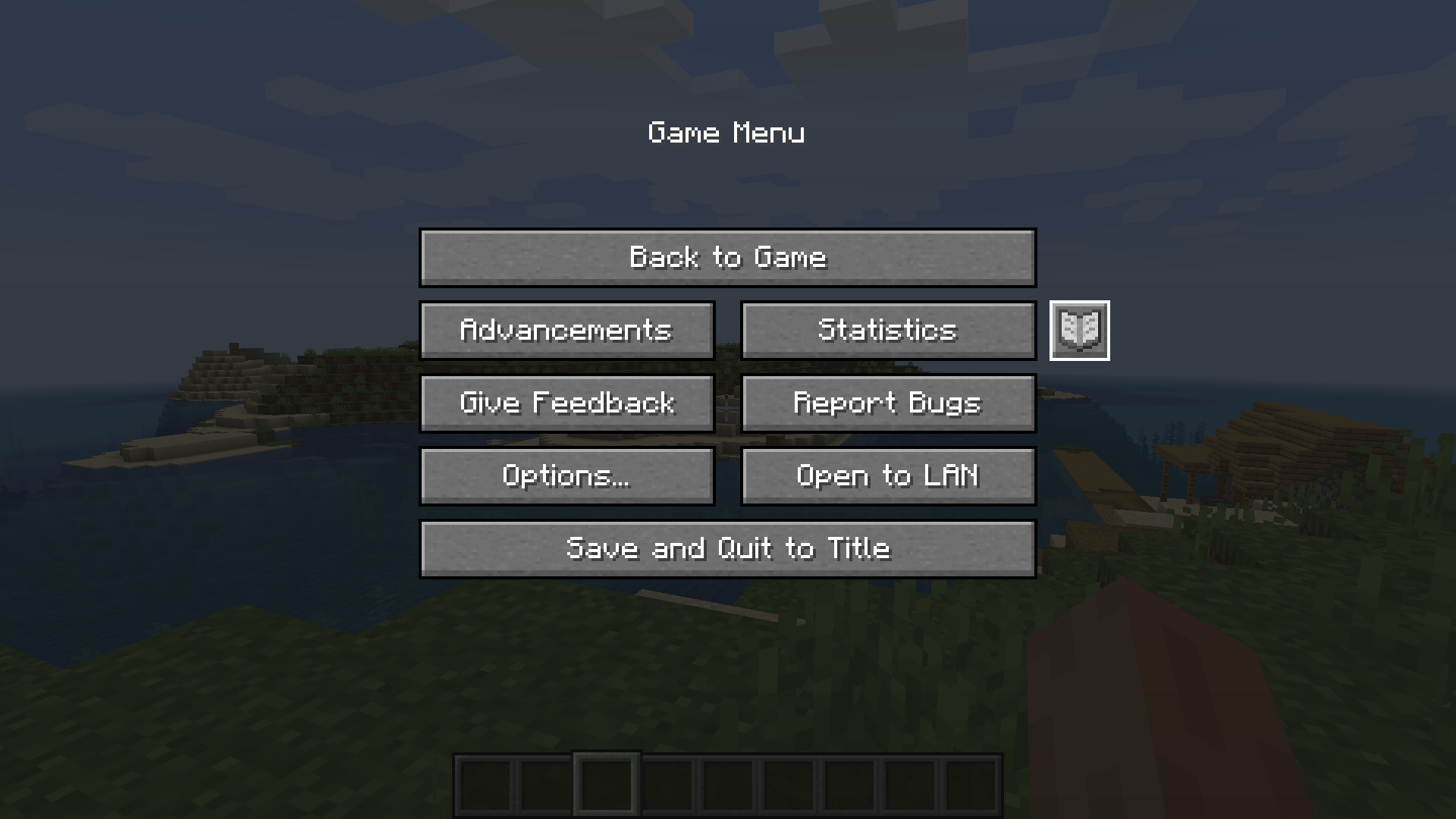
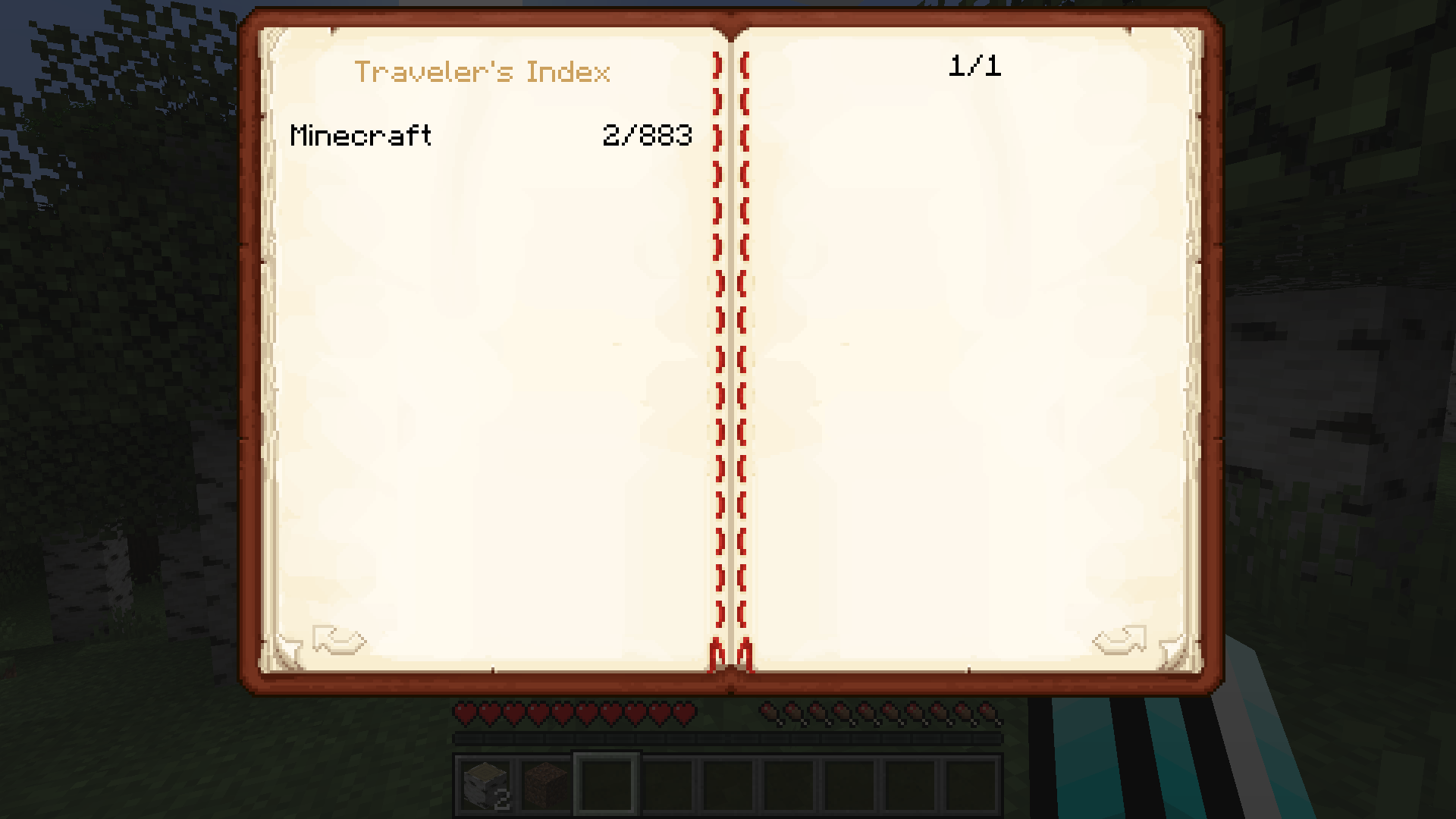
Then select a mod. Here only Minecraft appears because no other mod is installed. On the right you can see how many blocks or items you collected out of the total number of blocks and items in Minecraft!
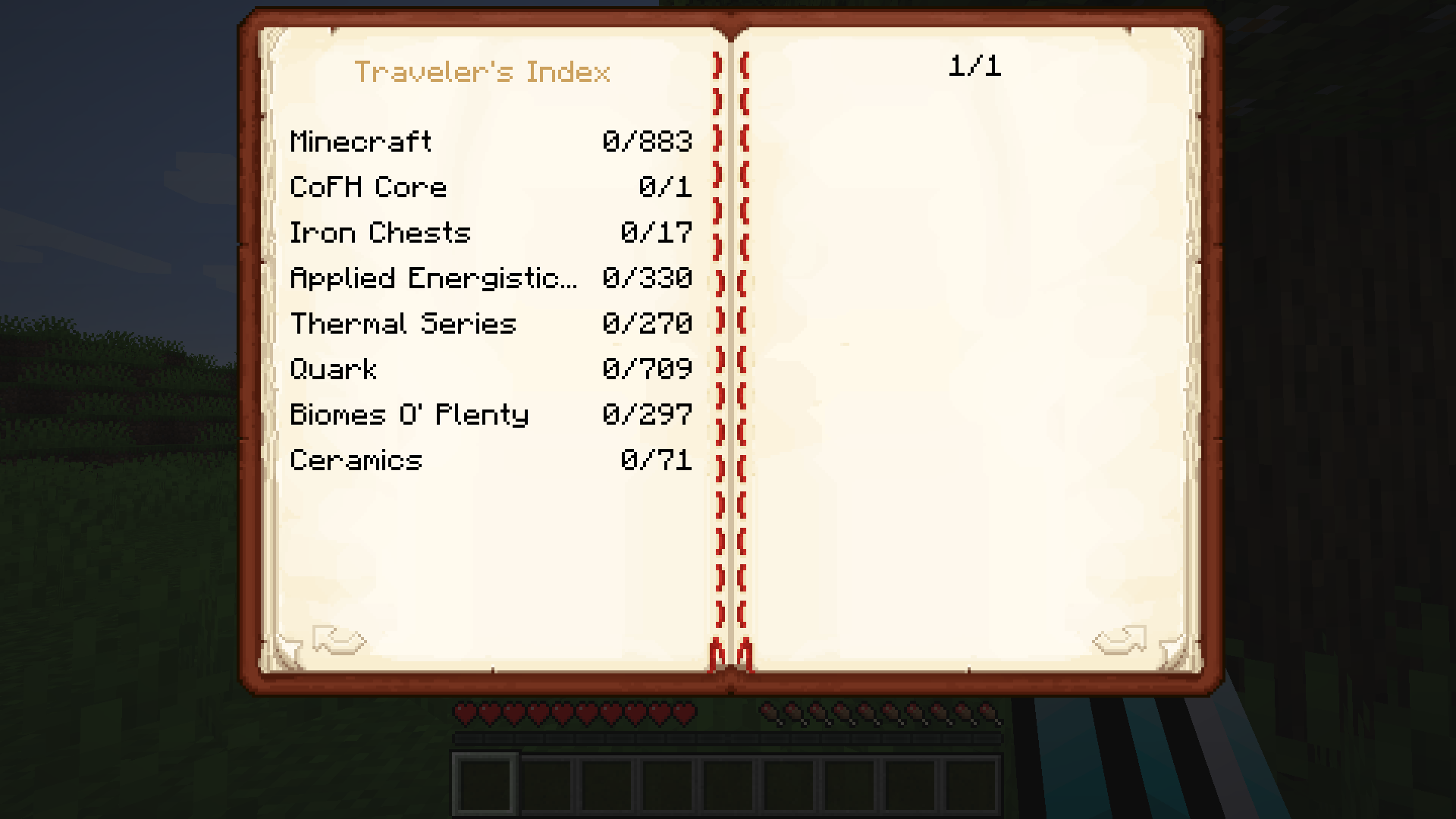
It also works for other mods!
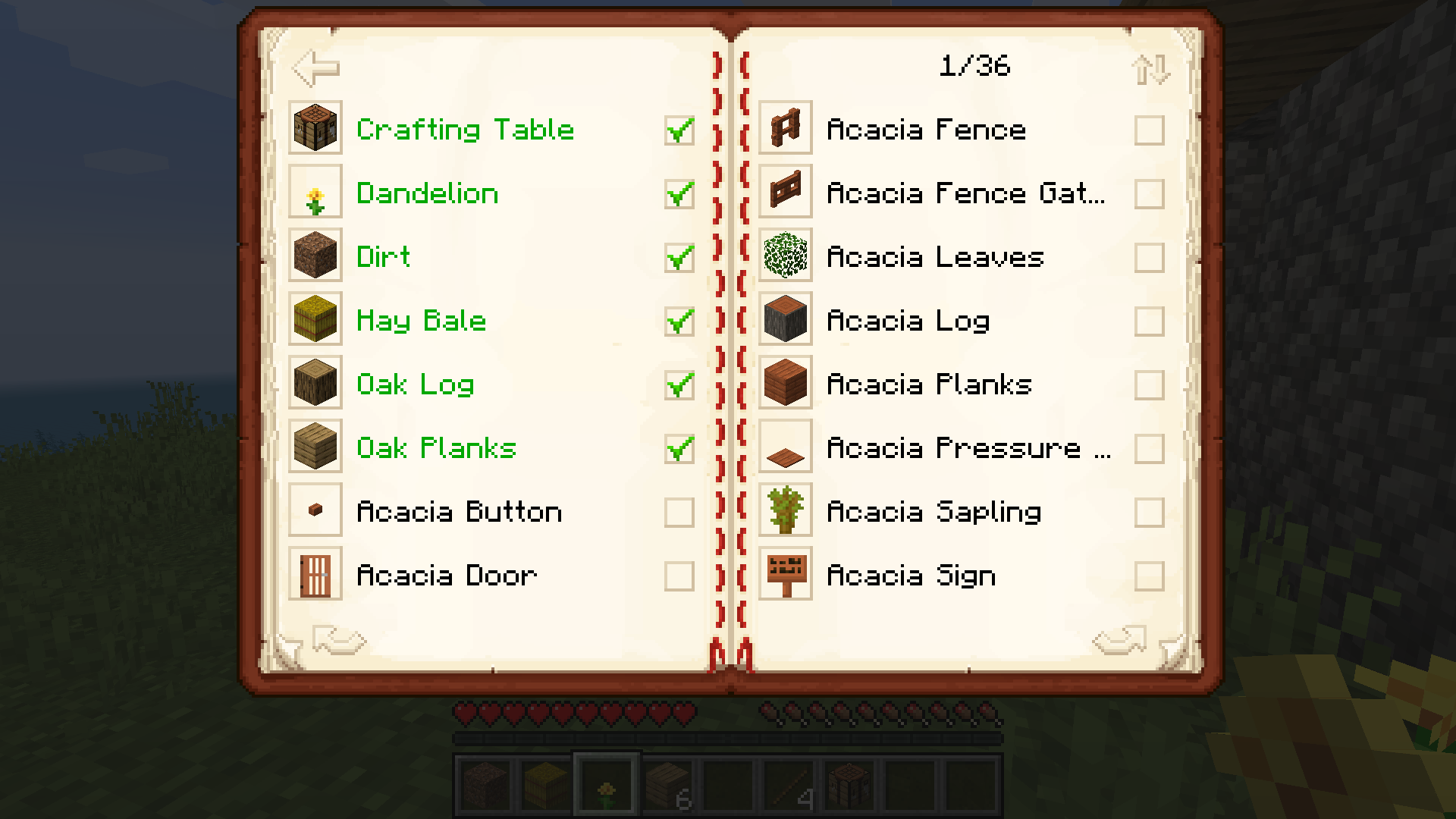
You can then access a list of all blocks in the game and see which of them you have collected!
- Clean, simple, intuitive, vanilla-like interface!
- Compatible with all mods!
- Configurable! You can choose to blacklist specific mods and/or specific items
- Great if you are a completionist or want to find new objectives for your world! (reaching 100% of completion might be quite challenging...)
Disclaimer:
This mod IS NOT client-side. It needs to access the server to register items in the index.
New! How to config the mod:
- Browse to your minecraft instance folder, open the "config" folder
- Open "travelers_index-common.toml" with a text editor such as the notepad or Notepad++
- You can edit two empty lists that correspond to blacklisted items and blacklisted mods. For instance :
blackListedItems = ["example_mod:example_item"]
will remove the item "example_item" from "example_mod" from the index. You can also remove all the items added by a specific mod with the "blackListedMods" list. For instance:
blackListedMods = ["example_mod"]
will remove all items added by "example_mod" from the index.
- Once your done, save the file.
Check my other mod: Towers Of The Wild.
Join my discord! I will post news, screenshots & pre-releases of my works !

Please consider donating! I work on my own and put a lot of time and effort in my mods :)
Screenshots
Gallery
-
Item Page
-
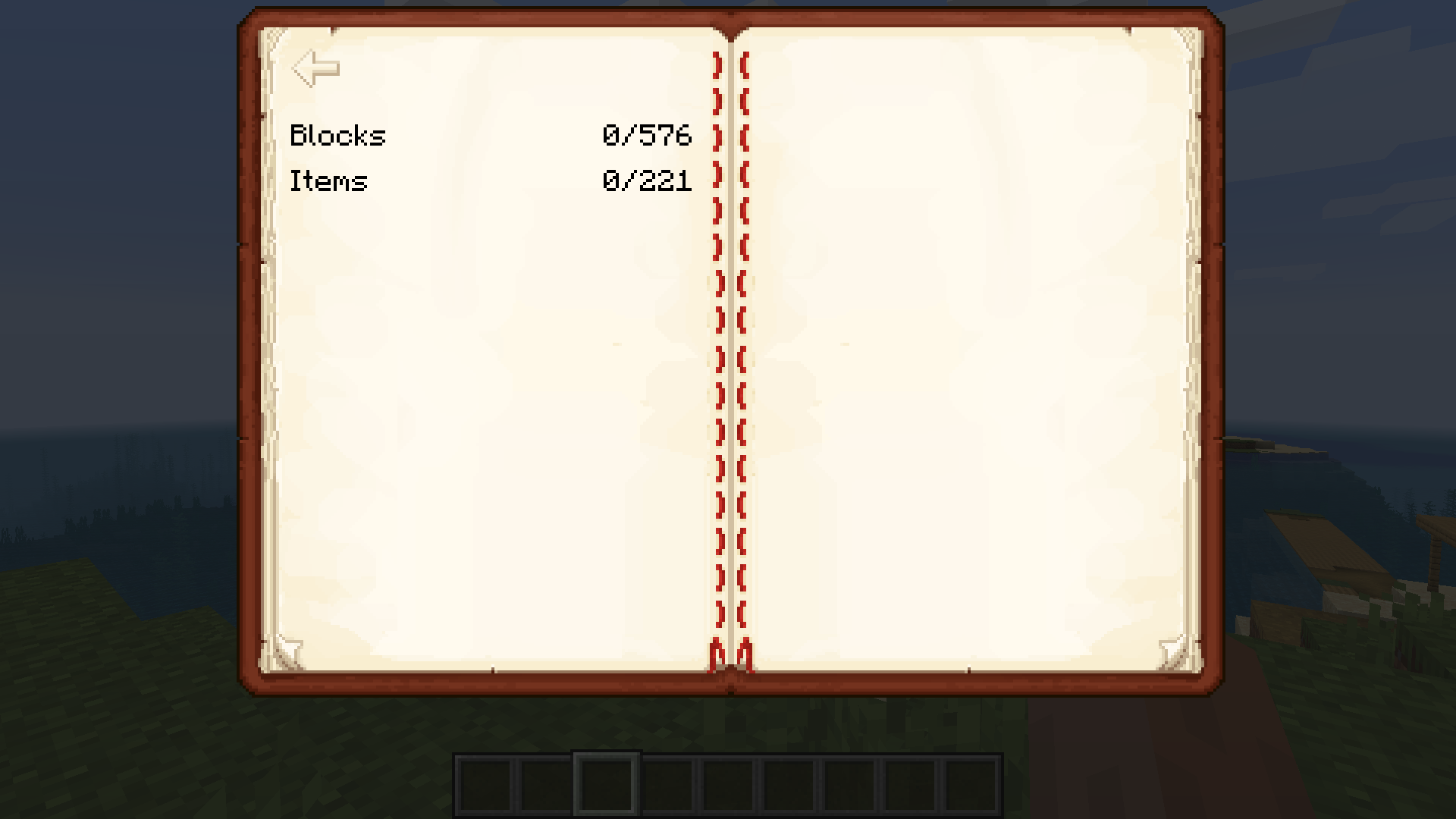 Mod Page
 -
Title Page with several mods
-
Title Page
-
New Button on Main Menu How to access the index
Versions
Files
Relations
Project Relations
More like this
Similar Mods
Suggestions use data such as tags, dependencies, dependents, descriptions, titles, and more to rank how much they overlap with this mod.
On ModDex
Community snapshot
By the numbers
Statistics
Want to reach Minecraft players?
We're looking for a server hosting partner to feature here and other parts of the site. Interested? Send us a message!
Get in touchGet it on
Available Platforms
On ModDex
Community snapshot
By the numbers
Statistics
Resources