Community listing page, reviews here may not be monitored by the author.
Two Dimensional: Reloaded


No reviews yet
Turns Minecraft into a 2D side-scroller
Community voices
Reviews
No reviews yet. Be the first to review this project!
Get it on
Available Platforms
Compatibility
Supported Environments
Must be installed on both the client and the server.
About
Project Details
For authors
Embed Badge
If you're the author of this project, you can embed a live badge anywhere that supports HTML or Markdown. It updates automatically whenever ratings change.
Use HTML for any page that supports it, or Markdown for README files and Markdown-based descriptions.
Identifiers
Platform IDs
About
Description

Description
Sometimes living in all three dimensions can be a real stressor, so why not take a load off and live in two instead?
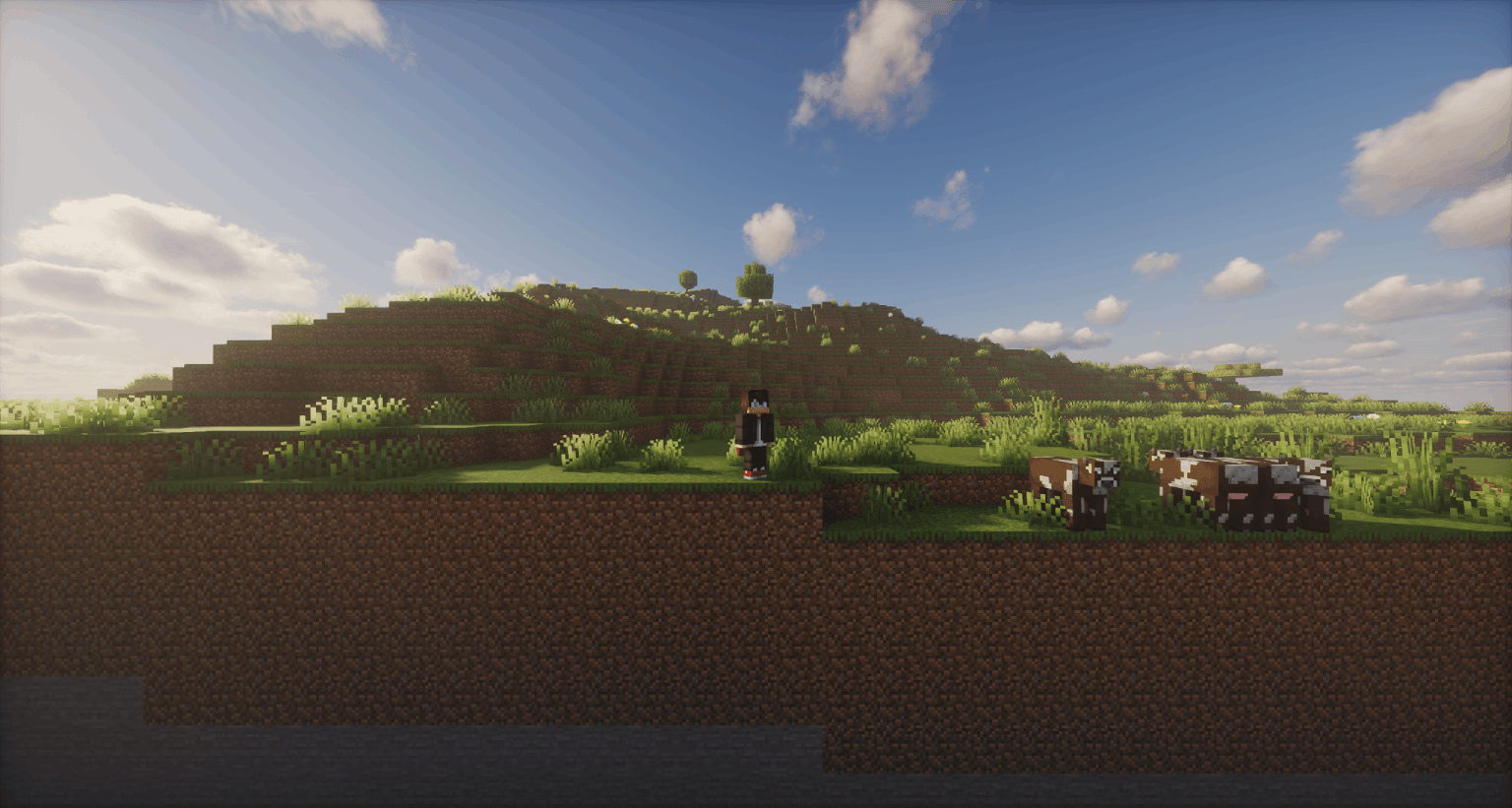
Two Dimensional: Reloaded transforms Minecraft into a 2D side-scroller by removing access to the third dimension and restricting player movement to a single plane along the X axis.
If you ever start to miss your three-dimensional life, just press B to access the background layer.
Based on the original mod Two Dimensional by Mishkis.
THIS MOD CHANGES WORLD GENERATION. DO NOT USE THIS MOD ON A WORLD YOU WILL WANT TO REVERT TO NORMAL
Usage
Hold B to turn around, allowing you to place and break blocks on the background layer. (keybind configurable under Two Dimensional: Reloaded → Face Away).
If you feel like the camera viewport size is too small, increase your FOV to see farther out.
Build a Nether portal in the background layer and right click a portal block to travel to the Nether (vanilla cooldowns and timing apply).
Optional Block Placement Guide Feature (Use Cloth Config API + ModMenu to configure) 
Notes
- The current build is in very early alpha, you will experience bugs, please feel free to add to the issue tracker.
- Now with Iris Shaders support! I've done most of the development with Photon Shaders enabled, but you can bring whatever pack you'd like :)
- Sodium & Cloth Config API are currently required. Making Sodium optional may be explored in the future, but maintaining both vanilla and Sodium-compatible versions increases development complexity.

Turns Minecraft into a 2D side-scroller.
Description
Sometimes living in all three dimensions can be a real stressor, so why not take a load off and live in two instead?
Two Dimensional: Reloaded transforms Minecraft into a 2D side-scroller by removing access to the third dimension and restricting player movement to a single plane along the X axis.
If you ever start to miss your three-dimensional life, just press B to access the background layer.
Based on the original mod Two Dimensional by Mishkis.
THIS MOD CHANGES WORLD GENERATION.
DO NOT USE THIS MOD ON A WORLD YOU WILL WANT TO REVERT TO NORMAL.

Usage
Hold B to turn around, allowing you to place and break blocks on the background layer. (keybind configurable under Two Dimensional: Reloaded → Face Away).
If you feel like the camera viewport size is too small, increase your FOV to see farther out.
Build a Nether portal in the background layer and right click a portal block to travel to the Nether (vanilla cooldowns and timing apply).
Optional Block Placement Guide Feature (Use Cloth Config API + ModMenu to configure)
Notes
-
The current build is in very early alpha, you will experience bugs, please feel free to add to the issue tracker.
-
Now with Iris Shaders support! I've done most of the development with Photon Shaders enabled, but you can bring whatever pack you'd like :)
-
Sodium & Cloth Config API are currently required. Making Sodium optional may be explored in the future, but maintaining both vanilla and Sodium-compatible versions increases development complexity.
Screenshots
Gallery
-
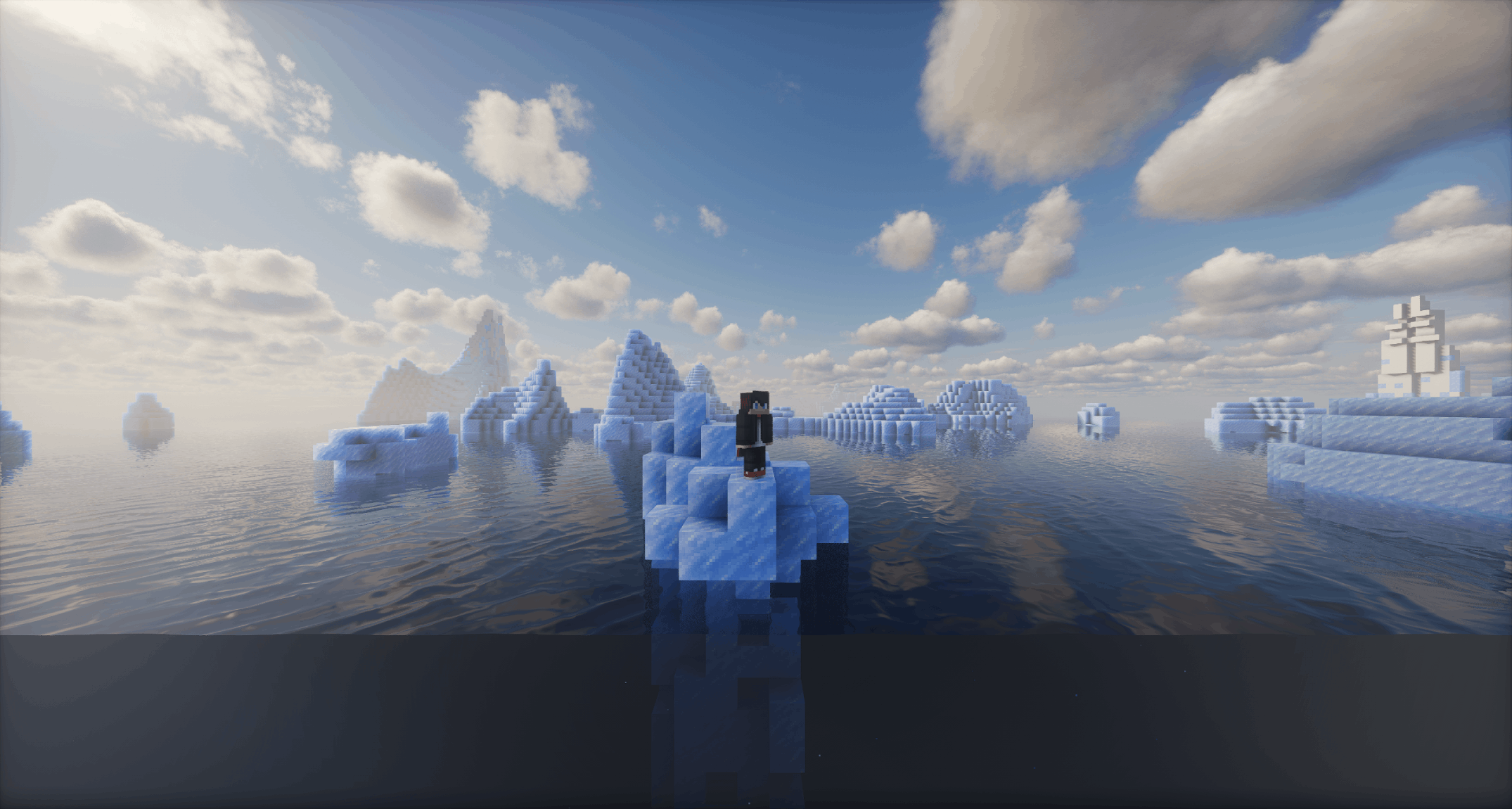 Frozen Ocean taken w/ Photon v1.2a Shaders
 -
a.png a.png
-
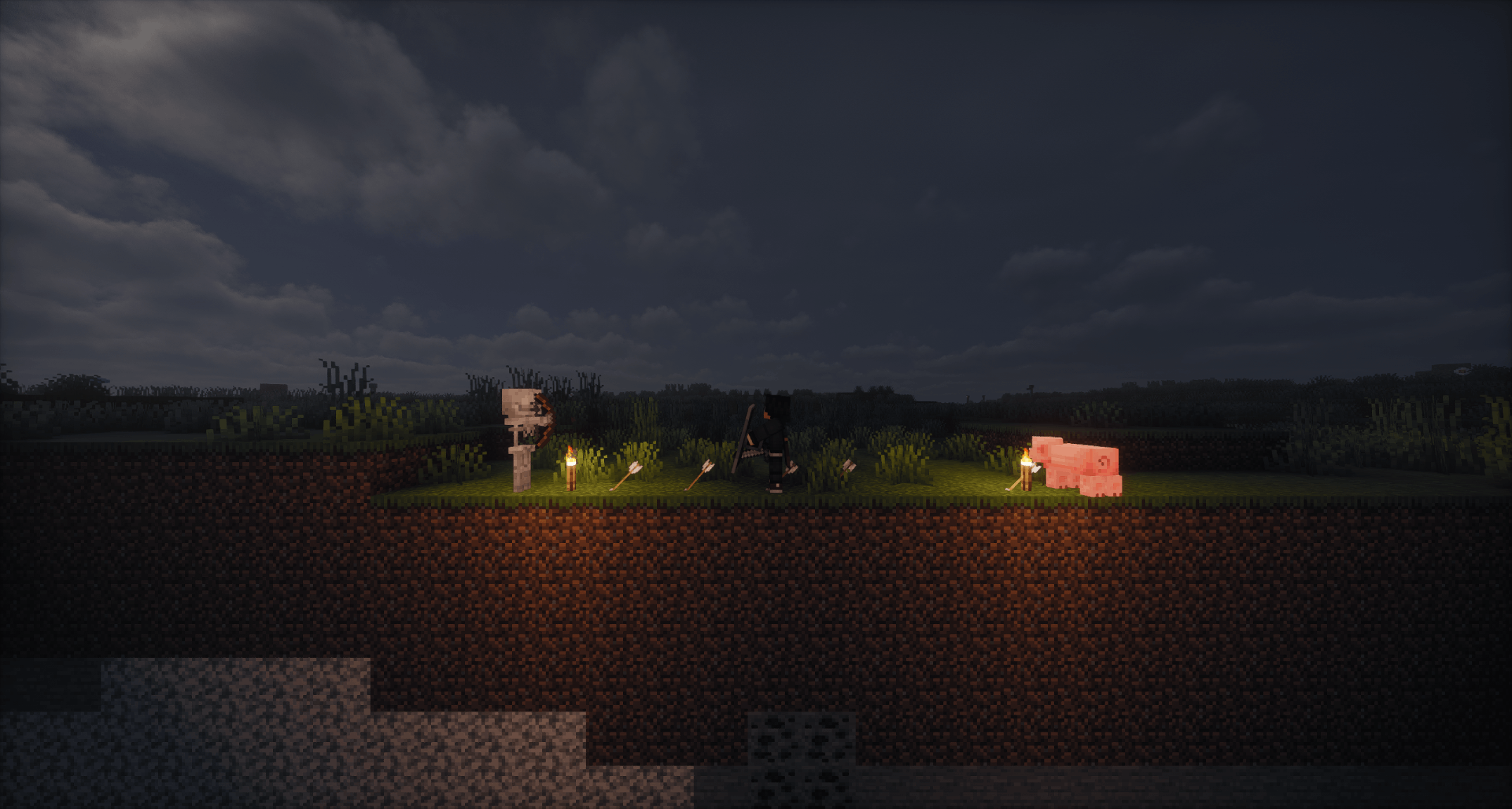 Combat taken w/ Photon v1.2a Shaders
 -
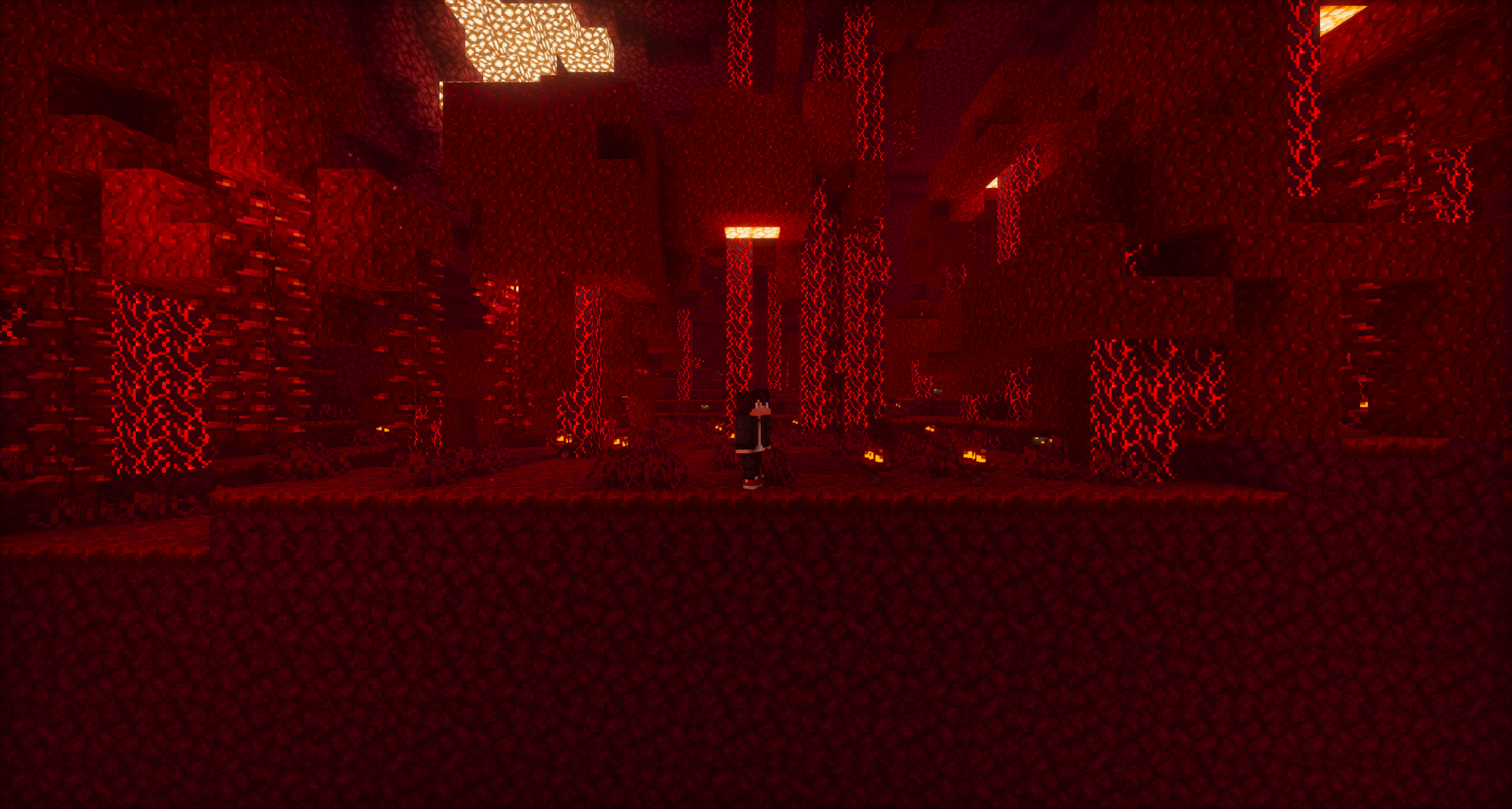 Crimson Forest taken w/ Photon v1.2a Shaders
 -
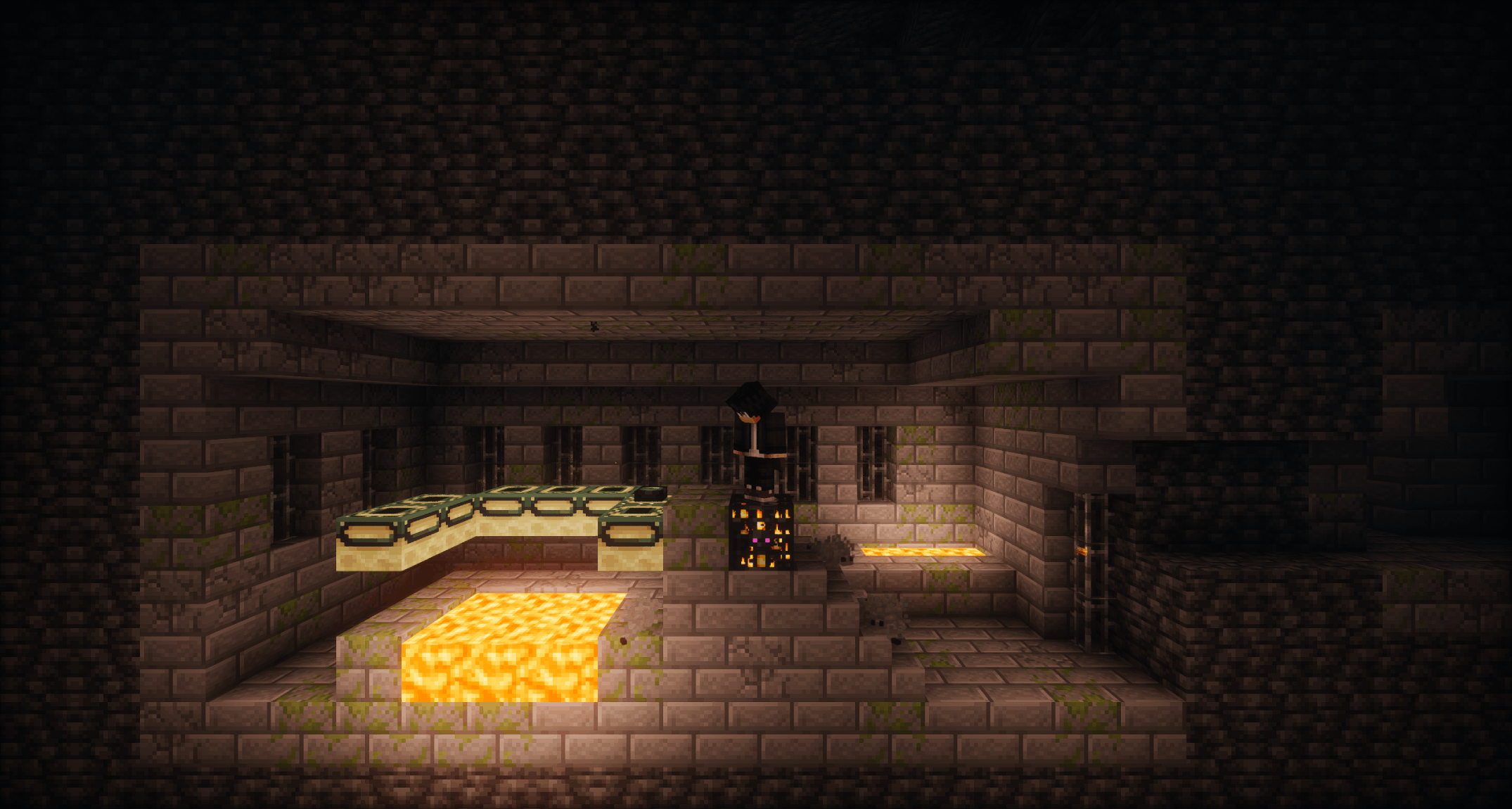 Stronghold Portal Room taken w/ Photon v1.2a Shaders
 -
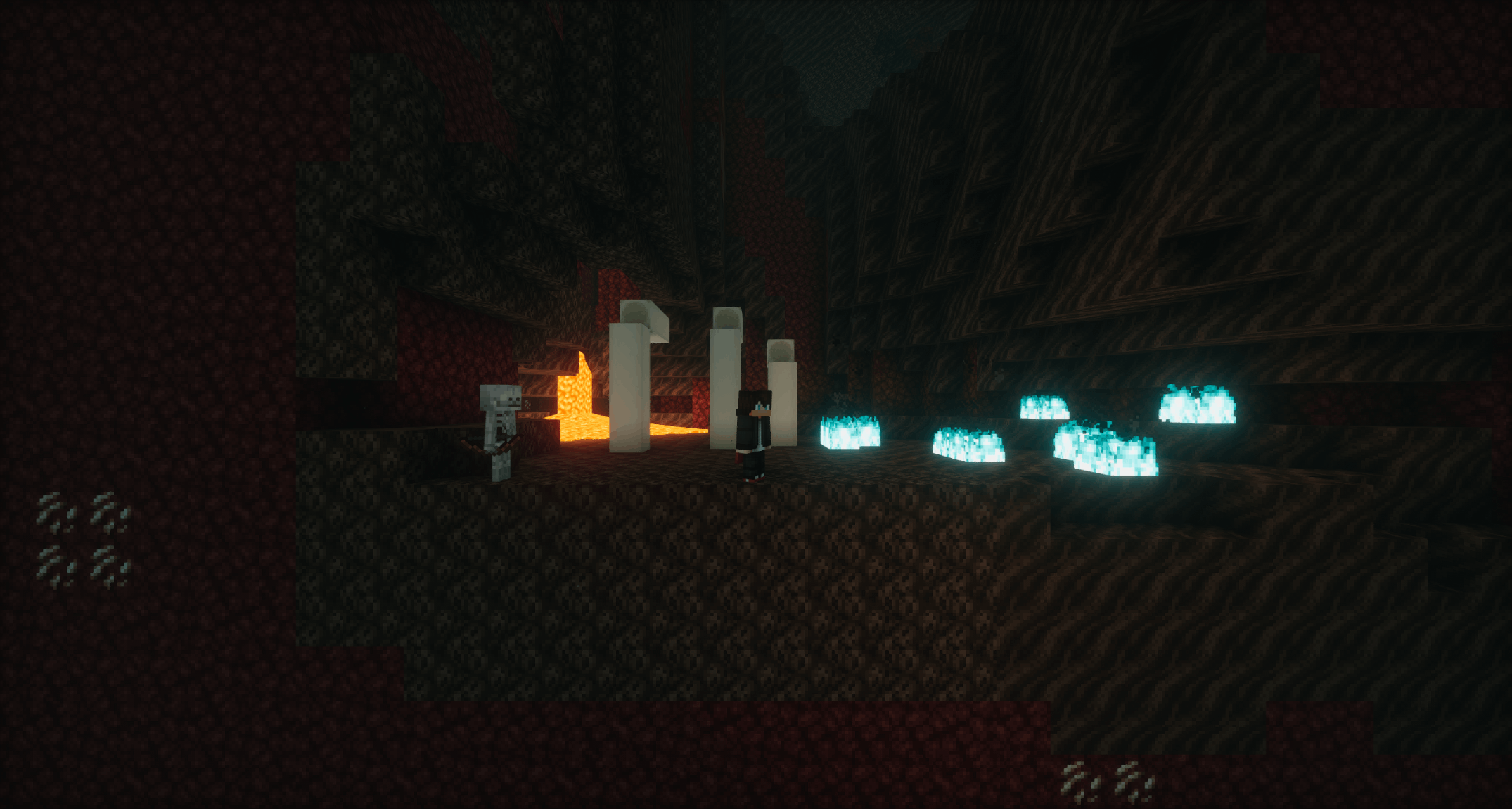 Soul Sand Valley taken w/ Photon v1.2a Shaders
 -
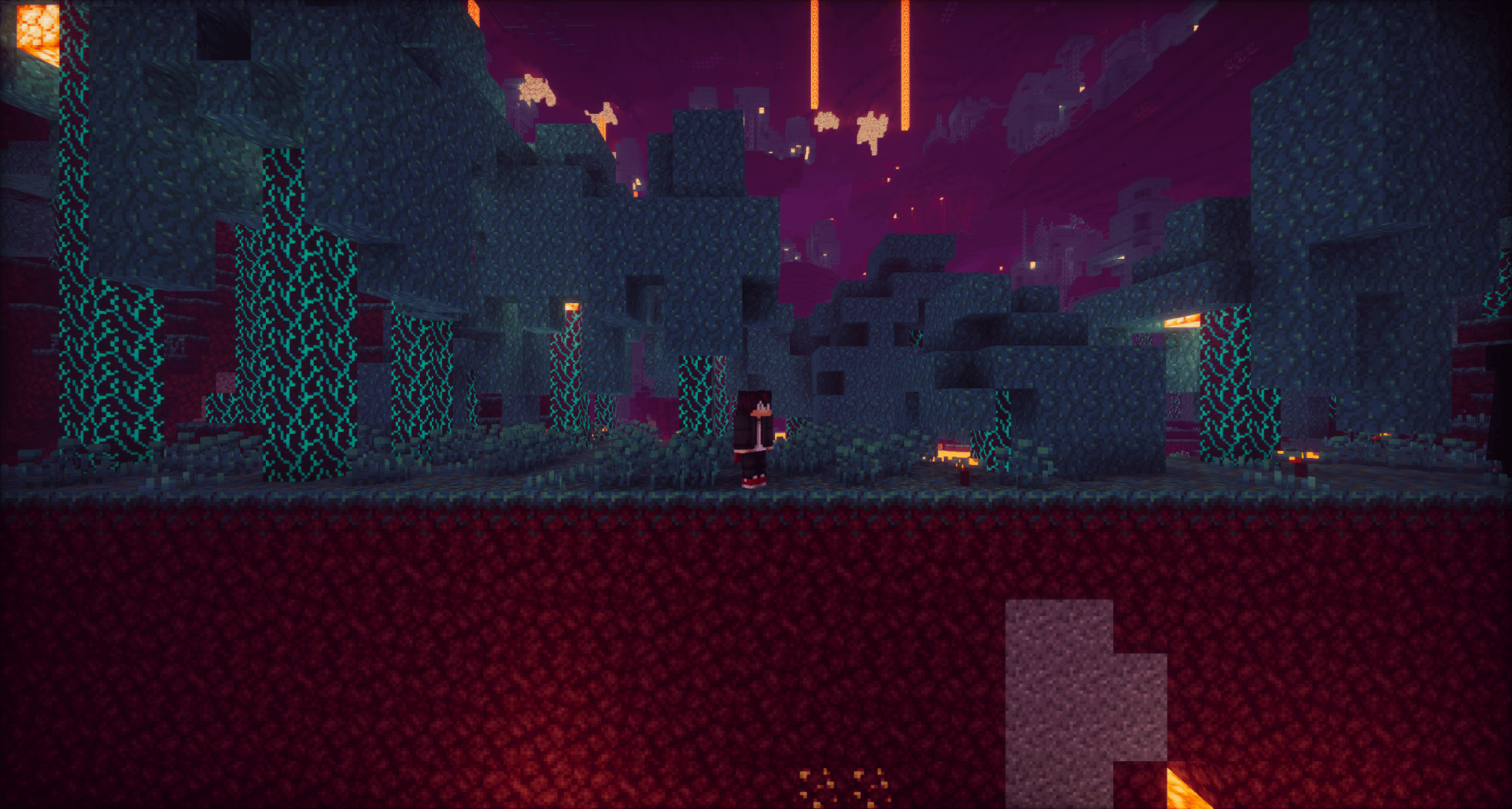 Warped Forest taken w/ Photon v1.2a Shaders
 -
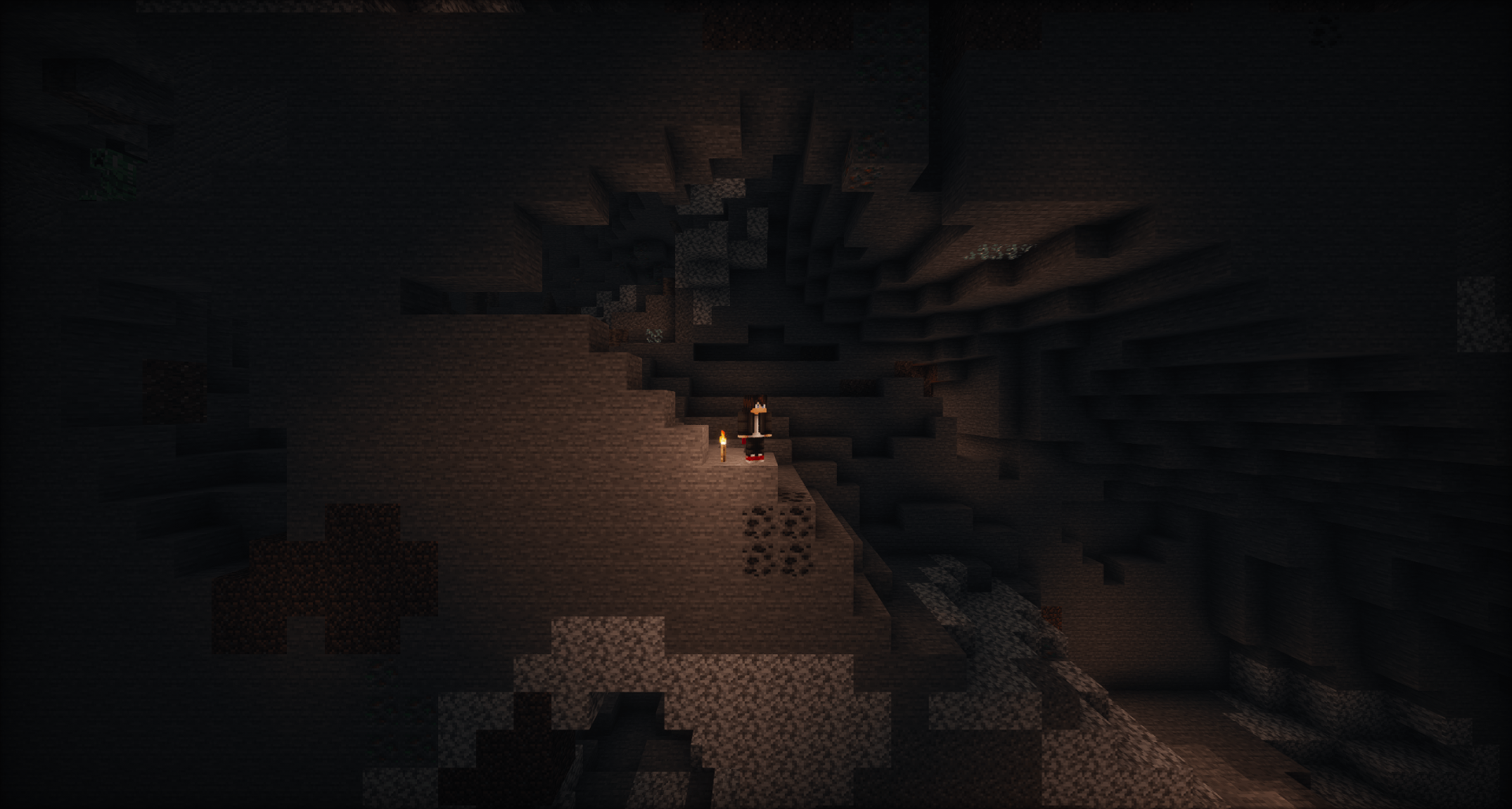 Caving taken w/ Photon v1.2a Shaders
 -
Two Dimentional: Reloaded Two Dimentional: Reloaded
-
Two Dimensional: Reloaded
-
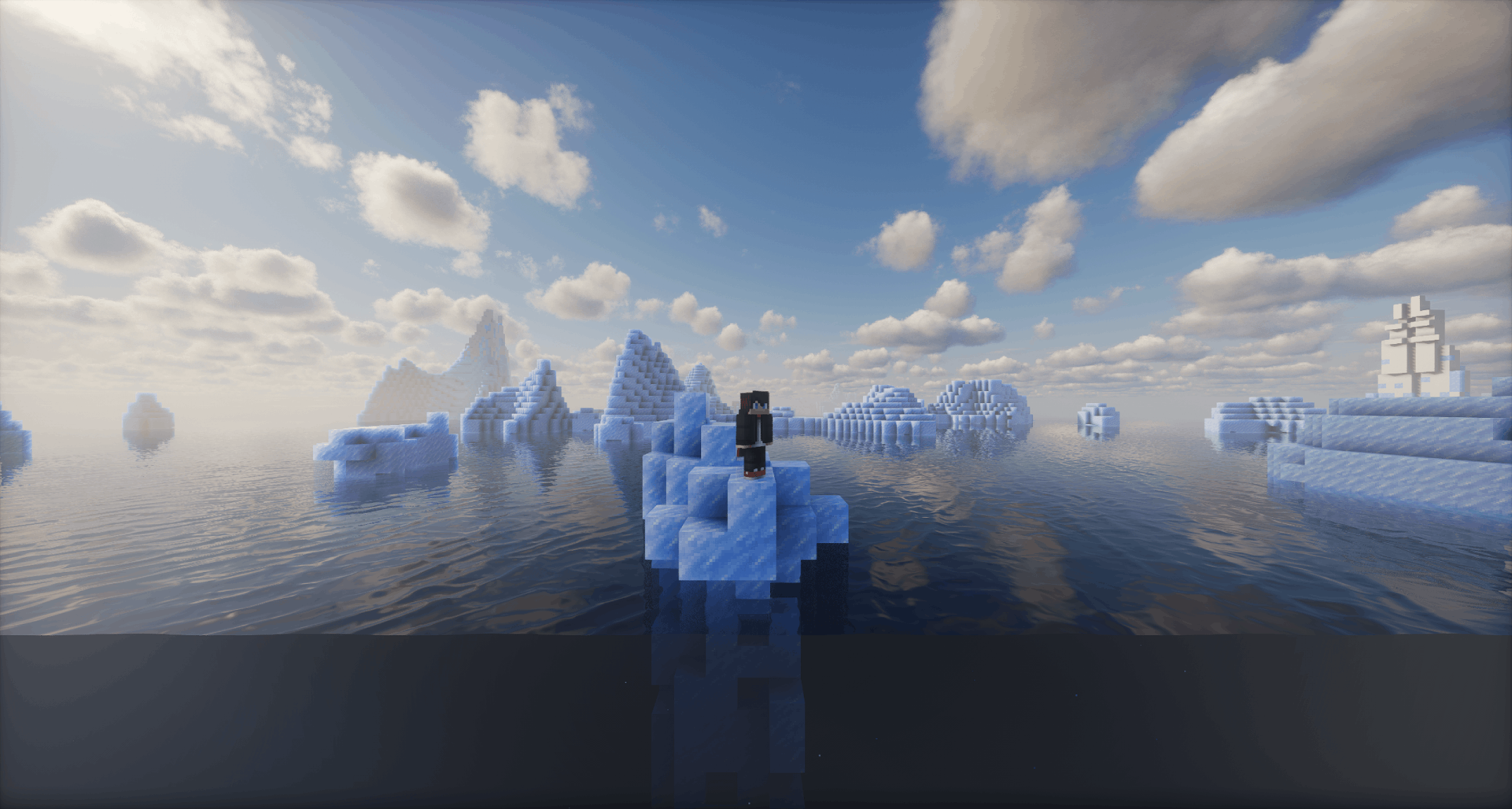 Frozen Ocean taken w/ Photon v1.2a Shaders
 -
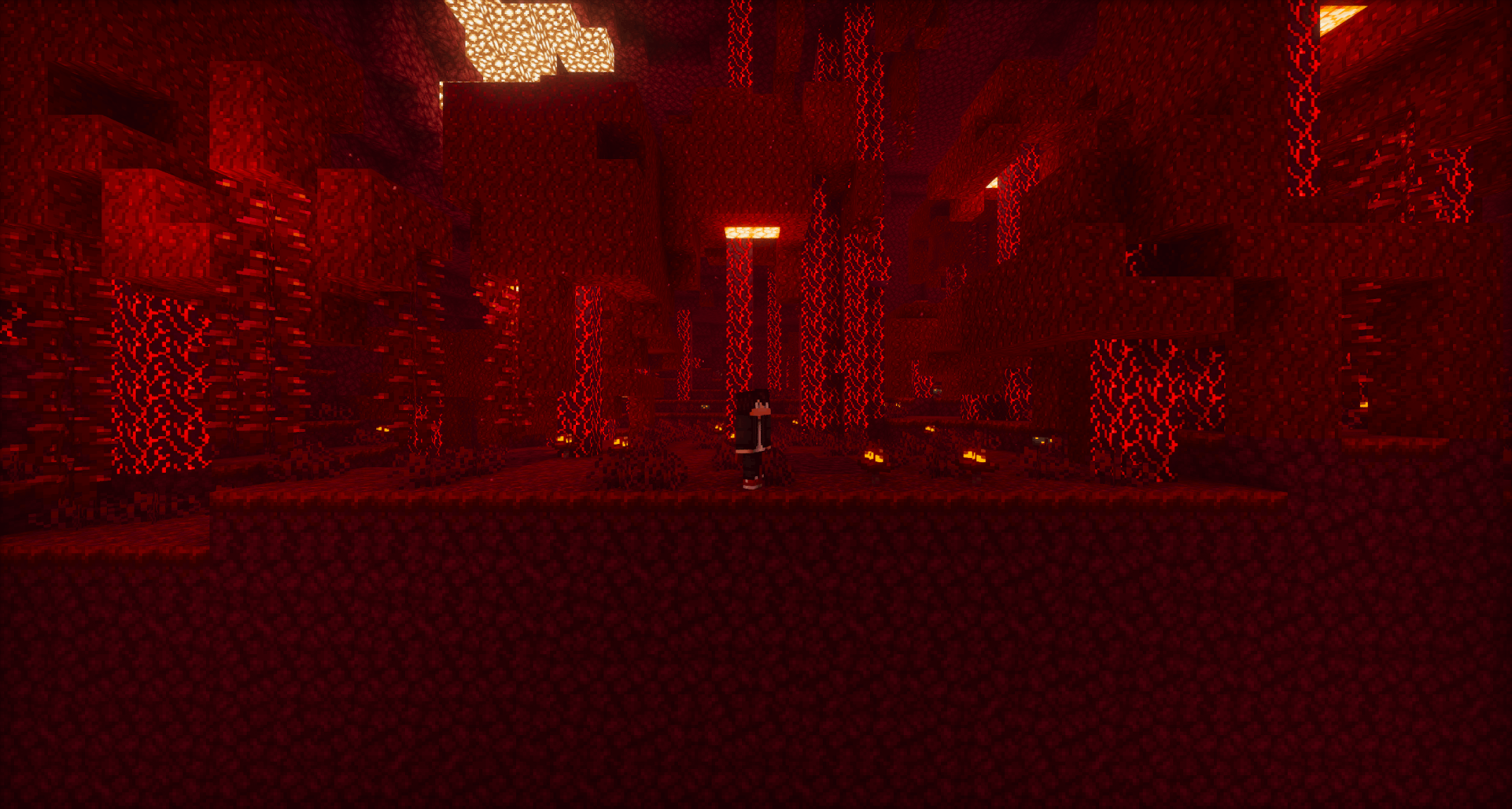 Crimson Forest taken w/ Photon v1.2a Shaders
 -
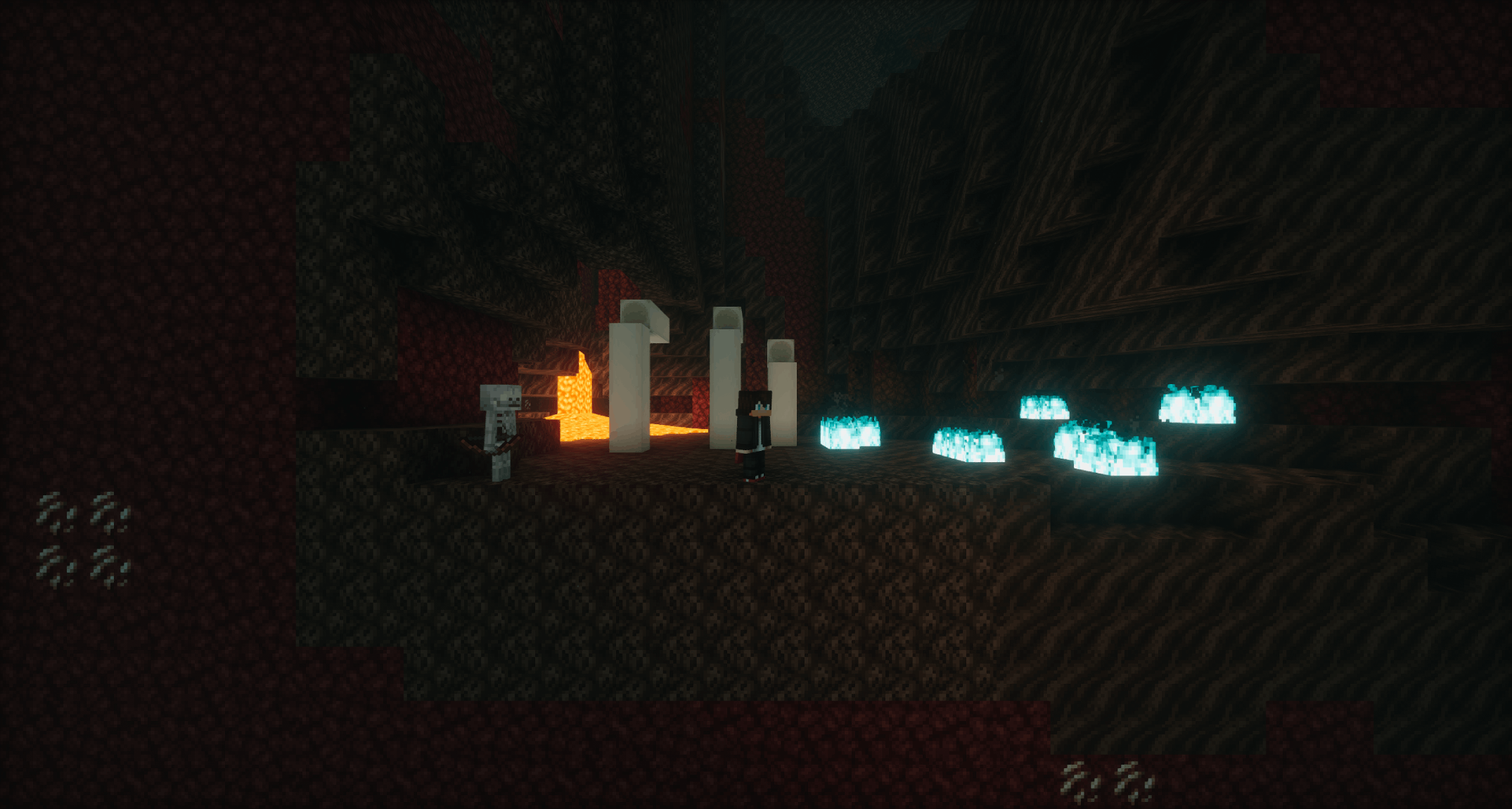 Soul Sand Valley taken w/ Photon v1.2a Shaders
 -
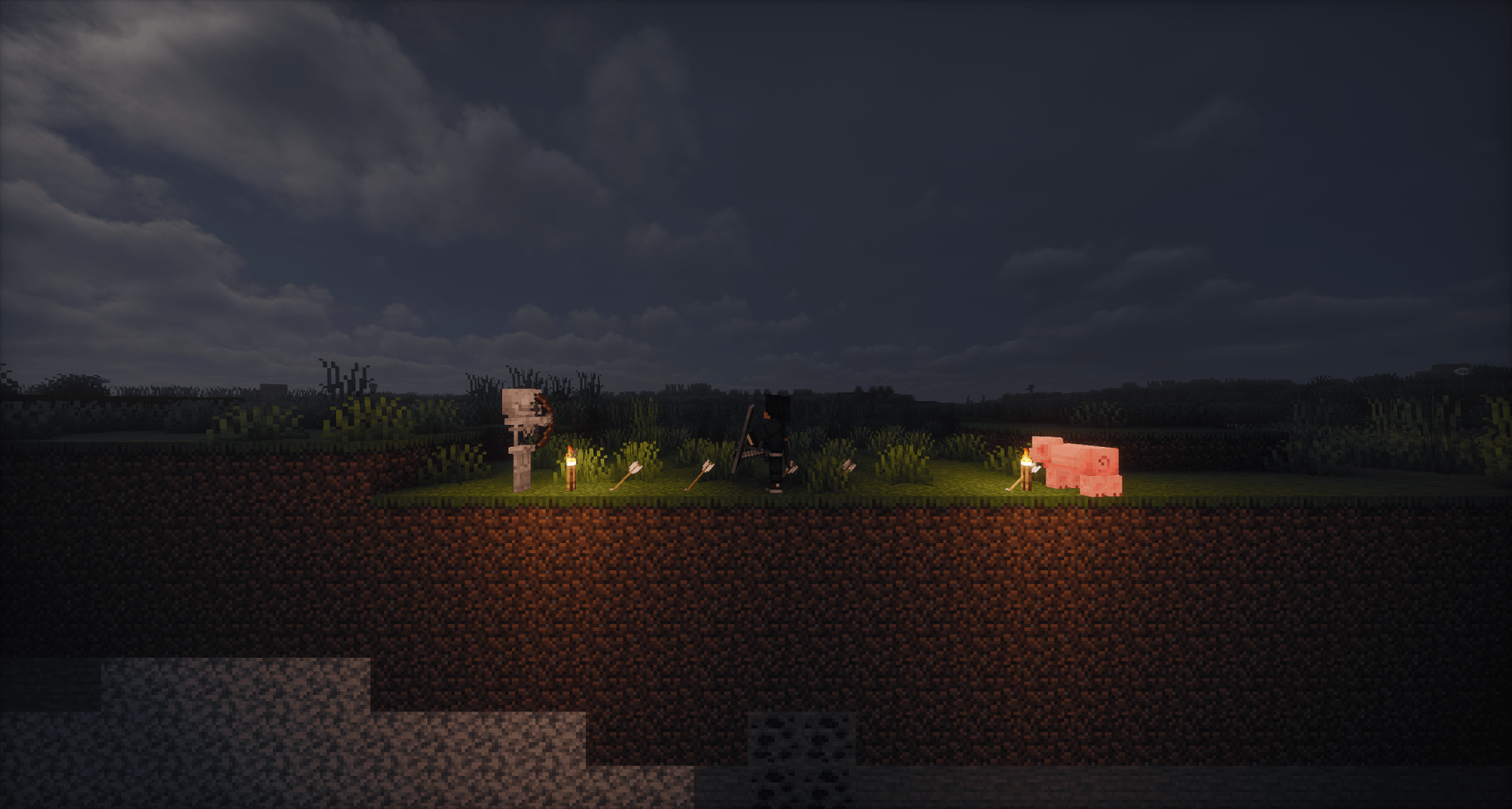 Combat taken w/ Photon v1.2a Shaders
 -
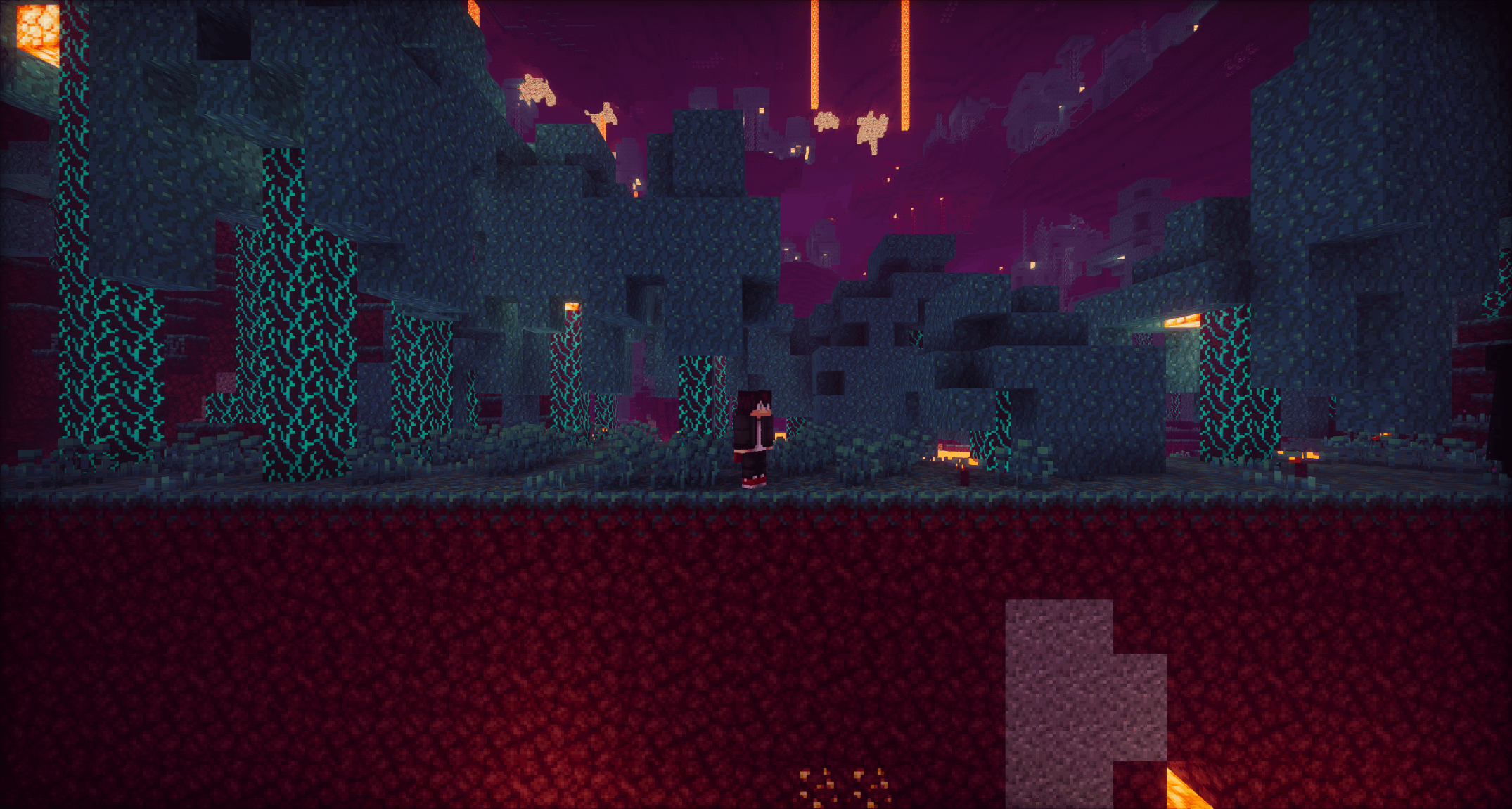 Warped Forest taken w/ Photon v1.2a Shaders
 -
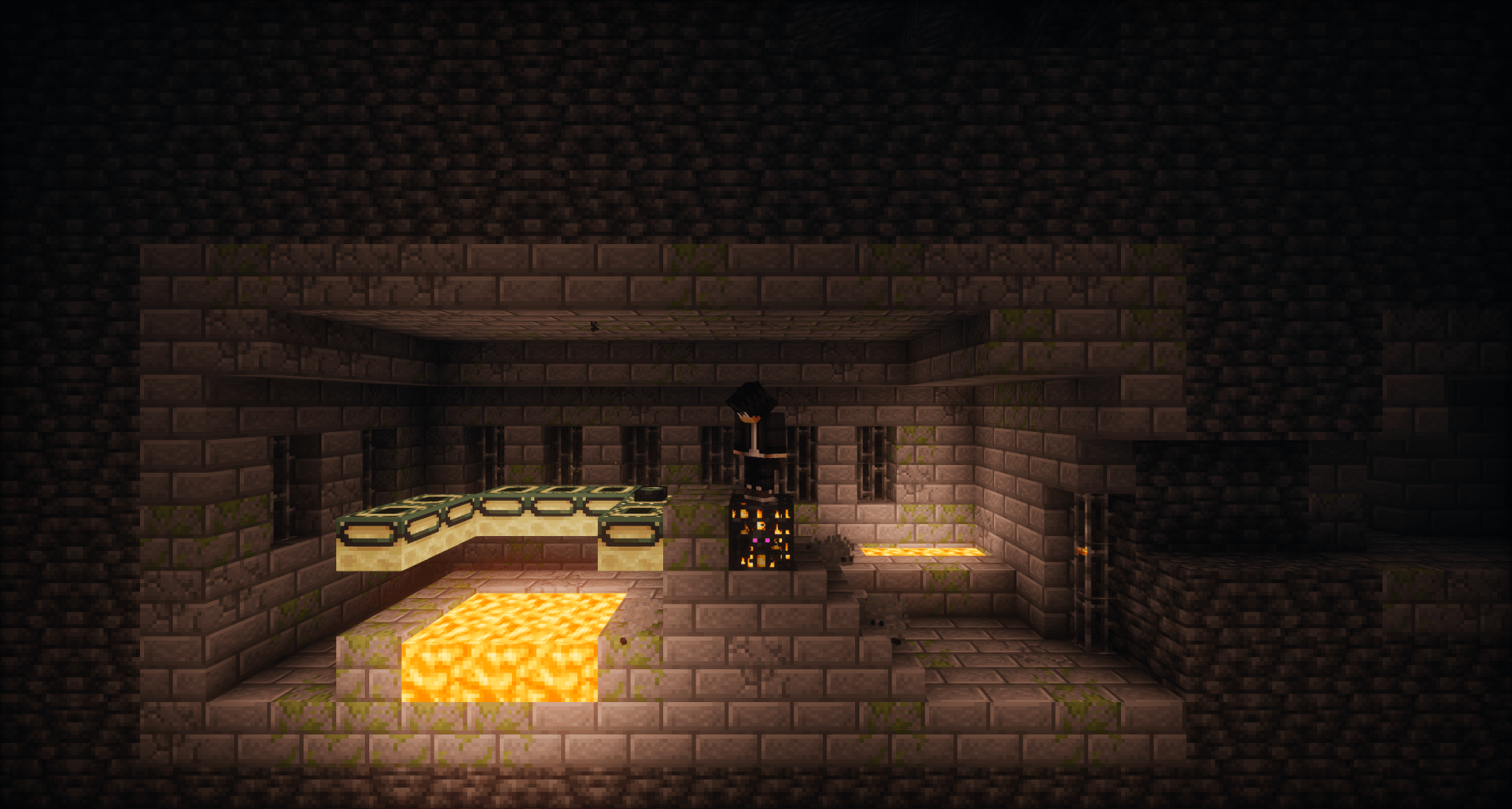 Stronghold Portal Room taken w/ Photon v1.2a Shaders
 -
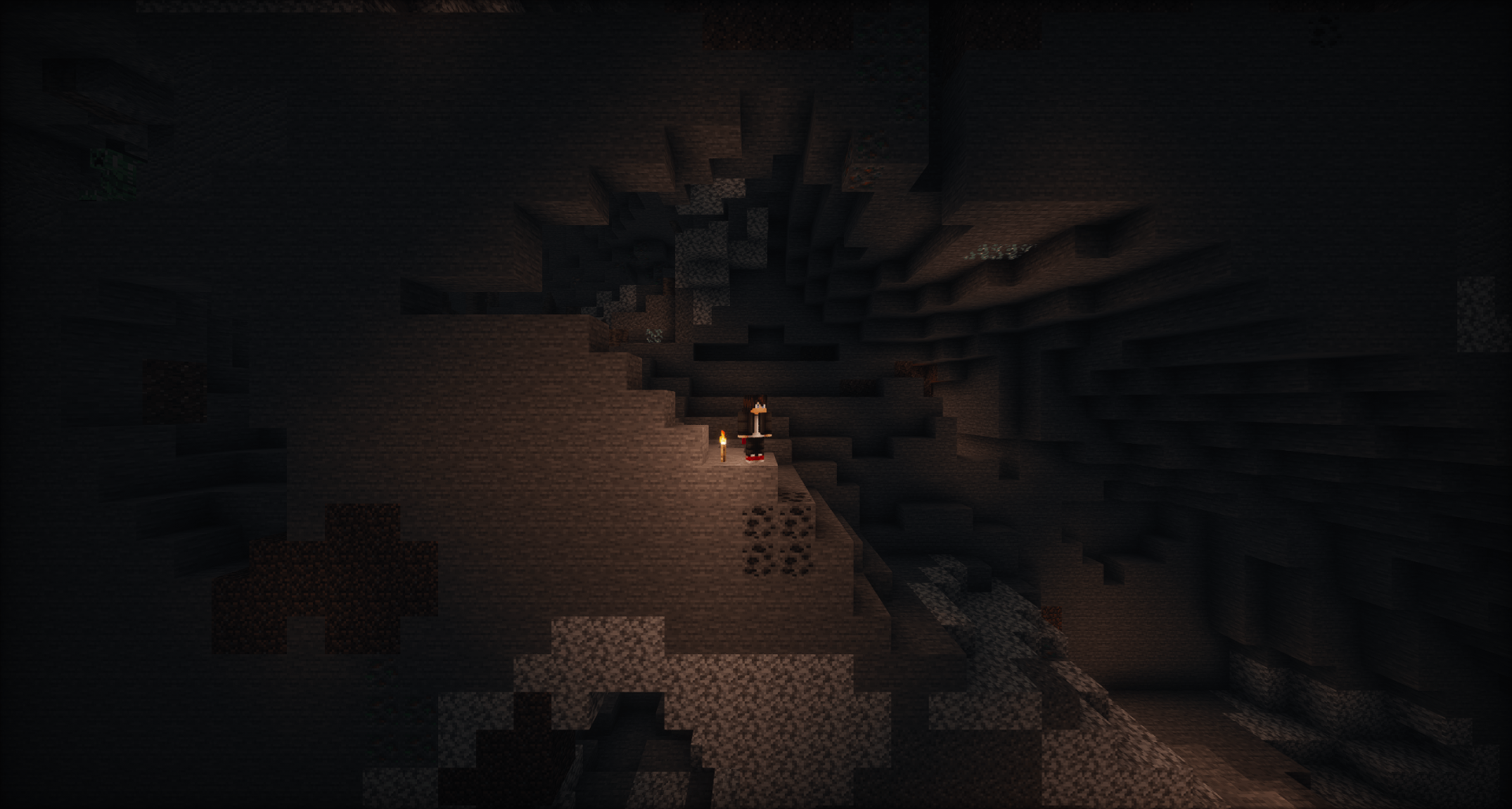 Caving taken w/ Photon v1.2a Shaders
 -
Plains
Versions
Files
Relations
Project Relations
More like this
Similar Mods
Suggestions use data such as tags, dependencies, dependents, descriptions, titles, and more to rank how much they overlap with this mod.
On ModDex
Community snapshot
By the numbers
Statistics
Want to reach Minecraft players?
We're looking for a server hosting partner to feature here and other parts of the site. Interested? Send us a message!
Get in touchGet it on
Available Platforms
On ModDex
Community snapshot
By the numbers