
Community listing page, reviews here may not be monitored by the author.


Community voices
Reviews
No reviews yet. Be the first to review this project!
Get it on
Available Platforms
Compatibility
Supported Environments
Runs entirely on the client. Works on vanilla servers.
About
Project Details
For authors
Embed Badge
If you're the author of this project, you can embed a live badge anywhere that supports HTML or Markdown. It updates automatically whenever ratings change.
Use HTML for any page that supports it, or Markdown for README files and Markdown-based descriptions.
Identifiers
Platform IDs
About
Description
Support Me


Information
this is a clientside fabric mod for 1.21.11 that makes http requests to the google gemini ai api to automatically respond to chat messages using gemini. using this mod on servers is at your own risk.
Dependencies
Cloth Config API (Required)
Mod Menu (Optional, but recommended for easier config access)
Setup
To setup the mod, you must create your own Gemini API Key in Google AI Studio and enter it into the Config. Do not share your API Key with anyone. There are free and paid usage plans for Gemini - be careful about what you choose. You can track your usage in the AI Studio.
The only necessary fields in the Config for the mod to work are Mod Enabled, the API Key, Model Code, Message Delay, Max Tokens, and Prefix.
Config
Gemini Model Code - identifies what model to send api request to. Found here
Prefix - marks the start of a question for Gemini in chat. If a player's chat message contains the prefix, the contents of their chat message after the prefix will be sent to Gemini
Max Number of Tokens - determines how long Gemini's responses are. be conscious about token usage limits in AI Studio
Context Message - passed as a system instruction to Gemini (optional)
Initial Intro Message - even if it contains the prefix, it will be ignored and not sent to Gemini. this message will not be automatically sent by the mod; if you want to use it to "introduce yourself" as Gemini, you'll have to send it manually.

Troubleshooting
If you don't get any responses from Gemini in chat, check your Usage page in Google AI Studio to see if an API request was made and if there were any errors. You can also see any mod error messages in your Minecraft launcher's console.
If you see that there was an API error, try experimenting with different Gemini model codes. I've sometimes had issues with certain Gemini models but others have worked.
If the mod doesn't work no matter the Gemini model, it could be an issue with your Firewall or ISP blocking the API request. There are also certain countries where the Gemini API free and/or paid tiers are restricted.
Public Usage
if you'd like to use assets/modified versions of this mod in your own projects and publicly share them, credit me and link this page or my YouTube video.
- as long as you credit me, you may use this mod or assets from this mod in your own public social media posts, mod packs, resource packs, and bedrock ports
- please do not create new showcase webpages, download links, or claim credit for making this mod or assets from this mod.
- if you are unsure, message me on discord (L33tfox) for permission
Support Me
Information
this is a clientside fabric mod for 1.21.11 that makes http requests to the google gemini ai api to automatically respond to chat messages using gemini. using this mod on servers is at your own risk.
Dependencies
Cloth Config API (Required)
Mod Menu (Optional, but recommended for easier config access)
Setup
To setup the mod, you must create your own Gemini API Key in Google AI Studio and enter it into the Config. Do not share your API Key with anyone. There are free and paid usage plans for Gemini - be careful about what you choose. You can track your usage in the AI Studio.
The only necessary fields in the Config for the mod to work are Mod Enabled, the API Key, Model Code, Message Delay, Max Tokens, and Prefix.
Config
Gemini Model Code - identifies what model to send api request to. Found here
Prefix - marks the start of a question for Gemini in chat. If a player's chat message contains the prefix, the contents of their chat message after the prefix will be sent to Gemini
Max Number of Tokens - determines how long Gemini's responses are. be conscious about token usage limits in AI Studio
Context Message - passed as a system instruction to Gemini (optional)
Initial Intro Message - even if it contains the prefix, it will be ignored and not sent to Gemini. this message will not be automatically sent by the mod; if you want to use it to "introduce yourself" as Gemini, you'll have to send it manually.
Troubleshooting
If you don't get any responses from Gemini in chat, check your Usage page in Google AI Studio to see if an API request was made and if there were any errors. You can also see any mod error messages in your Minecraft launcher's console.
If you see that there was an API error, try experimenting with different Gemini model codes. I've sometimes had issues with certain Gemini models but others have worked.
If the mod doesn't work no matter the Gemini model, it could be an issue with your Firewall or ISP blocking the API request. There are also certain countries where the Gemini API free and/or paid tiers are restricted.
Public Usage
if you'd like to use assets/modified versions of this mod in your own projects and publicly share them, credit me and link this page or my YouTube video.
- as long as you credit me, you may use this mod or assets from this mod in your own public social media posts, mod packs, resource packs, and bedrock ports
- please do not create new showcase webpages, download links, or claim credit for making this mod or assets from this mod.
- if you are unsure, message me on discord (L33tfox) for permission
Screenshots
Gallery
-
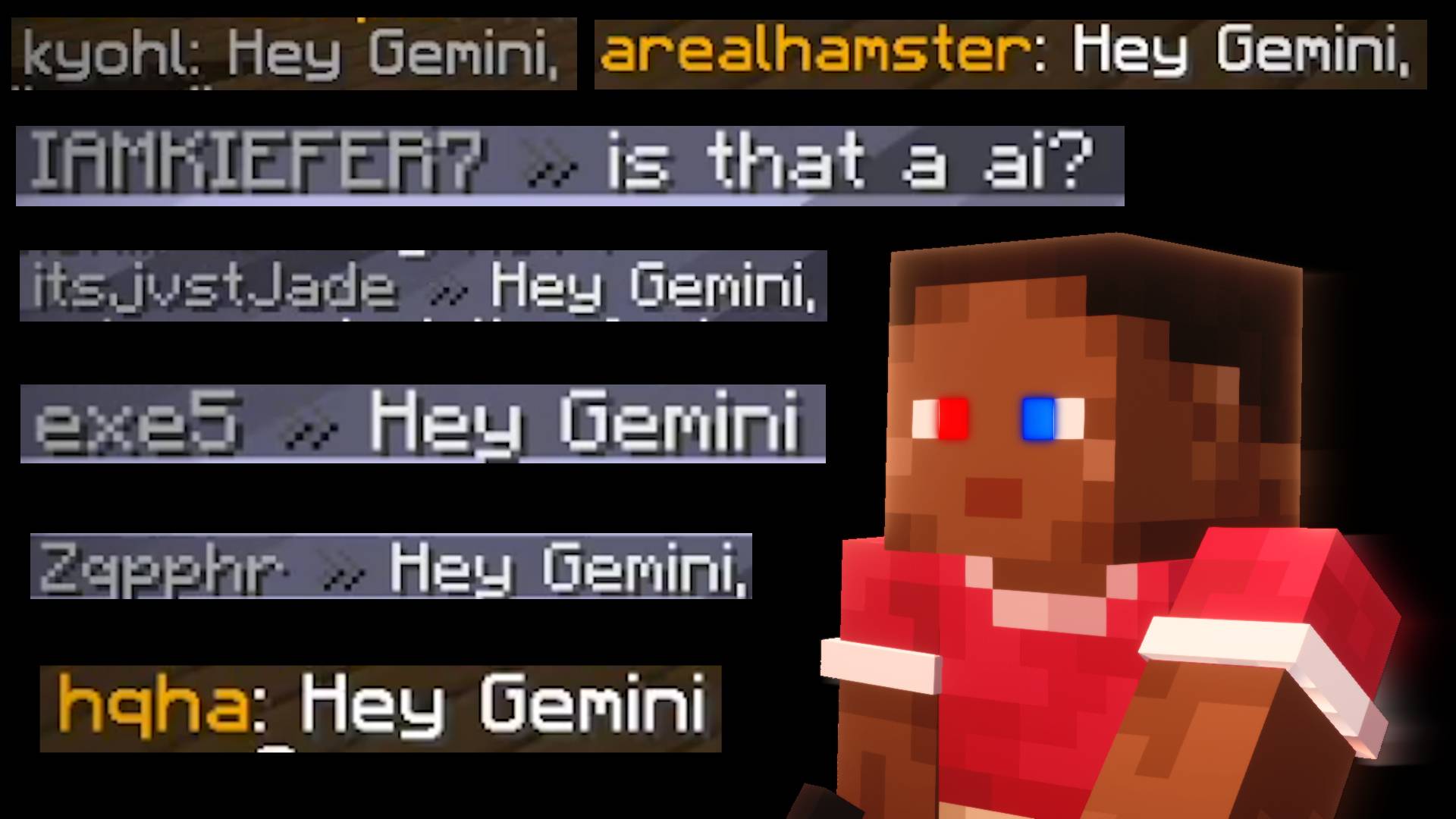 Hey Gemini
-
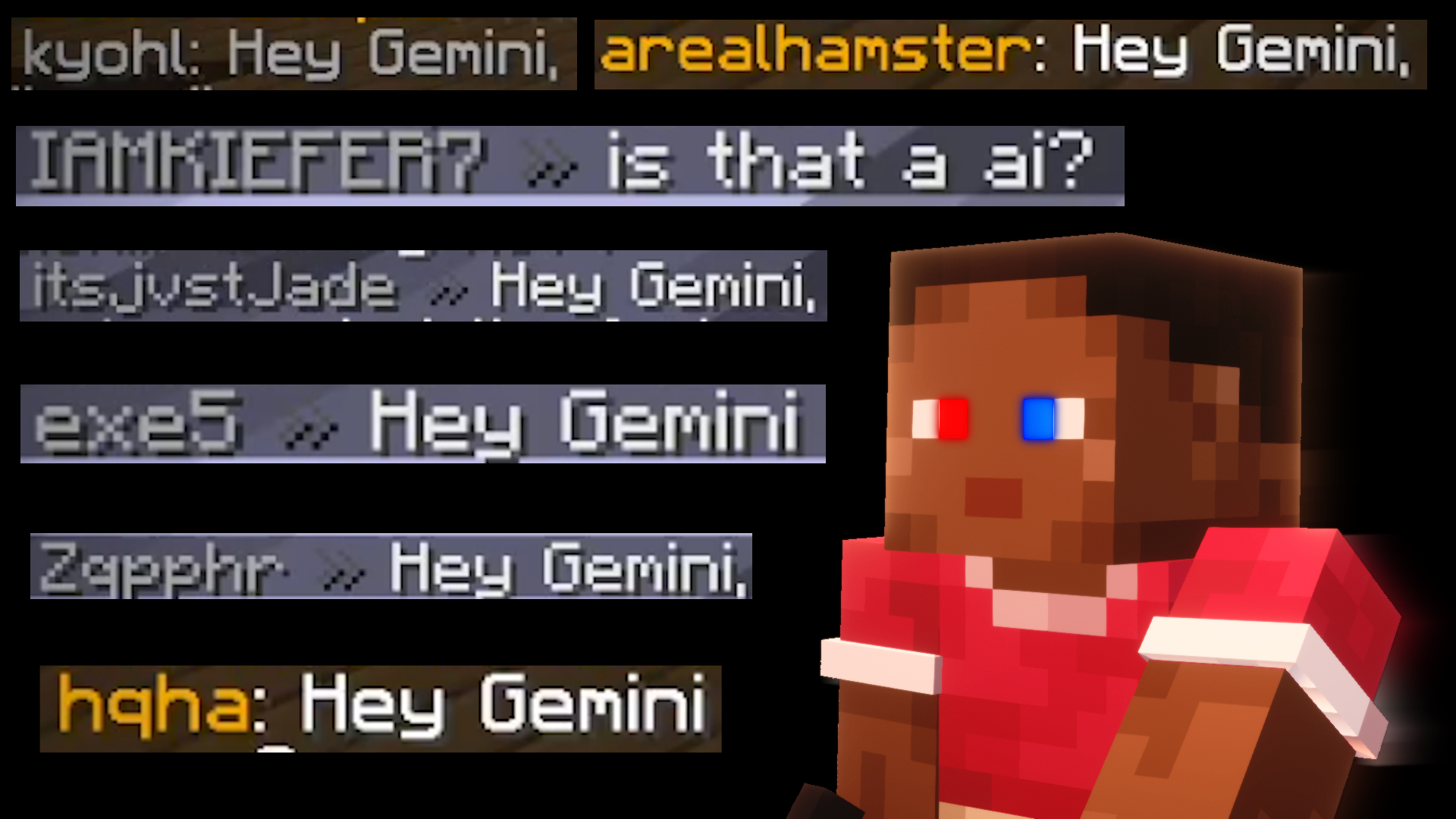 Hey Gemini
Versions
Files
Relations
Project Relations
More like this
Similar Mods
Suggestions use data such as tags, dependencies, dependents, descriptions, titles, and more to rank how much they overlap with this mod.
On ModDex
Community snapshot
By the numbers
Statistics
Want to reach Minecraft players?
We're looking for a server hosting partner to feature here and other parts of the site. Interested? Send us a message!
Get in touchGet it on
Available Platforms
On ModDex
Community snapshot
By the numbers