
Reputation ranks
Ranks only ever go up; points can drop but your rank stays.
About reputation ranksIt does what it says pretty nicely but i didn't find much use tbh it's purely aesthetic.
Community listing page, reviews here may not be monitored by the author.
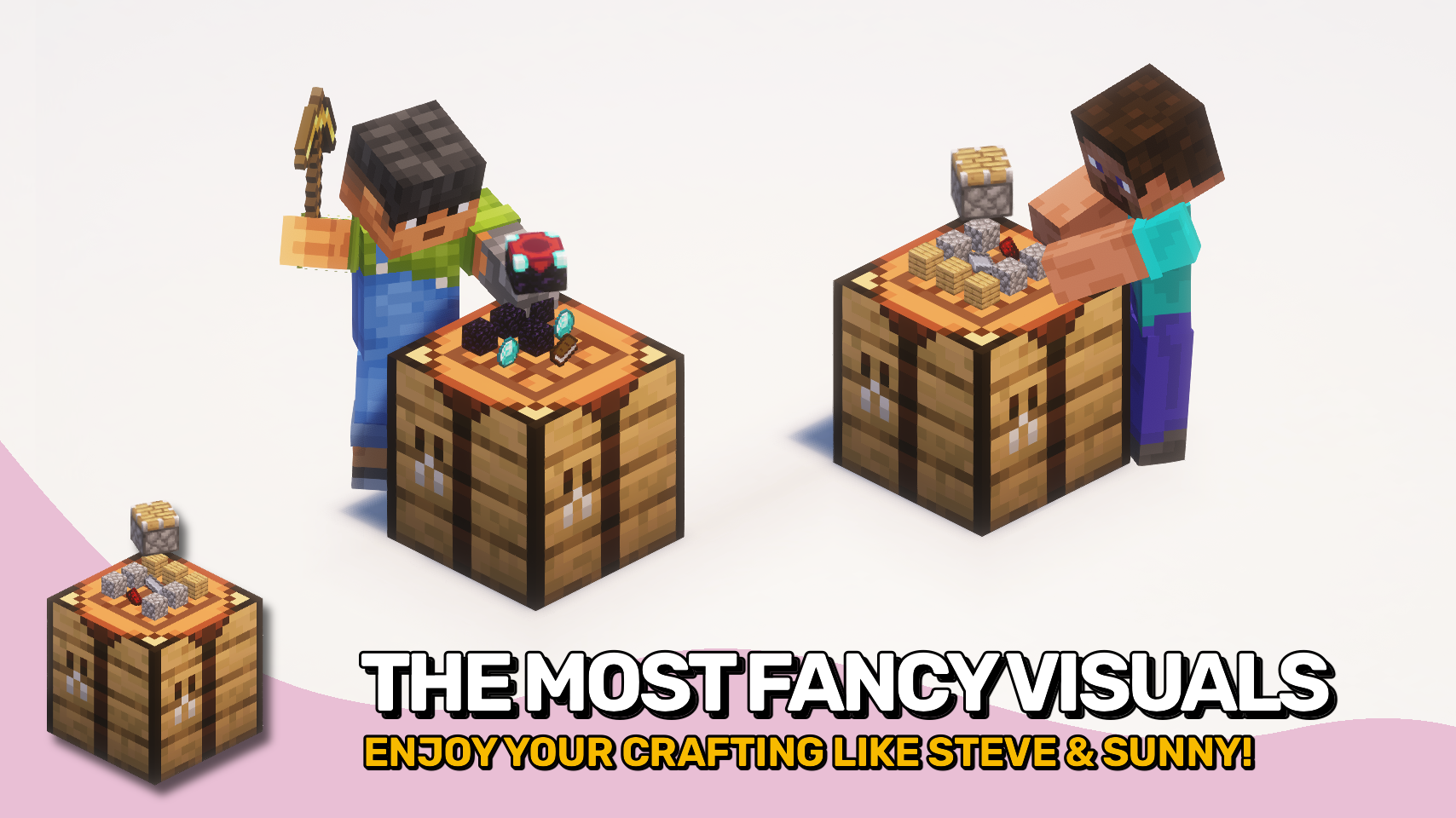
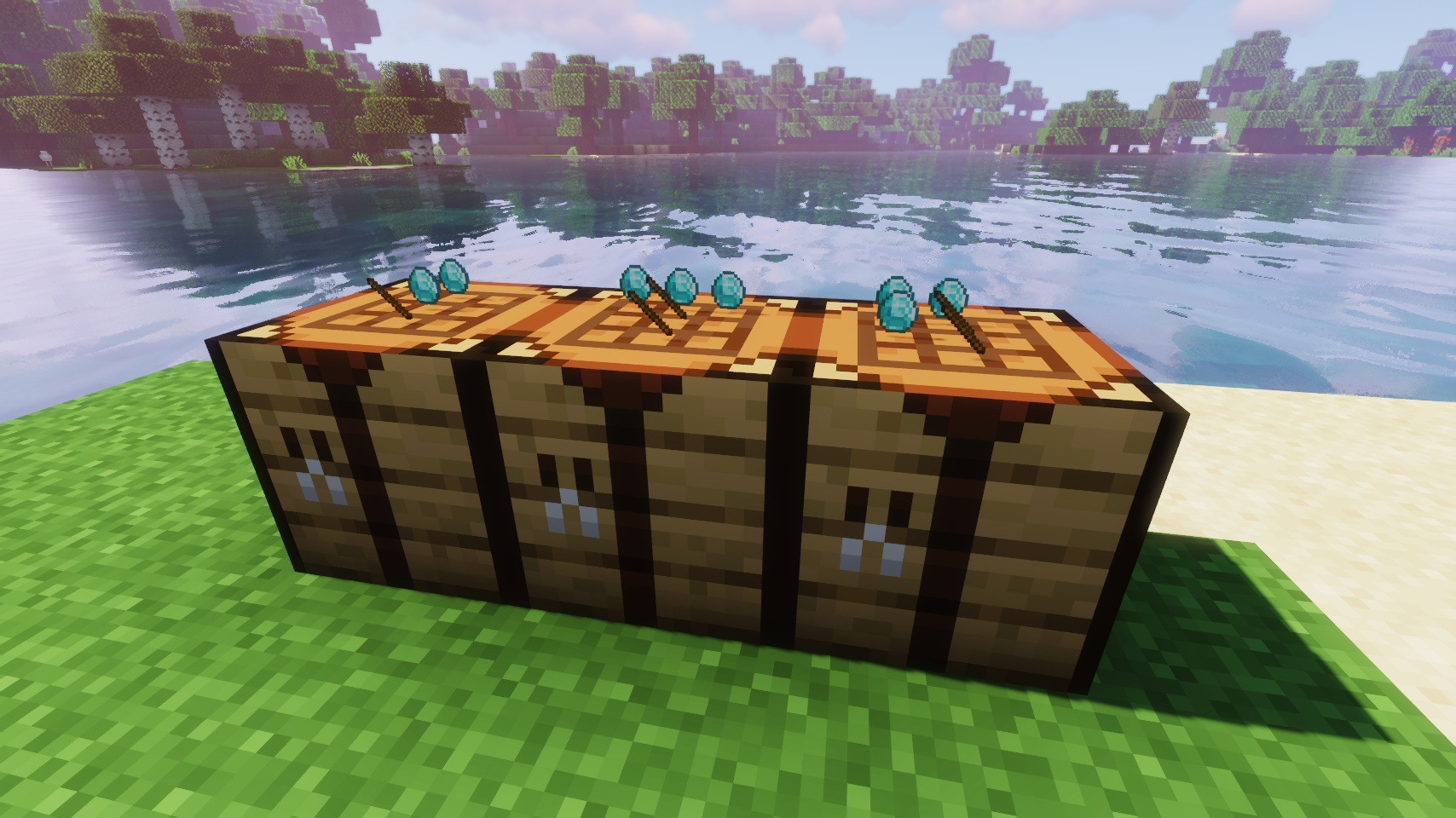
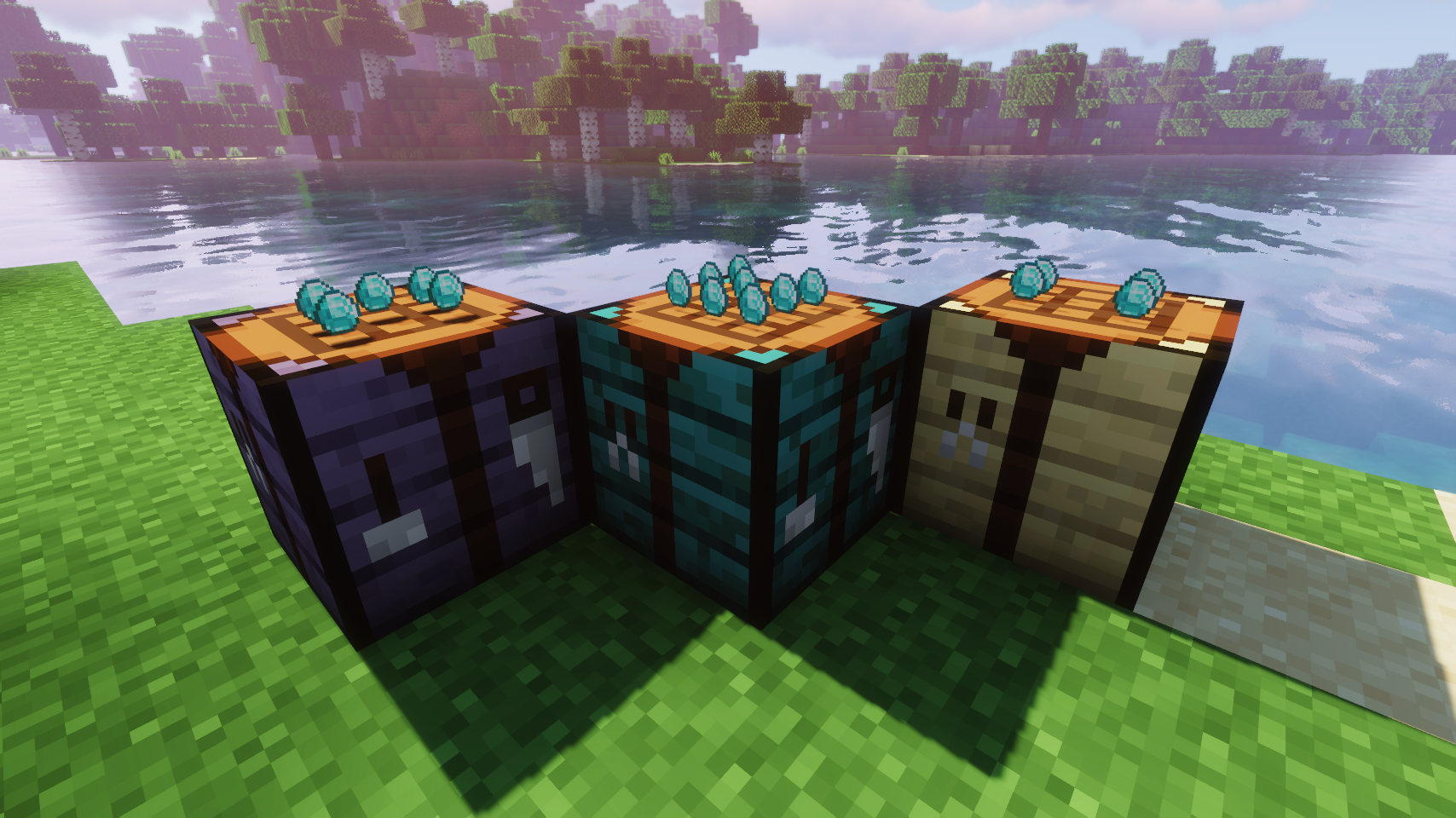
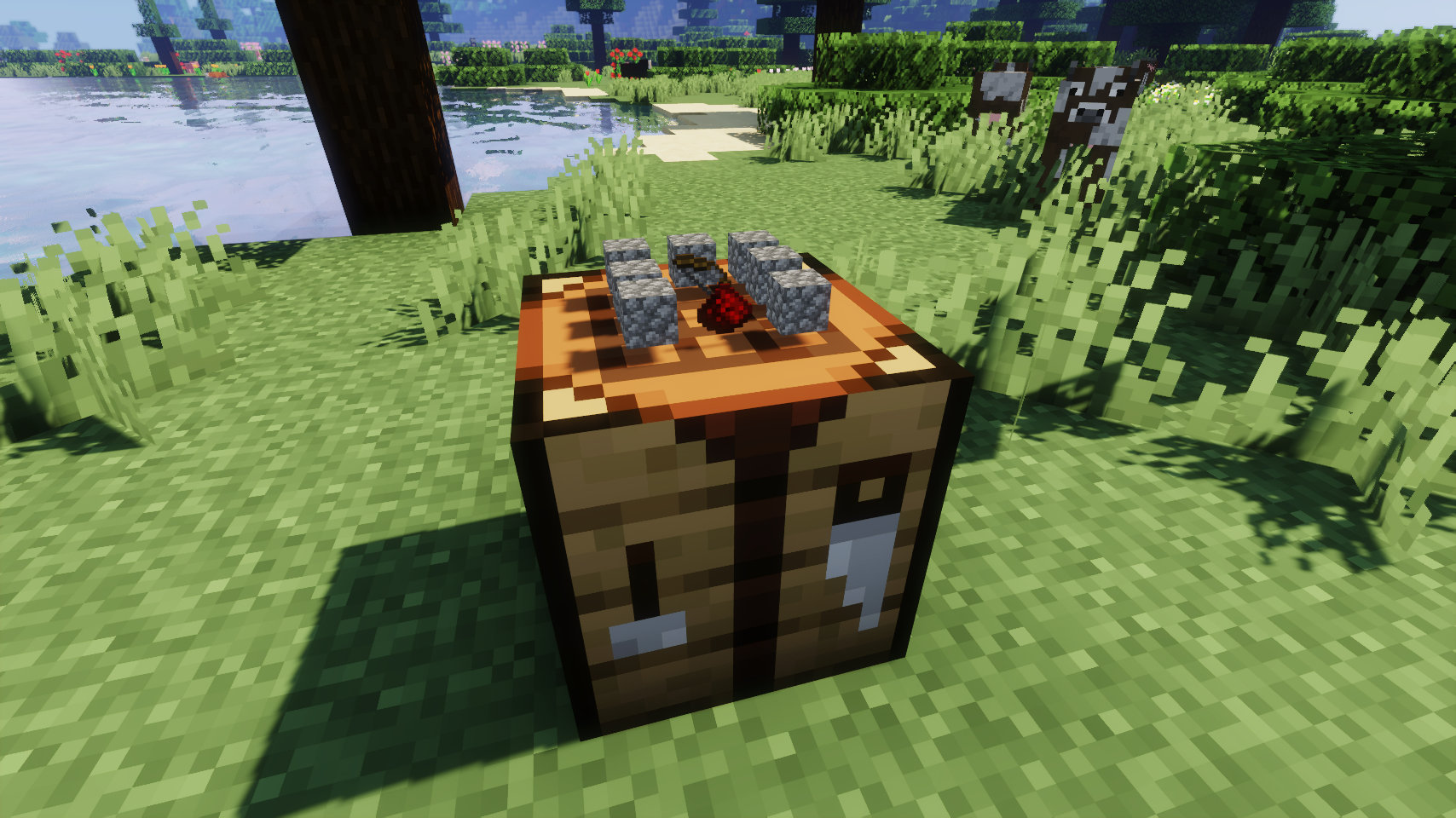
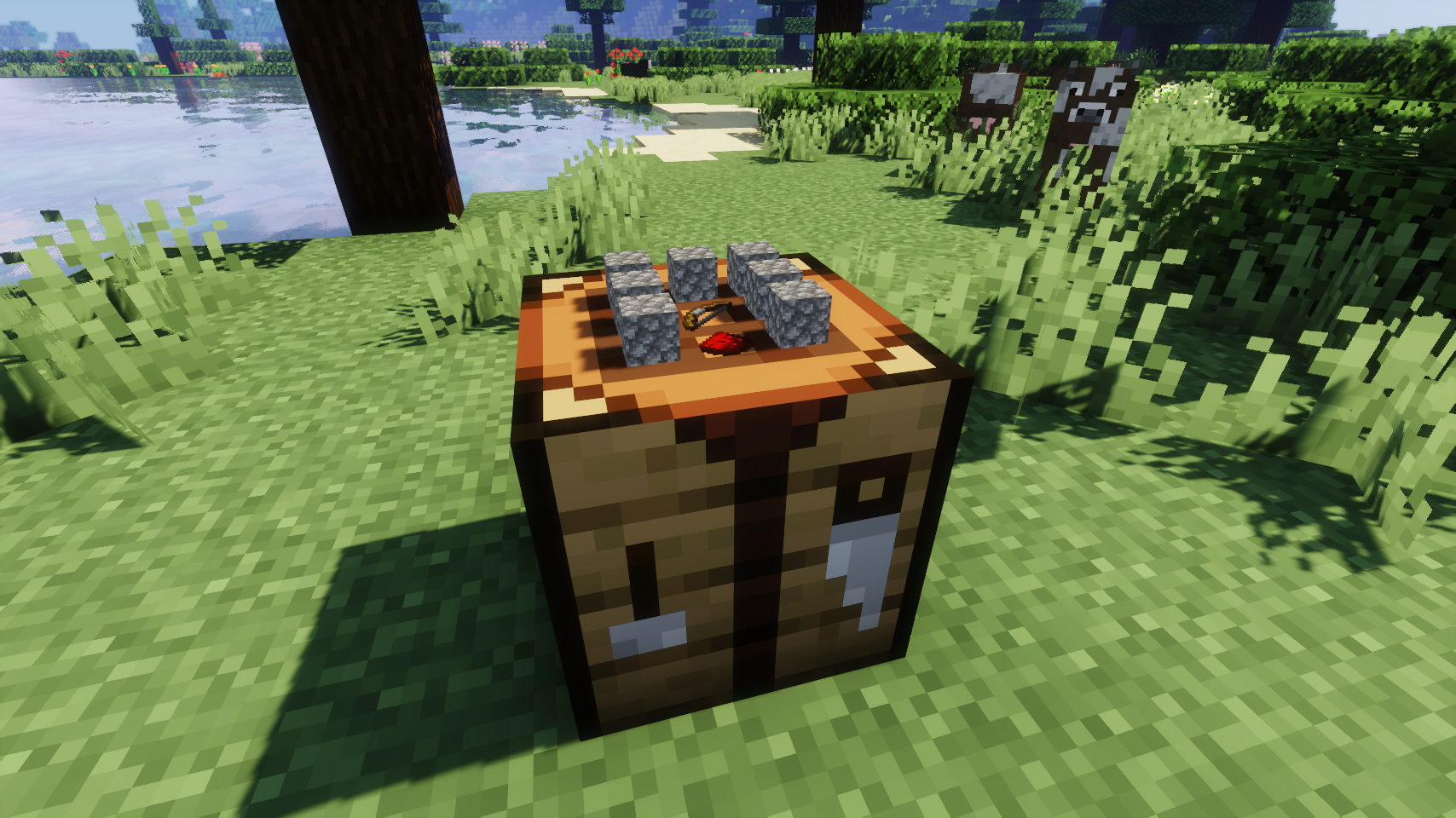
Items stay inside of crafting tables and are also rendered on top. It's really fancy!
Community voices
Click once to include, again to exclude, again to clear
Reputation ranks
Ranks only ever go up; points can drop but your rank stays.
About reputation ranksIt does what it says pretty nicely but i didn't find much use tbh it's purely aesthetic.
Reputation ranks
Ranks only ever go up; points can drop but your rank stays.
About reputation ranksGet it on
Compatibility
Must be installed on both the client and the server.
About
For authors
If you're the author of this project, you can embed a live badge anywhere that supports HTML or Markdown. It updates automatically whenever ratings change.
Use HTML for any page that supports it, or Markdown for README files and Markdown-based descriptions.
Identifiers
About

![]()
![]()
![]()
Visual Workbench makes crafting tables feel more alive by keeping items inside the grid while you work. 🧰 No more disappearing ingredients. Everything stays visible and organized as you craft.
If you break the block, all contents drop on the ground just as you would expect. 📦 Crafting ingredients and the resulting item are also rendered directly on top, giving the table a clean and satisfying visual touch.
Simple, intuitive, and a nice visual upgrade to a familiar block. ✨
![]()
![]()

![]()
![]()
⏩ INSTALLATION REQUIRED ON CLIENT & REQUIRED ON SERVER
⏩ REQUIRES PUZZLES LIB TO BE INSTALLED (FABRIC & NEOFORGE)
⏩ REQUIRES FABRIC API TO BE INSTALLED (FABRIC)
⏩ REQUIRES FORGE CONFIG API PORT TO BE INSTALLED (FABRIC)
![]()
![]()
If available for a mod, configuration is possible directly from in-game using the mod menu (requires Mod Menu by Prospector to be installed on Fabric).
For manual configuration using an external text editor all files are found at .minecraft/config, named as MOD_ID-client.toml, MOD_ID-common.toml, or MOD_ID-server.toml, depending on the type of config. Not all types might exist for a mod, if any at all.
![]()
![]()
🌟 Thanks to Prototik for the original idea and most of the rendering code from their RealBench mod.
🌟 Thanks to Tfarecnim for the Just Enough Items plugin code from their Crafting Station mod.
🌟 Thanks to Daomephsta from the Fabric Discord for pointing me into the right direction for supporting modded crafting tables on Fabric.
![]()
![]() |
![]() |
|
![]() |
![]() |
|
![]() |
![]() |
|
![]() |
![]() |
|
![]() |
![]() |
|
![]()
![]()
© 2026 @heyitsfuzs. All rights reserved. This page was last edited on 11 September 2026, at 06:44 (UTC).
Download for 1.19+: https://www.curseforge.com/minecraft/mc-mods/visual-workbench

![]()
![]()
📖 About:
Visual Workbench makes items put into a crafting table stay inside. Breaking the block drops everything on the ground, just like you'd expect. Oh, and crafting ingredients are also rendered on top. Really fancy if you ask me!
![]()
![]() |
![]() |
|
| Crafting now looks really fancy | Modded crafting tables work too (Forge only) | |
![]() |
![]() |
|
| Floating item rendering option | Flat item rendering option | |
![]()
💡 FAQ:
Q: How do I configure this mod?
A: Editing configs directly in-game has not yet been implemented. Instead when in a world run the /config showfile <modid> command by choosing either CLIENT or SERVER (depending on the mod), then click the file name (ending with .toml) that appears in chat to be able to manually edit the config file in a separate editor.
Q: Does this work with crafting tables from other mods?
A: Unfortunately no.
Q: Now that items stay in the table, clearing the interface is so tedious. What can I do?
A: Try Crafting Tweaks, a mod by BlayTheNinth.
![]()
🏆 Credits:
Developing Visual Workbench was helped and inspired by:
![]()

![]()
![]() |
![]() |
|
![]() |
![]() |
|
![]() |
![]() |
|
![]()

![]()
![]()
![]()
Visual Workbench makes crafting tables feel more alive by keeping items inside the grid while you work. 🧰 No more disappearing ingredients. Everything stays visible and organized as you craft.
If you break the block, all contents drop on the ground just as you would expect. 📦 Crafting ingredients and the resulting item are also rendered directly on top, giving the table a clean and satisfying visual touch.
Simple, intuitive, and a nice visual upgrade to a familiar block. ✨
![]()
![]()

![]()
![]()
⏩ INSTALLATION REQUIRED ON CLIENT & REQUIRED ON SERVER
⏩ REQUIRES PUZZLES LIB TO BE INSTALLED (FABRIC & NEOFORGE)
⏩ REQUIRES FABRIC API TO BE INSTALLED (FABRIC)
⏩ REQUIRES FORGE CONFIG API PORT TO BE INSTALLED (FABRIC)
![]()
![]()
If available for a mod, configuration is possible directly from in-game using the mod menu (requires Mod Menu by Prospector to be installed on Fabric).
For manual configuration using an external text editor all files are found at .minecraft/config, named as MOD_ID-client.toml, MOD_ID-common.toml, or MOD_ID-server.toml, depending on the type of config. Not all types might exist for a mod, if any at all.
![]()
![]()
🌟 Thanks to Prototik for the original idea and most of the rendering code from their RealBench mod.
🌟 Thanks to Tfarecnim for the Just Enough Items plugin code from their Crafting Station mod.
🌟 Thanks to Daomephsta from the Fabric Discord for pointing me into the right direction for supporting modded crafting tables on Fabric.

![]()
![]() |
![]() |
|
![]() |
![]() |
|
![]() |
![]() |
|
![]() |
![]() |
|
![]() |
![]() |
![]()
![]()
© 2026 @heyitsfuzs. All rights reserved. This page was last edited on 11 September 2026, at 06:44 (UTC).

Versions
Relations
More like this
Suggestions use data such as tags, dependencies, dependents, descriptions, titles, and more to rank how much they overlap with this mod.
On ModDex
By the numbers
(opens in a new tab)
Get it on
On ModDex
By the numbers