
Community listing page, reviews here may not be monitored by the author.
VCT - Voiid Countdown Timer

- AlonsohhTester
,
- DEMONCITODeveloper
,
- MaxxVoiidLead Developer
,
- Todorokii_lolTester
,
- zontrixTester
No reviews yet
A customizable timer datapack & plugin.
Community voices
Reviews
No reviews yet. Be the first to review this project!
Get it on
Available Platforms
About
Project Details
For authors
Embed Badge
If you're the author of this project, you can embed a live badge anywhere that supports HTML or Markdown. It updates automatically whenever ratings change.
Use HTML for any page that supports it, or Markdown for README files and Markdown-based descriptions.
Identifiers
Platform IDs
About
Description


❓ What is VCT?
Voiid Countdown Timer (VCT) is a fully customizable timer for Minecraft.
It works in two different versions:
- 📦 Datapack → The Lite version of VCT, ideal for single-player worlds or realms.
- 🔌 Plugin → The full version of VCT, perfect for multiplayer servers with Spigot/Paper.
With both versions, you can:
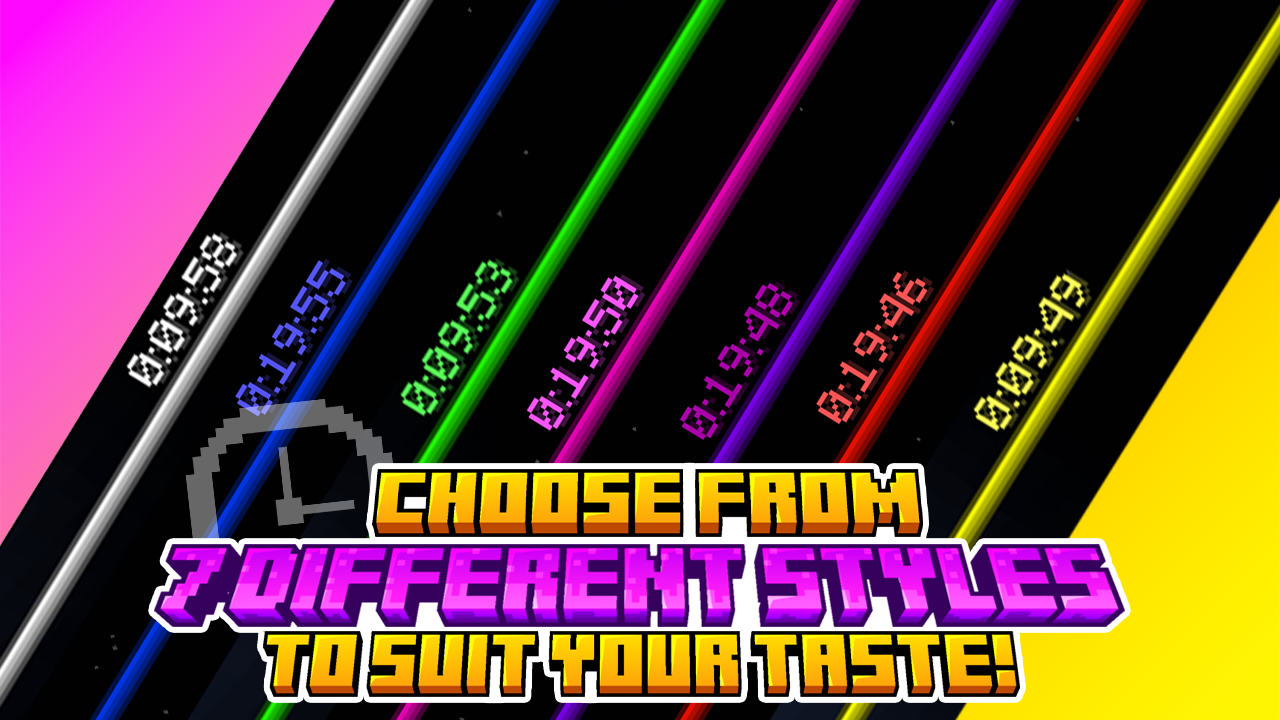
- 🎨 Create visual timers with a progress bar.
- 🖌️ Customize color styles.
- 🛠️ Run custom events when the timer starts or ends.
✨ Features
Voiid Countdown Timer includes:
- 🎨 Custom Colors Styles
- ⚙️ Quick and easy setup
- ⏳ Progressive Time Bar
- 🎈 Custom Events
- 👥 SinglePlayer and Multiplayer Compatible
- 💻 Open Source and constantly updated
📋 Requirements
📦 Datapack
- Version:
1.15+
🔌 Plugin
- Version:
1.13+ - Server: Spigot, Paper, or Purpur (not CraftBukkit)
🚀 Installation
📦 Datapack
- Download the latest version.
- Place the downloaded
.zipfile in thedatapacksfolder of your world. - Enter the world and you will receive a message confirming the installation! 🎉
🔌 Plugin
- Download the latest version.
- Place the downloaded
.jarfile in thepluginsfolder of your server. - Restart the server and the plugin will be ready. ⚡
📖 How to use it
📦 Datapack
- Execute the command
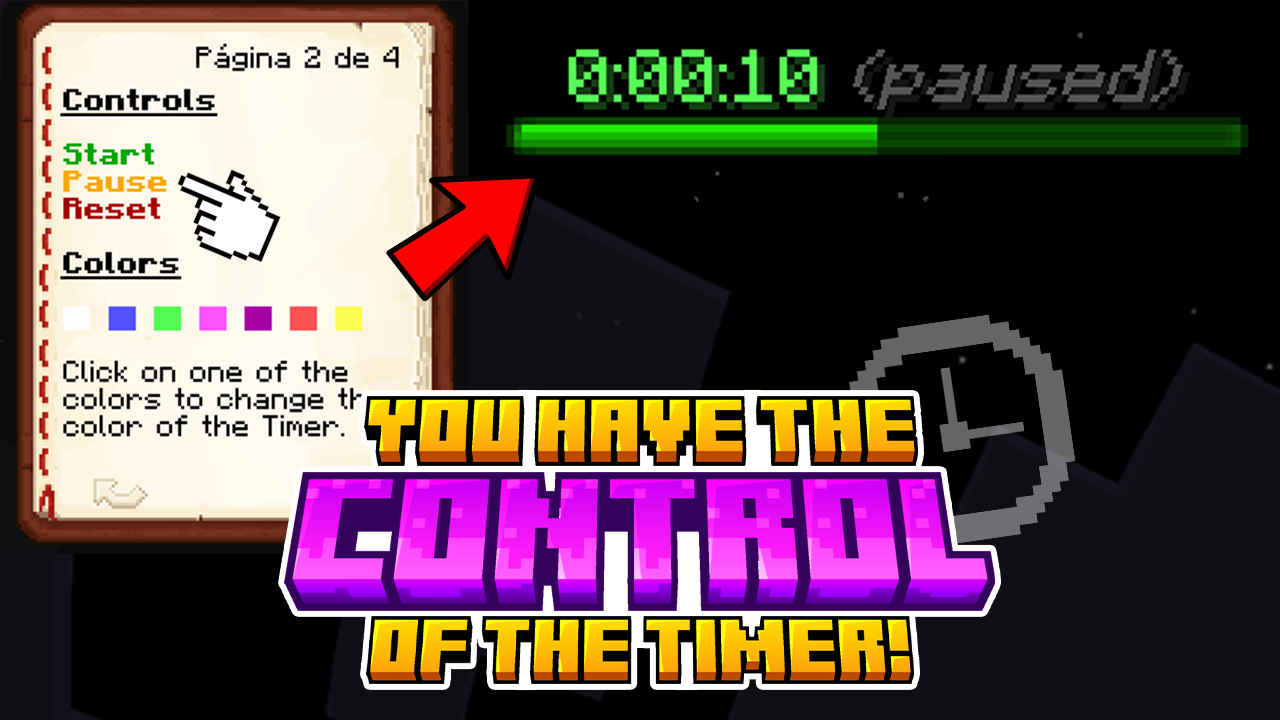
/function vct:bookto receive the configuration book. - From the book you will be able to:
- ⏰ Set time
- 🎛️ Timer controls
- 🌈 Customize style of colors
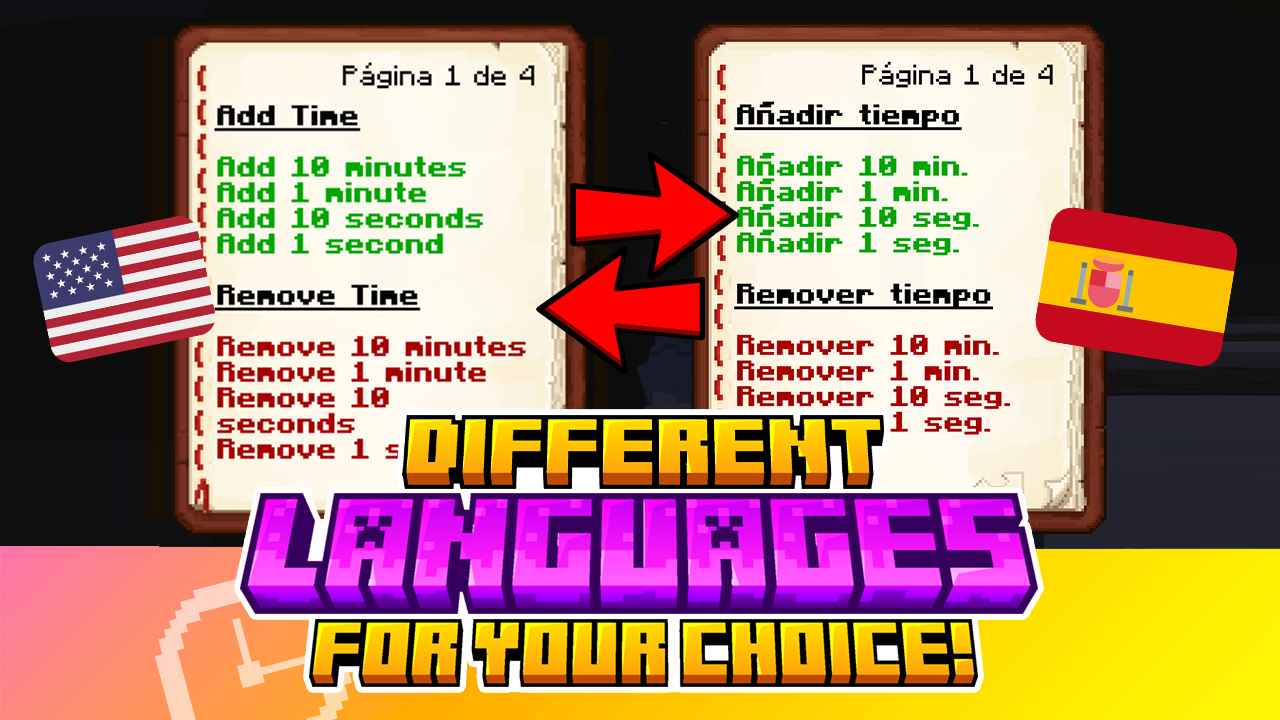
- 🗣️ Change language
- ❌ Uninstall
🔌 Plugin
- Configuration using commands and configuration files (
config.yml) - To see all available commands, use
/vct help. - In
config.yml, you can customize various timer options; all of them are detailed in the official documentation.
📚 VCTDocs (Documentation)
⚡ fastStats (FULL 2.1.1 and newer)

🔥 bStats (FULL 2.1.0 and older)


Screenshots
Gallery
Versions
Files
Relations
Project Relations
More like this
Similar Mods
Suggestions use data such as tags, dependencies, dependents, descriptions, titles, and more to rank how much they overlap with this mod.
On ModDex
Community snapshot
By the numbers
Statistics

Want to reach Minecraft players?
We're looking for a server hosting partner to feature here and other parts of the site. Interested? Send us a message!
Get in touchGet it on
Available Platforms
On ModDex
Community snapshot
By the numbers