Community listing page, reviews here may not be monitored by the author.
Wall Peek

No reviews yet
Allows the third-person camera to pass through obstacles (walls, ceilings, etc.) instead of colliding with them.
Community voices
Reviews
No reviews yet. Be the first to review this project!
Get it on
Available Platforms
About
Project Details
For authors
Embed Badge
If you're the author of this project, you can embed a live badge anywhere that supports HTML or Markdown. It updates automatically whenever ratings change.
Use HTML for any page that supports it, or Markdown for README files and Markdown-based descriptions.
Identifiers
Platform IDs
Resources
External Links
About
Description
Wall Peek — Third-Person Camera Through Walls
Not a cheat. Not ESP. Not X-Ray.
Wall Peek reveals nothing hidden — it simply lets the camera sit where it actually wants to be, instead of letting blocks push it into your face.
What the mod does
Vanilla Minecraft's third-person camera works like this: the engine picks a desired distance behind the player, then fires a raycast toward that point. If the ray hits a block, the camera gets pulled closer. That raycast is exactly why the camera constantly snaps to the back of your head whenever you stand near a wall, walk through a narrow corridor, or crouch under a low ceiling.
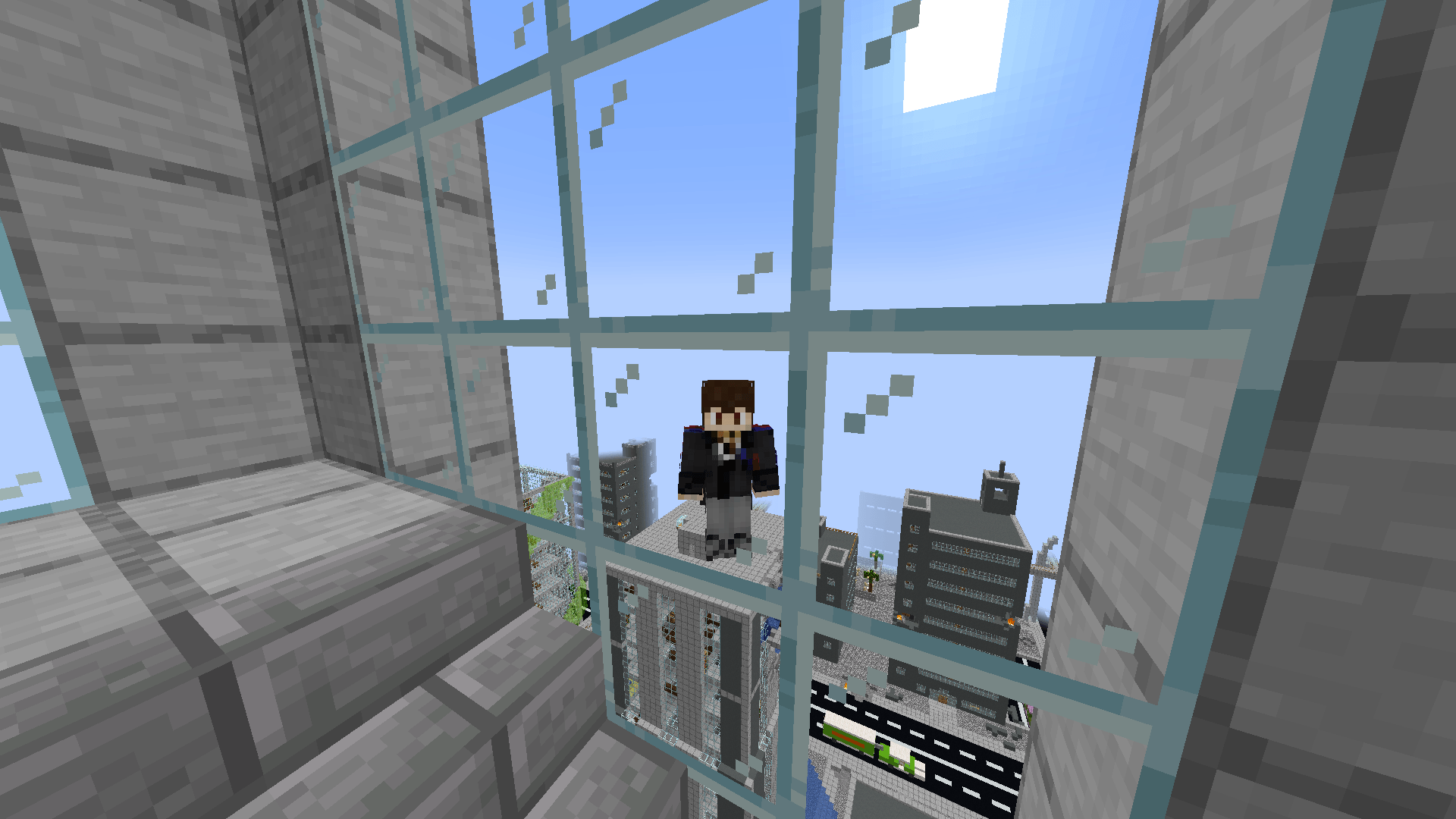
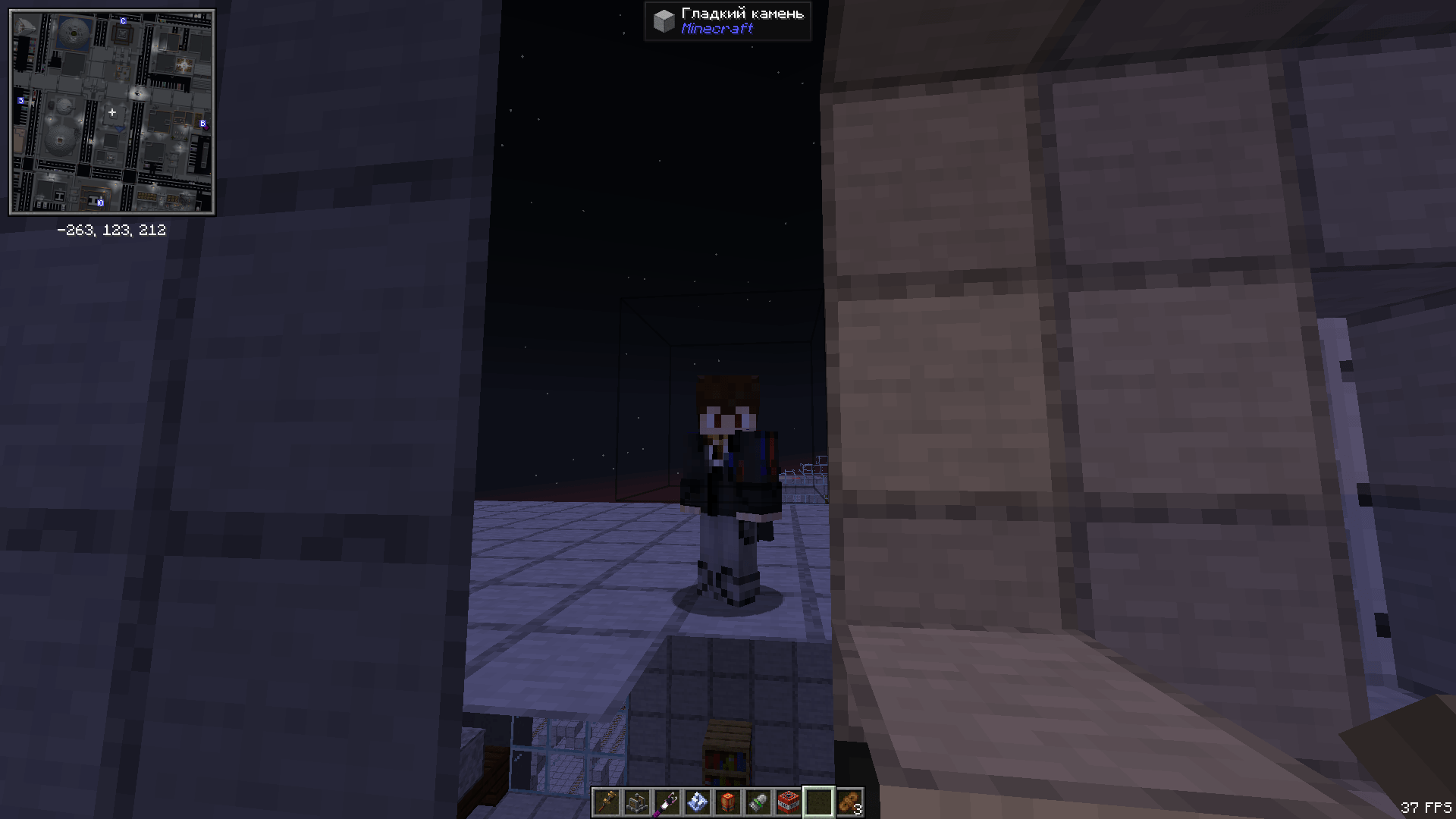
Wall Peek cancels that raycast while the feature is enabled. The camera stays where it should be. Blocks do not become transparent — you see them normally, the camera just physically sits behind them.
Features
- Camera clips through walls. Blocks no longer push the camera toward the player in third-person view.
- Both third-person views supported. Classic over-the-shoulder view and front-facing view (F5 twice) — both work, each can be toggled independently via config.
- Toggle key bind. Instantly enable or disable mid-game. Unbound by default — assign any key in Options > Controls > Key Binds > Wall Peek.
- Action bar feedback. "Wall Peek: ON" or "Wall Peek: OFF" appears above your hotbar whenever you toggle.
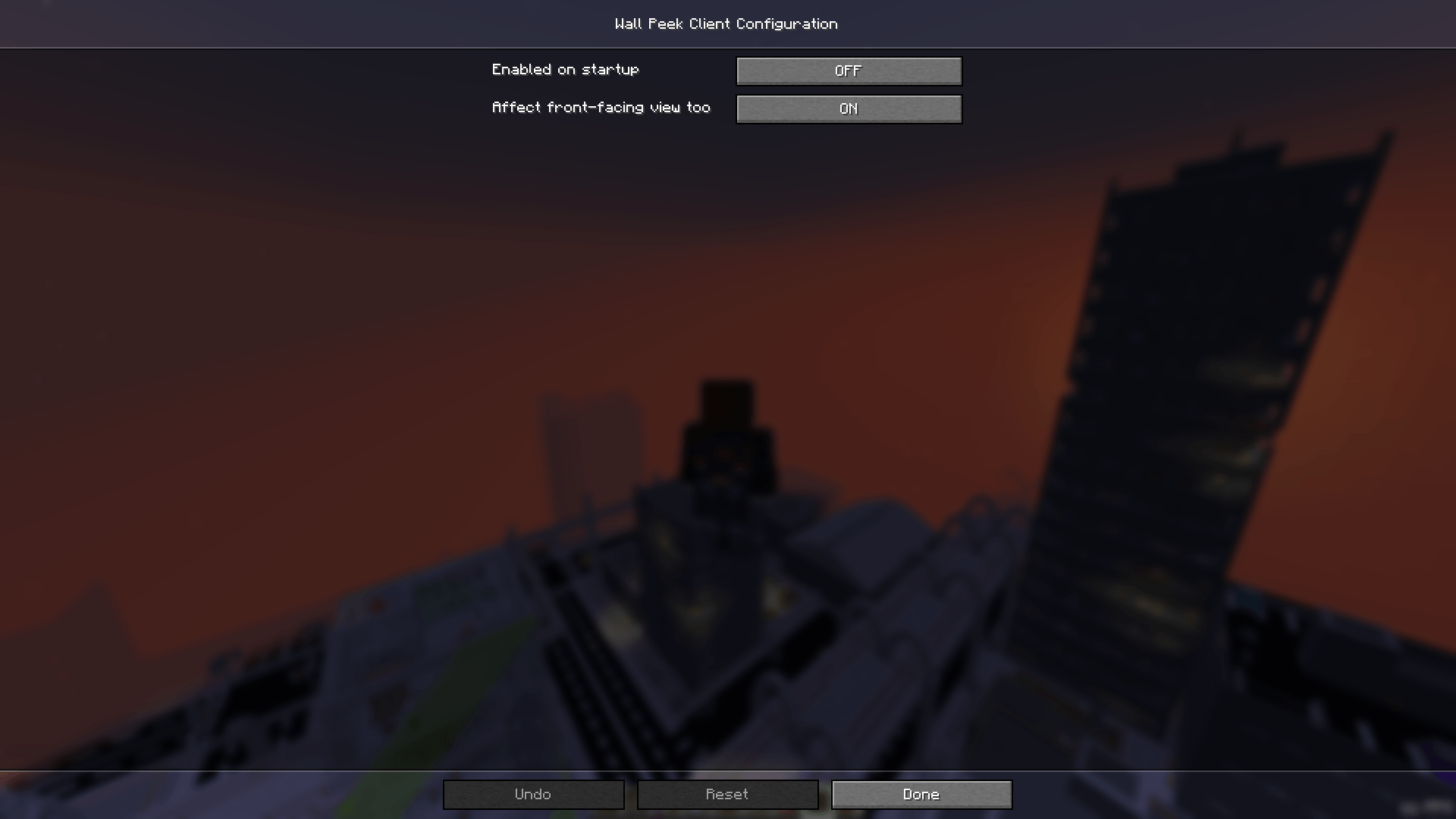
- In-game config screen. Open the Mods menu, select Wall Peek, and click Config. No file editing required.
- Client-side only. Install it for yourself — the server needs nothing.
- No extra dependencies. Just NeoForge, nothing else.
Settings
Enable on startup
Option enabledByDefault (default: false).
Set to true and the effect will be active as soon as you load a world, without pressing the toggle key first.
Affect front-facing view
Option affectFrontView (default: true).
The front-facing view is when you press F5 twice and see your character's face. Disable this and Wall Peek will only affect the classic over-the-shoulder view, reverting to vanilla when the camera is flipped.
Config file
All settings are stored in config/wallpeek-client.toml. You can edit it manually, but the in-game screen is easier.
Is this a cheat?
No — and here is why that distinction matters.
- You cannot see through walls. Blocks remain fully opaque. You cannot see ores, mobs, or other players behind them.
- You gain no hidden information. All the mod does is let the camera be behind a block — exactly like standing a bit further from a wall.
- The effect is purely visual. No changes to damage, movement speed, player collision, or any other game mechanic.
- Nothing is sent to the server. This is a client-side change only. The server doesn't know the mod is installed.
Think of it as "removing camera autofocus", not "making walls into glass."
On servers with rules against client-side mods, check with the administrators first. Wall Peek provides no gameplay advantage, but policies vary from server to server.
How it works
The mod uses a Mixin — NeoForge's standard mechanism for surgically modifying vanilla behavior without replacing it wholesale. It injects into the method Camera#getMaxZoom(float), which is responsible for the wall-collision raycast that limits camera distance. When Wall Peek is active, the method returns early with the original distance unchanged — the raycast never runs and the camera stays put. No other methods, classes, or systems are touched.
Requirements
- Minecraft: 1.21.1
- Mod loader: NeoForge 21.1.x
- Side: Client-only
- Java: 21 or newer
Screenshots
Gallery
-
 How It Works How It Works
 -
 Mod Menu Mod Menu
 -
 How It Works 2 How It Works 2
Versions
Files
Relations
Project Relations
More like this
Similar Mods
Suggestions use data such as tags, dependencies, dependents, descriptions, titles, and more to rank how much they overlap with this mod.
On ModDex
Community snapshot
By the numbers
Statistics
Want to reach Minecraft players?
We're looking for a server hosting partner to feature here and other parts of the site. Interested? Send us a message!
Get in touchGet it on
Available Platforms
On ModDex
Community snapshot
By the numbers
Statistics
Resources