Community listing page, reviews here may not be monitored by the author.

Community voices
Reviews
No reviews yet. Be the first to review this project!
Get it on
Available Platforms
About
Project Details
For authors
Embed Badge
If you're the author of this project, you can embed a live badge anywhere that supports HTML or Markdown. It updates automatically whenever ratings change.
Use HTML for any page that supports it, or Markdown for README files and Markdown-based descriptions.
Identifiers
Platform IDs
Resources
External Links
About
Description
Waypoint Guide
A Minecraft 1.20.1 Forge mod to add custom waypoints and display navigation guides on the player's screen (primarily for quest-driven modpacks).
Features
- Add colored waypoints via commands, with distance-based visibility limits
- Render diamond-shaped markers on-screen (name, distance, floating animation), scaling up as the player approaches
- Off-screen markers show edge arrows to indicate direction
- Markers with distance limits fade in/out with a 1.4-second animation when entering or leaving visible range
- Right-click a marker while the crosshair is aimed at it to remove it, with dismissal animation and particle effects; right-click removal uses a dedicated data packet and is validated server-side
- Waypoint data is saved per player to
waypoints.jsonin the world directory - Provides
WaypointDismissEvent(Forge event, triggered server-side), which can be listened to by KubeJS server scripts
Commands
All subcommands target a <player>: no permission required to operate on yourself; OP level 2 is required to operate on other players.
/waypoint add <player> <id> <x> <y> <z> <color> <name> [dimension]— Add a waypoint (no distance limit)/waypoint addnear <player> <id> <x> <y> <z> <color> <distance> <name> [dimension]— Add a waypoint that becomes invisible when the player is more thandistanceblocks away/waypoint addlock <player> <id> <x> <y> <z> <color> <name> [dimension]— Add a locked waypoint that cannot be removed by right-clicking/waypoint addlocknear <player> <id> <x> <y> <z> <color> <distance> <name> [dimension]— Add a locked waypoint with distance-based visibility that cannot be removed by right-clicking/waypoint remove <player> <id>— Remove a waypoint/waypoint clear <player>— Clear all waypoints for the target player/wp— Alias for/waypoint
<color> supports red, green, blue, yellow, cyan, magenta, white, black, orange, pink, gray, purple, as well as hex formats such as 0xRRGGBB / #RRGGBB.
[dimension] is an optional parameter. When specified, the waypoint will be placed in the given dimension (e.g. minecraft:the_nether, shorthand the_nether is also supported; press Tab to autocomplete all loaded dimensions on the server). When omitted, it defaults to the target player's current dimension. The command will fail and list available dimensions if the specified dimension does not exist.
Note: <name> can be written directly if it is a single word; names containing spaces must be wrapped in quotation marks (e.g. "Cave Floor 2").
KubeJS
When a waypoint is dismissed by right-clicking, the server triggers WaypointDismissEvent, which can be listened to in server scripts:
const $WayPoint = Java.loadClass('com.dreamdawn.waypointguide.forge.WaypointDismissEvent')
ForgeEvents.onEvent($WayPoint, event => {
  // Fields such as event.waypointId / event.player are available
})
// Recommended implementation for easier reuse across scripts
const $WayPoint = Java.loadClass('com.dreamdawn.waypointguide.forge.WaypointDismissEvent')
global.WaypointRightClick = (waypointId, callback) => {
  ForgeEvents.onEvent($WayPoint, event => {
    if (event.waypointId === waypointId) {
      callback(event)
    }
  })
}
// Example usage (ID is a string)
global.WaypointRightClick('123', event => {
  console.log('Right-clicked waypoint 123')
})
License
This project is open-sourced under the MIT license.
Screenshots
Gallery
-
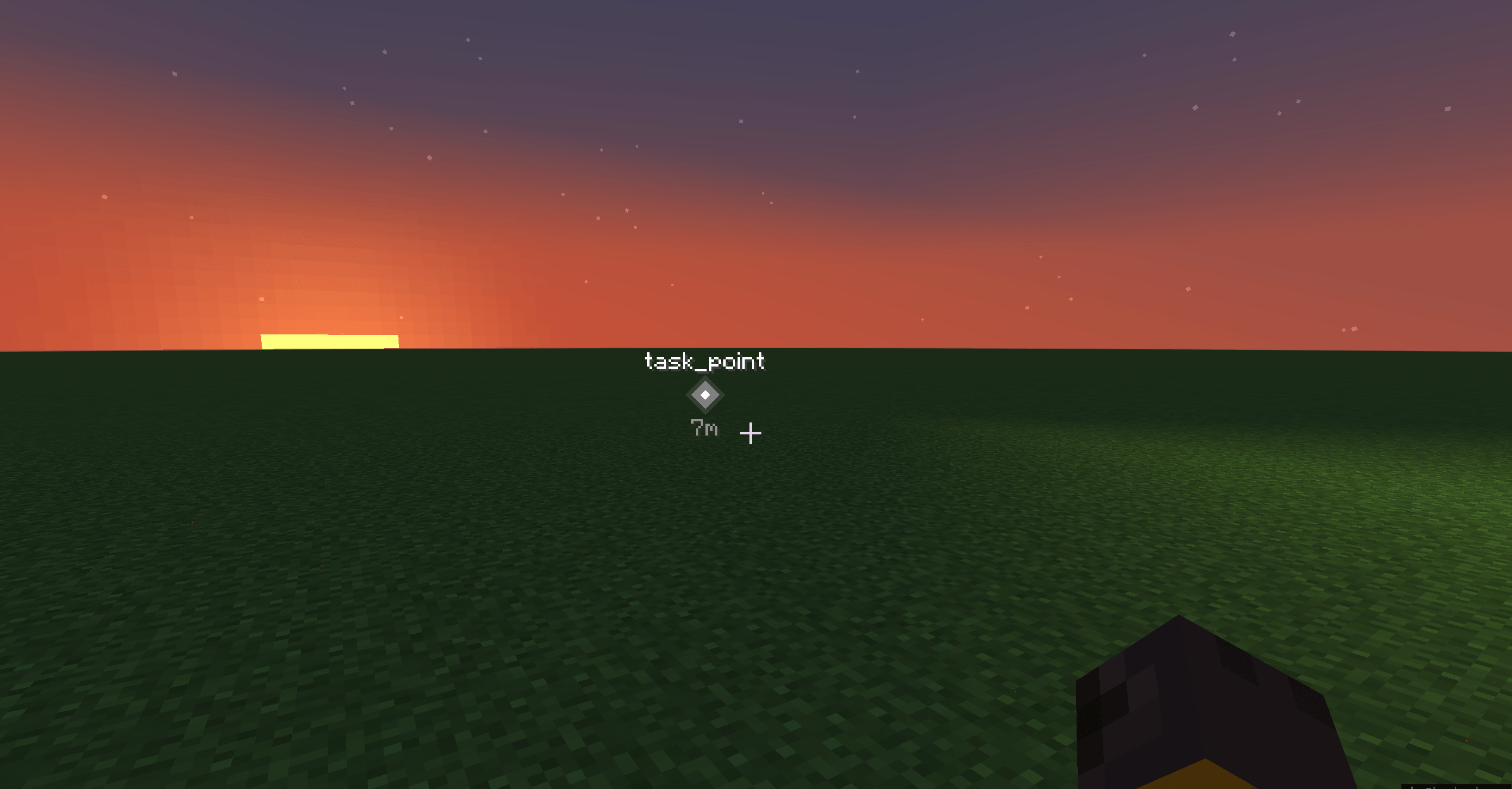 0.png When the waypoint is within the screen bounds...
 -
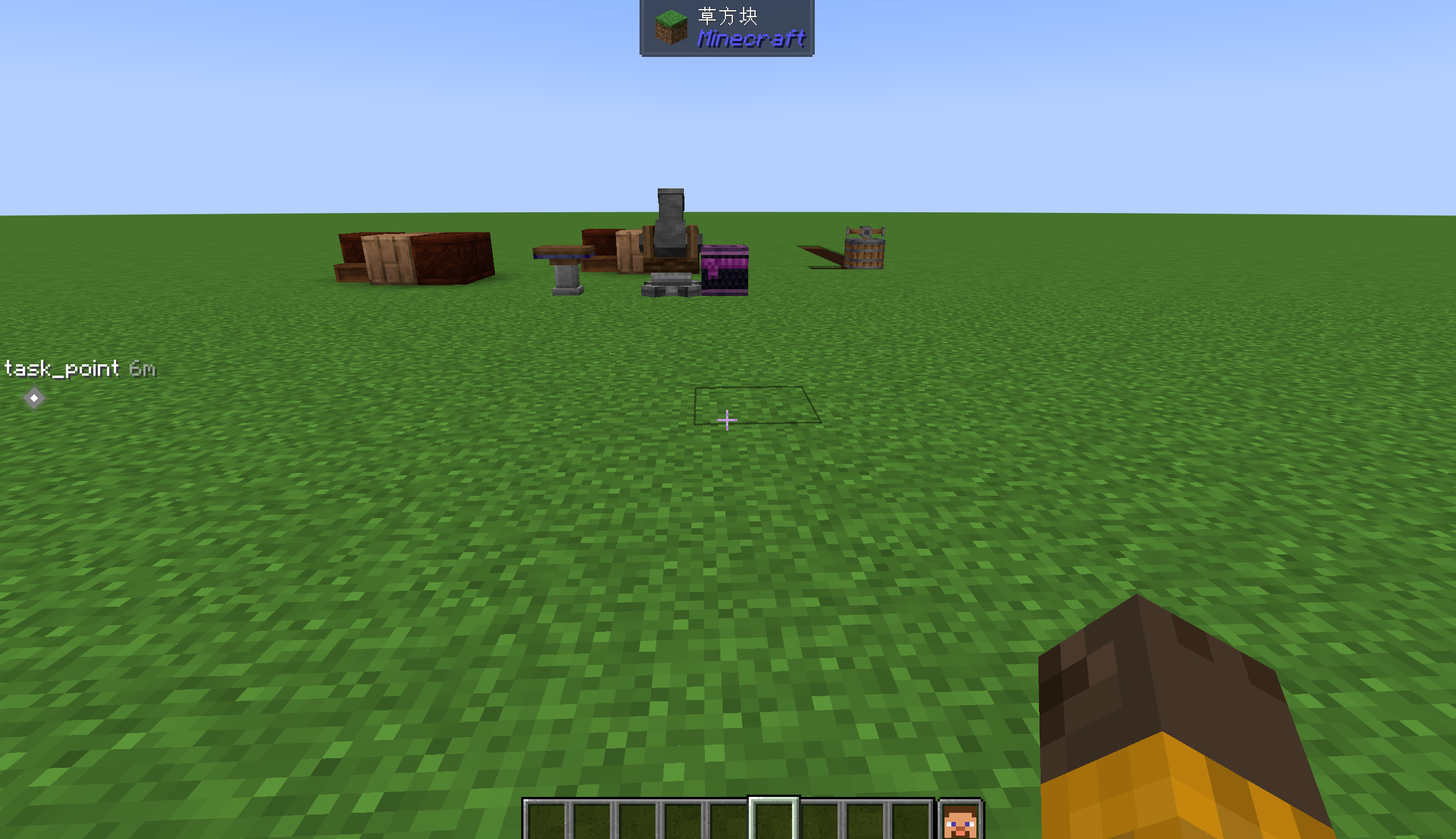 1.png When the waypoint is outside the screen bounds...
 -
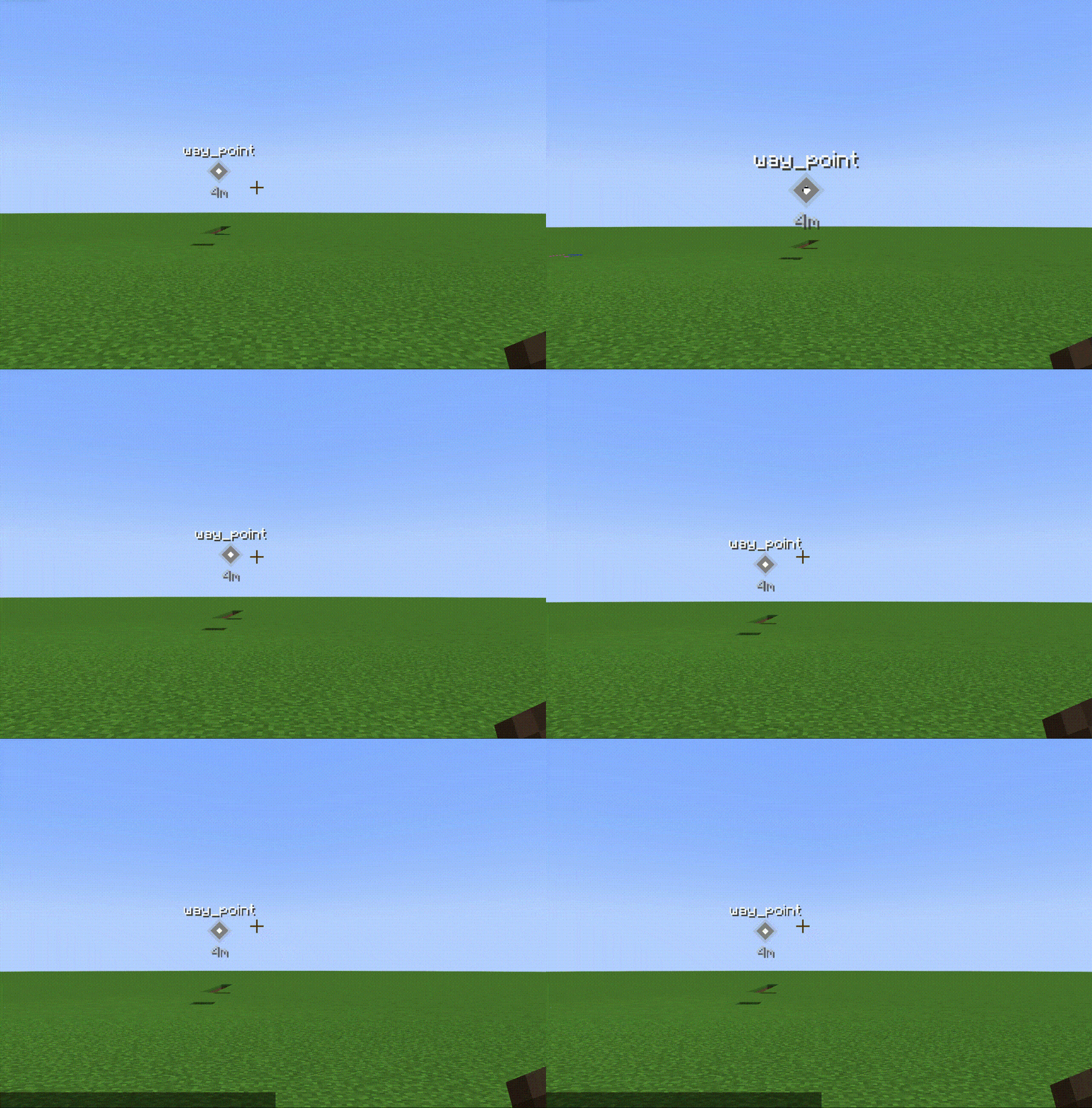 point1.gif point1.gif
 -
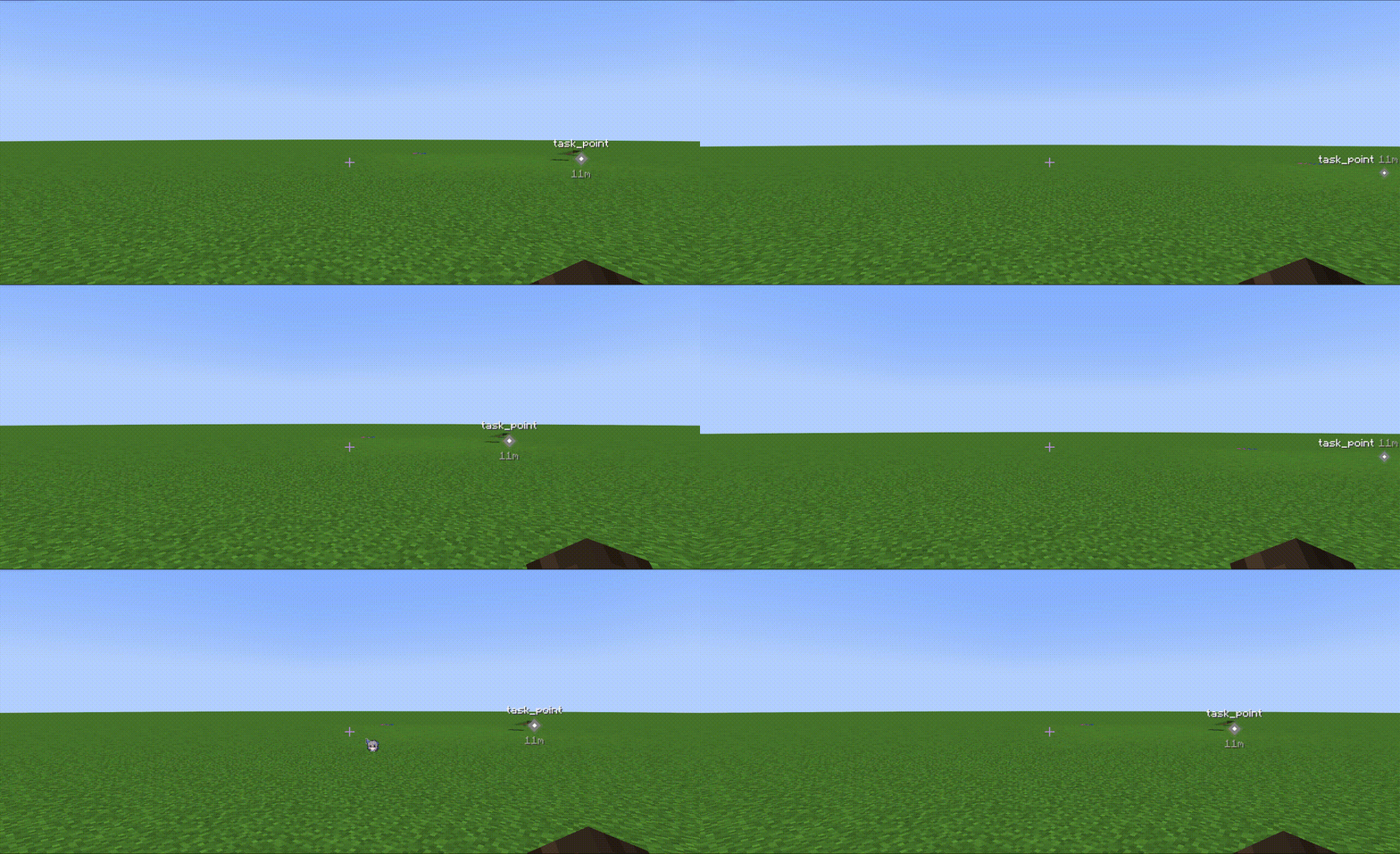 QQ20260828-120305.gif QQ20260828-120305.gif
 -
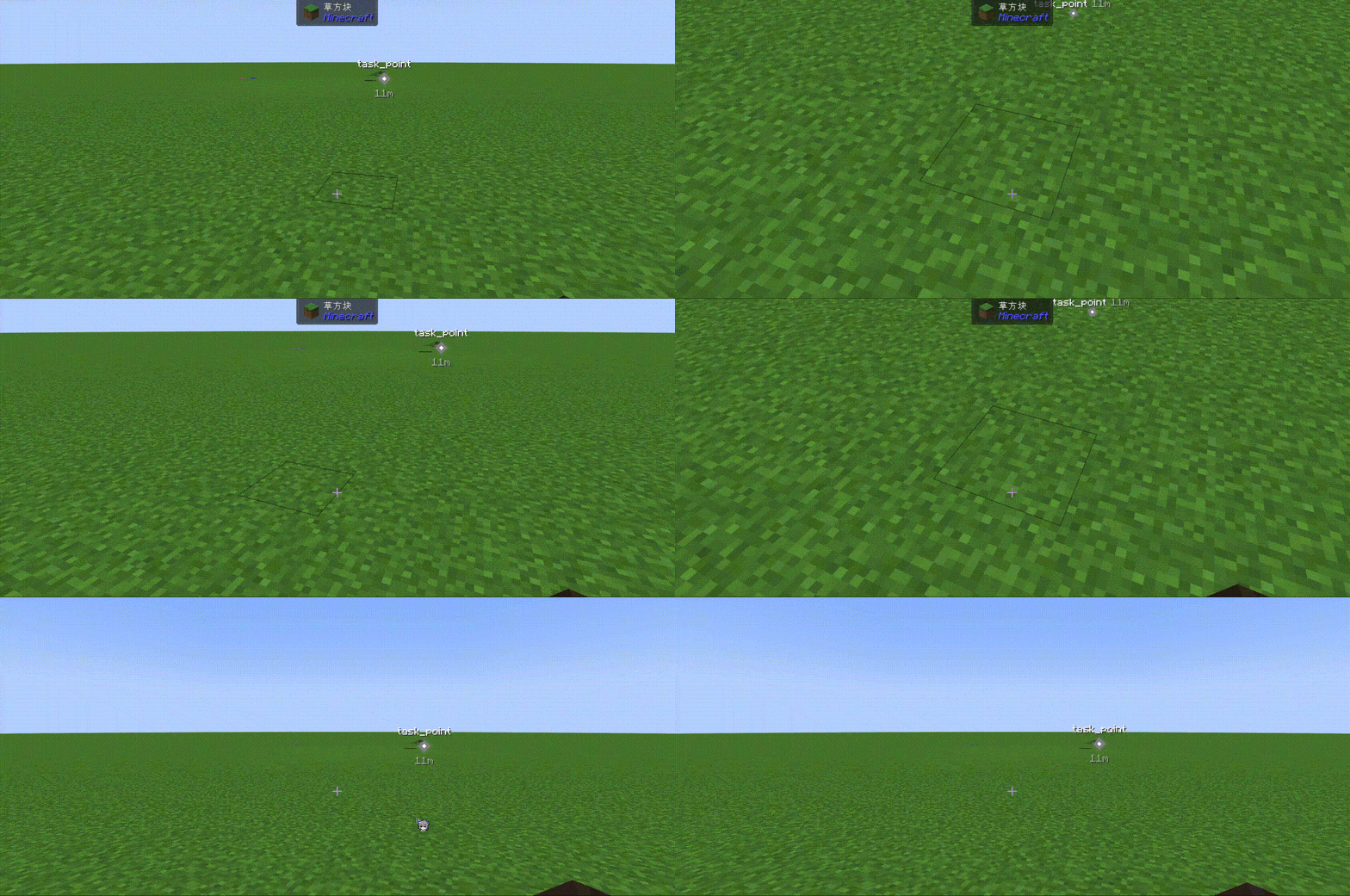 QQ20260828-120519.gif QQ20260828-120519.gif
 -
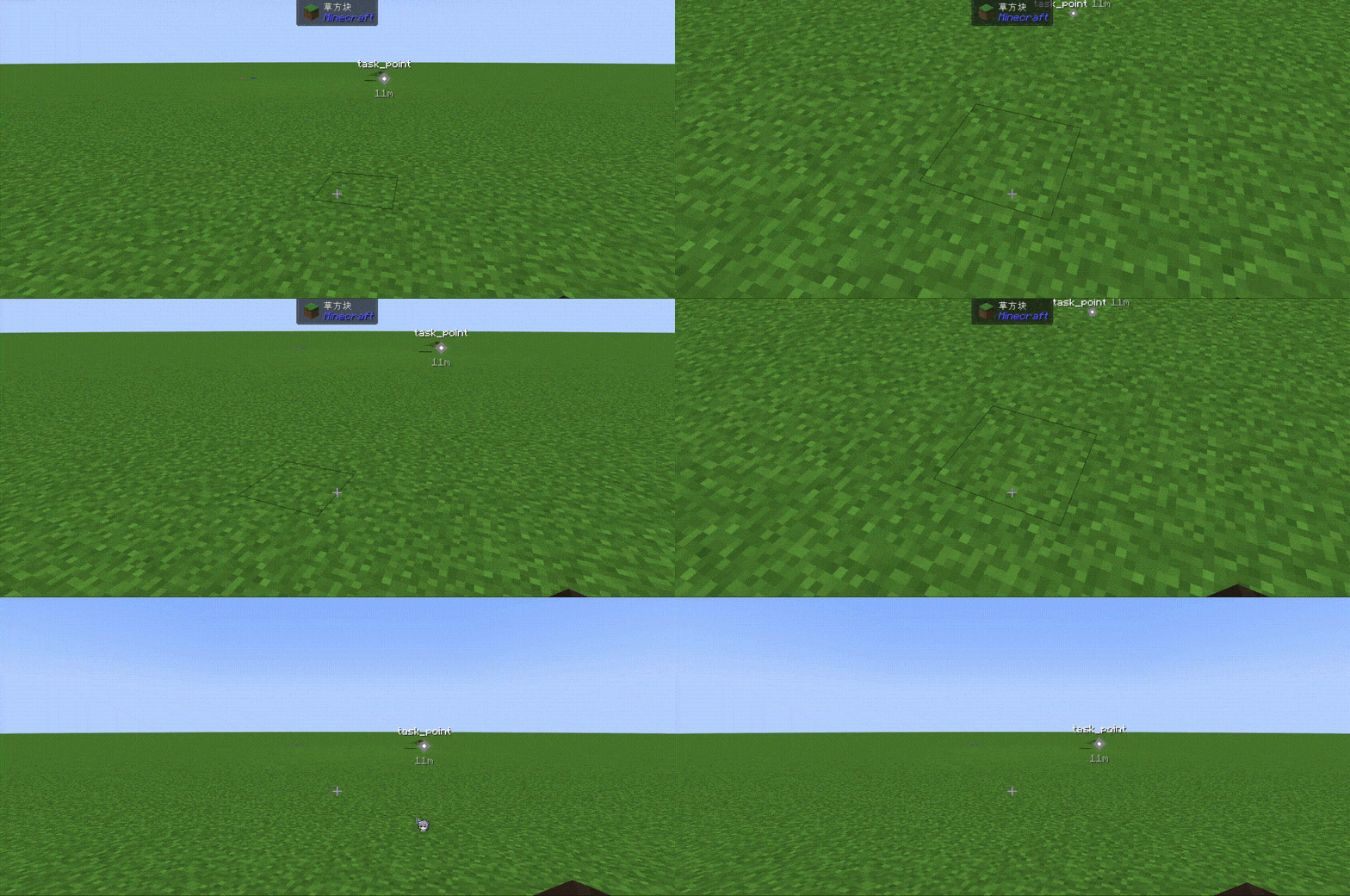 3.gif 3.gif
 -
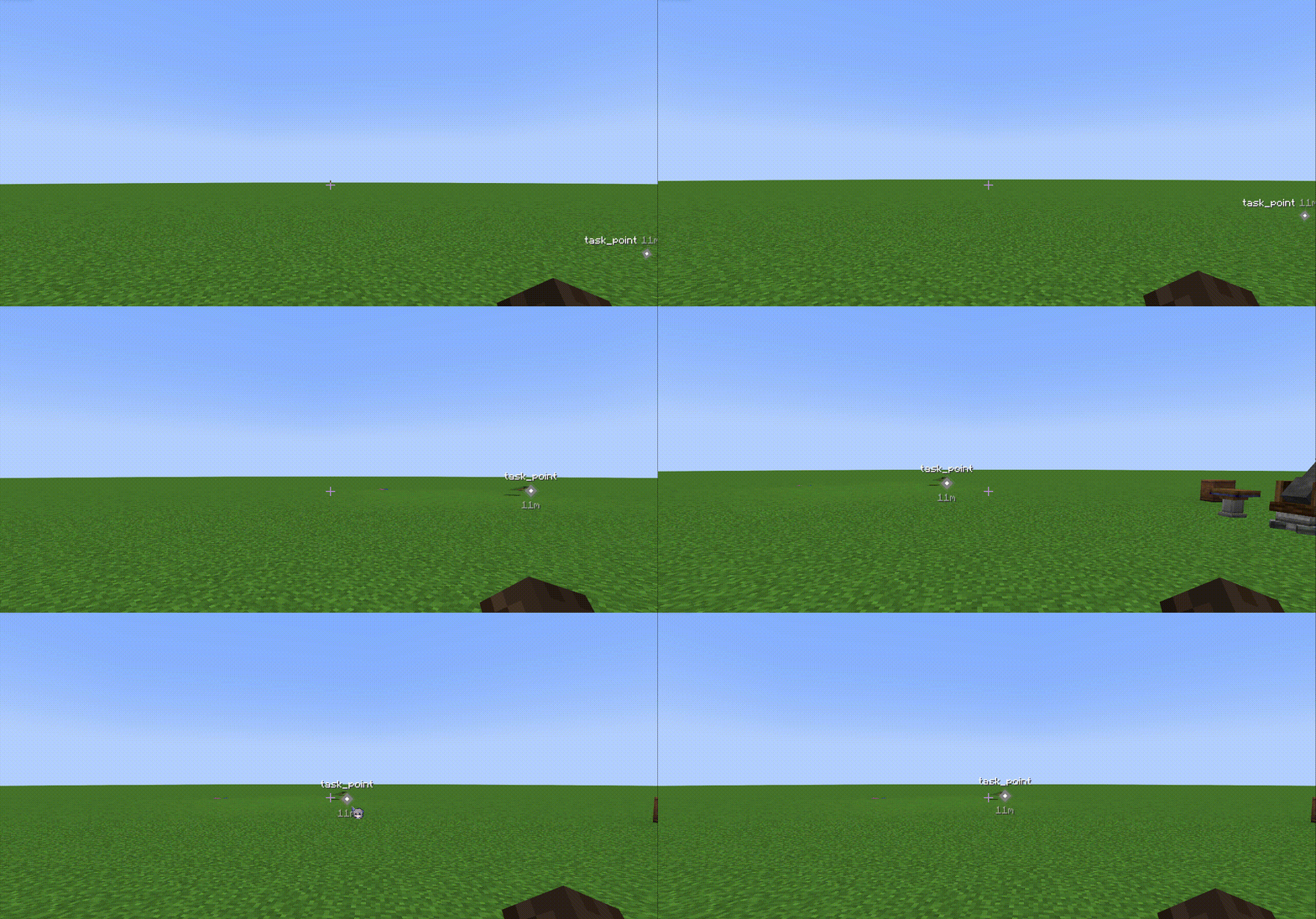 4.gif 4.gif
 -
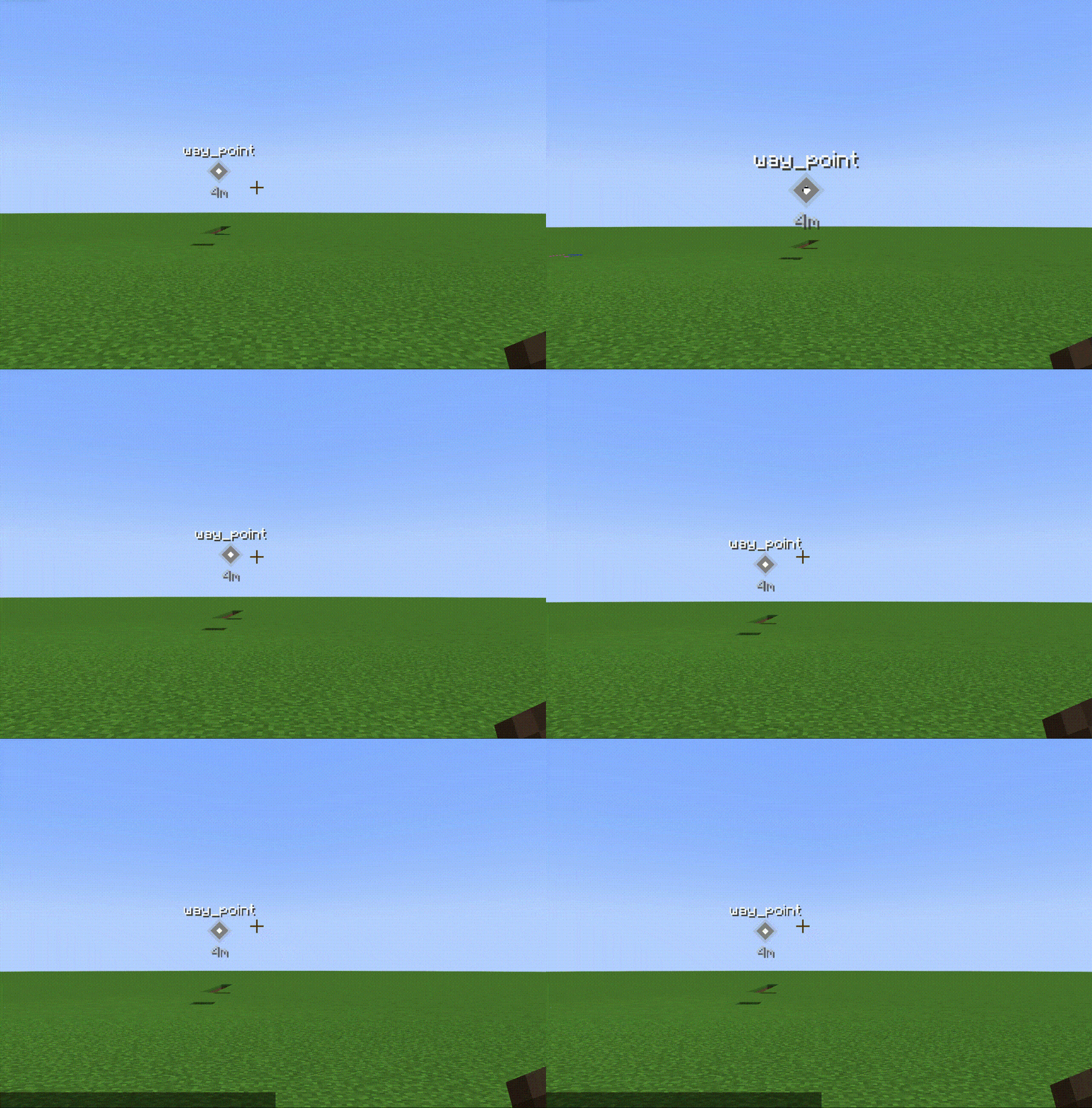 5.gif 5.gif
 -
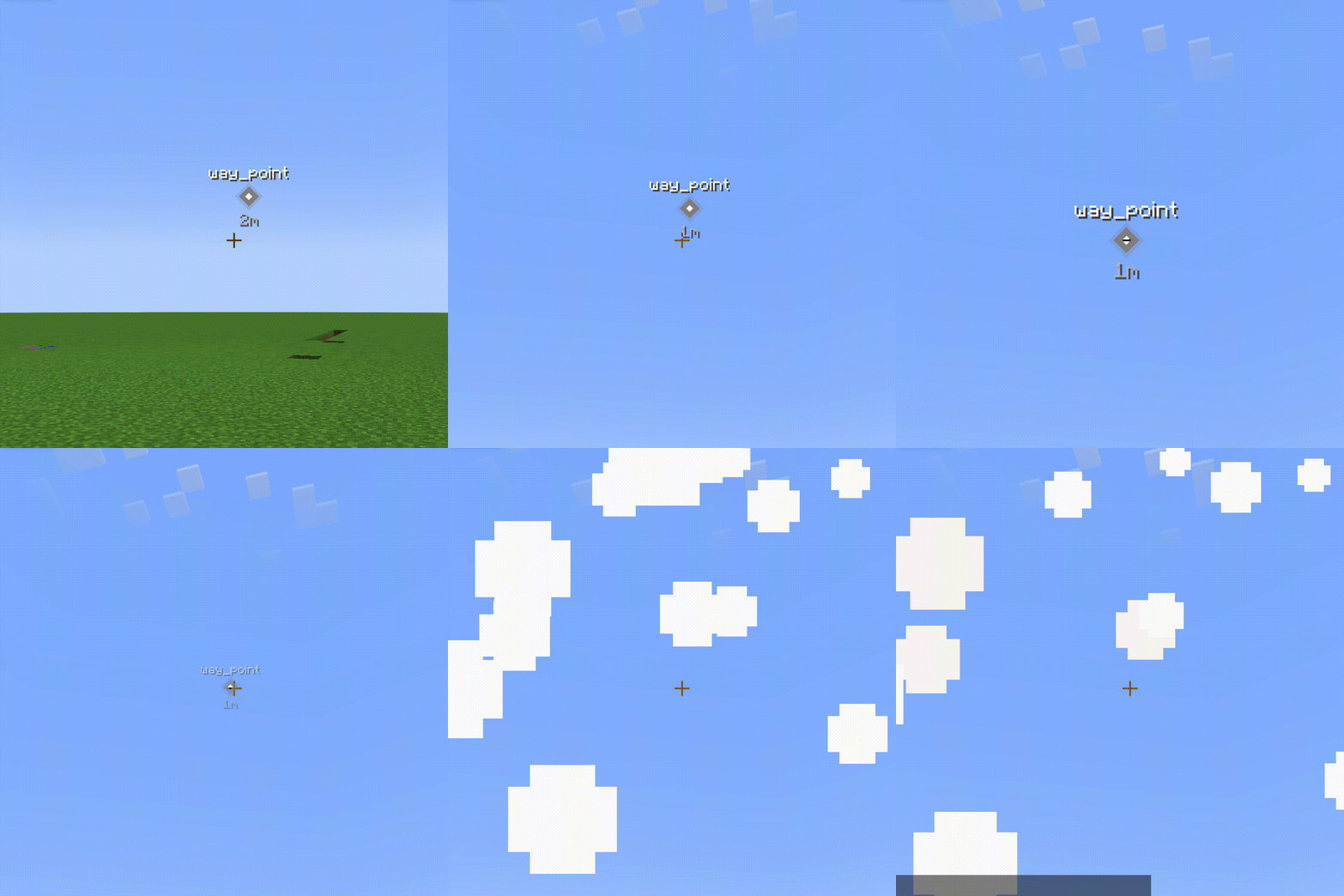 image-attachment_df9fb404-93e8-4993-bd07-53f4d64b03df.gif Right-clicking on removable waypoints will make them disappear.
Versions
Files
Relations
Project Relations
More like this
Similar Mods
Suggestions use data such as tags, dependencies, dependents, descriptions, titles, and more to rank how much they overlap with this mod.
On ModDex
Community snapshot
By the numbers
Statistics
Want to reach Minecraft players?
We're looking for a server hosting partner to feature here and other parts of the site. Interested? Send us a message!
Get in touchGet it on
Available Platforms
On ModDex
Community snapshot
By the numbers
Statistics
Resources