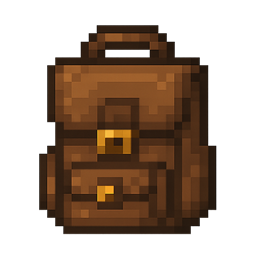
yyzsbackpack
Rank 420
Rank 298 among mods

Quick rating

yyzsbackpack

Overall rating distribution
0.5★ (no ratings)
1.0★ (no ratings)
1.5★ (no ratings)
2.0★ (no ratings)
2.5★ (no ratings)
3.0★ (no ratings)
3.5★ (no ratings)
1 rating (50%) · 4.0★
1 rating (50%) · 4.5★
5.0★ (no ratings)
0.5★ 5★
Gameplay rating distribution
0.5★ (no reviews)
1.0★ (no reviews)
1.5★ (no reviews)
2.0★ (no reviews)
2.5★ (no reviews)
3.0★ (no reviews)
3.5★ (no reviews)
4.0★ (no reviews)
1 review (100%) · 4.5★
5.0★ (no reviews)
0.5★ 5★
Aesthetics rating distribution
0.5★ (no reviews)
1.0★ (no reviews)
1.5★ (no reviews)
2.0★ (no reviews)
2.5★ (no reviews)
1 review (100%) · 3.0★
3.5★ (no reviews)
4.0★ (no reviews)
4.5★ (no reviews)
5.0★ (no reviews)
0.5★ 5★
Performance rating distribution
0.5★ (no reviews)
1.0★ (no reviews)
1.5★ (no reviews)
2.0★ (no reviews)
2.5★ (no reviews)
3.0★ (no reviews)
3.5★ (no reviews)
4.0★ (no reviews)
1 review (100%) · 4.5★
5.0★ (no reviews)
0.5★ 5★

A new backpack mod may be more suitable for you!

No Theme
Adventure/Exploration
Baubles/Curios
QoL & Tweaks
Storage & Organization
Mod Loaders
Forge
NeoForge
Fabric
Minecraft
26.2

Community voices

Reviews

Versions
Loading versions…
Match includes

Click once to include, again to exclude, again to clear

Rating Any
Any 0.5 1.0 1.5 2.0 2.5 3.0 3.5 4.0 4.5 5.0
Min
Max
Play Status
Reviews
Time Played
hrs+
Verified developers only
Has developer response
List view
Grid view
Compact view
Sort by
Date
Rating
Helpful
Unhelpful
Edited
Sort ascending
Delete this review?

This removes your review from the project. You can write a new review after.

Review submitted for moderation

Your review has been sent to moderators, who will check that it meets our guidelines before it appears publicly.

4.0
mug__man

Reputation ranks

Explorer 0 pts
Contributor 100 pts
Guide 500 pts
Veteran 1,500 pts
Luminary 4,000 pts

Ranks only ever go up; points can drop but your rank stays.

About reputation ranks
Total 100 hrs MC 1.21
The version(s) the reviewer played
Gameplay
4.5
Aesthetics
3.0
Performance
4.5

That's my only problem is the item texture. The functionality, the performance, and the appearance on your back are all great. It's just the texture that really gets me.

0
0
Posted May 28, 2026 at 6:07:51 PM UTC
4.0
mug__man

Reputation ranks

Explorer 0 pts
Contributor 100 pts
Guide 500 pts
Veteran 1,500 pts
Luminary 4,000 pts

Ranks only ever go up; points can drop but your rank stays.

About reputation ranks
Total 100 hrs MC 1.21
The version(s) the reviewer played
Gameplay
4.5
Aesthetics
3.0
Performance
4.5

That's my only problem is the item texture. The functionality, the performance, and the appearance on your back are all great. It's just the texture that really gets me.

0
0
Posted May 28, 2026 at 6:07:51 PM UTC
4.0
mug__man

Reputation ranks

Explorer 0 pts
Contributor 100 pts
Guide 500 pts
Veteran 1,500 pts
Luminary 4,000 pts

Ranks only ever go up; points can drop but your rank stays.

About reputation ranks
Posted May 28, 2026 at 6:07:51 PM UTC
Total 100 hrs MC 1.21
The version(s) the reviewer played
0
0

Get it on

Available Platforms

Compatibility

Supported Environments

Dev Environment
Client Required
Server Required

About

Project Details

Type
Mod
License
MIT License
Latest Version
yyzsbackpack-0.0.3-reborn+1.21.1.jar
Authors
CurseForge
Modrinth

For authors

Embed Badge

If you're the author of this project, you can embed a live badge anywhere that supports HTML or Markdown. It updates automatically whenever ratings change.

Custom banner text
ModDex rating badge preview

Use HTML for any page that supports it, or Markdown for README files and Markdown-based descriptions.

Identifiers

Platform IDs

CurseForge ID
Modrinth ID

Resources

External Links

About

Description

🚨 The mod has been reset. Older versions are no longer supported.The backpack storage format has changed. Please empty your backpack before upgrading to the new version; otherwise, all items inside will be lost.

Introduction

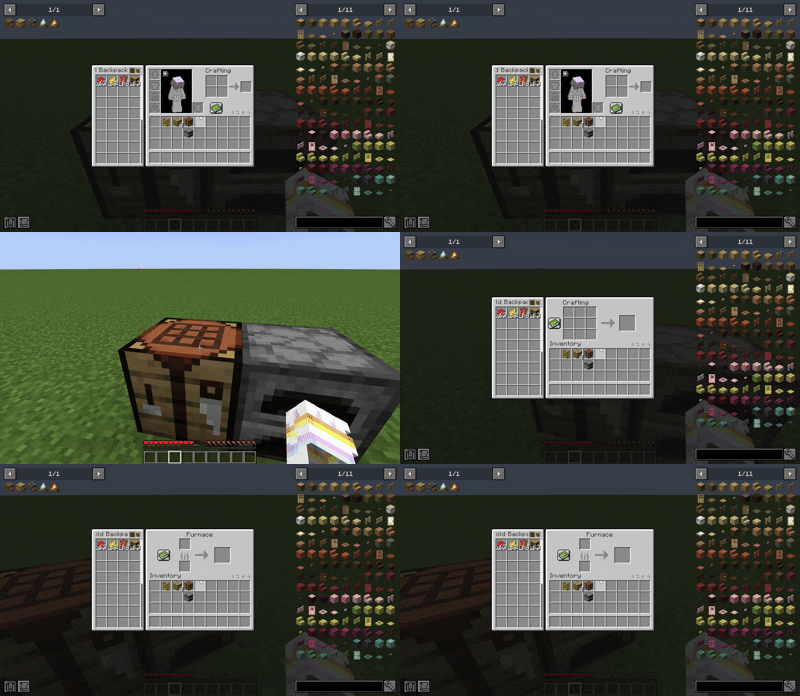
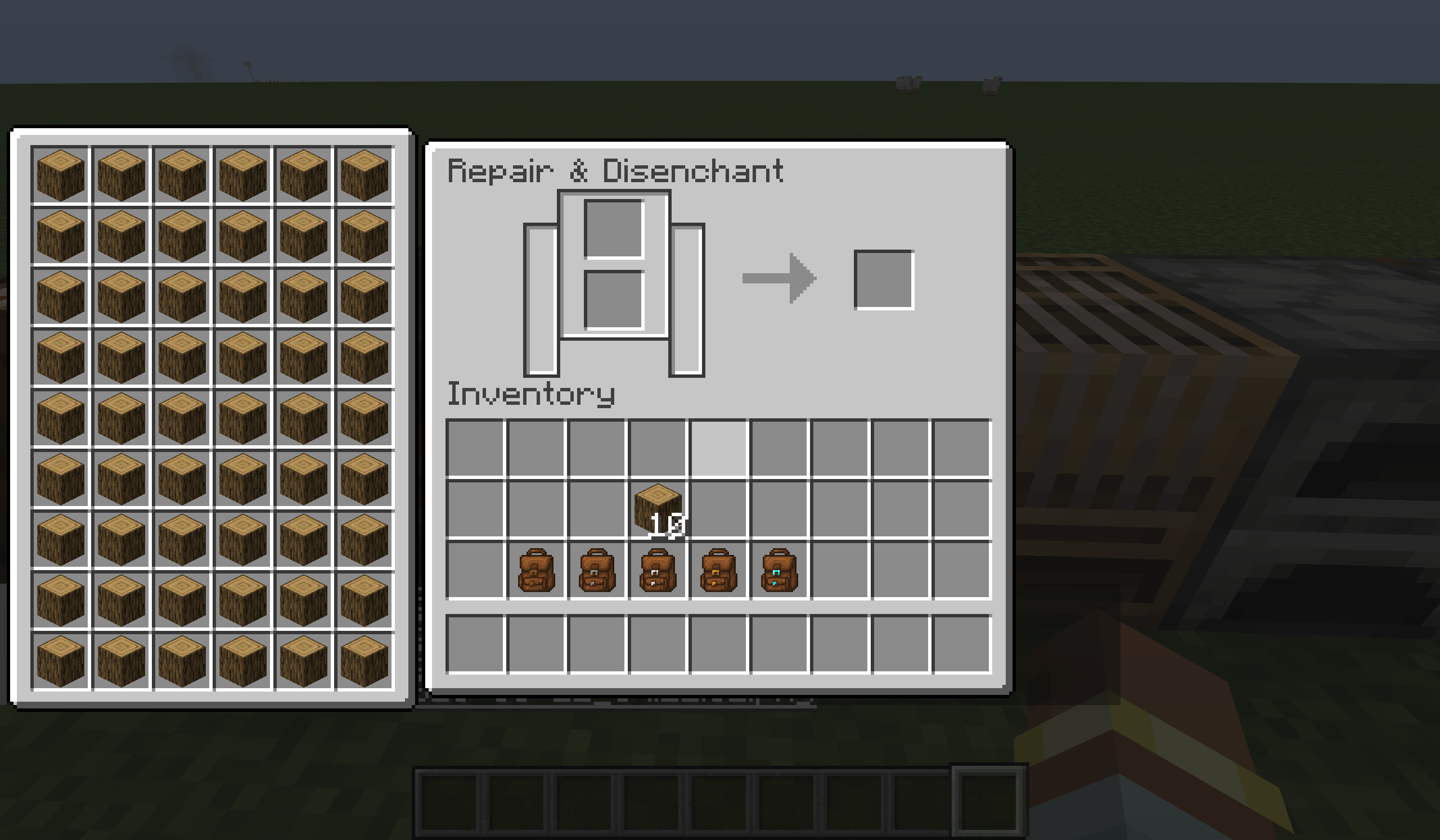
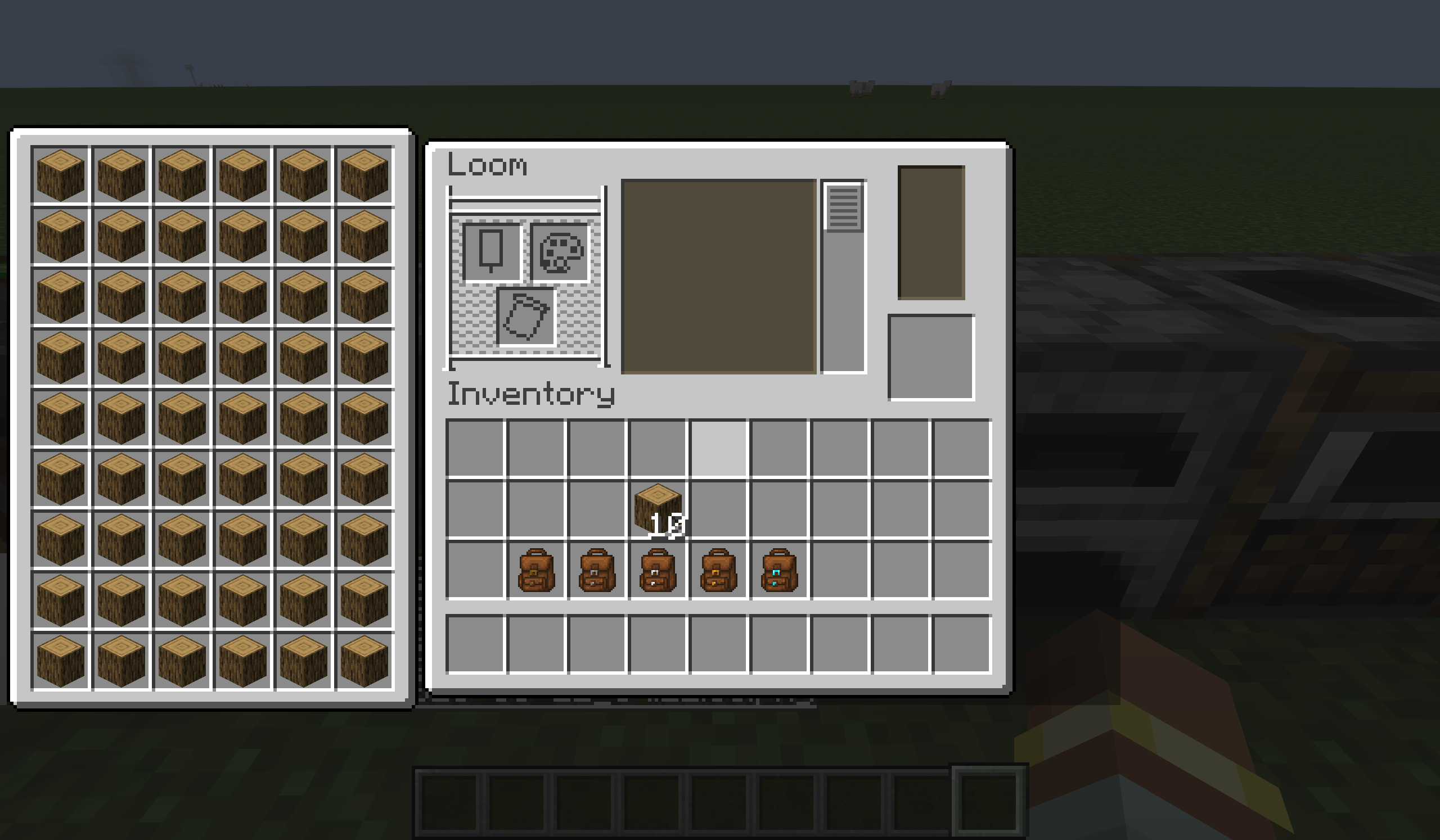
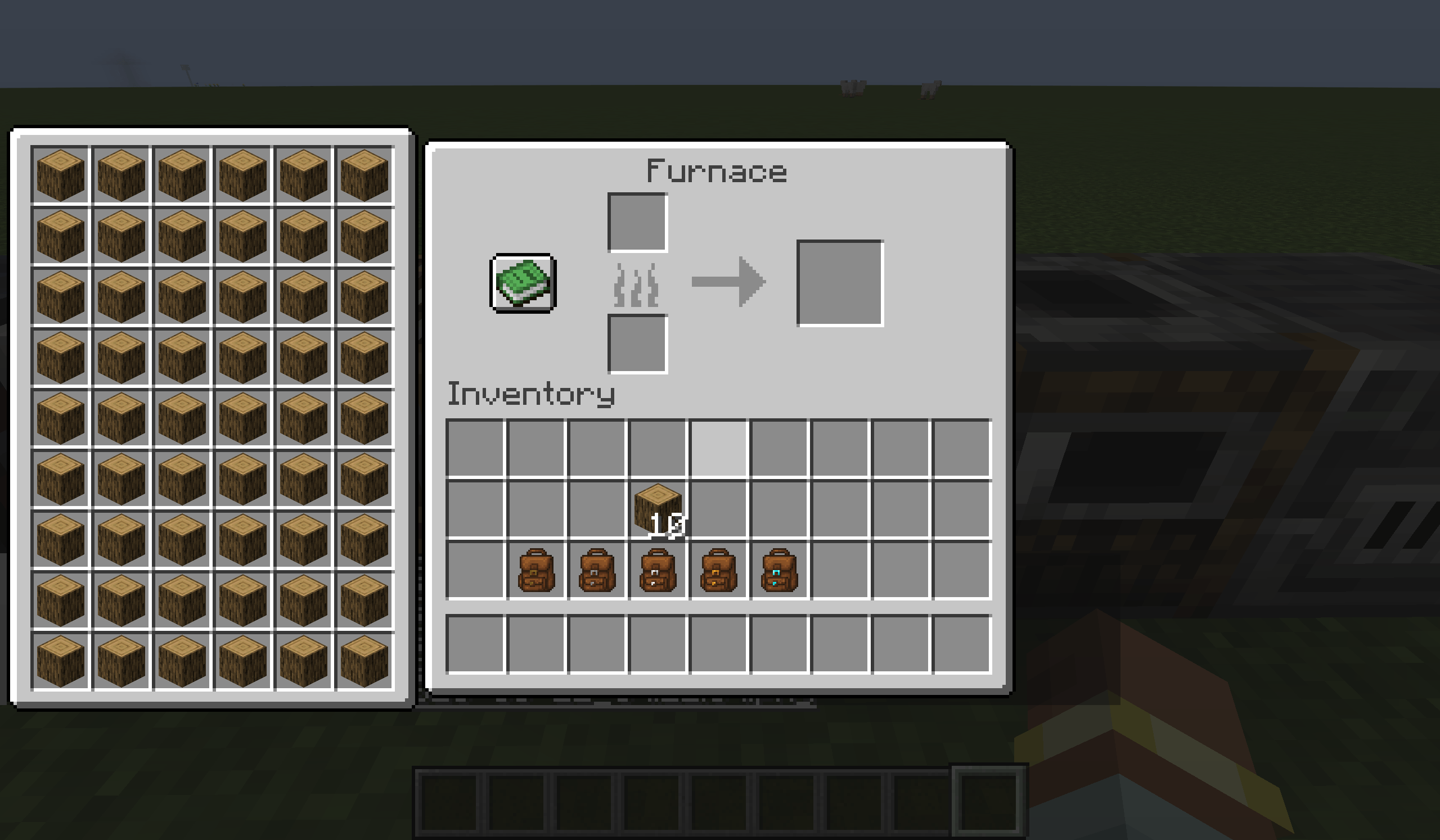
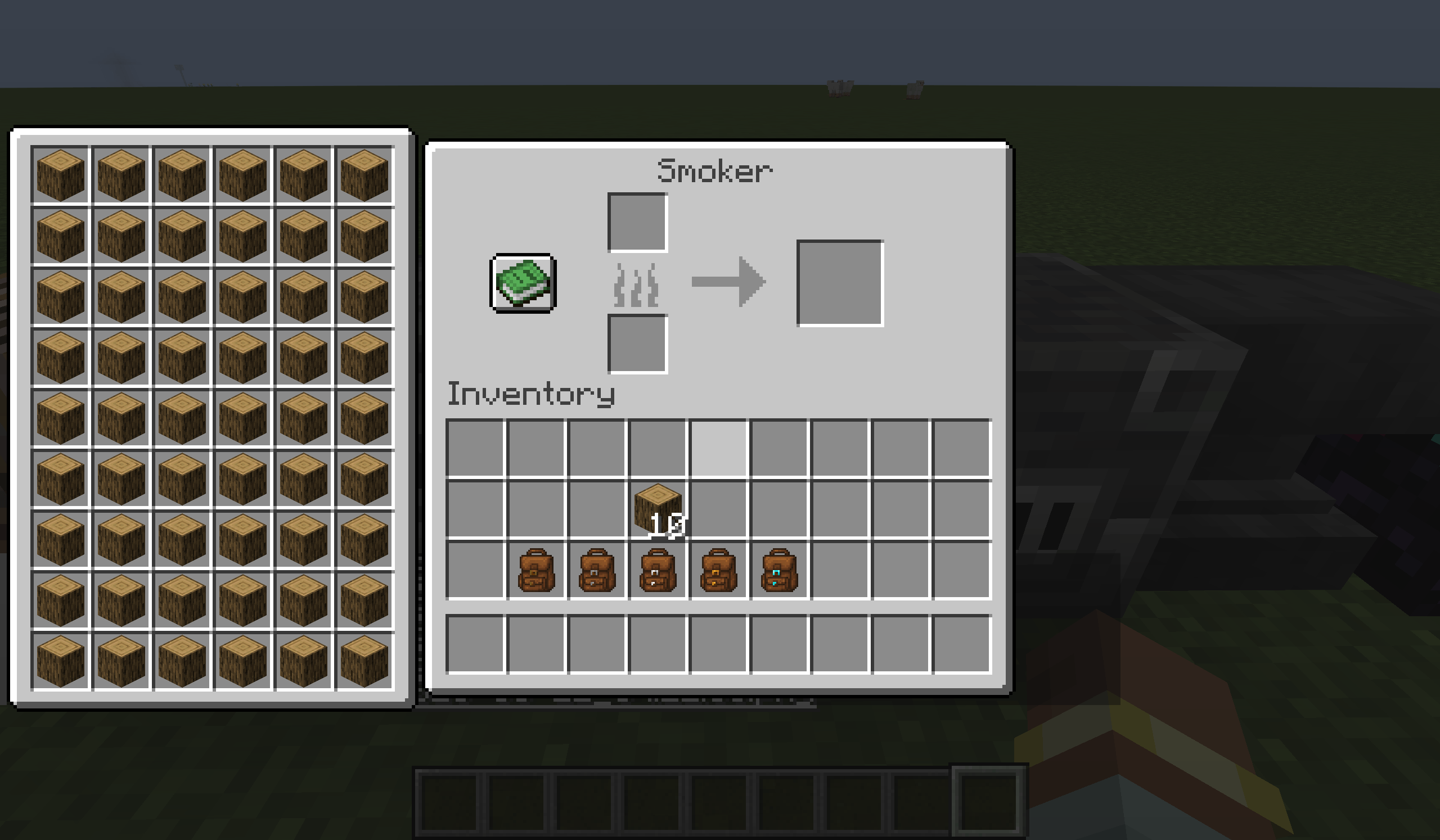
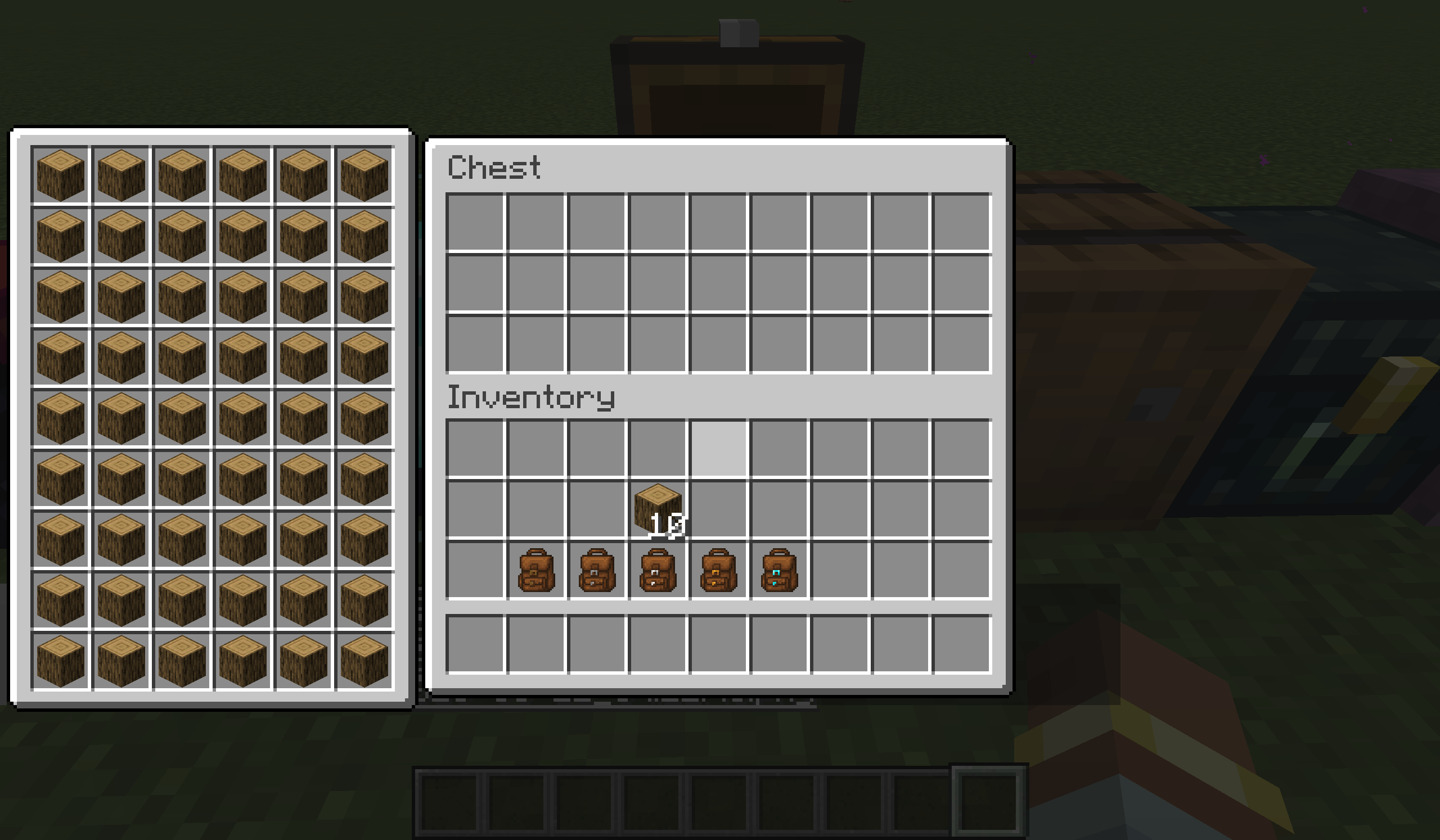
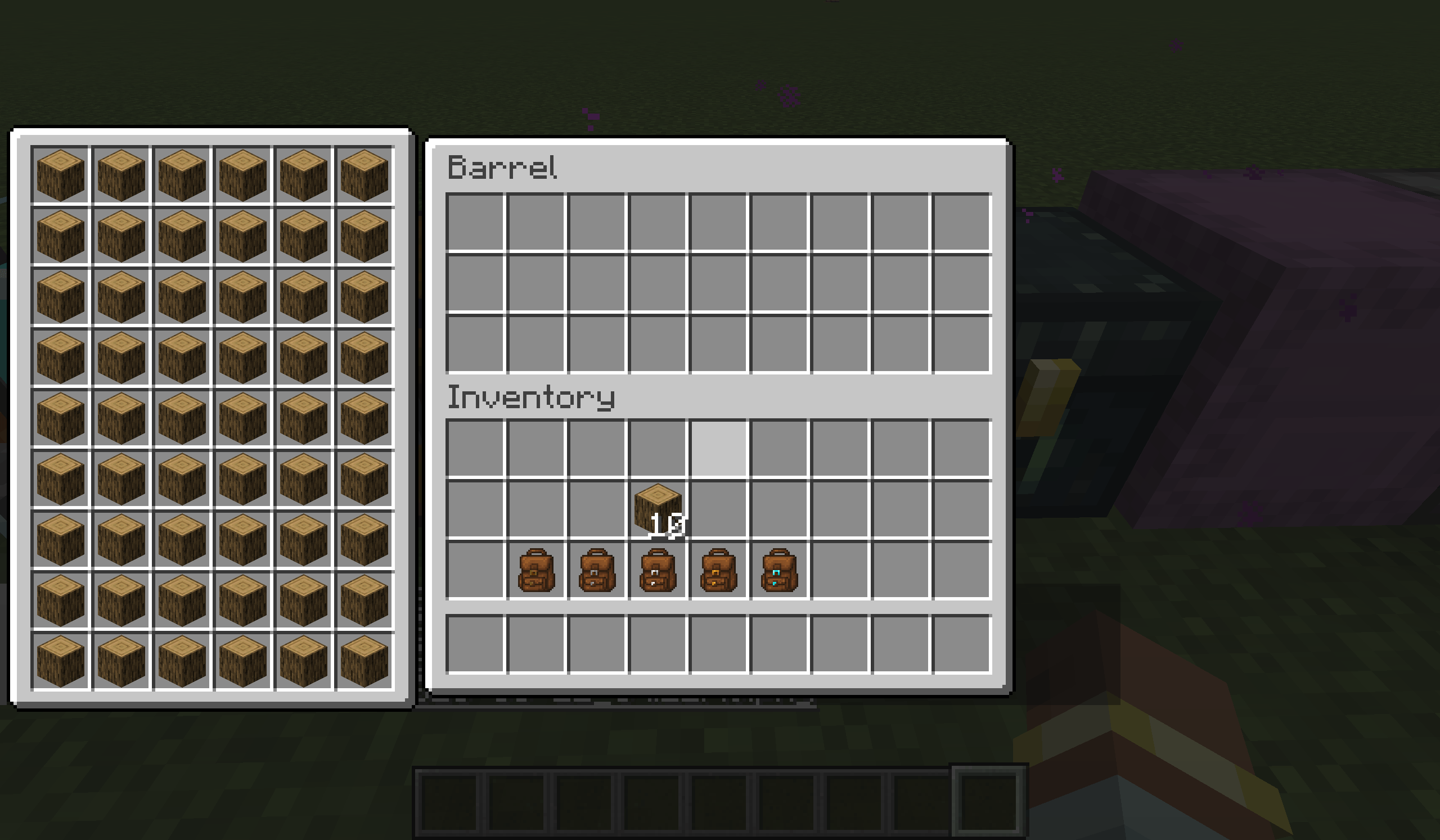
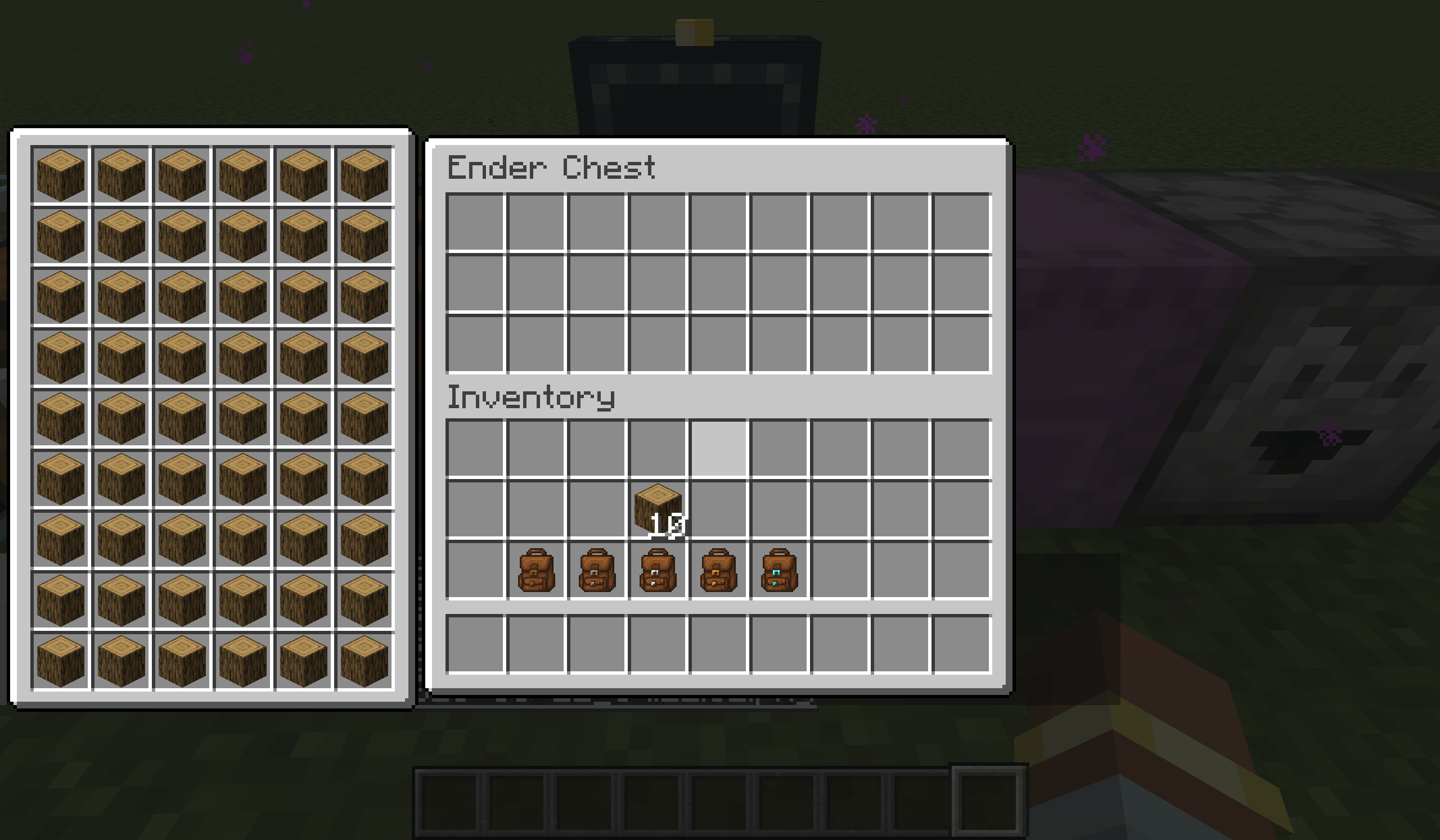
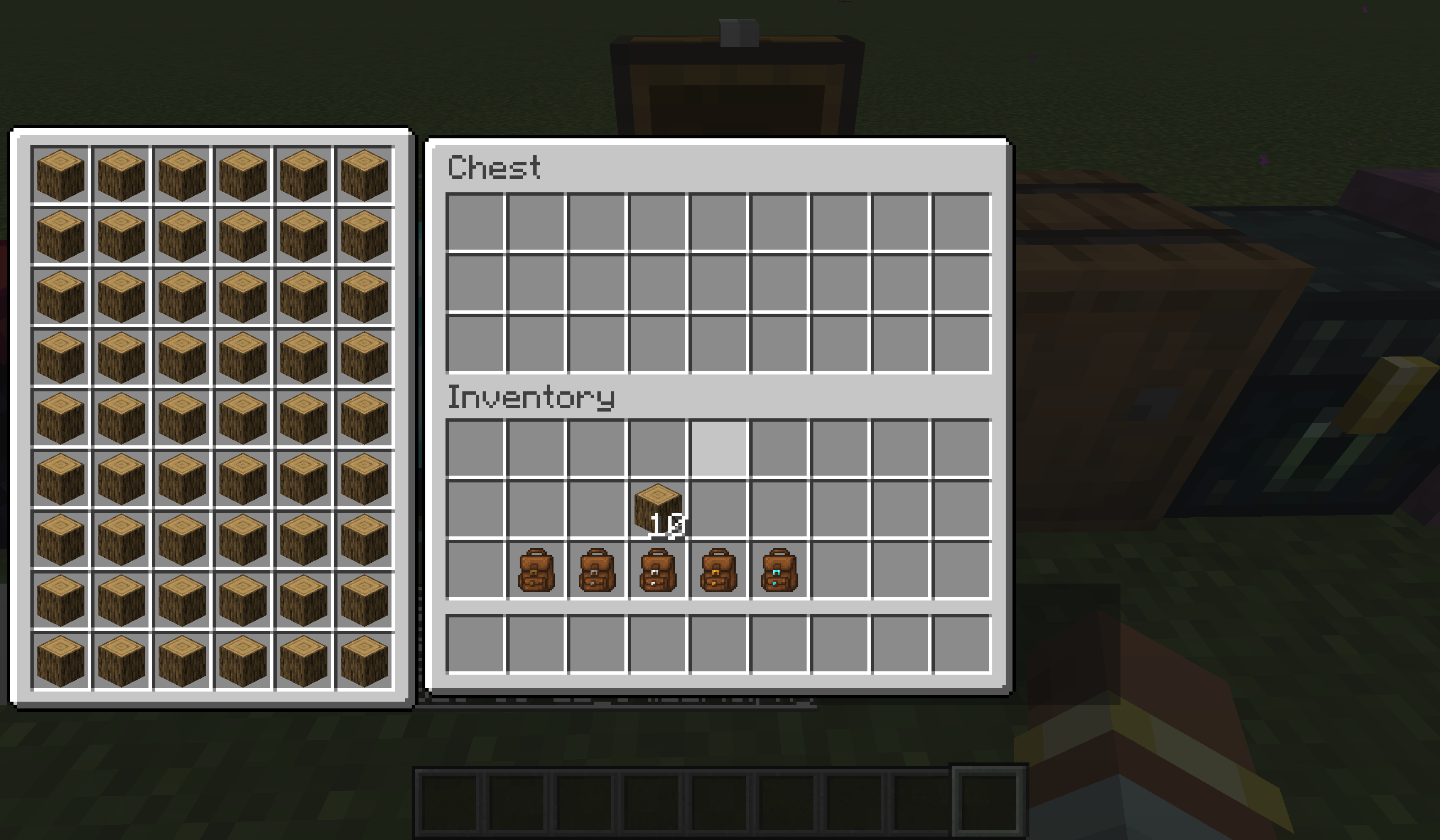
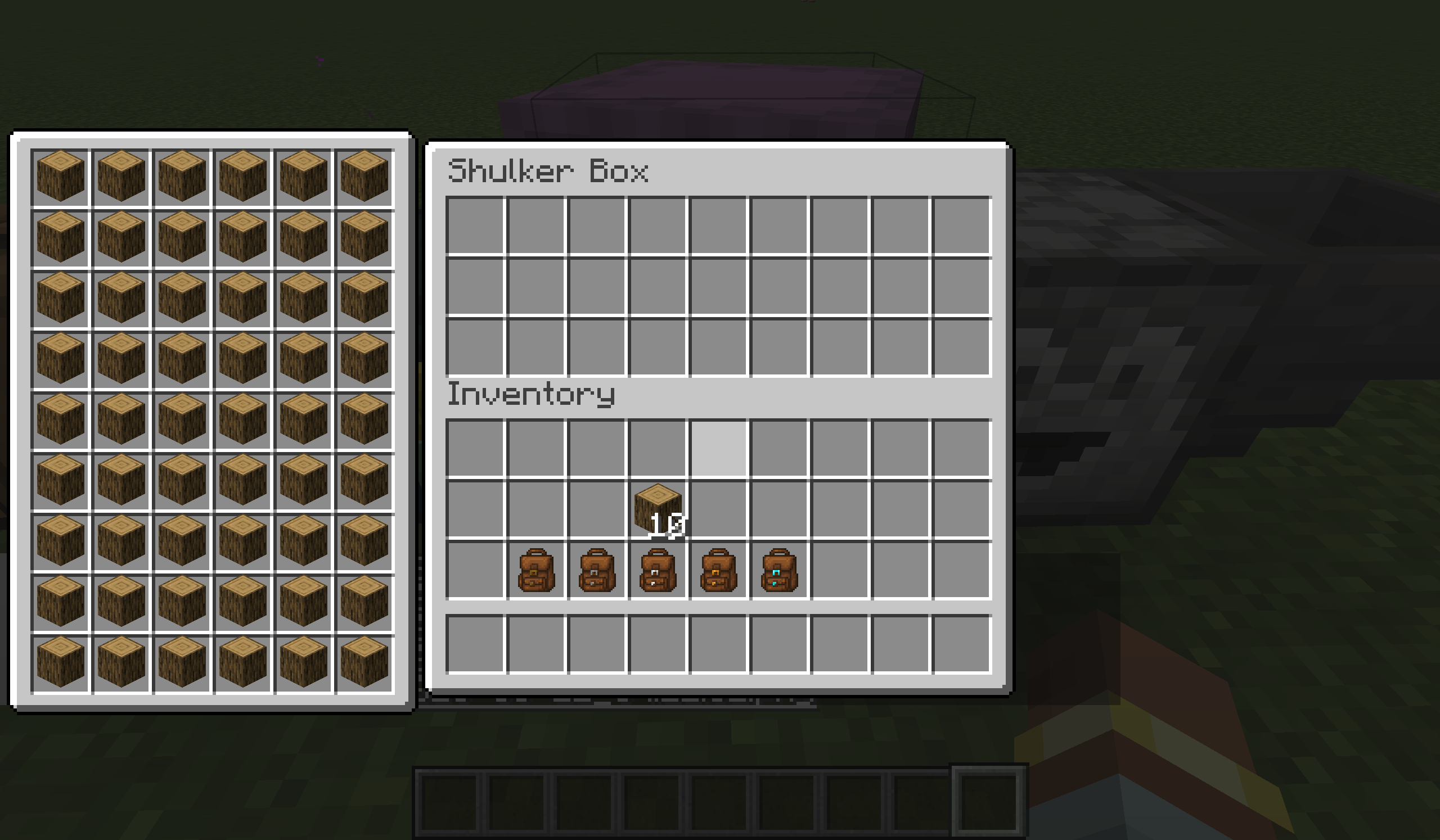
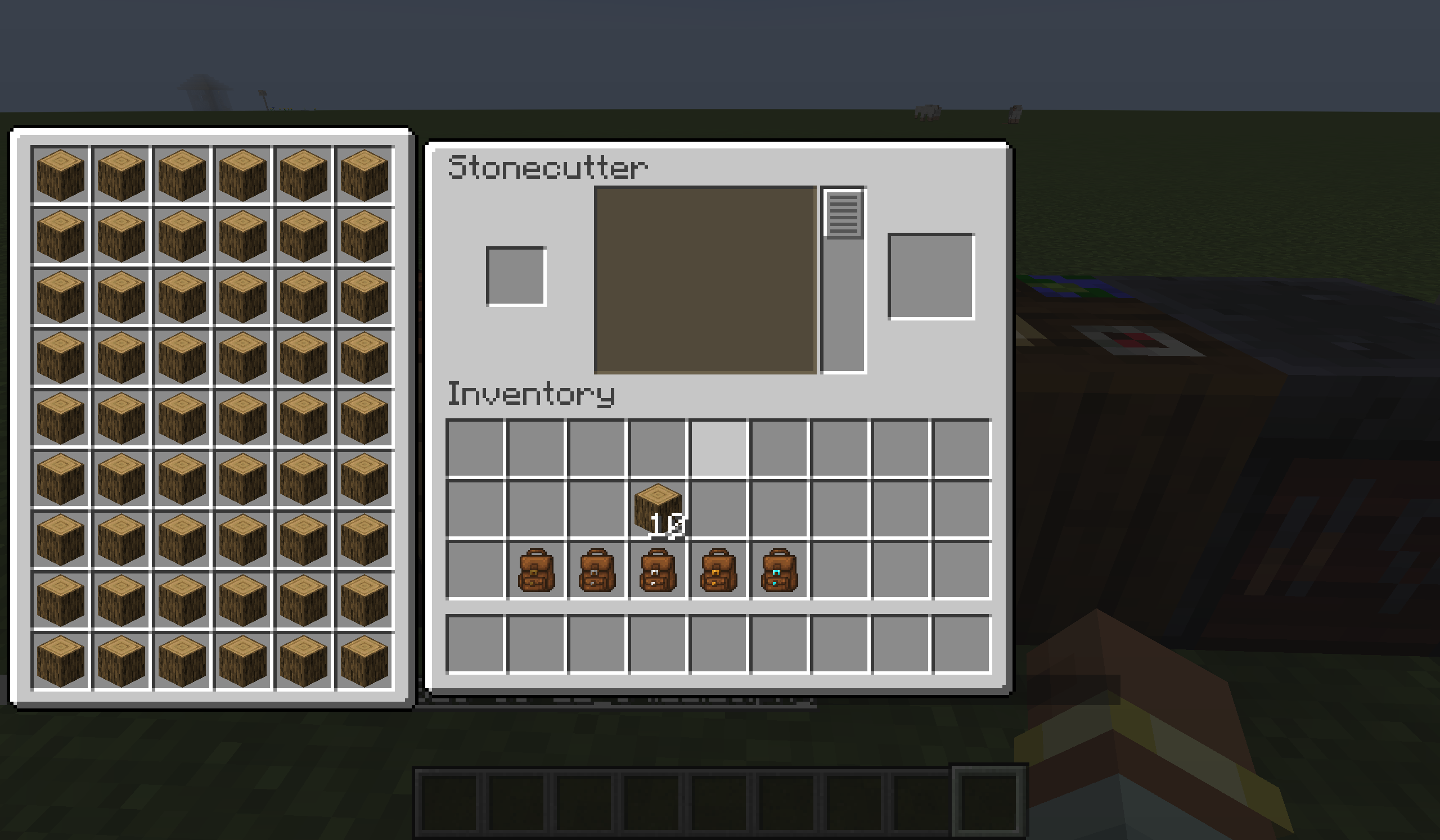
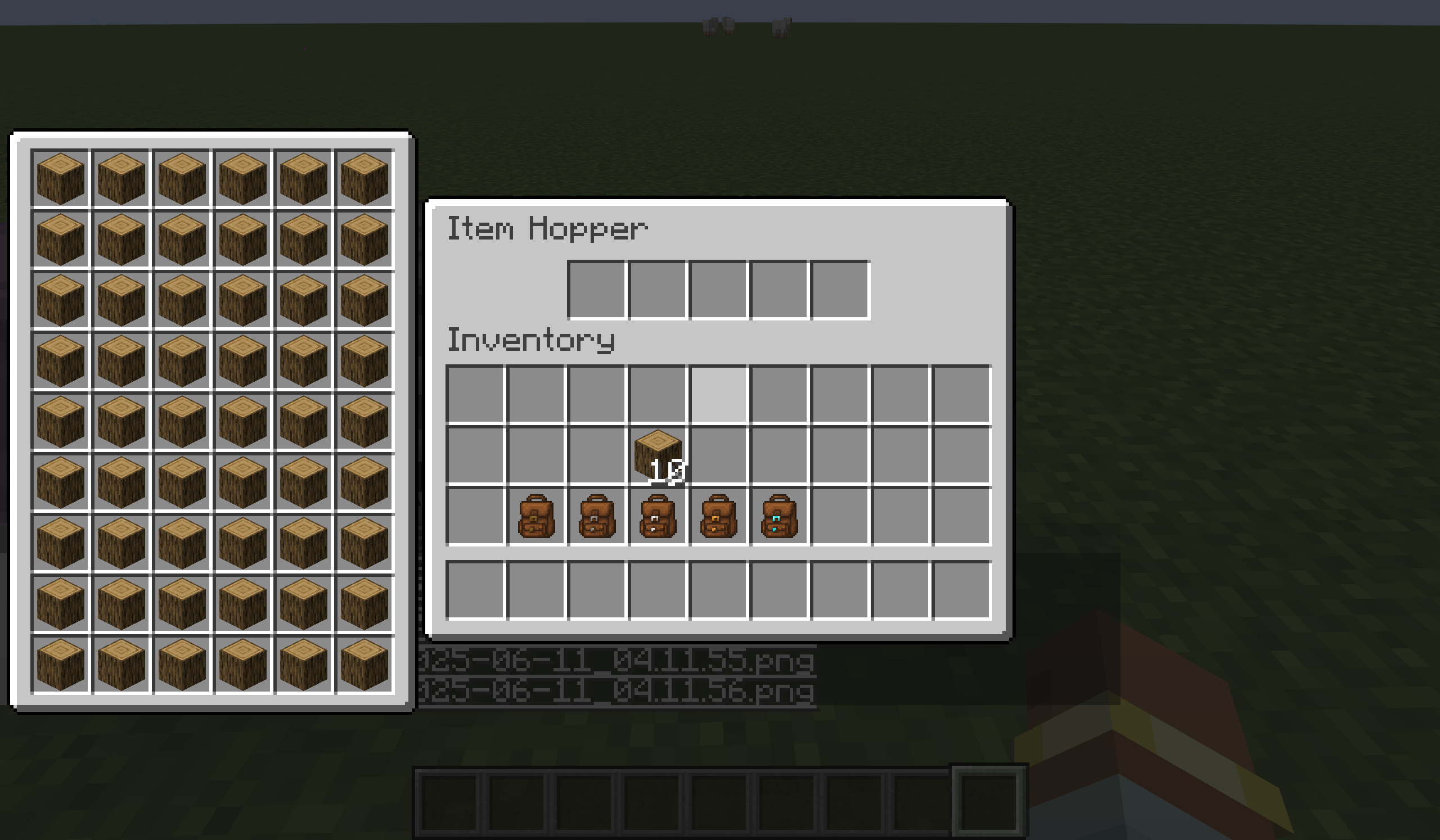
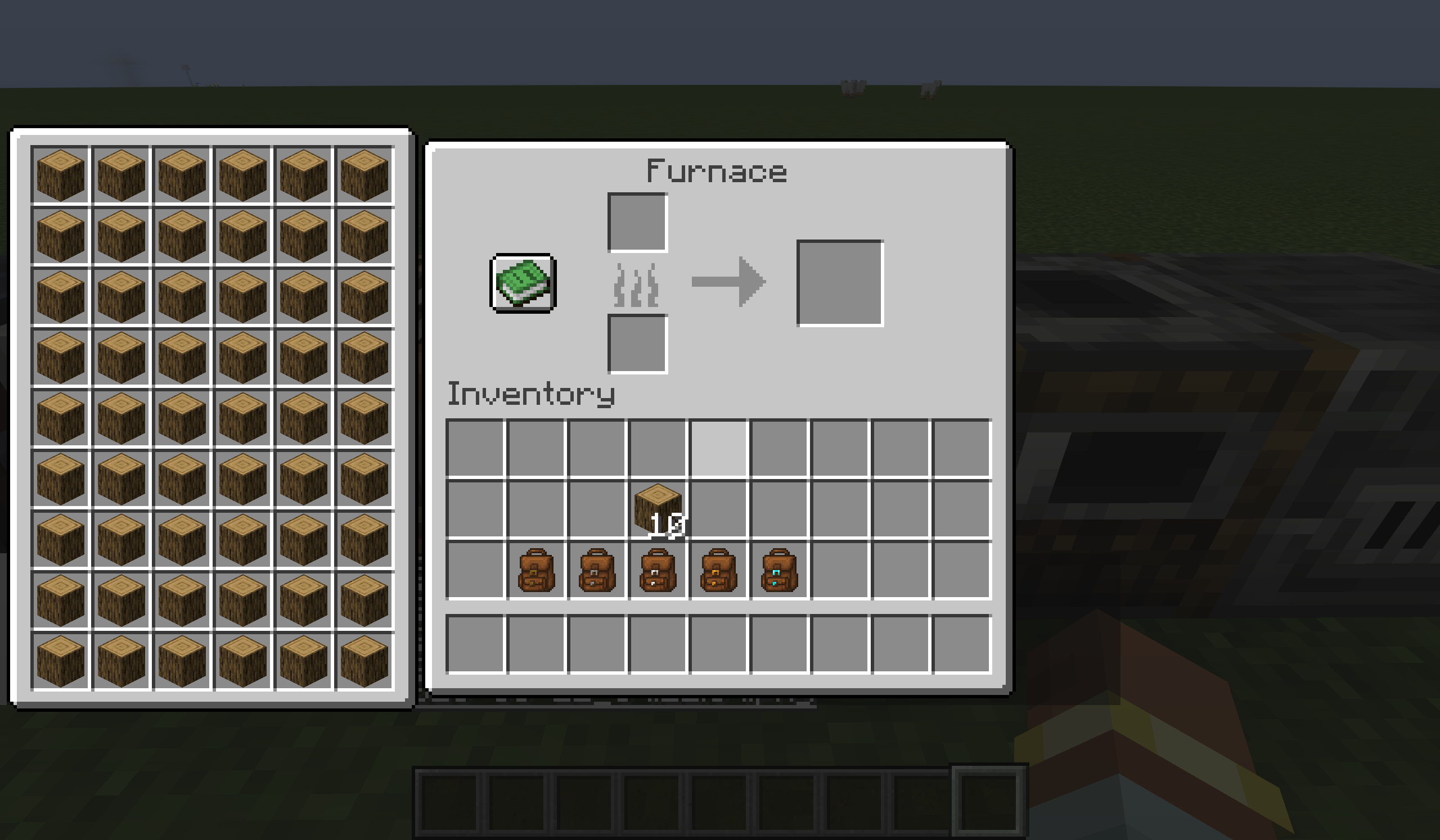
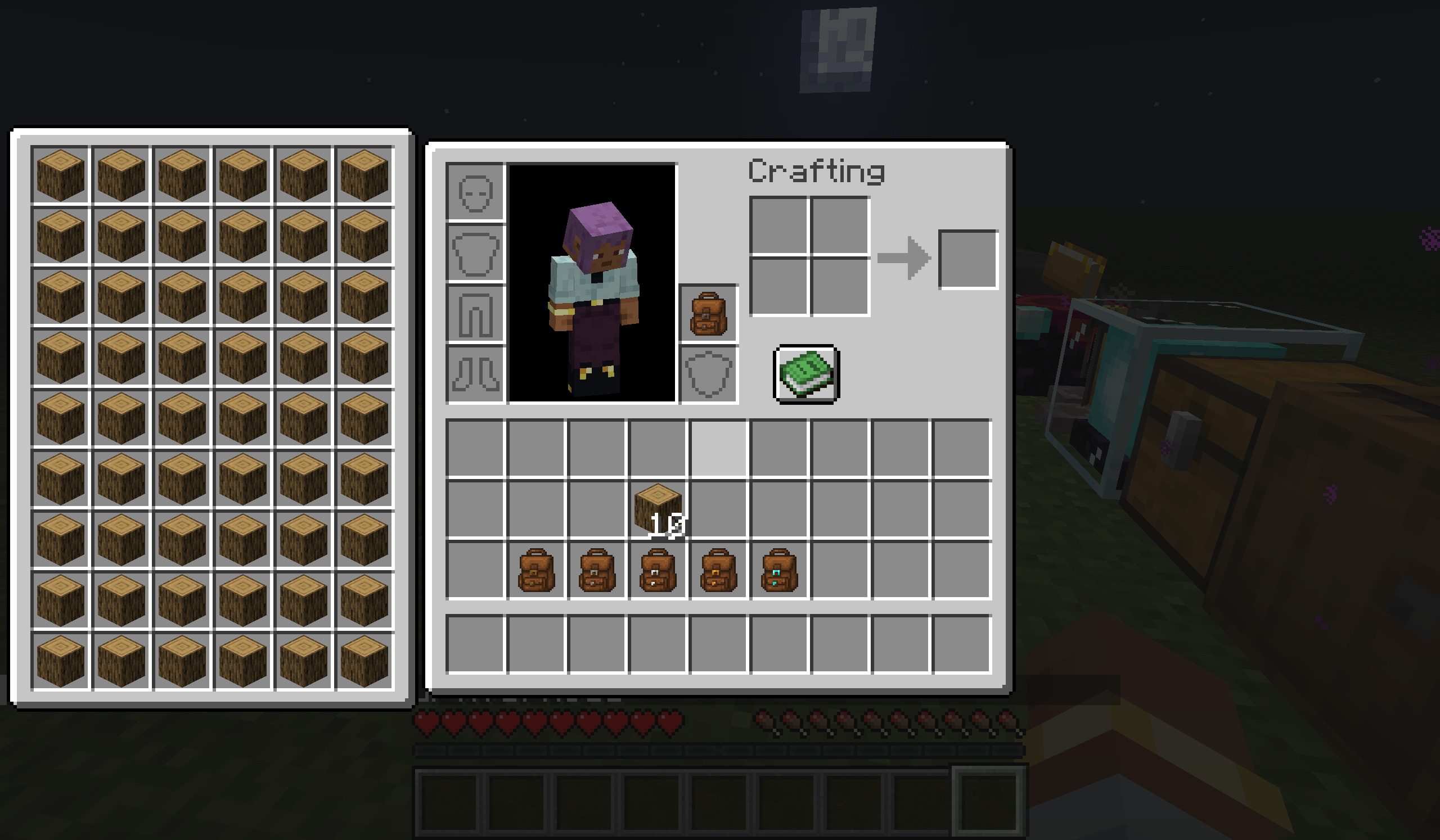
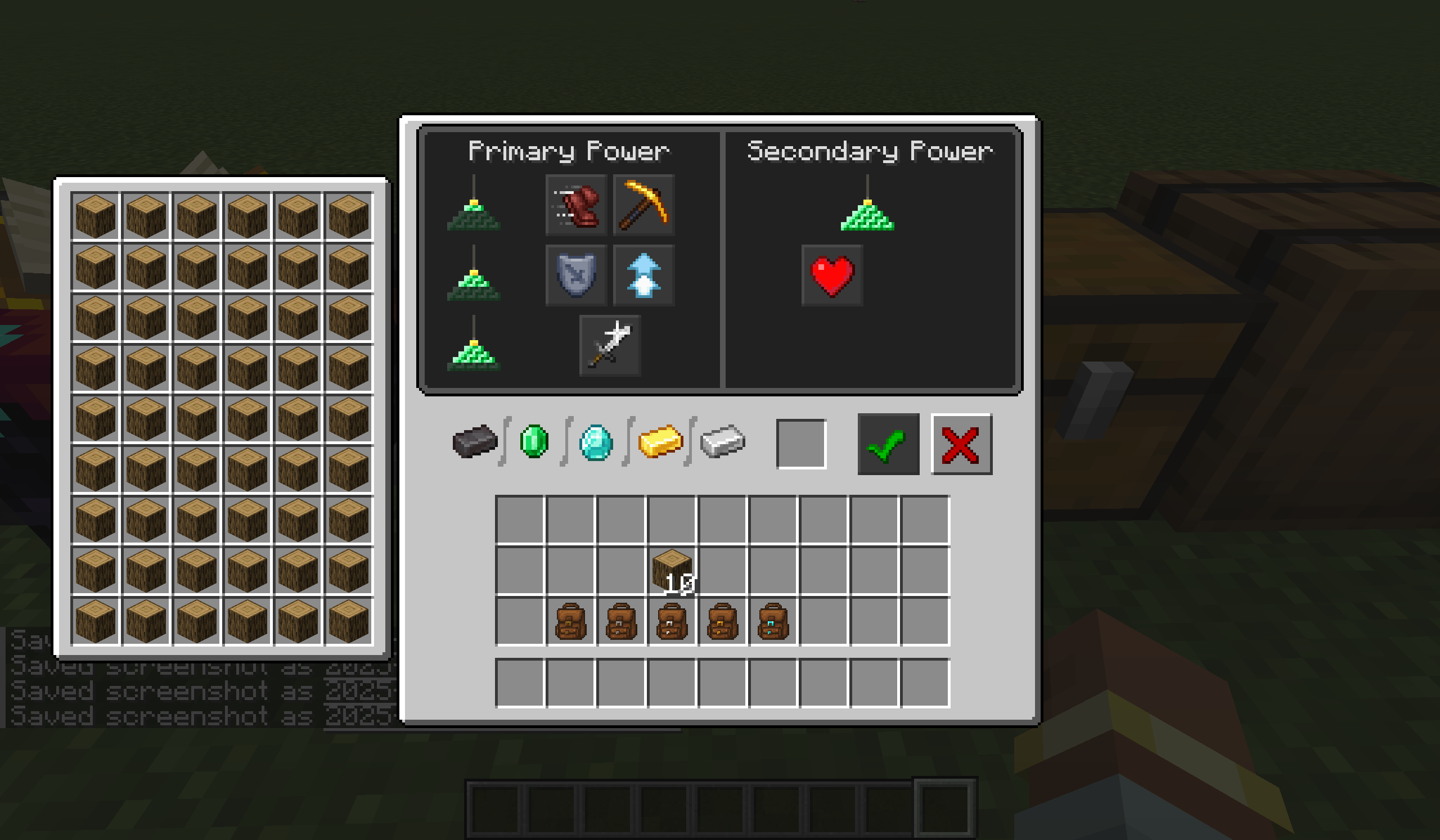
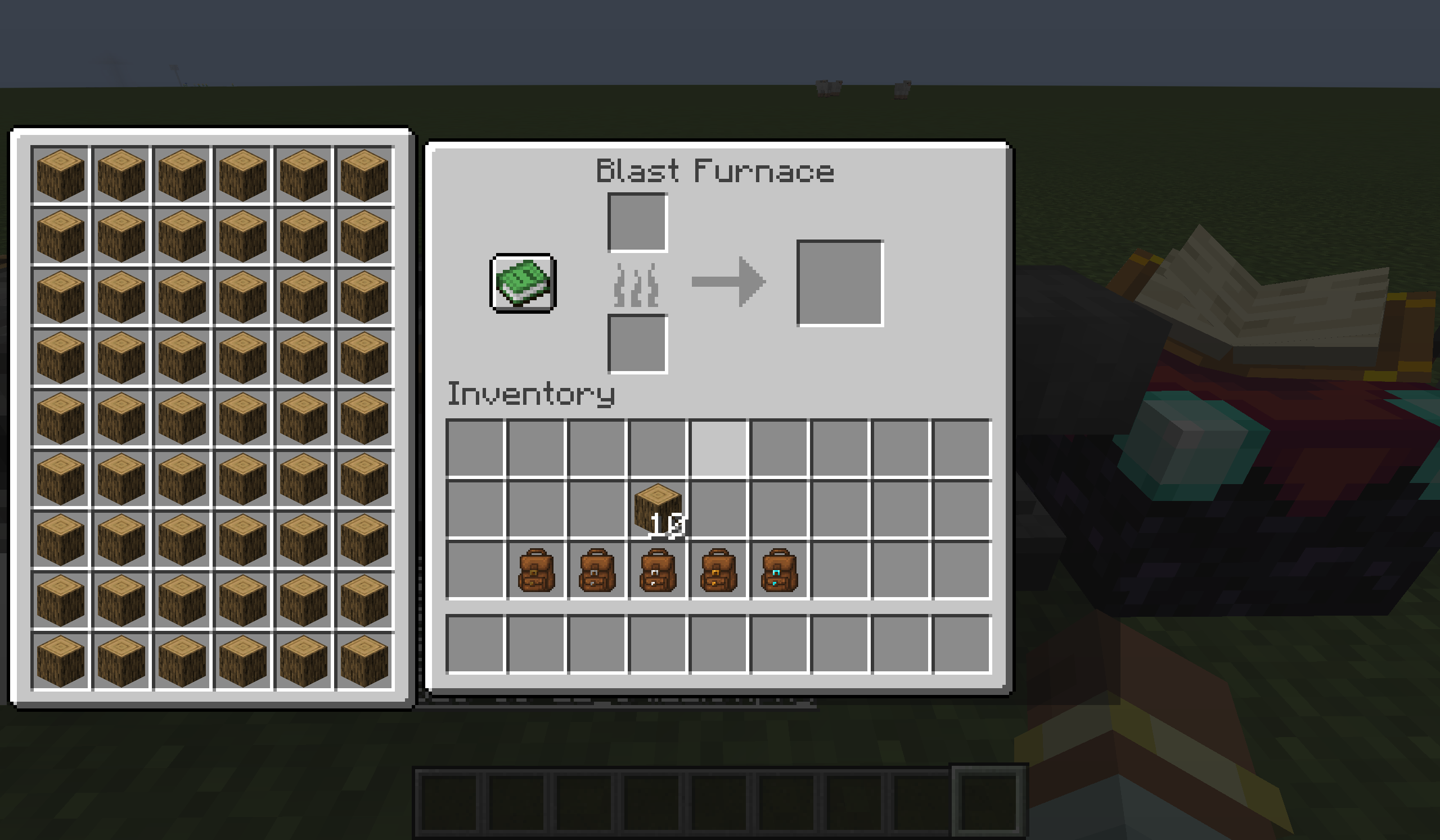
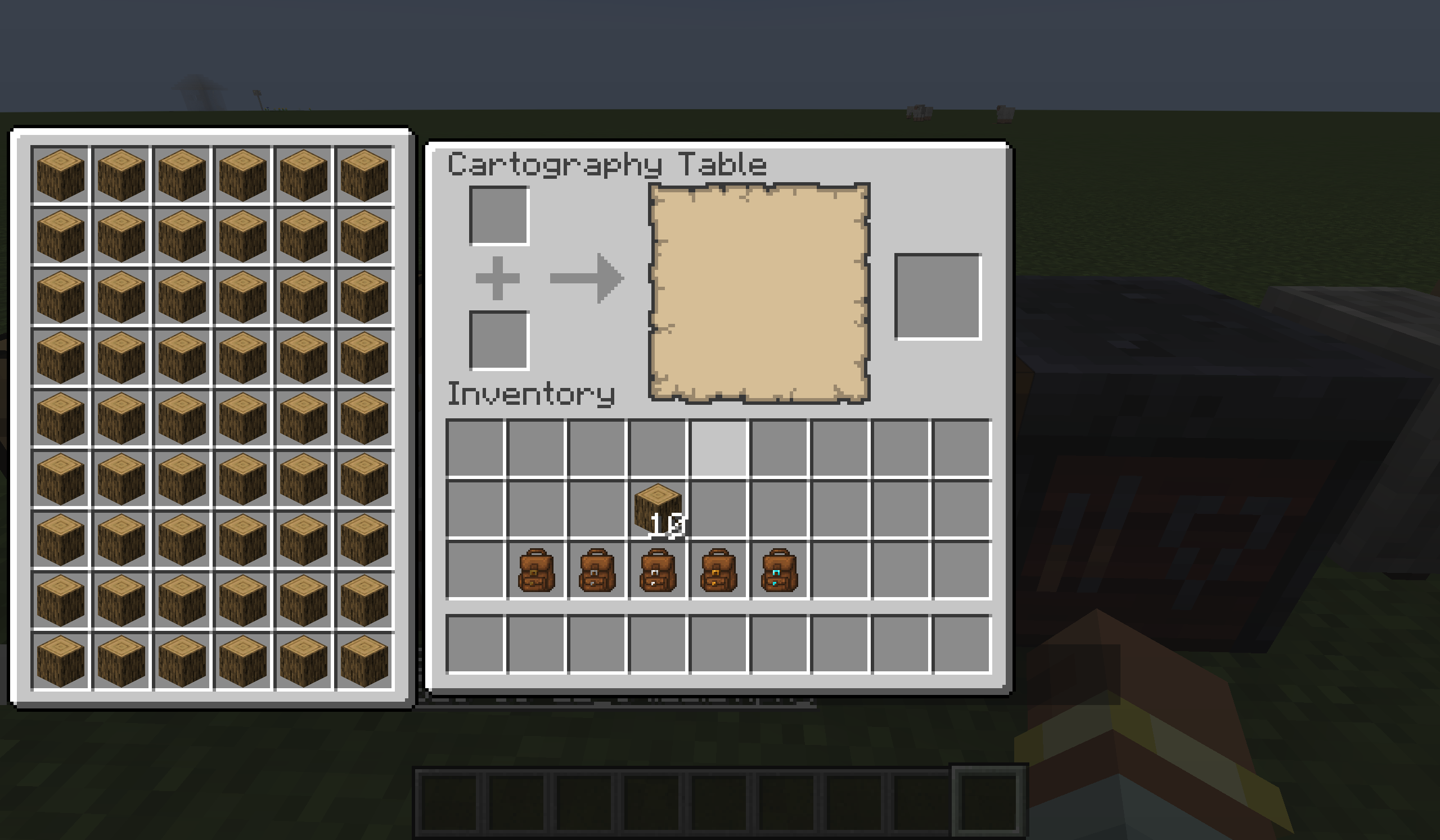
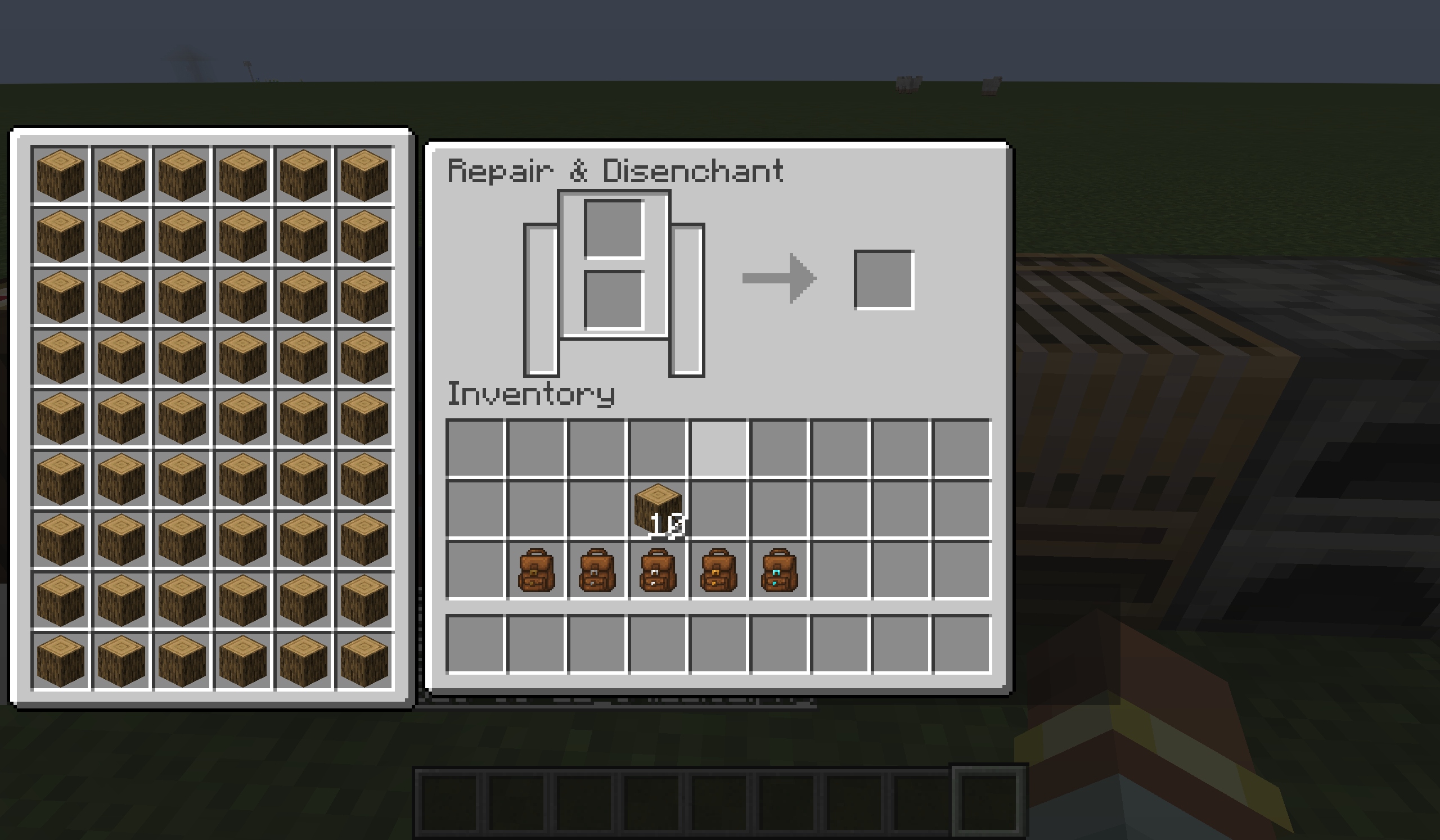
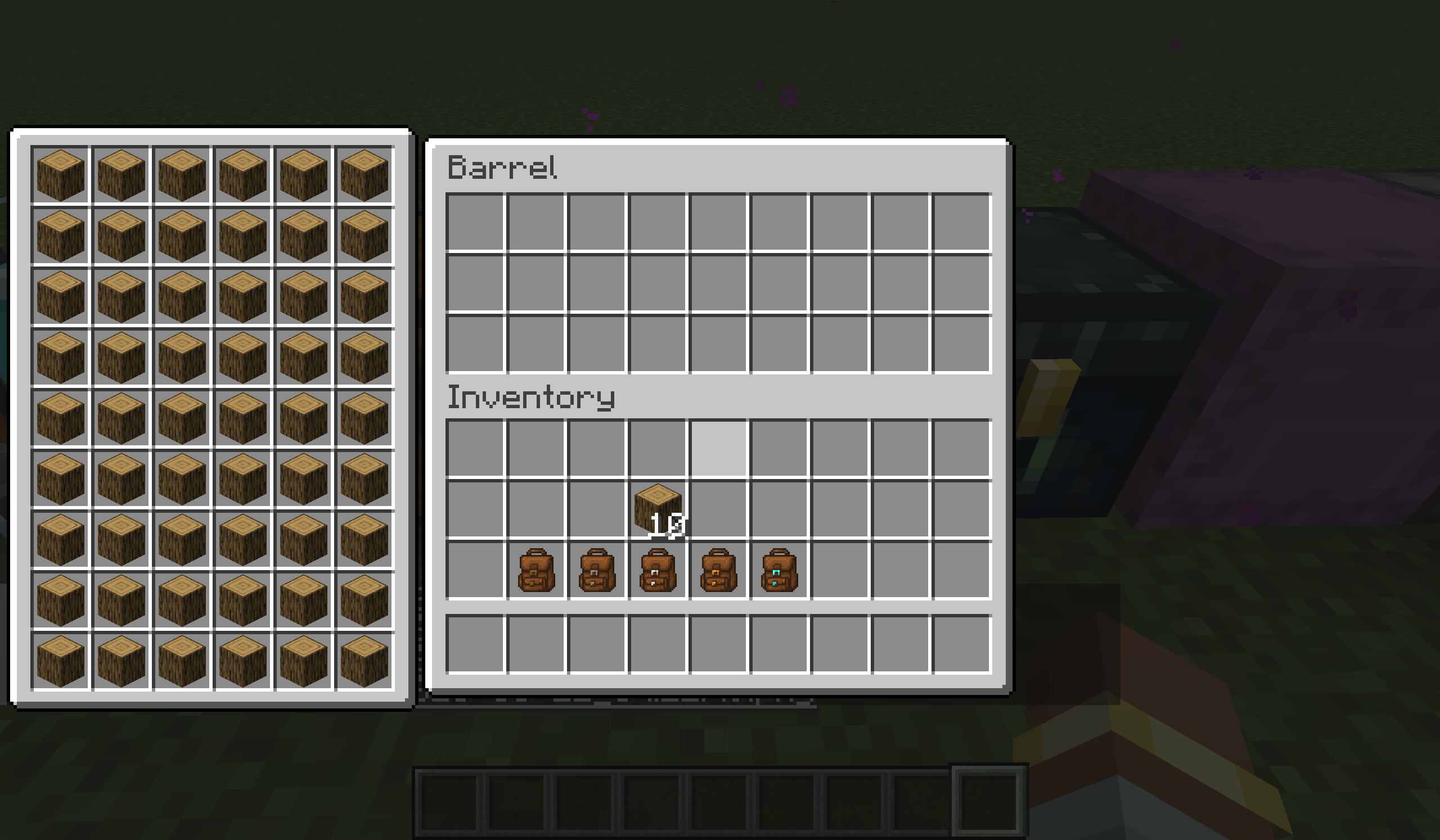
Yyz’s Backpack is a lightweight, convenient backpack mod designed to provide a more efficient item management experience without breaking the vanilla UI style. The backpack can be opened directly in various interfaces (such as crafting tables, chests, furnaces, etc.) and supports crafting, sorting, quick moving, and other operations.
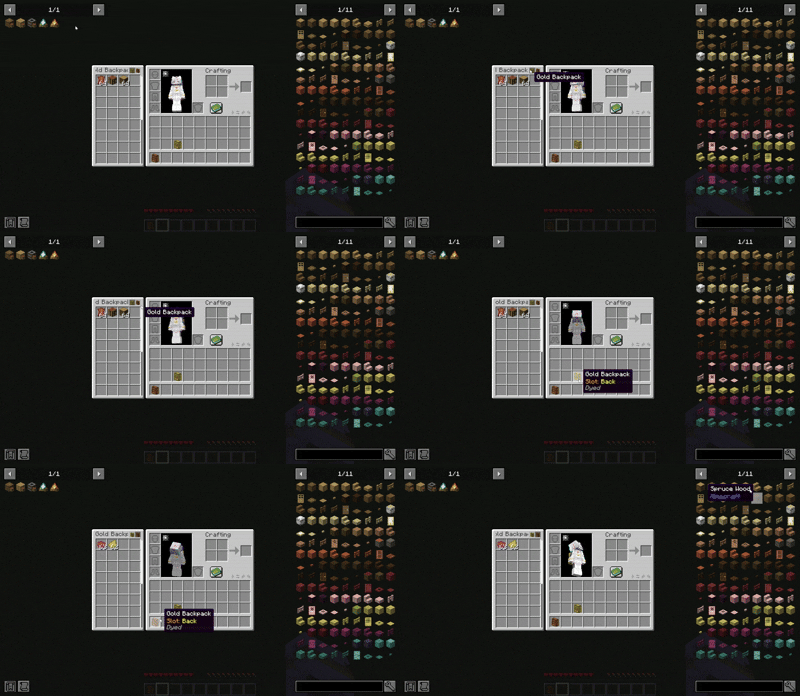
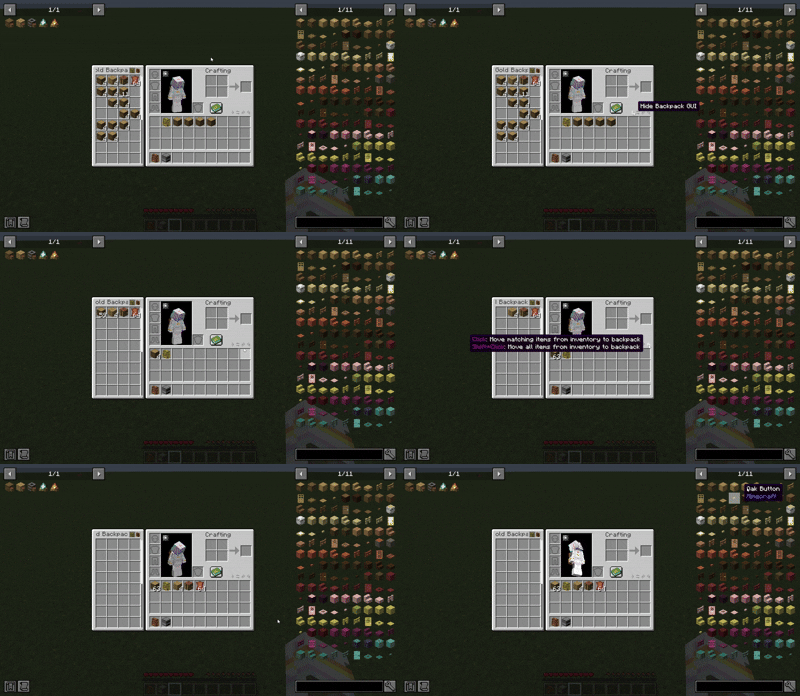
opencontrolmodel and dyegui

✨ Features

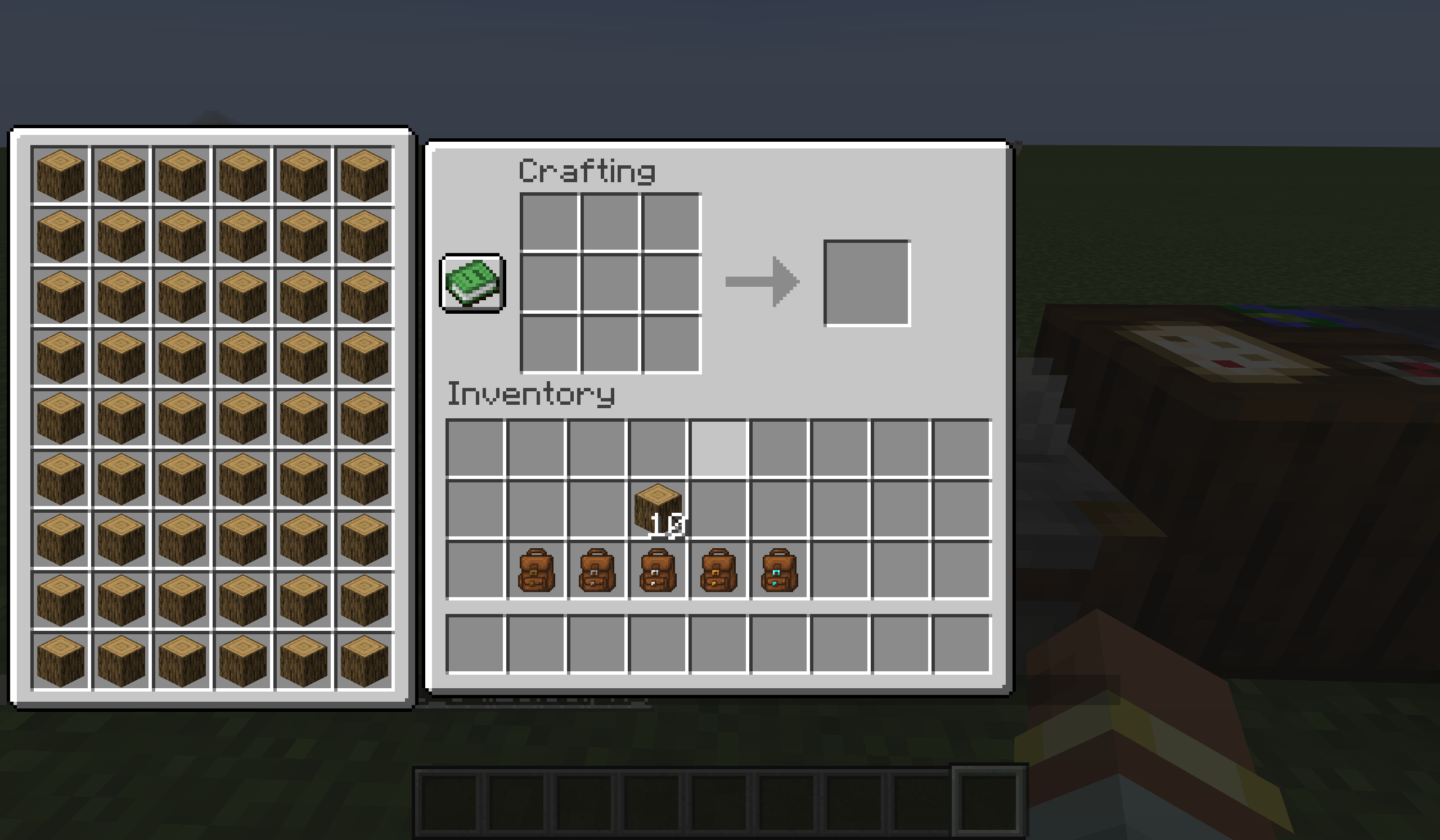
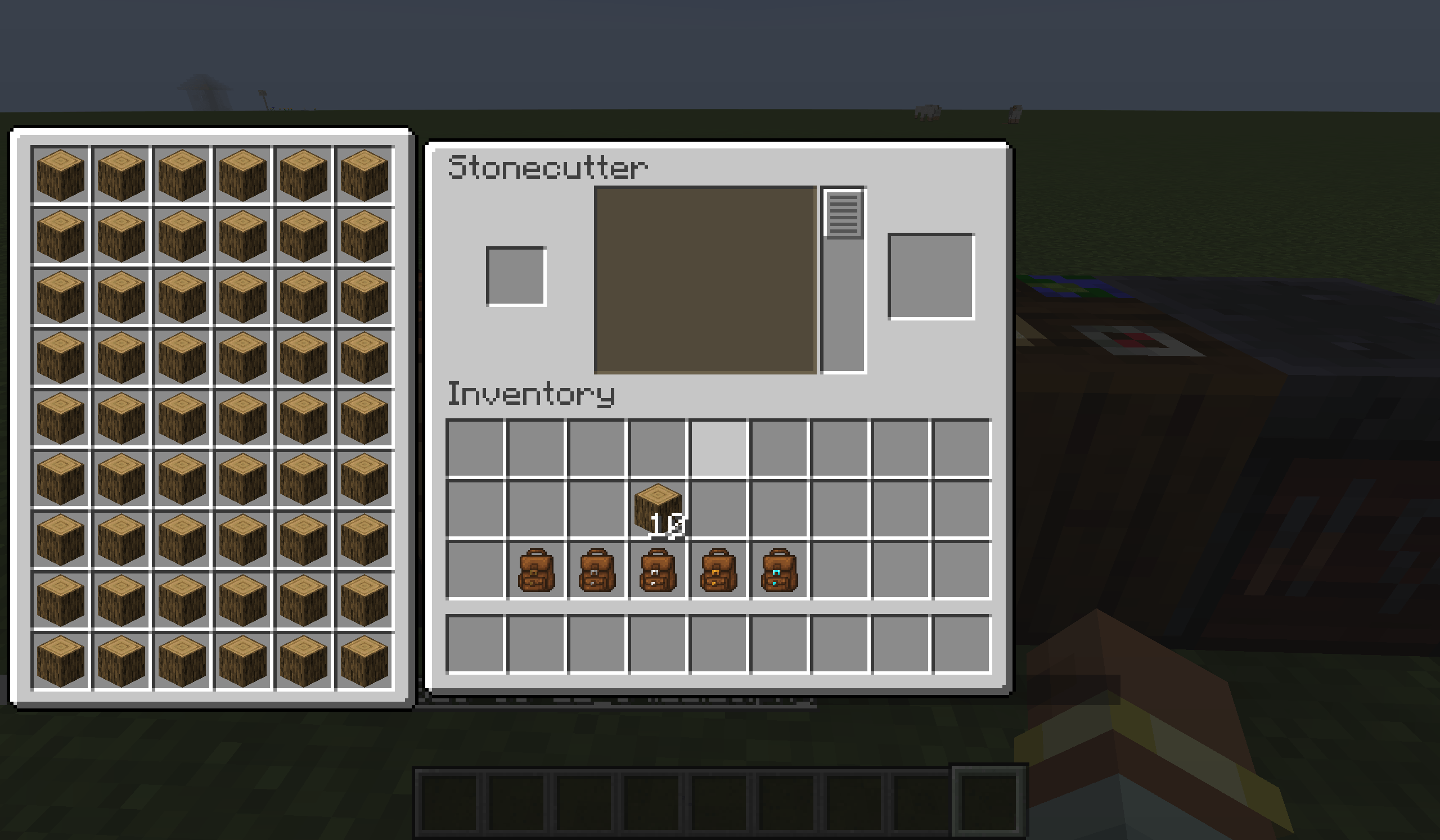
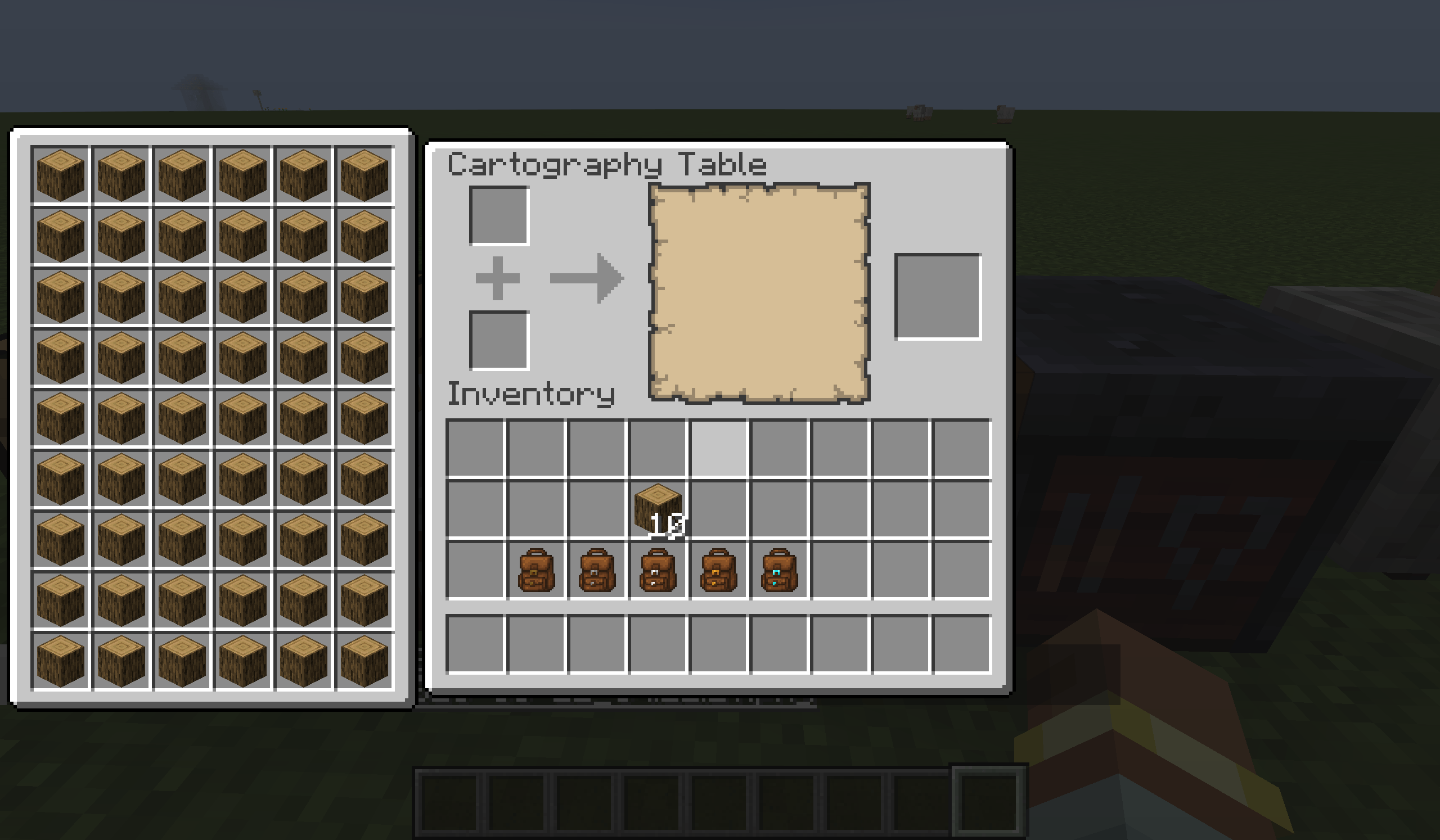
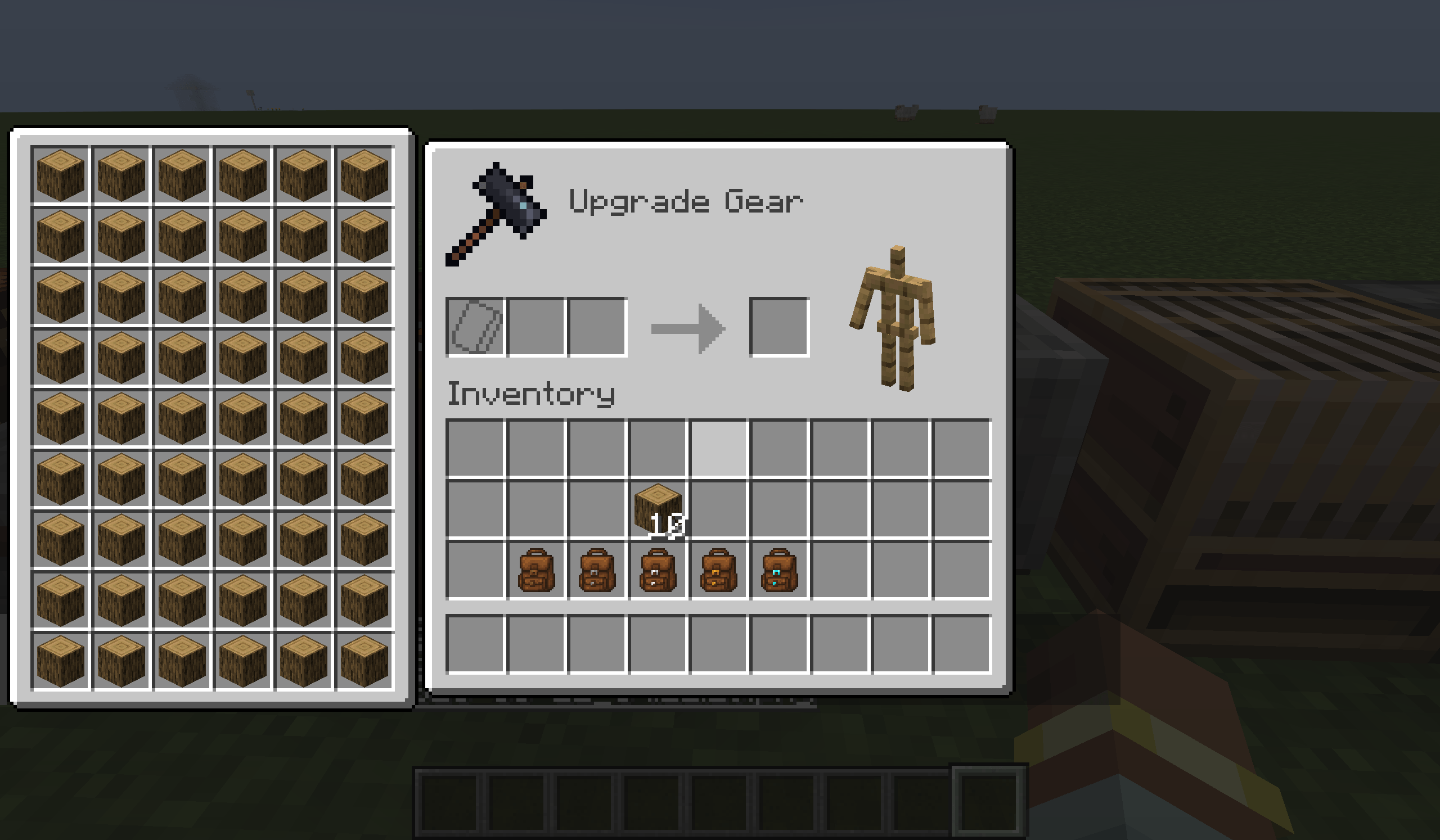
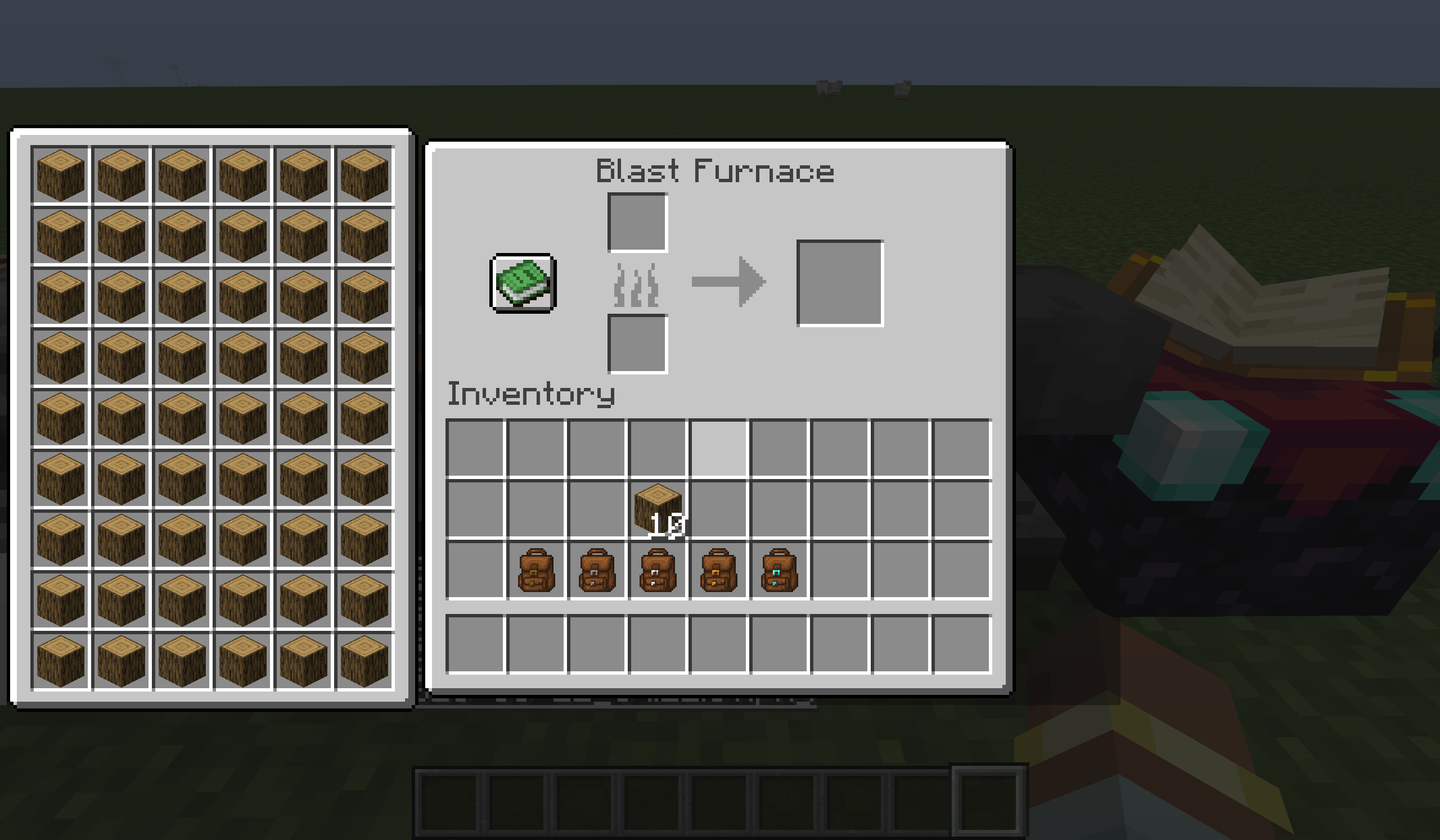
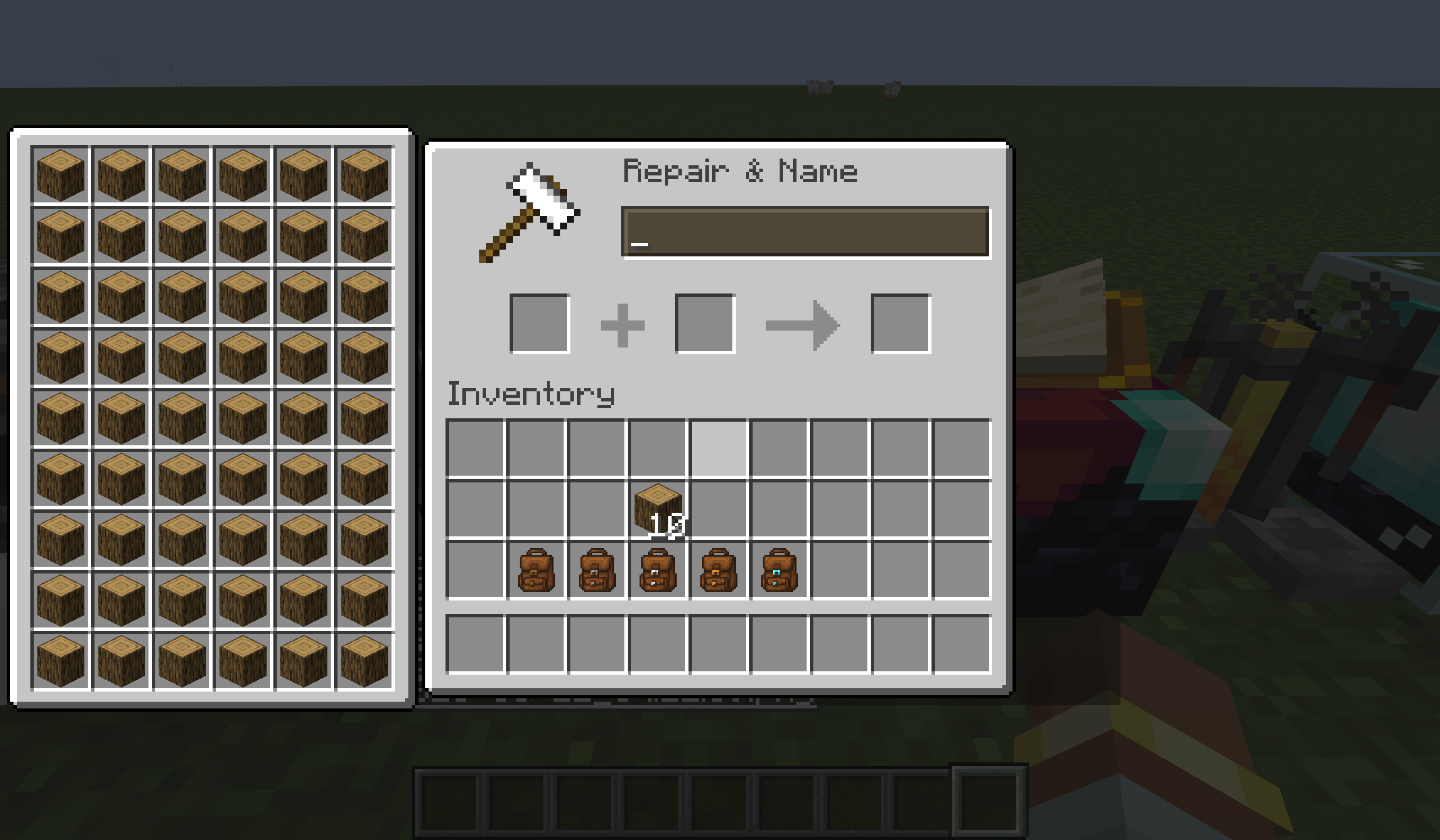
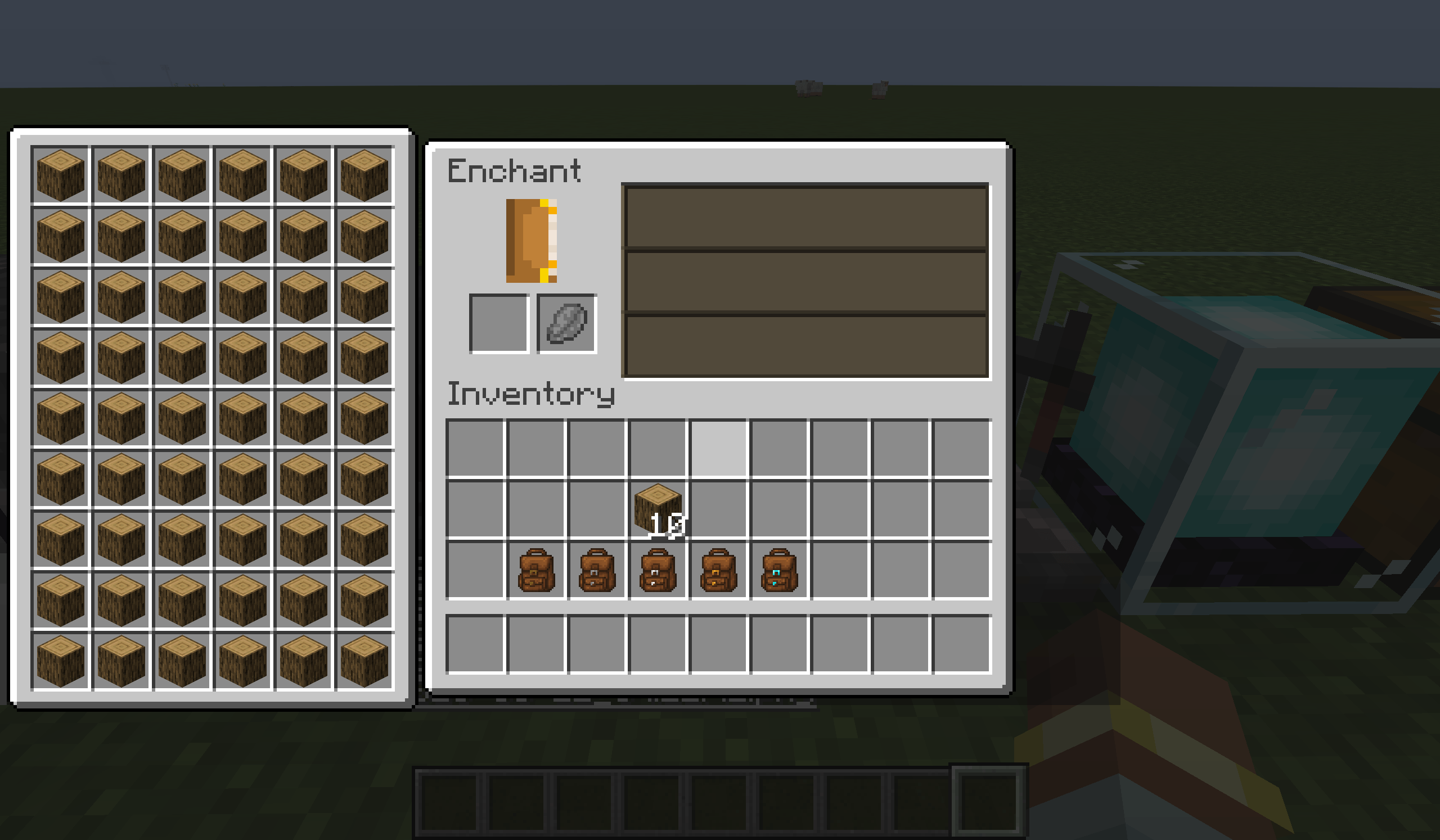
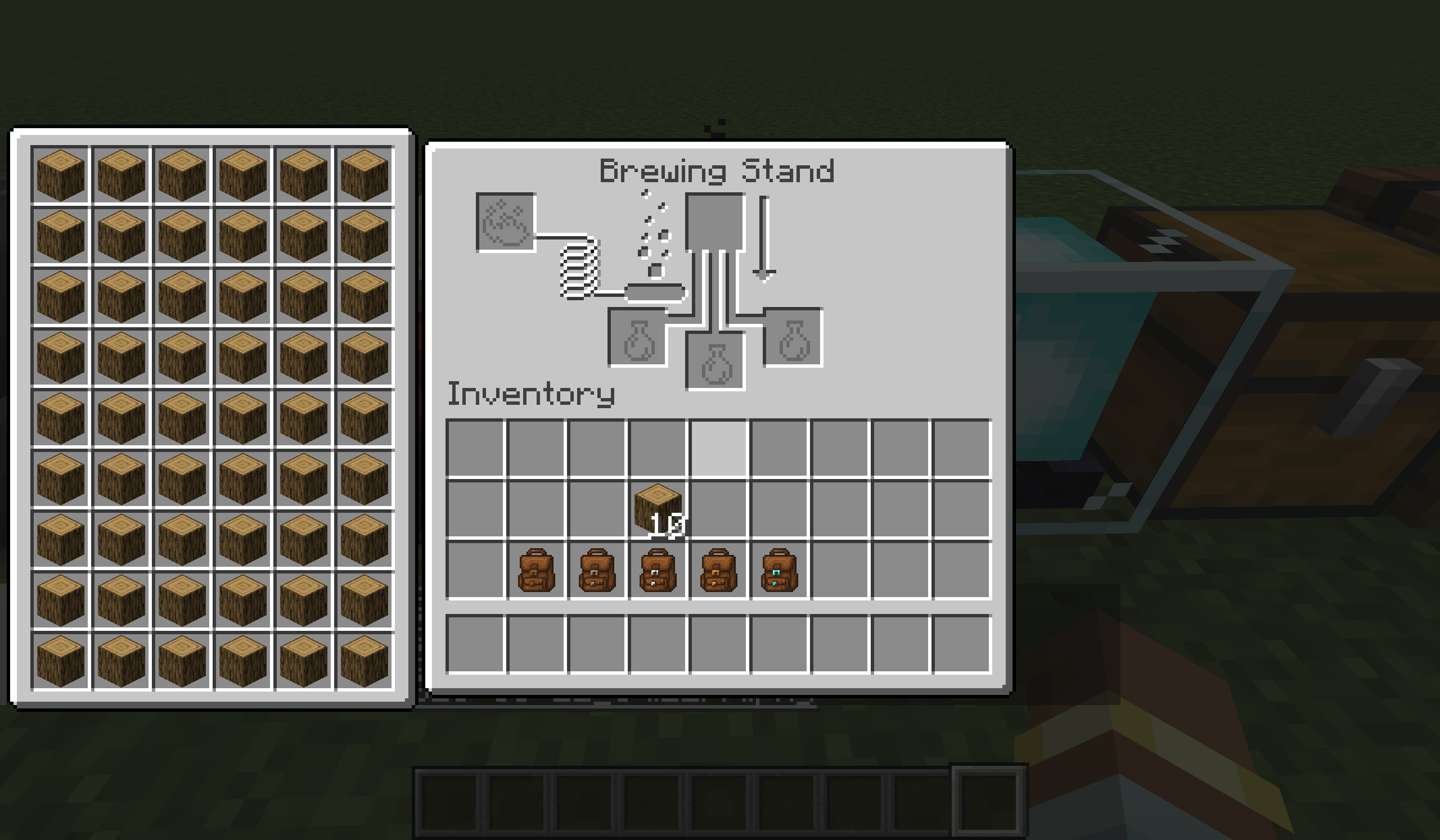
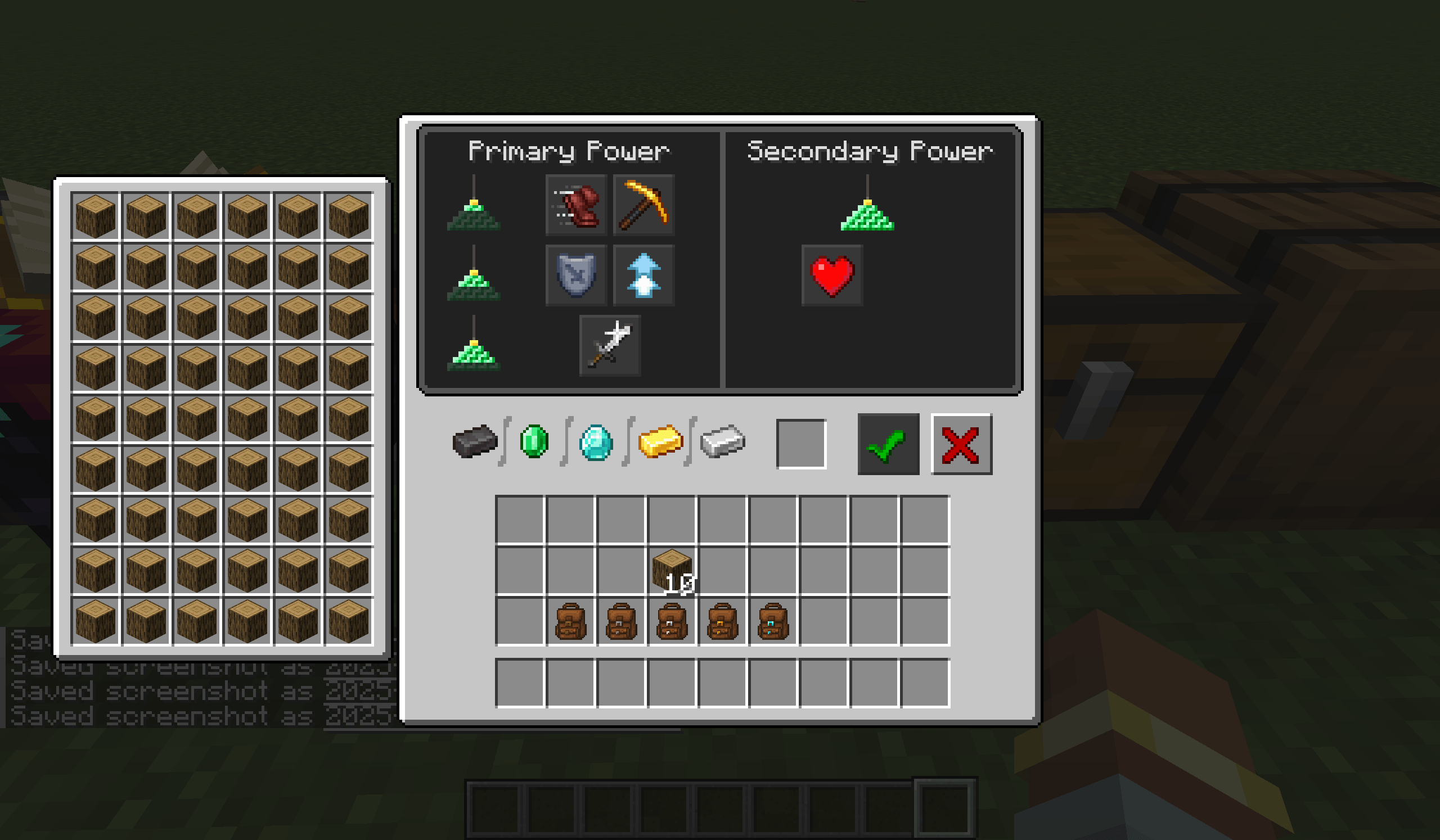
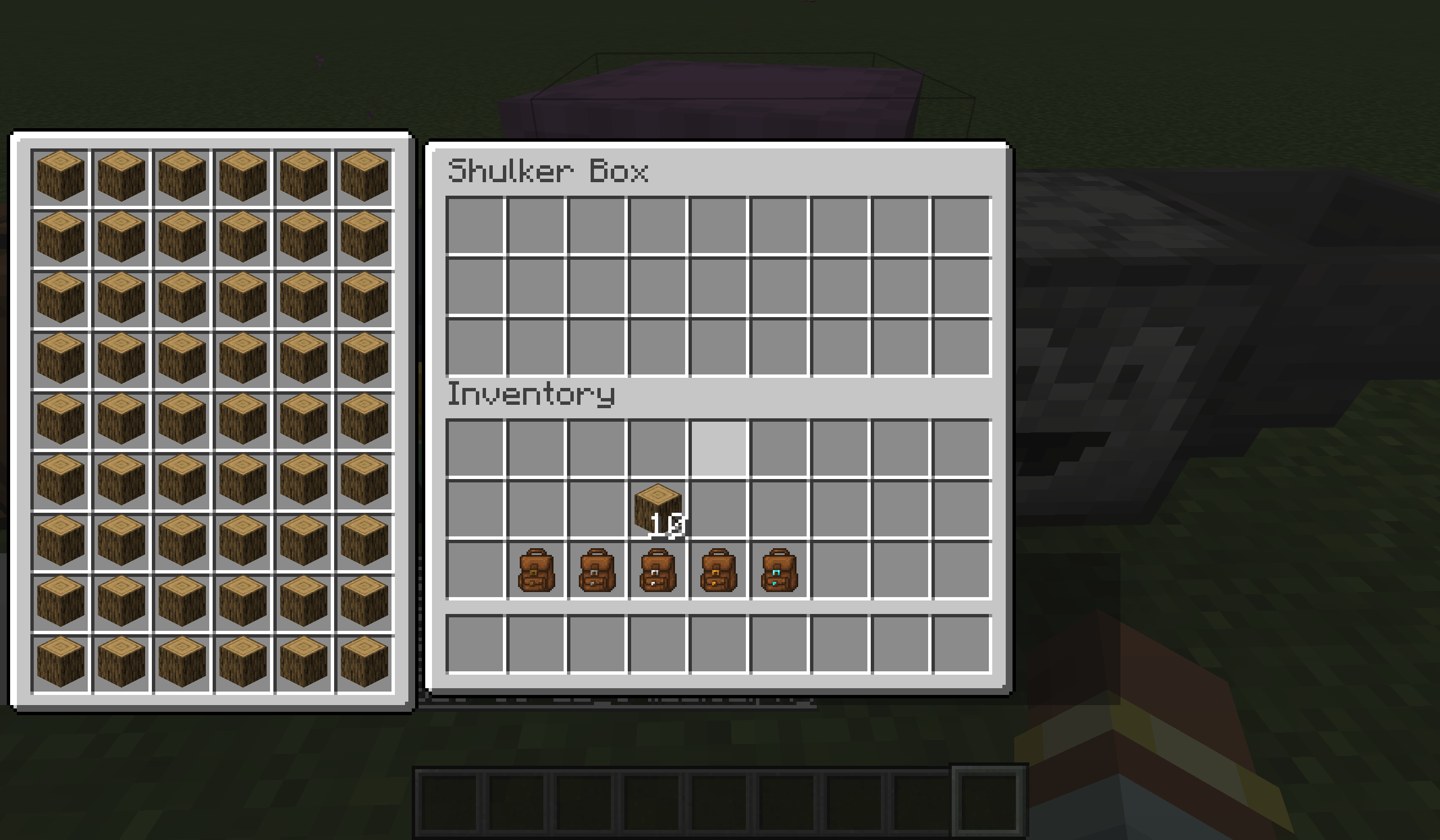
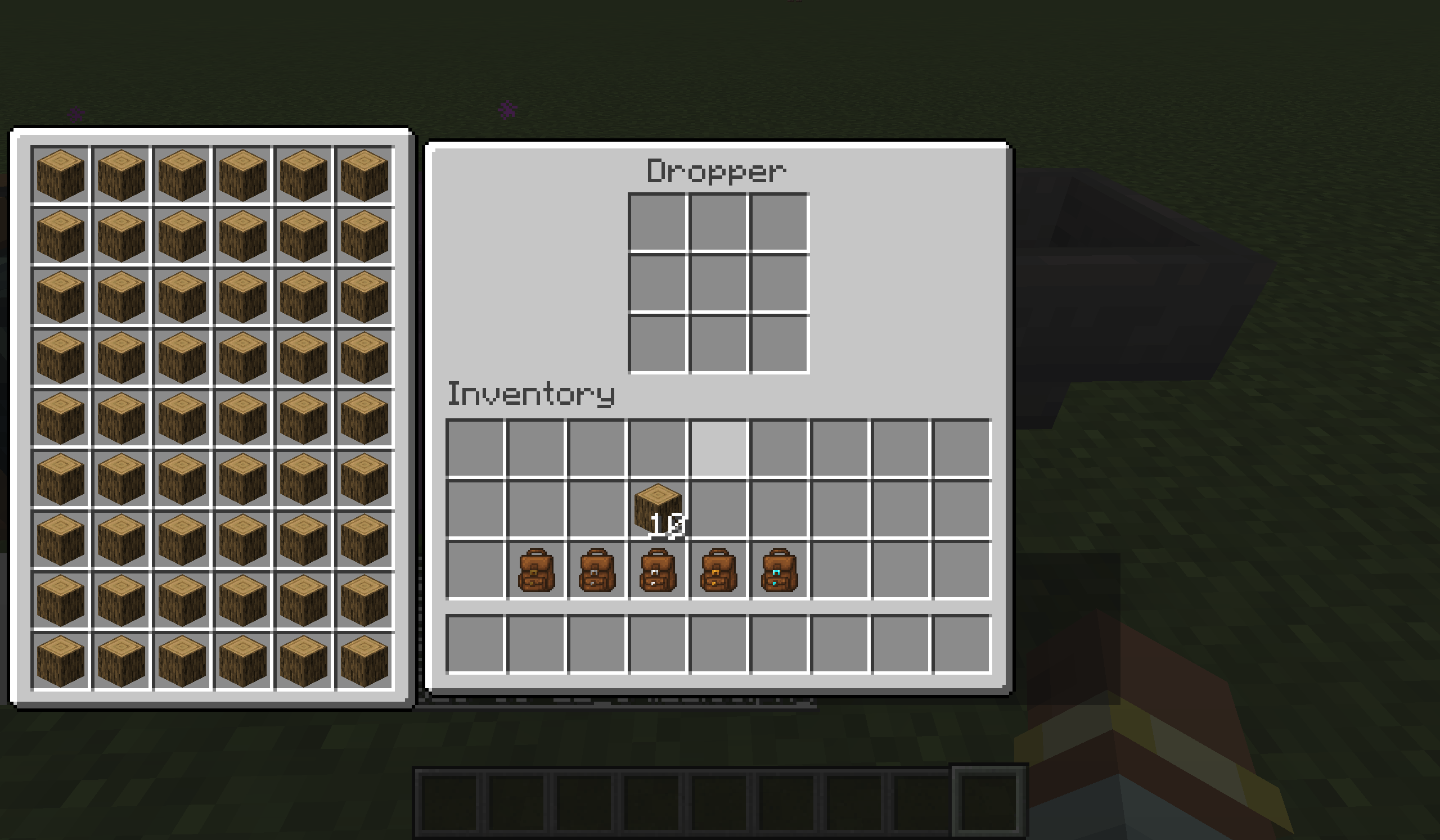
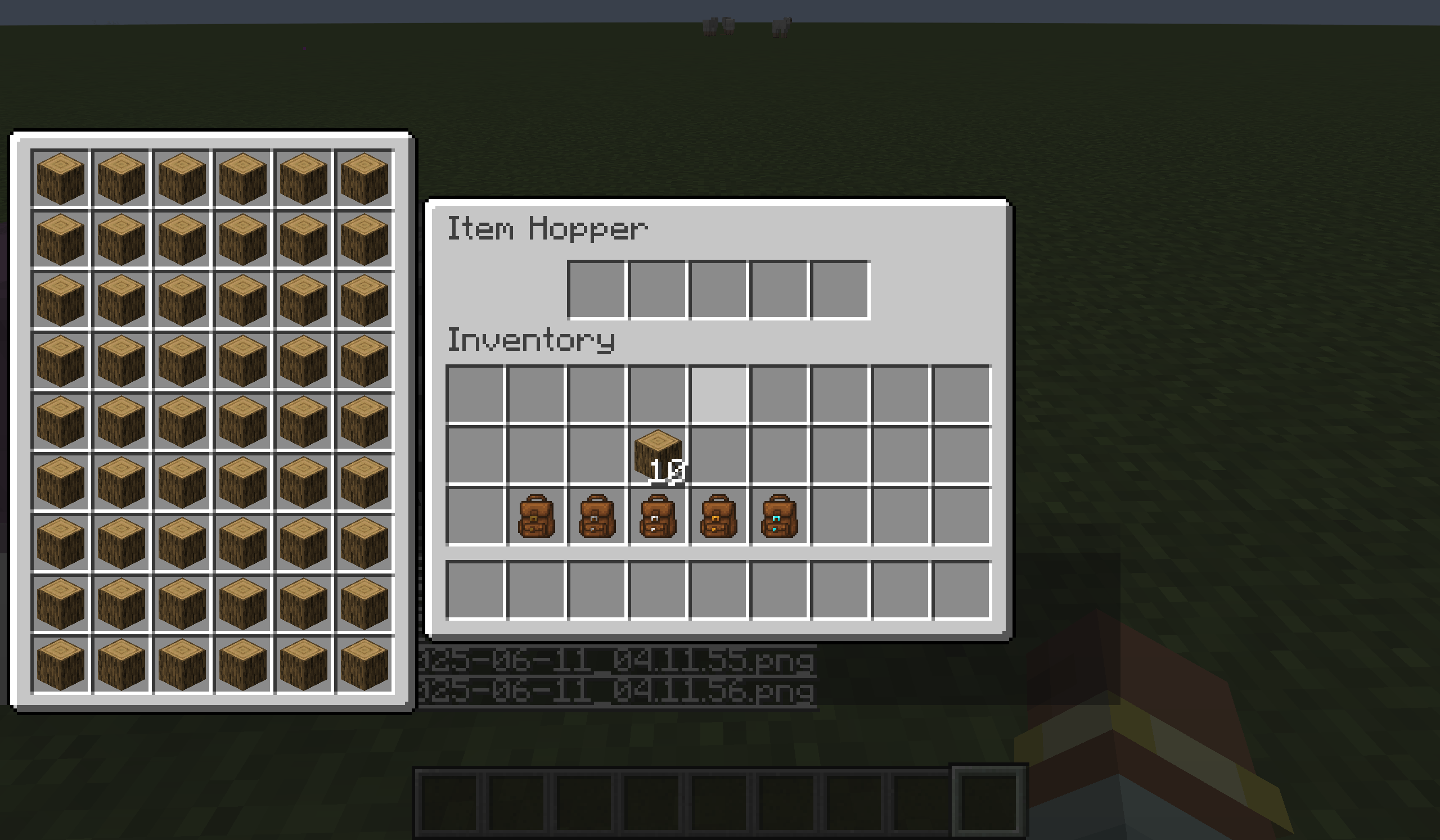
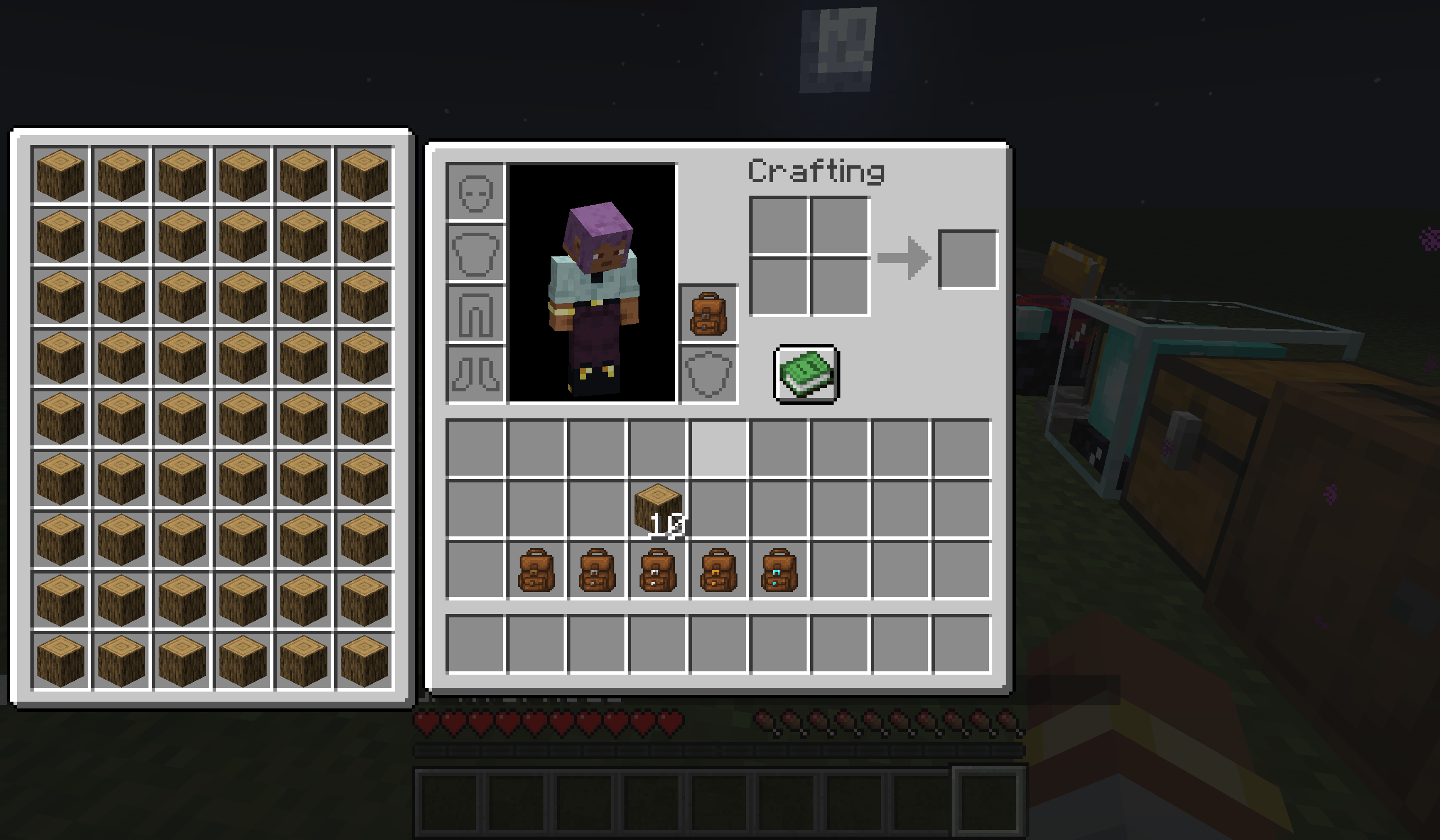
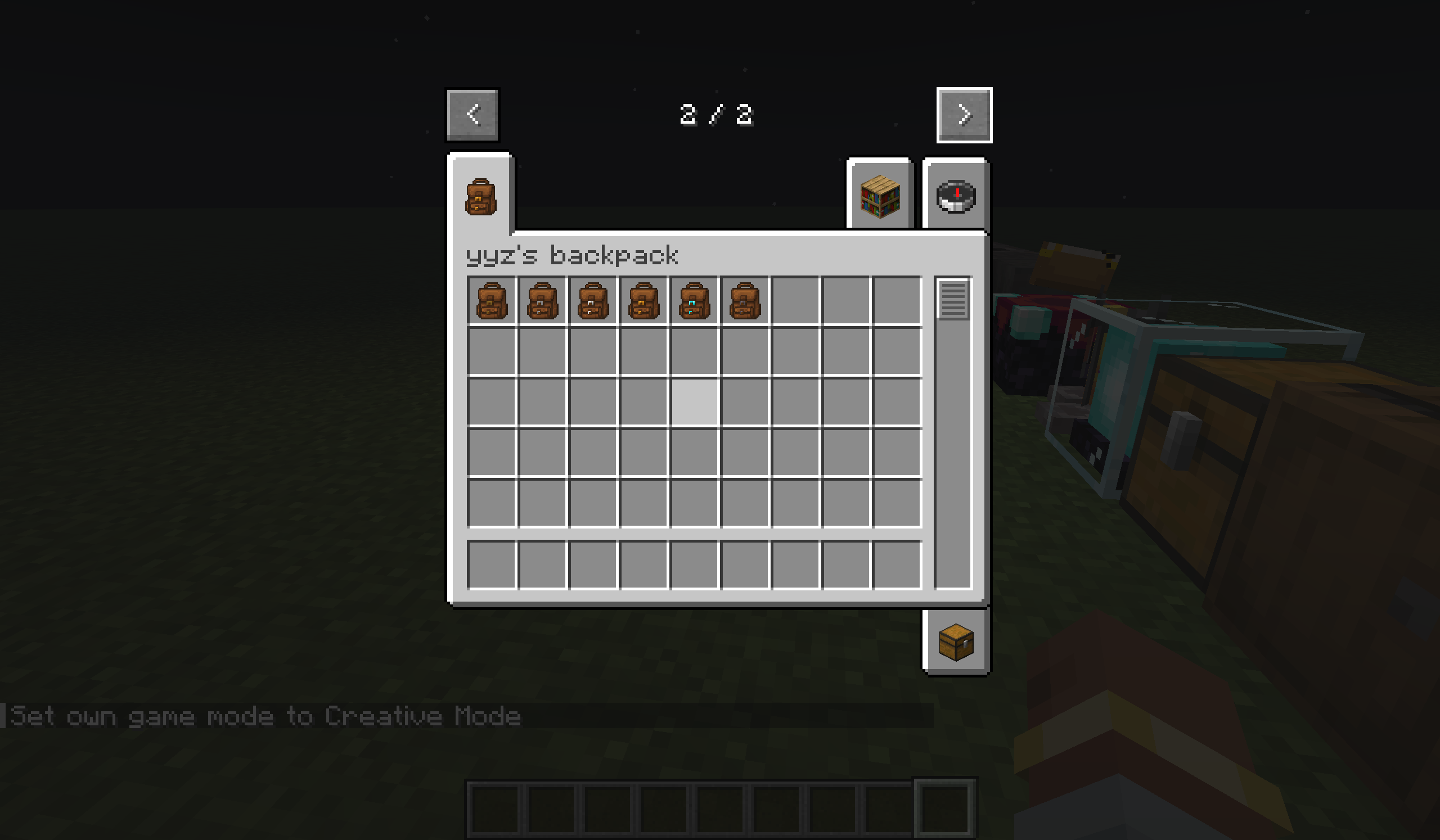
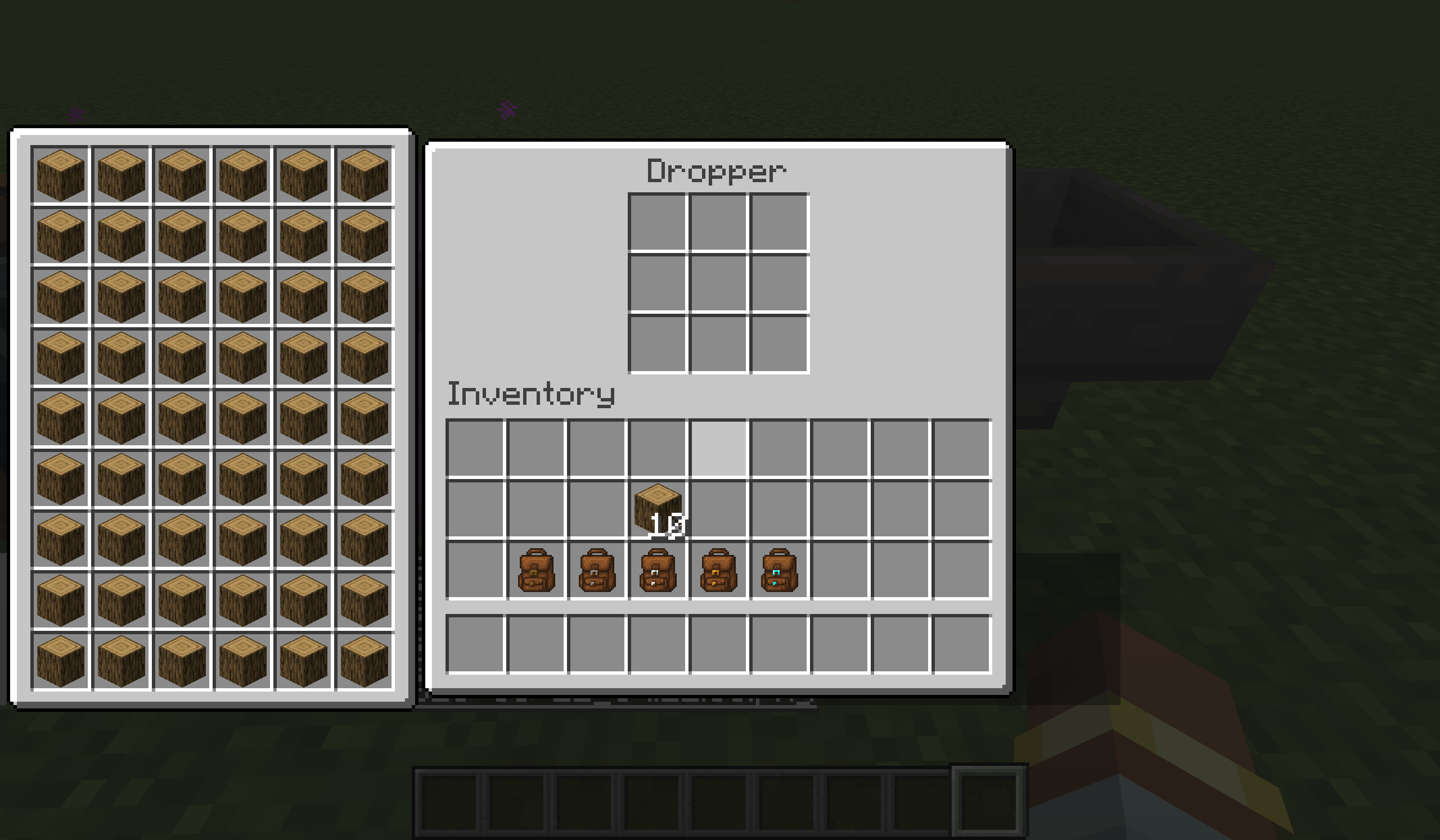
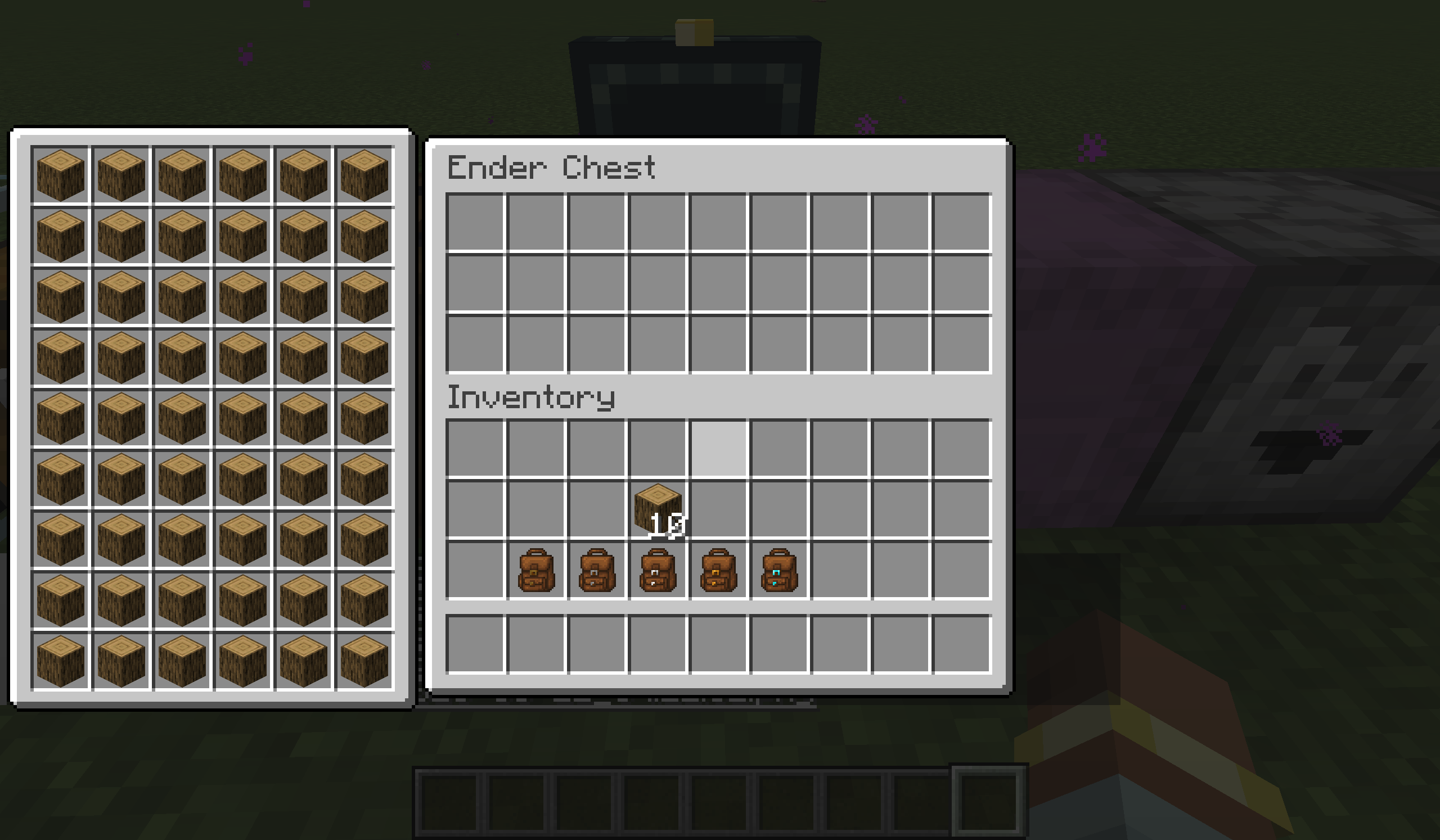
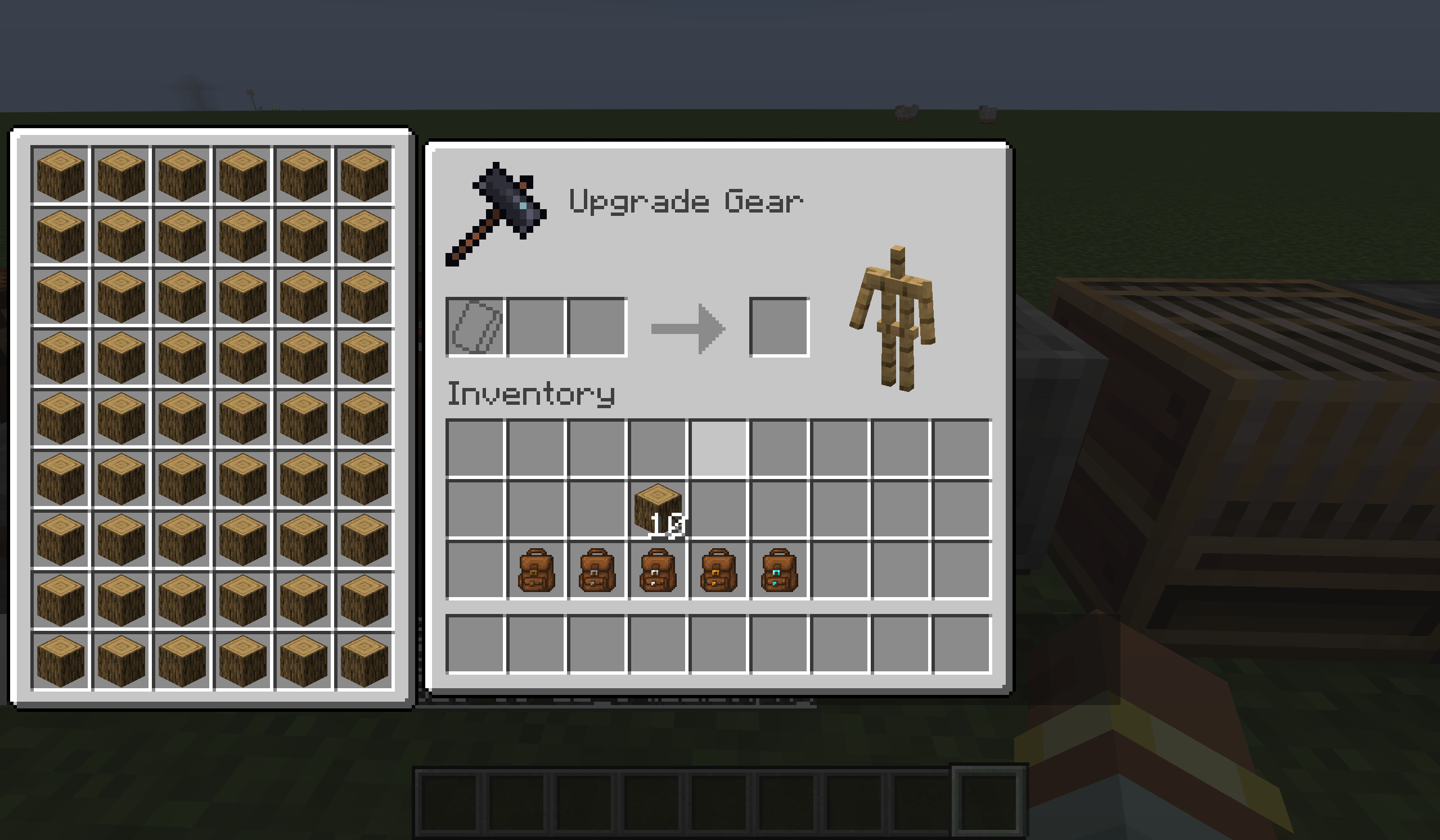
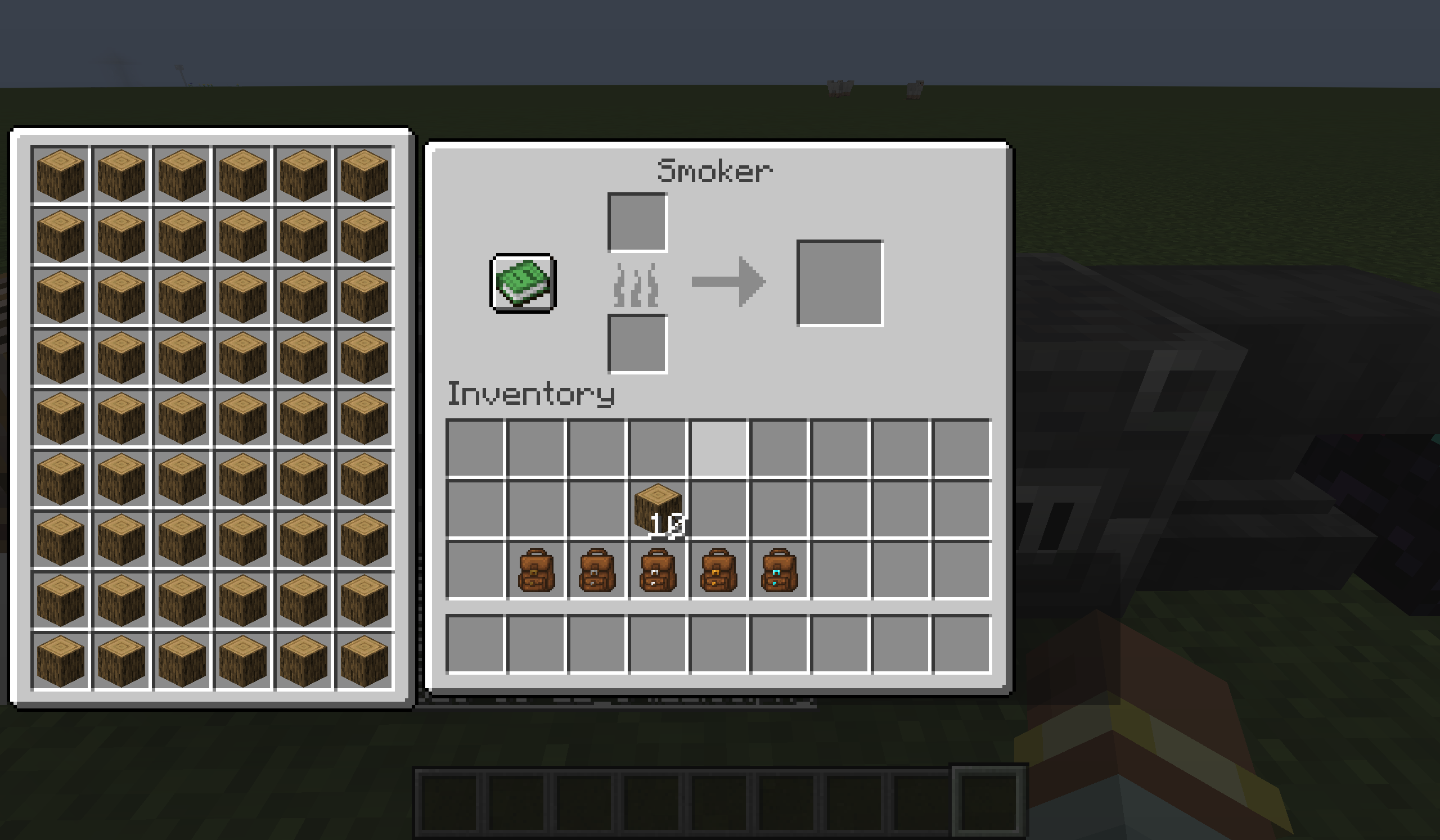
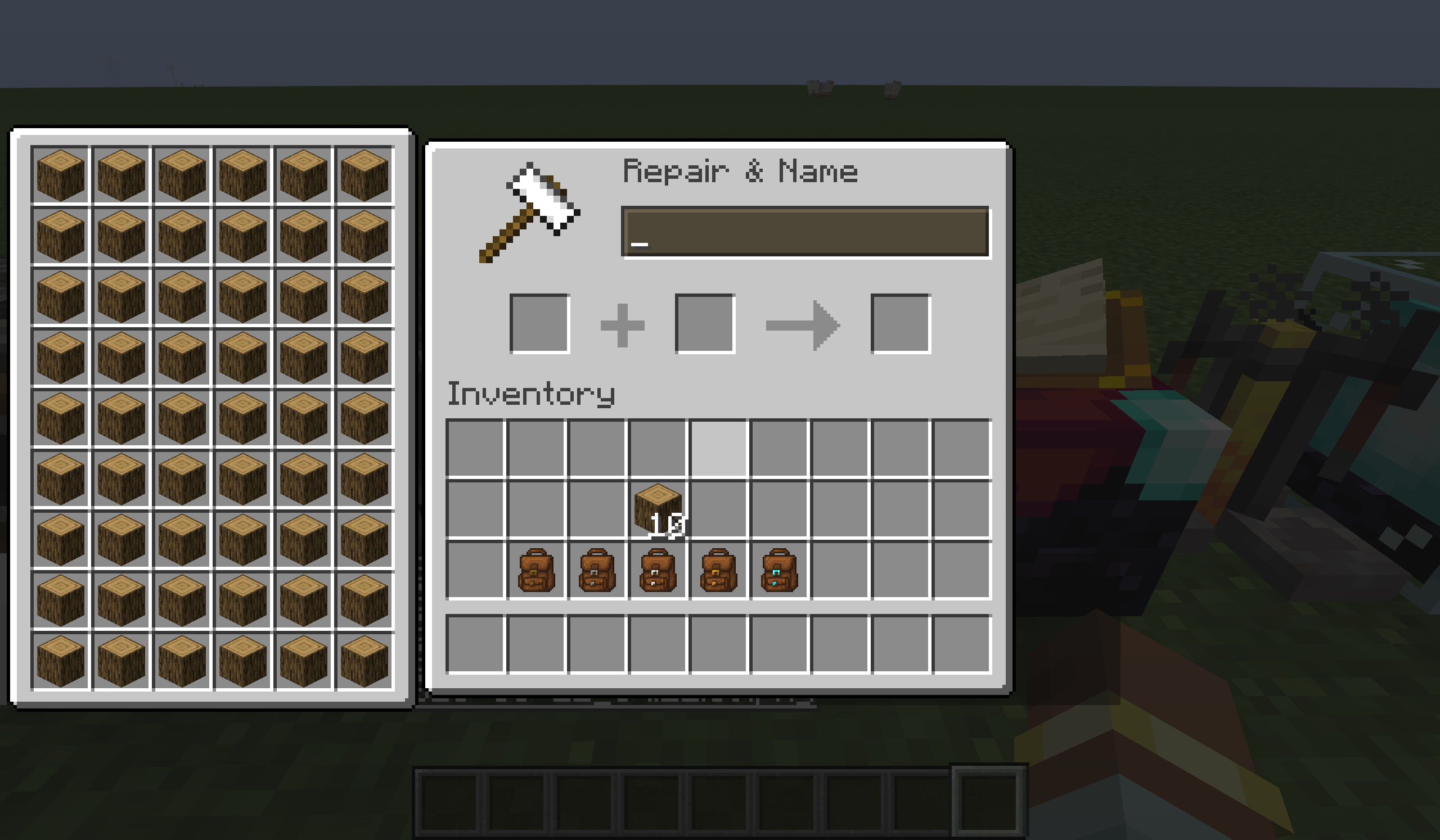
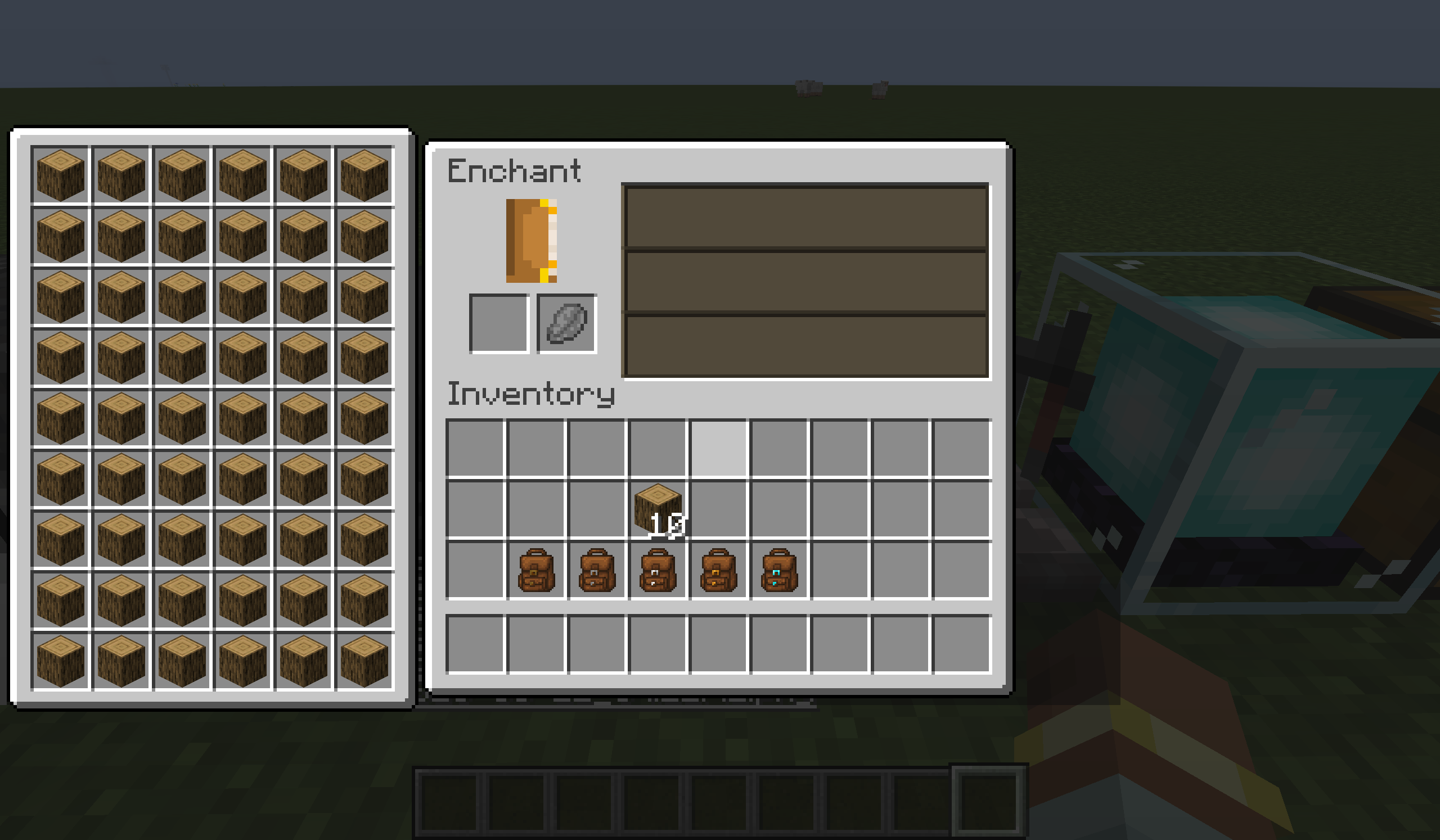
  • Access Anywhere: The backpack UI is displayed directly on container screens, allowing you to take or put items without switching screens.
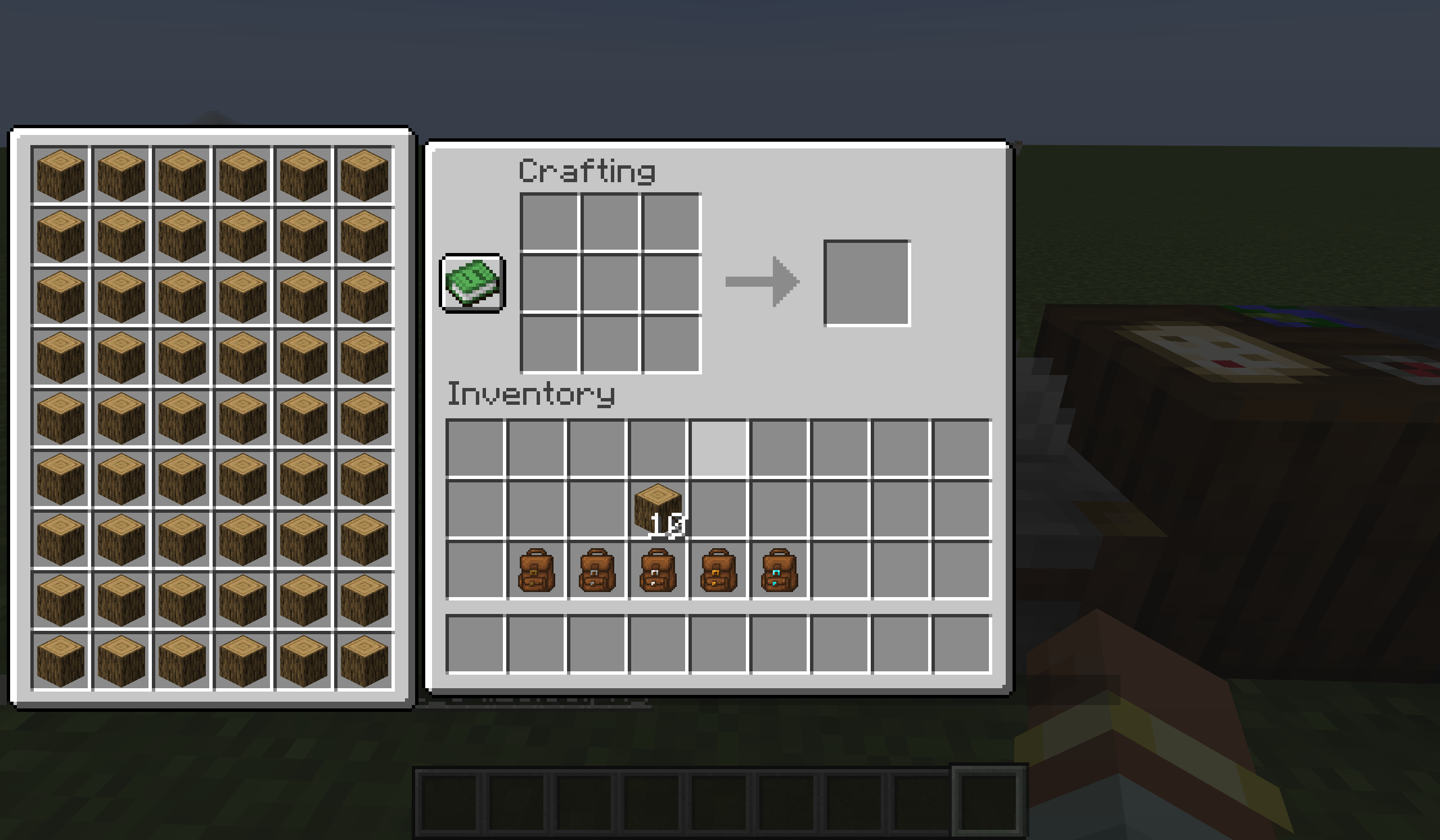
  • Crafting Assistance: Supports crafting using items from the backpack, compatible with the recipe book and JEI, with one‑click quick fill support.
  • Dyeing System: The backpack can be dyed like leather armour, allowing you to personalise its appearance.
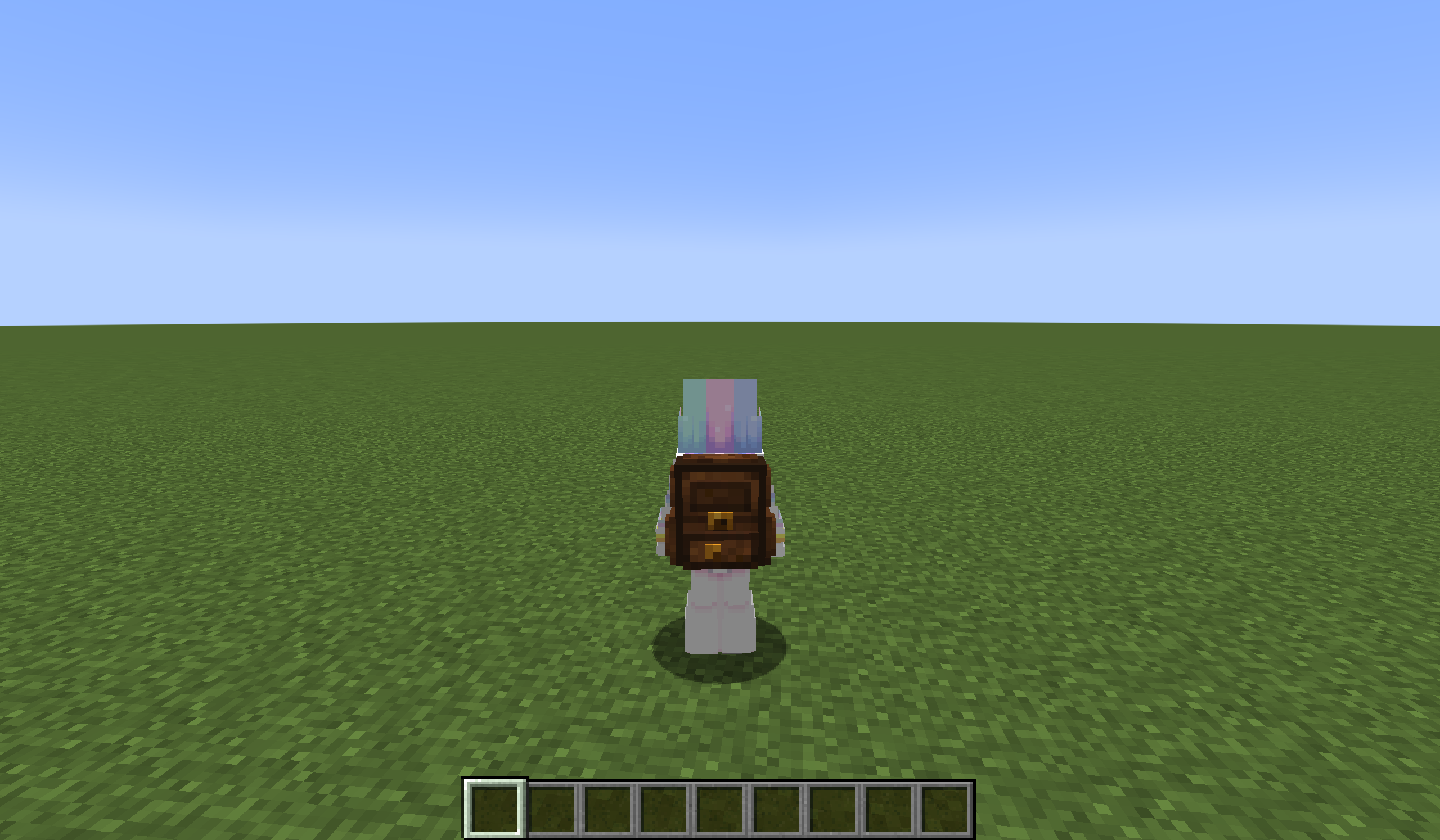
  • Backpack Model: A 3D model is shown on the player when the backpack is equipped, which can be hidden via config.
  • Click Sorting: Built‑in item sorting. Click the sort button or press a custom key (unbound by default) to sort, with multiple sort modes (Creative inventory order, name, count, ID, etc.) switchable by scrolling on the sort button.
  • Quick Move: Shift + right‑click to quickly deposit items into the backpack; Shift + click to take items out. Buttons are also available for bulk quick move, supporting moving matching items or moving all items.
  • Quick Switch: Click tabs above the backpack to quickly switch between backpacks; tabs show the backpack’s name and appearance. You can also press the hotkey (default B) to open the backpack currently under the mouse cursor.
  • Auto Collect: When your inventory is full, newly obtained items automatically go into the backpack.
  • Encumbrance System: Carrying multiple backpacks (default 3 or more) applies an Heavy effect, reducing movement speed and jump height.

🎒 Backpack Tiers

Backpack Type Extra Slots Special Ability
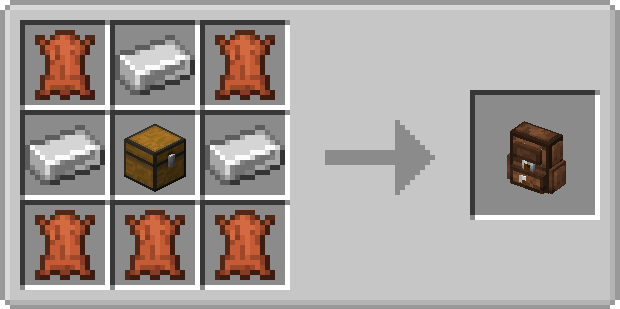
Iron +18 Base capacity
Gold +36 Base capacity
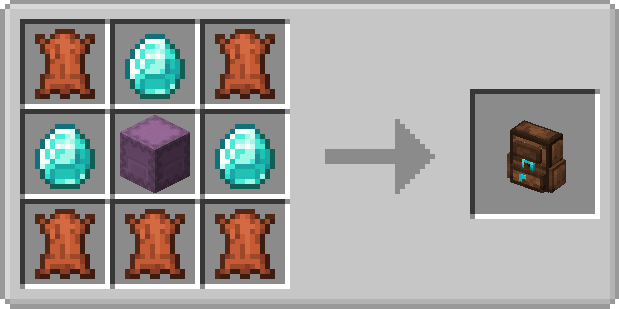
Diamond +54 Base capacity
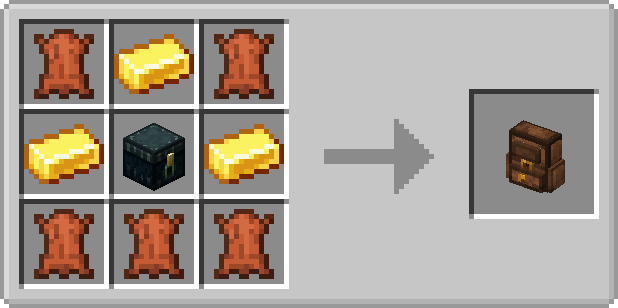
Netherite +54 Immune to being destroyed by fire and lava

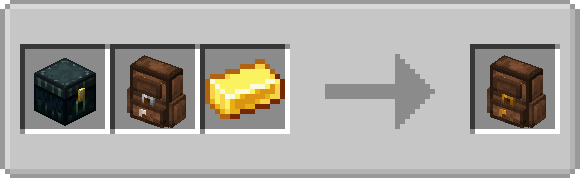
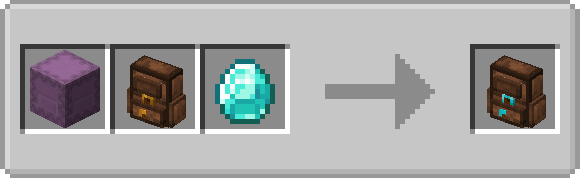
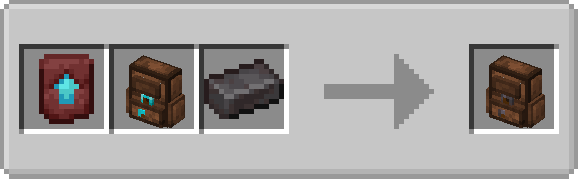
🛠️ Crafting Recipes

irongolddaimondgold1diamond1netherite

📦 Installation & Usage

  1. Install the appropriate mod loader (Fabric, Forge, or NeoForge) for your Minecraft version.
  2. Download the mod .jar file and place it into the mods folder in your game directory.
  3. Launch the game and place the backpack anywhere in your inventory. If you have the corresponding mod installed, you can also place it in the curio slot.
  4. Select the backpack to use via tabs or the hotkey.

🧩 Compatibility

🤝 Compatible

  • Trinkets
  • JEI
  • Curios
  • (More to be added)

❌ Incompatible

  • All inventory‑sorting mods (e.g., Inventory Tweaks, Mouse Tweaks, etc.):
    • Symptoms: They only sort the vanilla inventory and ignore the backpack; or they mix the backpack and inventory together and sort them as one; or they fail completely, sometimes causing crashes.
    • Reason: Due to the mod’s special implementation, it is not compatible with most sorting mods, and no universal fix has been found. As an alternative, the mod includes a full‑featured sorting system that meets daily needs.
  • (More to be added)

🗺 Development Roadmap

  • Support more Minecraft versions
  • Support more modded UI screens

🔗 Links

🛠 Customisation

Mod Configuration

Main Configuration /config/yyzsbackpack.json

Config Key Type Description
model boolean Whether to show the backpack model on the player's back
heavy int How many backpacks carried before gaining the "encumbrance" effect

Button Position Configuration /config/yyzsbackpack/control/default.json

Config Key Type Description
controlPoss object Coordinates of sorting, quick-move and other buttons on various UI screens

UI Offset Configuration /config/yyzsbackpack/ui/default.json

Config Key Type Description
uiOffsets object Overall offset of the backpack UI on each container screen

Backpack Customisation (Resource Packs & Data Packs)

You can completely redefine the backpack’s GUI layout, slot positions, and capacity. See the mod files or examples on GitHub for details.

  • Resource pack path: assets/yyzsbackpack/backpacks/<filename>.json
  • Data pack path: data/yyzsbackpack/backpacks/<filename>.json

Common Properties

Property Description
type Backpack material: iron, gold, diamond, netherite
maxVisibleTabs Number of backpack switch tabs visible at once (excess can be scrolled)
segments List of slot layout segments

Segment Properties

Property Description
startSlot, endSlot Slot index range for this segment
order "DEFAULT" (grid layout, left‑to‑right, top‑to‑bottom) or "CUSTOM" (custom coordinates for each slot)
startX, startY Starting coordinates (for DEFAULT mode)
columns, rows Grid columns and rows (for DEFAULT mode). If slots exceed the grid, scrolling is supported.
customPositions Array of {"x": number, "y": number} for each slot (for CUSTOM mode). Note: scrolling is not supported in CUSTOM mode.
guiTexture Custom GUI texture path
backgroundX, backgroundY Offset of the background relative to the top‑left of the original GUI

Properties Available Only in Data Packs

Property Description
size Sets the backpack size(max value is 256). In multiplayer, only the server setting takes effect.
force_server If true, the server forces all clients to use this configuration.

🚨 The mod has been reset. Older versions are no longer supported.The backpack storage format has changed. Please empty your backpack before upgrading to the new version; otherwise, all items inside will be lost.

Introduction

Yyz’s Backpack is a lightweight, convenient backpack mod designed to provide a more efficient item management experience without breaking the vanilla UI style. The backpack can be opened directly in various interfaces (such as crafting tables, chests, furnaces, etc.) and supports crafting, sorting, quick moving, and other operations.
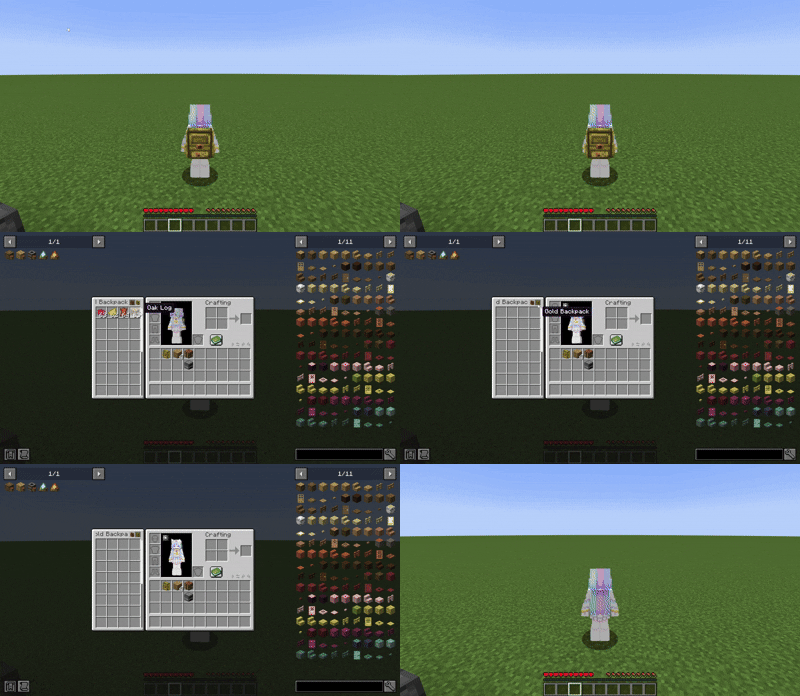
opencontrolmodel and dyegui

✨ Features

  • Access Anywhere: The backpack UI is displayed directly on container screens, allowing you to take or put items without switching screens.
  • Crafting Assistance: Supports crafting using items from the backpack, compatible with the recipe book and JEI, with one‑click quick fill support.
  • Dyeing System: The backpack can be dyed like leather armour, allowing you to personalise its appearance.
  • Backpack Model: A 3D model is shown on the player when the backpack is equipped, which can be hidden via config.
  • Click Sorting: Built‑in item sorting. Click the sort button or press a custom key (unbound by default) to sort, with multiple sort modes (Creative inventory order, name, count, ID, etc.) switchable by scrolling on the sort button.
  • Quick Move: Shift + right‑click to quickly deposit items into the backpack; Shift + click to take items out. Buttons are also available for bulk quick move, supporting moving matching items or moving all items.
  • Quick Switch: Click tabs above the backpack to quickly switch between backpacks; tabs show the backpack’s name and appearance. You can also press the hotkey (default B) to open the backpack currently under the mouse cursor.
  • Auto Collect: When your inventory is full, newly obtained items automatically go into the backpack.
  • Encumbrance System: Carrying multiple backpacks (default 3 or more) applies an Heavy effect, reducing movement speed and jump height.

🎒 Backpack Tiers

Backpack Type Extra Slots Special Ability
Iron +18 Base capacity
Gold +36 Base capacity
Diamond +54 Base capacity
Netherite +54 Immune to being destroyed by fire and lava

🛠️ Crafting Recipes

irongolddaimondgold1diamond1netherite

📦 Installation & Usage

  1. Install the appropriate mod loader (Fabric, Forge, or NeoForge) for your Minecraft version.
  2. Download the mod .jar file and place it into the mods folder in your game directory.
  3. Launch the game and place the backpack anywhere in your inventory. If you have the corresponding mod installed, you can also place it in the curio slot.
  4. Select the backpack to use via tabs or the hotkey.

🧩 Compatibility

🤝 Compatible

  • Trinkets
  • JEI
  • Curios
  • (More to be added)

❌ Incompatible

  • All inventory‑sorting mods (e.g., Inventory Tweaks, Mouse Tweaks, etc.):
    • Symptoms: They only sort the vanilla inventory and ignore the backpack; or they mix the backpack and inventory together and sort them as one; or they fail completely, sometimes causing crashes.
    • Reason: Due to the mod’s special implementation, it is not compatible with most sorting mods, and no universal fix has been found. As an alternative, the mod includes a full‑featured sorting system that meets daily needs.
    • (More to be added)

🗺 Development Roadmap

  • Support more Minecraft versions
  • Support more modded UI screens

🔗 Links

🛠 Customisation

Mod Configuration

Main Configuration /config/yyzsbackpack.json

Config Key Type Description
model boolean Whether to show the backpack model on the player's back
heavy int How many backpacks carried before gaining the "encumbrance" effect

Button Position Configuration /config/yyzsbackpack/control/default.json

Config Key Type Description
controlPoss object Coordinates of sorting, quick-move and other buttons on various UI screens

UI Offset Configuration /config/yyzsbackpack/ui/default.json

Config Key Type Description
uiOffsets object Overall offset of the backpack UI on each container screen

Backpack Customisation (Resource Packs & Data Packs)

You can completely redefine the backpack’s GUI layout, slot positions, and capacity. See the mod files or examples on GitHub for details.

  • Resource pack path: assets/yyzsbackpack/backpacks/<filename>.json
  • Data pack path: data/yyzsbackpack/backpacks/<filename>.json

Common Properties

Property Description
type Backpack material: iron, gold, diamond, netherite
maxVisibleTabs Number of backpack switch tabs visible at once (excess can be scrolled)
segments List of slot layout segments

Segment Properties

Property Description
startSlot, endSlot Slot index range for this segment
order "DEFAULT" (grid layout, left‑to‑right, top‑to‑bottom) or "CUSTOM" (custom coordinates for each slot)
startX, startY Starting coordinates (for DEFAULT mode)
columns, rows Grid columns and rows (for DEFAULT mode). If slots exceed the grid, scrolling is supported.
customPositions Array of {"x": number, "y": number} for each slot (for CUSTOM mode). Note: scrolling is not supported in CUSTOM mode.
guiTexture Custom GUI texture path
backgroundX, backgroundY Offset of the background relative to the top‑left of the original GUI

Properties Available Only in Data Packs

Property Description
size Sets the backpack size(max value is 256). In multiplayer, only the server setting takes effect.
force_server If true, the server forces all clients to use this configuration.

Screenshots

Gallery

  • 2025-07-13_11.32.40.png
    2025-07-13_11.32.40.png 2025-07-13_11.32.40.png
  • 2025-06-11_04.14.23.png
    2025-06-11_04.14.23.png 2025-06-11_04.14.23.png
  • 2025-06-11_04.11.57.png
    2025-06-11_04.11.57.png 2025-06-11_04.11.57.png
  • 2025-06-11_04.11.56.png
    2025-06-11_04.11.56.png 2025-06-11_04.11.56.png
  • 2025-06-11_04.11.55.png
    2025-06-11_04.11.55.png 2025-06-11_04.11.55.png
  • 2025-06-11_04.11.52.png
    2025-06-11_04.11.52.png 2025-06-11_04.11.52.png
  • 2025-06-11_04.11.51.png
    2025-06-11_04.11.51.png 2025-06-11_04.11.51.png
  • 2025-06-11_04.11.49.png
    2025-06-11_04.11.49.png 2025-06-11_04.11.49.png
  • 2025-06-11_04.11.48.png
    2025-06-11_04.11.48.png 2025-06-11_04.11.48.png
  • 2025-06-11_04.11.46.png
    2025-06-11_04.11.46.png 2025-06-11_04.11.46.png
  • 2025-06-11_04.11.44.png
    2025-06-11_04.11.44.png 2025-06-11_04.11.44.png
  • 2025-06-11_04.11.41.png
    2025-06-11_04.11.41.png 2025-06-11_04.11.41.png
  • 2025-06-11_04.11.39.png
    2025-06-11_04.11.39.png 2025-06-11_04.11.39.png
  • 2025-06-11_04.11.37.png
    2025-06-11_04.11.37.png 2025-06-11_04.11.37.png
  • 2025-06-11_04.11.36.png
    2025-06-11_04.11.36.png 2025-06-11_04.11.36.png
  • 2025-06-11_04.11.34.png
    2025-06-11_04.11.34.png 2025-06-11_04.11.34.png
  • 2025-06-11_04.11.33.png
    2025-06-11_04.11.33.png 2025-06-11_04.11.33.png
  • 2025-06-11_04.11.31.png
    2025-06-11_04.11.31.png 2025-06-11_04.11.31.png
  • 2025-06-11_04.11.29.png
    2025-06-11_04.11.29.png 2025-06-11_04.11.29.png
  • 2025-06-11_04.11.27.png
    2025-06-11_04.11.27.png 2025-06-11_04.11.27.png

Versions

Files

Relations

Project Relations

More like this

Similar Mods

Suggestions use data such as tags, dependencies, dependents, descriptions, titles, and more to rank how much they overlap with this mod.

On ModDex

Community snapshot

2
Ratings
0
Followers
1
In stacks

By the numbers

Statistics

~500,000
Total Downloads
CurseForge
~250,000
Modrinth
~250,000
Last Updated
CurseForge
Created
CurseForge
Modrinth
Last synced
When ModDex last fetched this project from CurseForge or Modrinth. Every project is re-checked on a schedule, and any project that ships a new file is synced automatically within hours of the release.
New file updates sync automatically
How syncing works