Community listing page, reviews may not be monitored by the author.
GSPack

No reviews yet
Quest-driven tech, magic & space exploration. Unite five custom Cores and craft the Trophy of Infinity.

Community voices
Reviews
No reviews yet. Be the first to review this project!
Get it on
Available Platforms
About
Project Details
For authors
Embed Badge
If you're the author of this project, you can embed a live badge anywhere that supports HTML or Markdown. It updates automatically whenever ratings change.
Use HTML for any page that supports it, or Markdown for README files and Markdown-based descriptions.
Identifiers
Platform IDs
About
Description

Tech. Magic. Exploration. One ultimate goal.
Build a factory. Master the arcane. Explore new dimensions. Bring it all together.
GSPack takes you from your first tools to the Trophy of Infinity — a custom endgame that connects your machines, magic, farms and adventures. Follow the quest book, discover your next project and turn a humble starting base into something extraordinary.
1,840 quests • 43 chapters • Five custom Cores
Minecraft 26.1.2 • NeoForge • English quests
⚙️ Build your next breakthrough

From your first powered machine to a sprawling automated base, there is always another upgrade to work toward.
- Build production lines with Mekanism, Oritech and Railcraft.
- Connect your storage and automate crafting with Applied Energistics 2.
- Put your resources to work in custom cross-mod recipes that connect different parts of the pack.
✨ Make room for magic

Give your journey a magical side with Thaumaturge, Occultism, Apotheosis, Roots Classic and EvilCraft. Discover powerful artifacts, develop your rituals and gather the ingredients for your next major craft.
Prefer growing your resources? Explore Mystical Agriculture and Productive Bees, then build the farms that support your bigger ambitions.
🧭 Go beyond your home base

Your next ingredient might be waiting in another dimension.
Explore The Twilight Forest, The Aether II and The Bumblezone, or follow Stellaris into space. GSPack 0.8 expands Mars with research dungeons, oxygen villages, spaceman traders, ruins and alien pillager camps — with discoveries that contribute to the Cosmic Core.
📜 A quest book with somewhere to take you
1,840 quests across 43 chapters help you discover the pack and choose what to tackle next. Start with the basics, follow the progression milestones and work toward dedicated chapters for each of the five Cores.
Custom recipes bring the different mods together, while material unification helps keep duplicate metals and crafting ingredients under control.
🏆 Five Cores. The road to Infinity.

Your biggest projects all lead toward five custom Cores:
- Technological — put advanced industry to the test.
- Arcane — bring your magical discoveries together.
- Verdant — turn your farming progress into an endgame ingredient.
- Dimensional — gather the rewards of otherworldly adventures.
- Cosmic — take your progression into space.
Combine all five through Powah Energizing to create a Creative Singularity, work toward powerful creative items and earn the pack's final prize: the placeable Trophy of Infinity.
Your factory, spellcraft, farms and expeditions all have a purpose.
🚀 Ready to start?
Install GSPack through the CurseForge app, open the quest book and begin your journey toward Infinity.
- Minecraft: 26.1.2
- Mod loader: NeoForge
- Recommended allocated RAM: 8 GB
- Quest language: English
What's new in 0.8 • GSPack Wiki • Report an issue
🖥️ Bring your friends — Server Pack
Set up a GSPack server with the GSPack Server Installer.
👉 Download the latest installer
The installer downloads the pack and required mods, filters client-only content, installs NeoForge and downloads the correct Java version when needed. It also creates your start scripts, RAM configuration and server icon, and checks for newer GSPack releases.
Windows
- Download and extract the installer release.
- Open GSPackInstaller.exe and click Build / Update server.
- Accept the Minecraft EULA in the installer if you agree to it.
- Open Server console to start your server, read the live log and send commands. Use Stop to shut down cleanly and save your world.
Prefer a text menu? Open Build-ServerPack.bat.
Linux / macOS
Install curl, unzip and jq, then run:
./build-serverpack.sh --accept-eulaThe --accept-eula option accepts the Minecraft EULA. Then start the server with start.sh inside the GSPackServer folder.
Updating and customizing
- Update: stop your server, back up your world, then run Build / Update server again. Your world,
server.propertiesand whitelist are kept. - Older versions: select a version in the installer or menu, or use
-Version 0.3/--version 0.3in the scripts. - Extra server mods: place them in
GSPackServer/extra-mods/to include them in future builds. - Memory: the default server allocation is 8 GB and can be adjusted in the installer.
Read the full server setup guide →
🤖 AI Disclosure
Parts of GSPack were created with AI assistance, including quest content and custom endgame items. GSPack continues to receive fixes, balance changes and gameplay testing as development progresses.
Screenshots
Gallery
-
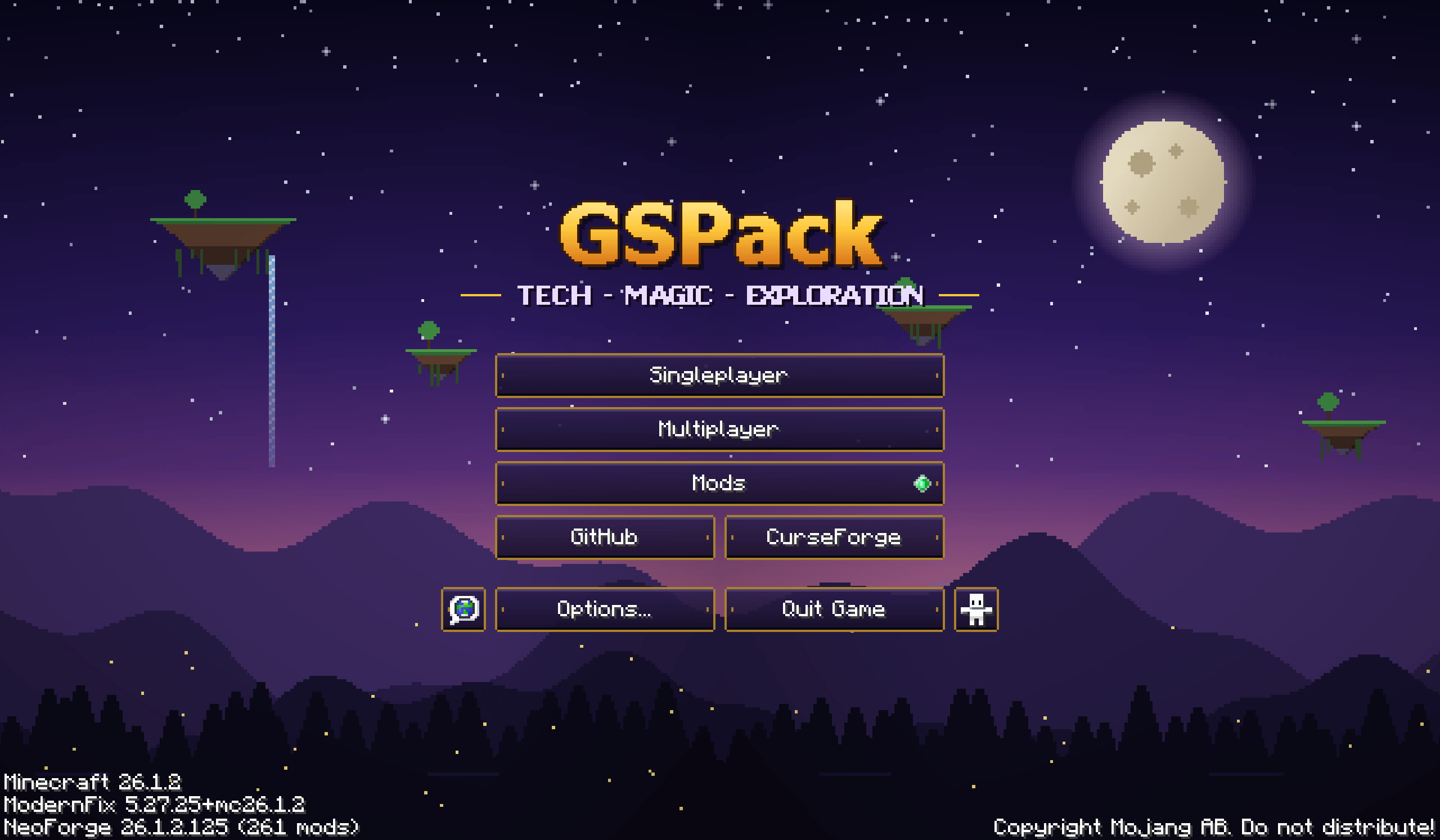 Main menu Our main menu
-
 Logo
-
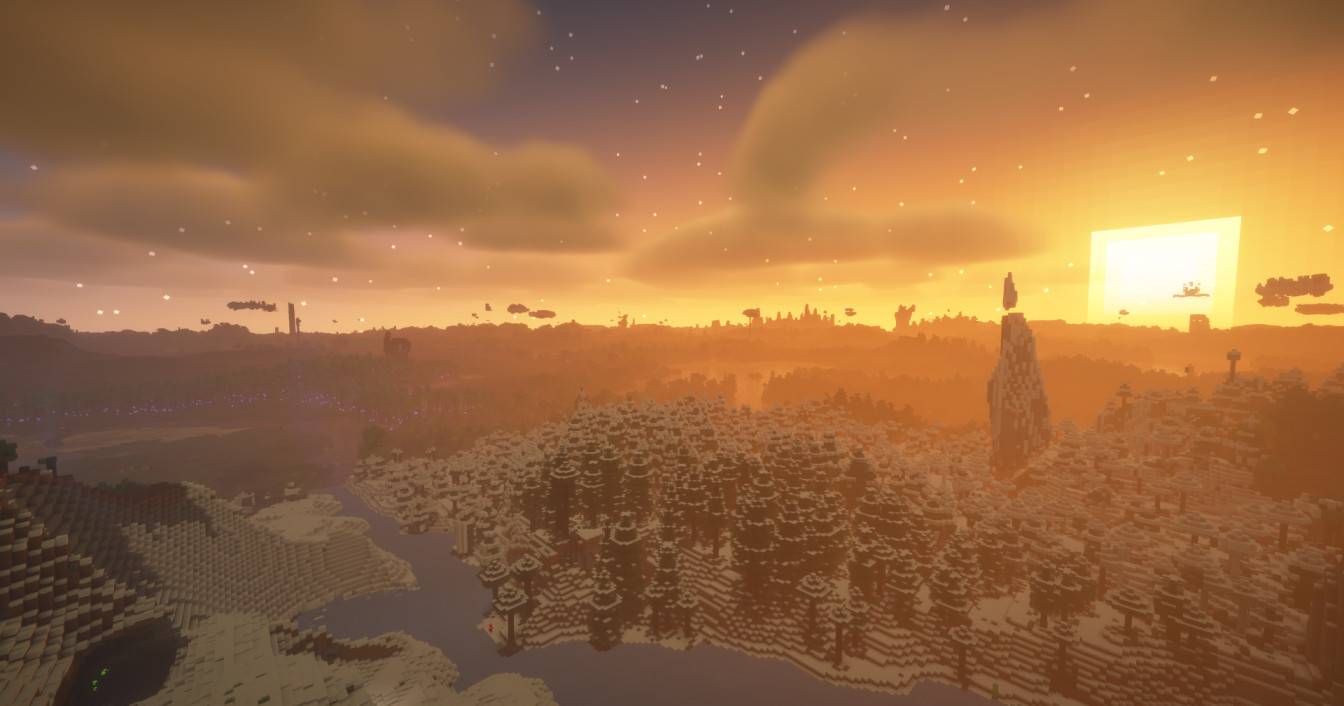 World 1
-
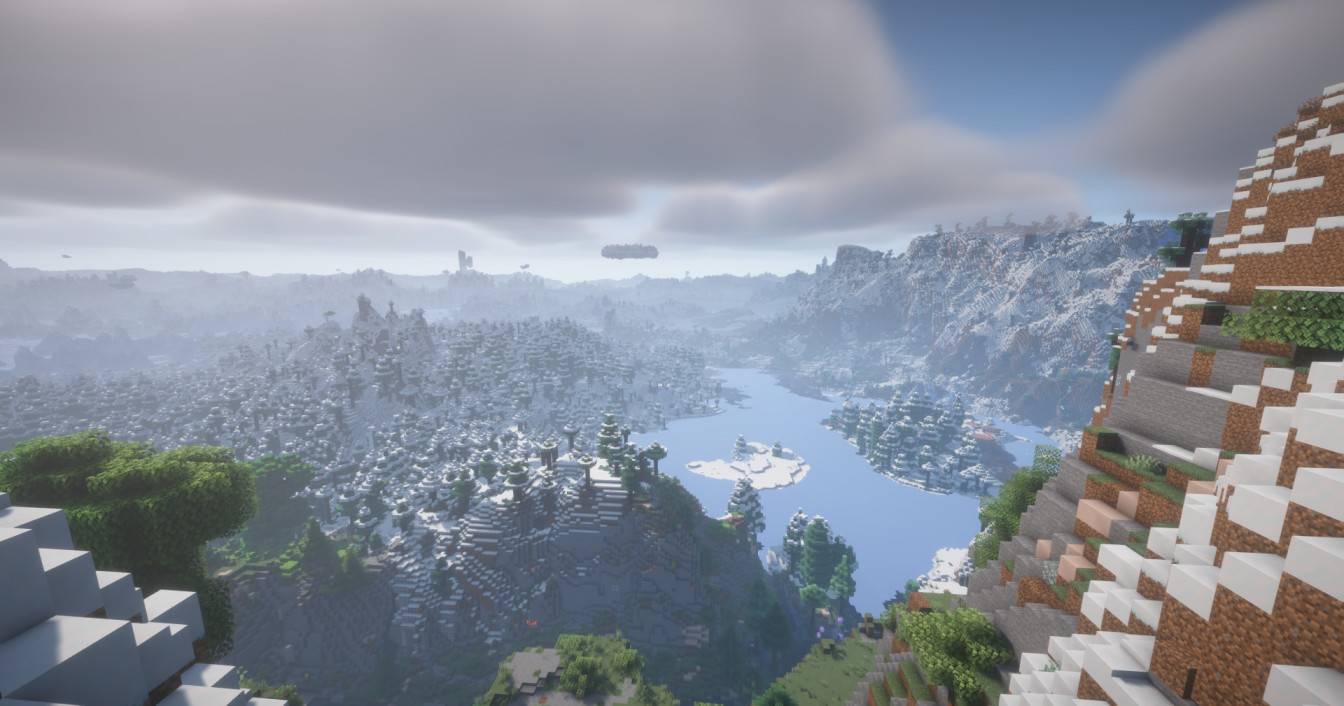 World 2
Versions
Files
Relations
Project Relations
More like this
Similar Modpacks
Suggestions use data such as tags, dependencies, dependents, descriptions, titles, and more to rank how much they overlap with this modpack.
On ModDex
Community snapshot
By the numbers
Statistics

Get it on
Available Platforms
On ModDex
Community snapshot
By the numbers