Community listing page, reviews here may not be monitored by the author.
MedievalisM | Come have a journey

No reviews yet
“A tale is but half told when only one person tells it.” ~ from The Saga of Grettir the Strong

Community voices
Reviews
No reviews yet. Be the first to review this project!
Get it on
Available Platforms
About
Project Details
For authors
Embed Badge
If you're the author of this project, you can embed a live badge anywhere that supports HTML or Markdown. It updates automatically whenever ratings change.
Use HTML for any page that supports it, or Markdown for README files and Markdown-based descriptions.
Identifiers
Platform IDs
About
Description

Pre-loaded with 'Essential Mod' (multiplayer mod)
Dynamic voice chat with 'Simple Voice Chat'
[Over 180 manually tuned mods!]
{||||||||||||||}Please Read Before Playing!{||||||||||||||}
[Reporting issues with the modpack in the Issues tab will be greatly appreciated.]
*Accessibility and Disclaimer*
You can disable any of these features in the mod settings/config.
The Explosion Overhaul mod contains intense explosion sound effects that can be quite loud and realistic. These sounds may startle or cause panic in some users and may be unpleasant for sensitive hearing. especially in environments where loud noises may cause discomfort or unwanted reactions.
(If you are having lag spikes; you need to allocate more RAM.)
To Disable the Camera Smoothing/Roll (if you are Nauseous), go to:
Roll: Game Menu \ Mods \ CameraOverhaul \ Config \ [Enable the mod's effects=No].
Smoothing: Press - ]
This Modpack contains copyrighted soundtracks from Skyrim™, Berserk™, Dark souls™ and other sources.
Remove the 'MedievalisM | Soundtracks' Resourcepack to no longer have Copyrighted© music in-game.
· Weapons and Armor with INFINITE ways to Upgrade them!
100 Hours of content
150+ Quests
26+ Bosses
600+ Weapons
500+ Armor Sets
100+ Spells
The Nether & End Reimagined
5 New Fantastical Dimensions
70+ New biomes in the Overworld
Default Keybinds:
TAB - Open/Close Inventory.
Y - Aptitudes Menu.
R - to view Item Recipe.
A - to Favorite an Item.
U - while hovering over an item to view its Uses.
N - to Swap items in hands.
C - to Crouch.
L-ALT - to Dash.
B - while a Backpack is on your ("Curios") Back Slot to open it.
Z - to Zoom.
G - World Map.
V - to Ping.
F6 - Enhanced First person (For Immersion).
` - List Players.
M - Microphone settings.
F - to Talk.
Minimum Specs:
8GB Ram
((Send your best screenshot with the modpack to be featured))
Screenshots
Gallery
-
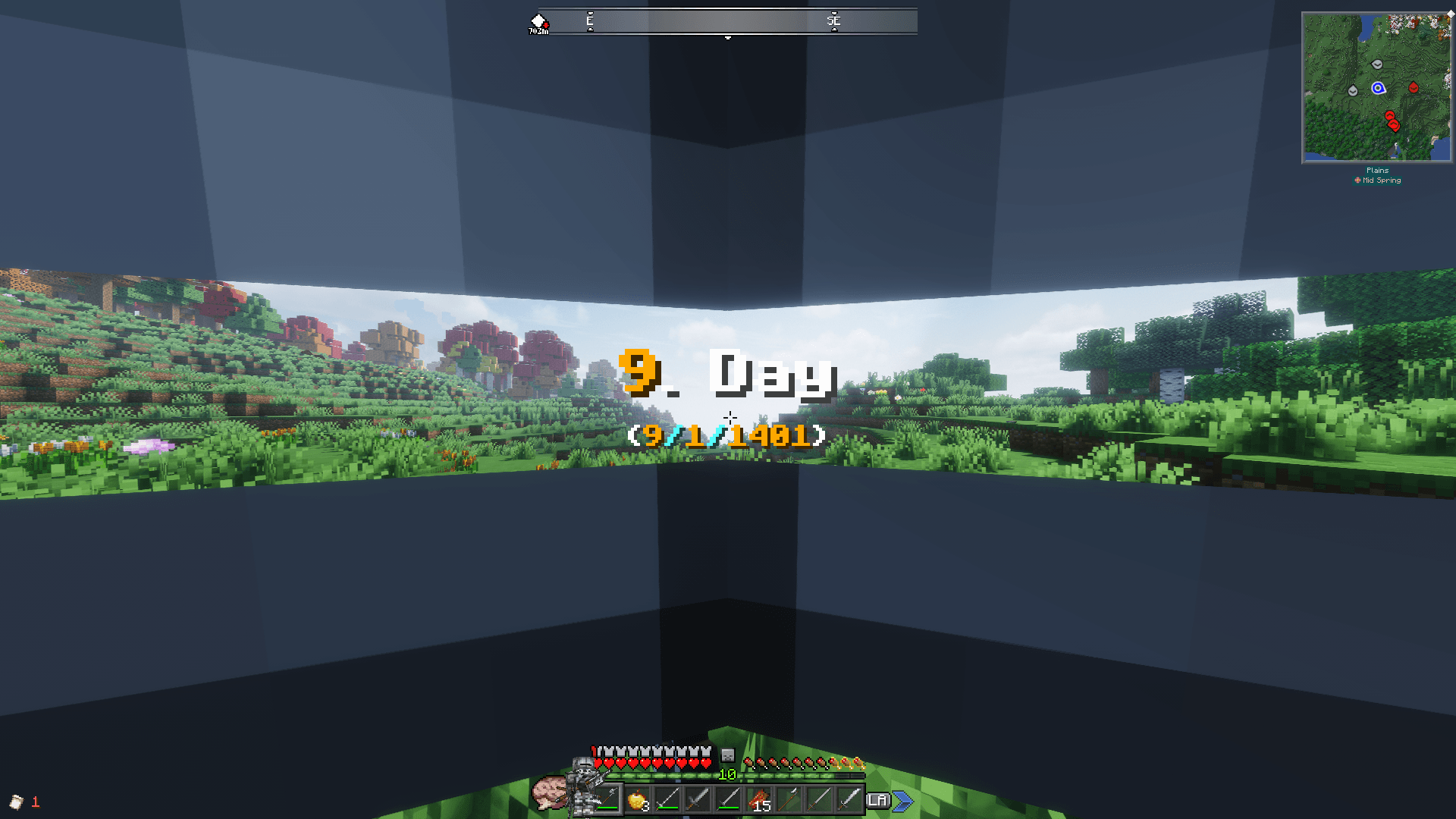 Sallet Helm (You need to toggle this visual setting on by yourself; (works on most helmets) with F6 on keyboard) Day 9 (You need to toggle this visual setting on by yourself; (works on most helmets) with F6 on keyboard)
 -
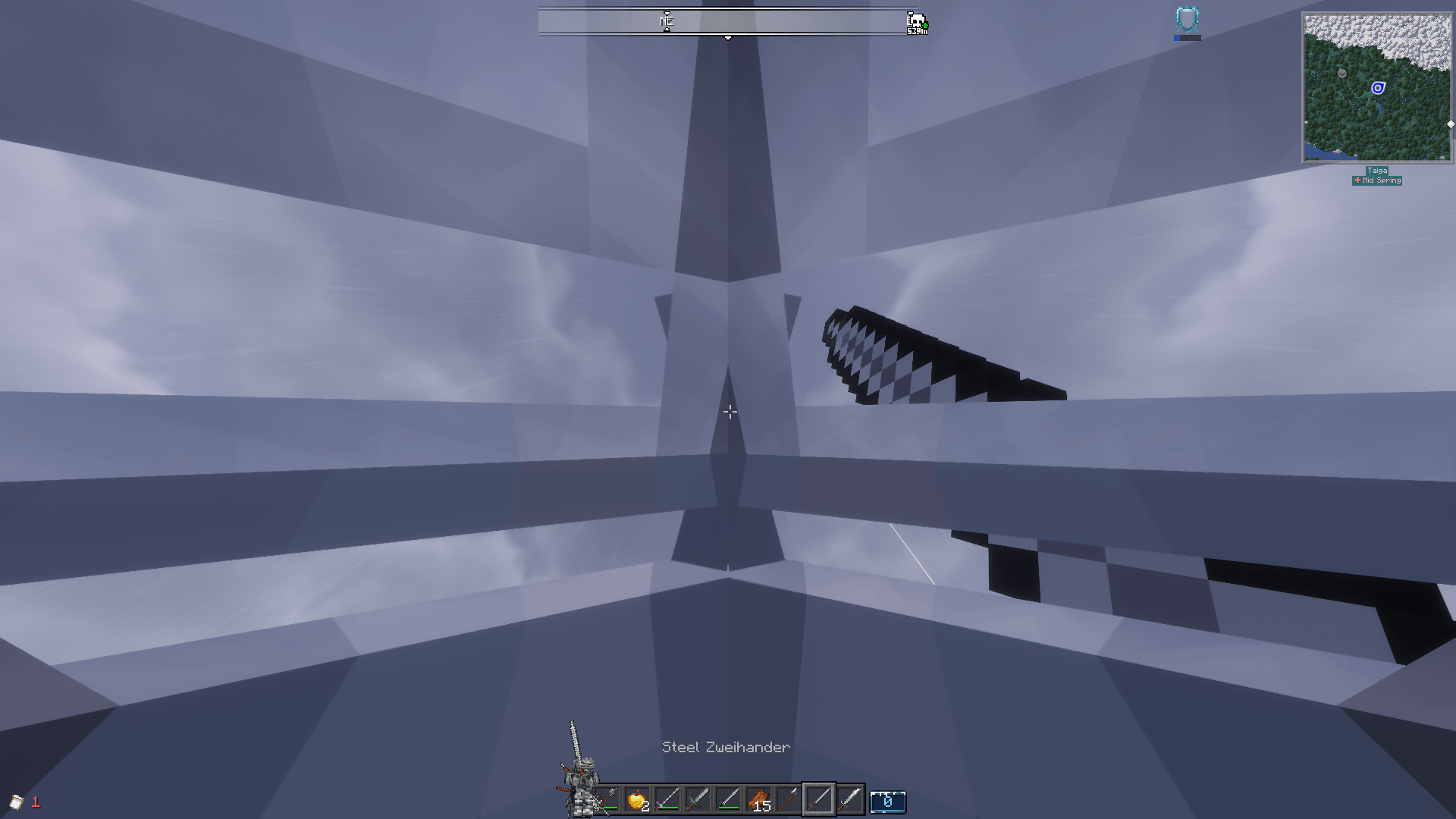 Maximilian Helm (You need to toggle this visual setting on by yourself; (works on most helmets) with F6 on keyboard) Storm (You need to toggle this visual setting on by yourself; (works on most helmets) with F6 on keyboard)
 -
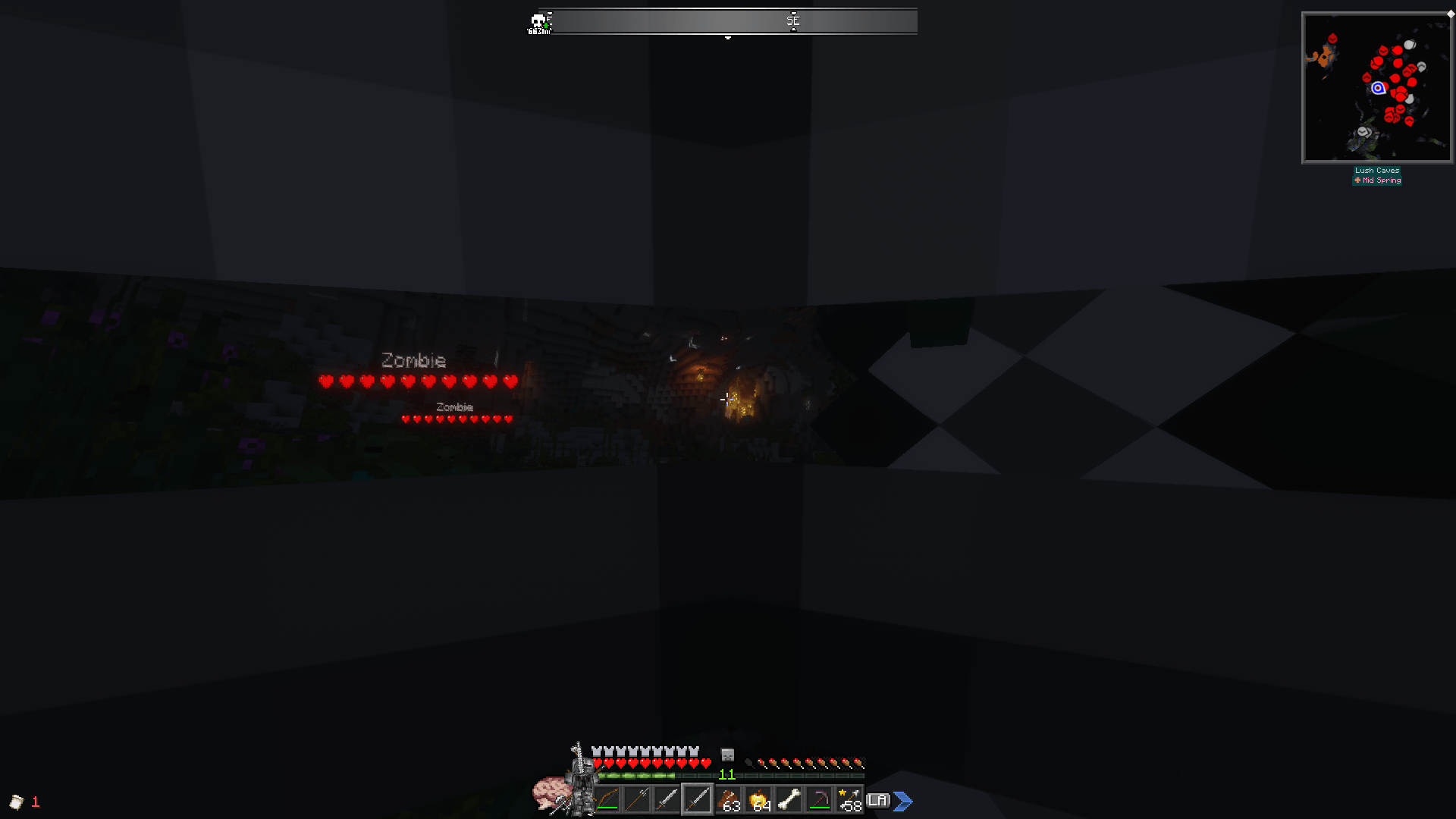 Dim Caves (You need to toggle this visual setting on by yourself; (works on most helmets) with F6 on keyboard) Zombies (You need to toggle this visual setting on by yourself; (works on most helmets) with F6 on keyboard)
 -
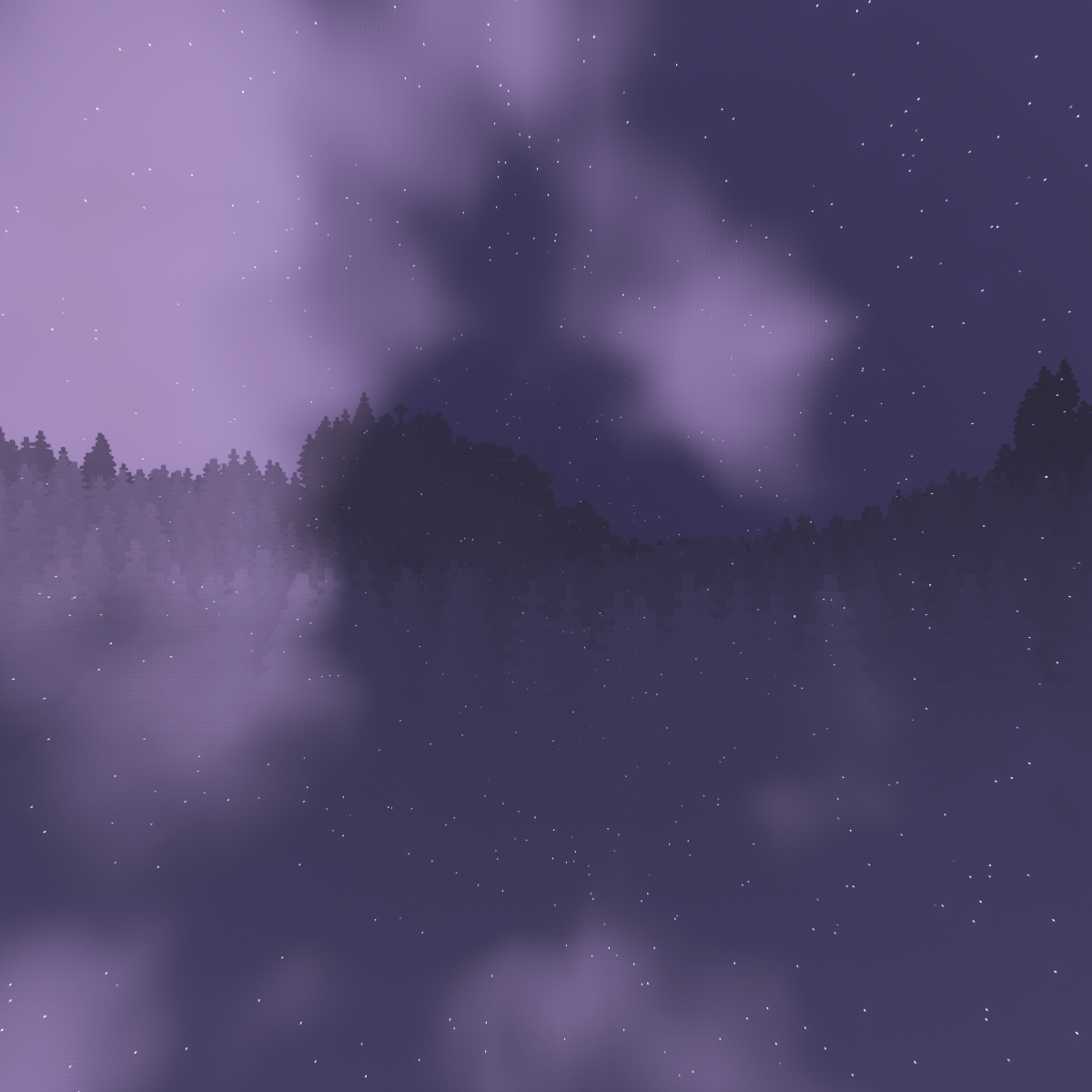 Purple
 -
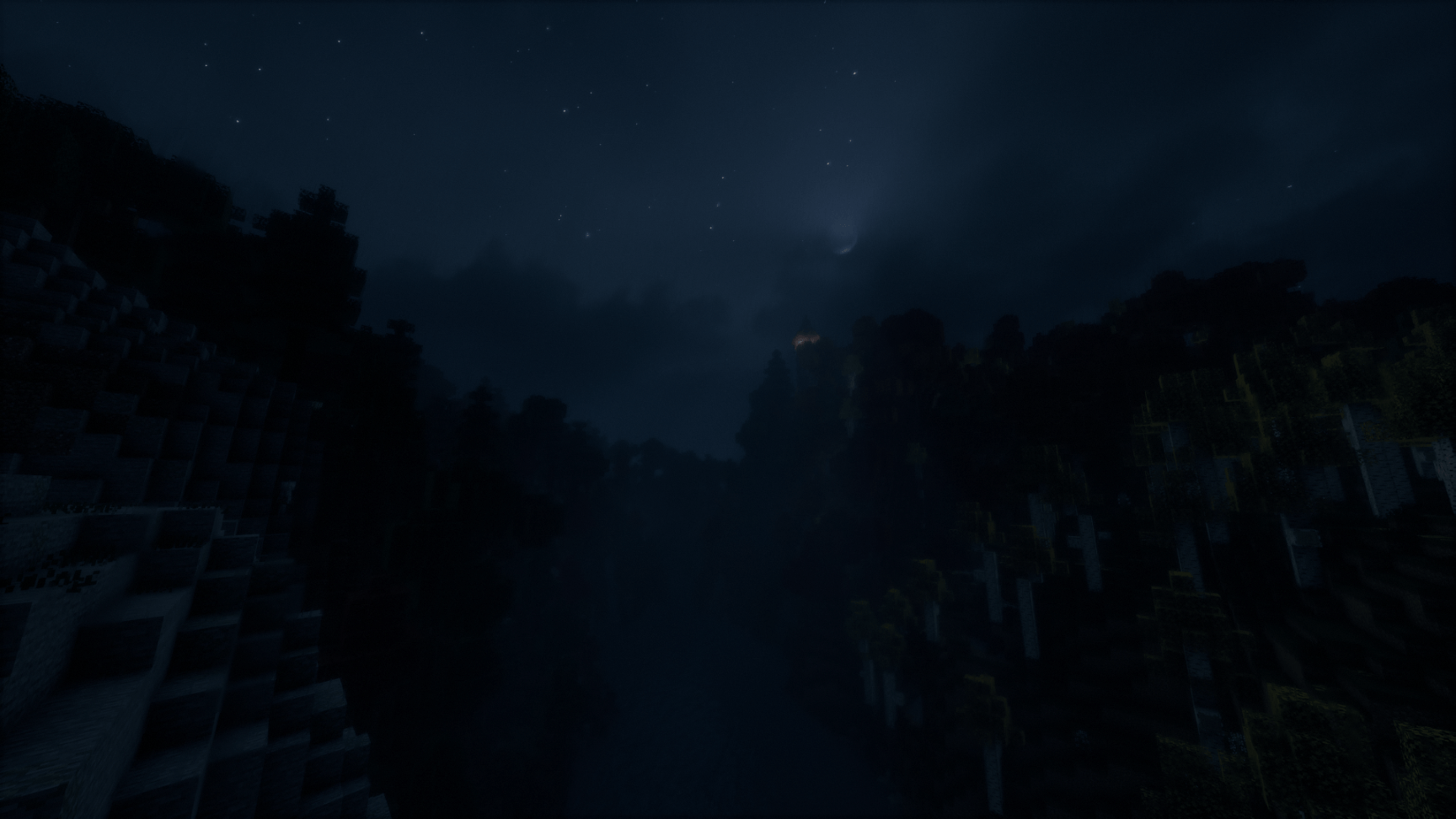 Night Overlook 2 Night Overlook 2.png
 -
 Over There
 -
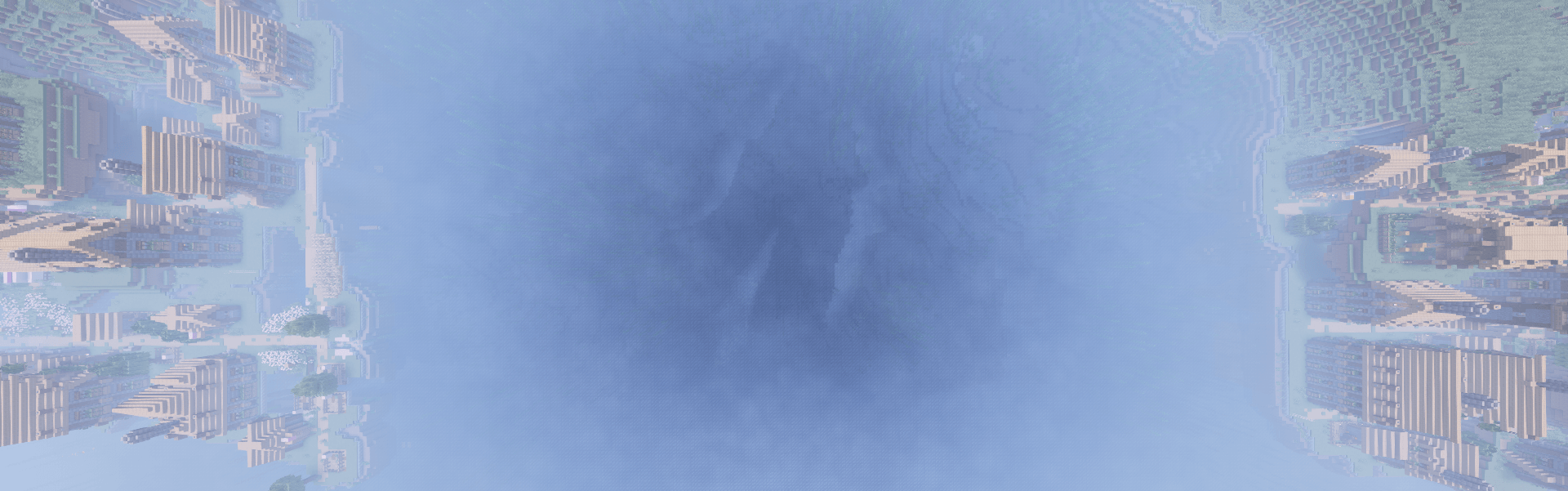 Deep Crack
 -
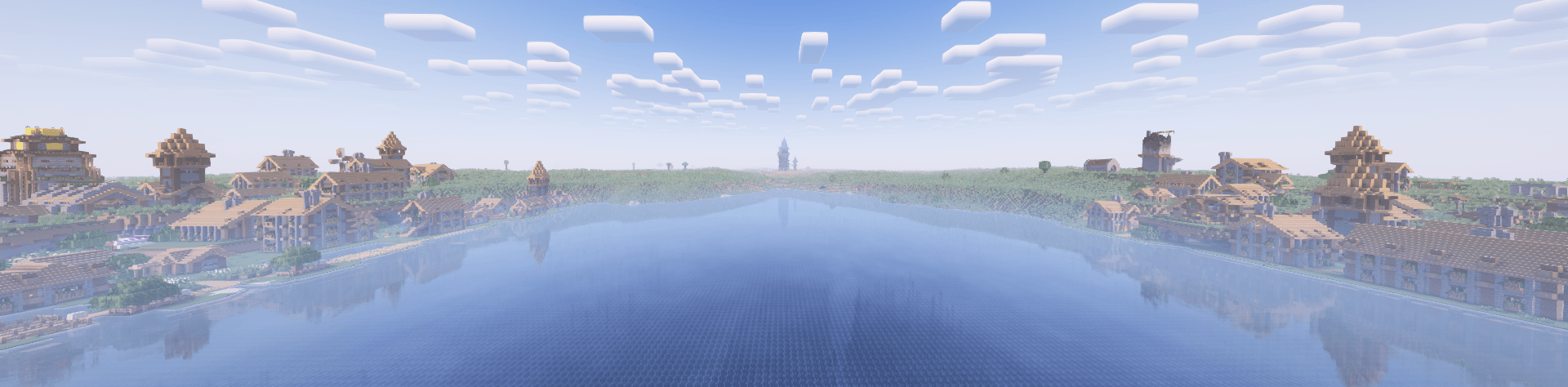 Two Fort
 -
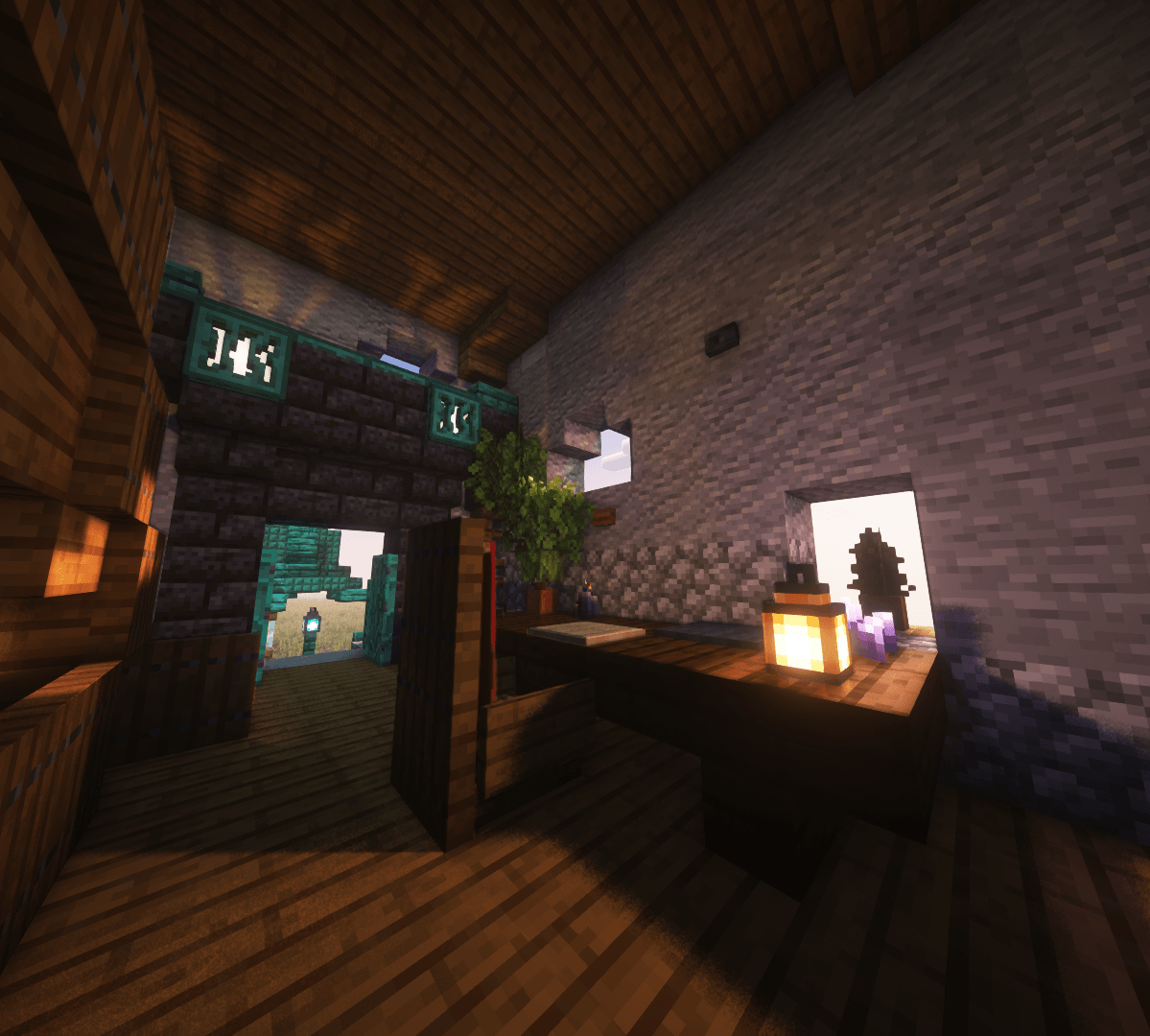 Breeze
 -
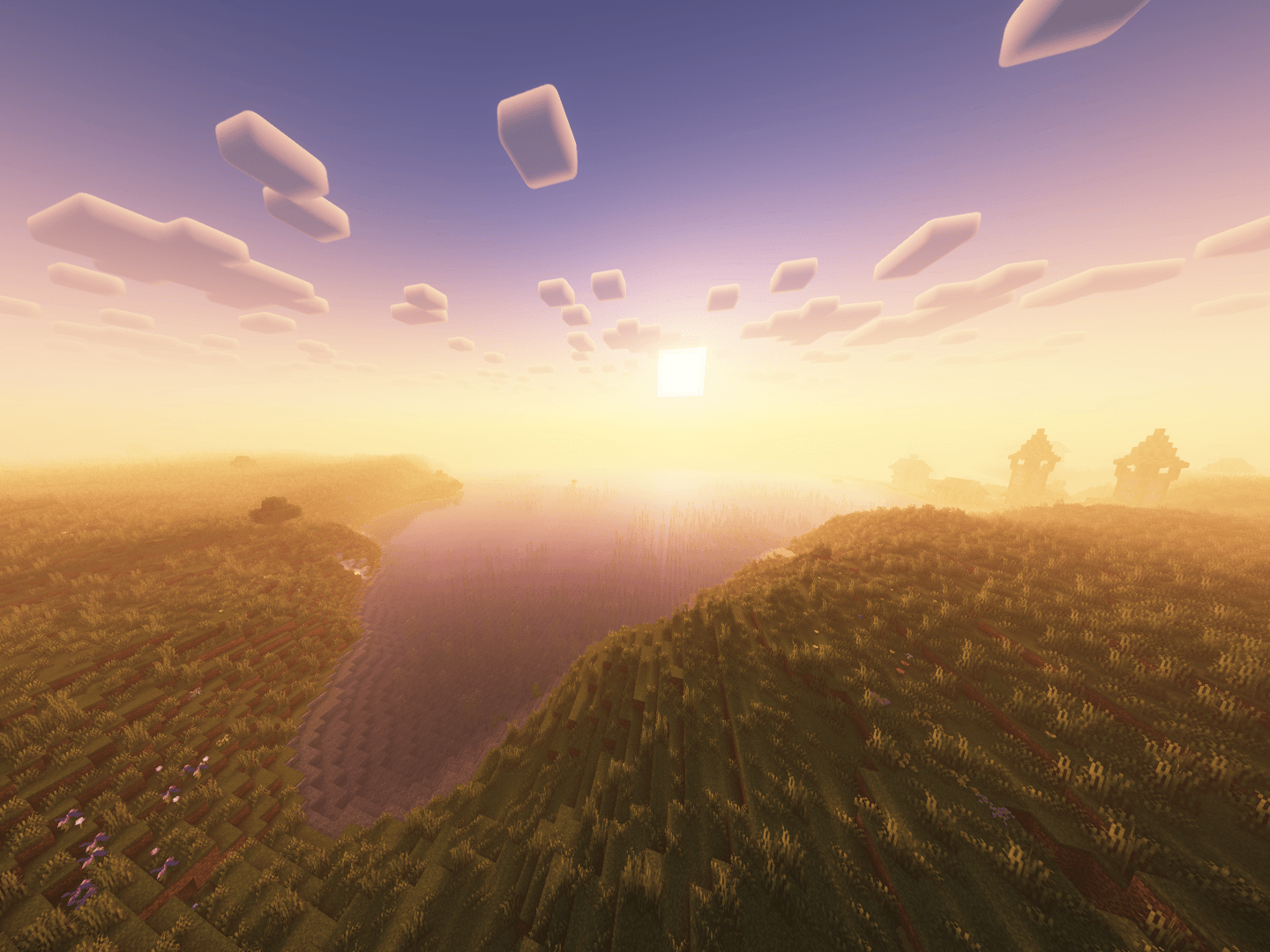 Peaceful
 -
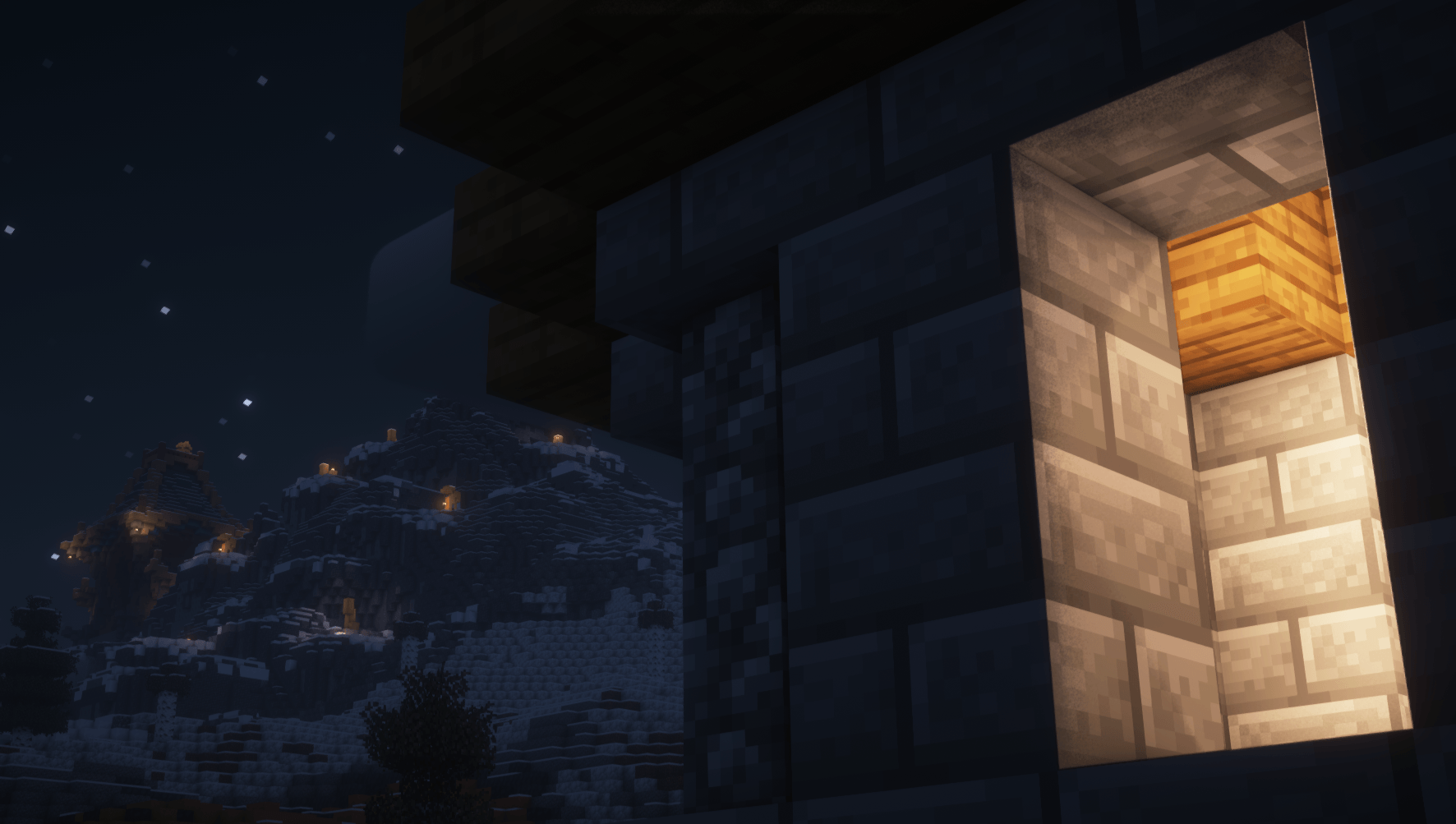 Night Overlook
 -
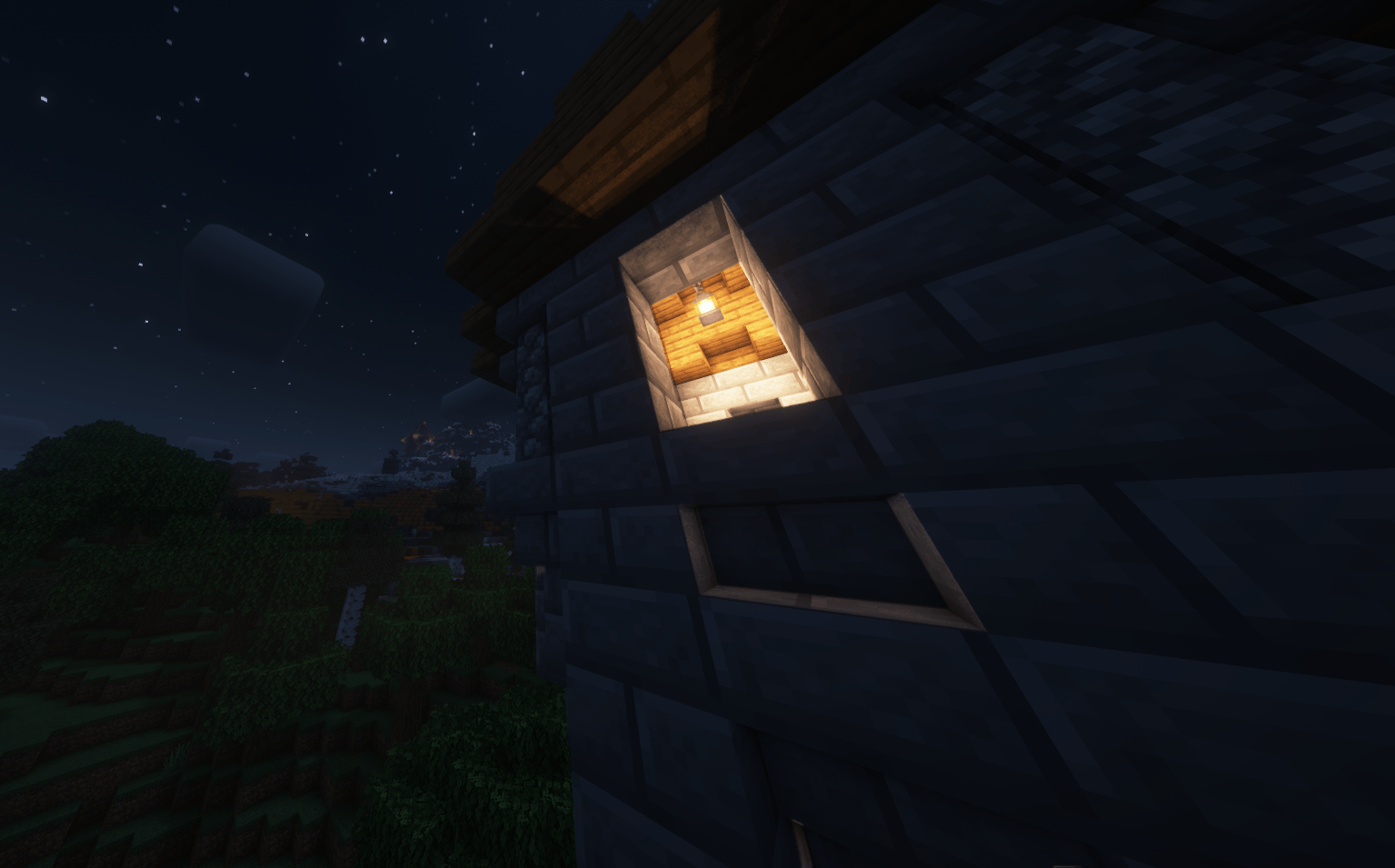 Night
Night -
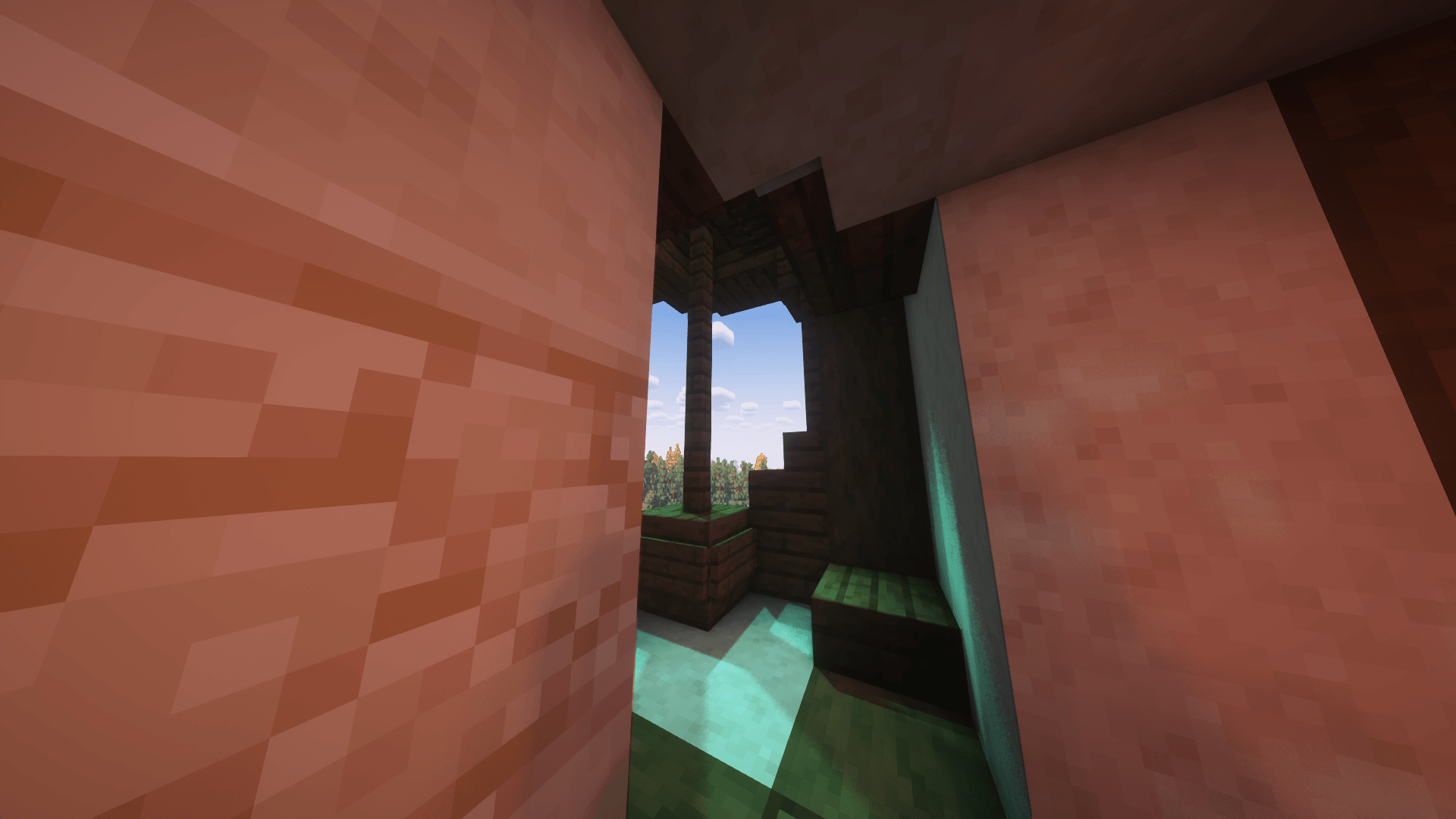 Indoors
 -
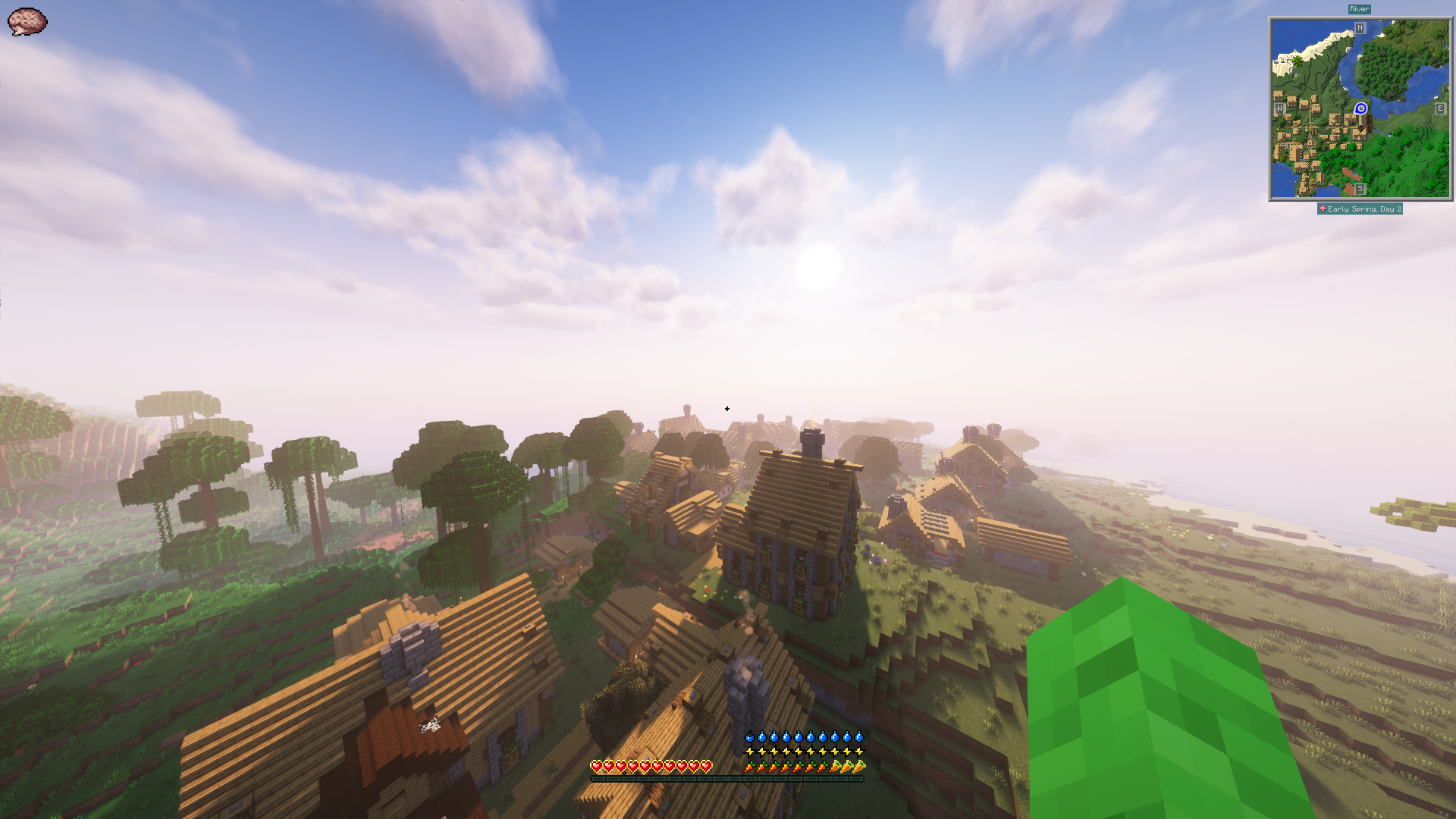 (ALPHA) 19.2 Shaders
 -
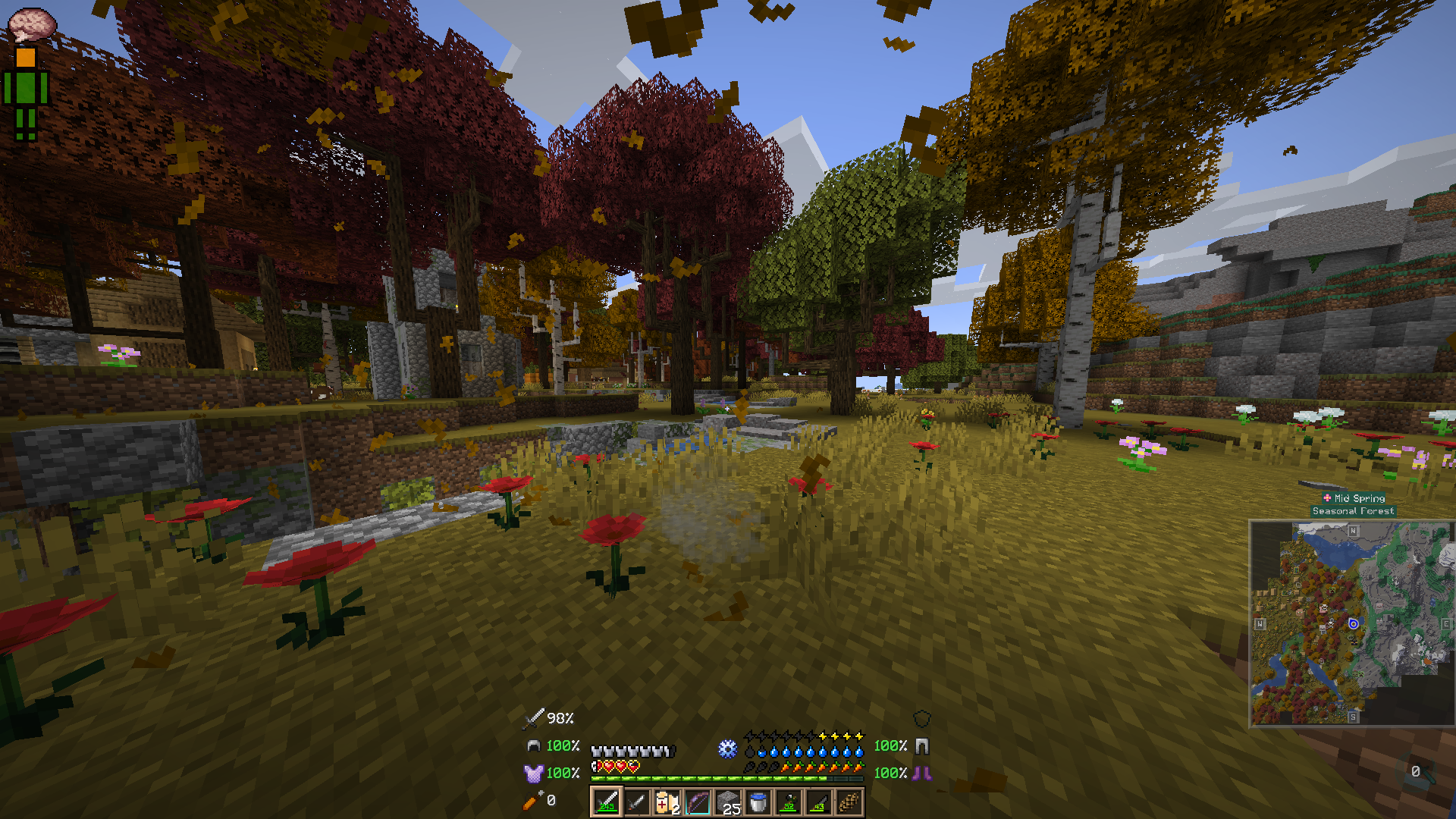 (ALPHA) 0.3.0
 -
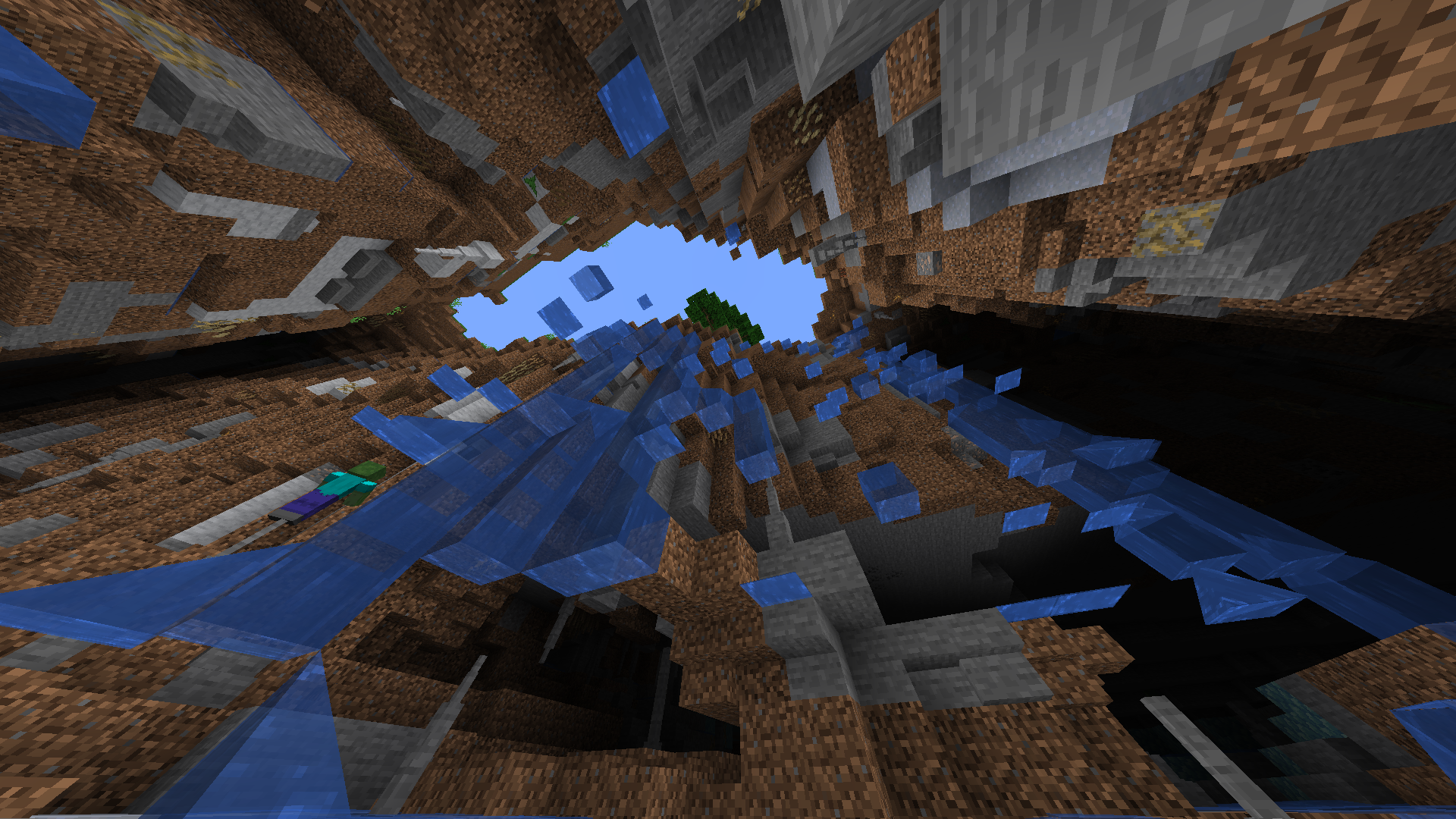 (ALPHA) 0.2.6
 -
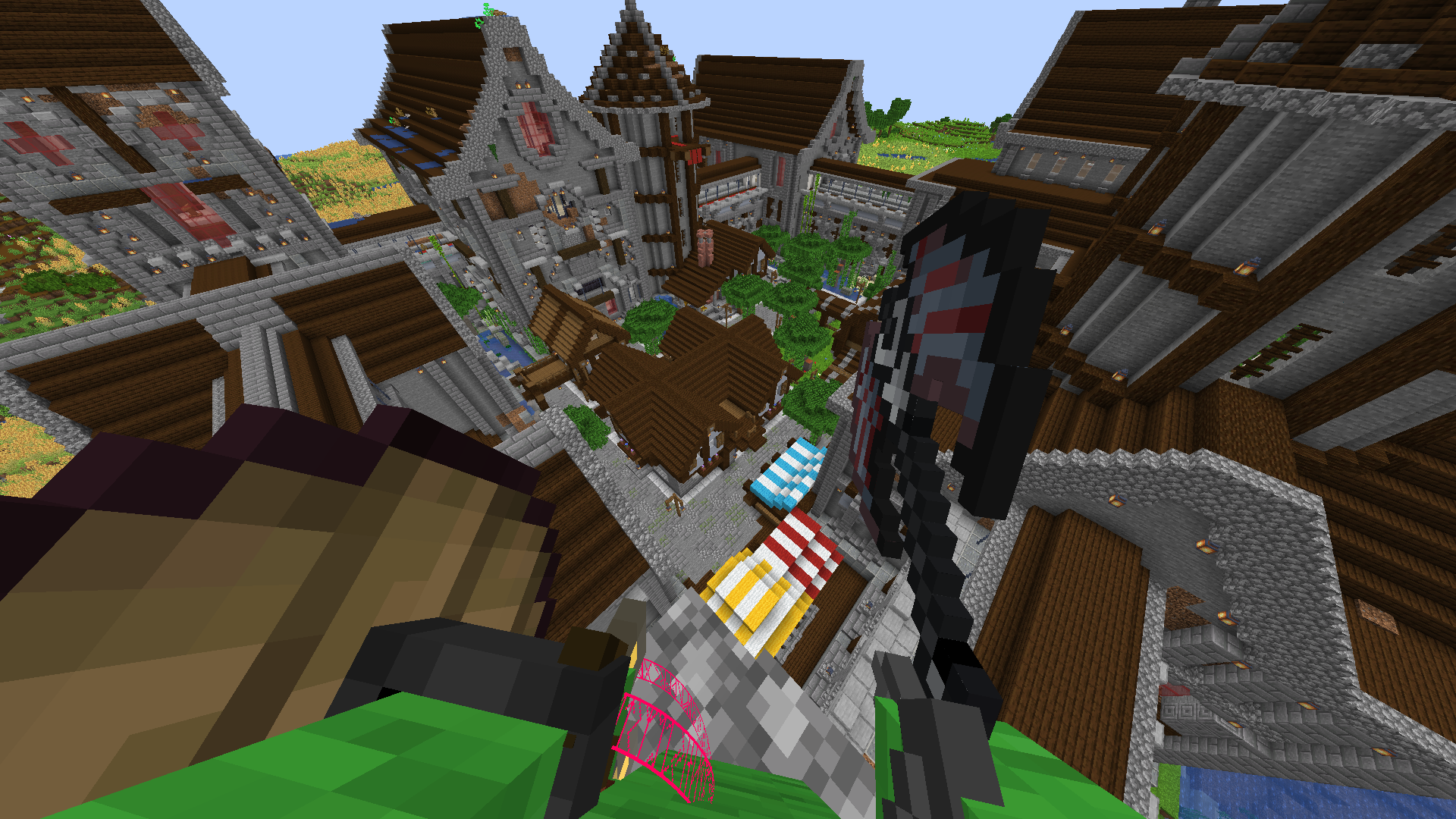 (ALPHA) 0.2.5
 -
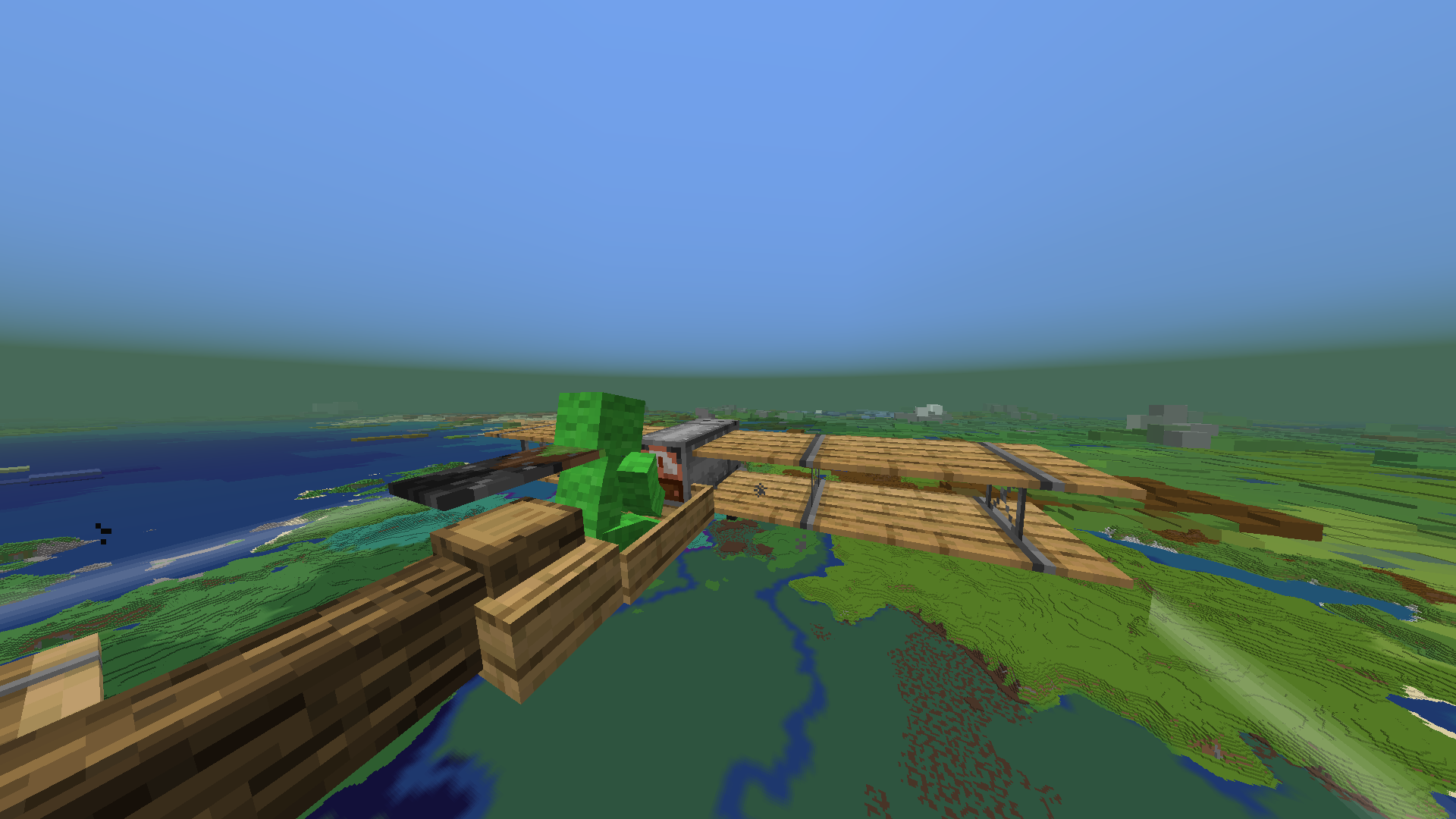 (ALPHA) 0.2.0
 -
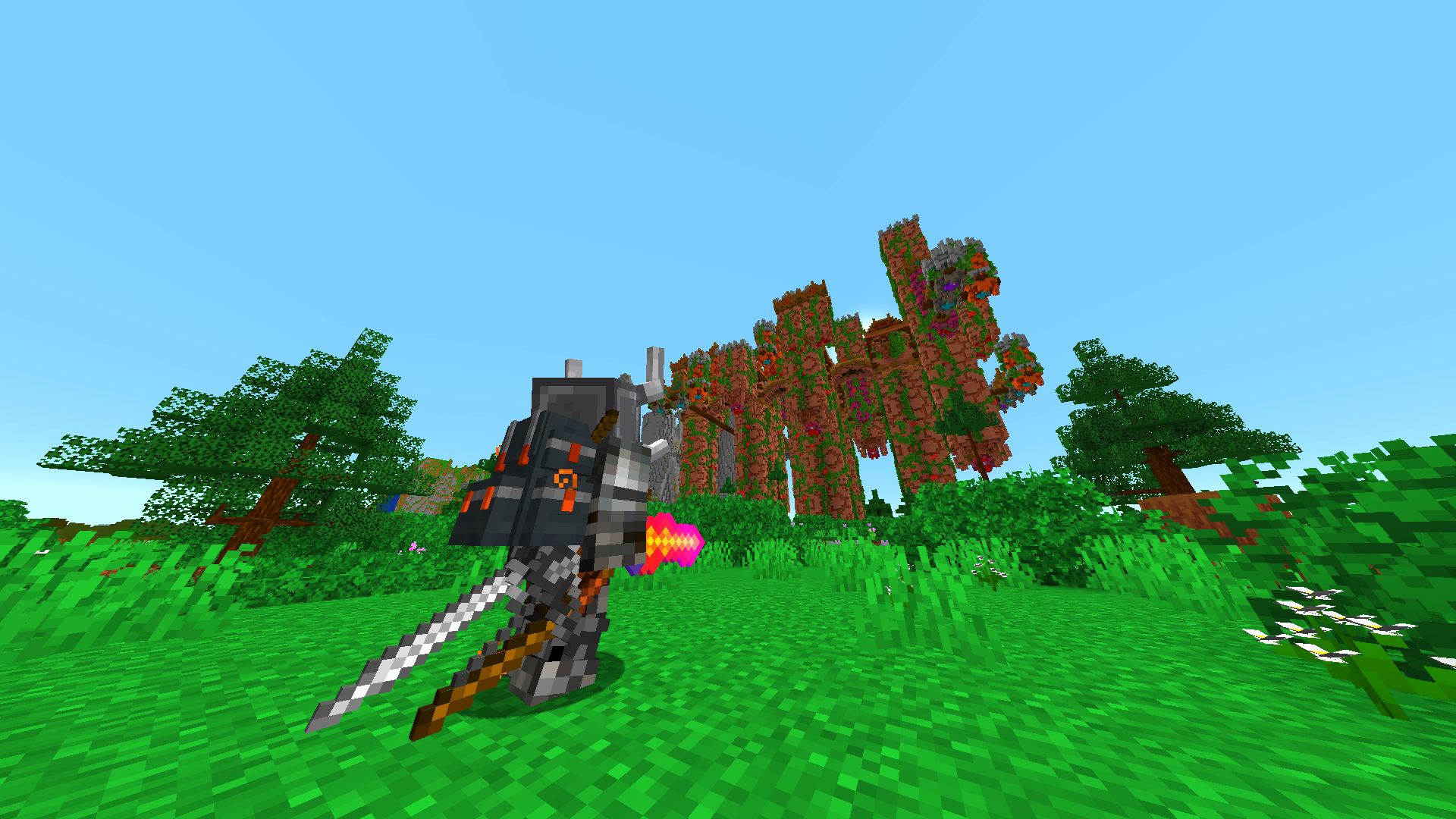 (ALPHA) 0.1.7
 -
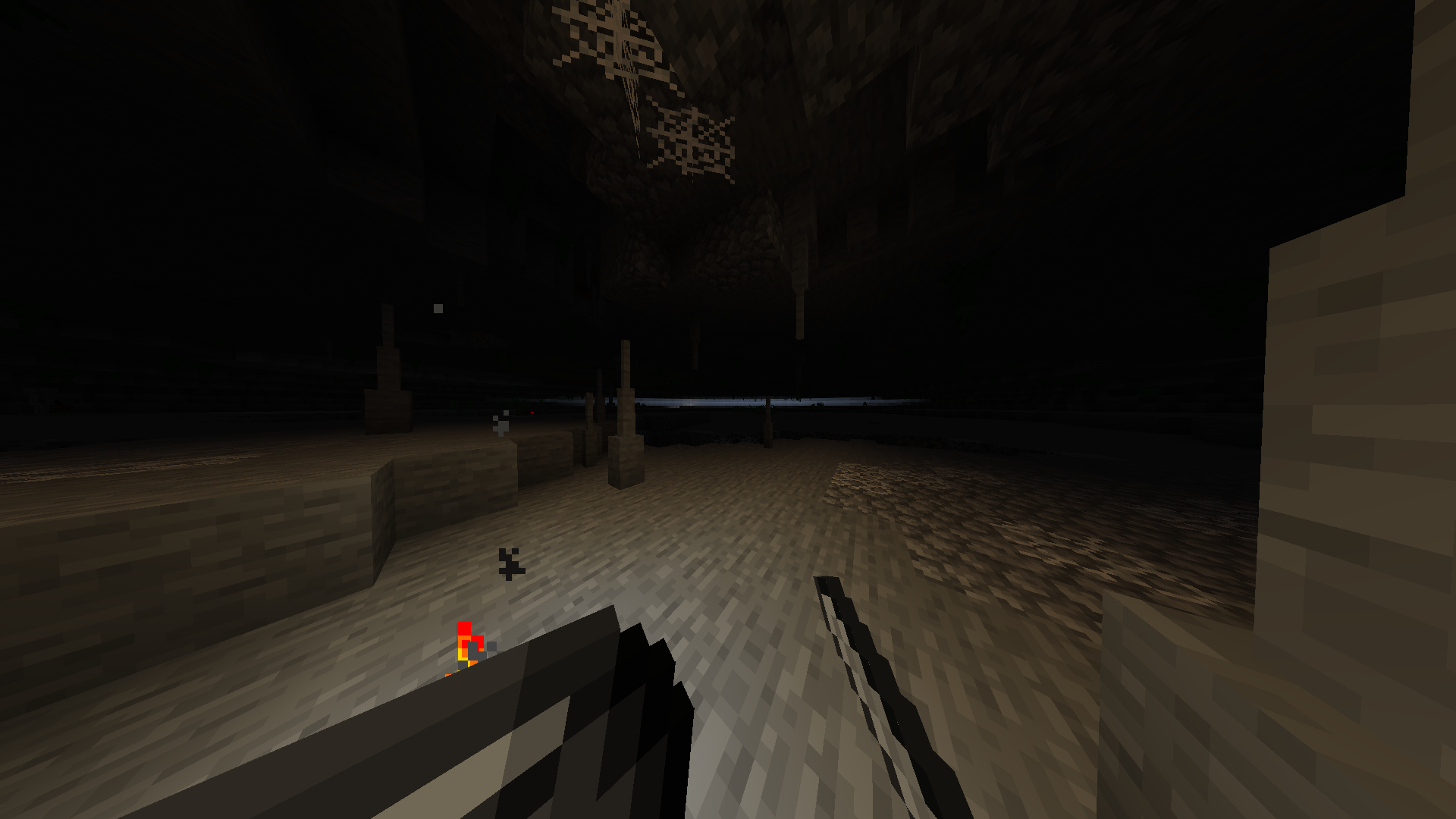 The unknown
Versions
Files
Relations
Project Relations
More like this
Similar Modpacks
Suggestions use data such as tags, dependencies, dependents, descriptions, titles, and more to rank how much they overlap with this modpack.
On ModDex
Community snapshot
By the numbers
Statistics
 (opens in a new tab)
Get it on
Available Platforms
On ModDex
Community snapshot
By the numbers