
Community listing page, reviews here may not be monitored by the author.
Saturn (Vanilla Enhanced)

No reviews yet
This modpack aims to provide all of the necessary optimizations, while also providing a fresh gameplay experience.
Community voices
Reviews
No reviews yet. Be the first to review this project!
Get it on
Available Platforms
Compatibility
Supported Environments
Required on the client. Installing it on the server adds functionality.
About
Project Details
For authors
Embed Badge
If you're the author of this project, you can embed a live badge anywhere that supports HTML or Markdown. It updates automatically whenever ratings change.
Use HTML for any page that supports it, or Markdown for README files and Markdown-based descriptions.
Identifiers
Platform IDs
Resources
External Links
About
Description
Saturn (Vanilla Enhanced) aims to do add meaningful new features to Minecraft without the bloat found in many of the most popular modpacks (example: full Optifine feature parity that almost no mods use). It is based on MercuryFPS, delivering unique features while being as fast as possible.
These are Saturn's main features:
- Adding new terrain generation enhancements in all dimensions thanks to Terralith, Stellarity, and Incendium
- Adding fresh new gameplay mechanics from Stellarity and Incendium
- Adding a brand new main menu, and a tweaked Friends and Multiplayer menu.
- Adding custom shader configs and PBR texture packs (SPBR) for an optimal shader experience out of the box! Use Mellow Shader if you have a low end PC, otherwise use Photon.
- Achieving maximum performace while doing so, thanks to it's MercuryFPS base.
FAQs:
Q: There are so many mods in Saturn! I thought you said there was no bloat!
A: Saturn (Vanilla Enhanced) aims to give you a fresh Minecraft experience without any unnecessary mods (example: full Optifine feature parity). If all you want is a no bloat performance modpack, then you should check out MercuryFPS.
Q: What Minecraft versions does Saturn support?
A: The latest version of Saturn (1.2.0) supports Minecraft 26.2, 26.1.2, and 1.21.11. This may change as new Minecraft versions are released.
Q: Where is the Realms button?
A: It's in the Multiplayer menu now.
Screenshots
Gallery
-
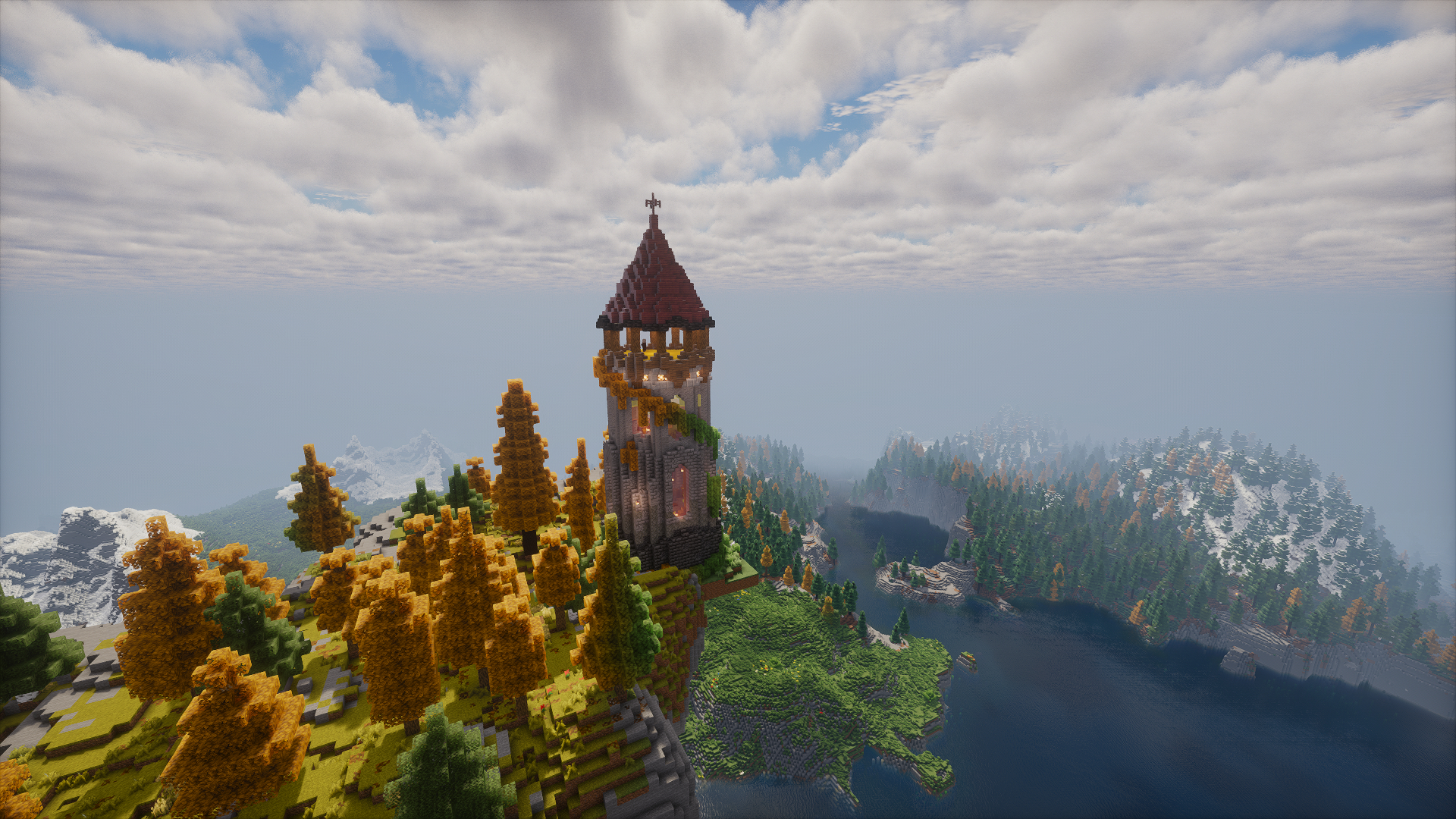 Mage Tower on a Sky Island The views up here are incredible!
 -
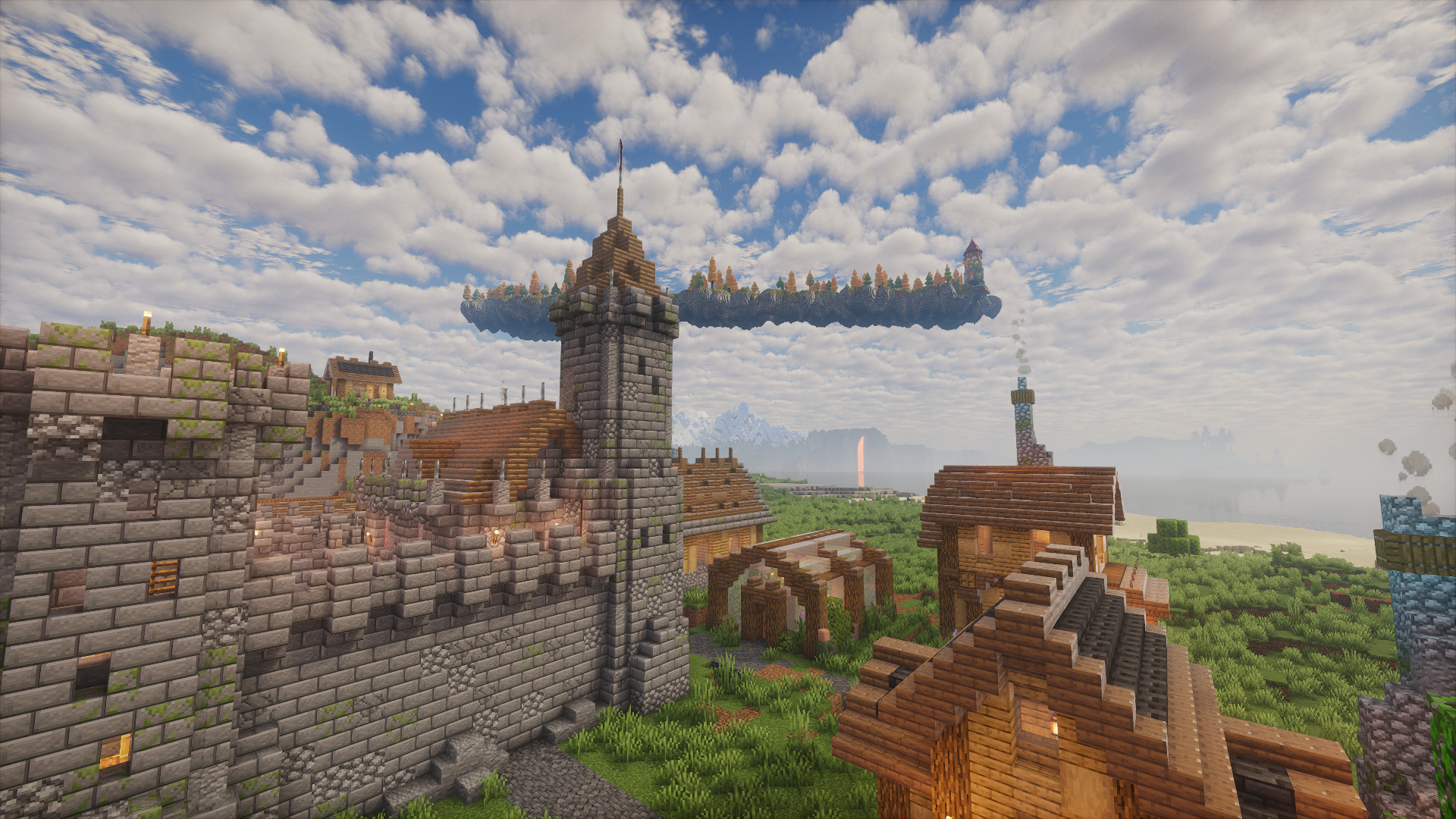 A Peaceful Village Fortified just in case...
 -
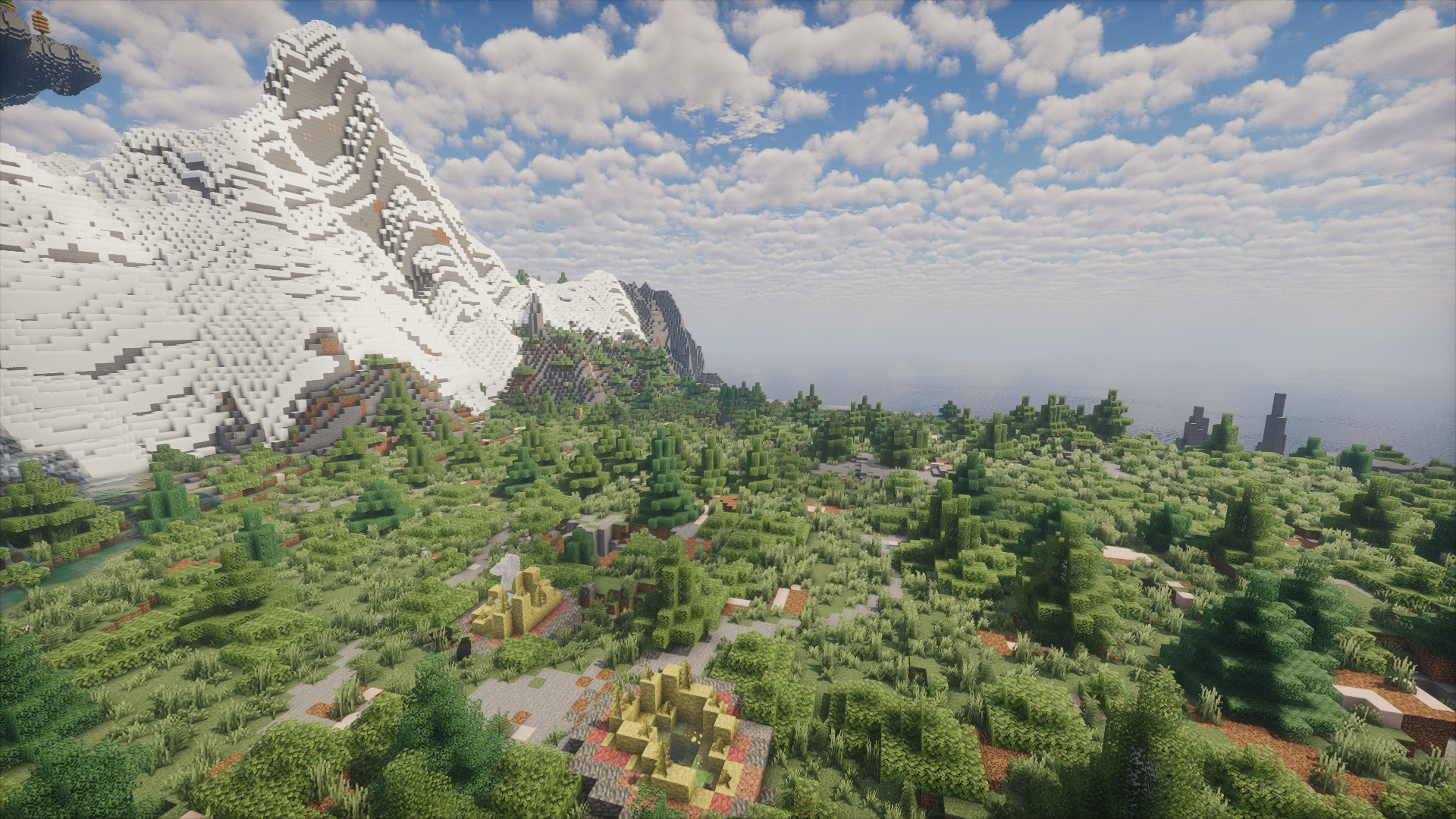 Peaceful Valley
 -
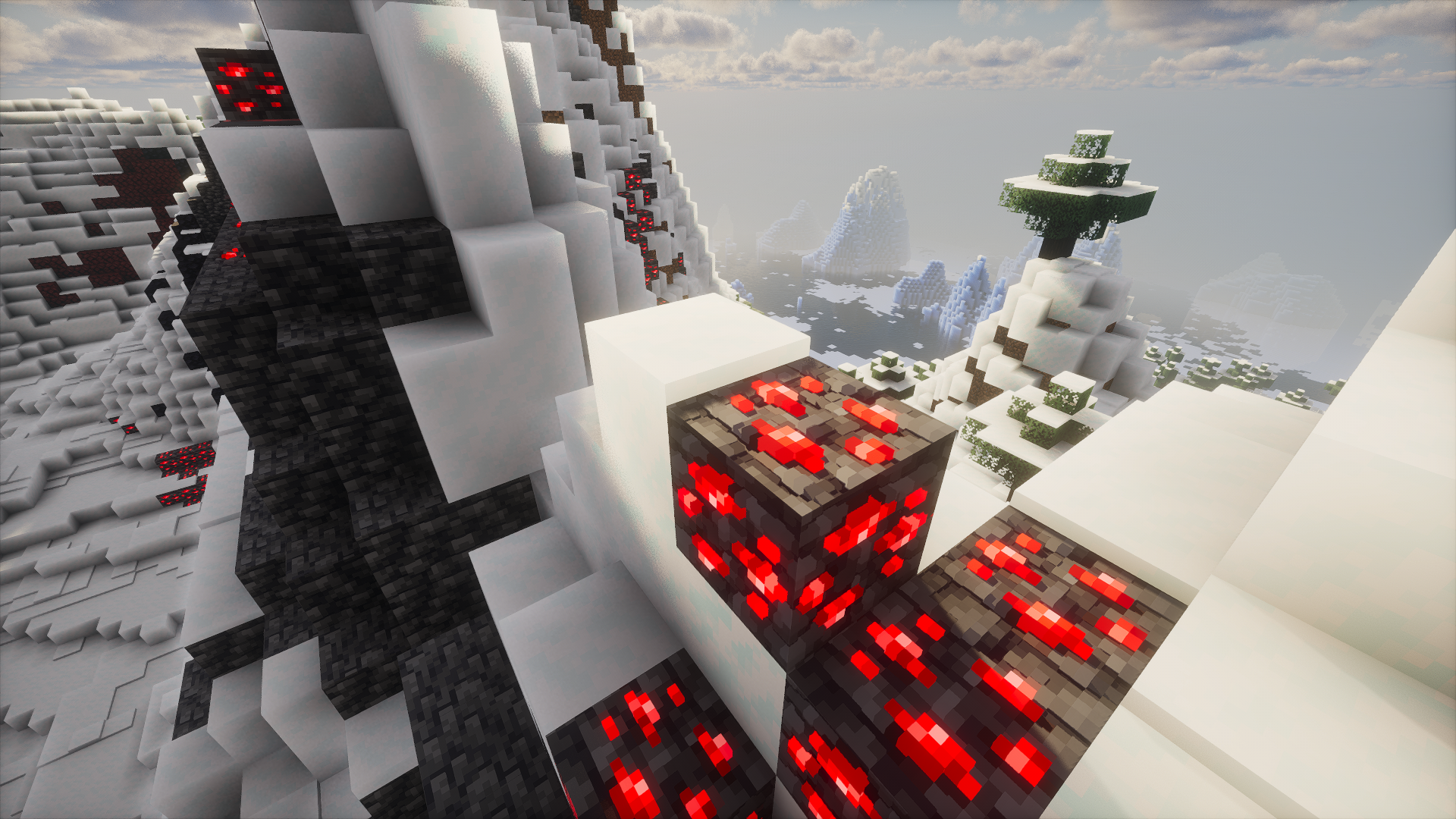 PBR Showcase 3D block textures in all their glory!
 -
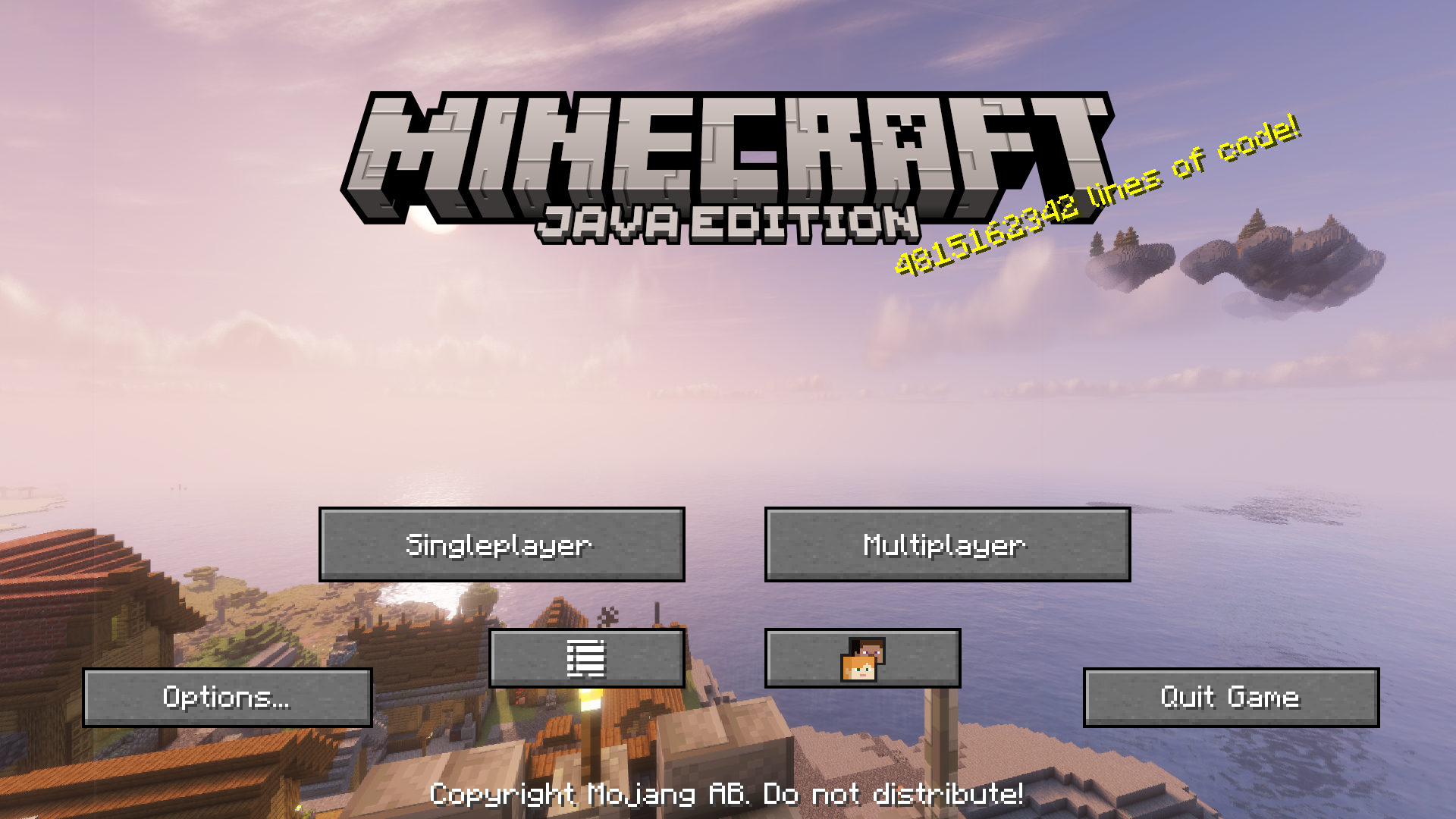 Main Menu Showcase You can disable this by disabling the FancyMenu mod.
Versions
Files
Relations
Project Relations
More like this
Similar Modpacks
Suggestions use data such as tags, dependencies, dependents, descriptions, titles, and more to rank how much they overlap with this modpack.
On ModDex
Community snapshot
By the numbers
Statistics

Want to reach Minecraft players?
We're looking for a server hosting partner to feature here and other parts of the site. Interested? Send us a message!
Get in touchGet it on
Available Platforms
On ModDex
Community snapshot
By the numbers
Statistics
Resources