
Community listing page, reviews may not be monitored by the author.
2032 World Height

No reviews yet
Increase your build limit to Y=2031 in all dimensions.

Community voices
Reviews
No reviews yet. Be the first to review this project!
Get it on
Available Platforms
Compatibility
Supported Environments
Runs entirely on the server. Also works in singleplayer.
About
Project Details
For authors
Embed Badge
If you're the author of this project, you can embed a live badge anywhere that supports HTML or Markdown. It updates automatically whenever ratings change.
Use HTML for any page that supports it, or Markdown for README files and Markdown-based descriptions.
Identifiers
Platform IDs
Resources
External Links
About
Description
Increase the build limit to Y=2031 in all dimensions.
WARNING: Starting with Minecraft 1.21.2 removing the datapack/mod will corrupt your world! You can find a tutorial on how to remove it safely here.
Does this support custom world generation mods/datapacks?
This datapack doesn't change world generation by itself, but custom world generation mods/datapacks may hardcode the world height. A notable example is Tectonic. The mod version of it is not supported, but if you're using the datapack version you go to /data/minecraft/dimension_type/overworld.json inside the Tectonic datapack folder and change "logical_height" and "height" to 2096.
Does this work with existing worlds?
Officially no, but you can follow this tutorial to transfer existing chunks to a world made with this datapack.
What happens to existing worlds if I remove the mod/datapack?
Removing the datapack/mod in 1.17-1.21.1 will make everything above normal build limit disappear, but since 1.21.2 it will corrupt the world, thus the warning at the top.
If you still don't have a server host I recommend BisectHosting. They have 20 server locations, advanced DDoS protection, an user-friendly panel for server management and if you use promo code OBYDUX you get 25% off.

Screenshots
Gallery
-
 Overworld
-
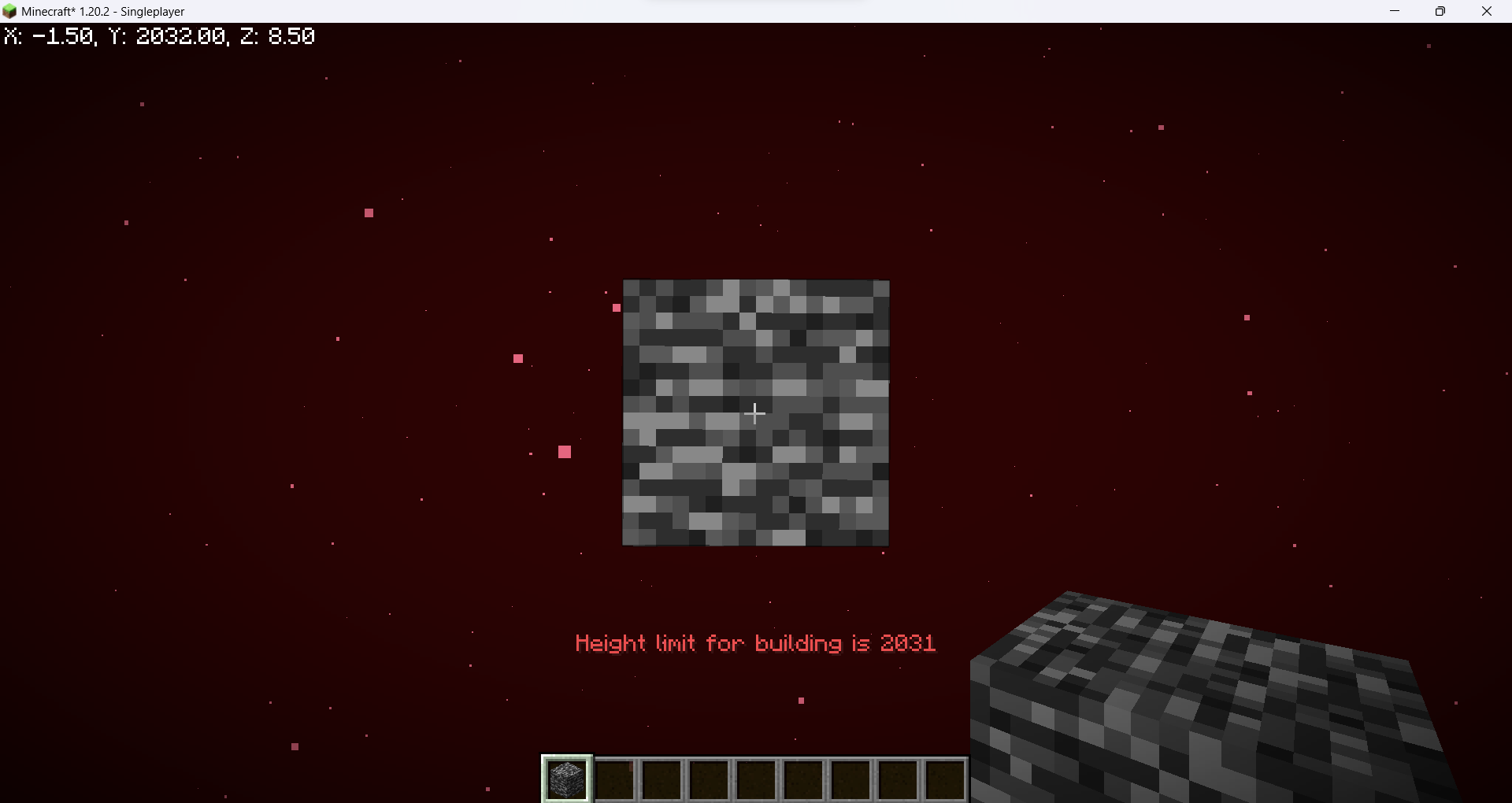 The Nether
-
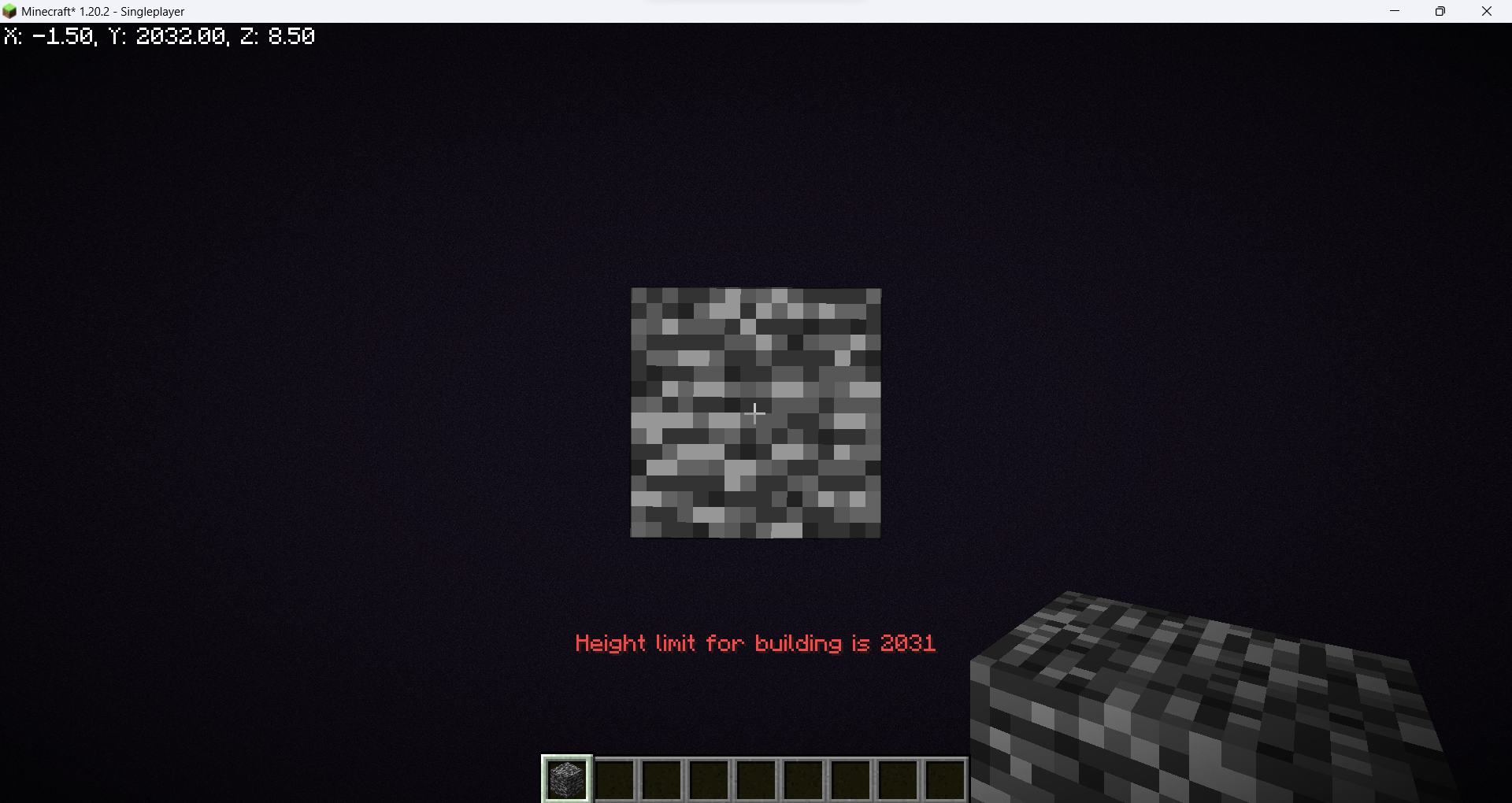 The End
Versions
Files
Relations
Project Relations
More like this
Similar Mods
Suggestions use data such as tags, dependencies, dependents, descriptions, titles, and more to rank how much they overlap with this mod.
On ModDex
Community snapshot
By the numbers
Statistics


Get it on
Available Platforms
On ModDex
Community snapshot
By the numbers
Statistics
Resources