
Community listing page, reviews here may not be monitored by the author.
Afk Cinematic


No reviews yet
AFK Camera Cinematic Mod automatically creates smooth, cinematic camera movements while you’re idle, showcasing your world with dynamic pans, zooms, and angles.
Community voices
Reviews
No reviews yet. Be the first to review this project!
Get it on
Available Platforms
Compatibility
Supported Environments
Runs entirely on the client. Works on vanilla servers.
About
Project Details
For authors
Embed Badge
If you're the author of this project, you can embed a live badge anywhere that supports HTML or Markdown. It updates automatically whenever ratings change.
Use HTML for any page that supports it, or Markdown for README files and Markdown-based descriptions.
Identifiers
Platform IDs
Resources
External Links
About
Description
Afk Cinematic is a cinematic camera mod designed to create smooth, professional-looking shots in Minecraft without manual camera control.
The mod allows players to enable an AFK-style cinematic camera that moves smoothly through the world, making it ideal for recording videos, trailers, showcases, and ambient scenes. Camera movement is fluid and stable, avoiding the jittery or unnatural motion caused by normal player input.
Features
Smooth cinematic camera movement without player input
Stable, clean camera paths ideal for recording
Works in survival and creative worlds
Lightweight and focused on visuals only
No impact on gameplay mechanics or world data
User Experience
With Afk Cinematic, players can easily capture high-quality footage while staying hands-free. This is especially useful for content creators, builders showcasing their worlds, or anyone wanting cinematic transitions and scenic shots without complex setup or external tools.
The mod does not alter core gameplay. It only enhances how the camera behaves, giving players a simple way to create cinematic visuals directly in-game.
AFK Camera

Overview
AFK Camera is a Minecraft mod that automatically activates cinematic camera movements when you're idle. After a configurable period of inactivity (default 30 seconds), the mod seamlessly transitions your camera into a free-cam mode and begins playing smooth, pre-defined camera animations around your world.
Features
- Automatic AFK Detection: Monitors player activity including movement, mouse input, key presses, and damage
- Smooth Camera Transitions: Automatically switches to free camera mode with cinematic animations
- Configurable Timing: Customizable AFK timeout period
- HUD Management: Automatically hides the HUD during AFK mode
- Animation System: Supports custom camera keyframe animations with position and rotation interpolation
- Smart Deactivation: Instantly returns to normal gameplay when any player activity is detected
- Death Protection: Optional setting to disable AFK mode when player dies
How It Works
The mod continuously monitors for player activity including:
- Movement keys (WASD, jump, sneak, sprint)
- Mouse movement
- Action keys (attack, use, inventory)
- Player taking damage
- Menu interactions
When no activity is detected for the configured time period, AFK Camera:
- Enables free camera mode
- Hides the game HUD
- Loads and plays cinematic camera animations in a random order
- Cycles through available animations continuously
The moment any player input is detected, the mod immediately:
- Stops the current animation
- Restores the HUD
- Returns camera control to the player
- Disables free camera mode
Block Bench Compatibility
This mod is designed to work seamlessly with Blockbench camera animations. You can create custom camera paths and keyframe animations in Blockbench, and the mod will automatically load and play them during AFK periods. The animation system supports:
- Position keyframes with smooth interpolation
- Rotation keyframes (pitch and yaw)
- Custom timing and duration
- Automatic scaling for Minecraft world coordinates
Custom camera animations tutorial
Template resource pack. Template BlockBench file. Detailed text guide - coming soon.
Fabric Only
This mod is developed for the Fabric mod loader. A Forge version is not planned due to the significant architectural differences between the platforms and the mod's deep integration with Fabric-specific APIs.
Dependencies
Required
- Fabric API - Core Fabric mod loader functionality
- YACL (Yet Another Config Library) - Configuration management
Optional
- Mod Menu - Provides in-game configuration interface
Issues
If you find a problem that is not listed, you can report it here.
Acknowledgments
Big thanks to hashalite for creating Freecam! I used a bit of the code in my project, and it really helped me out. Great work!
Thanks to ZipeStudio for help with IDE.
Thanks to LopyMine for Mossy template!
Thanks to Danrus1100 for contributing!
License
This project is licensed under the BY-ND 4.0 License - see the LICENSE file for details.
Screenshots
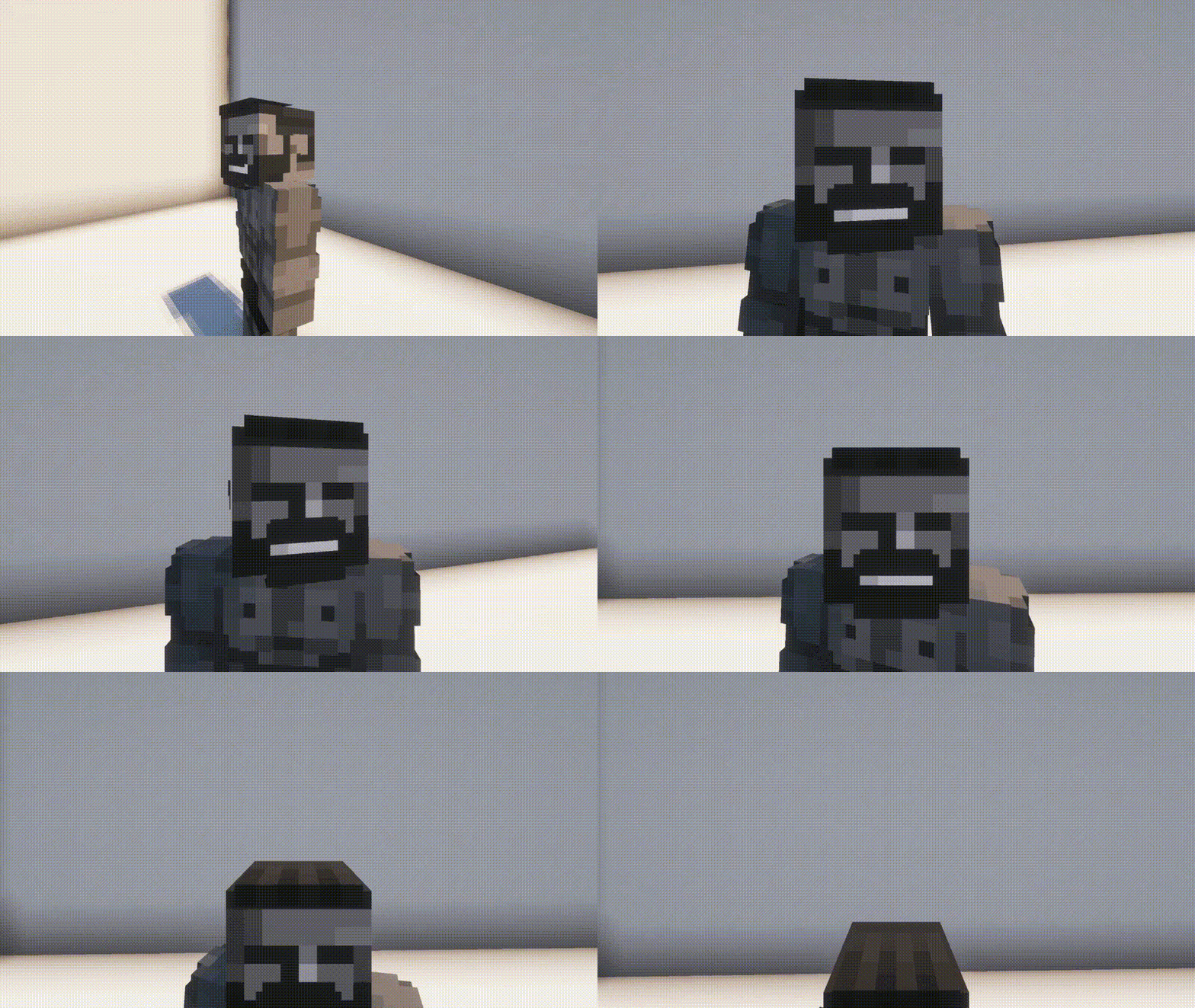
Gallery
-
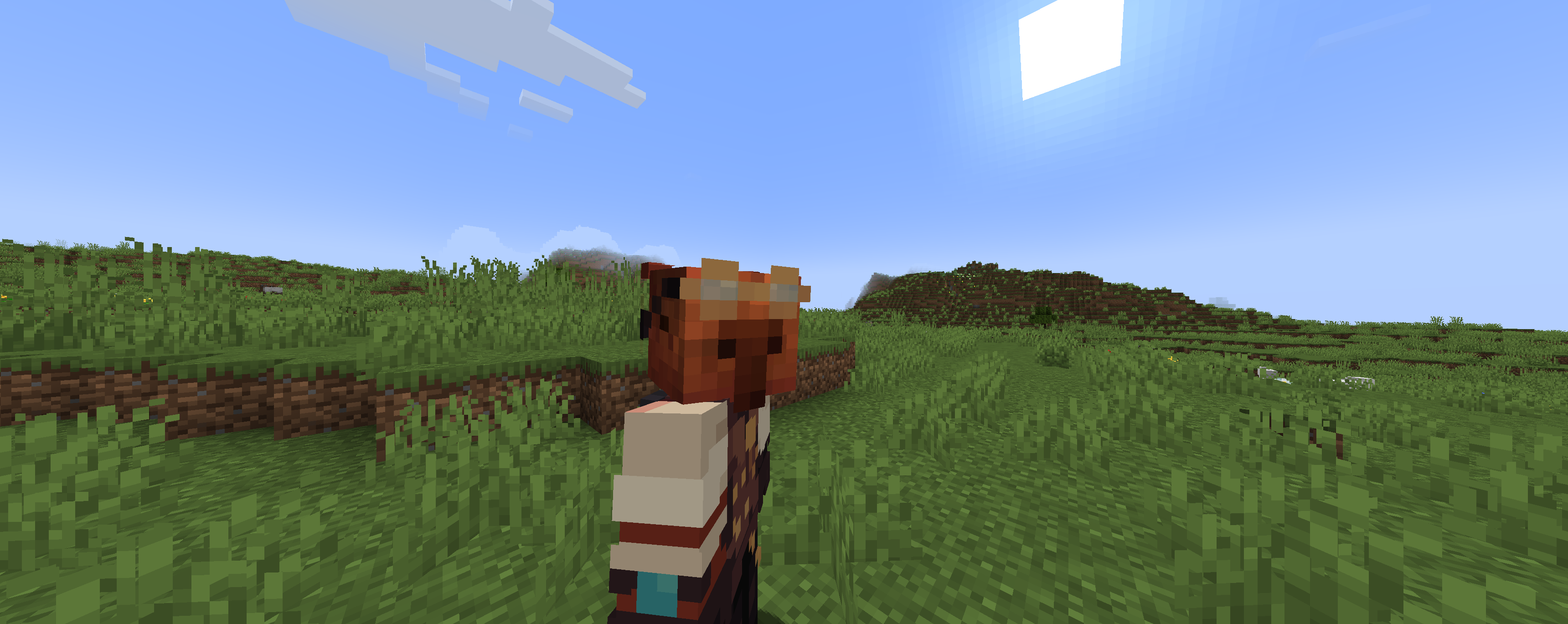 When you don't
 -
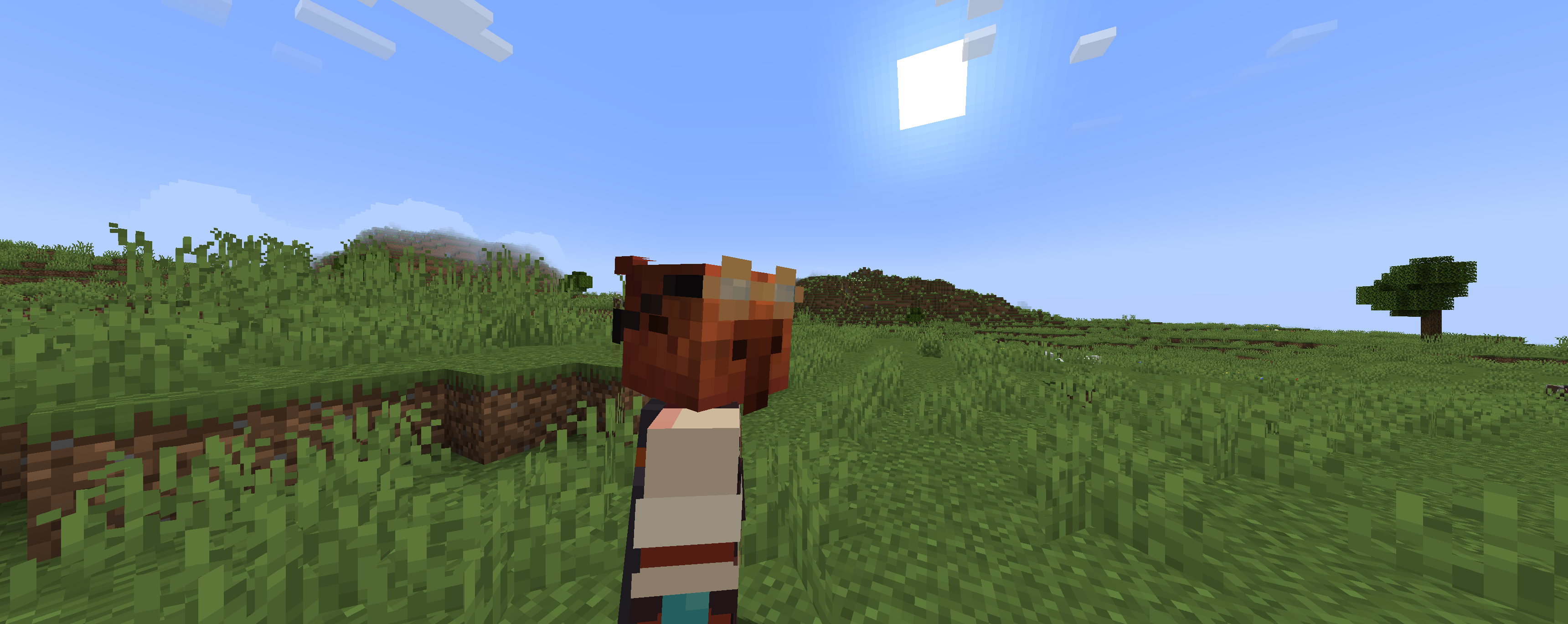 touch the mouse
 -
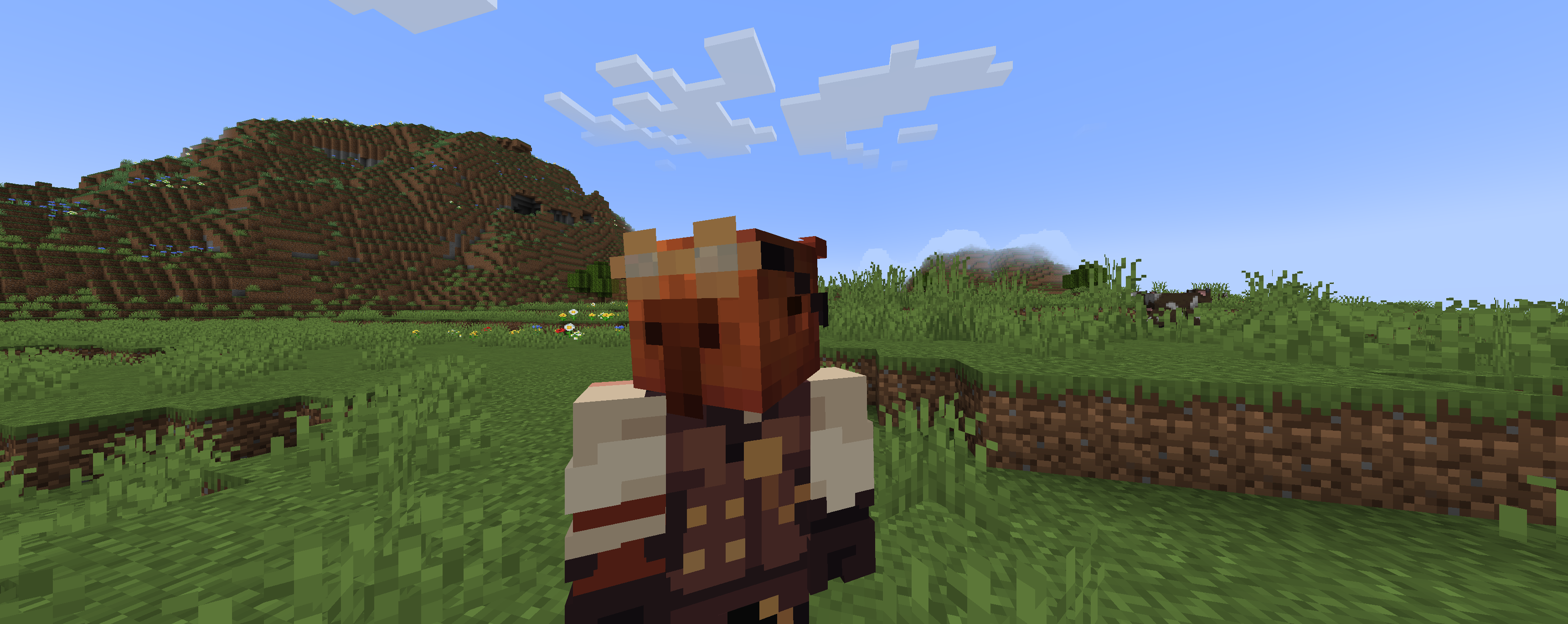 for 30 seconds
 -
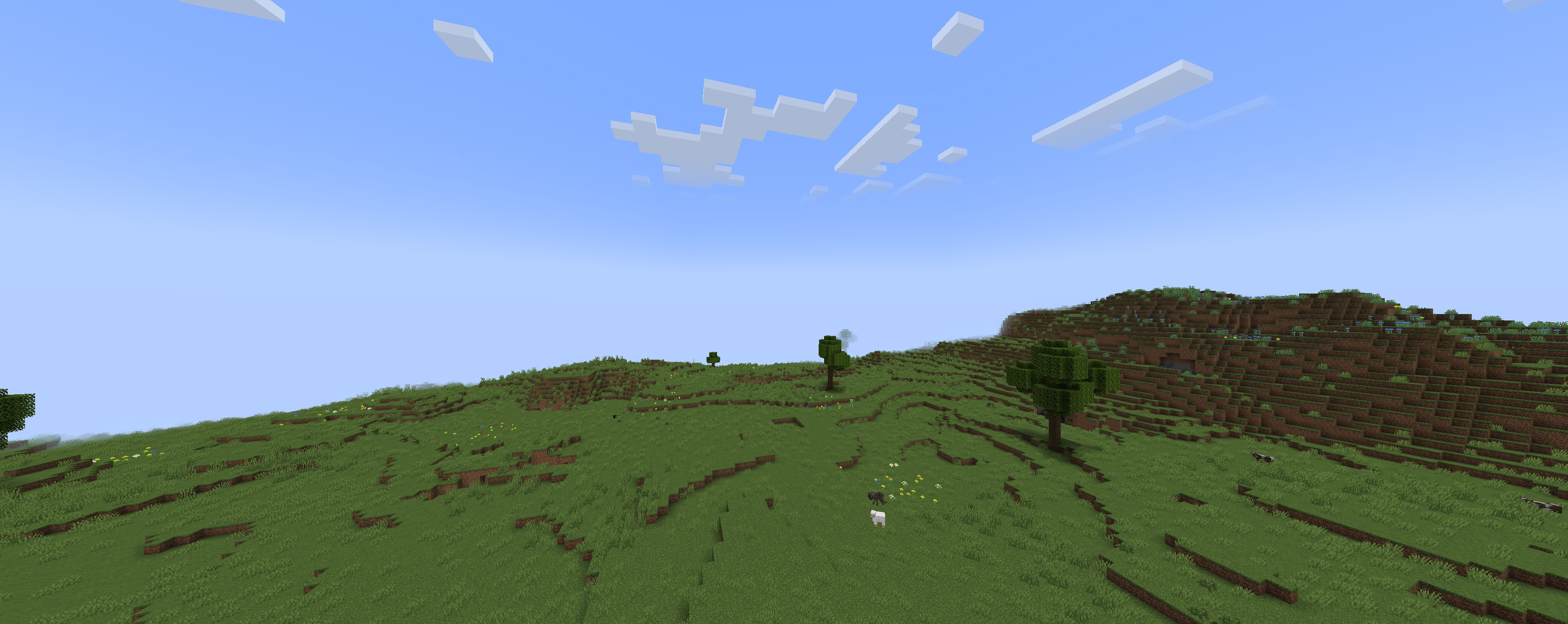 interesting things happen.
 -
 logo
logo
Versions
Files
Relations
Project Relations
More like this
Similar Mods
Suggestions use data such as tags, dependencies, dependents, descriptions, titles, and more to rank how much they overlap with this mod.
On ModDex
Community snapshot
By the numbers
Statistics
Want to reach Minecraft players?
We're looking for a server hosting partner to feature here and other parts of the site. Interested? Send us a message!
Get in touchGet it on
Available Platforms
On ModDex
Community snapshot
By the numbers
Statistics
Resources