
Community listing page, reviews here may not be monitored by the author.
AFK Cinematics


No reviews yet
A mod that starts cinematic shots when the player goes AFK
Community voices
Reviews
No reviews yet. Be the first to review this project!
Get it on
Available Platforms
Compatibility
Supported Environments
Runs entirely on the client. Works on vanilla servers.
About
Project Details
For authors
Embed Badge
If you're the author of this project, you can embed a live badge anywhere that supports HTML or Markdown. It updates automatically whenever ratings change.
Use HTML for any page that supports it, or Markdown for README files and Markdown-based descriptions.
Identifiers
Platform IDs
About
Description
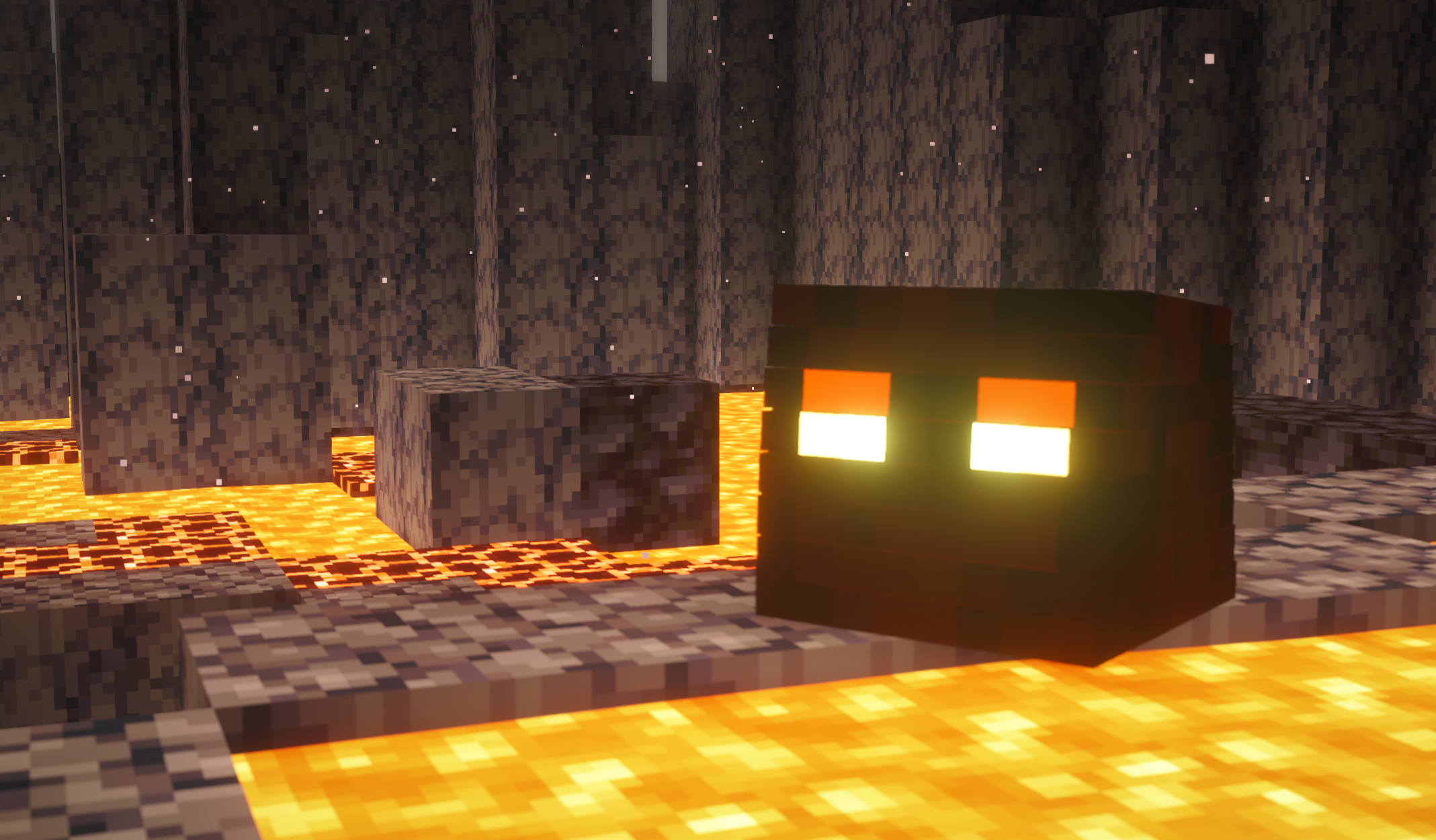
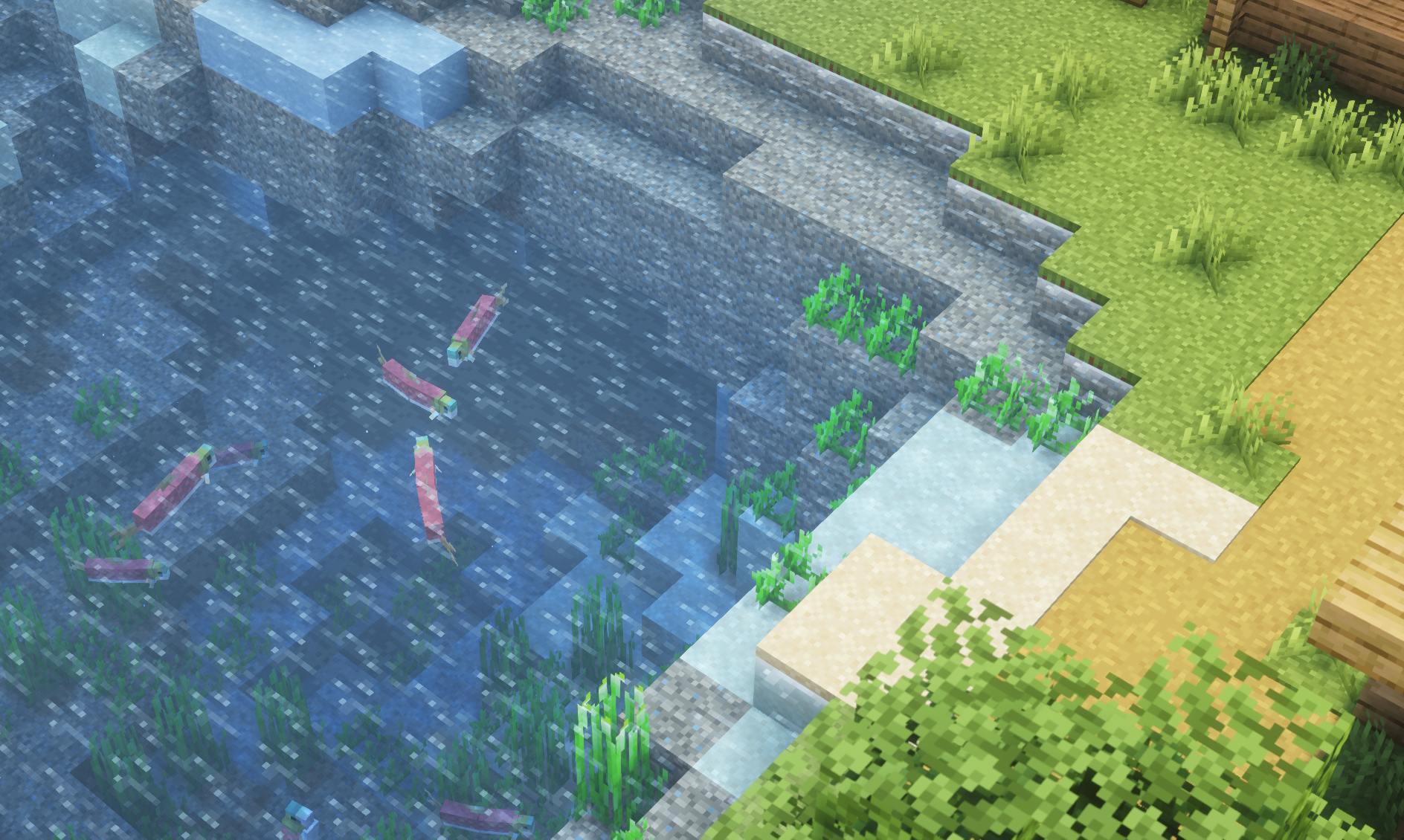
The AFK Cinematic Mod adds a unique and visually stunning feature to Minecraft. Whenever a player goes AFK (Away From Keyboard), the mod automatically starts cinematic camera shots that look like scenes from a movie.
❤️ This mod is completely free. If you create a video using this mod, please make sure to properly credit it. Always mention the mod name, its author, and include the official download link in your description or video. This helps support the creator and allows others to easily find and use the mod.
These smooth camera movements make your gameplay look cool, dynamic, and professional, especially useful for content creators or players who just want a more immersive experience.
🎬 How It Works
As soon as the player stays inactive for a set amount of time (25 Seconds Default), the mod triggers automatic cinematic shots. The camera starts moving around your character, creating a movie-like effect without any manual effort.
You can also manually start the cinematic mode anytime using commands.
⚙️ Commands
Here are the available commands in the mod:
/afkc time— Set the AFK time after which cinematic mode will start/afkc start— Start cinematic mode instantly without waiting/afkc about— Show information about the mod/afkc music— Toggle cinematic music on/off
✨ Features
- Automatic cinematic mode when AFK
- Smooth and movie-like camera movements
- Manual control with simple commands
- Perfect for screenshots and content creation
- Lightweight and easy to use
🔥 Recommended for Better Experience
To make the cinematic experience even more immersive, you can use the following:
- Complementary Shaders — Adds realistic lighting and visuals
- Music Mods / Background Music — Enhances the cinematic feel
- Ambient Sound Mod — Adds natural environmental sounds
- Sound Physics Remastered — Realistic sound effects with echo and depth
AFK Cinematics
Adds unique and visually attractive scene to Minecraft. Whenever a player goes AFK (Away From Keyboard), the mod automatically starts cinematic camera shots with Minecraft music that look like scenes from a movie.
❤️ This mod is completely free. If you create a video using this mod, please make sure to properly credit it. Always mention the mod name, its author, and include the official download link in your description or video. This helps support the creator and allows others to easily find and use the mod.
Turn off this Setting to get Smooth FPS
Make sure to turn off reduce FPS when AFKm, to get unlimited smooth FPS (unlimited e.g. system dependent)

These smooth camera movements make your gameplay look cool, dynamic, and professional, especially useful for content creators or players who just want a more immersive experience.
Documentation - Visit Wiki Page
Working
As soon as the player stays inactive for a set amount of time (25 Seconds Default), the mod triggers automatic cinematic shots. The camera starts moving around your character, creating a movie-like effect without any manual effort.
You can also manually start the cinematic mode anytime using commands.
Available Commands
Here are the available commands in the mod:
/afkc time- Set the AFK time after which cinematic mode will start/afkc start- Start cinematic mode instantly without waiting/afkc about- Show information about the mod/afkc music- Toggle cinematic music on/off
Recommended Mods & Shaders
To make the cinematic experience even more immersive, you can use the following (make sure its creator's opinion):
- Complementary Shaders - Adds realistic lighting and visuals
- Music Mods / Background Music - Enhances the cinematic feel
- Ambient Sound Mod - Adds natural environmental sounds
- Sound Physics Remastered - Realistic sound effects with echo and depth
Showcase Video
Screenshots
Gallery
-
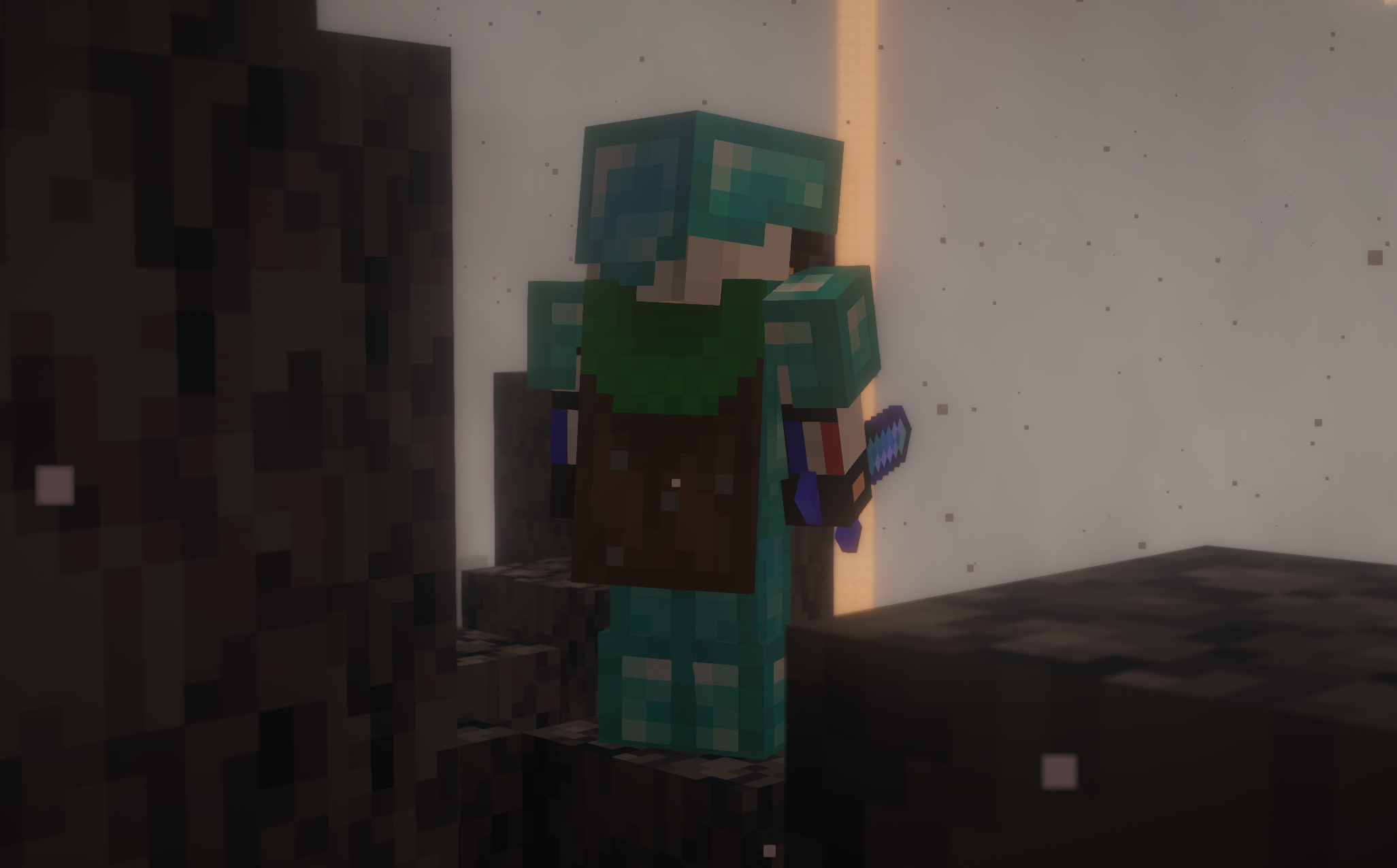 shot nether
 -
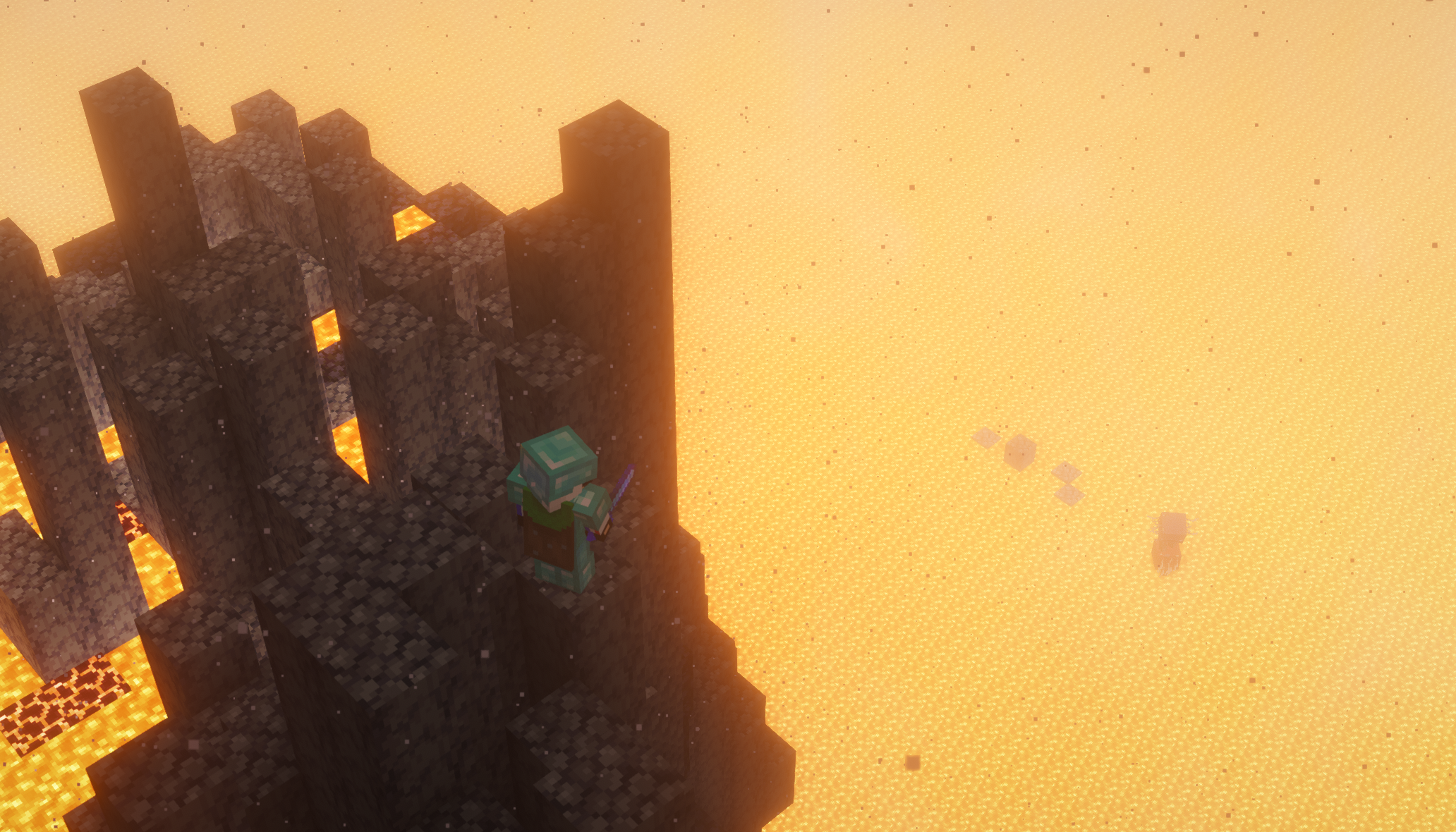 Cinematic Shot nether 2
 -
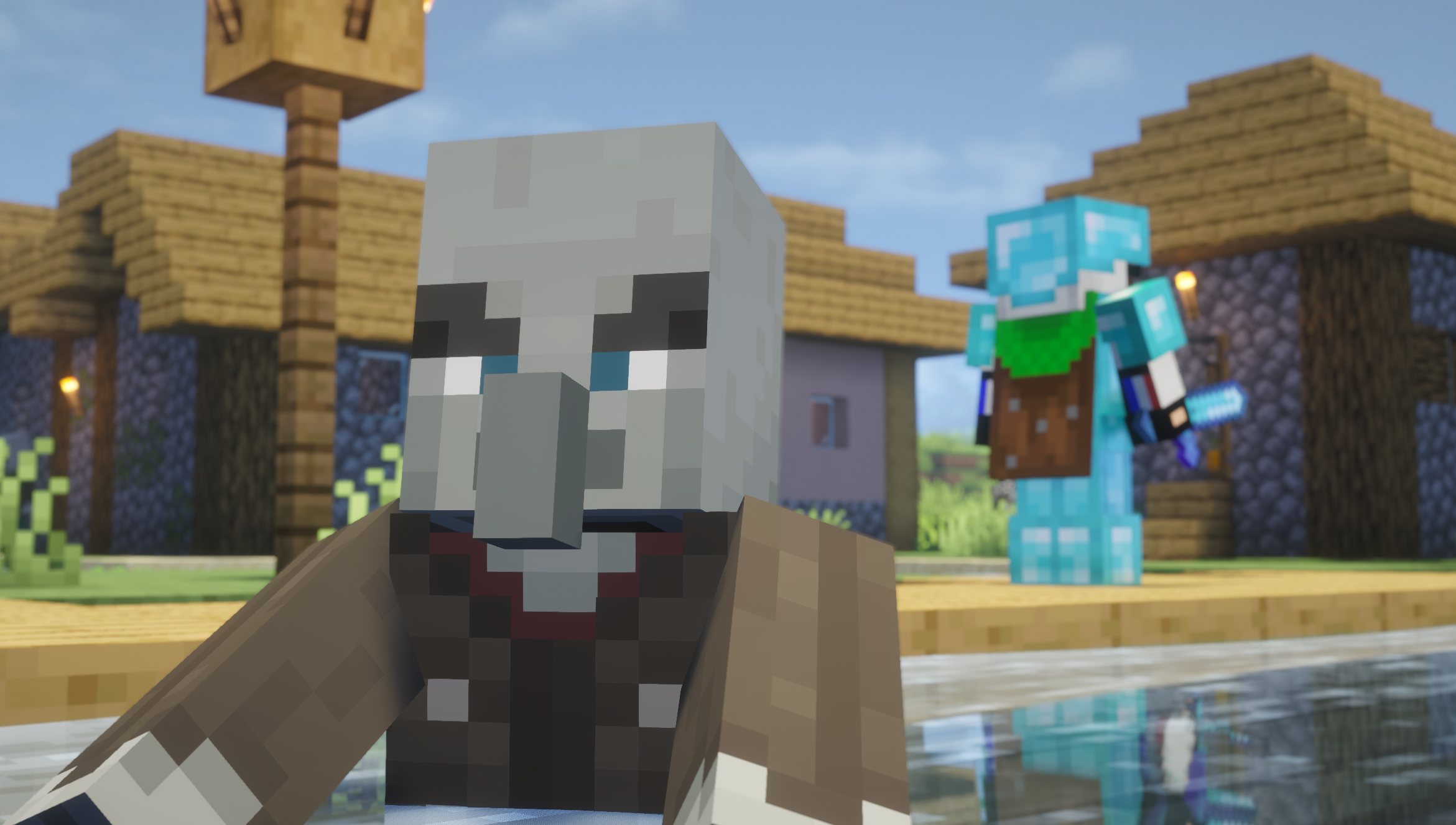 Cinematic Shot 2
 -
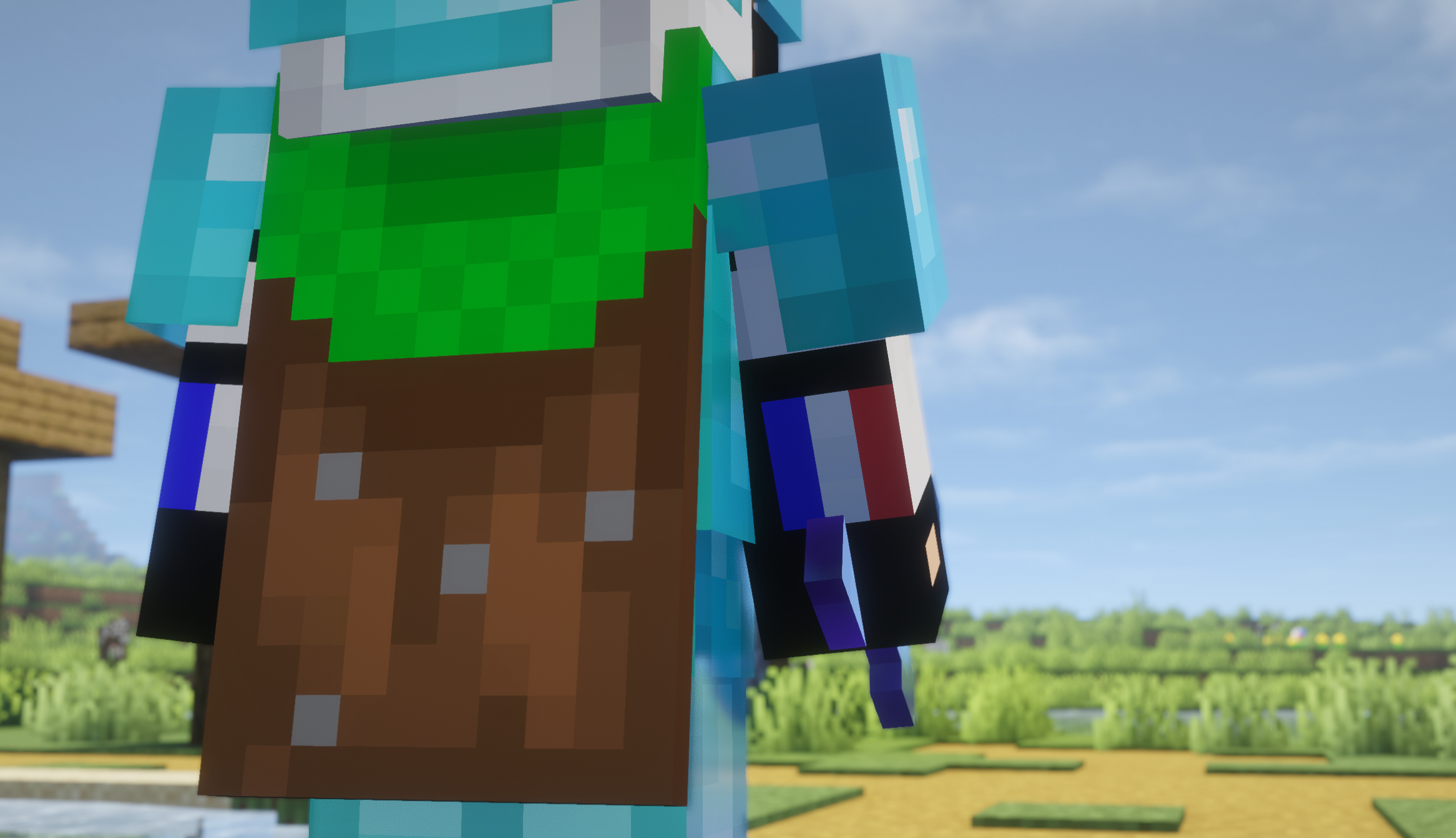 Random Cinematic Shot
 -
-
Versions
Files
Relations
Project Relations
More like this
Similar Mods
Suggestions use data such as tags, dependencies, dependents, descriptions, titles, and more to rank how much they overlap with this mod.
On ModDex
Community snapshot
By the numbers
Statistics
Want to reach Minecraft players?
We're looking for a server hosting partner to feature here and other parts of the site. Interested? Send us a message!
Get in touchGet it on
Available Platforms
On ModDex
Community snapshot
By the numbers