


5.0
Precise-ModPacker
MC 1.19
Reputation ranks
Explorer
0 pts
Contributor
100 pts
←
Guide
500 pts
Veteran
1,500 pts
Luminary
4,000 pts
Ranks only ever go up; points can drop but your rank stays.
About reputation ranks
Gameplay
5.0
Aesthetics
5.0
Performance
5.0
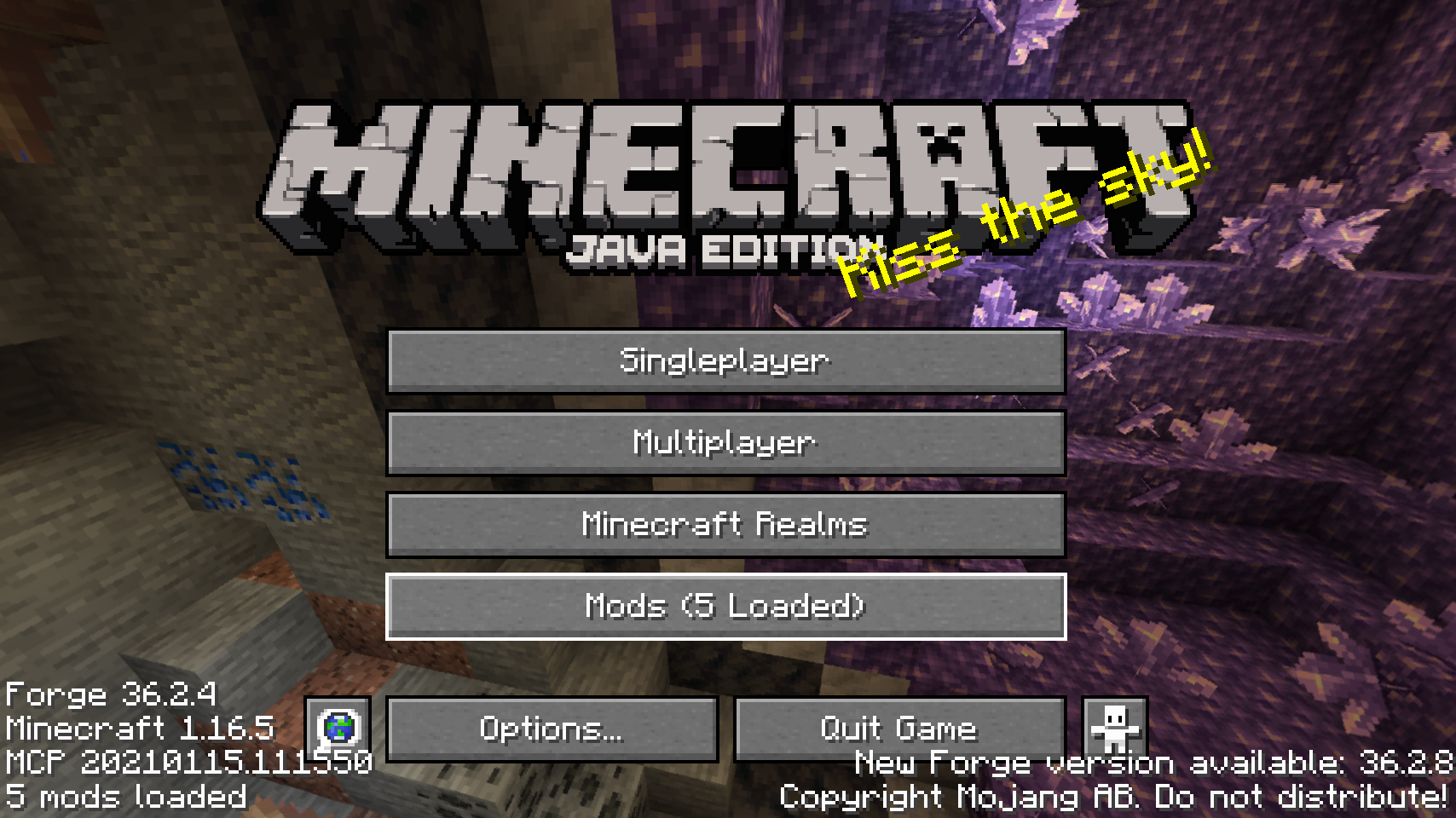
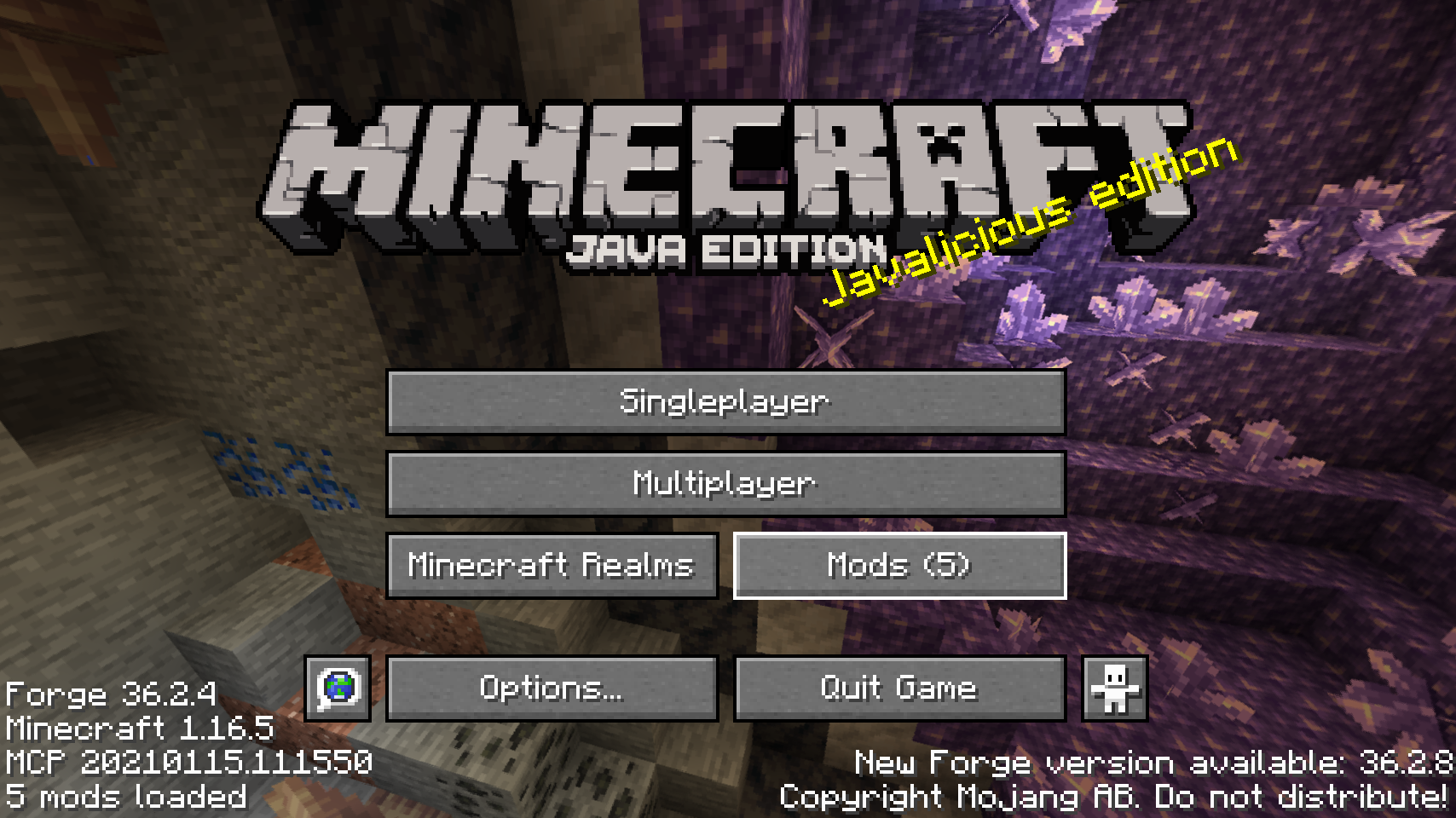
This feature existed in old versions of Forge, but sadly it was removed after 1.13.
This mod just add this function, useful in the mod configuration without have to save your worlf and go to the Minecraft Menu.