
Community listing page, reviews may not be monitored by the author.
BlockExporter - Icon Export Tool


No reviews yet
Export item icon renders as they appear in inventory slots.

Community voices
Reviews
No reviews yet. Be the first to review this project!
Get it on
Available Platforms
Compatibility
Supported Environments
Required on the client. Installing it on the server adds functionality.
About
Project Details
For authors
Embed Badge
If you're the author of this project, you can embed a live badge anywhere that supports HTML or Markdown. It updates automatically whenever ratings change.
Use HTML for any page that supports it, or Markdown for README files and Markdown-based descriptions.
Identifiers
Platform IDs
About
Description
BlockExporter - Icon Export Tool
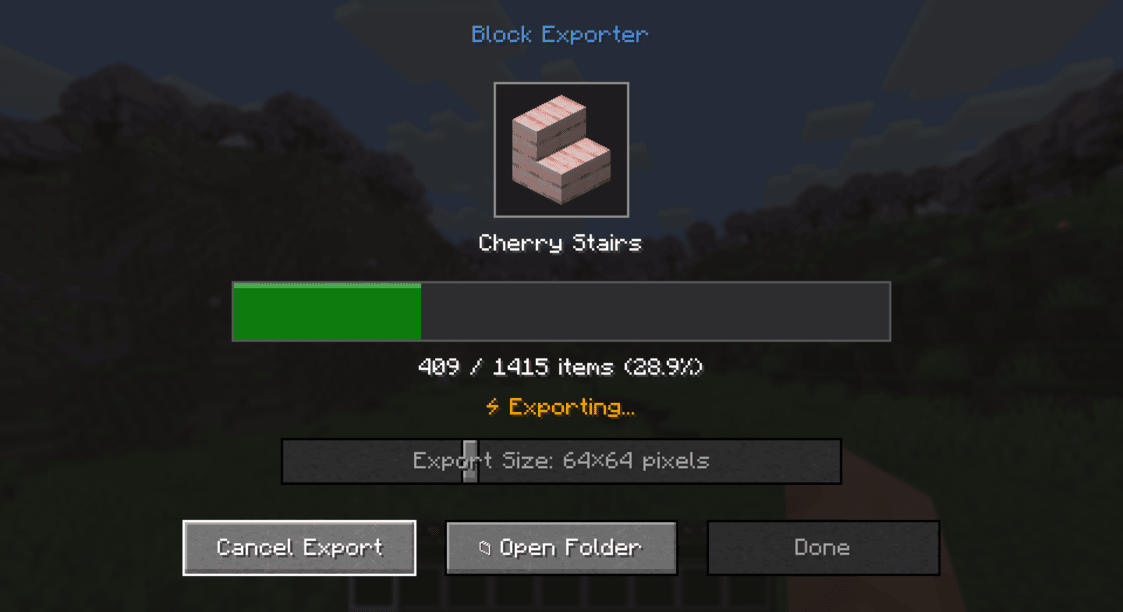
A Minecraft mod that exports item icon renders as they appear in inventory slots.
Supported Platforms
- Modern Minecraft with:
- Fabric
- NeoForge
- Forge
- Minecraft Beta 1.7.3 & Alpha 1.1.2_01 (with ModLoader)
Requirements
- One of the supported mod loaders mentioned above
Usage
- Install the mod along with the required API for your mod loader
- Launch Minecraft
- Press the "i" key to open the export menu
- Find the exported textures in the
item_exportsfolder inside your Minecraft directory
Output Format
- Each texture is saved as a PNG file
- File naming format:
namespace_itemid.png(e.g.,minecraft_diamond.png) - Available output sizes: 16x16, 32x32, 64x64, 128x128, 512x512, 1024x1024 pixels
- Images include transparency where applicable
License
This project is licensed under the MIT License - see the LICENSE file for details.
BlockExporter - Icon Export Tool
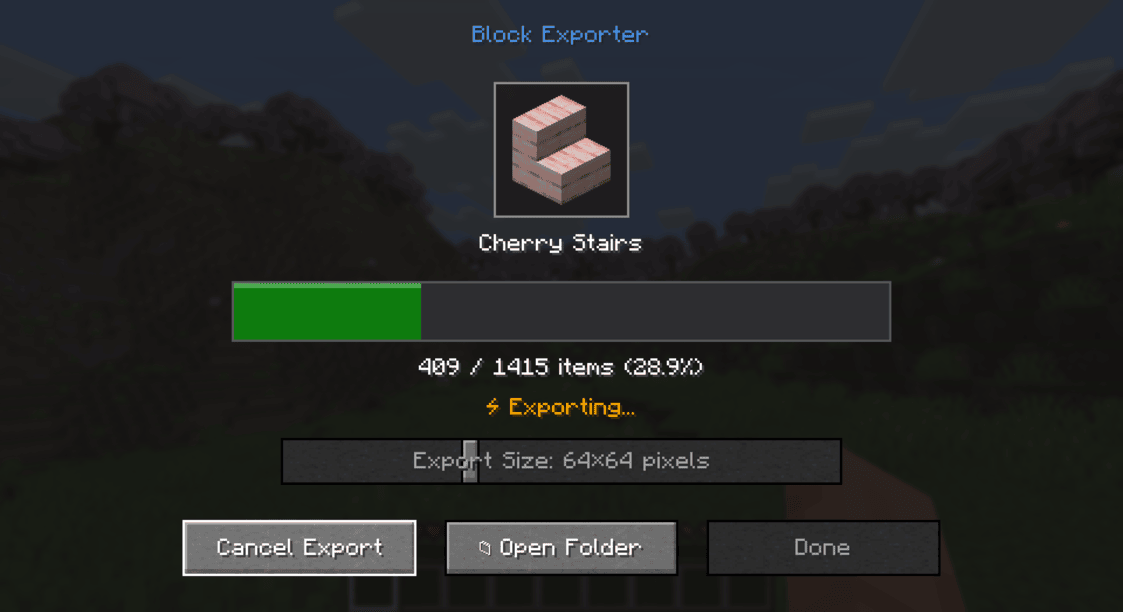
A Minecraft mod that exports item icon renders as they appear in inventory slots.
Supported Platforms
- Modern Minecraft with:
- Fabric
- NeoForge
- Forge
- Minecraft Beta 1.7.3 & Alpha 1.1.2_01 (with ModLoader)
Requirements
- One of the supported mod loaders mentioned above
Usage
- Install the mod along with the required API for your mod loader
- Launch Minecraft
- Press the "i" key to open the export menu
- Find the exported textures in the
item_exportsfolder inside your Minecraft directory
Output Format
- Each texture is saved as a PNG file
- File naming format:
namespace_itemid.png(e.g.,minecraft_diamond.png) - Available output sizes: 16x16, 32x32, 64x64, 128x128, 512x512, 1024x1024 pixels
- Images include transparency where applicable
License
This project is licensed under the MIT License.
Screenshots
Gallery
-
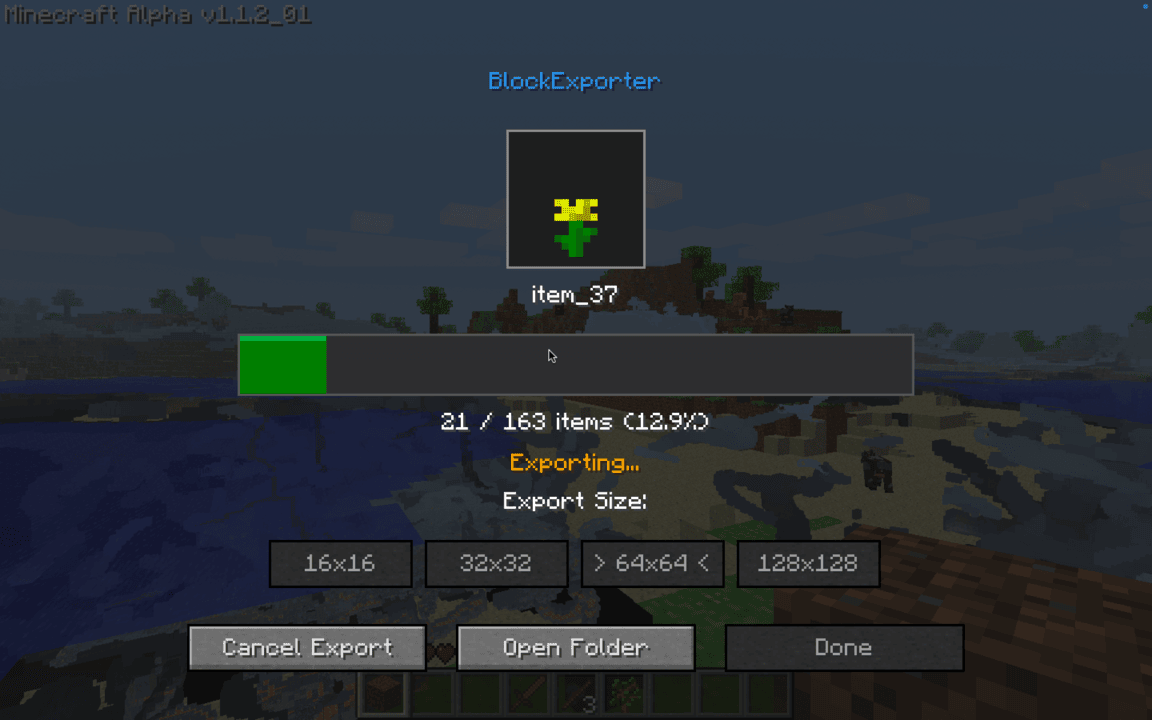 Alpha 1.1.2_01 a1.1.2_01.png
 -
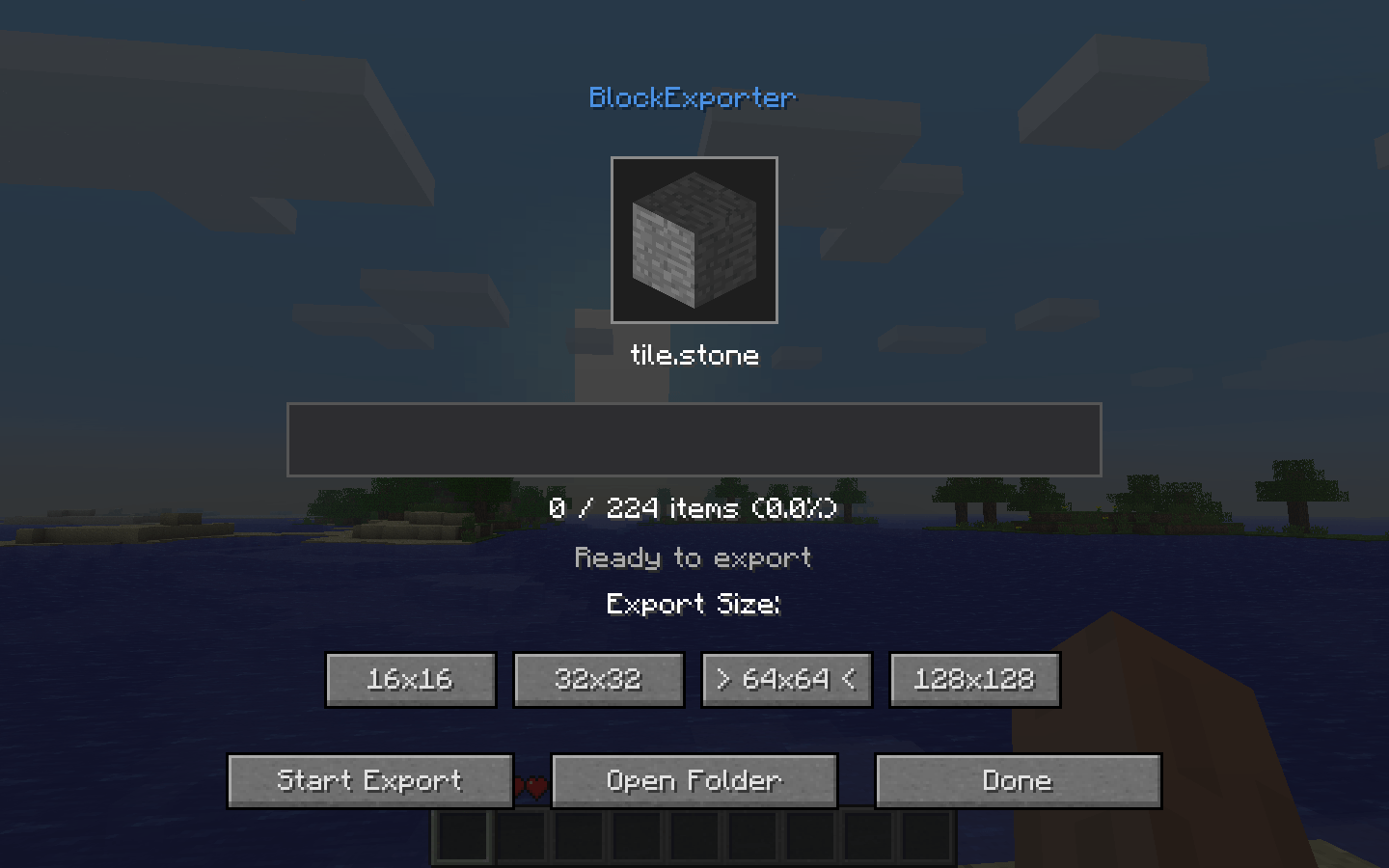 Beta 1.7.3 blockexporter-beta173.png
 -
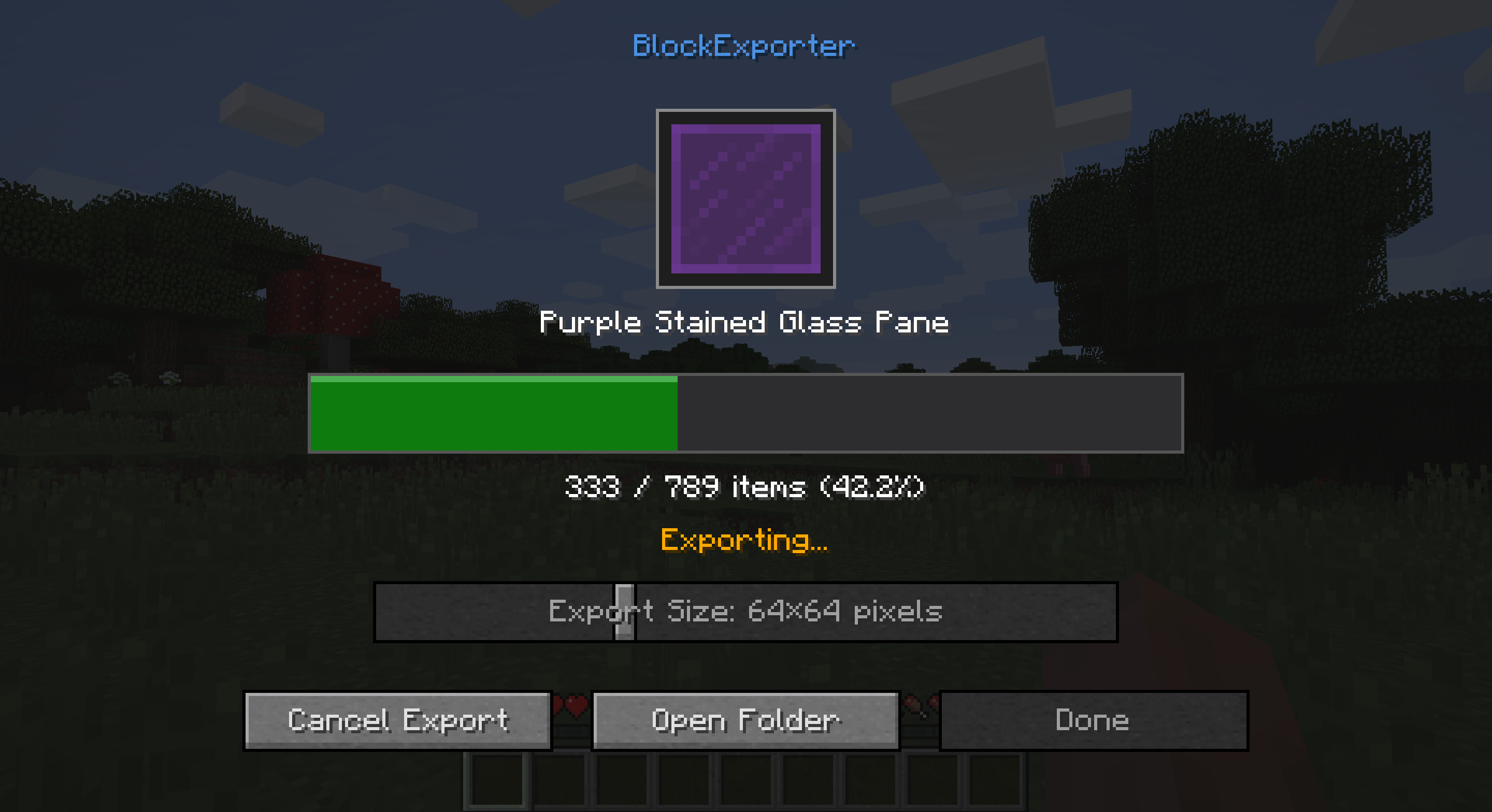 1.13.2 Forge blockexporter-1132.png
 -
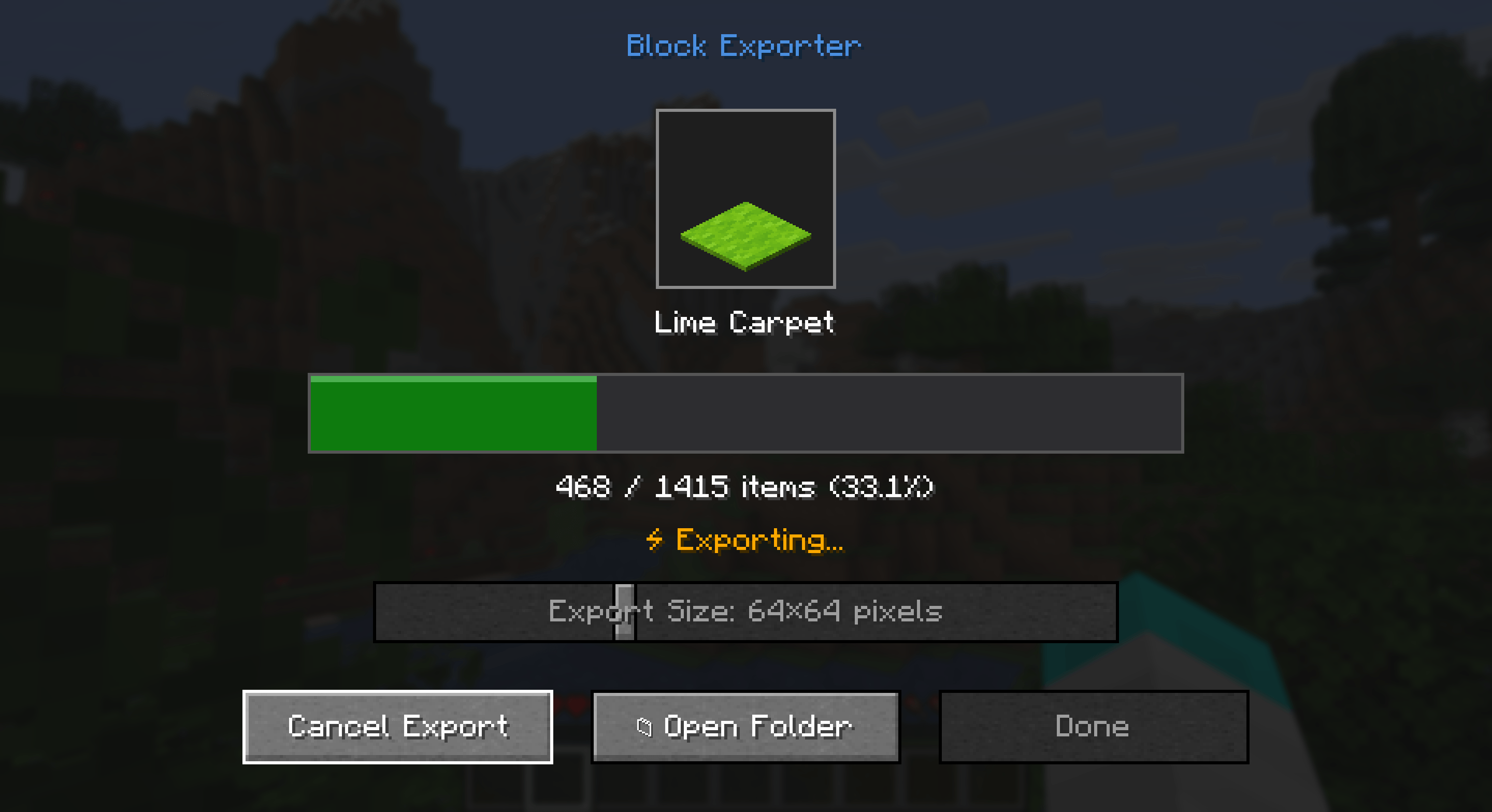 1.21.7 Fabric blockexporter-fabric1217.png
 -
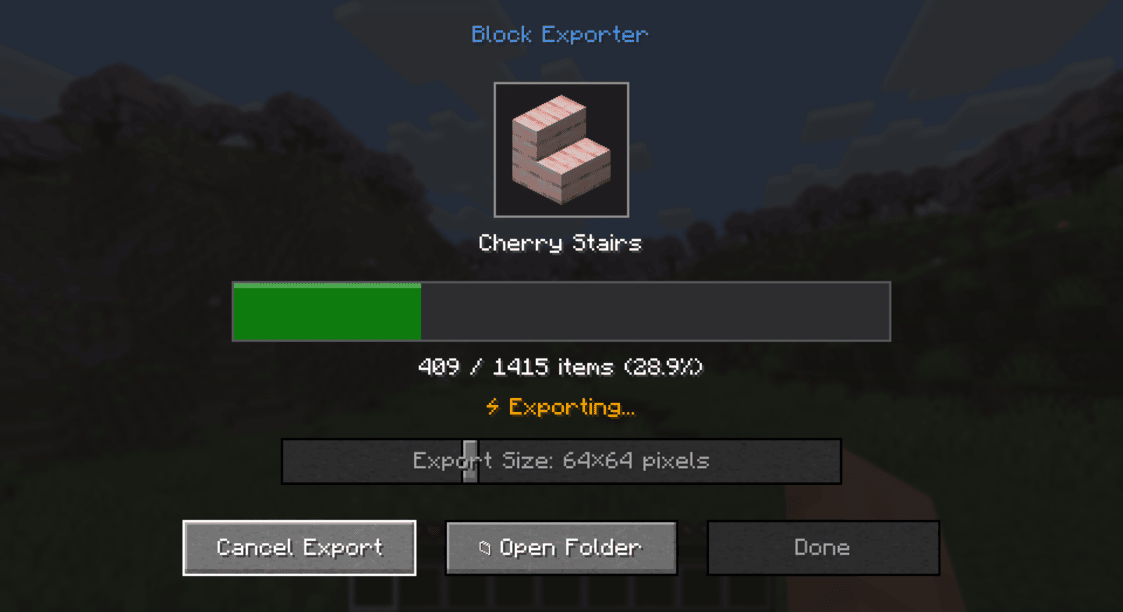 1.21.7 NeoForge example.png
-
 Beta 1.7.3
 -
 1.21.7 NeoForge
 -
 1.21.7 Fabric
 -
 Alpha 1.1.2_01
 -
 1.13.2 Forge
Versions
Files
Relations
Project Relations
More like this
Similar Mods
Suggestions use data such as tags, dependencies, dependents, descriptions, titles, and more to rank how much they overlap with this mod.
On ModDex
Community snapshot
By the numbers
Statistics

Get it on
Available Platforms
On ModDex
Community snapshot
By the numbers