Community listing page, reviews may not be monitored by the author.
Body Language

No reviews yet
Emotes for Minecraft: wave, clap, cheer, dance and more from an emote wheel, and hug or high-five your friends.

Community voices
Reviews
No reviews yet. Be the first to review this project!
Get it on
Available Platforms
About
Project Details
For authors
Embed Badge
If you're the author of this project, you can embed a live badge anywhere that supports HTML or Markdown. It updates automatically whenever ratings change.
Use HTML for any page that supports it, or Markdown for README files and Markdown-based descriptions.
Identifiers
Platform IDs
Resources
External Links
About
Description
Say it without typing it. Hold B, point at an emote and let go: wave hello, clap, cheer, take a bow, floss with your friends or lie back and watch the sunset. Play on a server with Body Language and everyone around you sees it.
Full guide: hardlineinteractive.com/mods/body-language
What's in it
- 30 emotes: Wave, Clap, Cheer, Bow, Curtsy, Salute, Facepalm, Shrug, Point, Laugh, Cry, Think, Flex, Heart Hands, Jump for Joy, Shy, Crossed Arms, Scared, Stretch, Yes, No, Sit, Lie Down, Dab, T-Pose, Air Guitar, and four dances: Shuffle, Disco, Robot and Floss.
- An emote wheel with your eight favourites, one key away. Point and let go, or press 1-8 while it's open. Press N for every emote, and pick which eight go on your wheel.
- Dance together. Start a dance next to someone already doing it and you fall into step. Or look at a friend who's dancing and press G: Join in starts their dance, in step, no asking.
- Hugs and high-fives. Look at a friend and press G. They get a card and a [Yes] [No] in chat. Say yes and you both step into place for a hug (with hearts) or a high-five (with a clap).
- /emote for keybind mods and macros:
/emote wave,/emote air guitar(Tab completes),/emote stop. - Smooth animation. Emotes ease in and out instead of snapping, and the view swings round behind you while you emote, so you can see yourself do it.
- Moving ends it. Walk, jump, sneak or attack and you're straight back to normal. Dances, sitting, lying down and other poses carry on until you do.
- Join in late. Players who walk up halfway through your dance see it from where you are, not from the start.
- Make your own. Emotes are small text files, so a resource pack can add new ones. The guide walks you through your first.
How to use it
| Key | What it does |
|---|---|
| B (hold) | Emote wheel: point at an emote and let go, or press 1-8 |
| N | Every emote. Click one to do it, or change your wheel |
| G | Hug, high-five or join the dance of the player you're looking at, or say yes when asked |
All three can be changed in Options › Controls, under Body Language.
Multiplayer
| Server has Body Language | Server doesn't | |
|---|---|---|
| You have it | Everyone nearby with the mod sees your emotes. Hugs, high-fives and dancing in step work. | Only you see your emotes. |
| You don't | You can still join; you just don't see emotes. | Nothing changes. |
There's nothing to set up on the server: drop the jar in its mods folder. Players don't need the mod to join. Don't want hug requests? Turn them off in the settings, and anyone who asks is told politely.
Settings
Mods › Body Language › Config: your wheel's emotes, whether the view swings round behind you, hiding other players' emotes, and whether players can ask you for hugs and high-fives.
For resource packs and mod developers
- Resource packs can add or replace emotes with simple keyframe files. See Making your own emotes.
- Mods can react when a player starts or stops an emote (a pet that copies its owner, say) through a small server-side event, used as an optional dependency. See For mod developers.
Made with AI
Body Language is made by Hardline Interactive (Taylor Gibbs) and vibe coded with Claude Code, Anthropic's AI coding assistant. Claude wrote the code, the emote animations, the sounds, the pixel art (drawn by scripts it wrote) and the guide, under Taylor's direction, and Taylor tested and shaped every part of it. We'd rather you knew.
Licence
All Rights Reserved. You're welcome to use Body Language in modpacks, stream it, make videos with it, and share resource packs with your own emotes.
Screenshots
Gallery
-
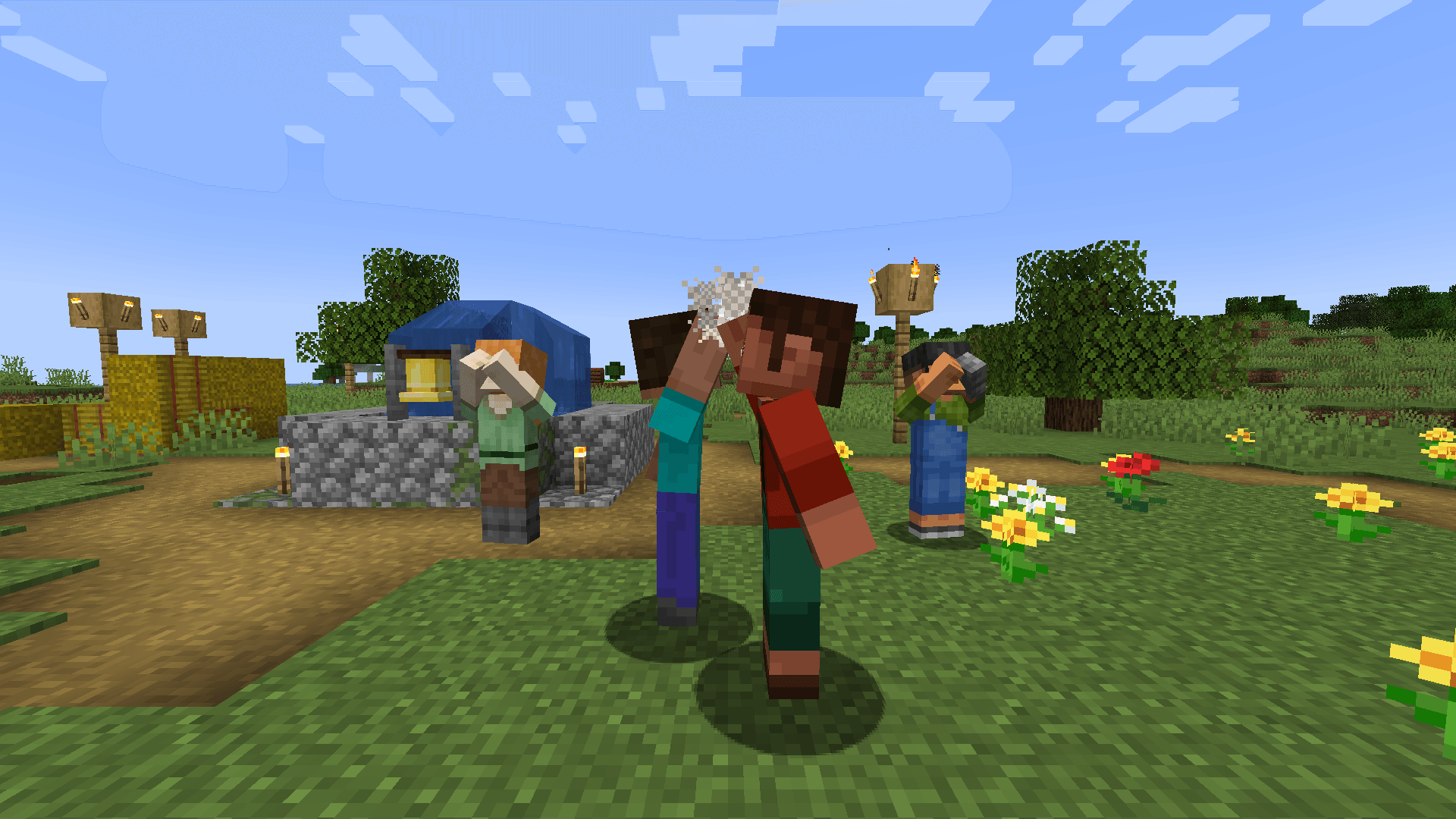 4_high_five_new.png 4_high_five_new.png
 -
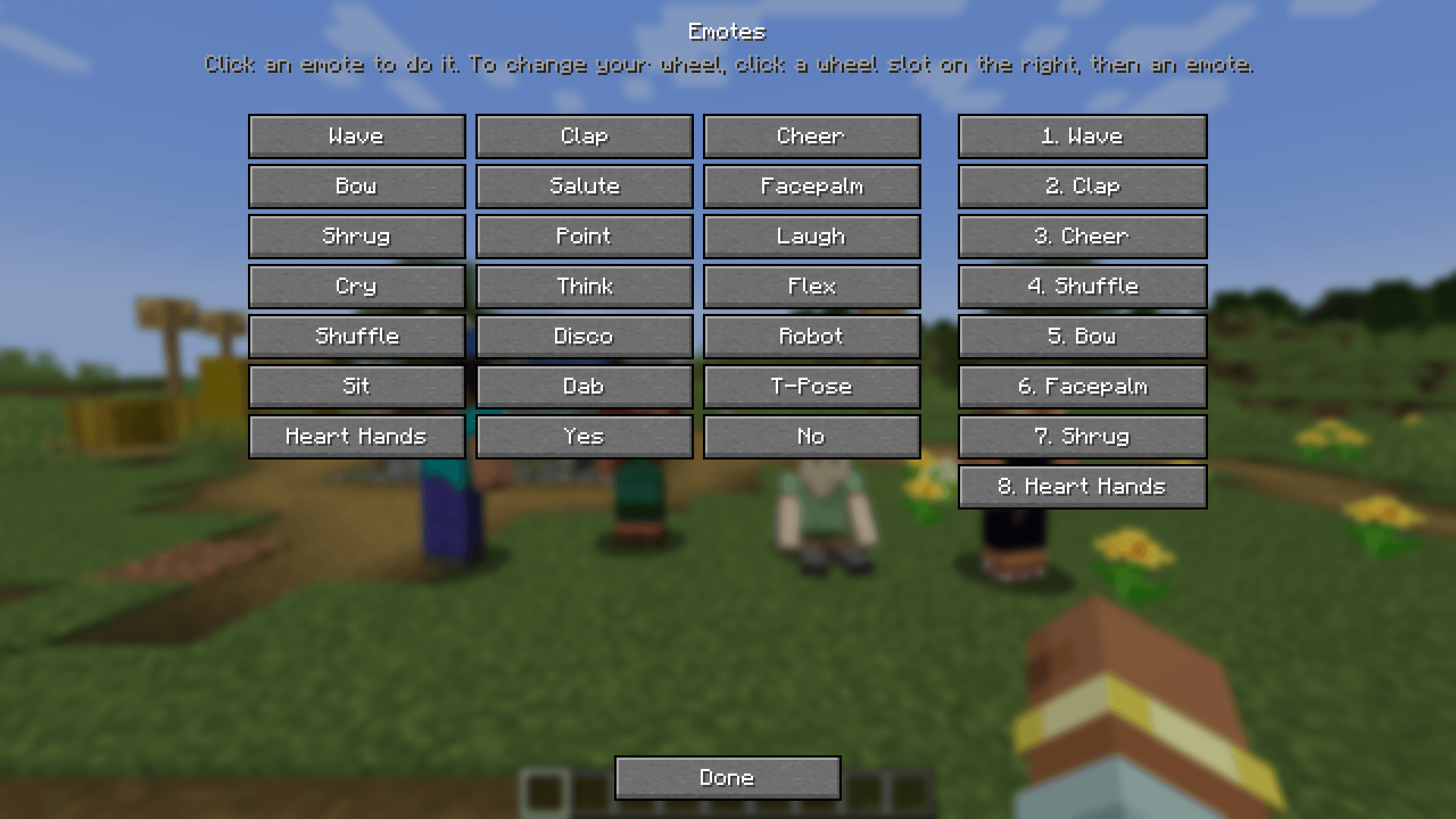 5_list.png 5_list.png
 -
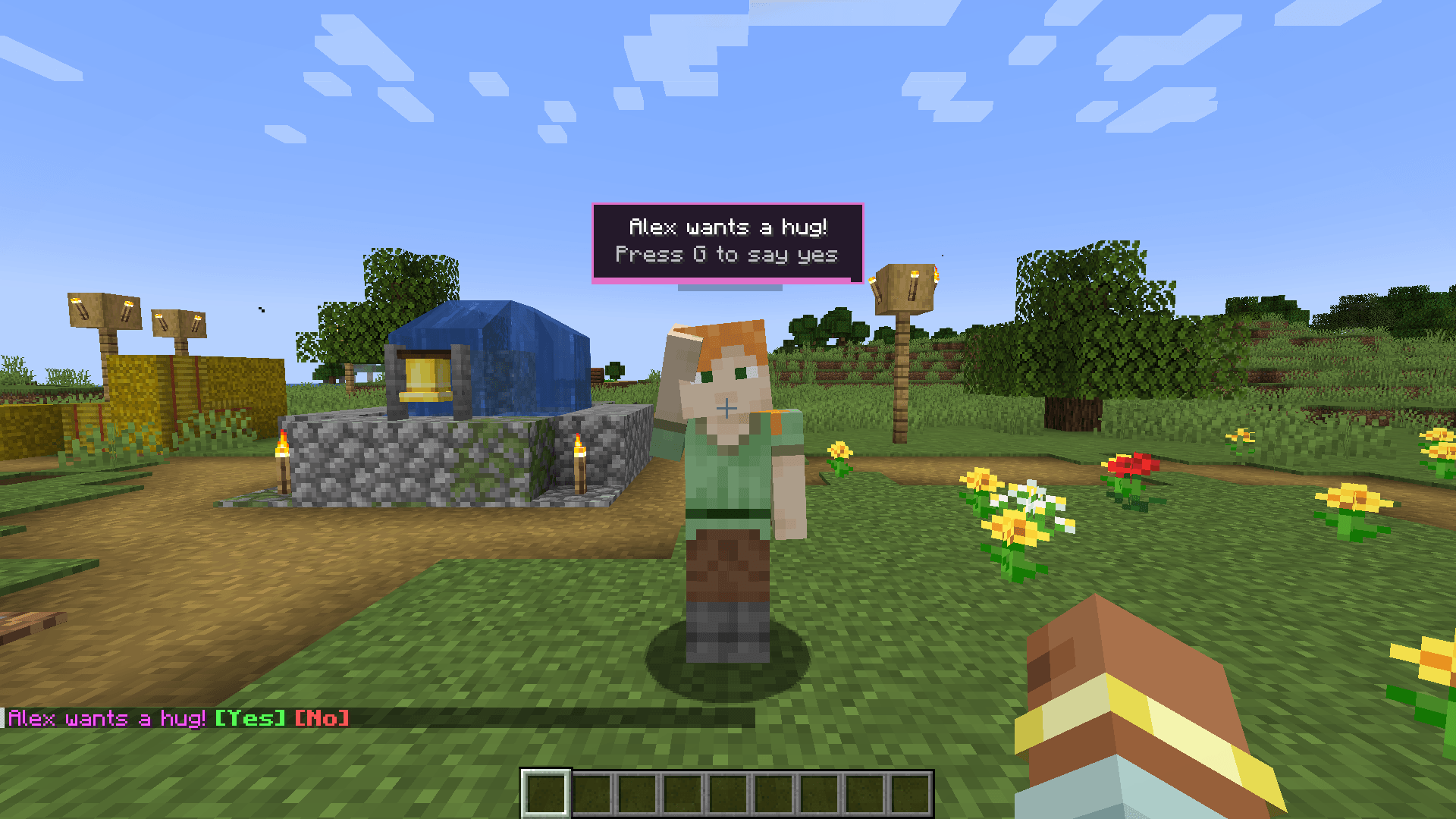 6_request.png 6_request.png
 -
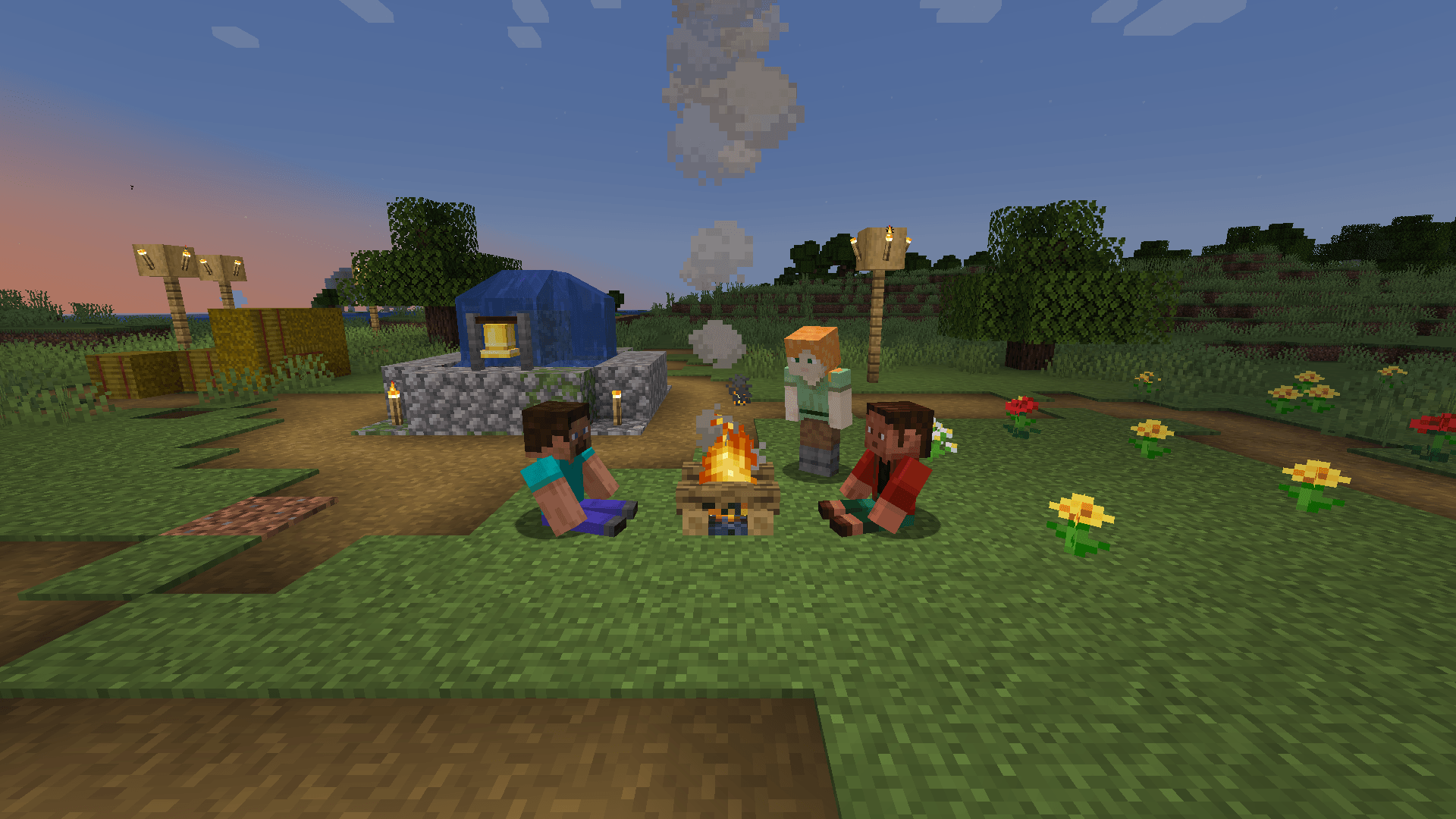 7_campfire.png 7_campfire.png
 -
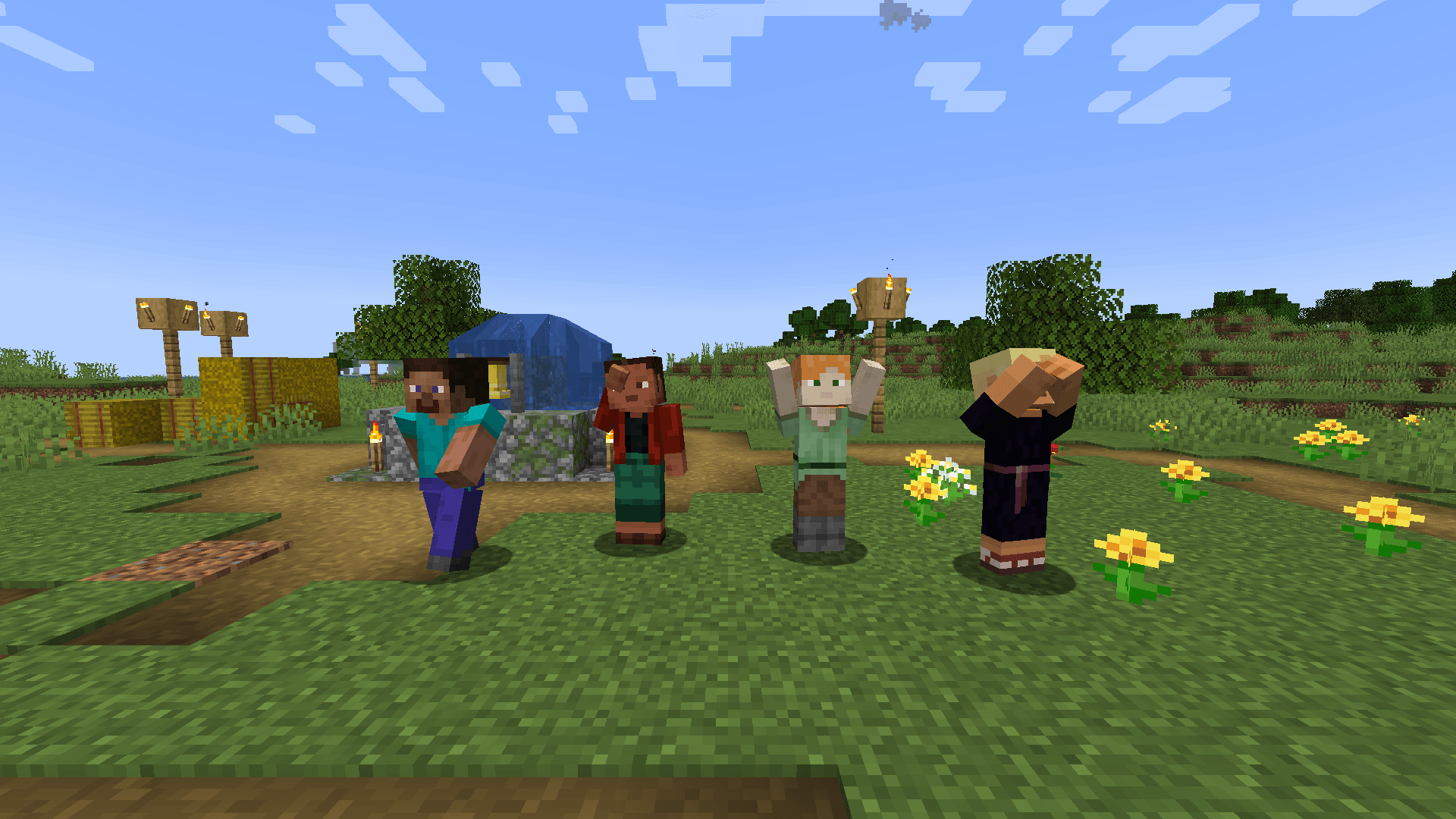 1_friends.png 1_friends.png
 -
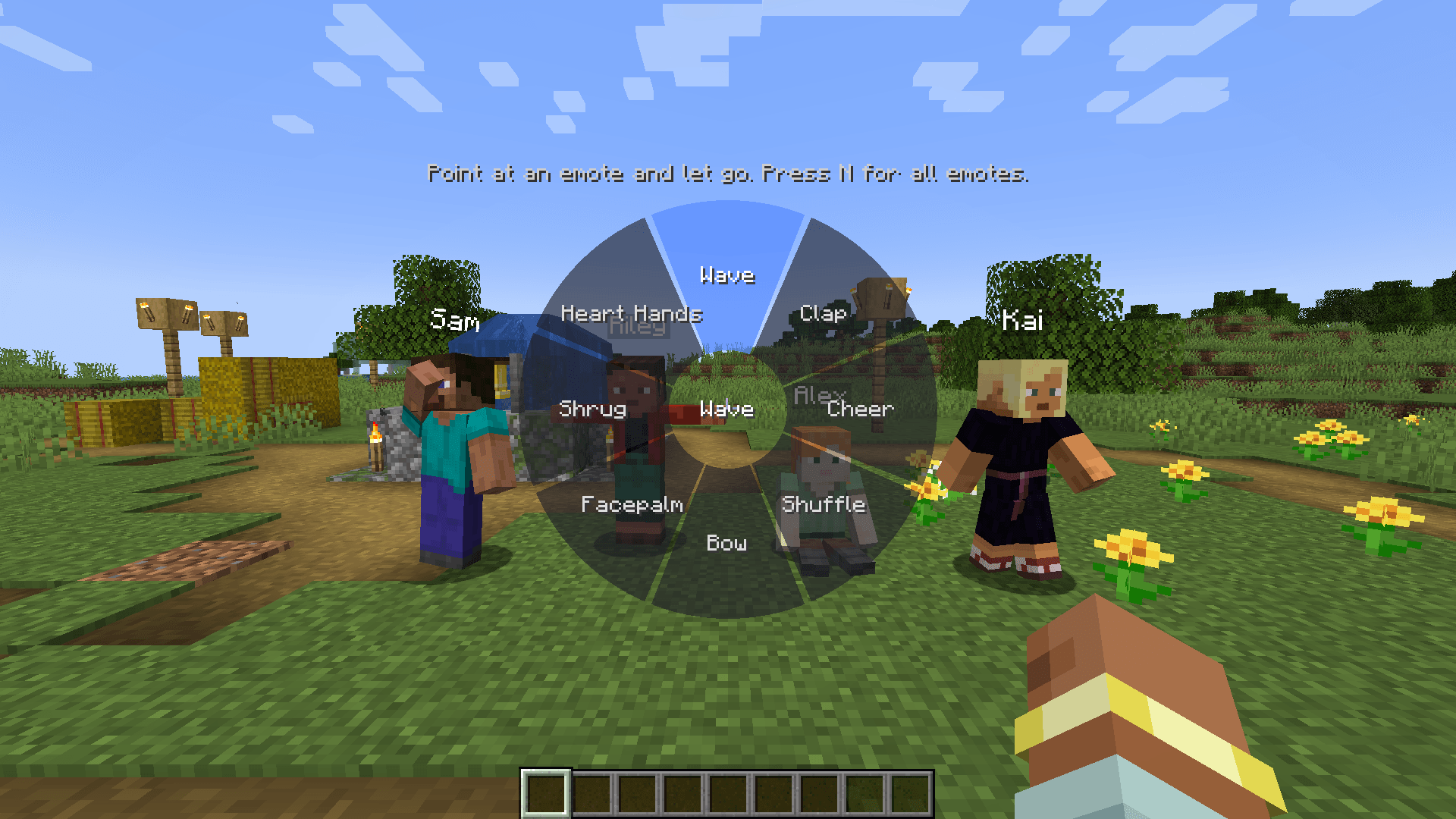 2_wheel.png 2_wheel.png
 -
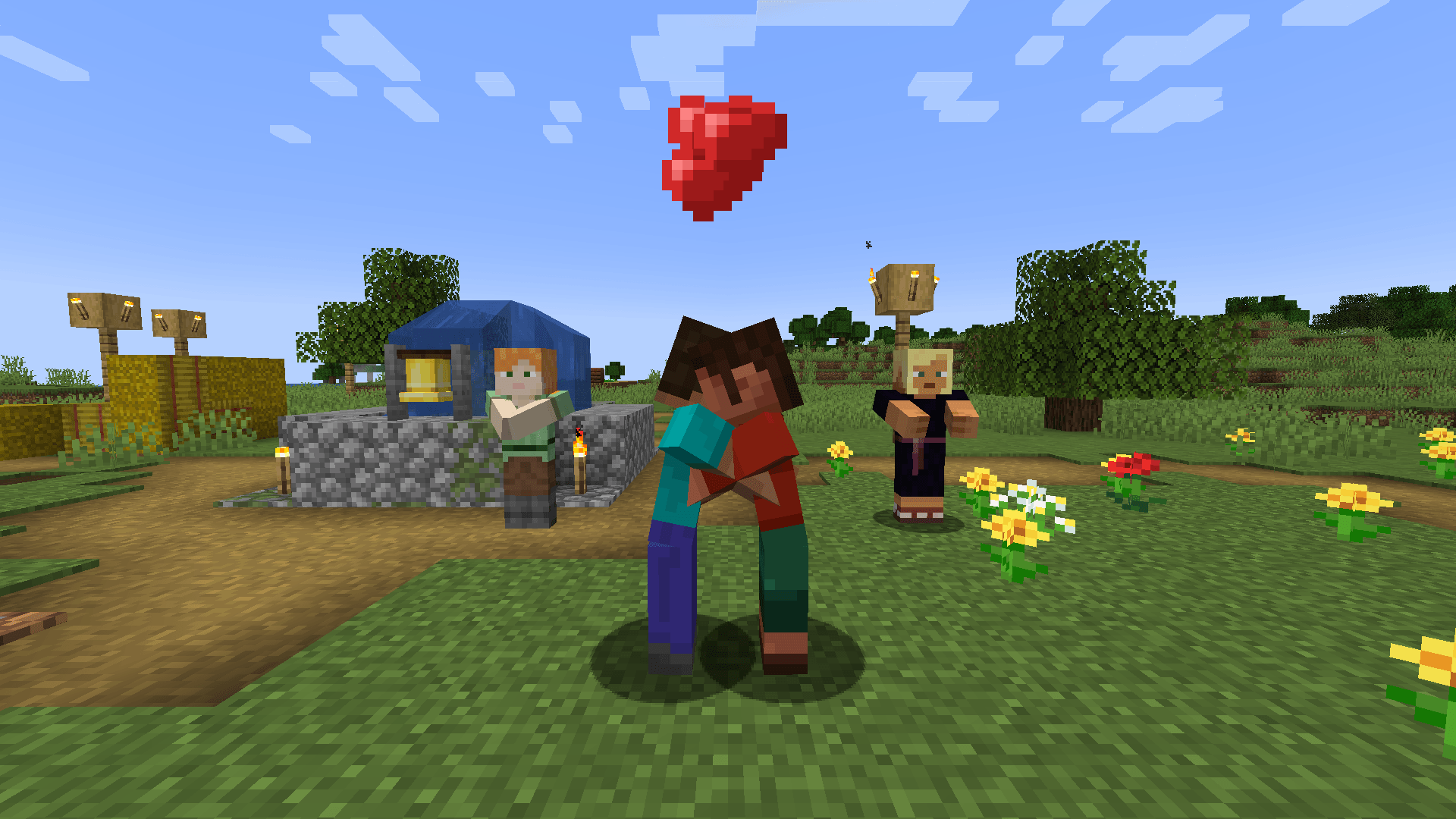 3_hug.png 3_hug.png
 -
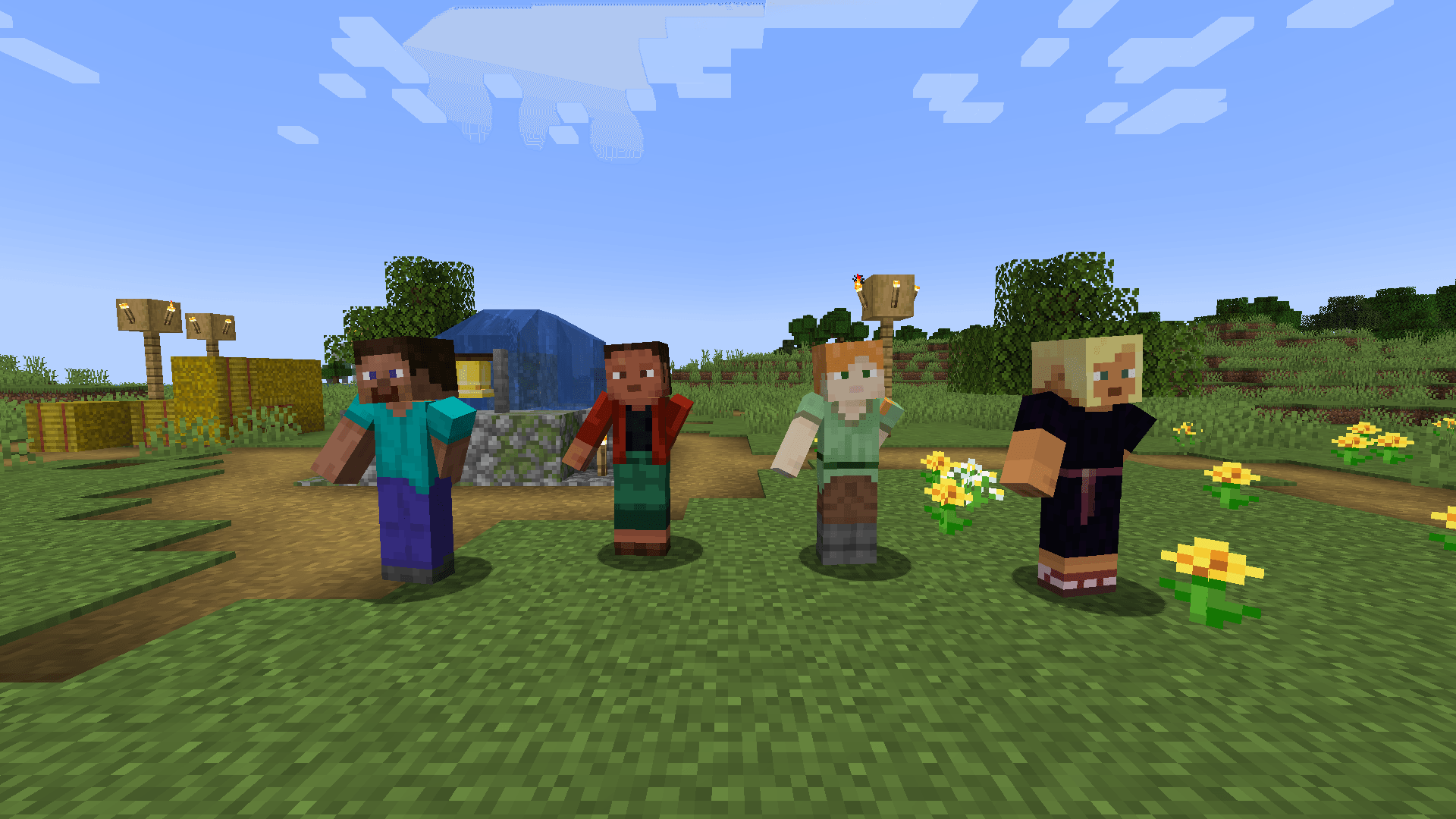 8_floss.png 8_floss.png
 -
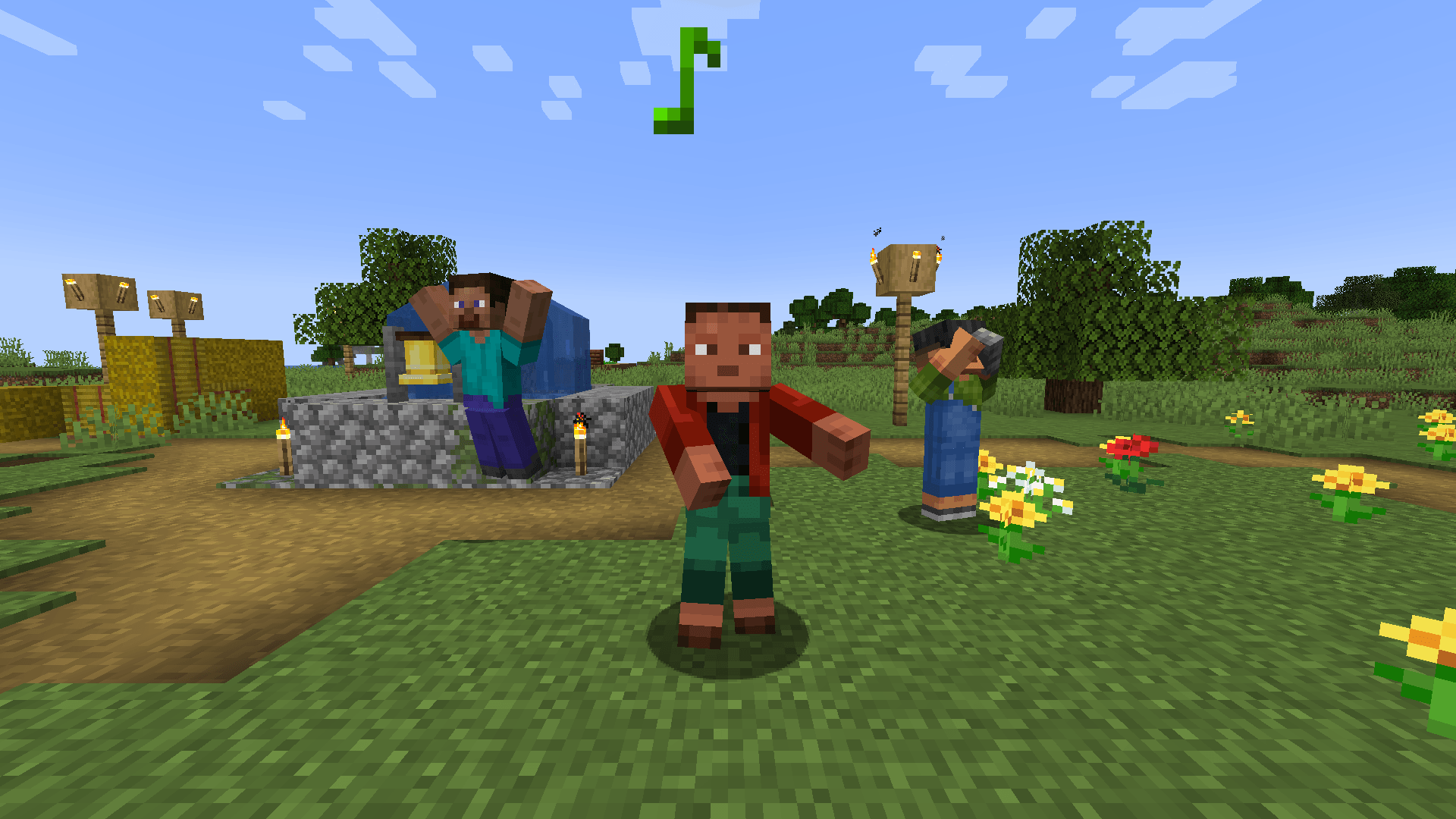 9_air_guitar.png 9_air_guitar.png
 -
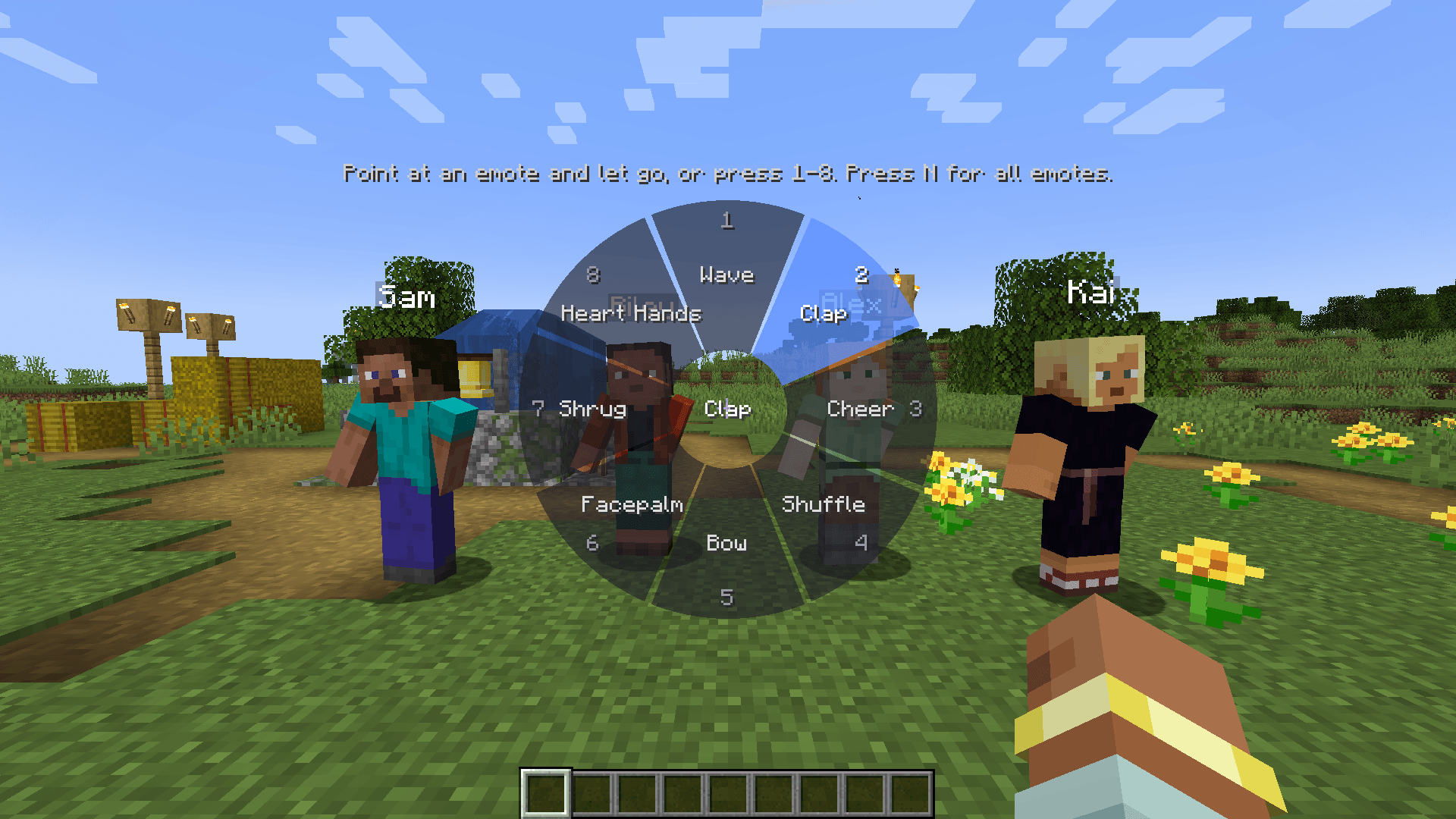 10_wheel_numbers.png 10_wheel_numbers.png
 -
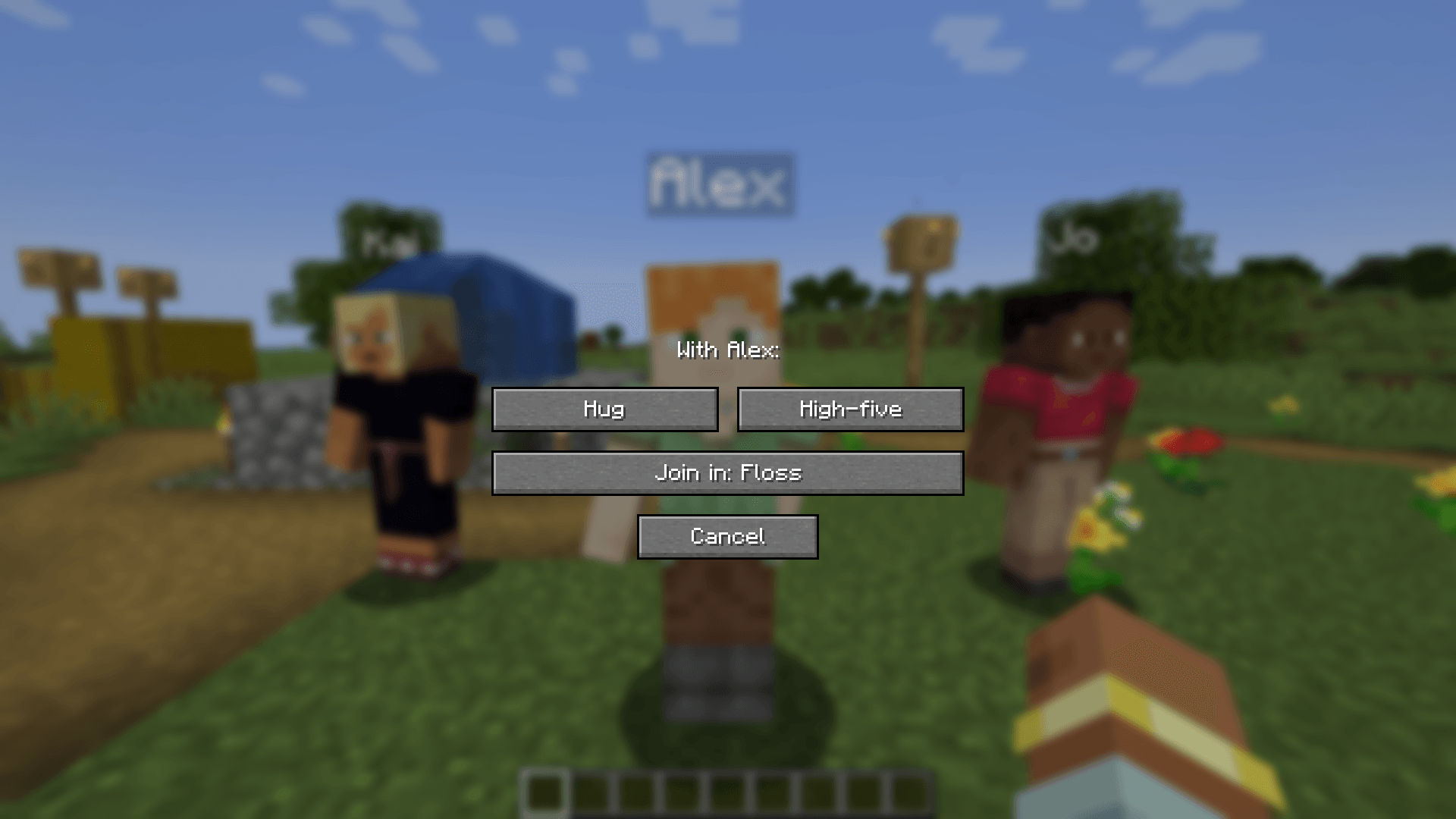 11_join.png 11_join.png
 -
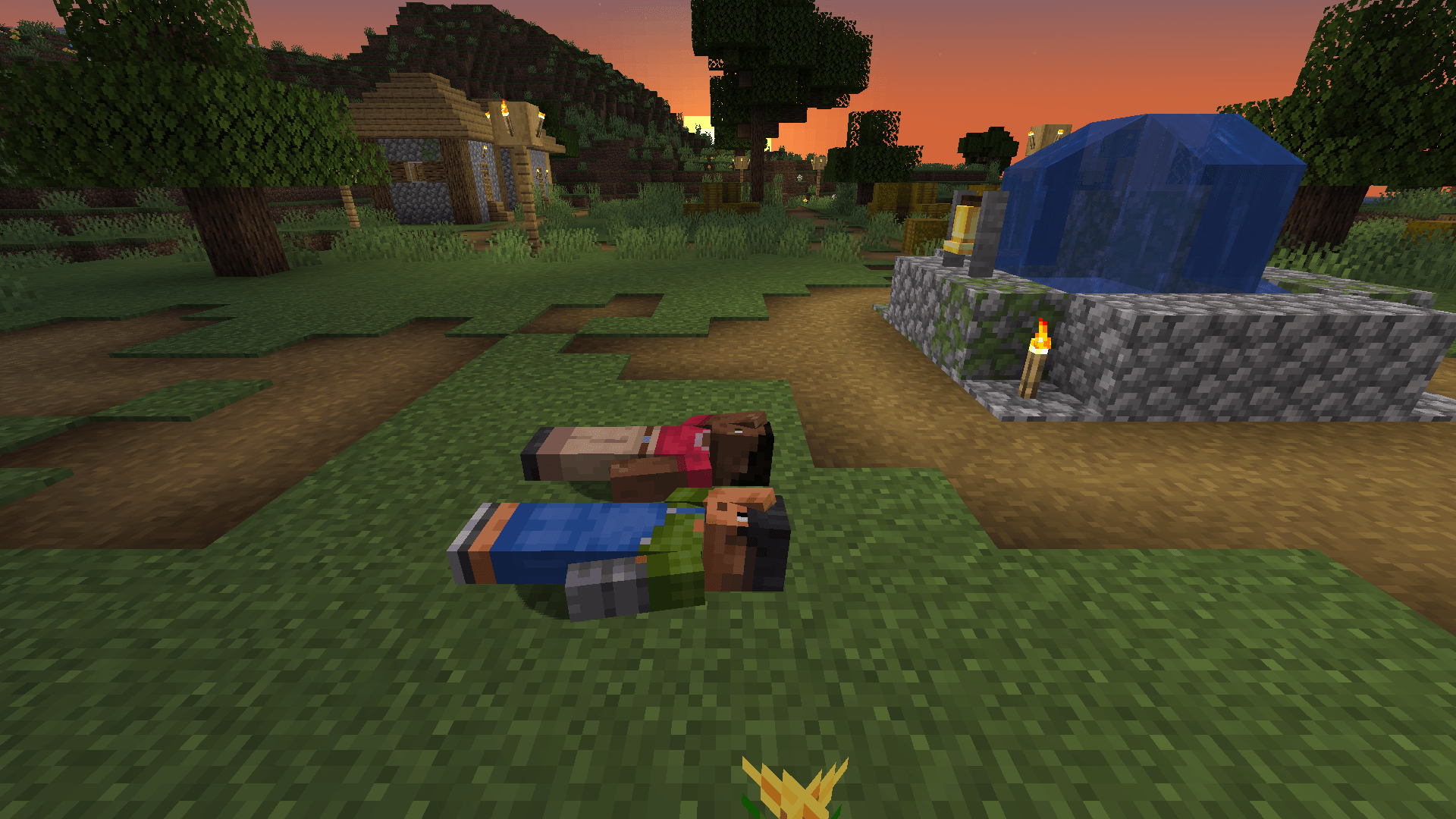 12_lie_down.png 12_lie_down.png
Versions
Files
Relations
Project Relations
More like this
Similar Mods
Suggestions use data such as tags, dependencies, dependents, descriptions, titles, and more to rank how much they overlap with this mod.
On ModDex
Community snapshot
By the numbers
Statistics

Get it on
Available Platforms
On ModDex
Community snapshot
By the numbers
Statistics
Resources