
Community listing page, reviews may not be monitored by the author.
DISTO

No reviews yet
Web-based dashboard for monitoring Fabric server performance with real-time metrics, user management, and admin tools.

Community voices
Reviews
No reviews yet. Be the first to review this project!
Get it on
Available Platforms
About
Project Details
For authors
Embed Badge
If you're the author of this project, you can embed a live badge anywhere that supports HTML or Markdown. It updates automatically whenever ratings change.
Use HTML for any page that supports it, or Markdown for README files and Markdown-based descriptions.
Identifiers
Platform IDs
Resources
External Links
About
Description
DISTO - Dashboard for Information, Statistics, Telemetry, and Objects
A comprehensive web-based dashboard for monitoring your Fabric server's performance, managing users, and executing admin commands. Features real-time metrics, secure authentication, and an intuitive web interface.✨ Key Features
📊 Performance Monitoring- Real-time TPS (Ticks Per Second) monitoring
- CPU and Memory usage tracking
- Player statistics and online status
- Mod information and version tracking
- Password-based authentication
- User management with admin portal
- Role-based access control
- Console access with command execution
- Player teleportation to entity locations
- Real-time console output monitoring
- View your BlueMap directly in the dashboard
- Automatic detection and setup
- Optional feature - works great without it too!
🛠️ Installation
- Download the JAR file
- Place it in your server's mods folder
- Start your server
- Access the dashboard at http://localhost:8765
- Login with default credentials: admin/admin (change immediately!)
Requirements
- Minecraft: 1.21.8
- Fabric Loader: >=0.16.5
- Fabric API: >=0.130.0
- Java: 21+
🔧 Configuration
The mod creates a config/metricsbridge.json (to be changed) file on first run with basic settings.🤝 Support
For detailed documentation, issues, or feature requests, visit the GitHub repository.Perfect for server administrators who want comprehensive monitoring and management tools for their Fabric servers!
Screenshots
Gallery
-
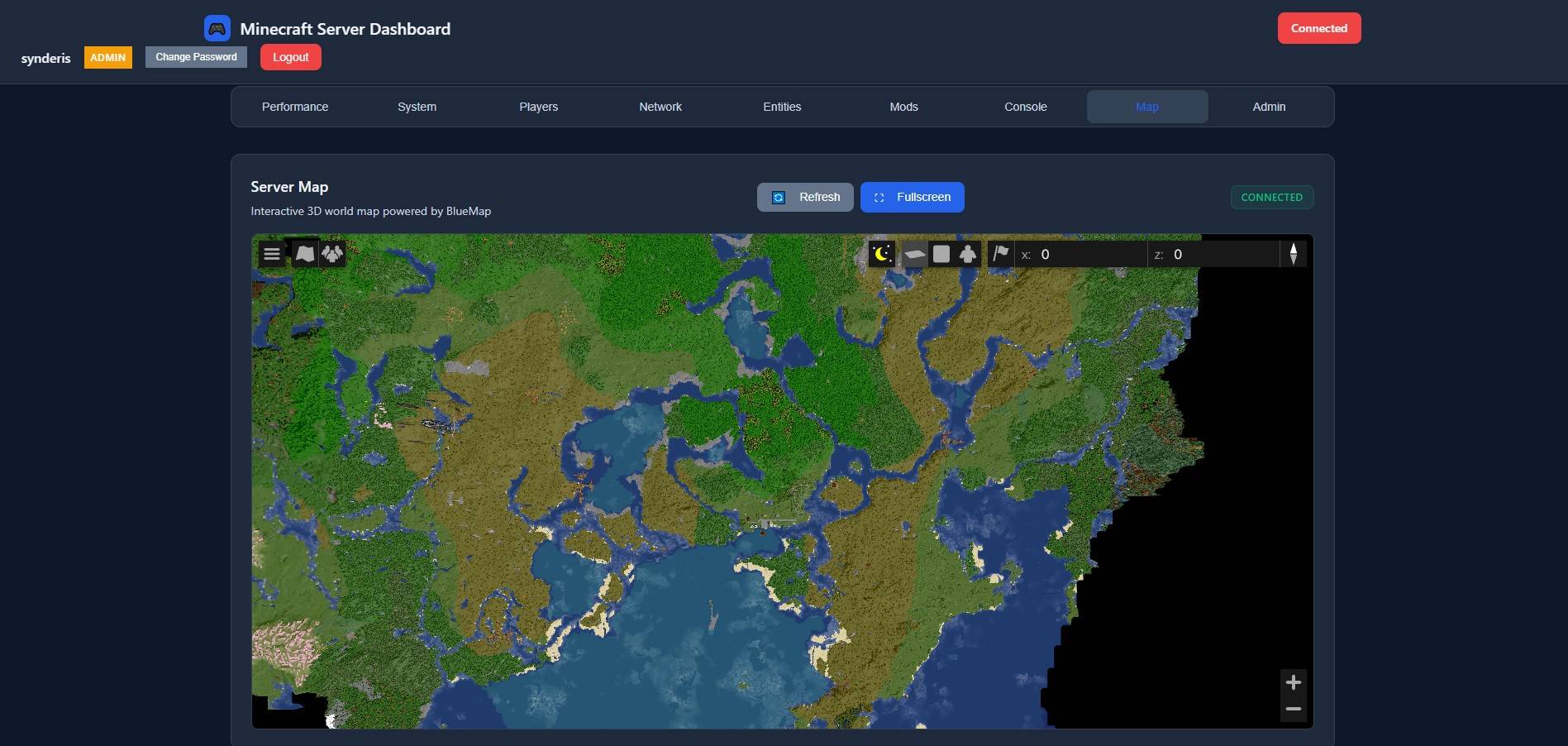 Map_page.jpg Map_page.jpg
 -
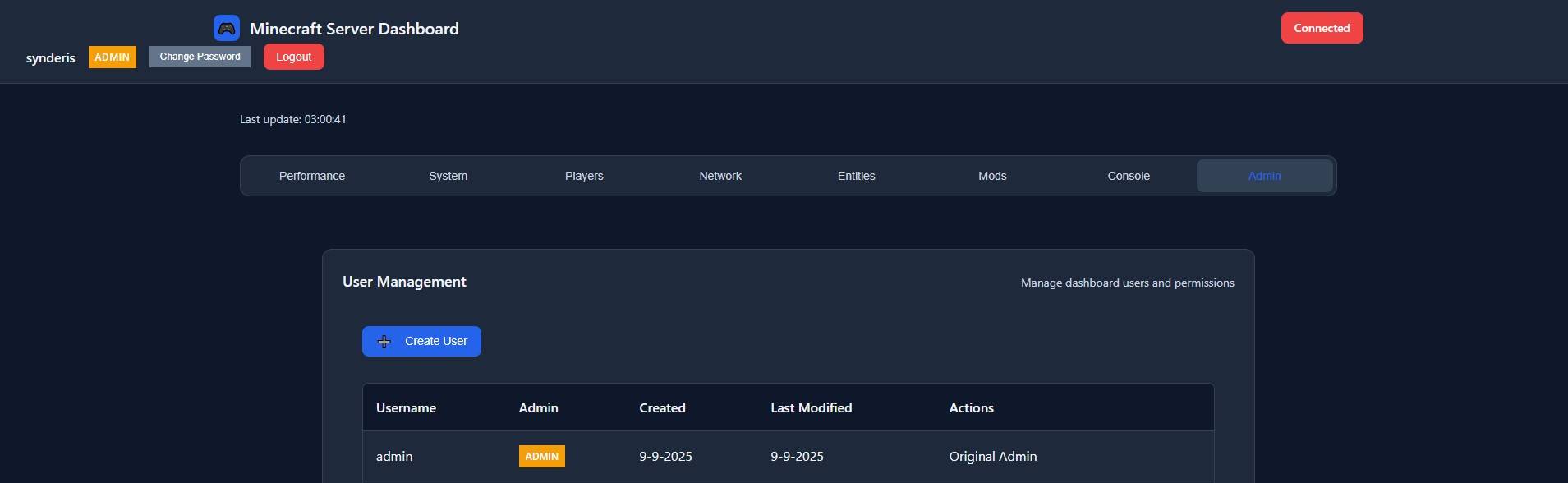 Admin_page.jpg Admin_page.jpg
 -
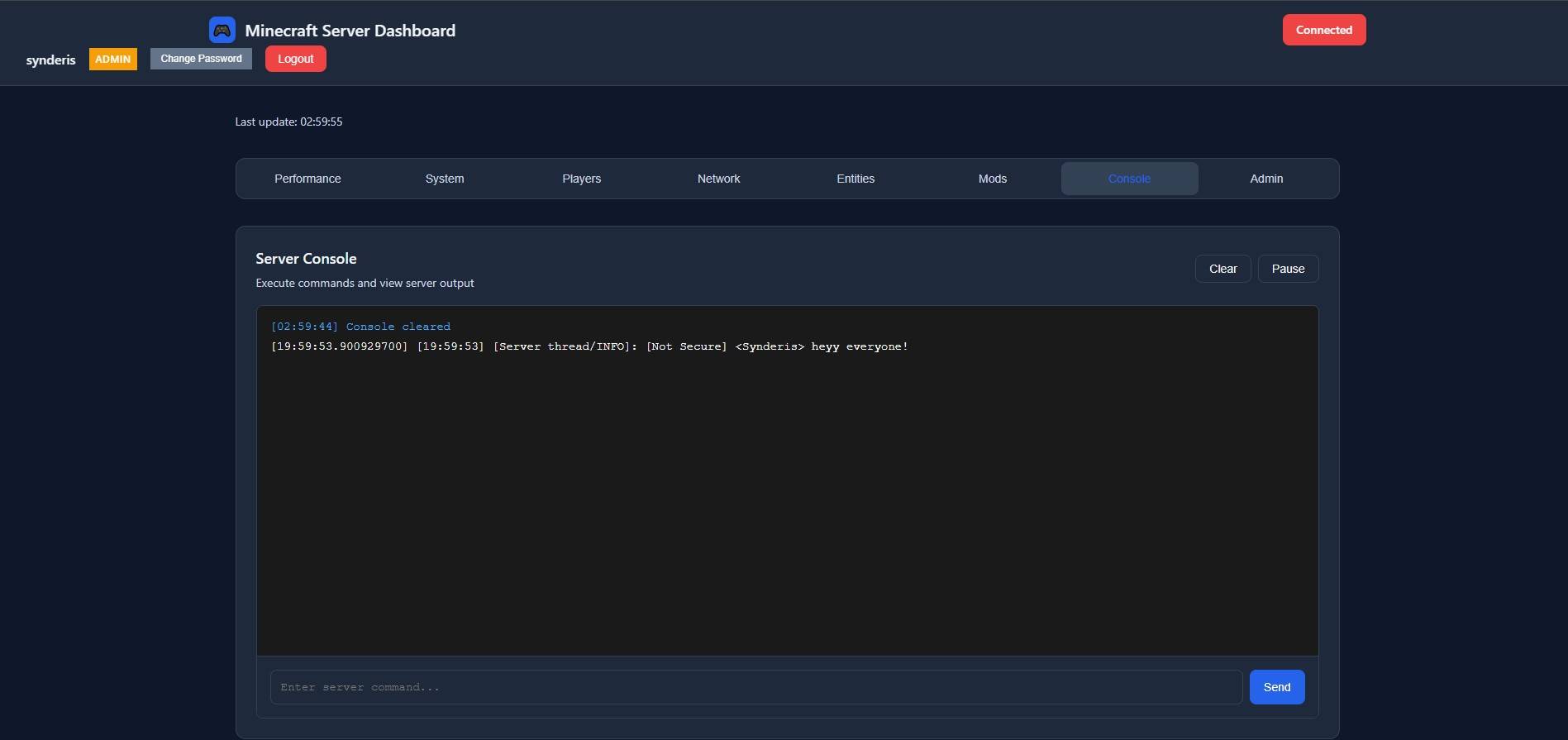 Console_page.jpg Console_page.jpg
 -
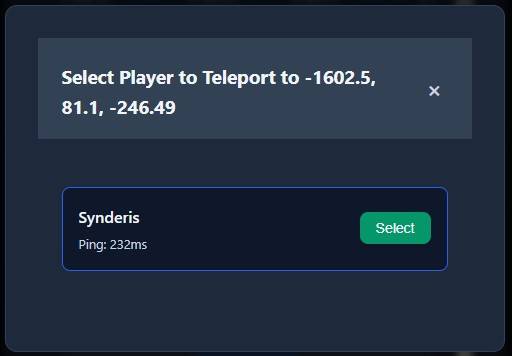 Entities_page_3_minecart_loc_teleport.jpg Entities_page_3_minecart_loc_teleport.jpg
 -
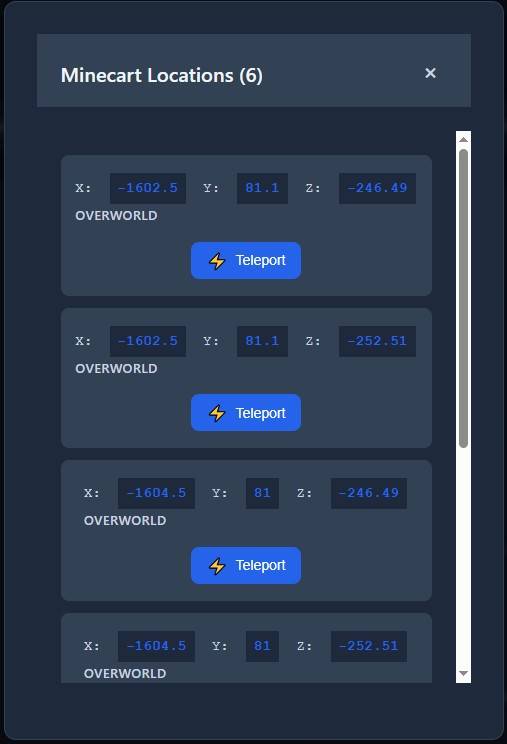 Entities_page_2_minecart_loc.jpg Entities_page_2_minecart_loc.jpg
 -
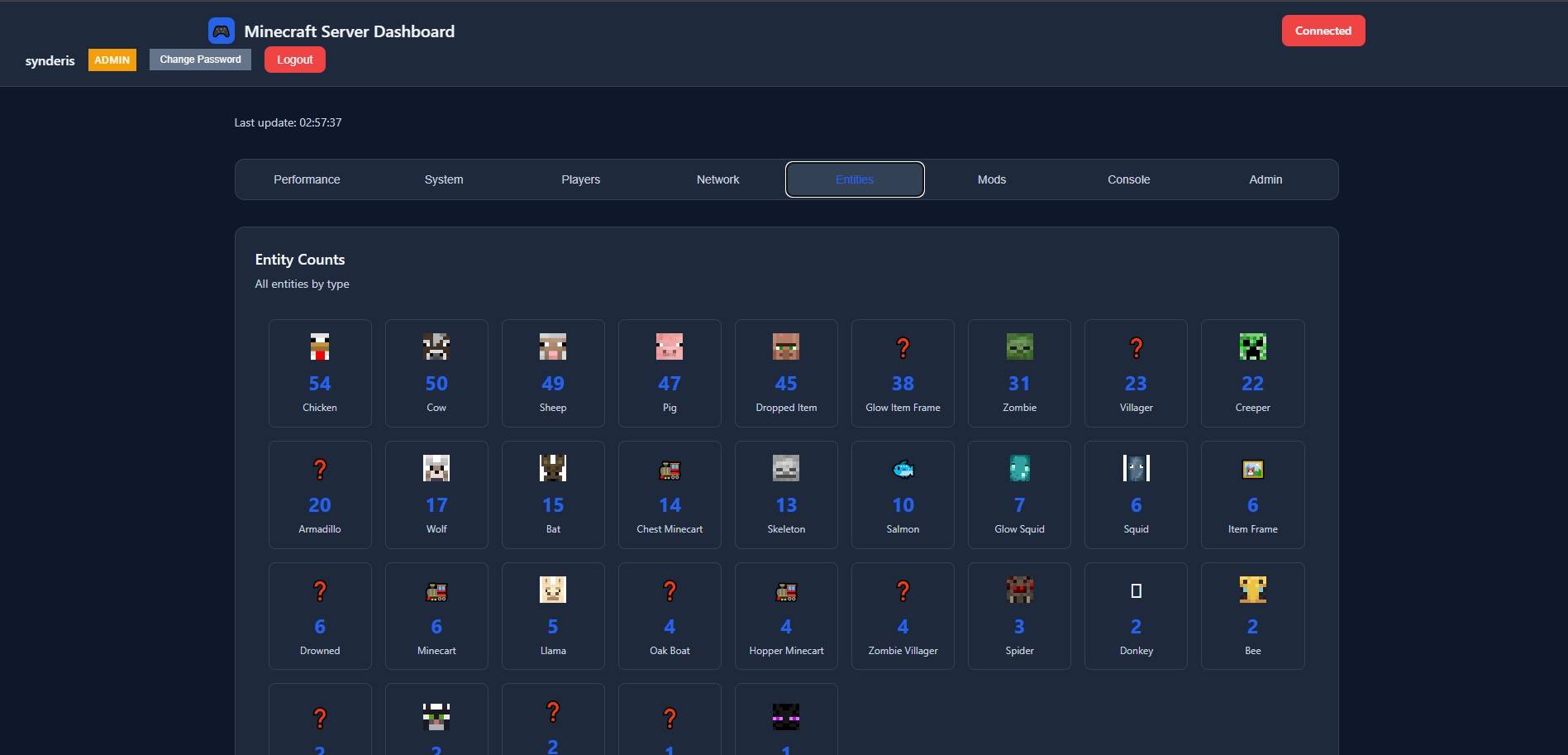 Entities_page_1.jpg Entities_page_1.jpg
 -
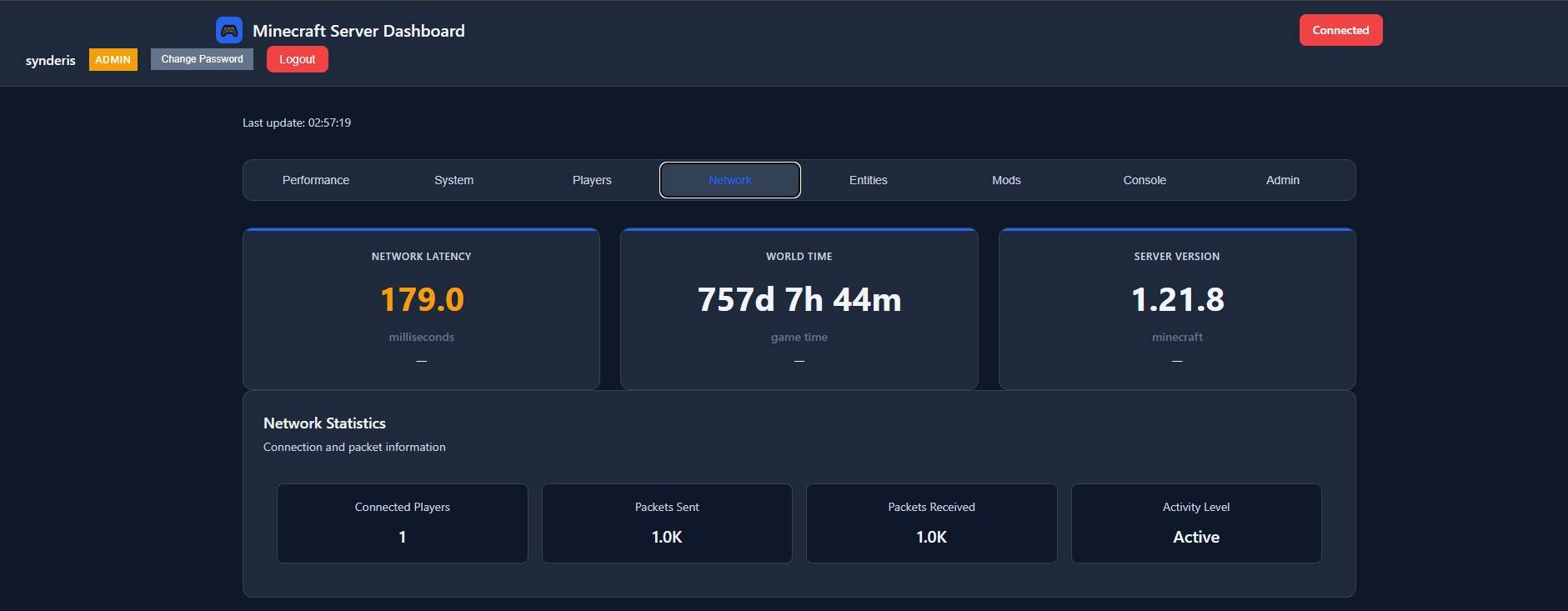 Network_page.jpg Network_page.jpg
 -
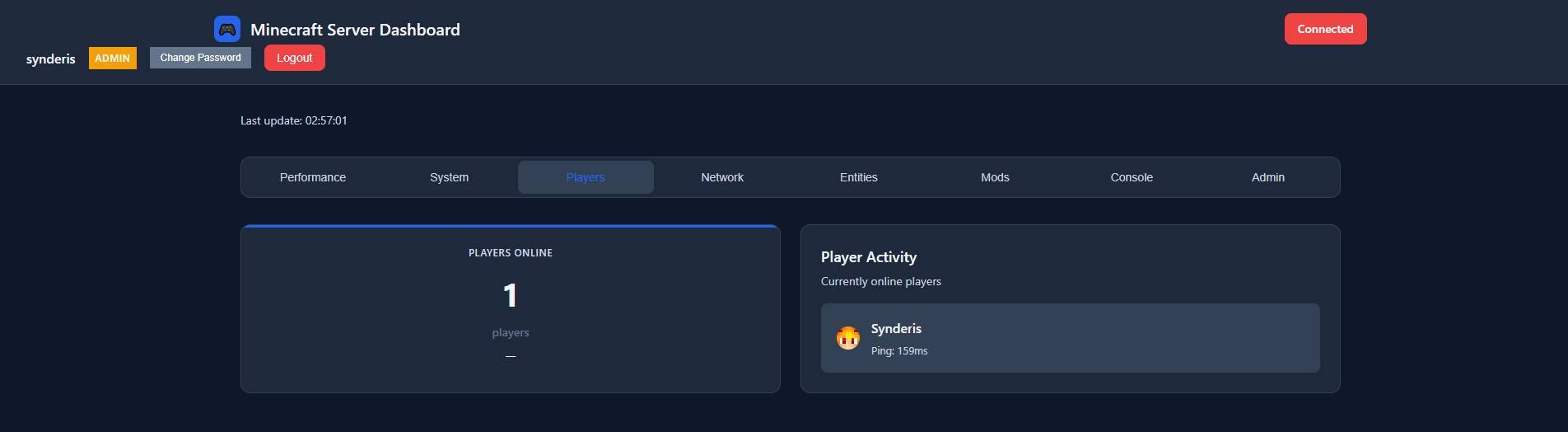 Player_page.jpg Player_page.jpg
 -
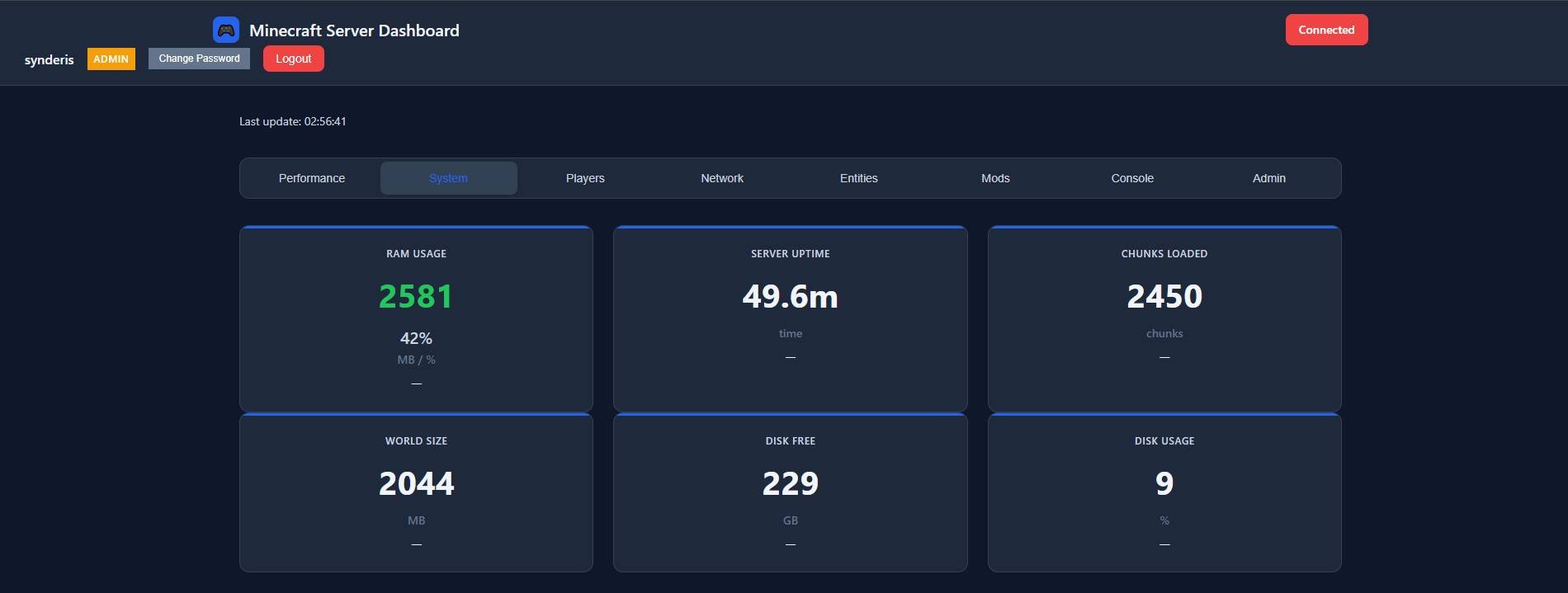 System_page.jpg System_page.jpg
 -
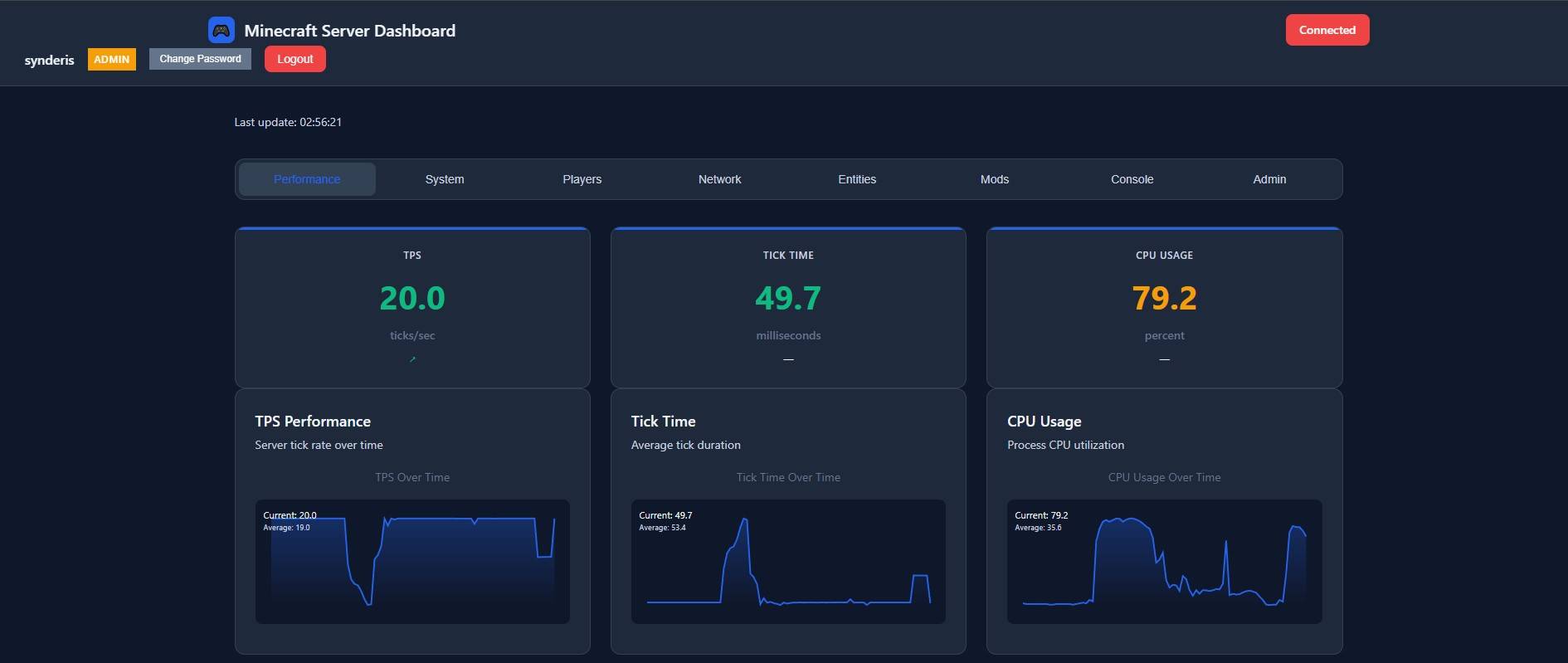 Performance_page.jpg Performance_page.jpg
Versions
Files
Relations
Project Relations
More like this
Similar Mods
Suggestions use data such as tags, dependencies, dependents, descriptions, titles, and more to rank how much they overlap with this mod.
On ModDex
Community snapshot
By the numbers
Statistics

Get it on
Available Platforms
On ModDex
Community snapshot
By the numbers
Statistics
Resources