Community listing page, reviews here may not be monitored by the author.
DualHandModOV

No reviews yet
Is better for PVP and construction
Community voices
Reviews
No reviews yet. Be the first to review this project!
Get it on
Available Platforms
About
Project Details
For authors
Embed Badge
If you're the author of this project, you can embed a live badge anywhere that supports HTML or Markdown. It updates automatically whenever ratings change.
Use HTML for any page that supports it, or Markdown for README files and Markdown-based descriptions.
Identifiers
Platform IDs
Resources
External Links
About
Description
English
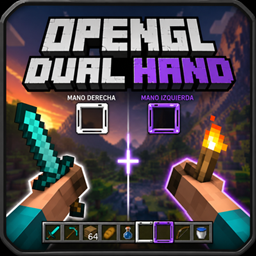
OpenGL/Vulkan Dual Hand transforms Minecraft’s hand system by adding a fully functional and independent second hand. Instead of relying on the limited vanilla offhand, this mod introduces a new left hand with its own always-visible hotbar selector, allowing it to perform complete actions such as mining, attacking, placing blocks, using items, eating, blocking with shields, and shooting bows.
The hotbar displays two selectors: the vanilla white selector for the right hand and a black selector for the left hand. Each selector works independently, avoids selecting the same slot as the other, and can be controlled with keys, the mouse wheel, and configurable shortcuts.
DualHandModOV keeps the right hand working like normal Minecraft, while the left hand uses the item selected by the black selector. If the black selector is on a bow, food, shield, block, snowball, or tool, the left hand can use that item directly. Visually and functionally, the left hand replaces the vanilla offhand with a more complete and independent system.
Default controls:
- Left-hand attack/destroy:
Button 5— the mouse browser forward button - Left-hand use/place:
Button 4— the mouse browser back button - Change active selector:
F - Swap the white and black selected slots:
R - Quick selector control:
Middle Button— hold it and move the mouse wheel to move the selector
The goal is simple: play Minecraft with two functional hands. Right-click still belongs to the right hand, while Button 4 belongs to the left hand. Each hand has its own actions and animations.
Español
OpenGL/Vulkan Dual Hand transforma el sistema de manos de Minecraft al añadir una segunda mano completamente funcional e independiente. En lugar de depender de la limitada offhand vanilla, este mod introduce una nueva mano izquierda con su propio selector en la hotbar, siempre visible y capaz de realizar acciones completas como minar, atacar, colocar bloques, usar objetos, comer, bloquear con escudo y disparar arco.
La hotbar muestra dos selectores: el selector blanco vanilla para la mano derecha y un selector negro para la mano izquierda. Cada selector funciona de forma independiente, evita seleccionar el mismo slot que el otro y puede controlarse con teclas, la rueda del mouse y atajos configurables.
DualHandModOV mantiene la mano derecha funcionando como en Minecraft normal, mientras que la mano izquierda usa el objeto seleccionado por el selector negro. Si el selector negro está sobre un arco, comida, escudo, bloque, bola de nieve o herramienta, la mano izquierda puede usar ese objeto directamente. Visual y funcionalmente, la mano izquierda reemplaza la offhand vanilla con un sistema más completo e independiente.
Controles por defecto:
- Atacar/romper con la mano izquierda:
Button 5— botón de avanzar del mouse - Usar/colocar con la mano izquierda:
Button 4— botón de retroceder del mouse - Cambiar selector activo:
F - Intercambiar los slots seleccionados por el selector blanco y negro:
R - Selector rápido:
Middle Button— mantenlo presionado y mueve la rueda del mouse para mover el selector
La idea es simple: jugar Minecraft con dos manos funcionales. El click derecho sigue perteneciendo a la mano derecha, mientras que Button 4 pertenece a la mano izquierda. Cada mano tiene sus propias acciones y animaciones.
Screenshots
Gallery
-
 2026-05-11_20.21.15_4.png 2026-05-11_20.21.15_4.png
 -
 2026-05-11_20.21.15_2.png 2026-05-11_20.21.15_2.png
 -
 2026-05-11_20.21.12.png 2026-05-11_20.21.12.png
 -
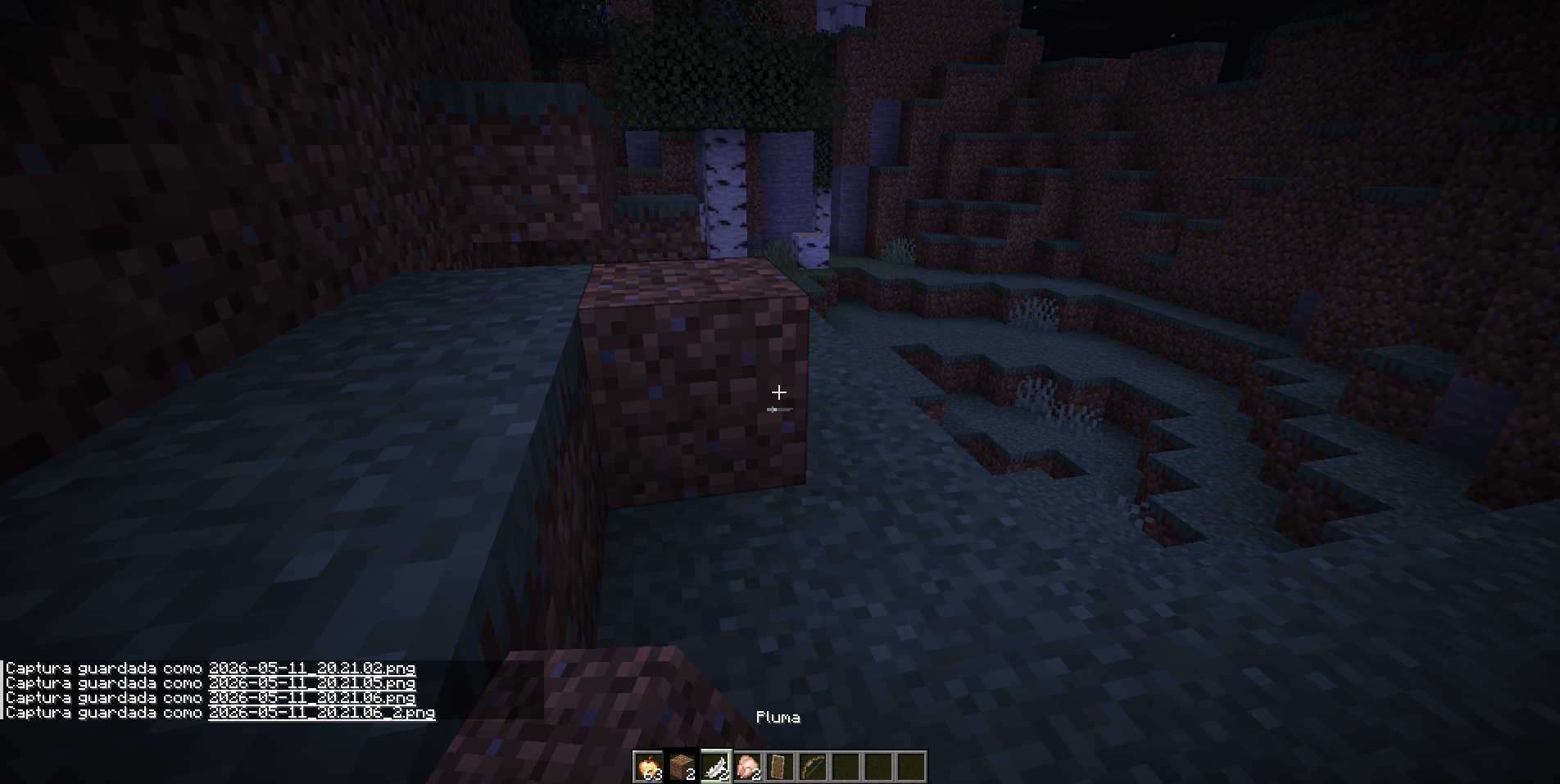 2026-05-11_20.21.11.png 2026-05-11_20.21.11.png
 -
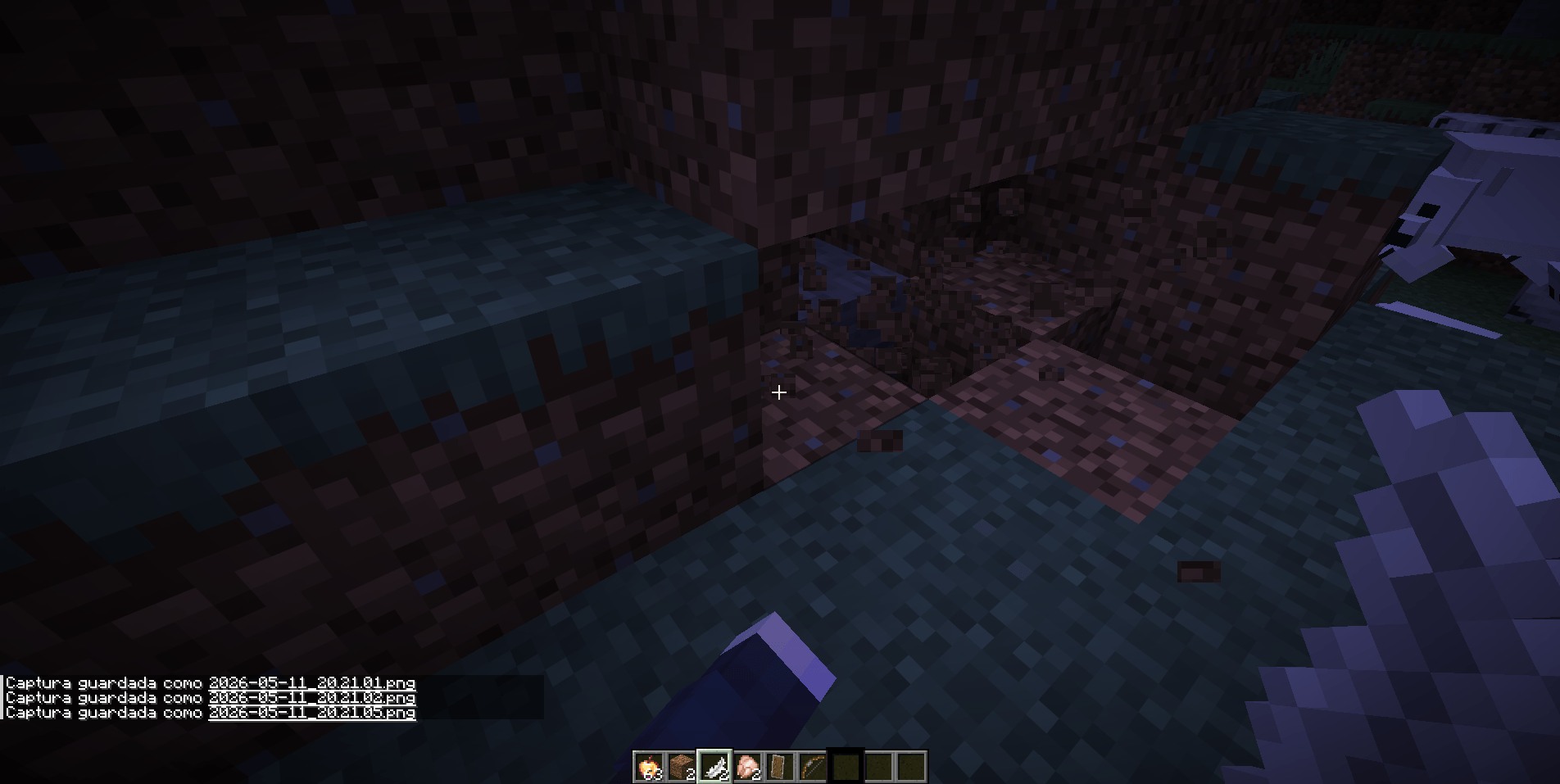 2026-05-11_20.21.06.png 2026-05-11_20.21.06.png
 -
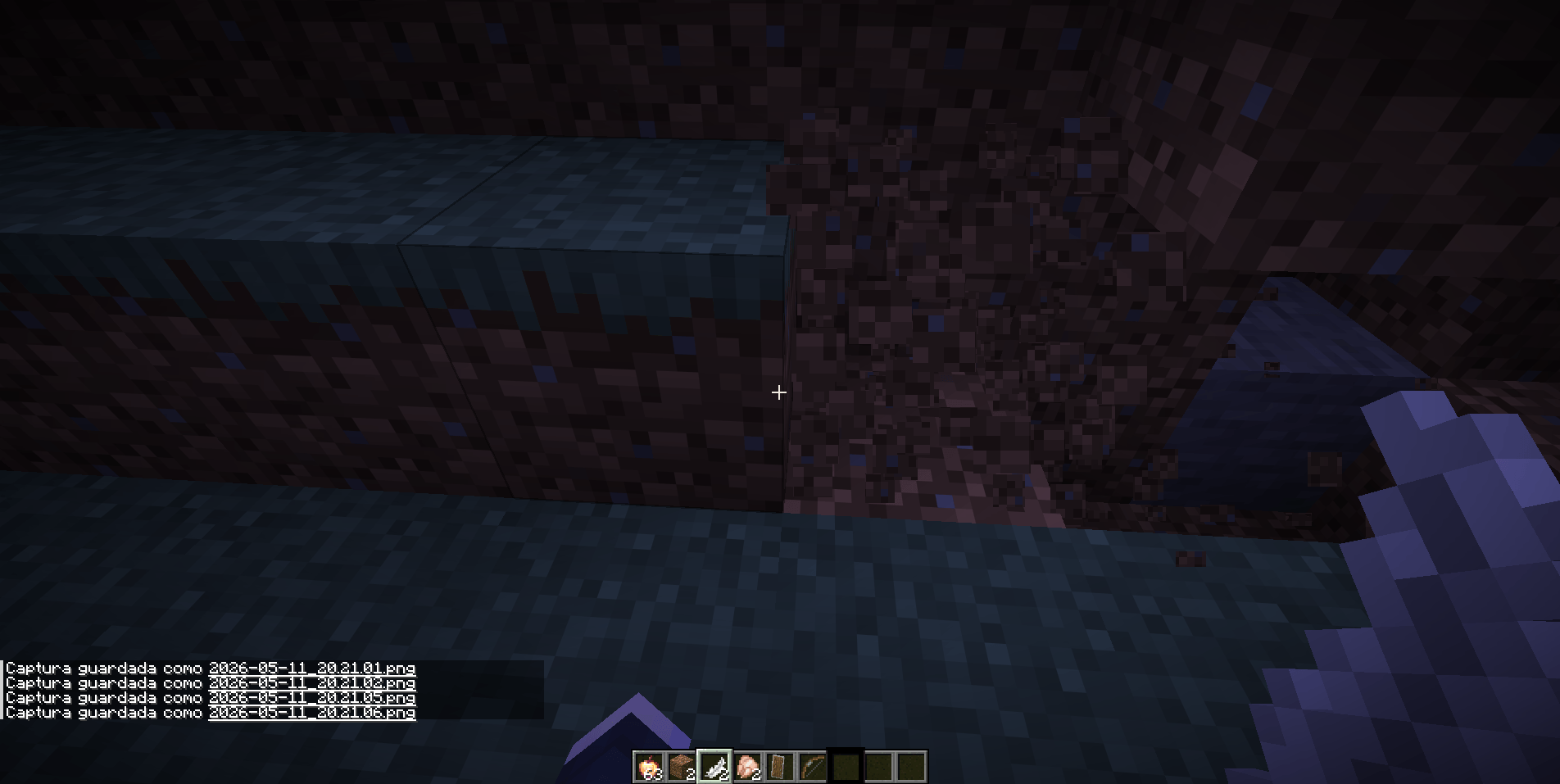 2026-05-11_20.21.06_2.png 2026-05-11_20.21.06_2.png
 -
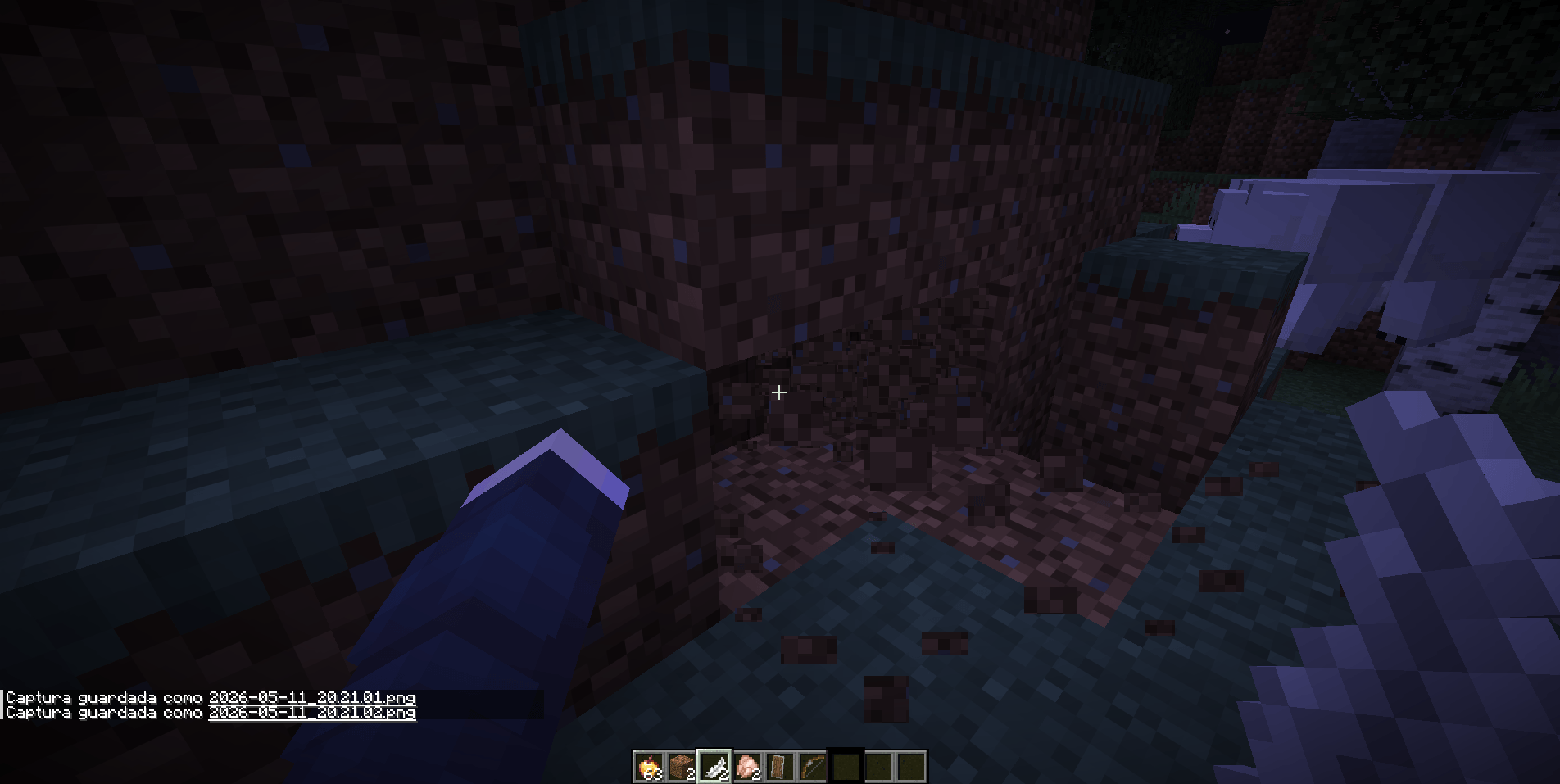 2026-05-11_20.21.05.png 2026-05-11_20.21.05.png
 -
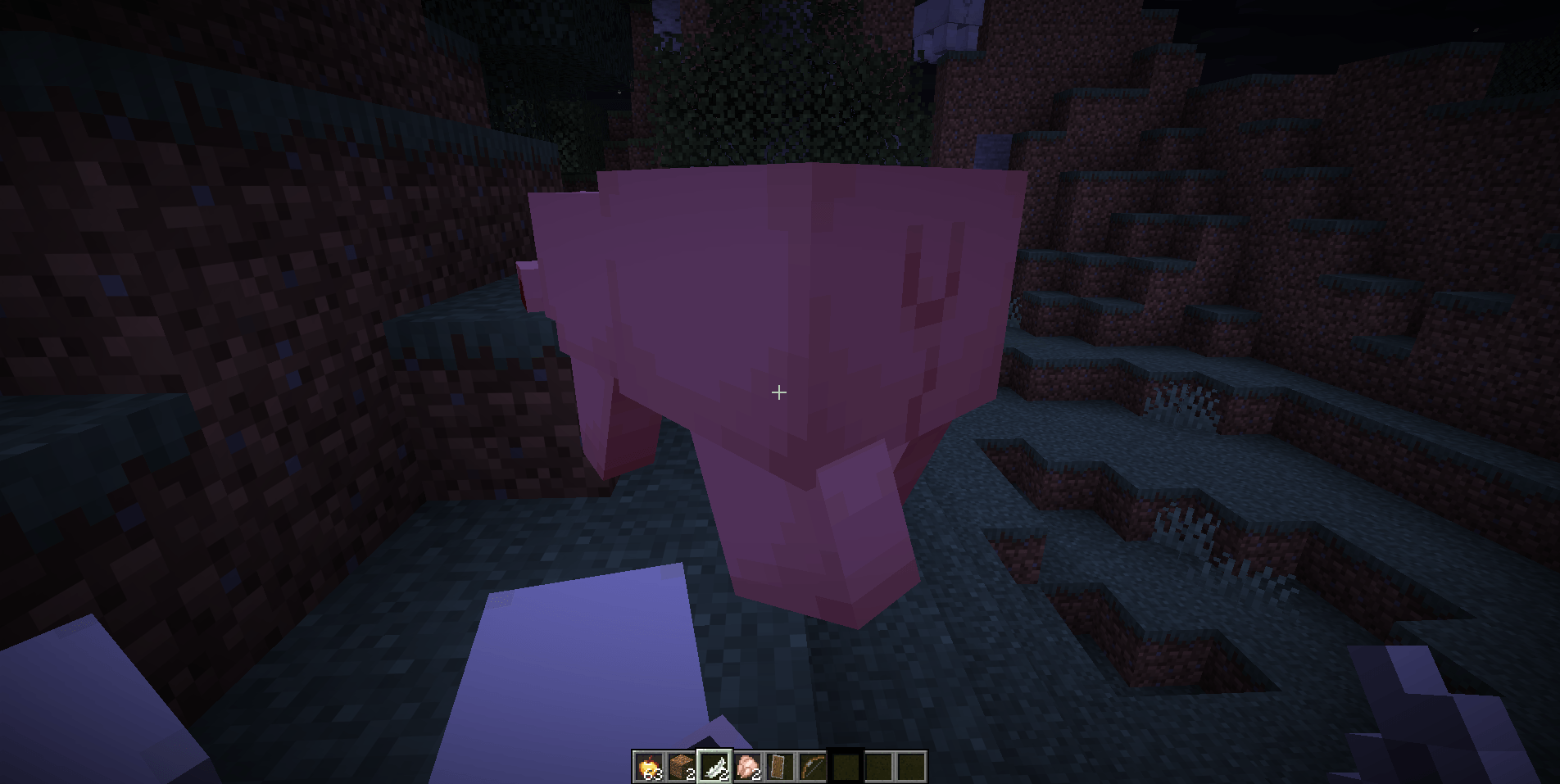 2026-05-11_20.21.01.png 2026-05-11_20.21.01.png
Versions
Files
Relations
Project Relations
More like this
Similar Mods
Suggestions use data such as tags, dependencies, dependents, descriptions, titles, and more to rank how much they overlap with this mod.
On ModDex
Community snapshot
By the numbers
Statistics
Want to reach Minecraft players?
We're looking for a server hosting partner to feature here and other parts of the site. Interested? Send us a message!
Get in touchGet it on
Available Platforms
On ModDex
Community snapshot
By the numbers
Statistics
Resources