Community listing page, reviews here may not be monitored by the author.
Enhanced Boss Bars


No reviews yet
New improved boss bars!
Community voices
Reviews
No reviews yet. Be the first to review this project!
Get it on
Available Platforms
Compatibility
Supported Environments
Runs entirely on the client. Works on vanilla servers.
About
Project Details
For authors
Embed Badge
If you're the author of this project, you can embed a live badge anywhere that supports HTML or Markdown. It updates automatically whenever ratings change.
Use HTML for any page that supports it, or Markdown for README files and Markdown-based descriptions.
Identifiers
Platform IDs
Resources
External Links
About
Description
Fabric version soon

Enhanced Boss Bars is a project that aims to improve all the boss bars so that there is a better immersion in the amazing world of minecraft, since the default bars are very uncreative. If you have any suggestions for a mod boss, please comment and I'll put it on the mod list.
I hope you enjoy it and thank you very much for watching.


In the next update, I'll be adding options to set where you want the boss bars, but for now if you're using the upcoming mods, you'll need to do these things:
Jade
You can set where you want to see Jade HUD by modifying Horizontal Ratio and Vertical Ratio or you can turning it off by doing the following:
1.19.2 and older versions:
- Main Menu -> Mods -> Jade -> Config -> Jade Settings -> Display entities -> OFF
1.20.1 and new versions:
- Main Menu -> Mods -> Jade -> Config -> Mod Settings -> Display Bosses -> OFF
- Main Menu -> Mods -> Jade -> Config -> Mod Settings -> Boss Bars Overlap -> Push Down Tooltip
RPG-HUD
- (In game) Press Esc -> RPG-Hud -> Entity Inspector -> Show Entity Inspect: OFF (or just change the position)
- (In game) Press Esc -> RPG-Hud -> Compass -> Enable Compass: OFF (or just change the position)


Hey! As some of you probably know, there are mods that are incompatible in the texture pack version of Enhanced Boss Bars, so I made this mod to make them compatible. These mods were L_Ender's Cataclysm and The Aether. Both of them works now and these are the boss bars:


Enhanced Boss Bars is a project that aims to improve all the boss bars so that there is a better immersion in the amazing world of minecraft, since the default bars are very uncreative. If you have any suggestions for a mod boss, please comment on the CurseForge page and I'll put it on the mod list :)
I hope you enjoy it and thank you very much for watching.
Fabric version soon.

Mod List
Click here to show
Mowzie's Mobs
- ✅ Frostmaw
- ✅ Ferrous Wroughtnaut
- ◻️ Umvuthi
L_Ender's Cataclysm
- ✅ Ignis
- ✅ Netherite Monstrosity
- ✅ Ender Guardian
- ✅ The Harbinger
- ✅ The Leviathan
- ◻️ Ancient Remnant
Bosses of Mass Destruction
- ✅ Night Lich
- ✅ Void Blossom
- ✅ Obsidilith
- ✅ Nether Gauntlet
The Aether
- ✅ Slider
- ✅ Sun Spirit
- ✅ Valkyrie Queen
Meet your Fight
- ✅ Swampjaw
- ✅ Bellringer
- ◻️ Dame Fortuna
- ◻️ Rosalyne, Blade of Dusk
Cracker's Witherstorm
- ✅ Wither Storm
- ◻️ Withered Symbiont
Alex's Mobs
- ✅ Voidworm
Mod Compatibility Errors
In the next update, I'll be adding options to set where you want the boss bars, but for now if you're using the upcoming mods, you'll need to do these things:
Jade
You can set where you want to see Jade HUD by modifying Horizontal Ratio and Vertical Ratio
or you can turning it off by doing the following:
1.19.2 and older versions:
- Main Menu -> Mods -> Jade -> Config -> Jade Settings -> Display entities -> OFF
1.20.1 and new versions:
- Main Menu -> Mods -> Jade -> Config -> Mod Settings -> Display Bosses -> OFF
- Main Menu -> Mods -> Jade -> Config -> Mod Settings -> Boss Bars Overlap -> Push Down Tooltip
RPG-HUD
- (In game) Press Esc -> RPG-Hud -> Entity Inspector -> Show Entity Inspect: OFF (or just change the position)
- (In game) Press Esc -> RPG-Hud -> Compass -> Enable Compass: OFF (or just change the position)
What's new?
Hey! As some of you probably know, there are mods that are incompatible in the texture pack version of Enhanced Boss Bars, so I made this mod to make them compatible. These mods were L_Ender's Cataclysm and The Aether. Both of them works now and you can see them in the gallery.
Screenshots
Gallery
-
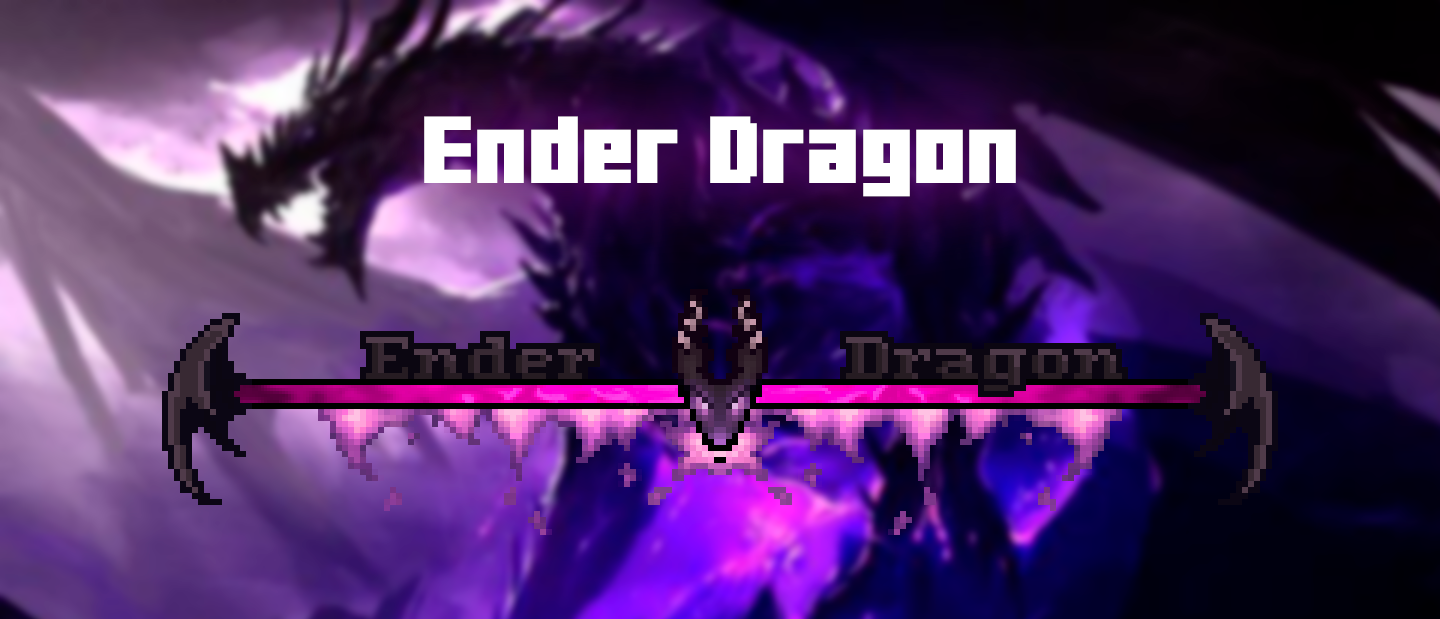 Ender Dragon
 -
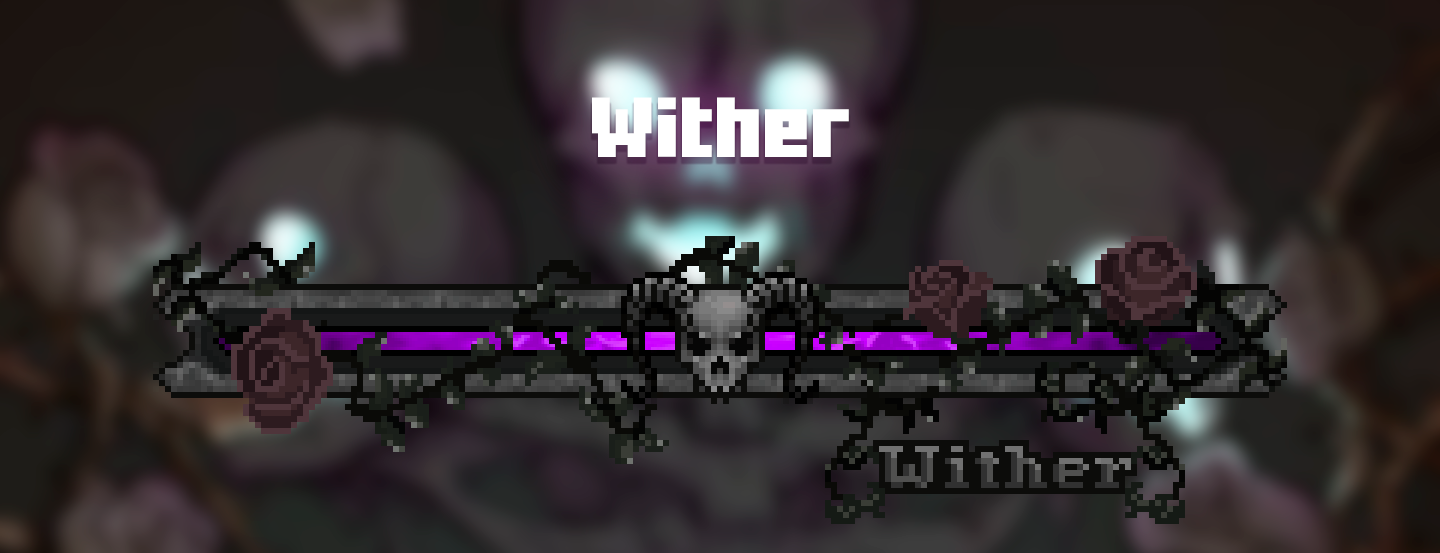 Wither
 -
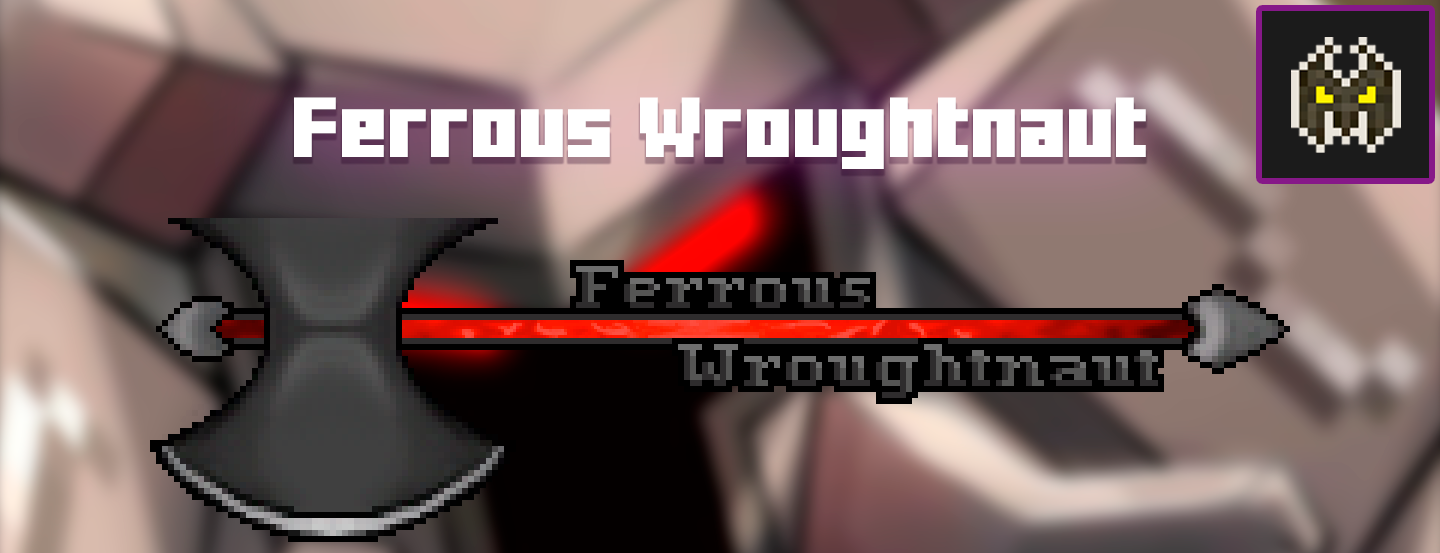 Ferrous Wroughtnaut
 -
 Frostmaw
 -
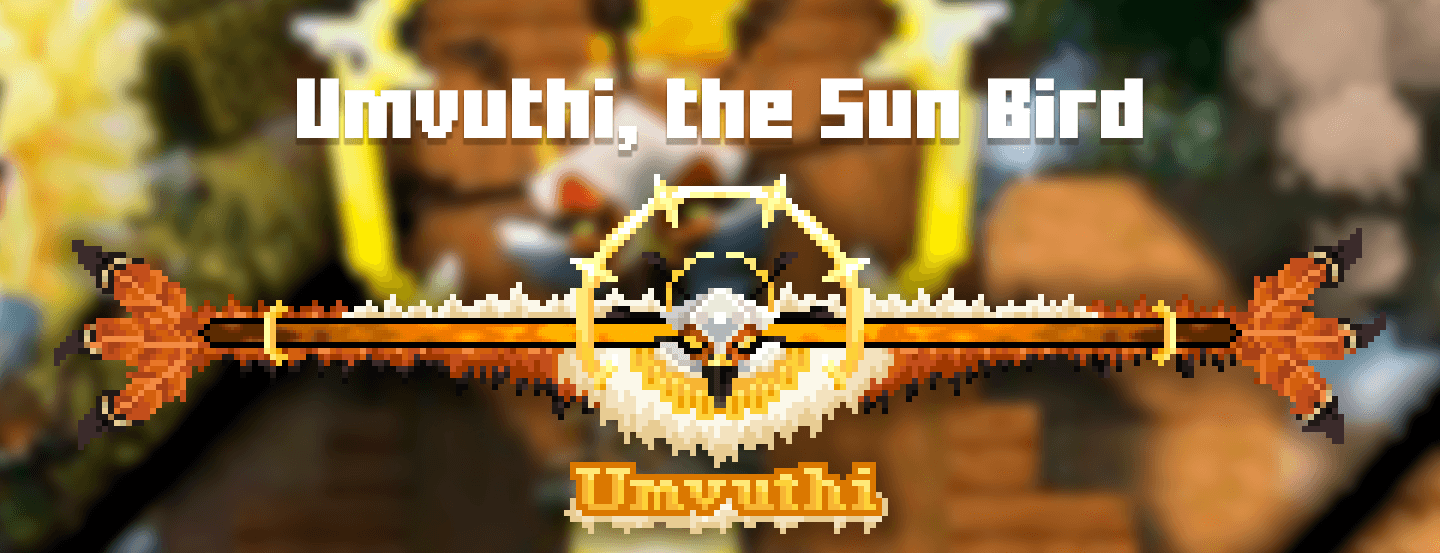 Umvuthi umvuthi update.png
 -
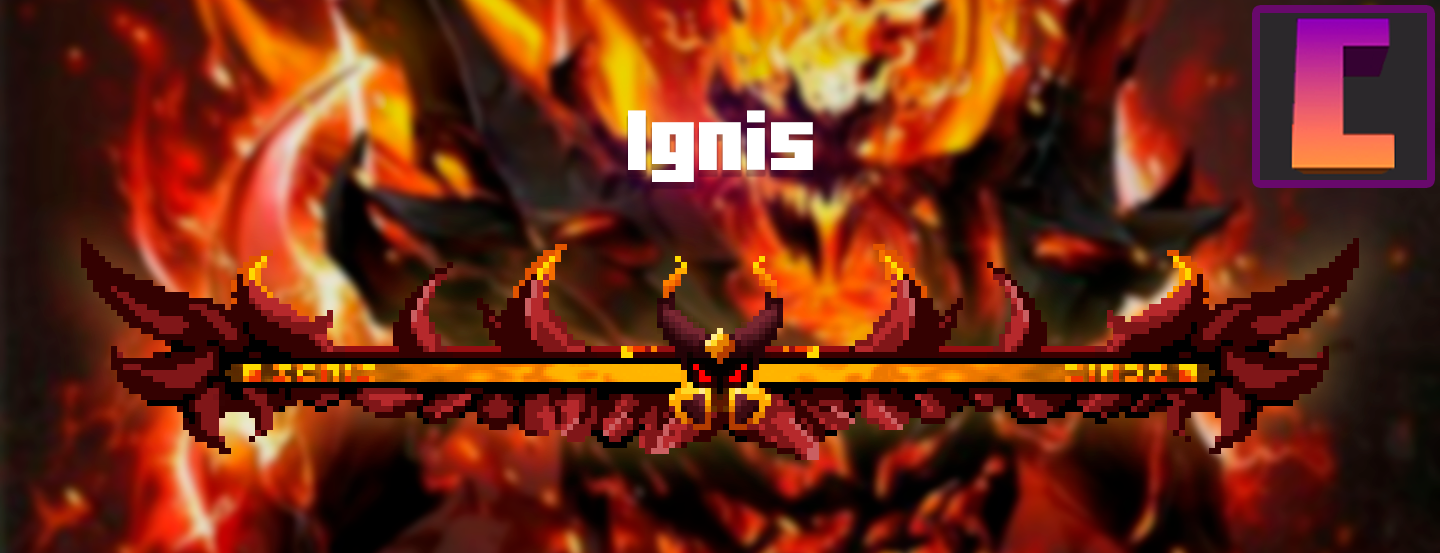 Ignis
Ignis -
 Netherite Monstrosity
 -
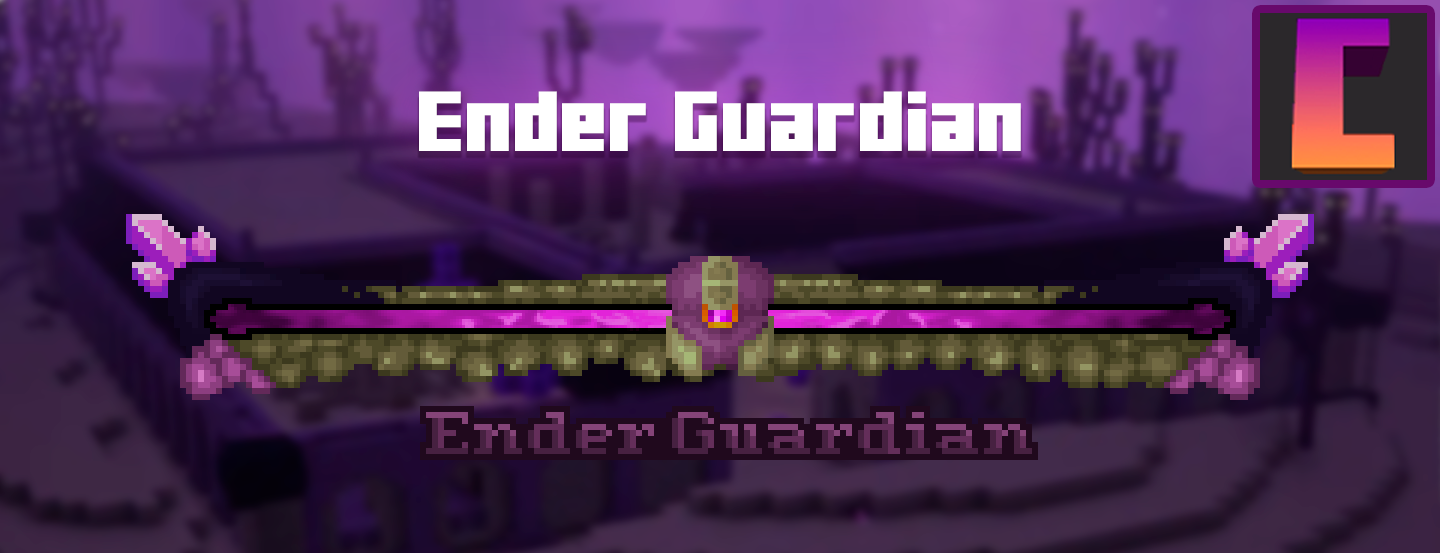 Ender Guardian
 -
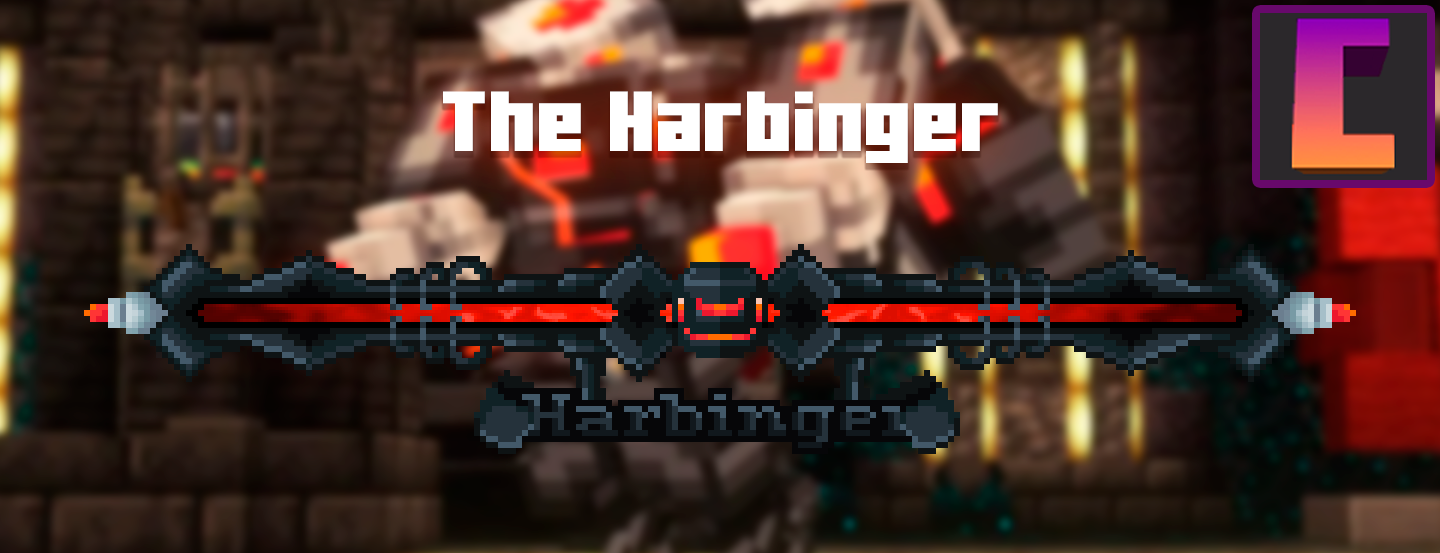 Harbinger
 -
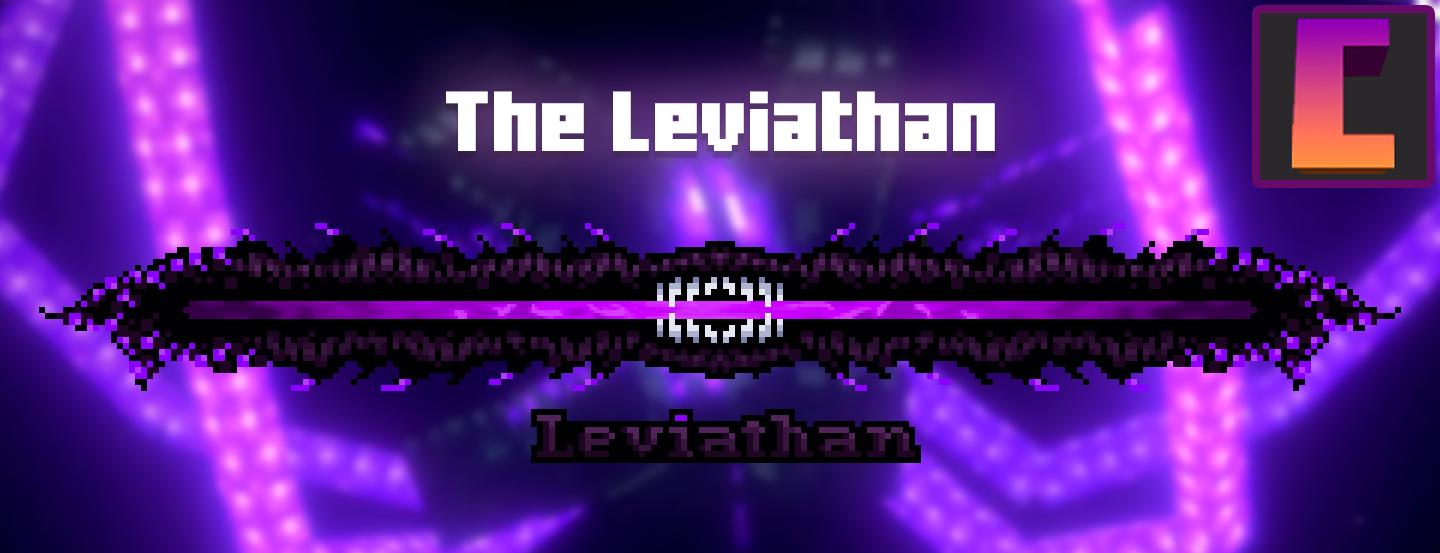 Leviathan
 -
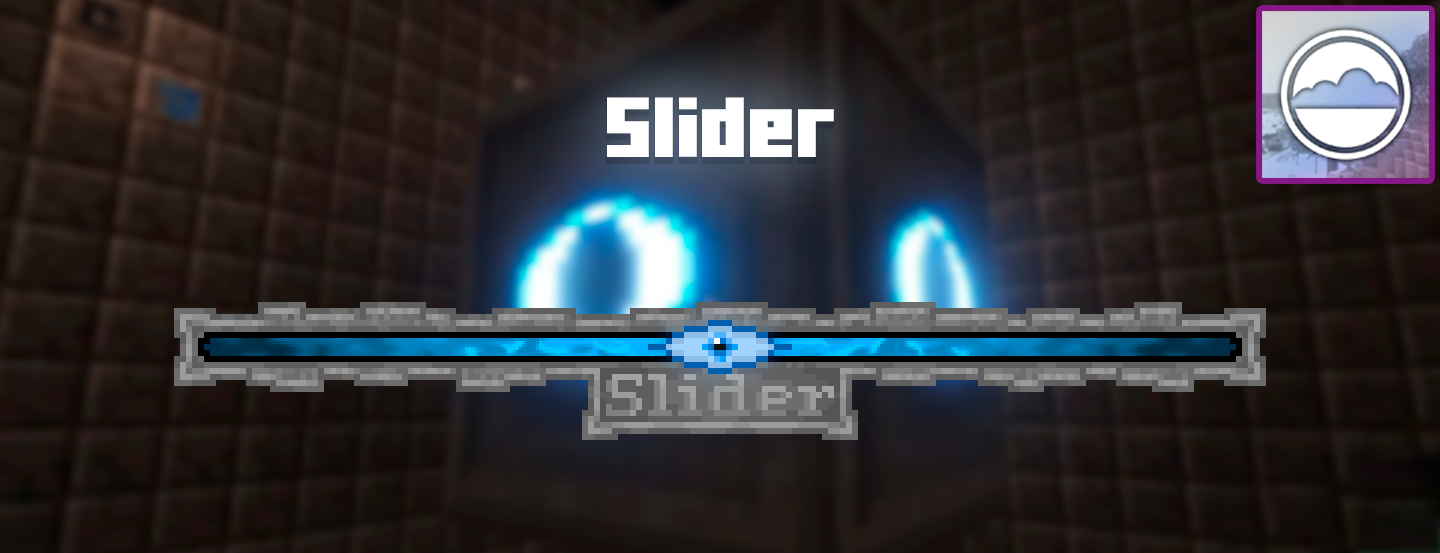 Slider
 -
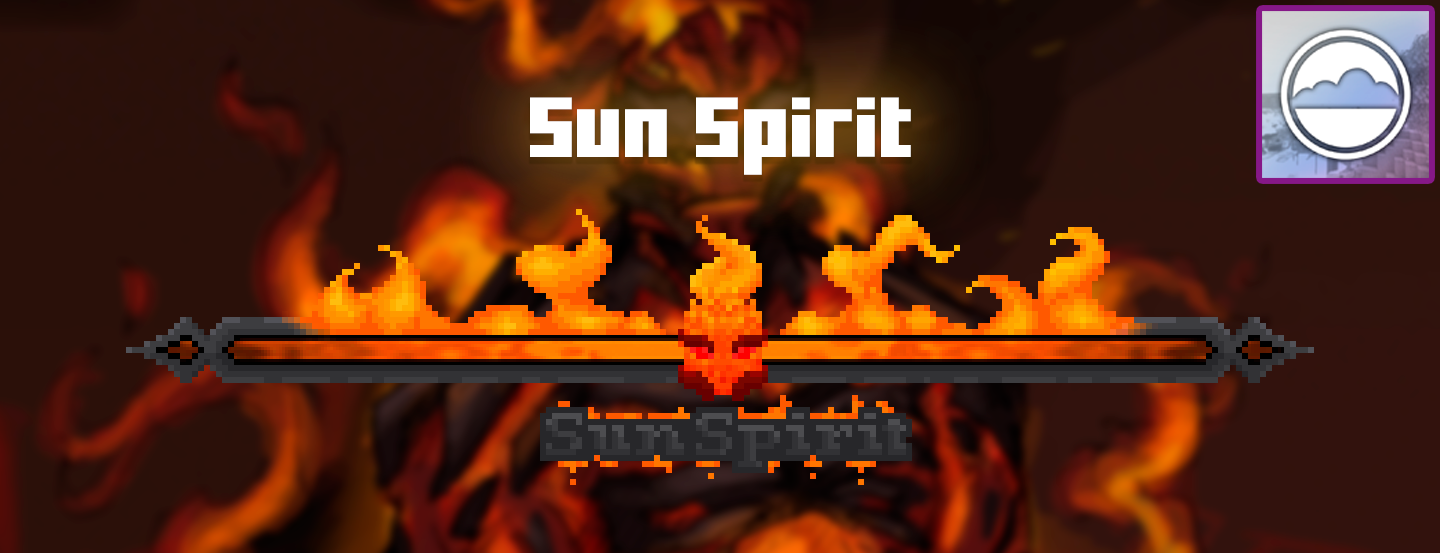 Sun Spirit
 -
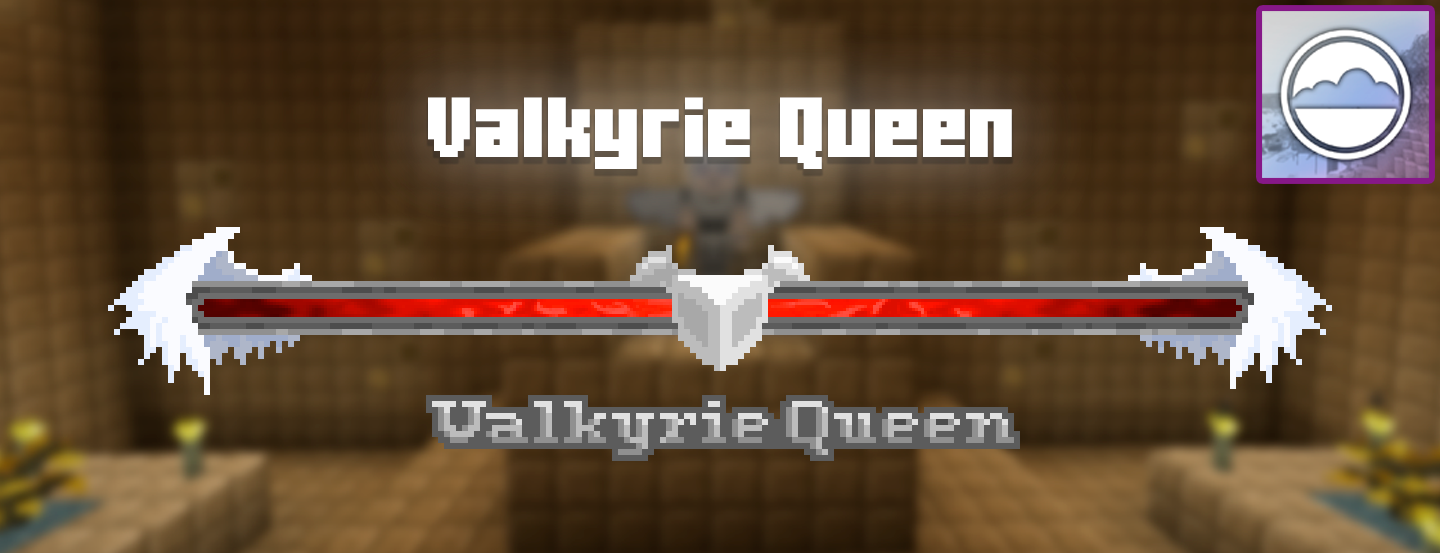 Valkyrie Queen
 -
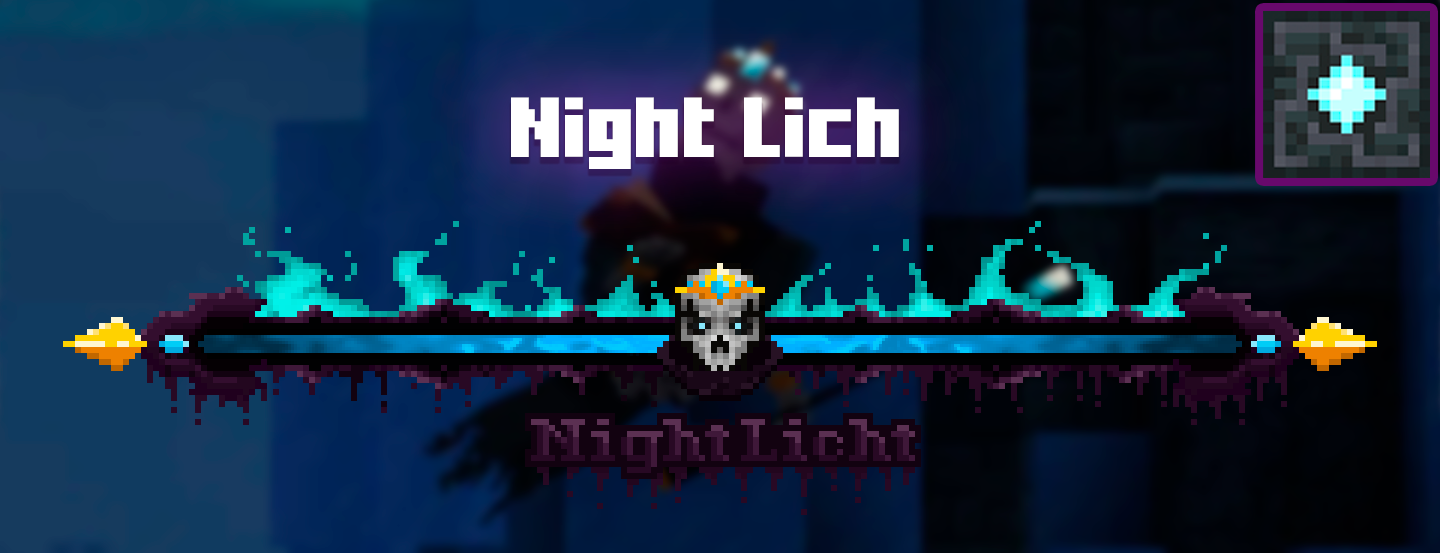 Night Lich
 -
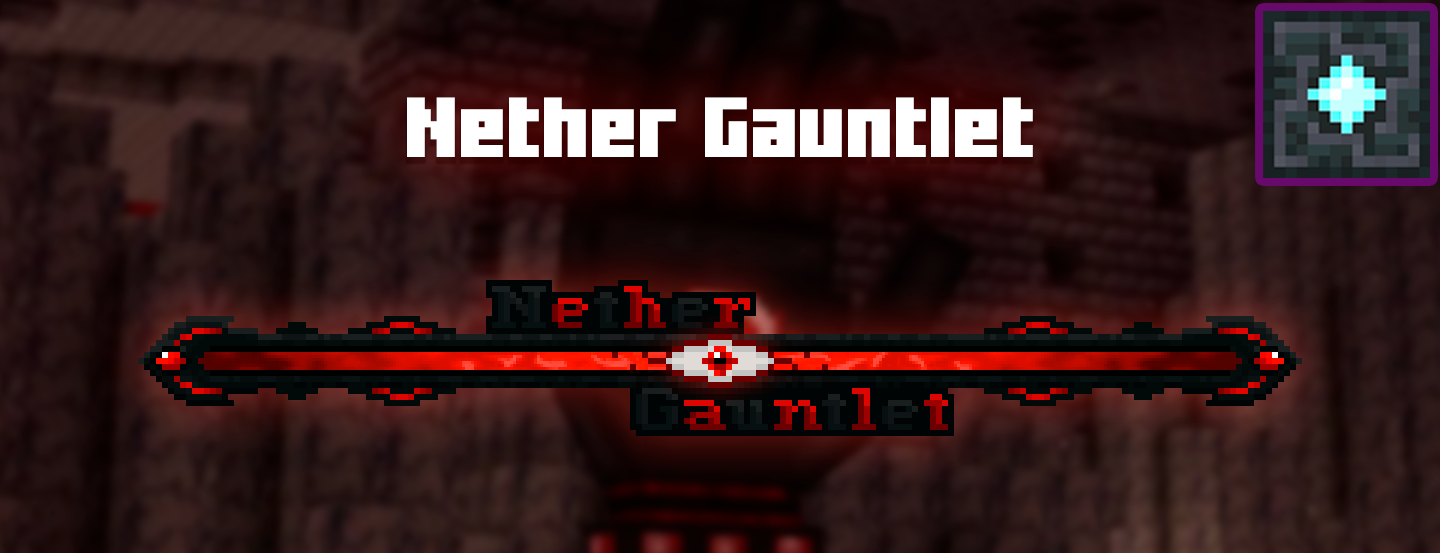 Nether Gauntlet
 -
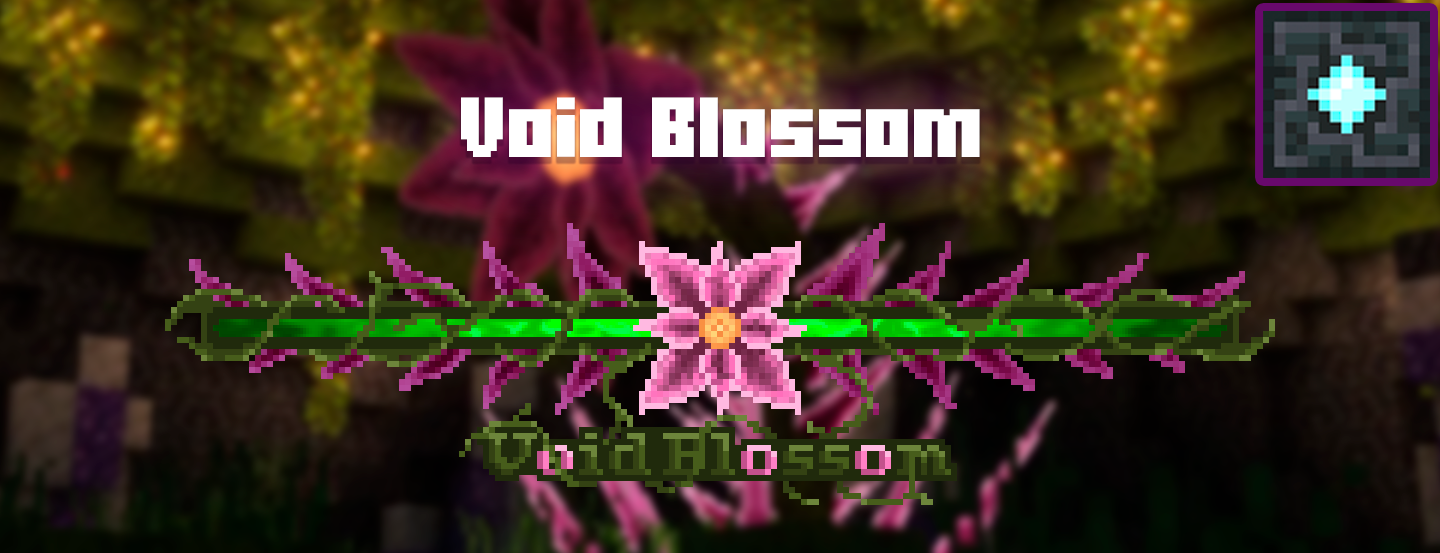 Void Blossom
 -
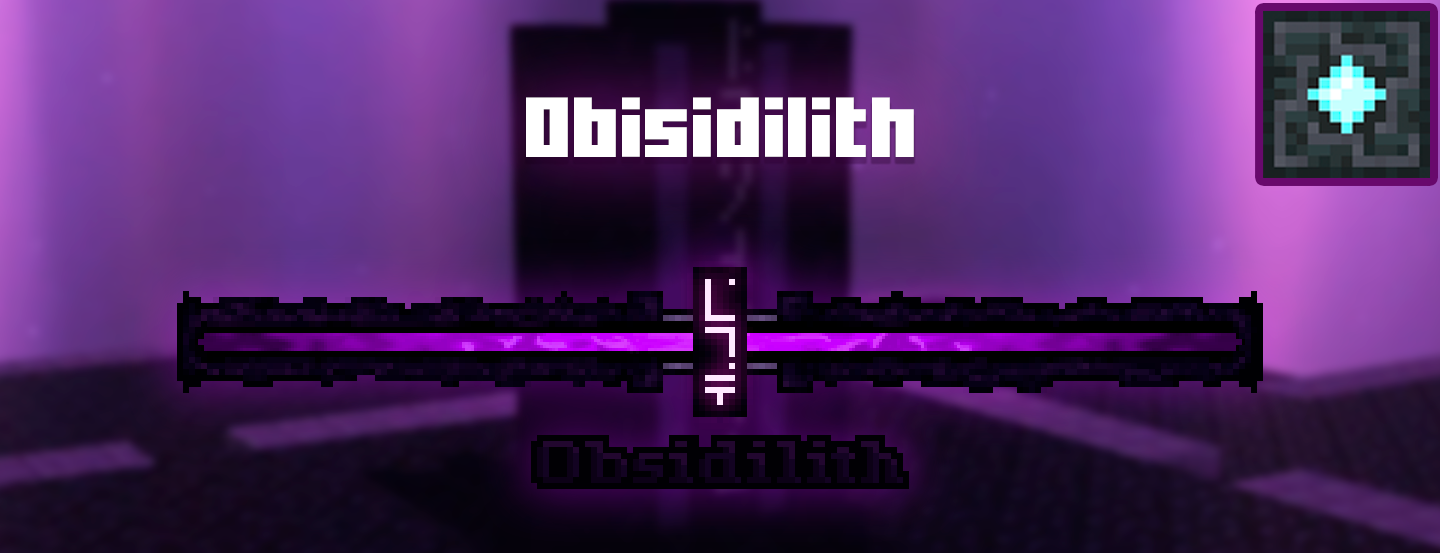 Obsidilith
 -
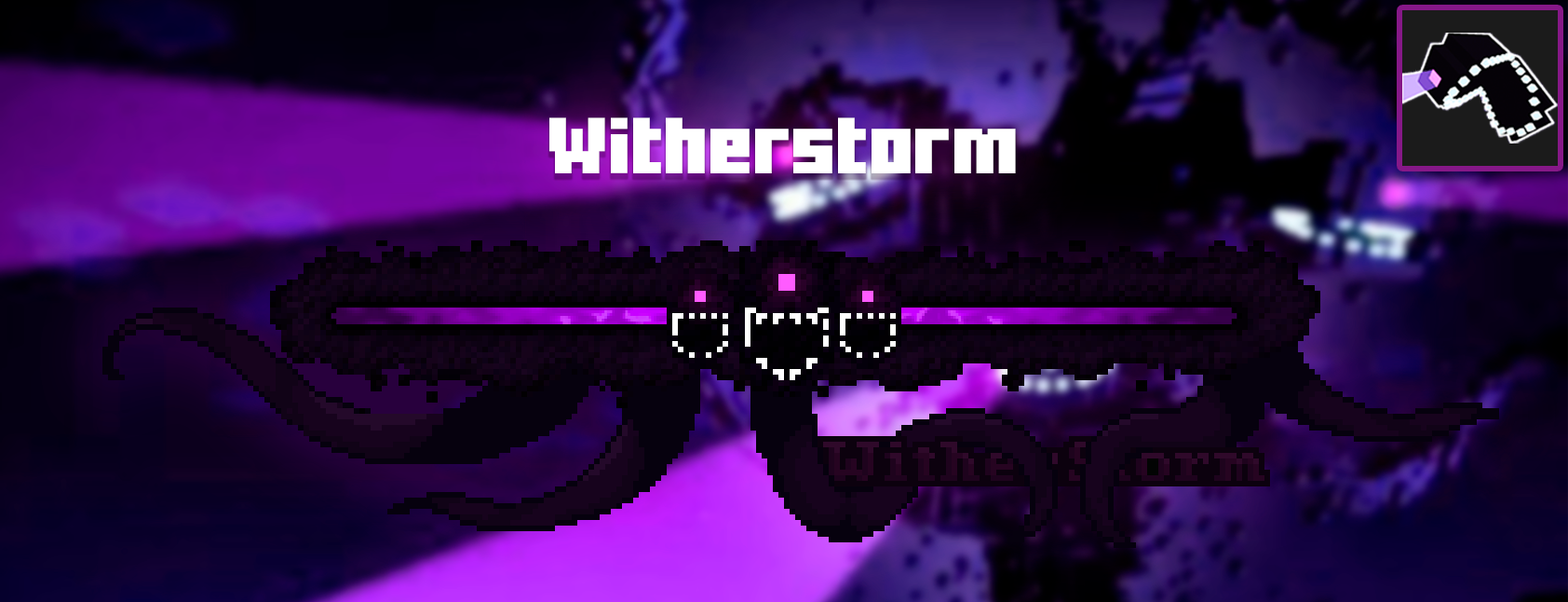 Wither Storm
 -
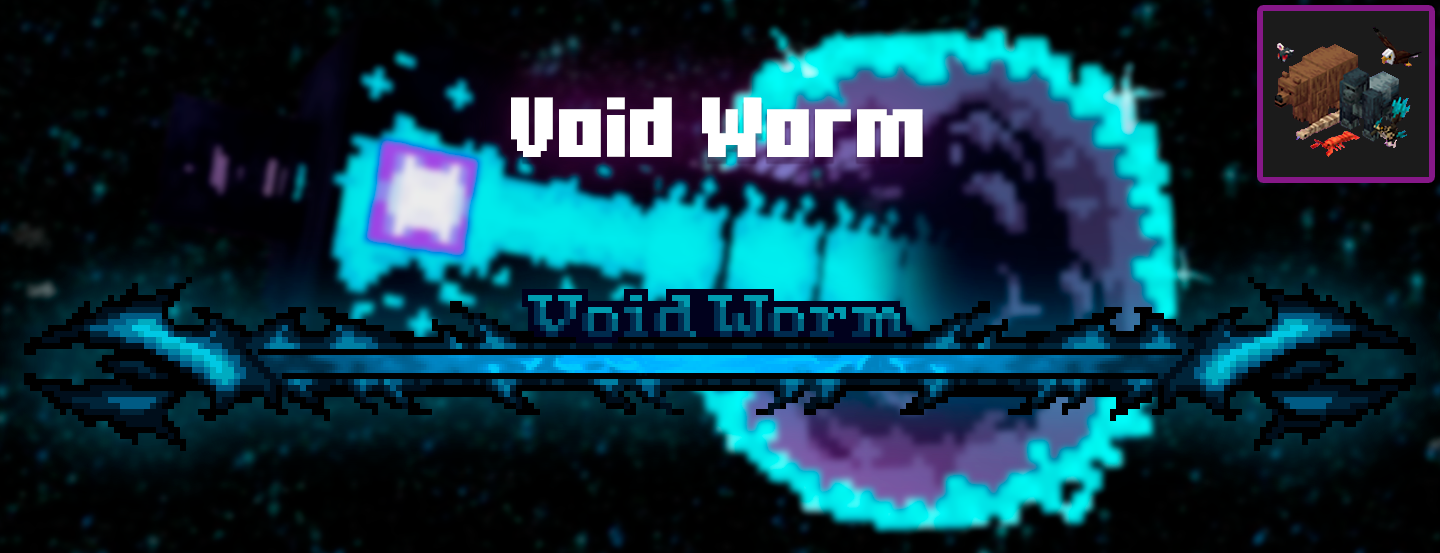 Void Worm
 -
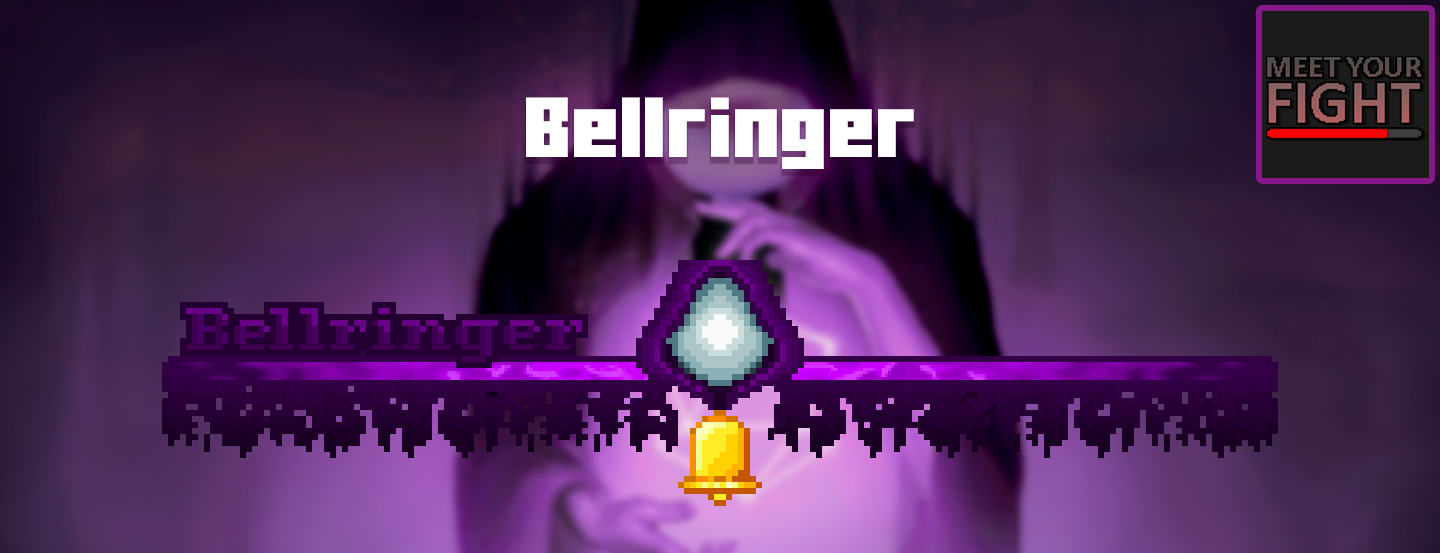 Bellringer
-
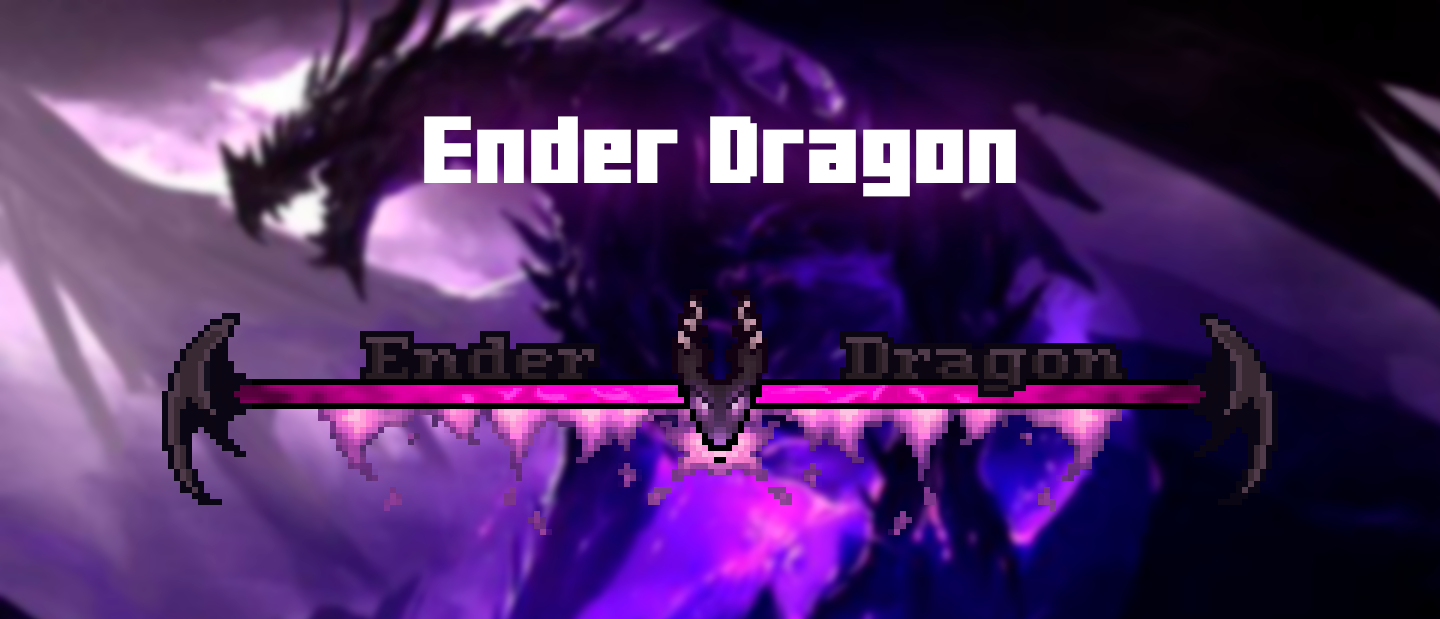 Ender Dragon
 -
 Wither
 -
 Ferrous Wroughtnaut
 -
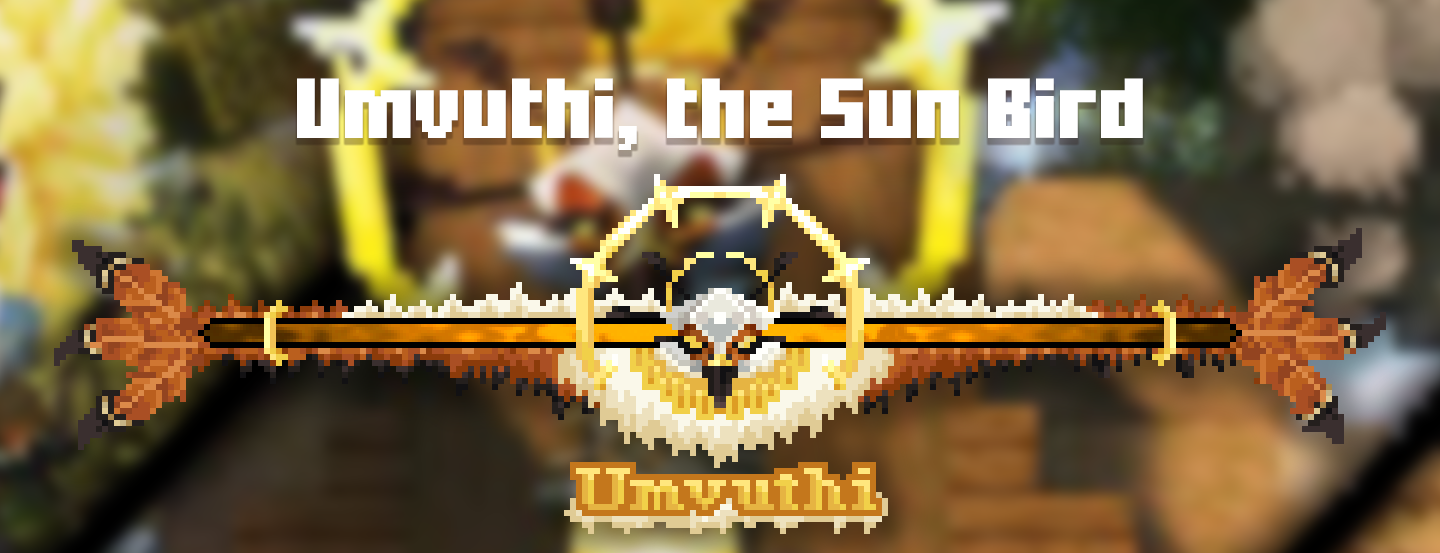 Umvuthi
 -
 Frostmaw
 -
 Ignis
Ignis -
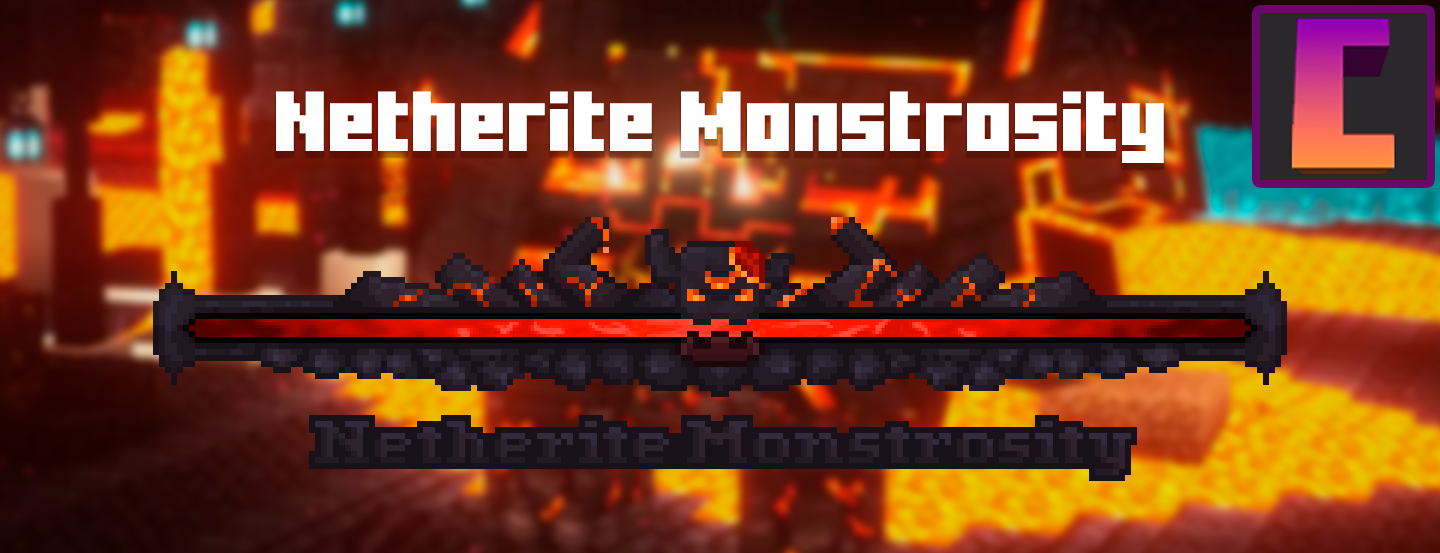 Netherite Monstrosity
 -
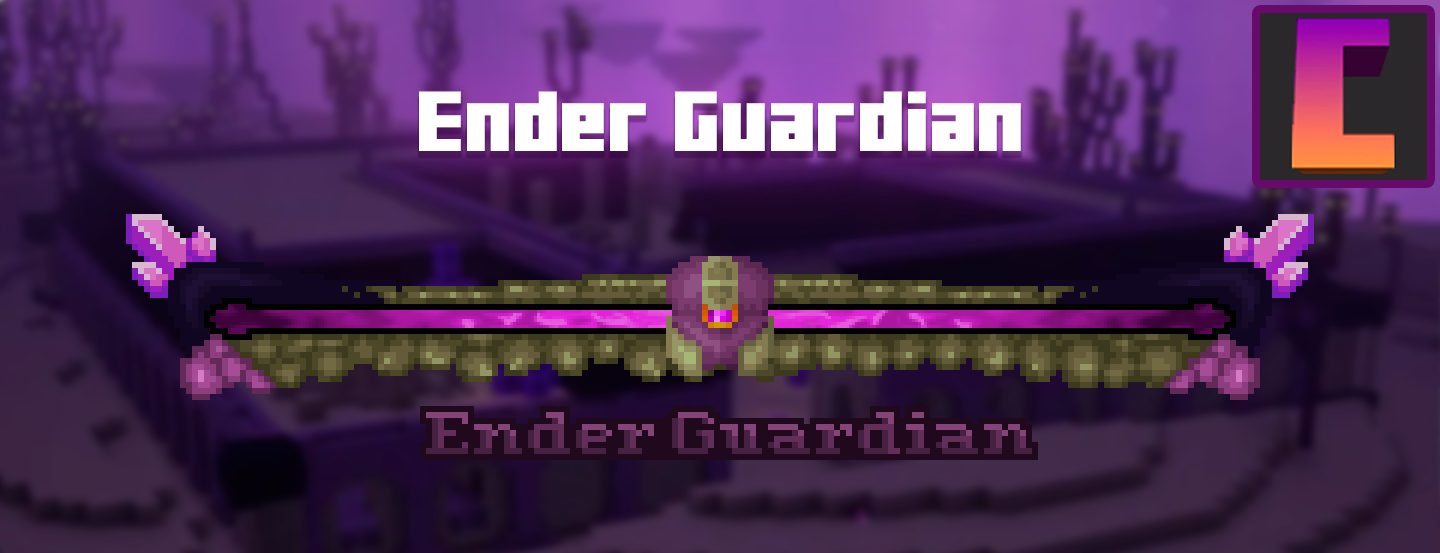 Ender Guardian
 -
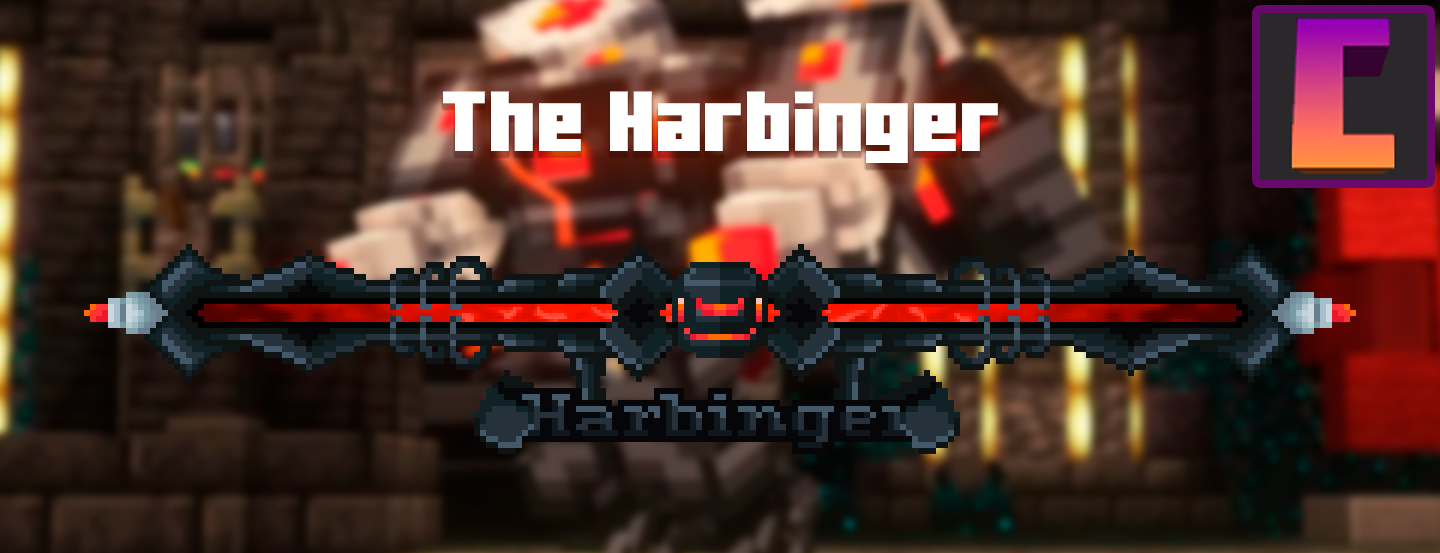 Harbinger
 -
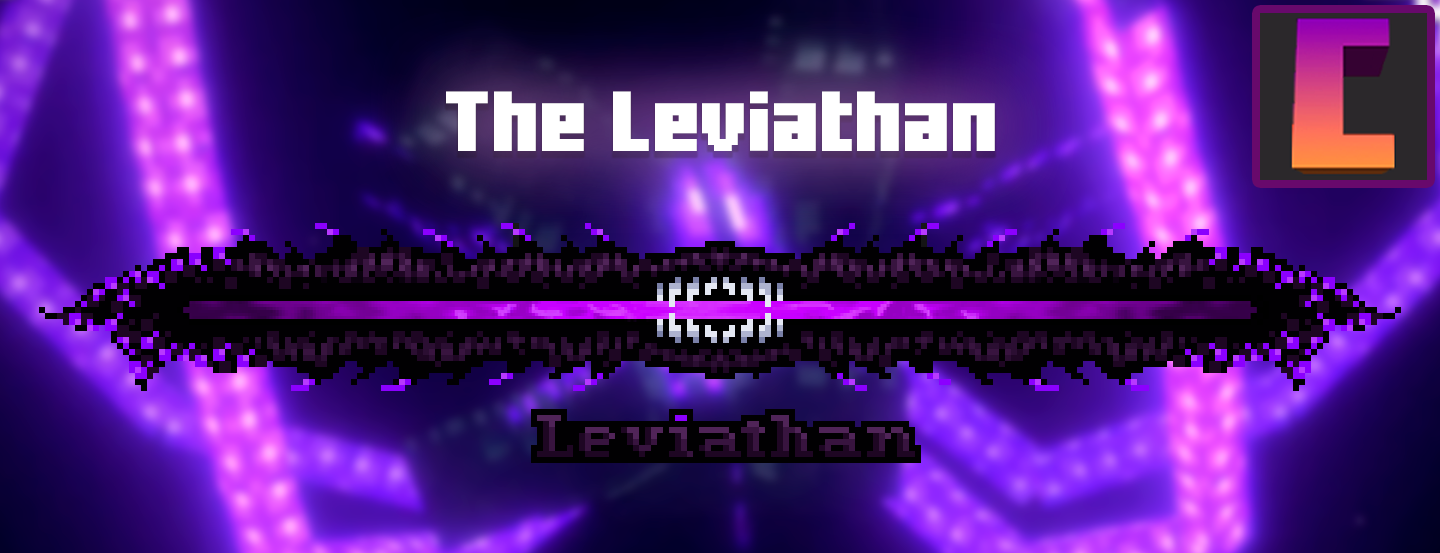 Leviathan
 -
 Slider
 -
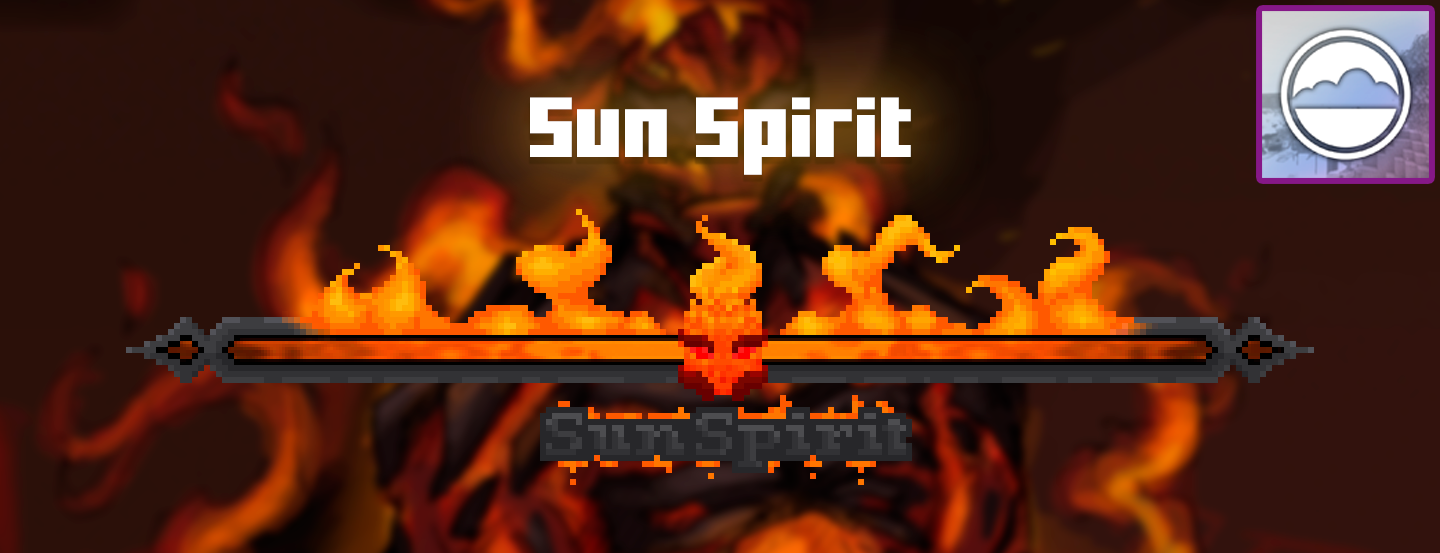 Sun Spirit
 -
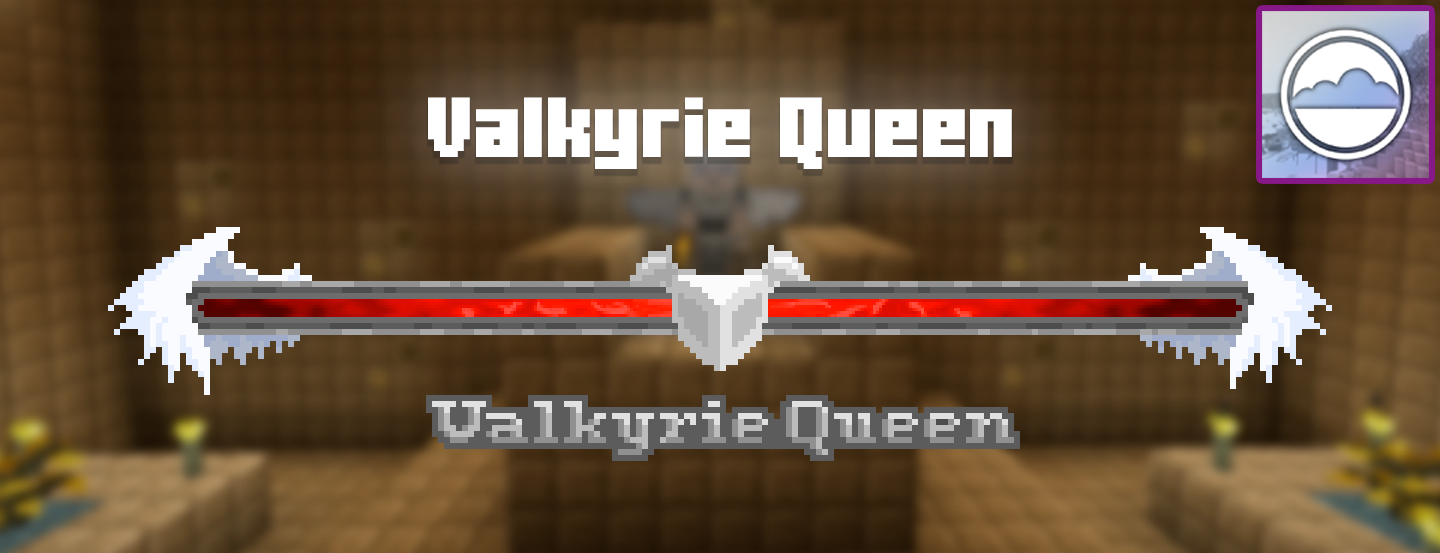 Valkyrie Queen
 -
 Night Lich
 -
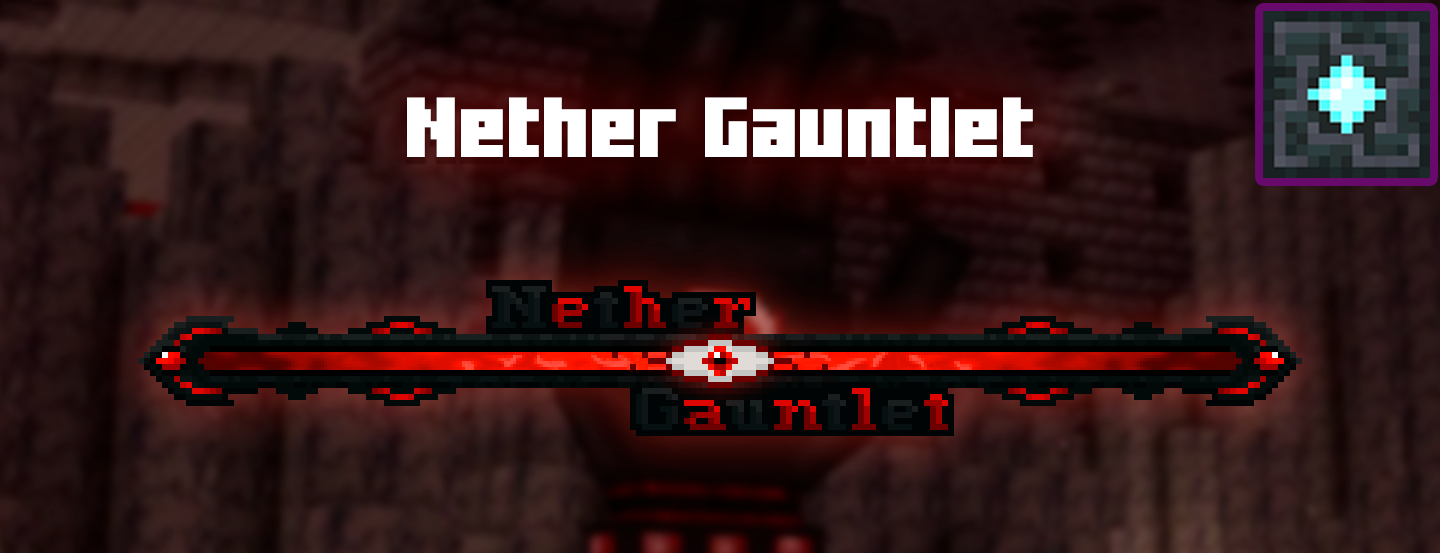 Nether Gauntlet
 -
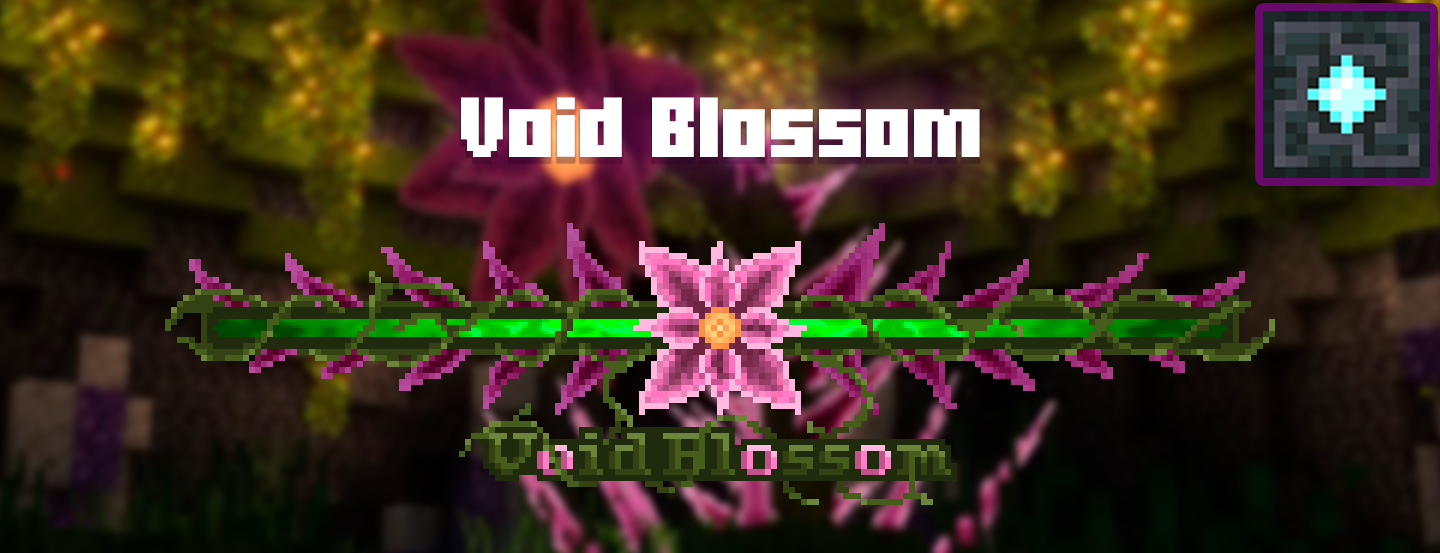 Void Blossom
 -
 Obsidilith
 -
 Wither Storm
 -
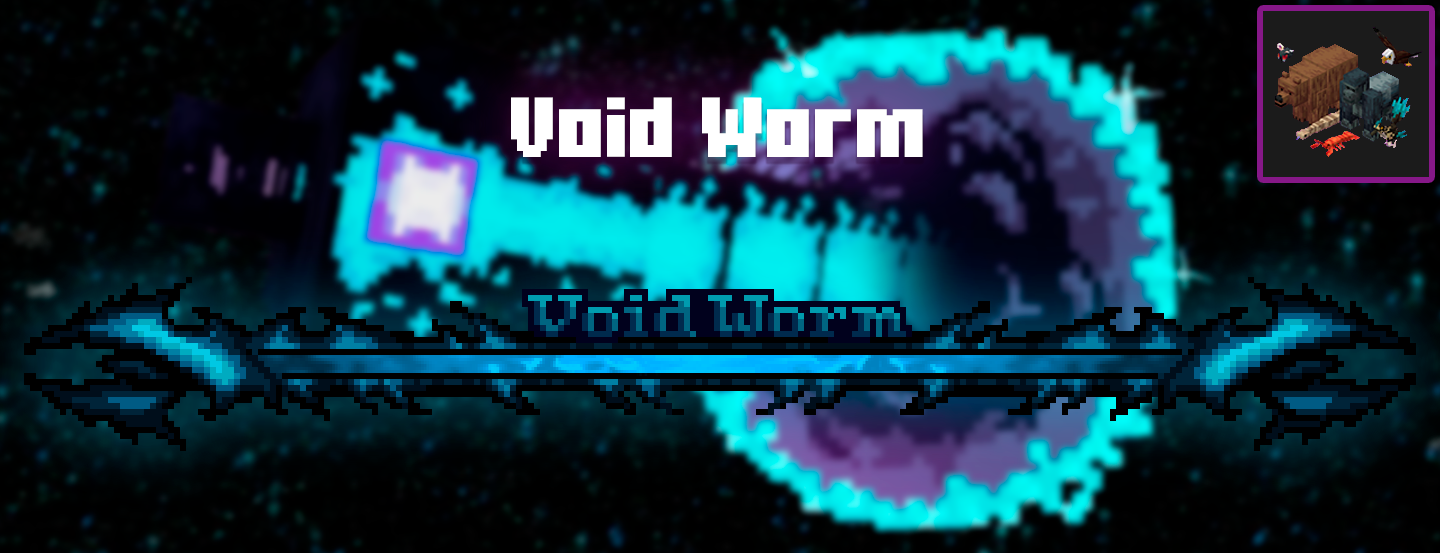 Void Worm
 -
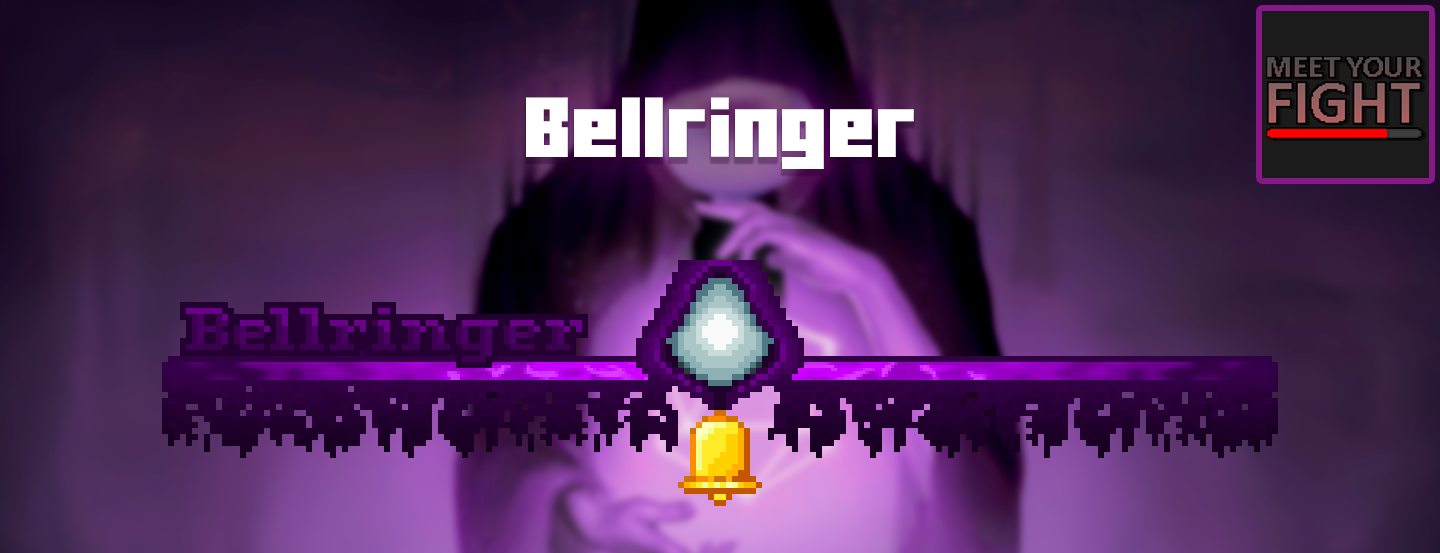 Bellringer
 -
 Swampjaw
Versions
Files
Relations
Project Relations
More like this
Similar Mods
Suggestions use data such as tags, dependencies, dependents, descriptions, titles, and more to rank how much they overlap with this mod.
On ModDex
Community snapshot
By the numbers
Statistics
Want to reach Minecraft players?
We're looking for a server hosting partner to feature here and other parts of the site. Interested? Send us a message!
Get in touchGet it on
Available Platforms
On ModDex
Community snapshot
By the numbers
Statistics
Resources