
Community listing page, reviews here may not be monitored by the author.
Friend or Foe (ForF)


No reviews yet
A Fabric mod to recreate the Friend or Foe YouTube series with your friends!
Community voices
Reviews
No reviews yet. Be the first to review this project!
Get it on
Available Platforms
Compatibility
Supported Environments
Runs entirely on the server. Also works in singleplayer.
About
Project Details
For authors
Embed Badge
If you're the author of this project, you can embed a live badge anywhere that supports HTML or Markdown. It updates automatically whenever ratings change.
Use HTML for any page that supports it, or Markdown for README files and Markdown-based descriptions.
Identifiers
Platform IDs
About
Description
Friend or Foe for Fabric







This fabric mod allows you to recreate almost everything in the Friend or Foe YouTube series that has 4 members: SB737, ClownPierce, Quiff, and Mini. They have some alterations that differ from the regular vanilla experience. The Friend or Foe mod, forf for short, aims to add those new features and gameplay changes for you to enjoy with your friends.
This mod tries to follow everything written in the official Friend or Foe rules written here.
Instructions
Please read the GitHub Readme for more information on how to use the mod or get support. If you need any more help, feel free to join the Discord Server.
Friend or Foe for Fabric

This fabric mod allows you to recreate almost everything in the Friend or Foe YouTube series that has 4 members: SB737, ClownPierce, Quiff, and Mini. They have some alterations that differ from the regular vanilla experience. The Friend or Foe mod, forf for short, aims to add those new features and gameplay changes for you to enjoy with your friends.
What is included
- Only required on the server
- Players do not need to install on their clients
- A config that allows you to customize much of what is added
- Can be found in your servers config folder. (Default:
config/forf-config.json5)
- Can be found in your servers config folder. (Default:
- A new player tracker item
- Expires automatically after configured time
- Points to the targeted player or the portal they went through in the current dimension
- Lives system that will decrease a life until player runs out
- Customize amount of lives
- Configure starting amounts as well as commands to change any player's lives
- Allow players who run out to spectate in a configurable gamemode after they run out
- Rewards for the first kill
- The first player to get a kill earns a mending book
- Customize amount of lives
- Restrictions
- No villager trading
- No golden apple recipes
- No elytra in the end ships
- No totems drop from evokers
- Explosions are nerfed
- Every player except the player who detonated will take a configured percentage less damage from the explosion
- Ender Pearl cooldowns are increased
- The time taken to recharge an ender pearl is configurable (default is 7 seconds, vanilla is 1 second)
- You can disable any of the restrictions from the config
- PvP Timer that runs for random amounts of time
- Enable or disable it easily with commands
- Server Assassin
- A player that will start with a different number of lives
- Automatically changes the pvp mode to online when on the server
- Cannot receive lives from other players
This mod tries to follow everything written in the official Friend or Foe rules written here.
How to use
Super simple installation step by step
- Set up a Minecraft server
- You can use either a server host or host it yourself
- If you are hosting it yourself, you can use this tutorial
- Download and install the latest Fabric Loader for servers from here
- Most server hosts can do this automatically for you, if you need help installing on a server host look through their documentation or look up how to install Fabric on your server host
- If you're self-hosting it then replace the server jar you downloaded in step 1 with this new jar file
- Install Friend or Foe and it's dependencies
- Download the latest Friend or Foe version for your Minecraft version from Modrinth or CurseForge
- Download the latest Fabric API version for your Minecraft version from Modrinth or CurseForge
- Put the 2 jar files you downloaded in step 3 and 4 into your server's
modsfolder- If you are using a server host, you can usually do this through their file manager
- If you are self-hosting, you can find the
modsfolder in the same folder as the server jar
- Start up your server
- If you are using a server host, you can usually do this through their control panel
- If you are self-hosting, you can start it up by running the server jar file
- Edit your Friend or Foe config file
- Stop your server
- Open the config file in your favorite text editor or in your server host's file manager
- You can find the config file in the same folder as the server jar
- Carefully look through all the options and edit them however you want
- Save the file
- Start Friend or Foe
- Start up your server
- Run the
/forf joincommand on every player you want to play with- You can also append the target player(s) at the end if desired (
/forf join [players]) (This works even with player who are not online)
- You can also append the target player(s) at the end if desired (
- Run the
/forf startcommand (op level 3 required) to set everything up- Either have an op run it or run it on the server console
- Enjoy!
The mod is fairly simple to use. After installing, you must start it up at least once to generate the config file. You can then change that according to how you like it.
Once everything in the config has been set to what you like, save the file. After/while doing this, have every player
you would like to play with log on and run the /forf join command. An op can also append the target player(s) at the
end if desired (/forf join [players]). If you would like to join a player after Friend or Foe has already started then
run /forf join [players] late <lives> as an op and the players do not need to be online. Once everyone has joined, you
can then run the /forf start command (op level 3 required) to set everything up. If at anytime you need to stop Friend
or Foe, run the /forf stop command.
Timer
You can set the randomness range in the config. The timer can also be disabled if so desired. It automatically starts
after /forf start is run. To manually change it, you can use /forf pvp (on|off) [minutes]. Without the minutes
argument the timer will pick a random amount.
Lives
Are stored per-player. You can set how many one will start with in the config. Every death will remove 1 life until you reach 0. A player on 0 lives will not be able to join unless spectators is enabled in the config.
Lives Commands
Format is as follows:
/forf lives set <players> <amount> - You must be an op level 3 or higher to run this command. This will set the
players' lives to exactly the amount you set. (Useful for manual extra lives quest.) It will also work on offline
players.
/forf lives give <player> <amount> - Any player can run this command to give their lives to another player. This is
useful for deals and such (Like how SB737 gives a life to ClownPierce). This command requires both players to be online.
Player Tracker
The player tracker can be crafted using 4 diamonds, 2 emeralds, 2 eyes of ender, and 1 compass. It uses this recipe. By default, it will expire after 1 hour. It will track any player of your choice by right-clicking to open a selection GUI. After selecting a player it will update to the tracked players location or the position of the portal they last used in your current dimension (Technically it points to their last known position in that dimension so if they get teleported or die it will point to the position where they were when that happened). If the tracked player goes offline, the compass will spin randomly. The player tracker works fully server-side by using the Polymer library.
Server Assassin
You can set a player to be the server assassin by running /forf assassin set <player>. The assassin will change the
pvp mode to online whenever they join. They will also start out with a different number of lives (default is 1, you can
change this in the config). Other players cannot give lives to the assassin. If you would like to clear the server
assassin, run /forf assassin clear.
Missing features
- Extra lives quests - Not currently planned. You can do this manually with the
/forf lives setcommand - Spawn Structure - I don't have the actual structure as well as it would take a lot of work to place it in the world. Just use litematica or creative mode if you need this
- No Reloading Chunks - Not possible without a client mod
- Forge and Plugin ports - If enough people request a port, then I may port this mod for other platforms. Not currently planned
- A system to prevent players from logging on without all the forf players online (Stop people from grinding like it is in the real series) - May be added in the future
- Server Assassin - In development
Getting support and contributing
Feel free to file an issue or pr. I would be happy to fix any bugs you may encounter.
If you want you could make a translation pr.
If you need any more help please join the Discord Server.
Credits
Requires Fabric API
Forf utilizes the sgui library for the player tracker gui
Server Translations API is included
Polymer is included for the tracker
Jankson JSON parser is used for config
Screenshots
Gallery
-
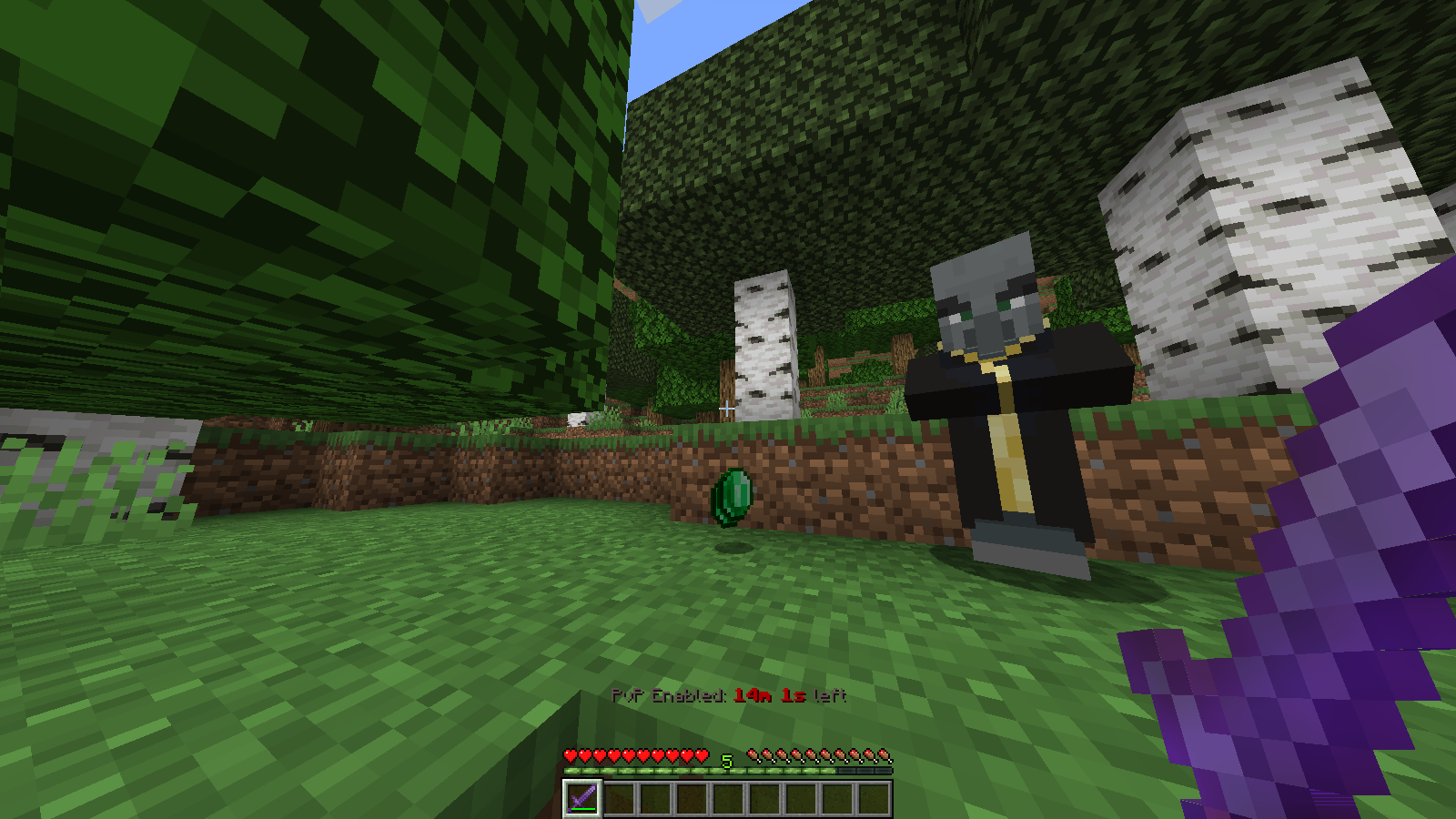 Totems Don't Drop By default, the totem drops are cancelled from the evokers. Using creative inventory/commands still works and evoker totem drops can be turned on in the config.
 -
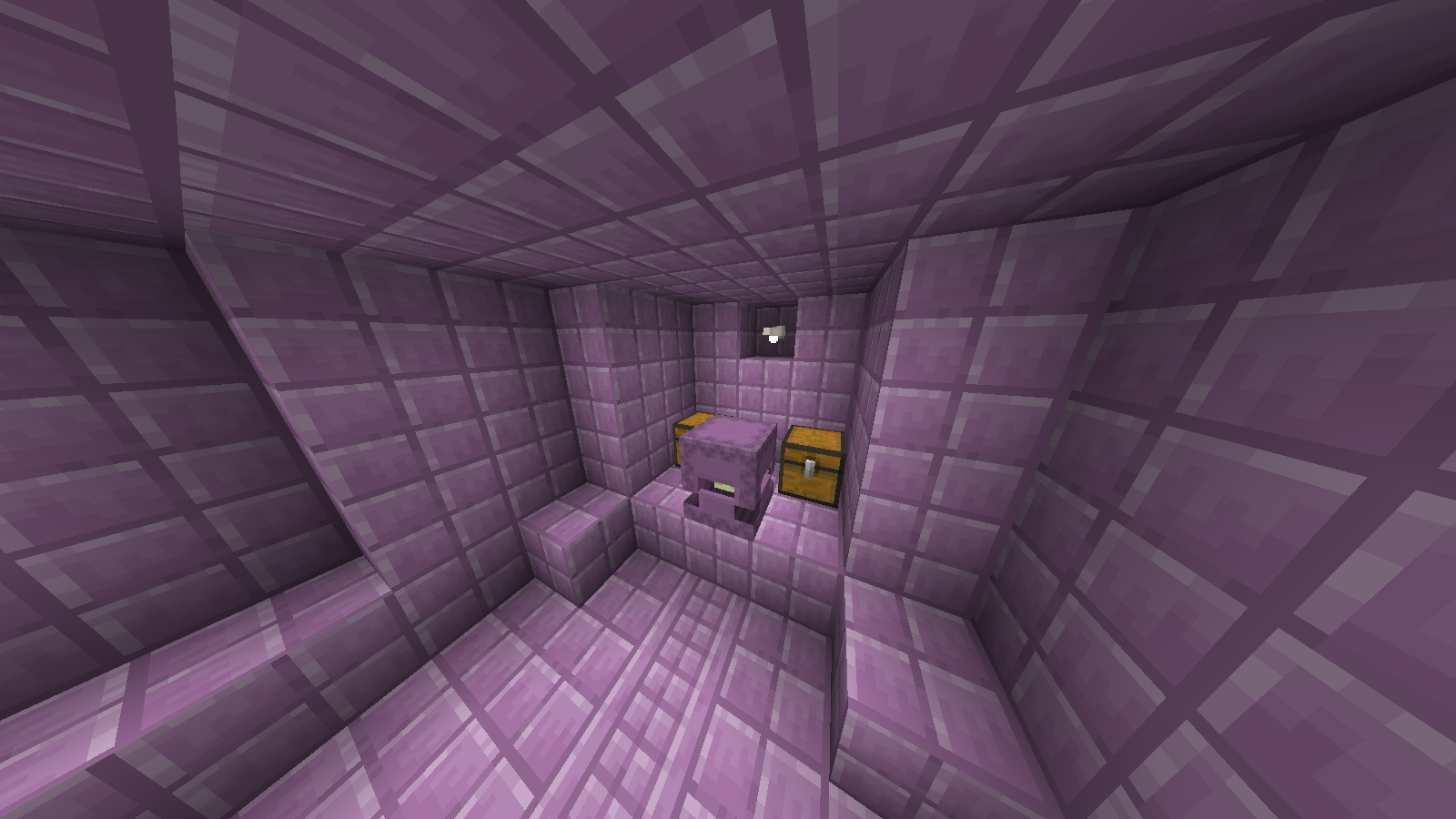 Elytras don't generate You can override this and allow elytra generation in the config.
 -
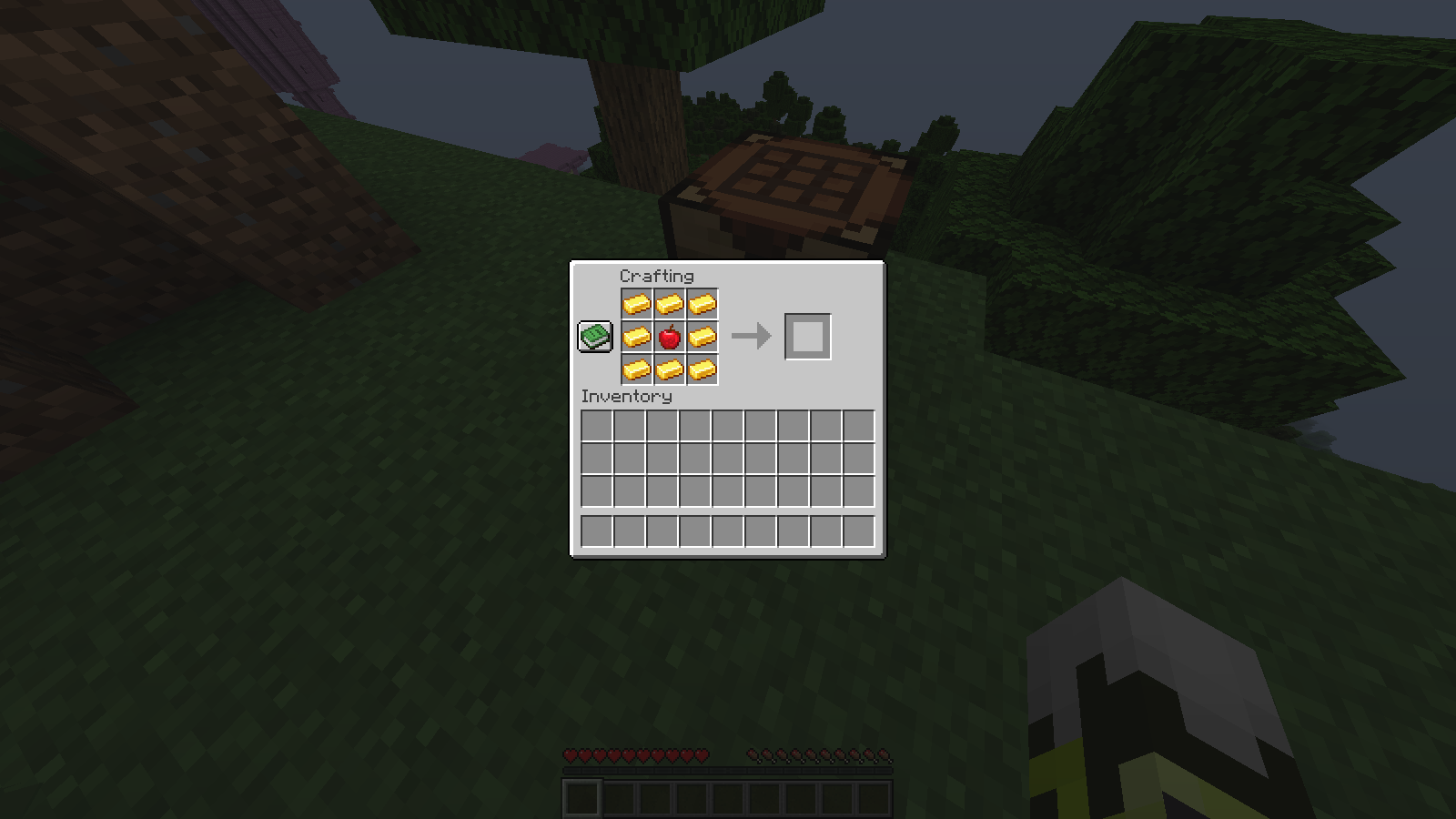 No Golden Apple Crafting The recipe is simply gone. If you like, you can turn the recipe back on in the config.
 -
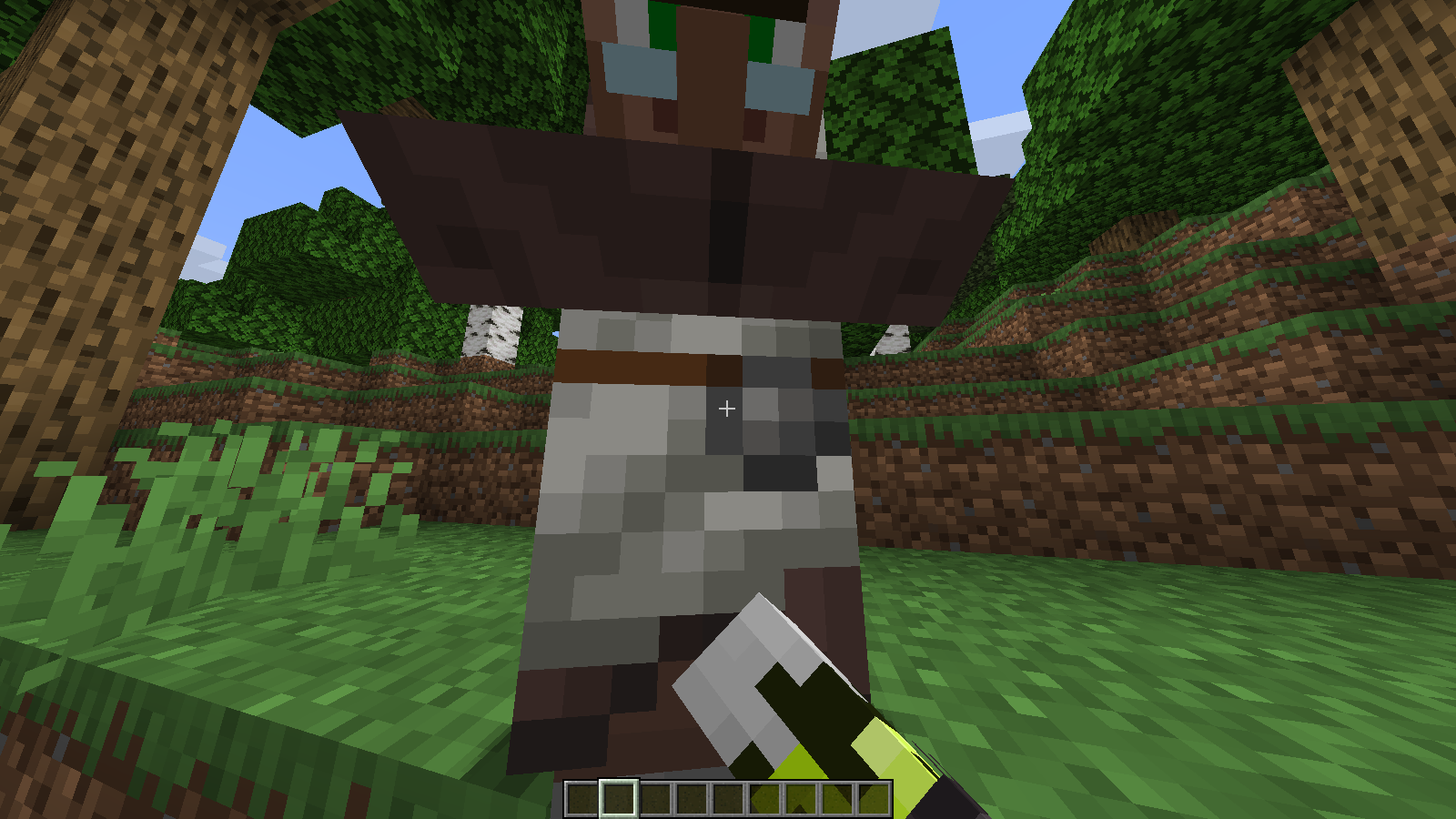 No villager trading This can be re-enabled in the config. Otherwise, the hand will swing but the GUI will fail to open.
 -
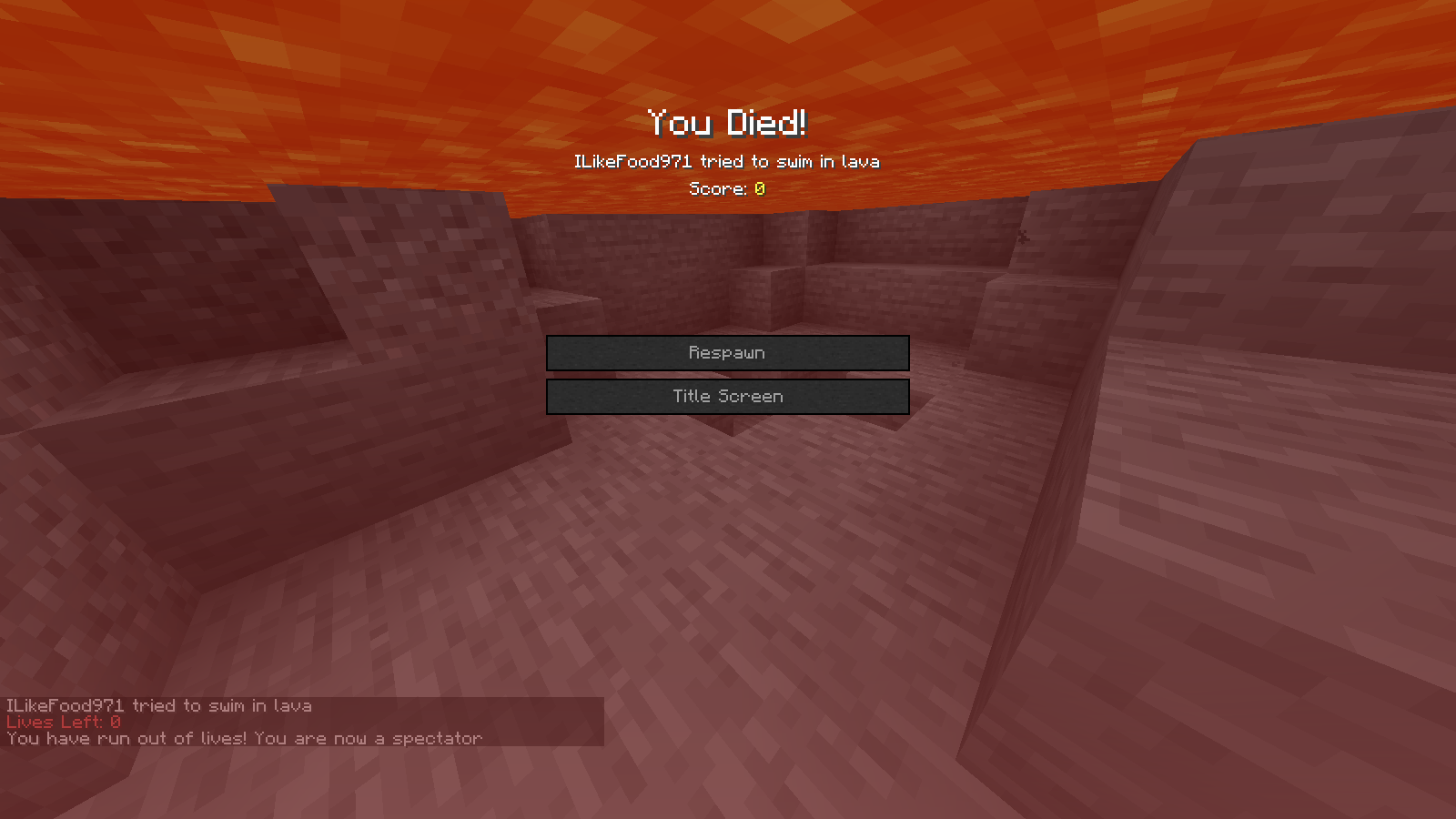 Running out of lives If you get to 0 lives, by default you get kicked/banned until forf is stopped. This can be changed in the config in which case you will just change gamemodes and get this message in the chat.
 -
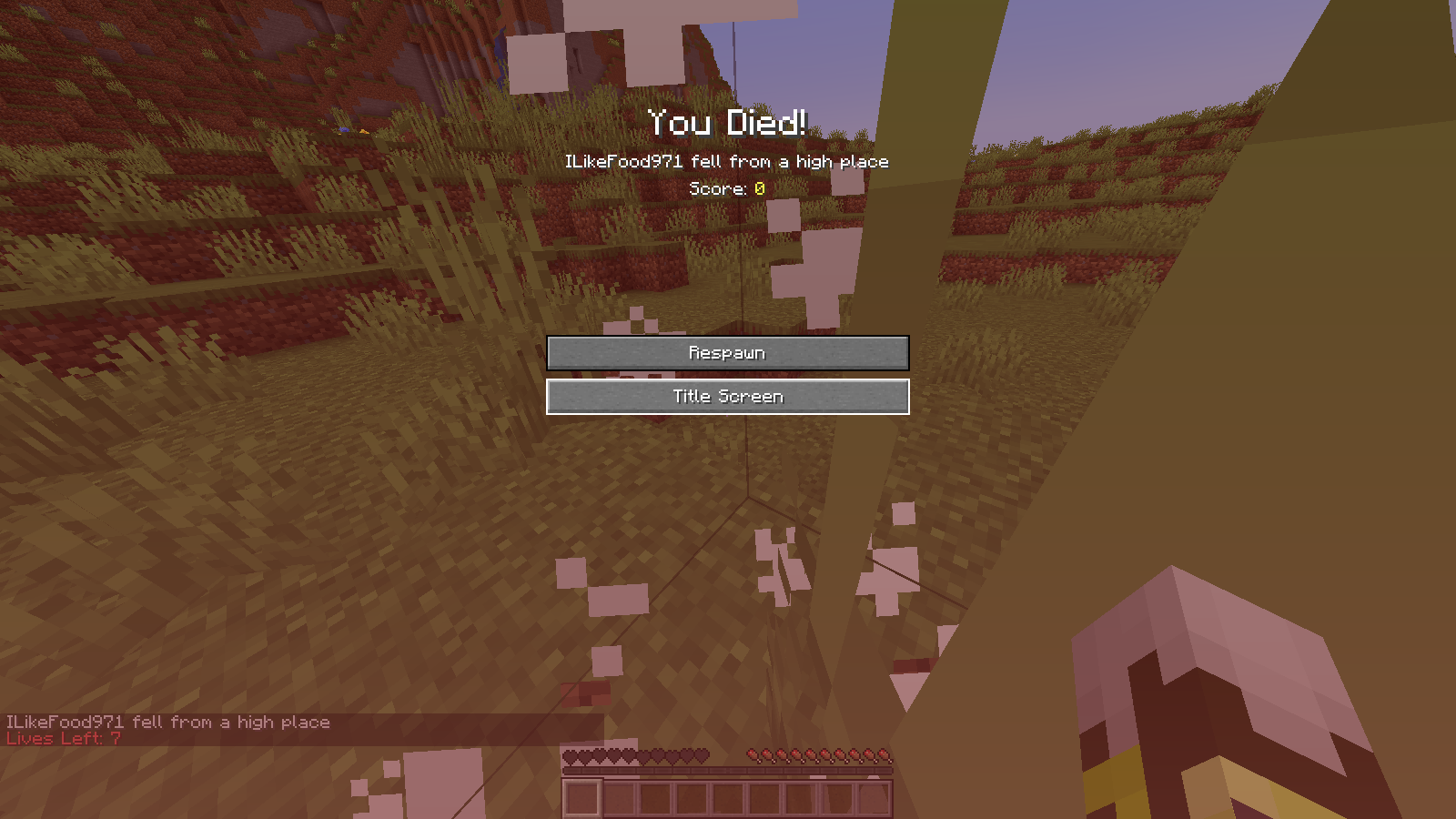 Losing a life You will get a chat message with the amount of lives you have left.
 -
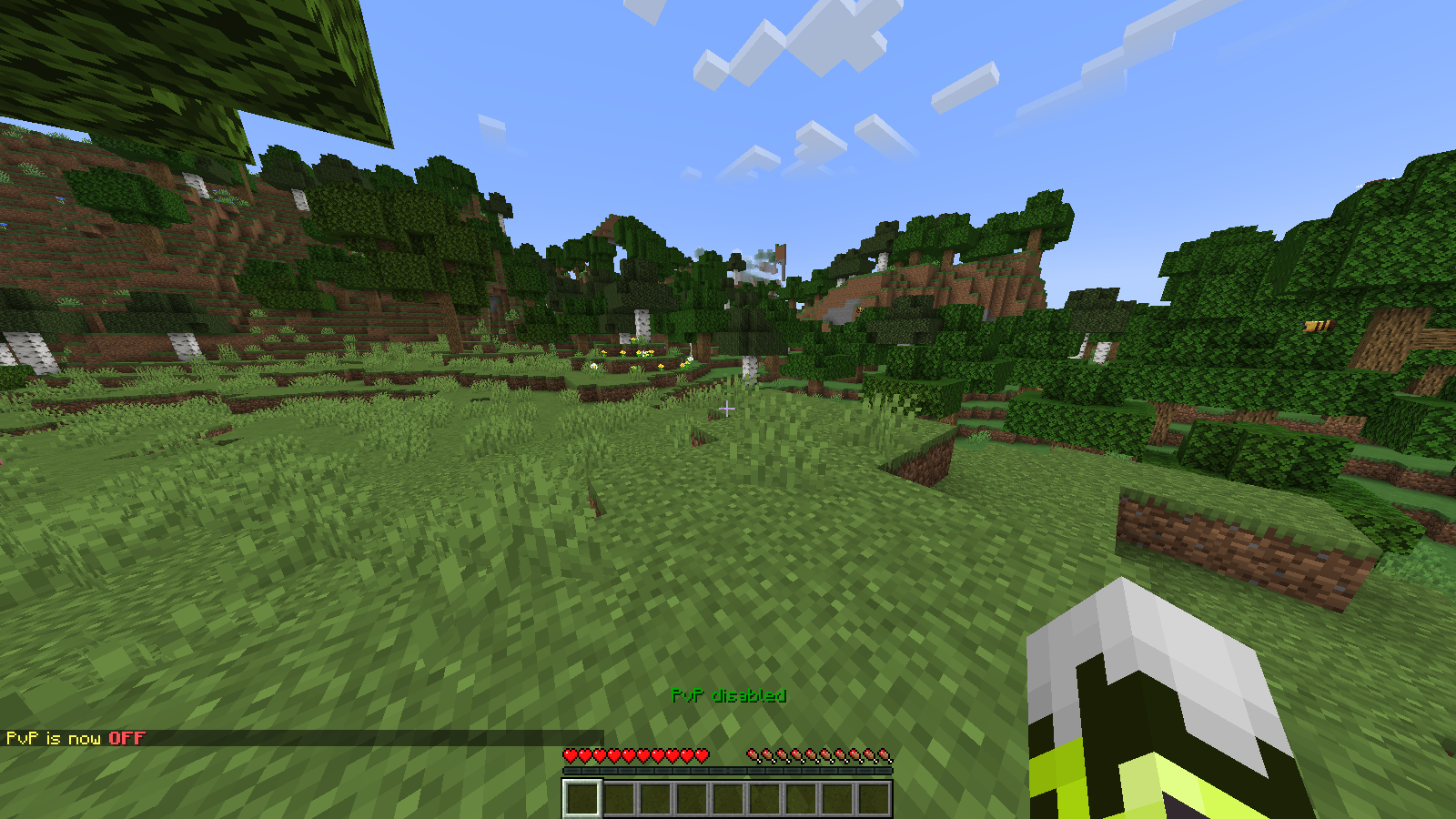 PvP Off Screen Almost identical to the actual series.
 -
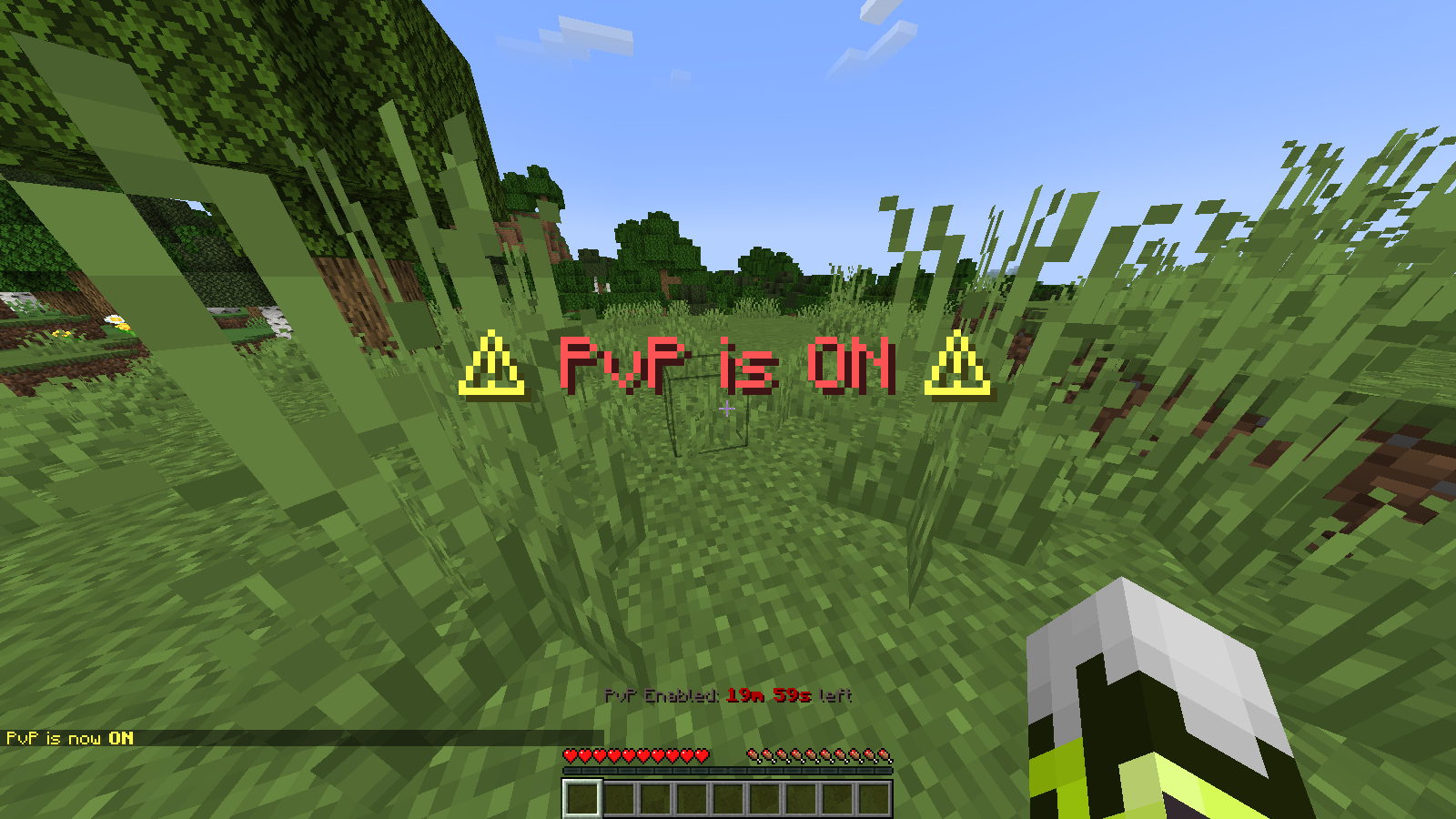 PvP on screen Almost identical to the actual series.
 -
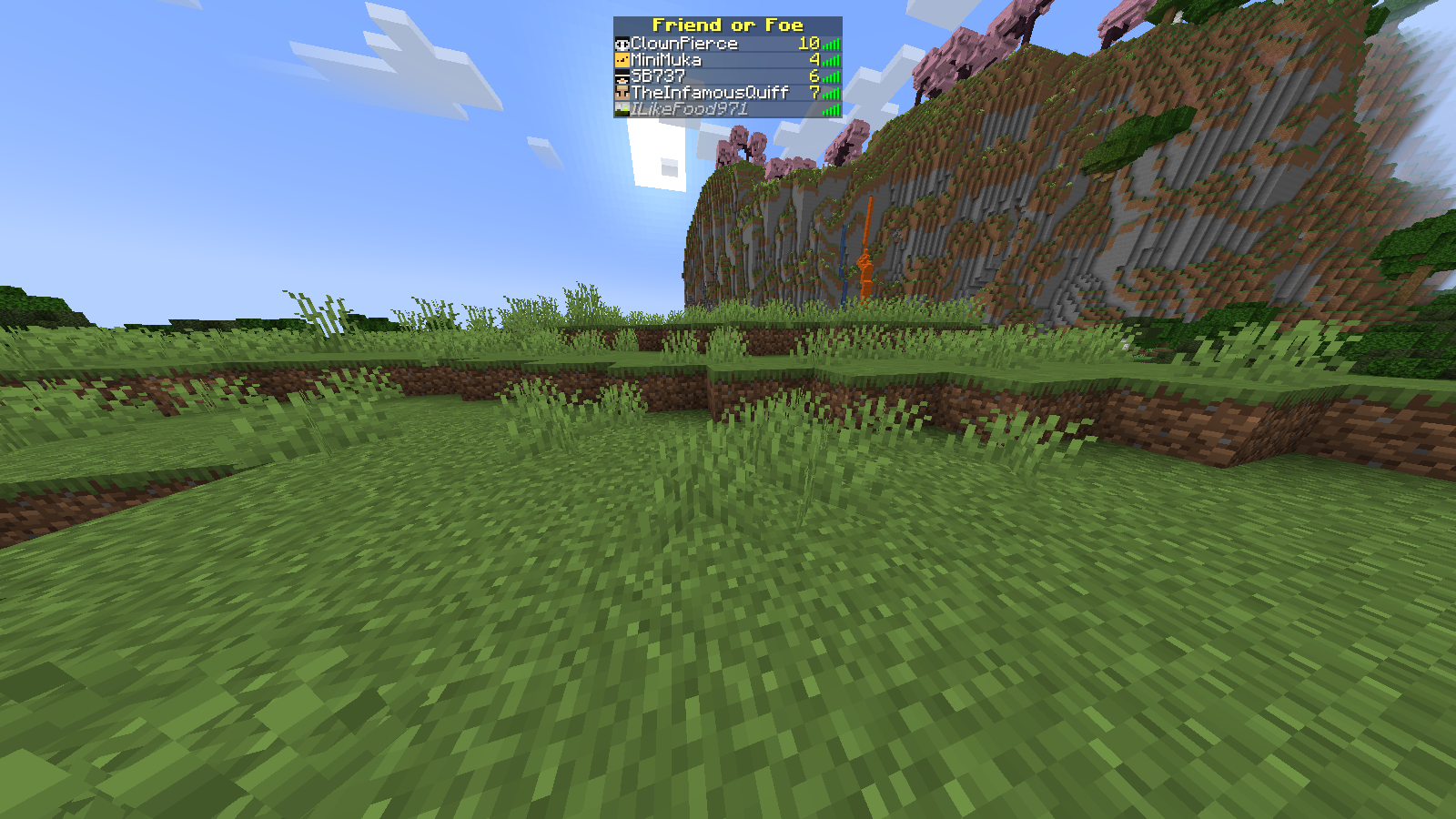 Example of the tablist with Friend or Foe The number of lives in this screenshot it not related to the actual series.
-
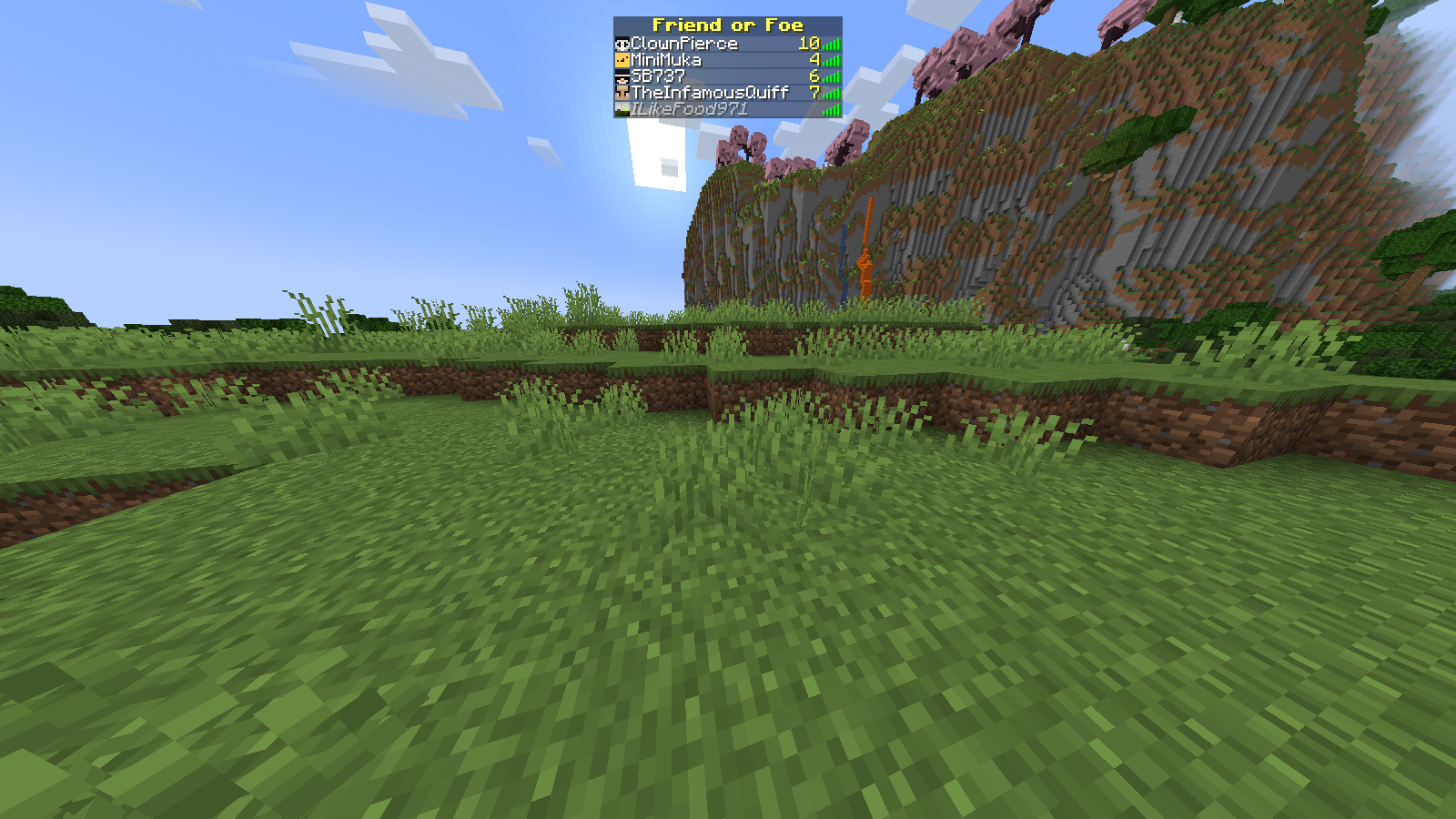 Example of the tablist with Friend or Foe The number of lives in this screenshot it not related to the actual series.
 -
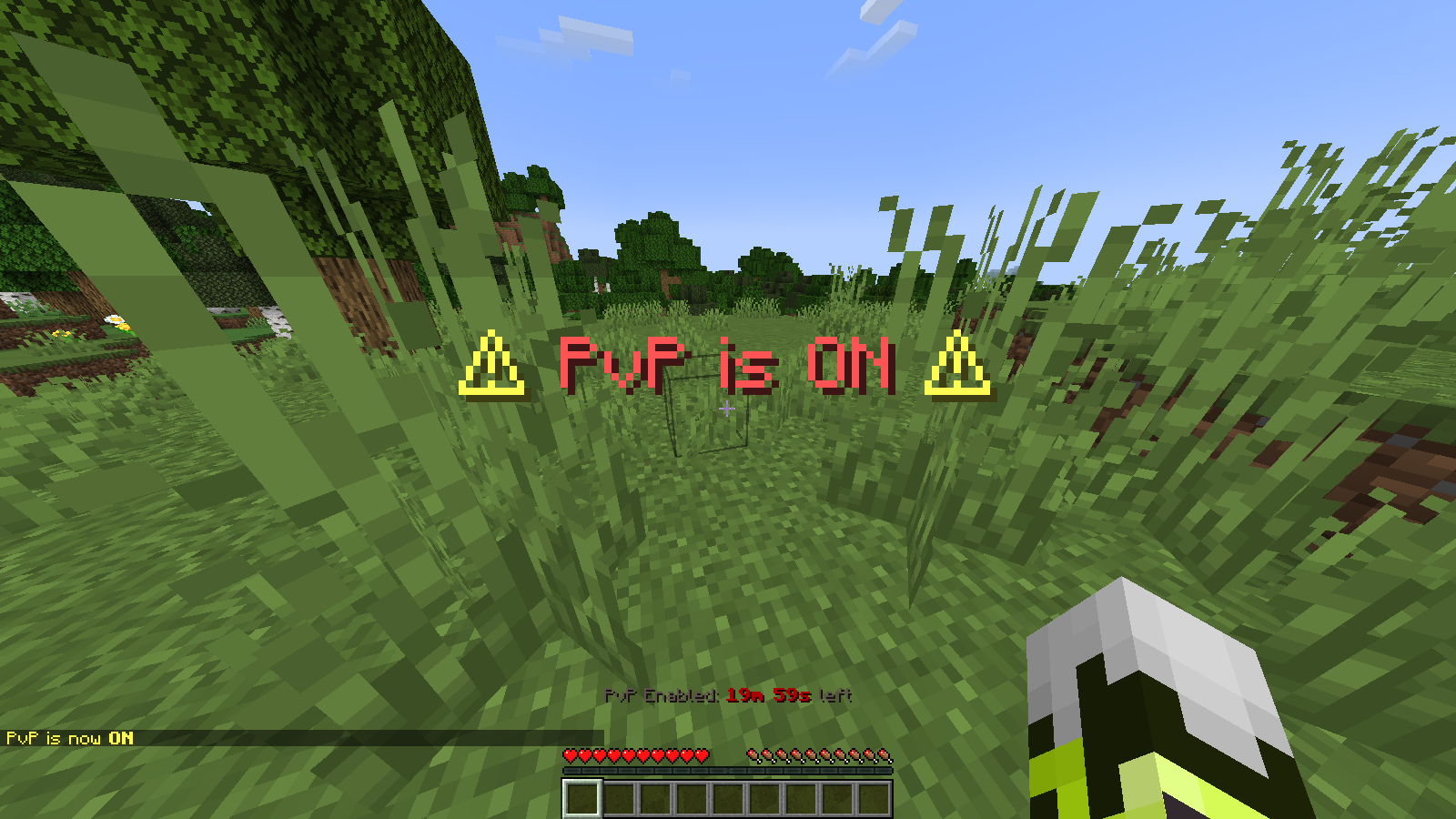 PvP on screen Almost identical to the actual series.
 -
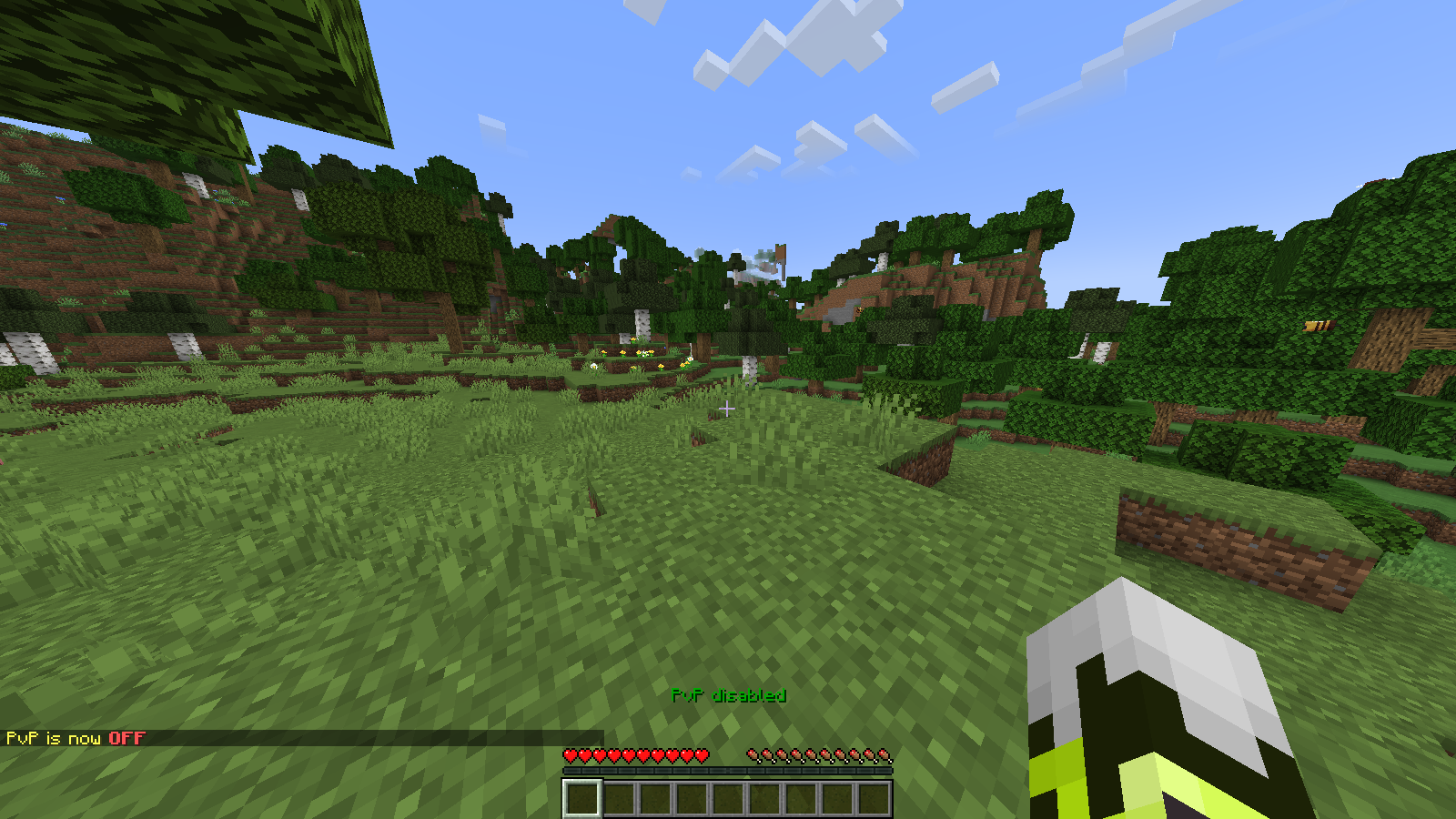 PvP Off Screen Almost identical to the actual series.
 -
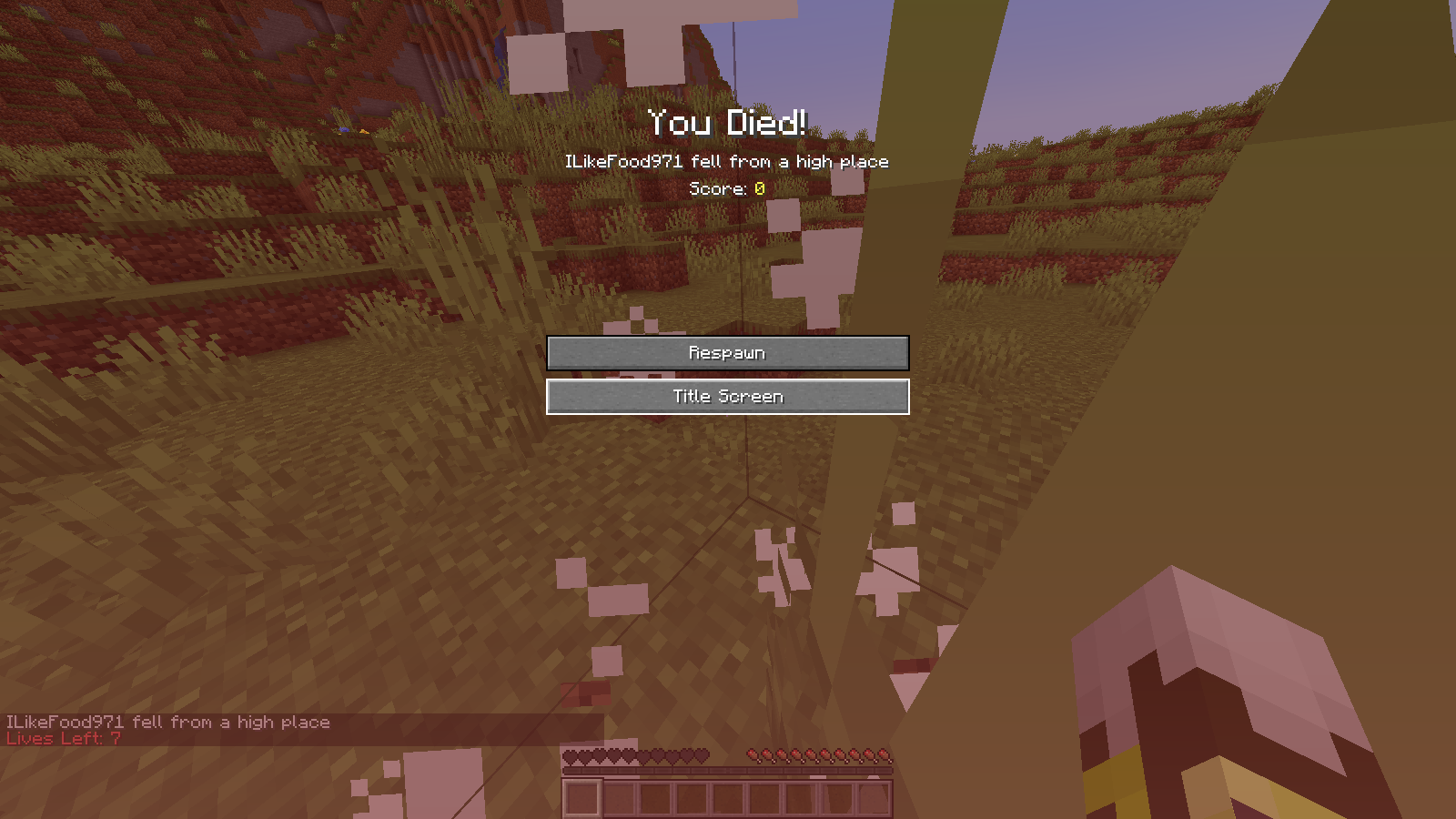 Losing a life You will get a chat message with the amount of lives you have left.
 -
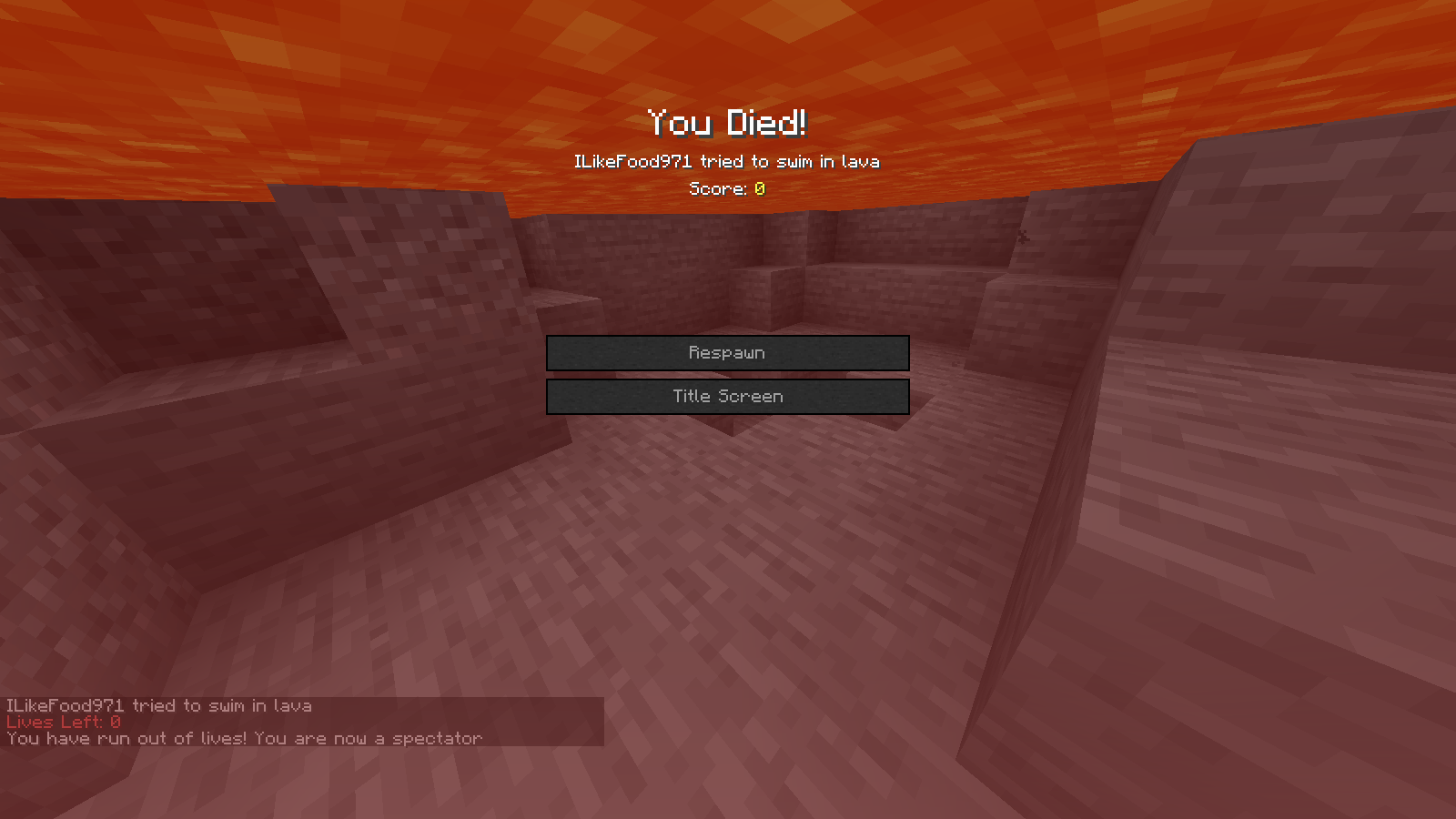 Running out of lives If you get to 0 lives, by default you get kicked/banned until forf is stopped. This can be changed in the config in which case you will just change gamemodes and get this message in the chat.
 -
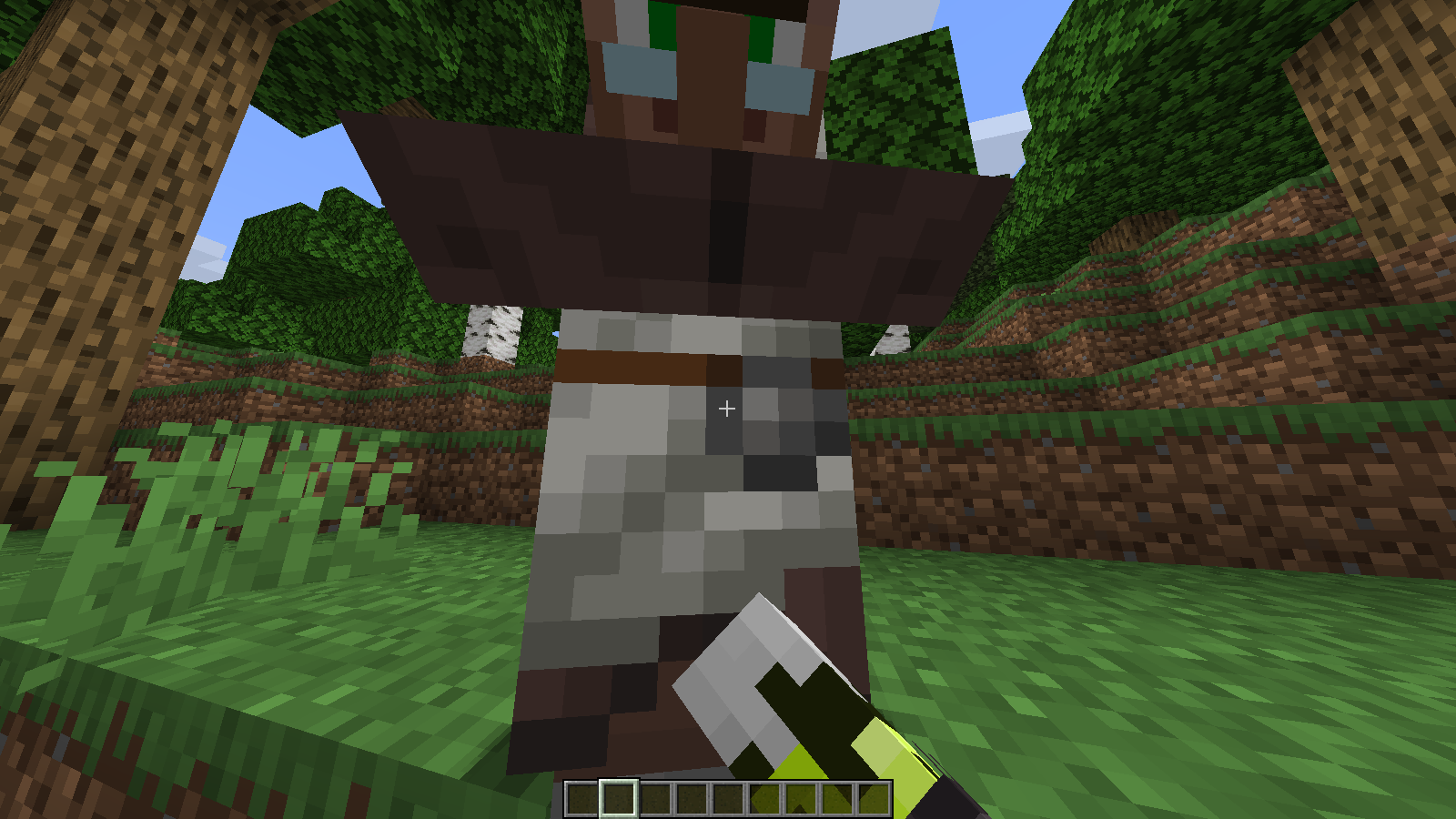 No villager trading This can be re-enabled in the config. Otherwise, the hand will swing but the GUI will fail to open.
 -
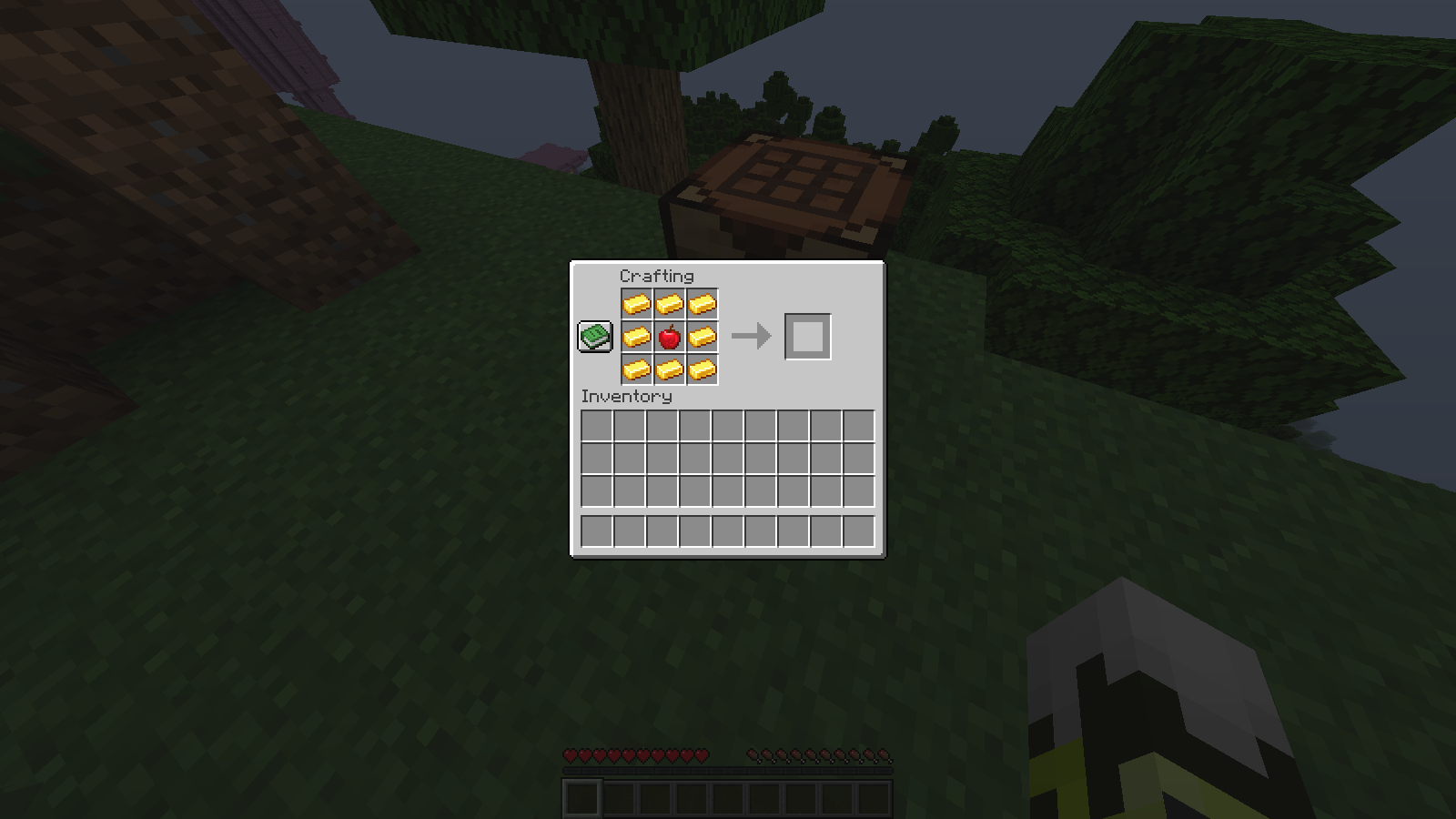 No Golden Apple Crafting The recipe is simply gone. If you like, you can turn the recipe back on in the config.
 -
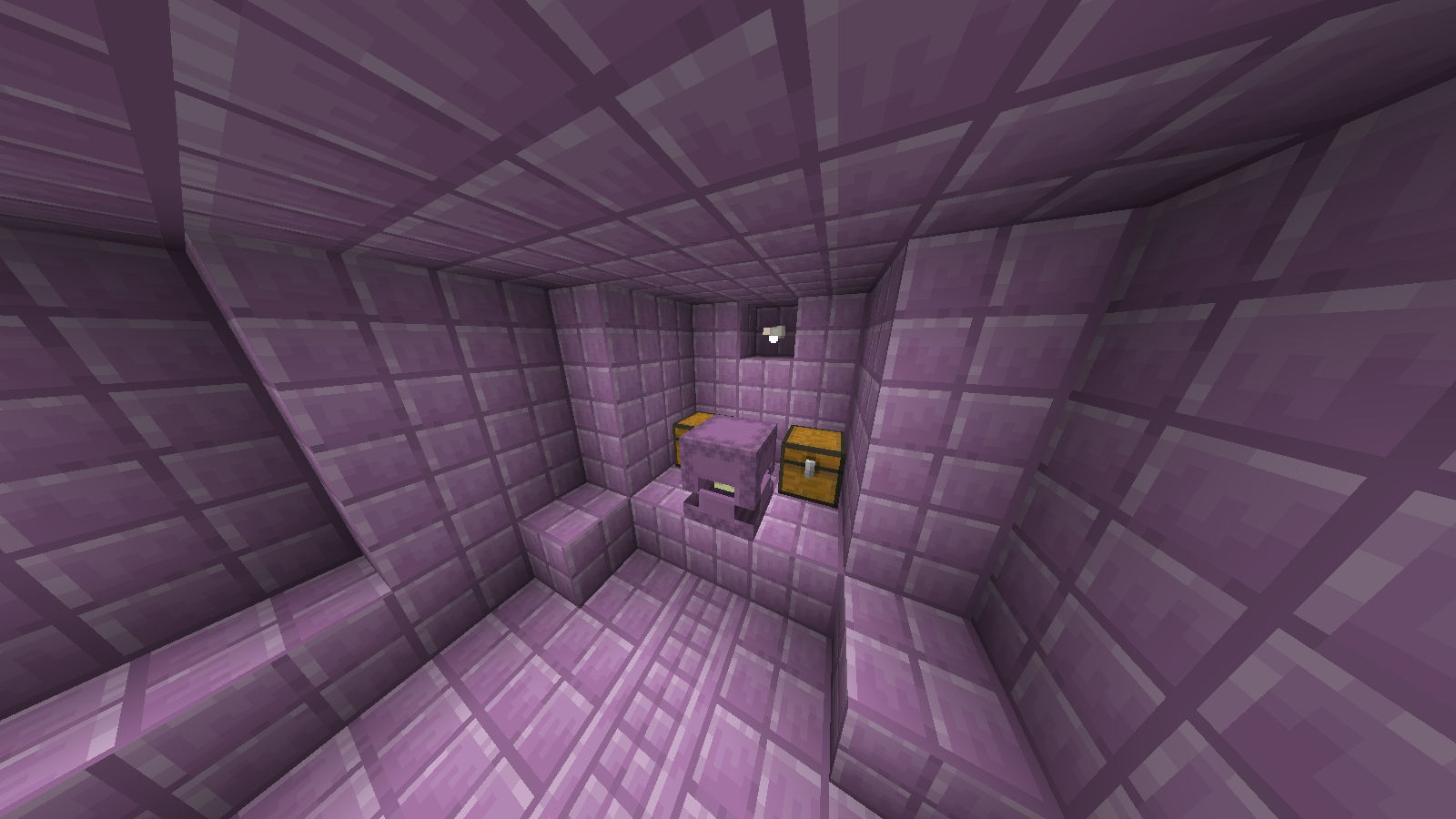 Elytras don't generate You can override this and allow elytra generation in the config.
 -
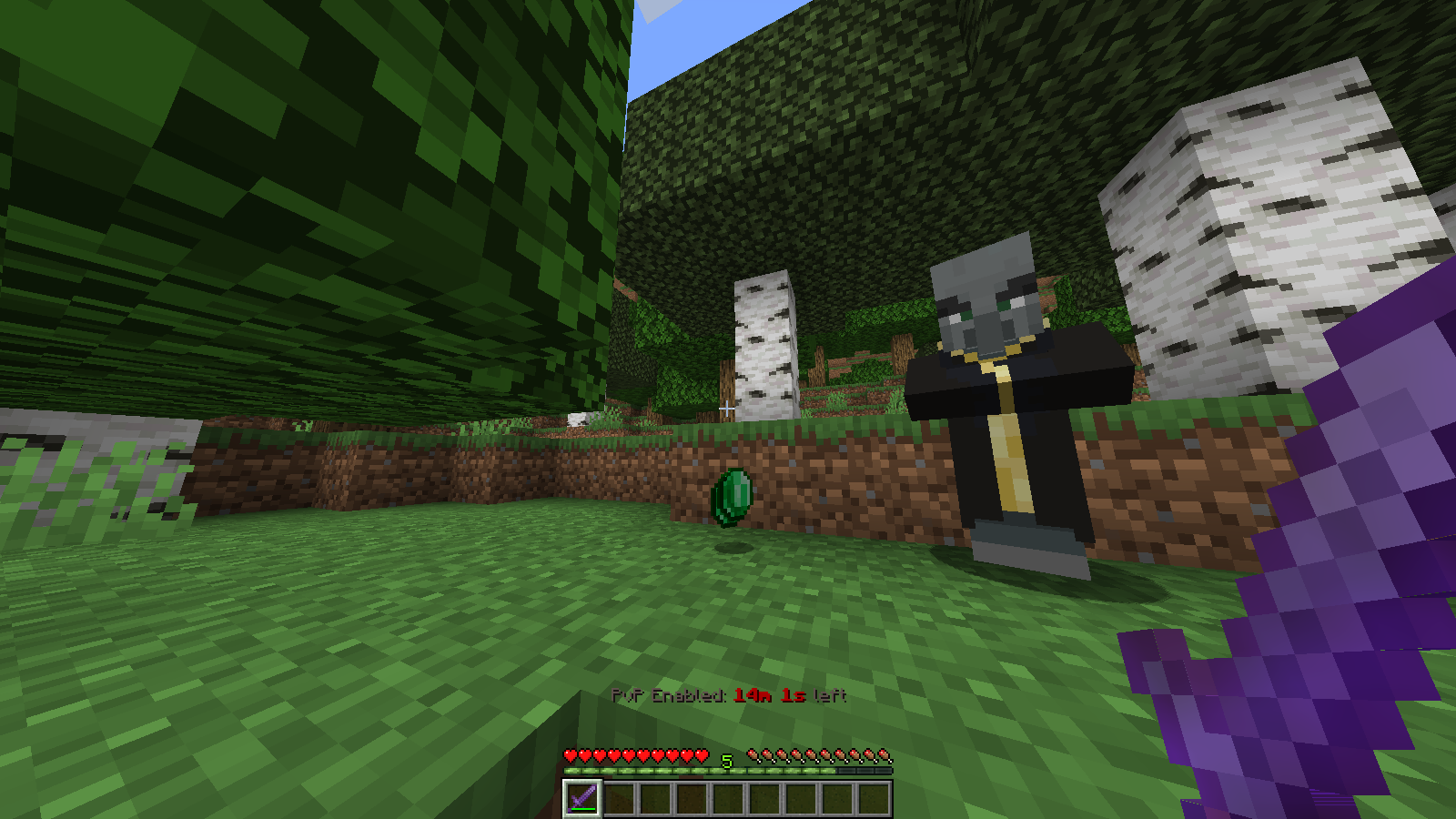 Totems Don't Drop By default, the totem drops are cancelled from the evokers. Using creative inventory/commands still works and evoker totem drops can be turned on in the config.
 -
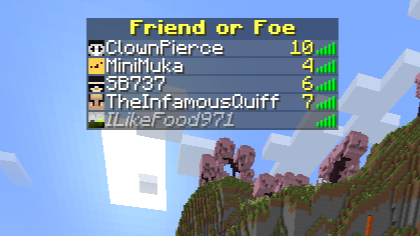 Closeup of the Tablist With Friend or Foe
Versions
Files
Relations
Project Relations
More like this
Similar Mods
Suggestions use data such as tags, dependencies, dependents, descriptions, titles, and more to rank how much they overlap with this mod.
On ModDex
Community snapshot
By the numbers
Statistics
Want to reach Minecraft players?
We're looking for a server hosting partner to feature here and other parts of the site. Interested? Send us a message!
Get in touchGet it on
Available Platforms
On ModDex
Community snapshot
By the numbers