
Community listing page, reviews here may not be monitored by the author.
Social Player Mobs


No reviews yet
Player mobs with behaviours, items / chest interactions and motives.
Community voices
Reviews
No reviews yet. Be the first to review this project!
Get it on
Available Platforms
Compatibility
Supported Environments
Must be installed on both the client and the server.
About
Project Details
For authors
Embed Badge
If you're the author of this project, you can embed a live badge anywhere that supports HTML or Markdown. It updates automatically whenever ratings change.
Use HTML for any page that supports it, or Markdown for README files and Markdown-based descriptions.
Identifiers
Platform IDs
Resources
External Links
About
Description
PlayerMobs is designed for Dungeon Train — but useable for other mods / packs on its own.
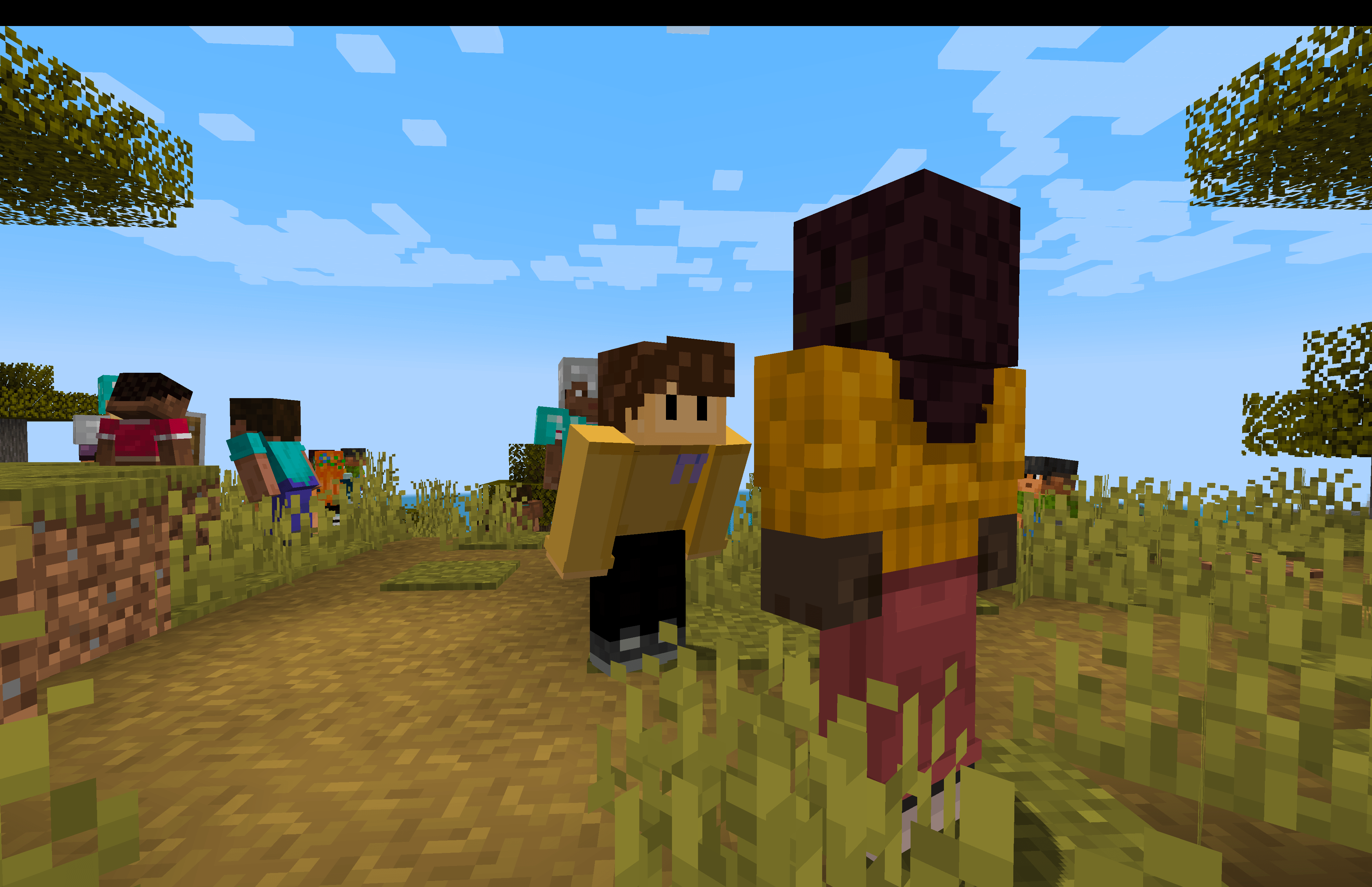
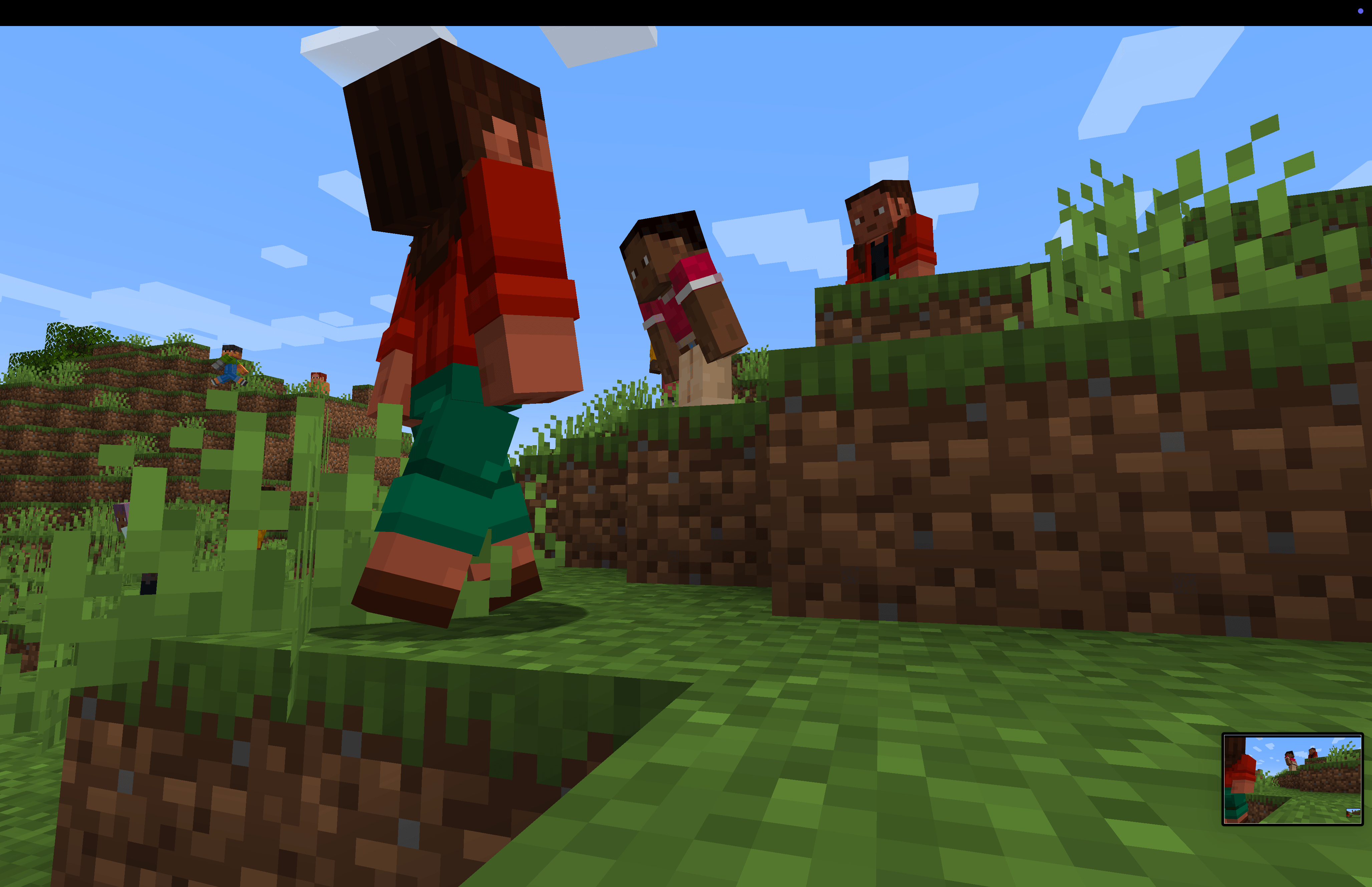
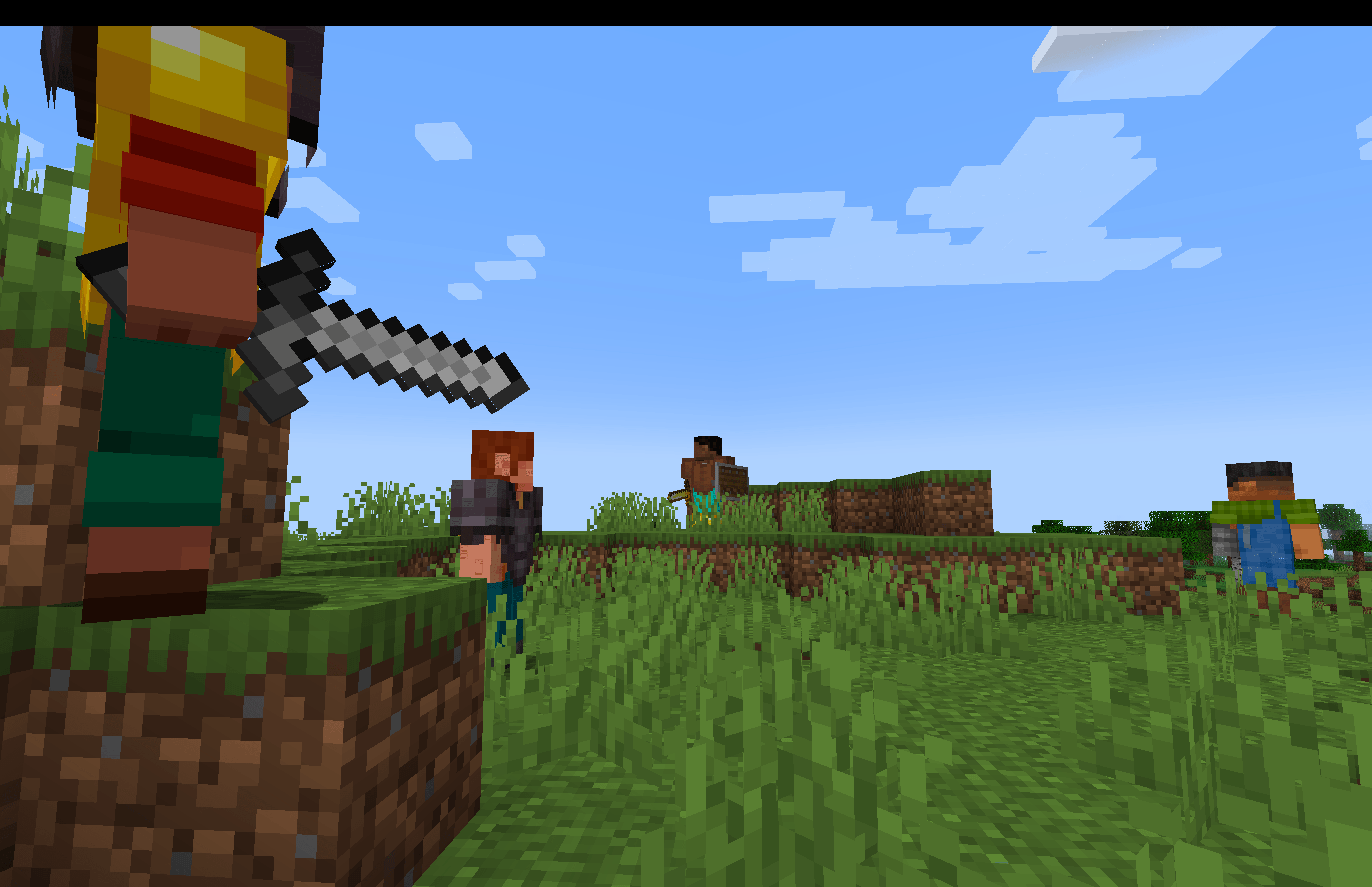
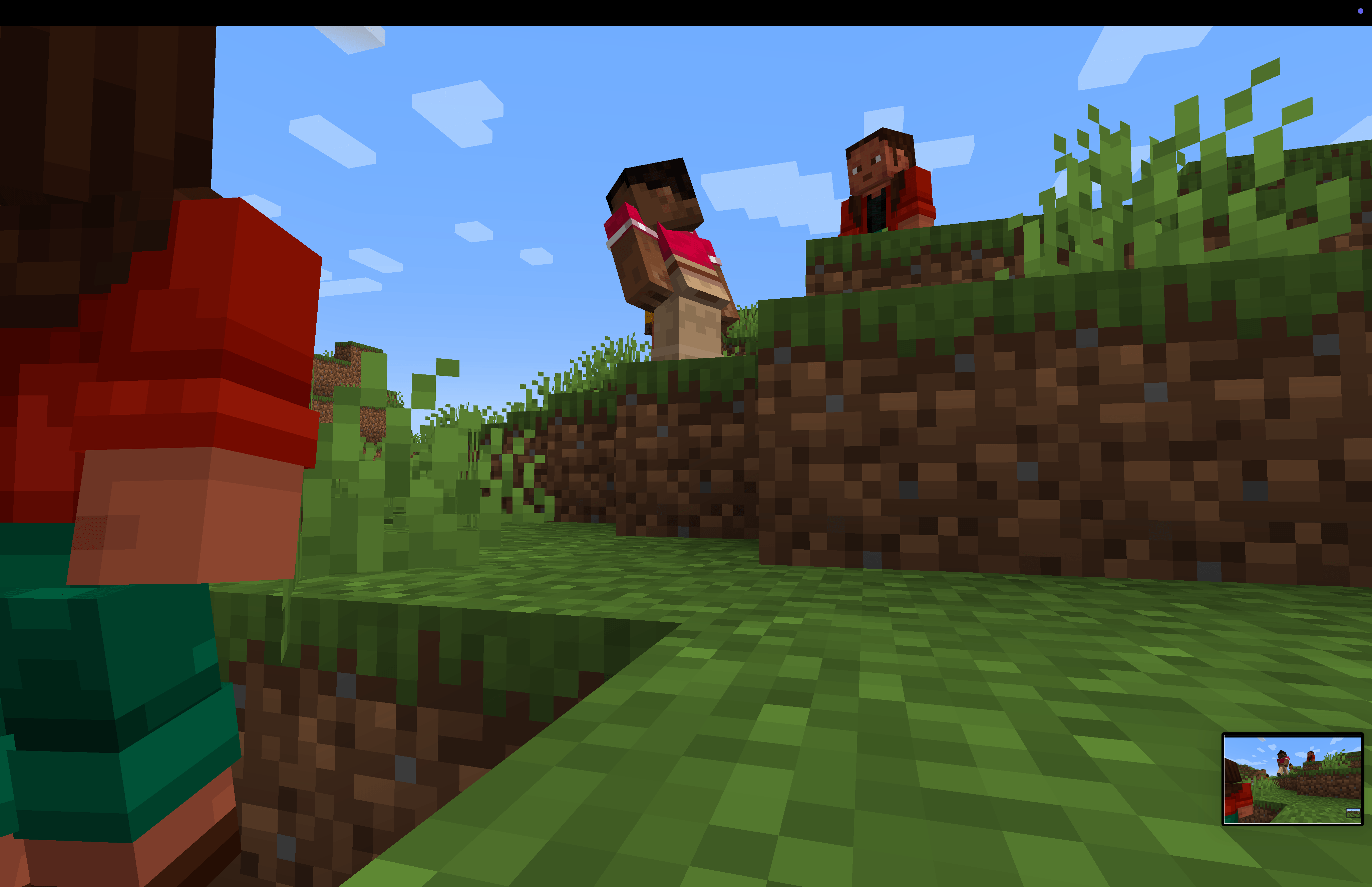
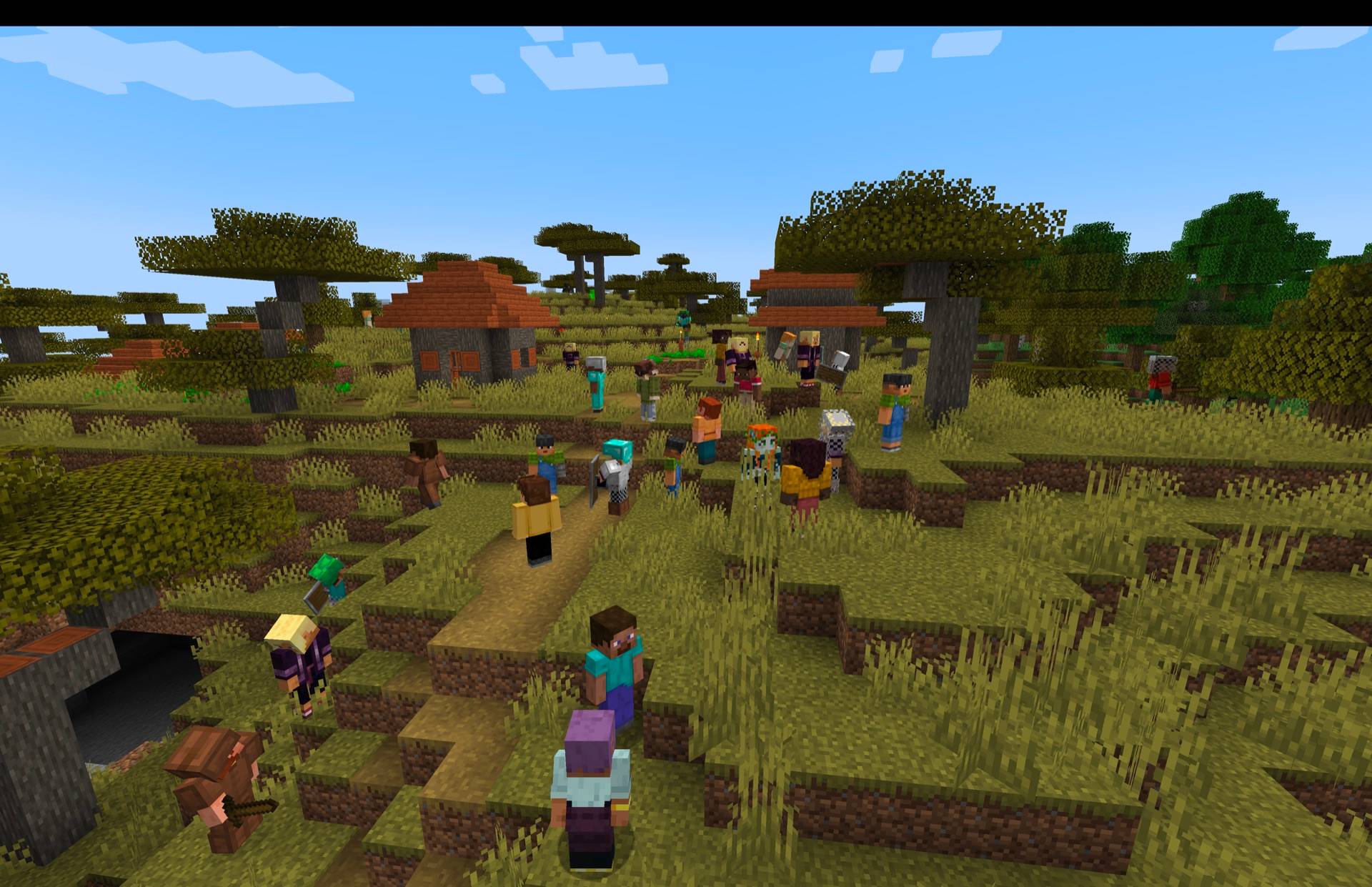
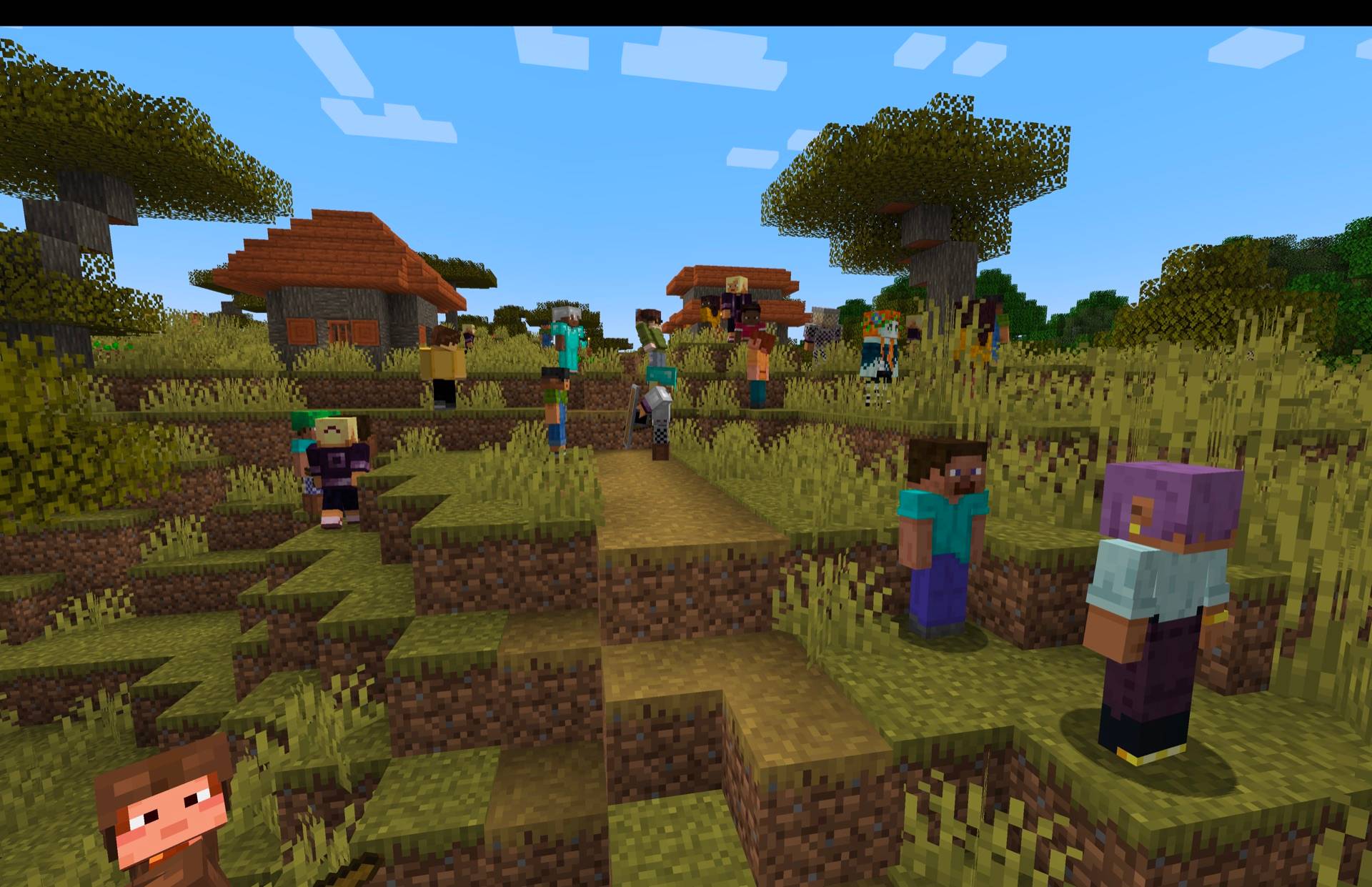
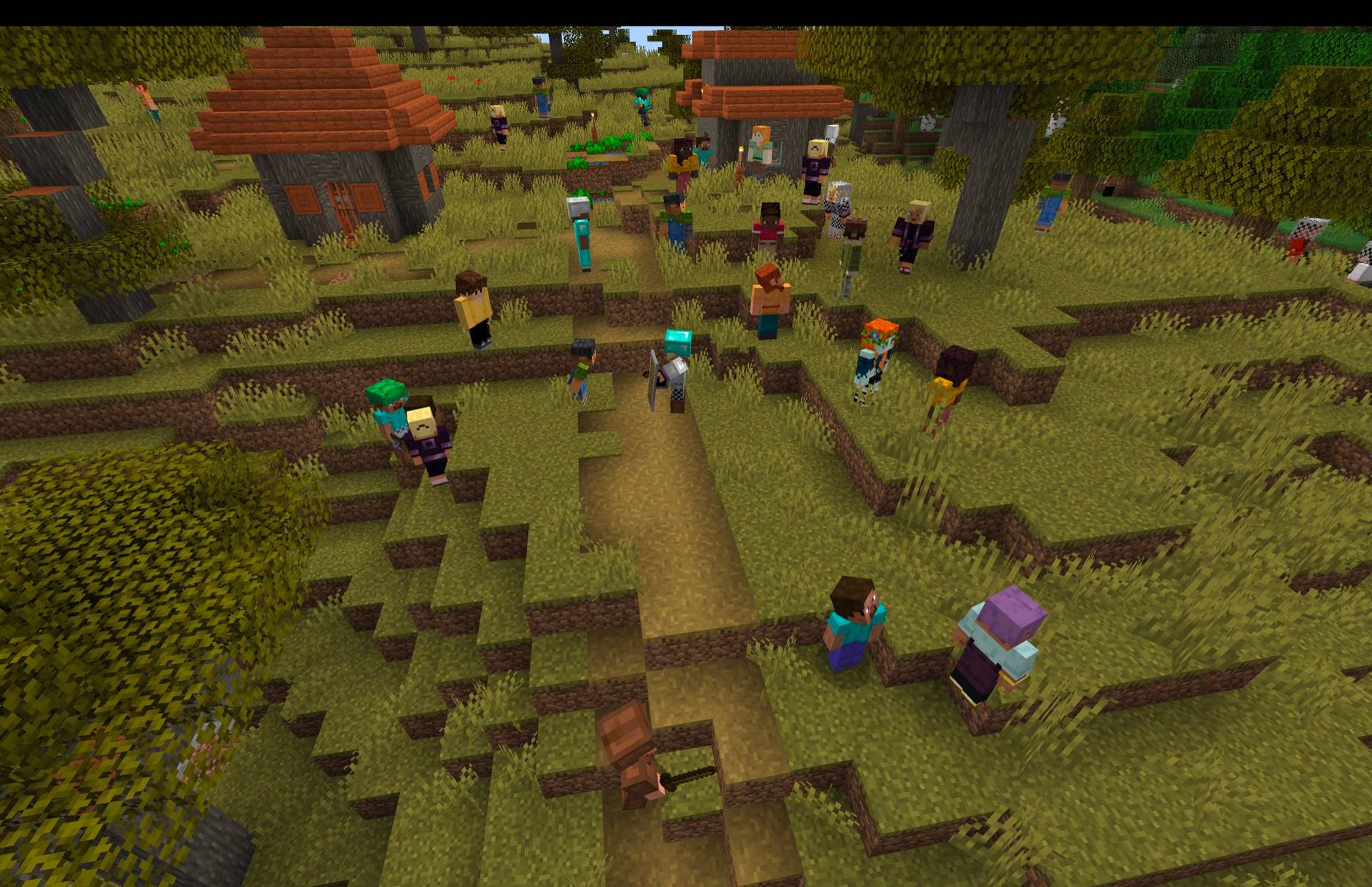
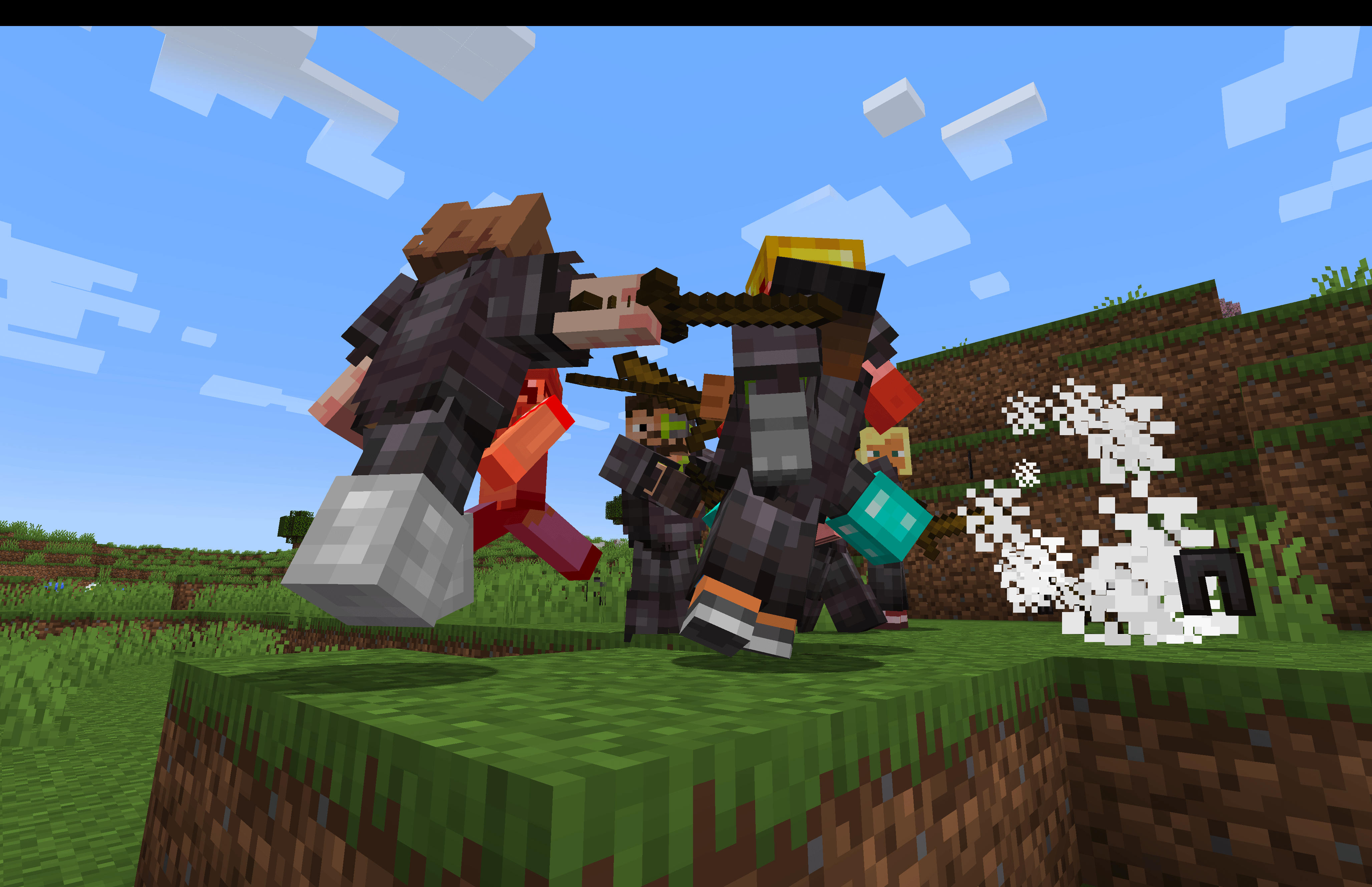
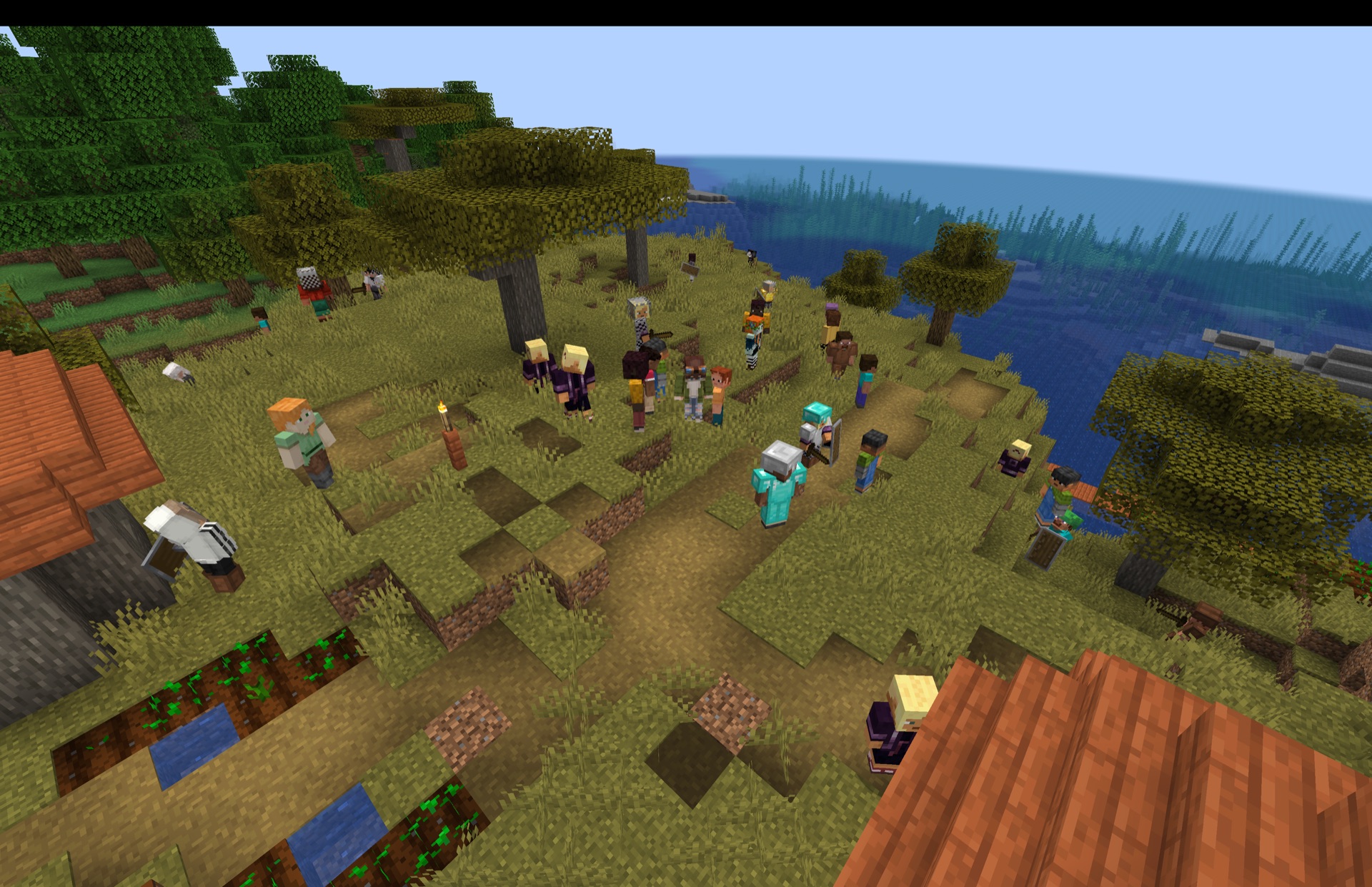
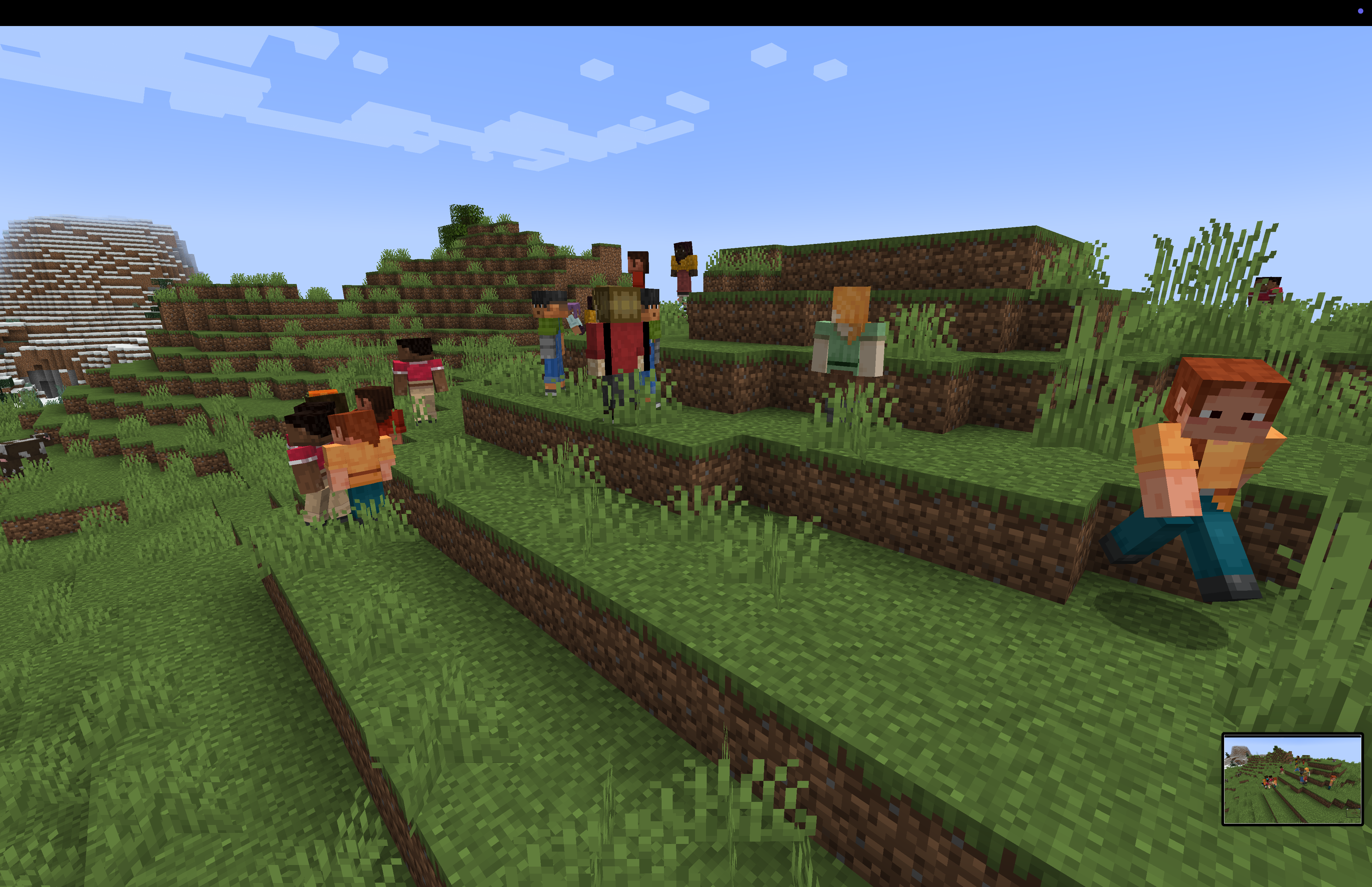
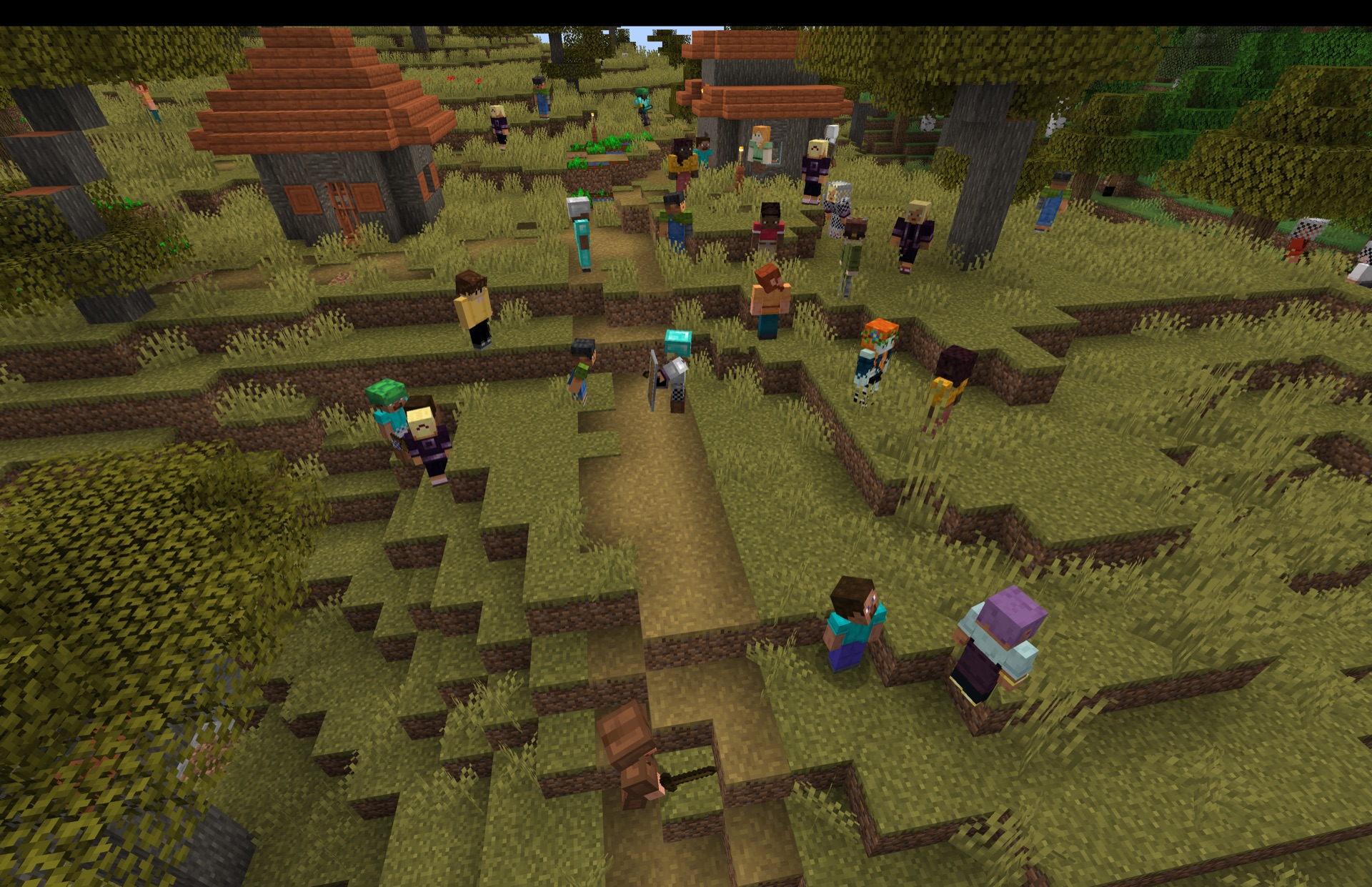
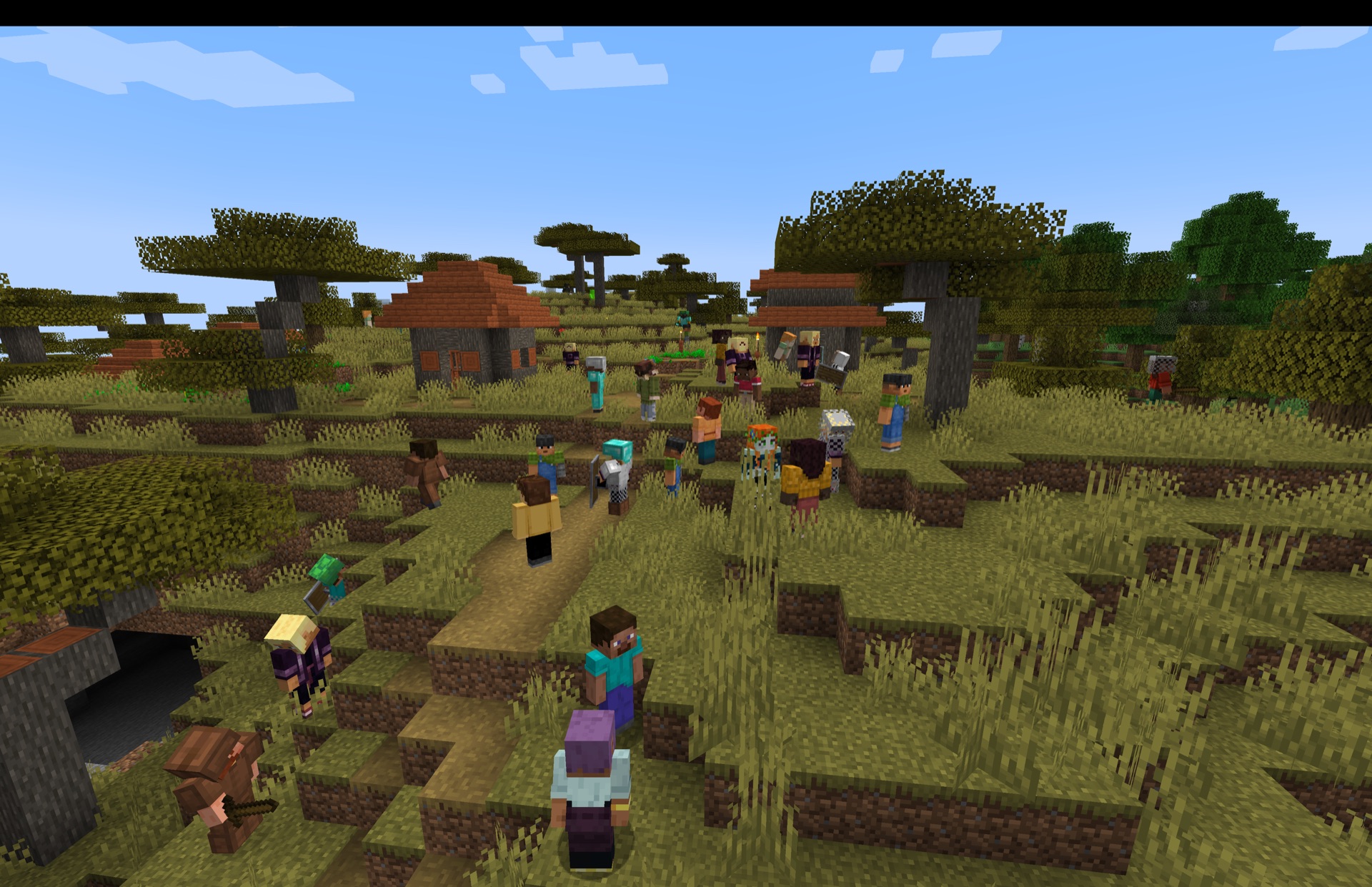
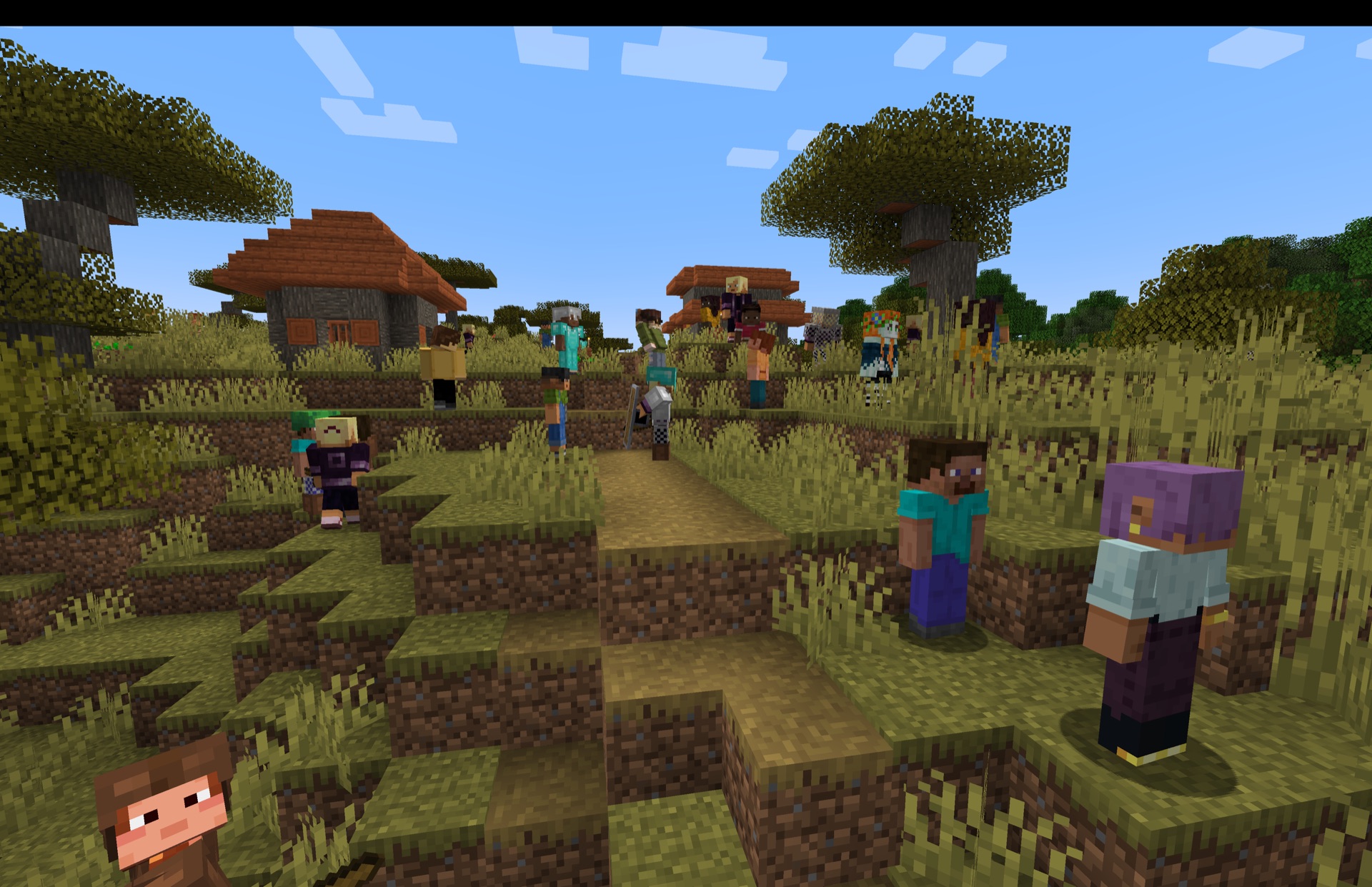
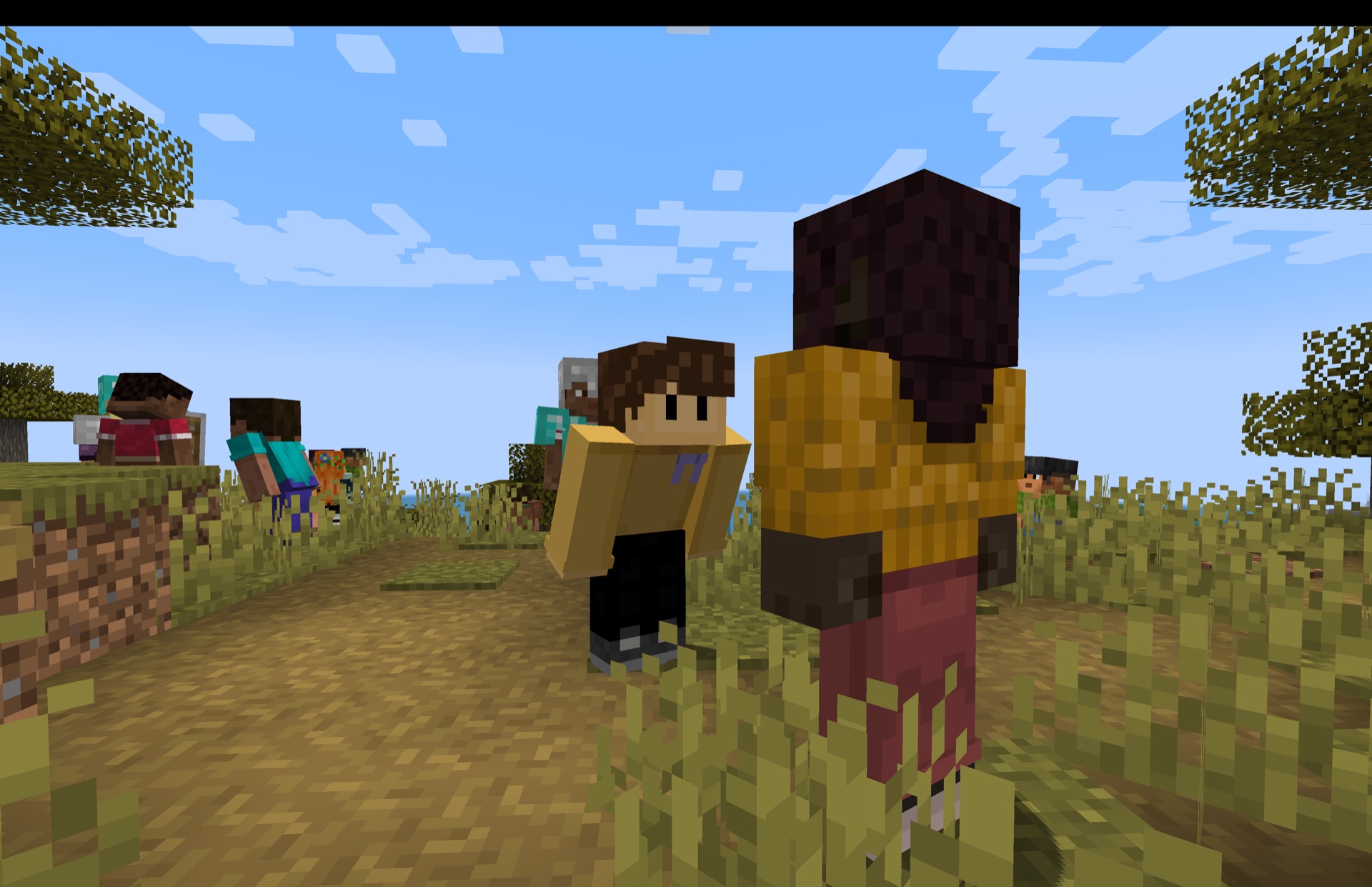
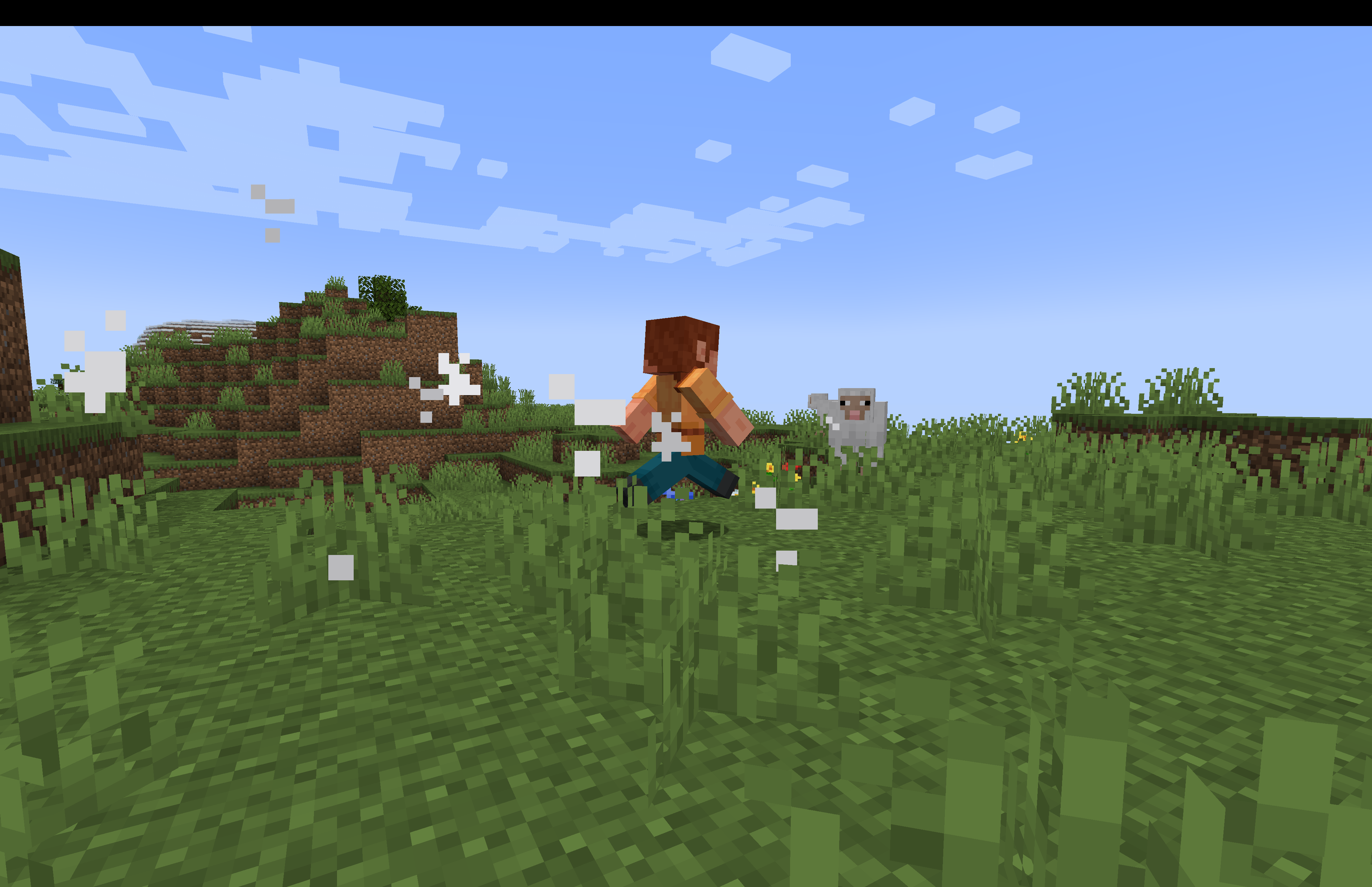
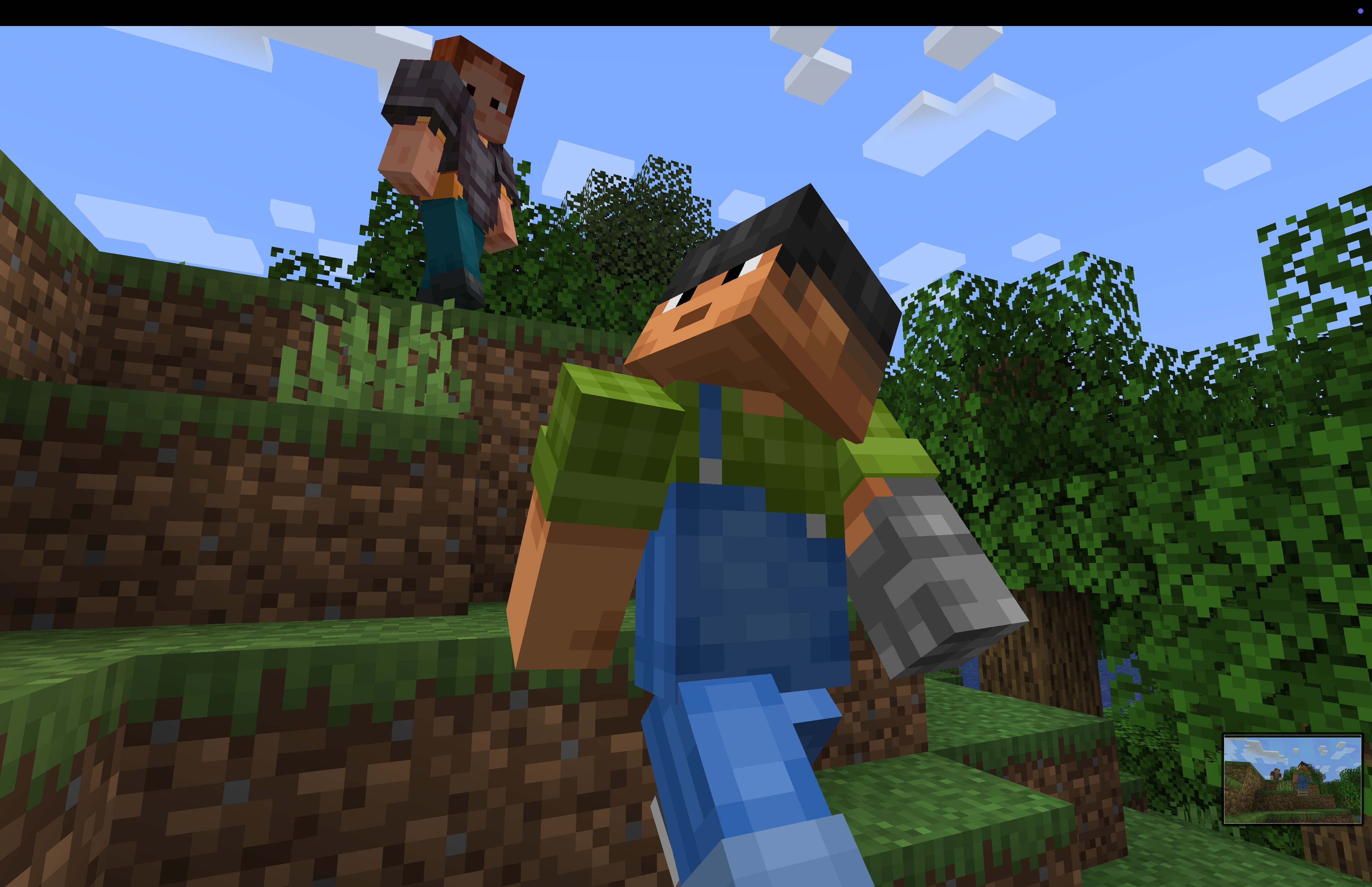
Player-mobs look like players and live their own lives in your world. They scavenge, gear up, fight, and react to you based on their personality — some want to be your friend, others want you gone. And now you can give them orders, name them, and dress them in any player's skin.
What they do
- 🎒 Scavenge — pick up loose items, raid chests & barrels, and loot armor stands
- ⚔️ Gear up — swap out their equipment whenever they find an upgrade
- 🏹 Fight for real — ranged player-mobs now draw real arrows (and fireworks for crossbows) from their own packs, and fall back to melee when they run dry
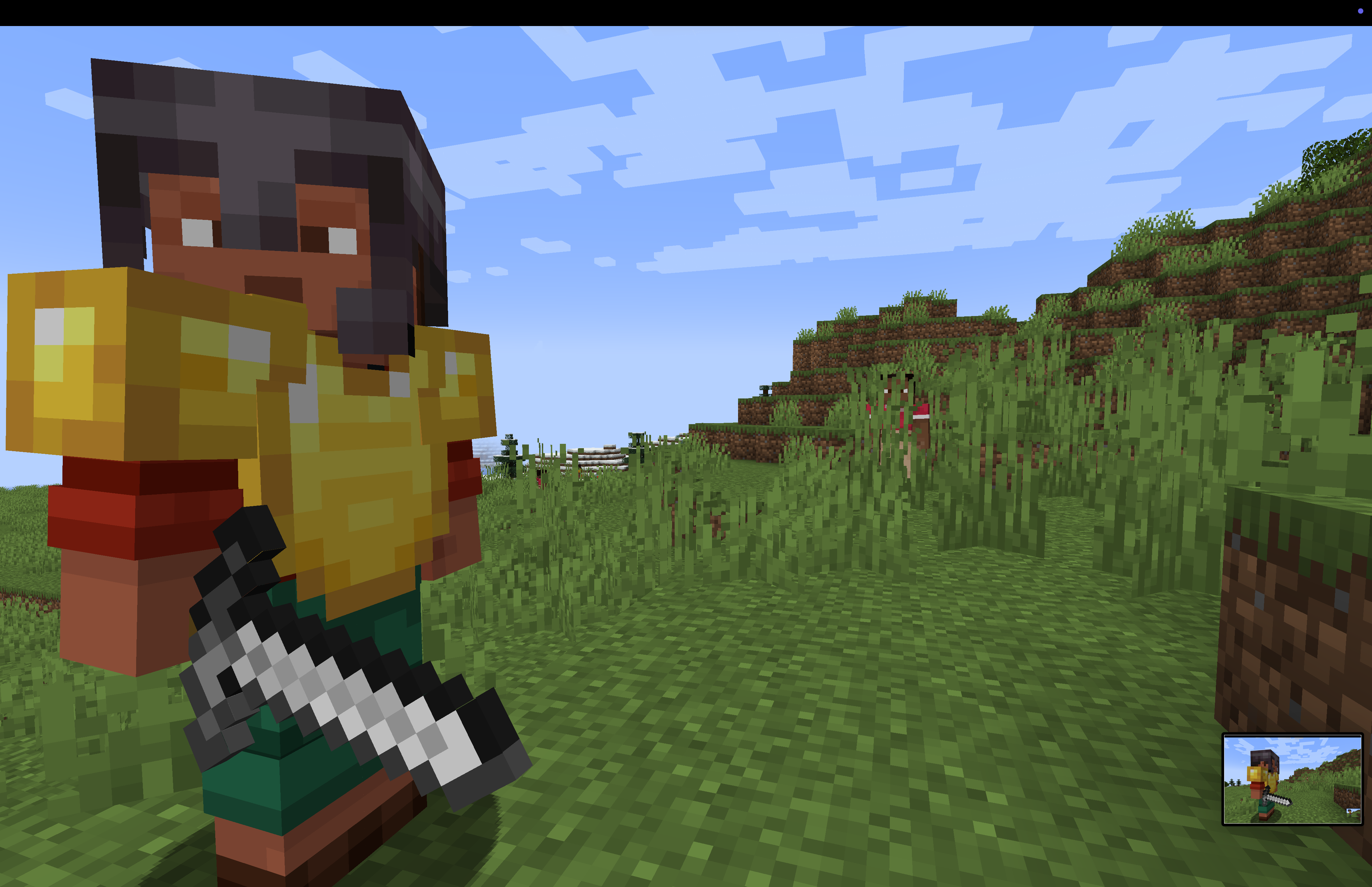
- 🧍 Look the part — each spawns with one of many built-in player skins
- 🧠 Have a personality — every mob acts on its own temperament
- 🫡 Take orders — command any named player-mob to walk, attack, gift, greet, steal, use or place things (see Commands below)
What they could do if you request it
- Craft, build, and pursue goals beyond socialising and fighting
- Anything else — if you have specific requests for this mod, reach out to me in the comments.
Personalities
Each player-mob is one of five types:
- 😠 Aggressive — attacks players on sight.
- 🫣 Shy — runs away from players and crouches behind blocks to hide.
- 🥰 Friendly — stares at you and spam-crouches as a friendly gesture, and gives you gifts. Turns Aggressive or Shy if attacked.
- 😐 Passive — generally ignores players, glancing at you only briefly now and then. Turns Aggressive or Shy if attacked.
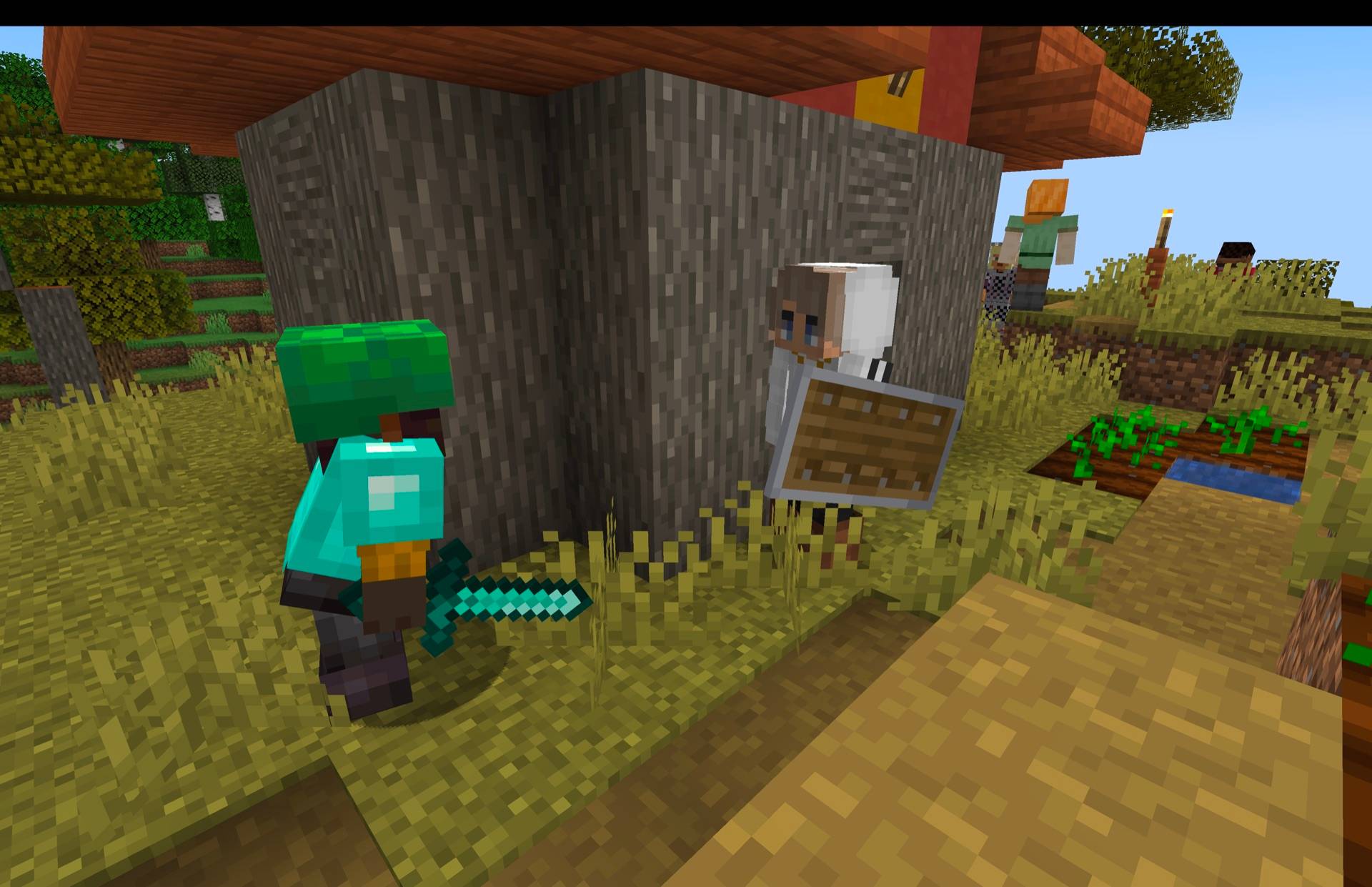
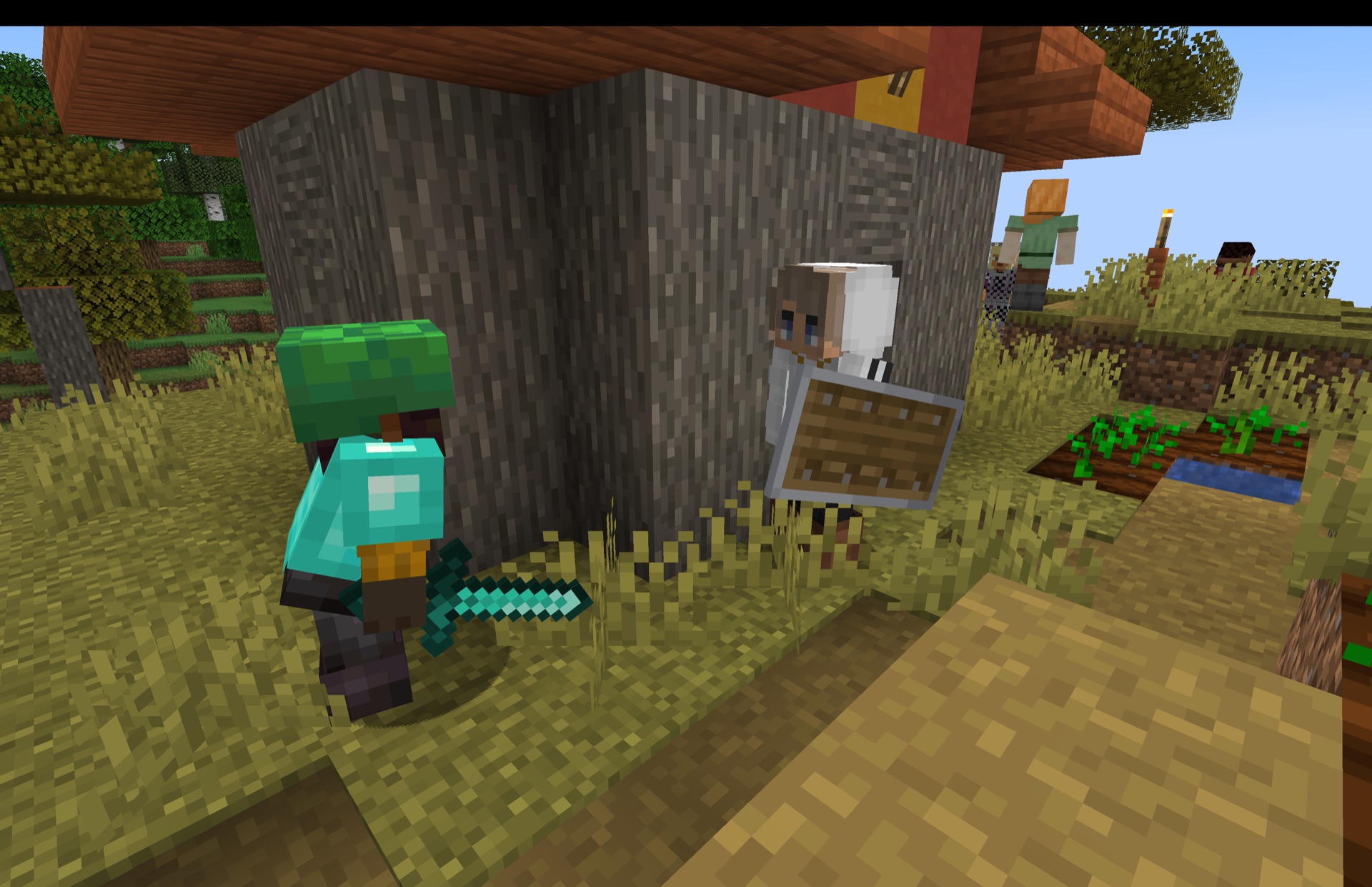
- 🤨 Skeptical — sizes you up for 1–5 seconds before returning to its tasks; raises a shield or draws a weapon if you get too close. Turns Aggressive or Shy if attacked.
A mob's temperament also shapes how it fights — braver mobs fire faster and stand their ground, while timid ones hesitate and keep their distance.
How to use
Commands
Give player-mobs names and orders with the /playermob command:
- Name one —
/playermob summon <name> namedspawns a player-mob with a floating nameplate, so you can refer to it later. - Order one around —
/playermob order <name> <action>directs a named mob to walk, punch, attack, gift, greet, steal, use, or place — targeting a player, another player-mob, a mob type, or exact coordinates.
Skins
Player-mobs spawn with one of many bundled skins (including a range of streamers & MCC players), or you can give one a specific look by player name — point it at any Minecraft username and it wears that player's skin.
Natural Spawning
By default natural spawning is off (this was originally designed to run alongside other mods in modpacks, and I don't want to break those).
You can turn natural spawning on via commands or config, giving them a chance to spawn alongside naturally spawning mobs. Spawn rate, and which mobs are in your control! By default, any passive mob has a 0.15% chance to spawn a playermob with it, villagers have a 25% chance.
🚂 Dungeon Train — Survival
PlayerMob is primarily designed to be used with the Dungeon Train mod. It populates the train with player-based entities of different alignments who explore it alongside you. Find them, befriend them, assist them — or fight them.
🧪 Creative / Stand-alone
Search "player" in the Creative inventory to find the spawn egg, then drop player-mobs into your world and watch how they interact and explore.
⚔️ Better Combat support
Player-mobs work with Better Combat and its mob add-on Better Mob Combat out of the box — no setup. Give a player-mob a melee weapon (sword or axe) and it fights with Better Combat's animated wind-up and combo swings, just like any other humanoid mob. (You'll also need Player Animator + Mob Player Animator, which Better Mob Combat already lists as dependencies.)
⚠️ Version note: pair Better Mob Combat 1.3.0 with Better Combat 1.8.6 or earlier — the newer Better Combat 1.9.0 removed an API method Better Mob Combat calls, which crashes the game the moment combat starts. On 1.20.1 the whole stack is native; on 1.21.1 use the NeoForge-only Better Mob Combat Neo fork.
🛠️ Modding
See the wiki for using PlayerMob in your own mods and modpacks.
Versions
Runs on Minecraft 1.20.1, 1.21.1, and 26.2 across Fabric, Forge, and NeoForge.
PlayerMobs is designed for Dungeon Train — but useable for other mods / packs on its own.
Player-mobs look like players and live their own lives in your world. They scavenge, gear up, fight, and react to you based on their personality — some want to be your friend, others want you gone. And now you can give them orders, name them, and dress them in any player's skin.
What they do
- 🎒 Scavenge — pick up loose items, raid chests & barrels, and loot armor stands
- ⚔️ Gear up — swap out their equipment whenever they find an upgrade
- 🏹 Fight for real — ranged player-mobs now draw real arrows (and fireworks for crossbows) from their own packs, and fall back to melee when they run dry
- 🧍 Look the part — each spawns with one of many built-in player skins
- 🧠 Have a personality — every mob acts on its own temperament
- 🫡 Take orders — command any named player-mob to walk, attack, gift, greet, steal, use or place things (see Commands below)
What they could do if you request it
- Craft, build, and pursue goals beyond socialising and fighting
- Anything else — if you have specific requests for this mod, reach out to me in the comments.
Personalities
Each player-mob is one of five types:
- 😠 Aggressive — attacks players on sight.
- 🫣 Shy — runs away from players and crouches behind blocks to hide.
- 🥰 Friendly — stares at you and spam-crouches as a friendly gesture, and gives you gifts. Turns Aggressive or Shy if attacked.
- 😐 Passive — generally ignores players, glancing at you only briefly now and then. Turns Aggressive or Shy if attacked.
- 🤨 Skeptical — sizes you up for 1–5 seconds before returning to its tasks; raises a shield or draws a weapon if you get too close. Turns Aggressive or Shy if attacked.
A mob's temperament also shapes how it fights — braver mobs fire faster and stand their ground, while timid ones hesitate and keep their distance.
How to use
Commands
Give player-mobs names and orders with the /playermob command:
- Name one —
/playermob summon <name> namedspawns a player-mob with a floating nameplate, so you can refer to it later. - Order one around —
/playermob order <name> <action>directs a named mob to walk, punch, attack, gift, greet, steal, use, or place — targeting a player, another player-mob, a mob type, or exact coordinates.
Skins
Player-mobs spawn with one of many bundled skins (including a range of streamers & MCC players), or you can give one a specific look by player name — point it at any Minecraft username and it wears that player's skin.
Natural Spawning
By default natural spawning is off (this was originally designed to run alongside other mods in modpacks, and I don't want to break those).
You can turn natural spawning on via commands or config, giving them a chance to spawn alongside naturally spawning mobs. Spawn rate, and which mobs are in your control! By default, any passive mob has a 0.15% chance to spawn a playermob with it, villagers have a 25% chance.
🚂 Dungeon Train — Survival
PlayerMob is primarily designed to be used with the Dungeon Train mod. It populates the train with player-based entities of different alignments who explore it alongside you. Find them, befriend them, assist them — or fight them.
🧪 Creative / Stand-alone
Search "player" in the Creative inventory to find the spawn egg, then drop player-mobs into your world and watch how they interact and explore.
⚔️ Better Combat support
Player-mobs work with Better Combat and its mob add-on Better Mob Combat out of the box — no setup. Give a player-mob a melee weapon (sword or axe) and it fights with Better Combat's animated wind-up and combo swings, just like any other humanoid mob. (You'll also need Player Animator + Mob Player Animator, which Better Mob Combat already lists as dependencies.)
⚠️ Version note: pair Better Mob Combat 1.3.0 with Better Combat 1.8.6 or earlier — the newer Better Combat 1.9.0 removed an API method Better Mob Combat calls, which crashes the game the moment combat starts. On 1.20.1 the whole stack is native; on 1.21.1 use the NeoForge-only Better Mob Combat Neo fork.
🛠️ Modding
See the wiki for using PlayerMob in your own mods and modpacks.
Versions
Runs on Minecraft 1.20.1, 1.21.1, and 26.2 across Fabric, Forge, and NeoForge.
Screenshots
Gallery
-
 Screenshot 2026-06-23 at 2.23.15â¯pm.png Screenshot 2026-06-23 at 2.23.15â¯pm.png
 -
 Screenshot 2026-06-07 at 12.51.37â¯pm.png Screenshot 2026-06-07 at 12.51.37â¯pm.png
 -
 Screenshot 2026-06-07 at 12.54.19â¯pm.png Screenshot 2026-06-07 at 12.54.19â¯pm.png
 -
 Screenshot 2026-06-07 at 12.51.36â¯pm.png Screenshot 2026-06-07 at 12.51.36â¯pm.png
 -
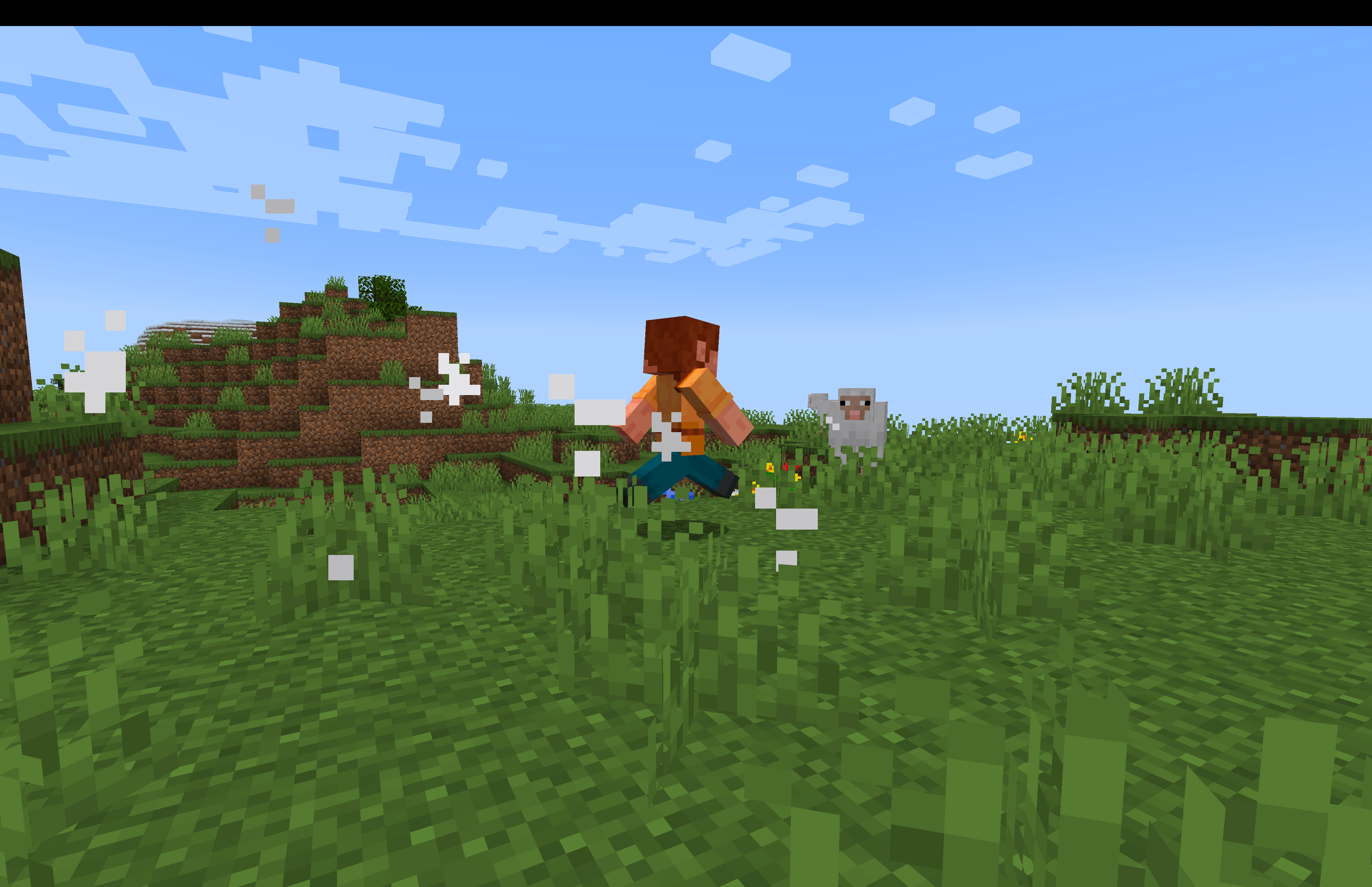 Screenshot 2026-06-07 at 12.51.07â¯pm.png Screenshot 2026-06-07 at 12.51.07â¯pm.png
 -
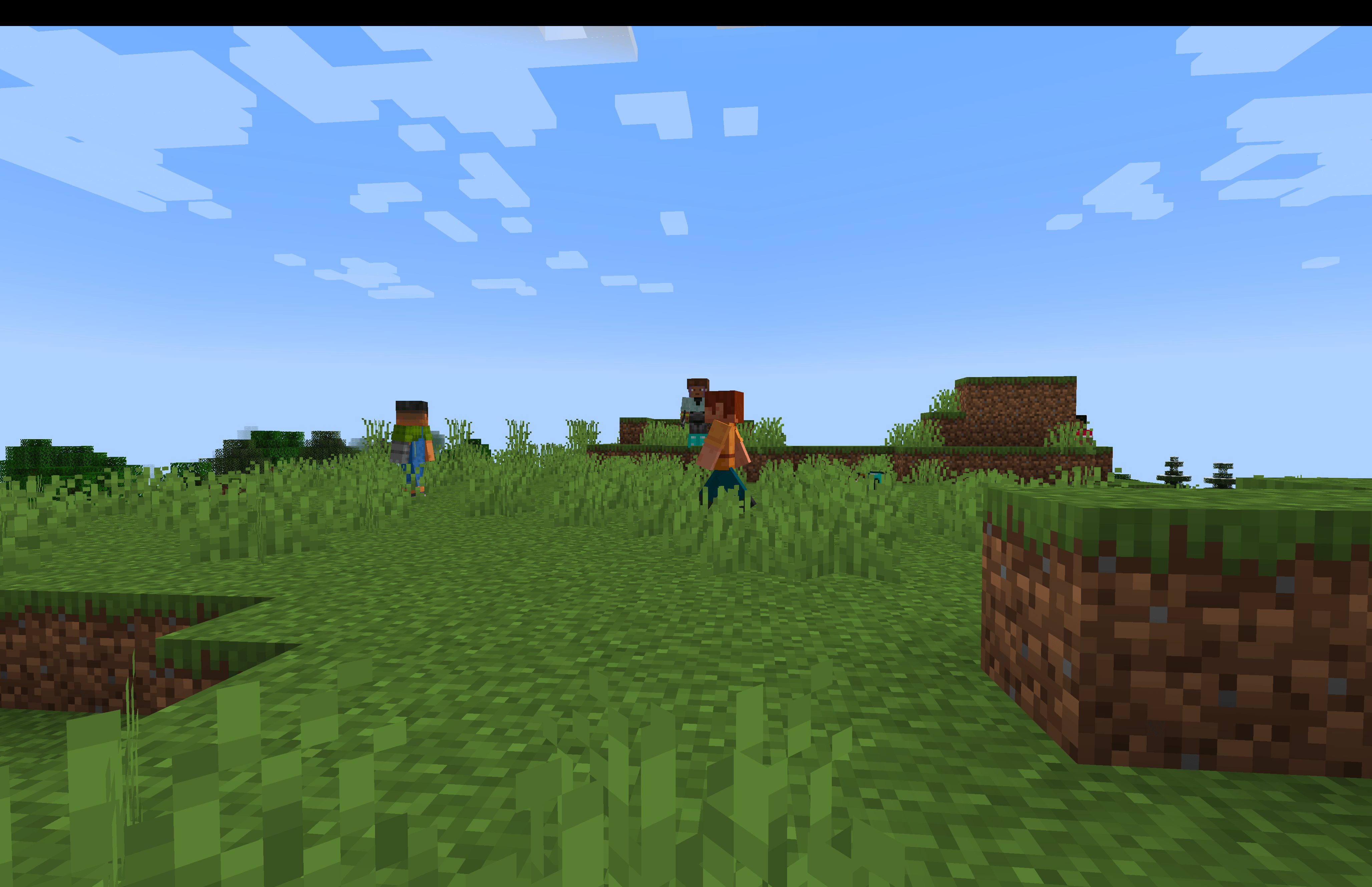 Screenshot 2026-06-07 at 12.52.37â¯pm.png Screenshot 2026-06-07 at 12.52.37â¯pm.png
 -
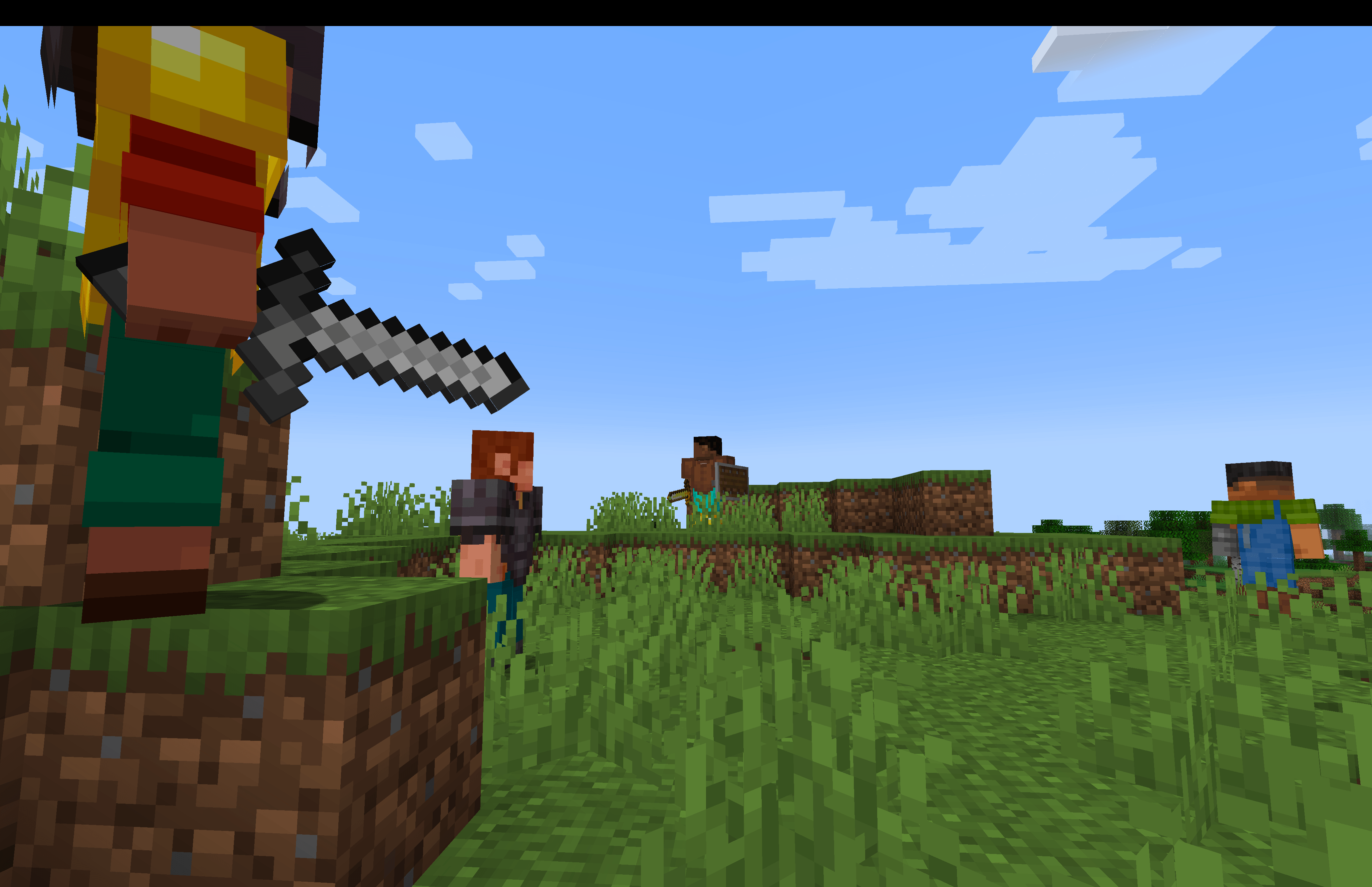 Screenshot 2026-06-07 at 12.54.19â¯pm.png Screenshot 2026-06-07 at 12.54.19â¯pm.png
 -
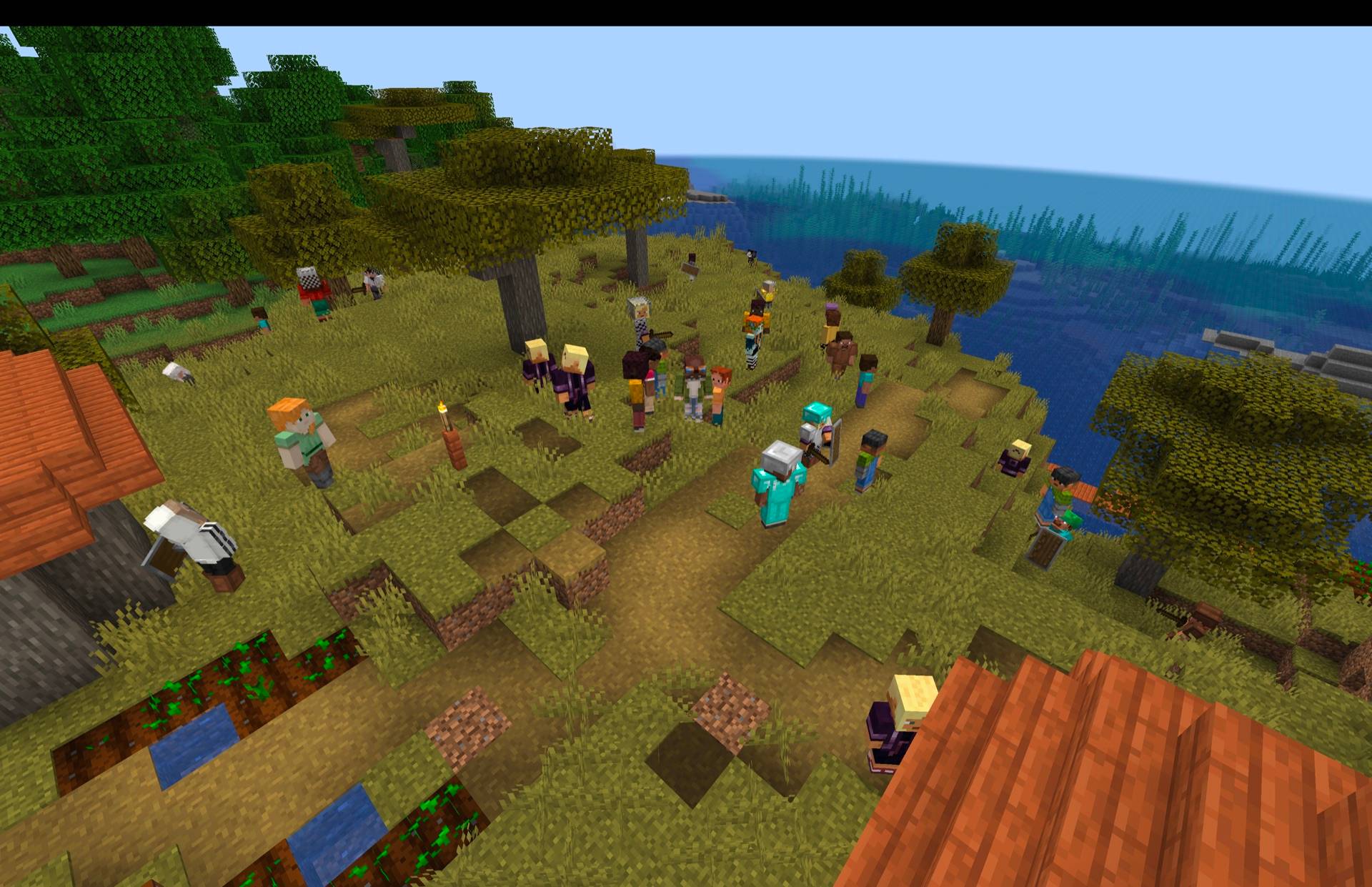 Screenshot 2026-06-23 at 2.22.36â¯pm.jpg Screenshot 2026-06-23 at 2.22.36â¯pm.jpg
 -
 Screenshot 2026-06-23 at 2.22.43â¯pm.jpg Screenshot 2026-06-23 at 2.22.43â¯pm.jpg
 -
 Screenshot 2026-06-23 at 2.22.50â¯pm.jpg Screenshot 2026-06-23 at 2.22.50â¯pm.jpg
 -
 Screenshot 2026-06-23 at 2.22.56â¯pm.jpg Screenshot 2026-06-23 at 2.22.56â¯pm.jpg
 -
 Screenshot 2026-06-23 at 2.23.07â¯pm.jpg Screenshot 2026-06-23 at 2.23.07â¯pm.jpg
 -
 Screenshot 2026-06-28 at 12.50.20â¯pm.png Screenshot 2026-06-28 at 12.50.20â¯pm.png
Versions
Files
Relations
Project Relations
More like this
Similar Mods
Suggestions use data such as tags, dependencies, dependents, descriptions, titles, and more to rank how much they overlap with this mod.
On ModDex
Community snapshot
By the numbers
Statistics
Want to reach Minecraft players?
We're looking for a server hosting partner to feature here and other parts of the site. Interested? Send us a message!
Get in touchGet it on
Available Platforms
On ModDex
Community snapshot
By the numbers
Statistics
Resources