
Community listing page, reviews here may not be monitored by the author.
MalisisSwitches Reborn


No reviews yet
Wireless redstone devices — Re-imagined from the original MalisisSwitches mod by Ordinastie.
Community voices
Reviews
No reviews yet. Be the first to review this project!
Get it on
Available Platforms
Compatibility
Supported Environments
Must be installed on both the client and the server.
About
Project Details
For authors
Embed Badge
If you're the author of this project, you can embed a live badge anywhere that supports HTML or Markdown. It updates automatically whenever ratings change.
Use HTML for any page that supports it, or Markdown for README files and Markdown-based descriptions.
Identifiers
Platform IDs
About
Description
MalisisSwitchesReborn is an unofficial modern-day port of the classic MalisisSwitches mod by Ordinastie from the Minecraft 1.12 era, bringing its simple and flexible redstone control blocks to newer Minecraft versions.
This port focuses on preserving the original look and feel as much as possible while using modern Minecraft systems. No external core libraries are required.
Note: The Player Sensor is inspired by similar functionality from the original MalisisBlocks mod.
Selected devices from the original 1.19.2 version of the Gauges and Switches Mod have also been included, bringing RSG's unique industrial style to MalisisSwitchesReborn.
Latest Update - Version 1.0.7
MalisisSwitchesReborn 1.0.7 adds quality of life, stability, and gameplay improvements.
Highlights
- Added structure-aware support for linked device data, including links stored within inventories
- Additional stability and gameplay improvements
Features
- Greenstone — Green dust that comes from redstone with a bit of emerald. Makes the redstone wireless
- Power Linker — Connect and configure compatible devices and blocks wirelessly
- Remote Transmitter — Can link to up to 16 devices to enable remote activation
- Advanced Remote Transmitter — Can link to up to 16 devices to enable cross-dimensional remote activation
- Switch — A compact switch that can also control the redstone current from a distance
- Light Switch — A compact light switch that can also control the redstone current from a distance
- Industrial Lever — An industrial style lever that can also control the redstone current from a distance
- Small Industrial Lever — A compact industrial style lever that can also control the redstone current from a distance
- Industrial Button — An industrial button style lever that can also control the redstone current from a distance
- Industrial Analog Slider — Manually sets redstone strength from 0 to 15 and can control the redstone current from a distance
- Motion Sensor — An automatic sensor that activates based on selected entity proximity and can also control the redstone current from a distance
- Compact Motion Sensor — A small automatic sensor that activates based on selected entity proximity and can also control the redstone current from a distance
- Pressure Plate — An entity configurable standard pressure plate that can also control the redstone current from a distance
- Weighted Pressure Plate — A standard heavy pressure plate that can also control the redstone current from a distance
- Button — A standard button that can control the redstone current from a distance
- Relay — Receives power directly or from linked devices and wirelessly outputs standard redstone
- Small Digital Display — A compact digital readout for monitoring redstone power levels
- Analog Voltmeter — An analog readout for monitoring redstone power levels
- Small Analog Voltmeter — A compact analog readout for monitoring redstone power levels
- Alarm Lamp — A red lamp that blinks while detecting a redstone signal
- Alarm Siren — A siren that sounds repeatedly while detecting a redstone signal
- Coloured LEDs — Blinking and standard variants that react while detecting a redstone signal
How It Works
Switches, levers, and sensors work like vanilla levers and can be linked to other blocks using the Power Linker tool.
The Power Linker has three operating modes. Sneak-scroll while holding it to cycle through:
- Linking
- Redstone State
- Device Configuration
Right-clicking a compatible device or block applies the currently selected mode. If the target does not support that mode, nothing happens.
Linking
Equip the Power Linker in Linking mode and right-click a switch or sensor to select it as the source. Right-click each block you want the redstone current to be applied to. You can also unlink by sneak-right-clicking a previously linked block.
Right-clicking another switch or sensor selects it as the new source. Unequipping the Power Linker clears the current source. The source is also cleared if the selected device is broken.
While the Power Linker is equipped in Linking mode, the links between compatible devices and linked locations are visible:
- Green — powered
- Red — unpowered
Link highlights are not displayed while using the Redstone State or Device Configuration modes.
Redstone State
Supported devices can have their redstone behaviour changed using the Power Linker. Sneak-scroll to select Redstone State, then right-click a compatible device to cycle through:
- Normal
- Inverted
- Weakened
- Inverted + Weakened
Inverted reverses the device's output. An inactive device outputs a redstone strength of 15, while an active device outputs 0. This applies to both its local redstone output and any linked blocks.
Weakened retains a redstone strength of 15 but removes direct/strong power. The block directly attached to the device, or the block targeted through a wireless link, receives the signal, but it does not strongly power neighbouring blocks.
For example, a weakened switch linked to a quartz block will power the quartz block at strength 15, but redstone dust placed beside the quartz block will remain unpowered.
| Redstone State | Device Inactive | Device Active | Strong Power |
|---|---|---|---|
| Normal | 0 |
15 |
Yes |
| Inverted | 15 |
0 |
Yes |
| Weakened | 0 |
15 |
No |
| Inverted + Weakened | 15 |
0 |
No |
Wireless links preserve the complete Redstone State. They behave as though the configured device's output had been moved to the linked block.
When Jade is installed, the active non-default state is displayed in the block tooltip as Redstone State.
Device Configuration
Select Device Configuration and right-click a compatible device to cycle through its device-specific options.
Devices without any configurable options are unaffected.
Relays
Relays can be linked to switches, levers, sensors, and other relays in the same way. Relays accept wireless and standard redstone input and can wirelessly output a standard redstone signal. A relay can be used with:
- Redstone dust
- Repeaters and comparators
- Pistons
- Doors
- Any vanilla or modded block that accepts a redstone signal
Pressure Plate and Button
The Pressure Plate and Button behave in the same way as their standard Minecraft equivalents, but they can also be linked to other blocks using the Power Linker.
Remote Transmitter
The Remote Transmitter can link up to 16 compatible devices, including switches, sensors and relays, for remote activation within the same dimension.
Sneak-right-click a compatible device to link or unlink it. Sneak-right-click air to clear all current links.
Videos
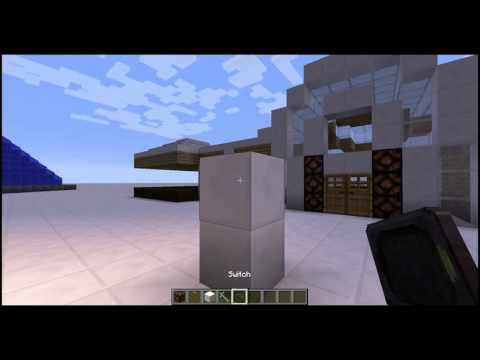
The following videos demonstrate the original Malisis Switches mod by Ordinastie. Malisis Switches (Reborn) maintains the same core functionality for modern Minecraft versions.
Switches
Relays
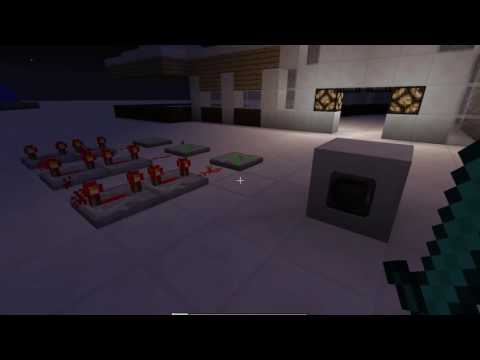
Credits
- Switches Mod: MalisisSwitches by Ordinastie
- Blocks Mod: MalisisBlocks by Ordinastie
- Selected RSG-derived material: Gauges and Switches Mod by wilechaote, licensed under MIT
Reporting Issues
If you encounter a compatibility issue with another mod, or find a machine setup that behaves incorrectly, please report it via the project issue tracker so it can be investigated.
MalisisSwitchesReborn is an unofficial modern-day re-imagination of the classic MalisisSwitches mod by Ordinastie from the Minecraft 1.12 era, bringing its simple and flexible redstone control blocks to newer Minecraft versions.
MalisisSwitchesReborn focuses on preserving the original spirit, look, and feel as much as possible while rebuilding the experience around modern Minecraft systems. No external core libraries are required.
Note: The Player Sensor is inspired by similar functionality from the original MalisisBlocks mod.
Latest Update - Version 1.0.3
MalisisSwitchesReborn 1.0.3 includes refreshed textures and an updated relay that now displays the current redstone power level on its screen.
Features
- Switch — A compact wall-mounted switch that can also control the redstone current from a distance
- Light Switch — Another simple switch that can also control the redstone current from a distance
- Player Sensor — A simple sensor that activates based on player proximity and can also control the redstone current from a distance
- Relay — Receives power from linked switches and outputs standard redstone
- Power Linker — Connect switches and relays to compatible blocks wirelessly
- Greenstone — Green dust that comes from redstone with a bit of emerald. Makes the redstone wireless
How It Works
Switches and sensors work like vanilla levers, and can be linked to other blocks using the Power Linker tool. Firstly, equip the Power Linker, right-click a switch/sensor, and then right-click blocks you want the redstone current to be applied to. You can also unlink by sneak right-clicking a previously linked block.
Right-clicking another switch/sensor will set that switch/sensor as the source and unequipping the Power Linker clears the current source also.
Relays can be linked to switches, sensors, and other relays in the same way. Relays output a standard redstone signal and can be used with:
- Redstone dust
- Repeaters & Comparators
- Pistons
- Doors
- Any vanilla or modded block that accepts a redstone signal
By equipping the Power Linker a player is also able to see the links (powered = green; unpowered = red) between switches/sensors/relays and linked locations.
Videos
The following videos demonstrate the original Malisis Switches mod by Ordinastie. Malisis Switches (Reborn) maintains the same core functionality for modern Minecraft versions.
Switches

Relays

Credits
- Switches Mod: MalisisSwitches by Ordinastie
- Blocks Mod: MalisisBlocks by Ordinastie
Reporting Issues
If you encounter a compatibility issue with another mod, or find a machine setup that behaves incorrectly, please report it via the project issue tracker so it can be investigated.
Screenshots
Gallery
-
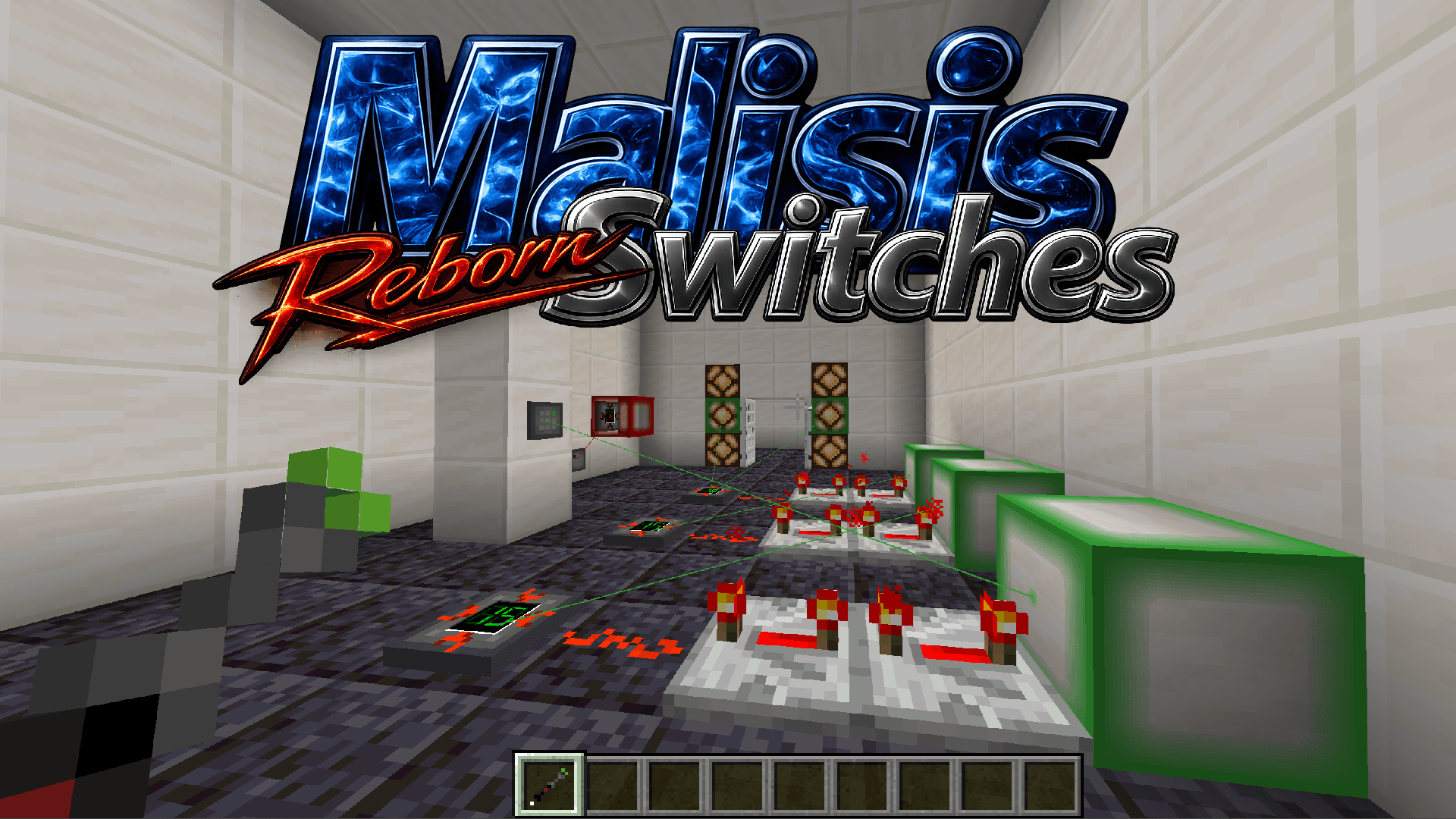 Linking switches and relays using the visual connection system
 -
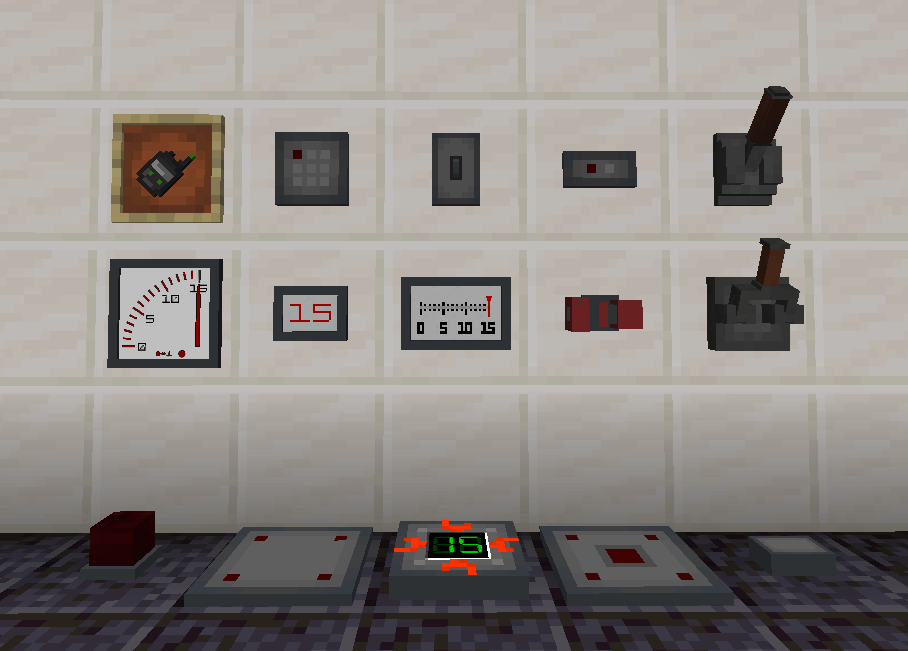 Various switches, gauges, and redstone devices
 -
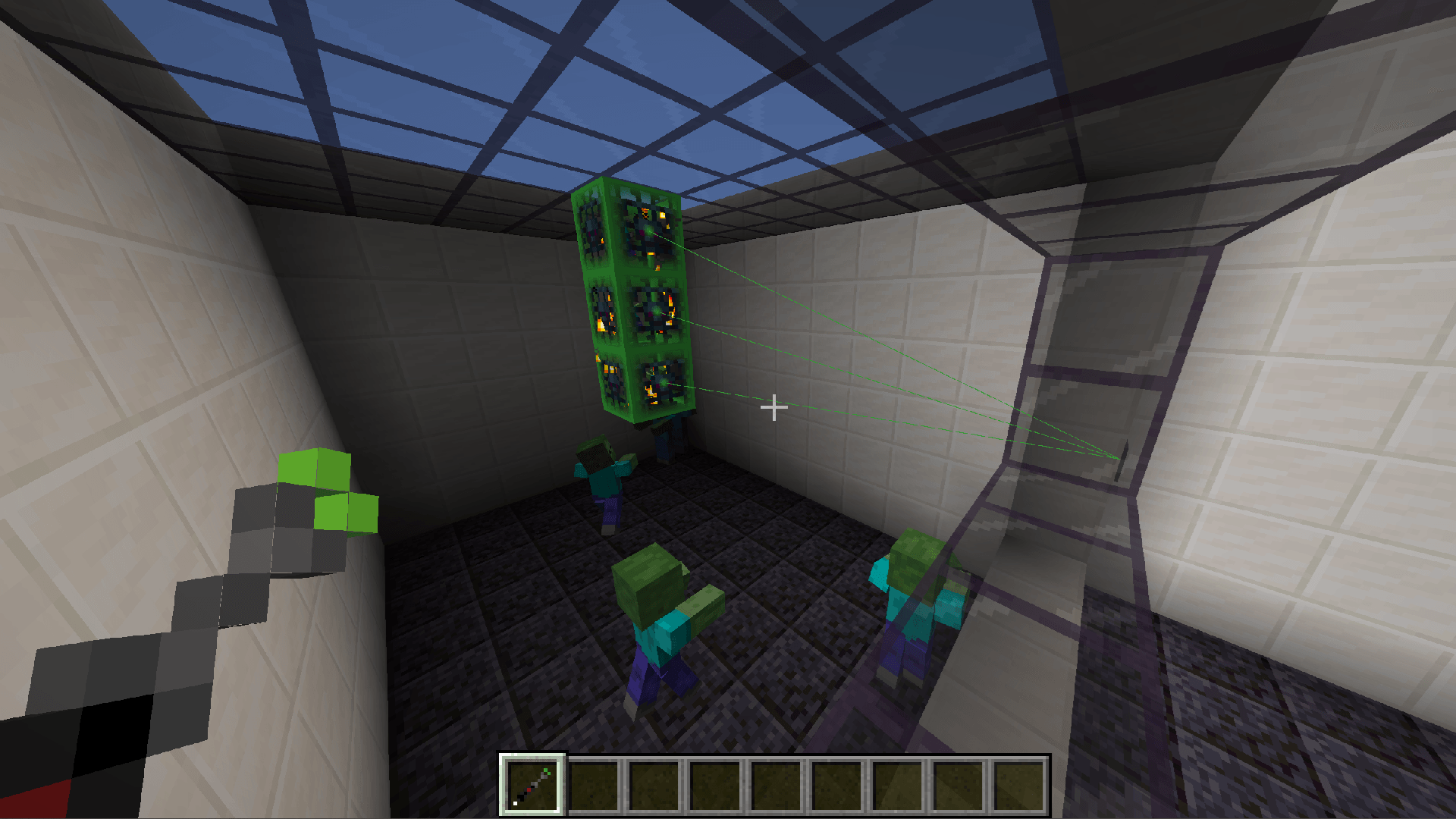 Control redstone devices from anywhere within range
 -
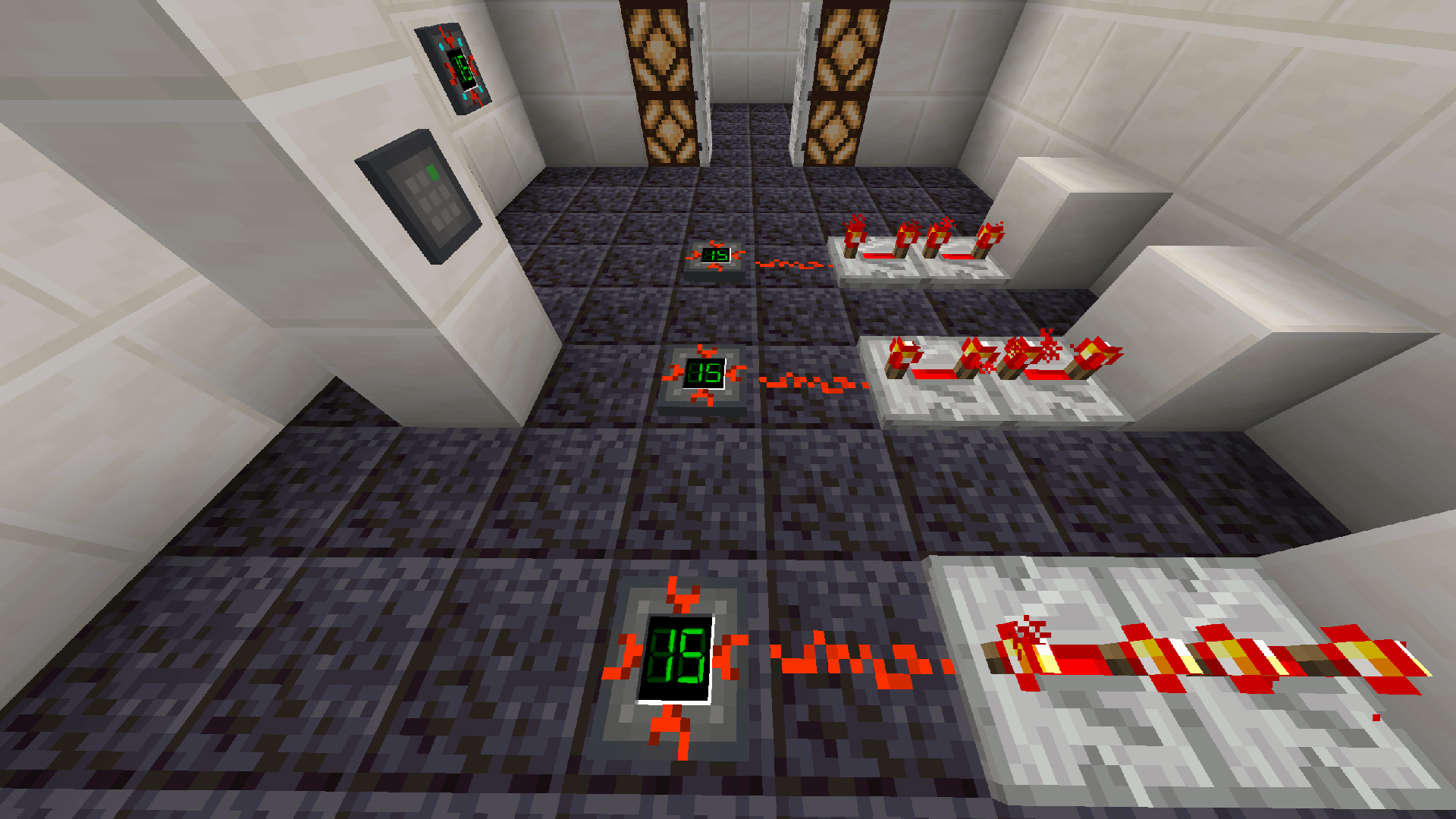 Relay display panel showing redstone strength
-
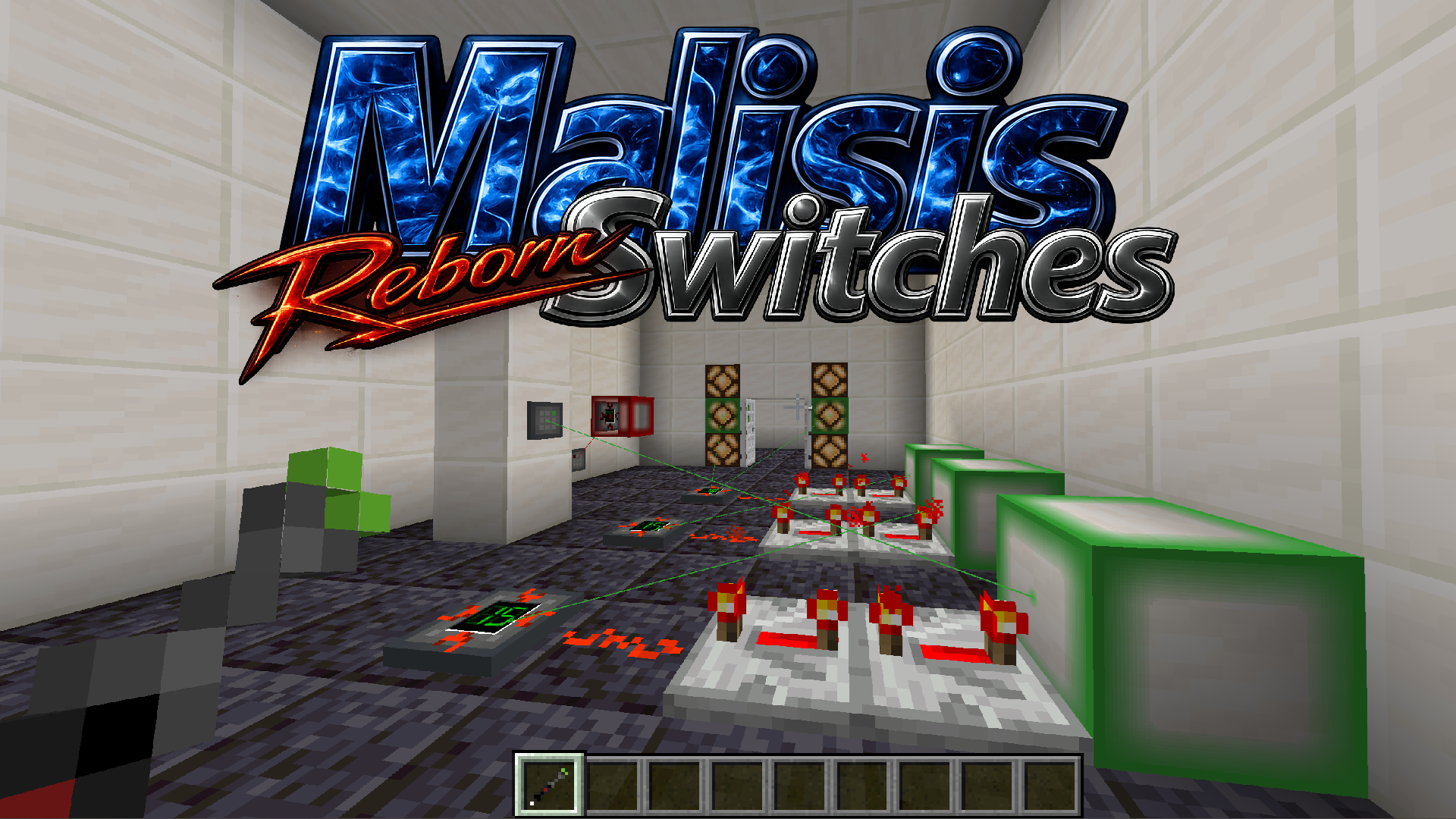 Linking switches and relays using the visual connection system Linking switches and relays using the visual connection system
 -
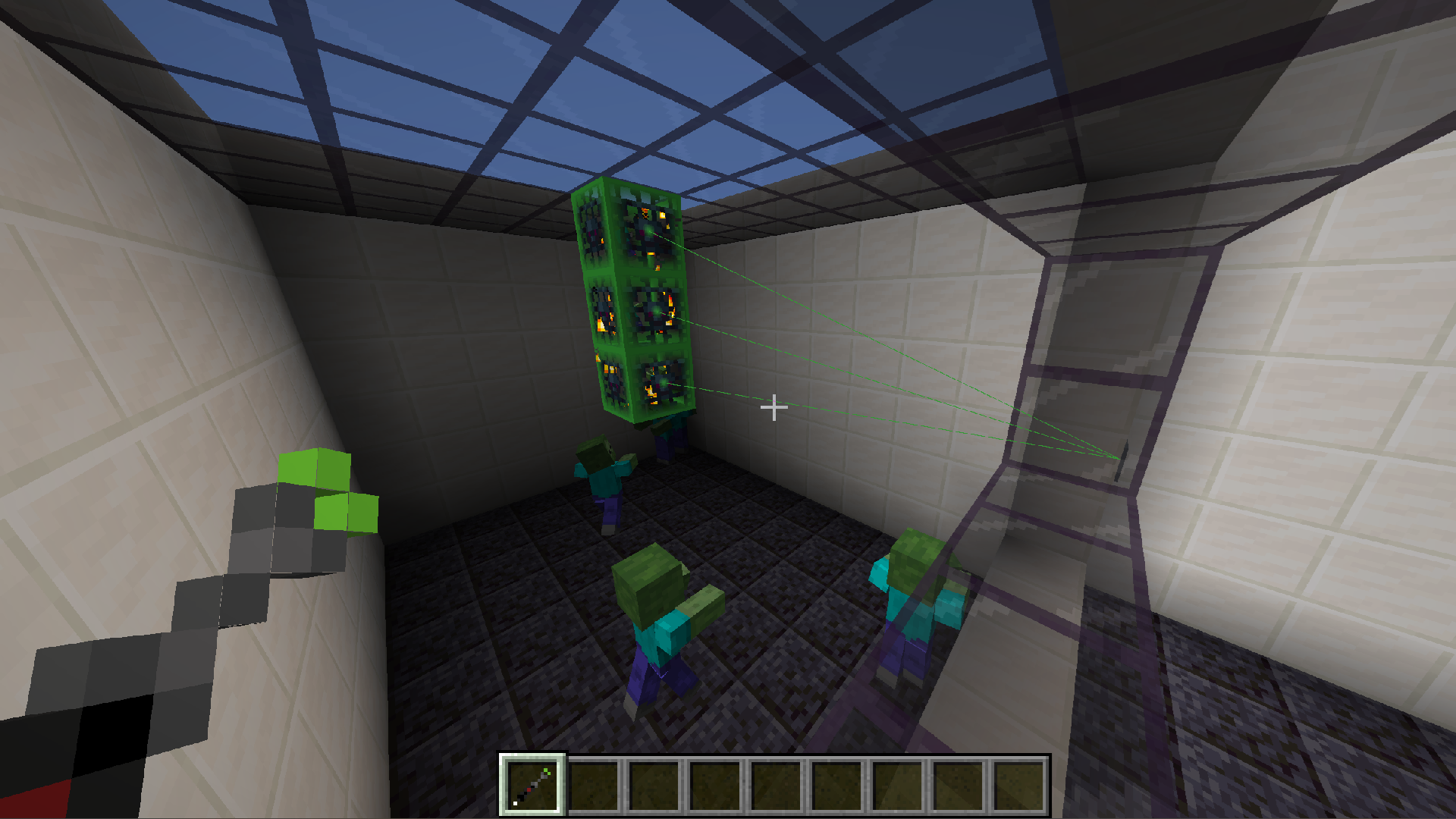 Control redstone devices from anywhere within range Control redstone devices from anywhere within range
 -
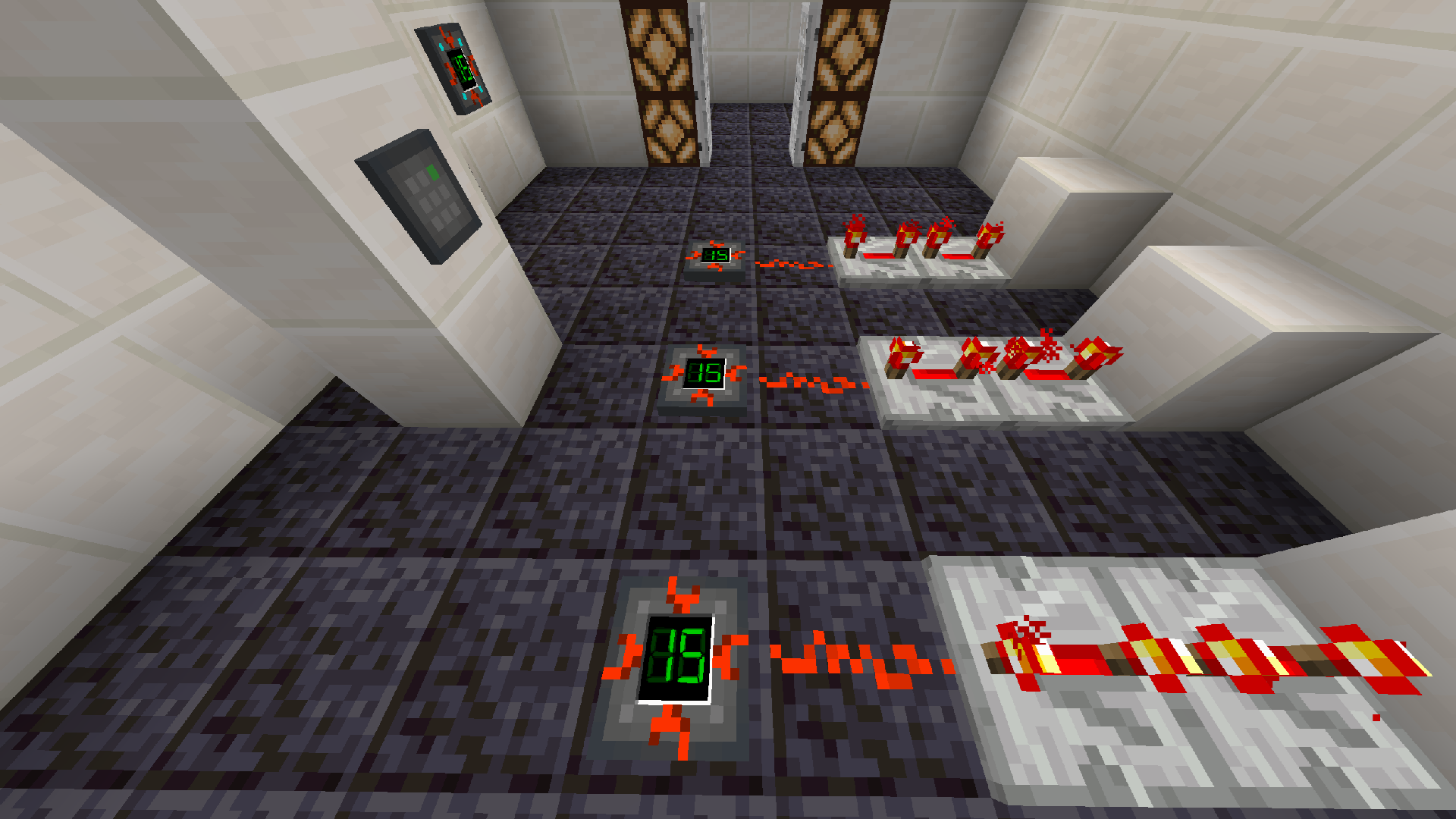 Relay display panel showing redstone strength Relay display panel showing redstone strength
Versions
Files
Relations
Project Relations
More like this
Similar Mods
Suggestions use data such as tags, dependencies, dependents, descriptions, titles, and more to rank how much they overlap with this mod.
On ModDex
Community snapshot
By the numbers
Statistics
Want to reach Minecraft players?
We're looking for a server hosting partner to feature here and other parts of the site. Interested? Send us a message!
Get in touchGet it on
Available Platforms
On ModDex
Community snapshot
By the numbers