Community listing page, reviews here may not be monitored by the author.
Mannequins


No reviews yet
👋 Strike a pose!

Community voices
Reviews
No reviews yet. Be the first to review this project!
Get it on
Available Platforms
Compatibility
Supported Environments
Must be installed on both the client and the server.
About
Project Details
For authors
Embed Badge
If you're the author of this project, you can embed a live badge anywhere that supports HTML or Markdown. It updates automatically whenever ratings change.
Use HTML for any page that supports it, or Markdown for README files and Markdown-based descriptions.
Identifiers
Platform IDs
About
Description
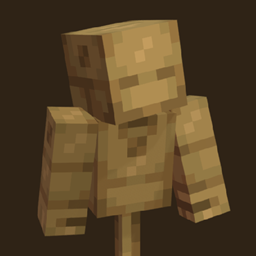
👋 Mannequins — Strike a pose!

The Mannequin is the perfect companion for all your training needs. These wooden dummies can be posed, suited up with armor for that extra style, and even fought to test out the great strength of your best weapons. Want something a little more static? The Statue can provide everything the Mannequin can, but frozen in place by the stone. The Statue doesn't move when punched and it even has legs! (no, you cannot put anything on them or pose the legs. sorry!) Everything is easy to use and intuitive so even beginners can pose their mannequins with ease.
📦 Features:
- Easy to use posing GUI with scroll bars for absolute precision
- Equip a chestplate and/or a helmet to show off your style
- Give your mannequin something to show in it's main or off hand
- The Mannequin and Statue can be given unique personalities! Sneak right-click them with an axe or pickaxe respectively to cycle through multiple faces.
- The Mannequin has a unique attack animation when punched and particles to visualize the damage you've caused
🧍 How to use:
It's quite simple! First of course you need to craft either the Mannequin or the Statue, then you place it down and right click it for all the customization you could want! On the left you have 4 slots for each item it can hold, in the center you can select which part you want to rotate, and lastly on the right you have 3 scroll bars for each axis; X, Y, and Z! Use your mouse's scroll wheel for super precision, or be brave with sliding it down with the click or drag of your mouse.


👋 Mannequins — Strike a pose!
The Mannequin is the perfect companion for all your training needs. These wooden dummies can be posed, suited up with armor for that extra style, and even fought to test out the great strength of your best weapons. Want something a little more static? The Statue can provide everything the Mannequin can, but frozen in place by the stone. The Statue doesn't move when punched and it even has legs! (no, you cannot put anything on them or pose the legs. sorry!) Everything is easy to use and intuitive so even beginners can pose their mannequins with ease.
📦 Features:
- Easy to use posing GUI with scroll bars for absolute precision
- Equip a chestplate and/or a helmet to show off your style
- Give your mannequin something to show in it's main or off hand
- The Mannequin and Statue can be given unique personalities! Sneak right-click them with an axe or pickaxe respectively to cycle through multiple faces.
- The Mannequin has a unique attack animation when punched and particles to visualize the damage you've caused
🧍 How to use:
It's quite simple! First of course you need to craft either the Mannequin or the Statue, then you place it down and right click it for all the customization you could want! On the left you have 4 slots for each item it can hold, in the center you can select which part you want to rotate, and lastly on the right you have 3 scroll bars for each axis; X, Y, and Z! Use your mouse's scroll wheel for super precision, or be brave with sliding it down with the click or drag of your mouse.


Screenshots
Gallery
-
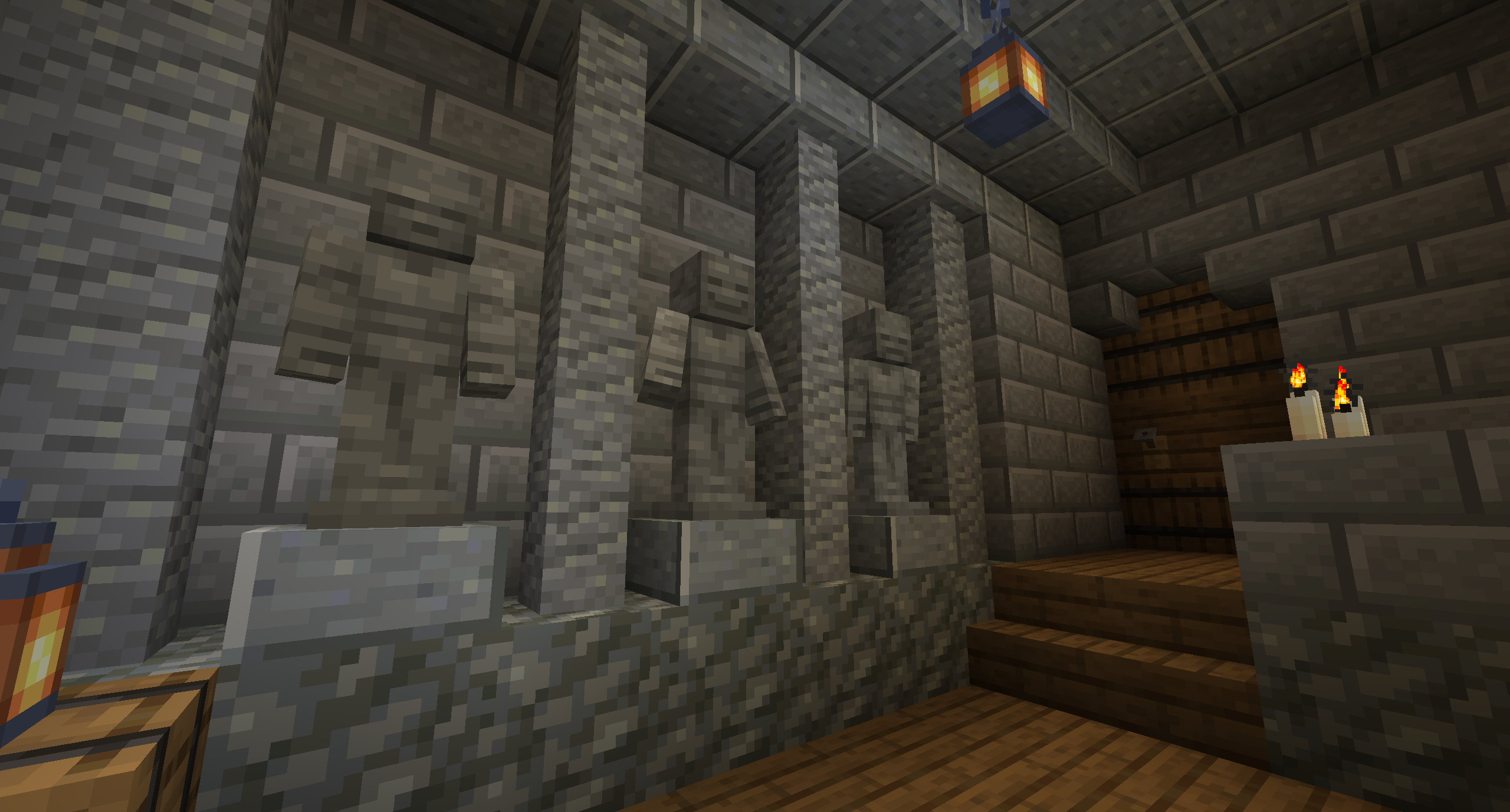 🗿 Tough.
 -
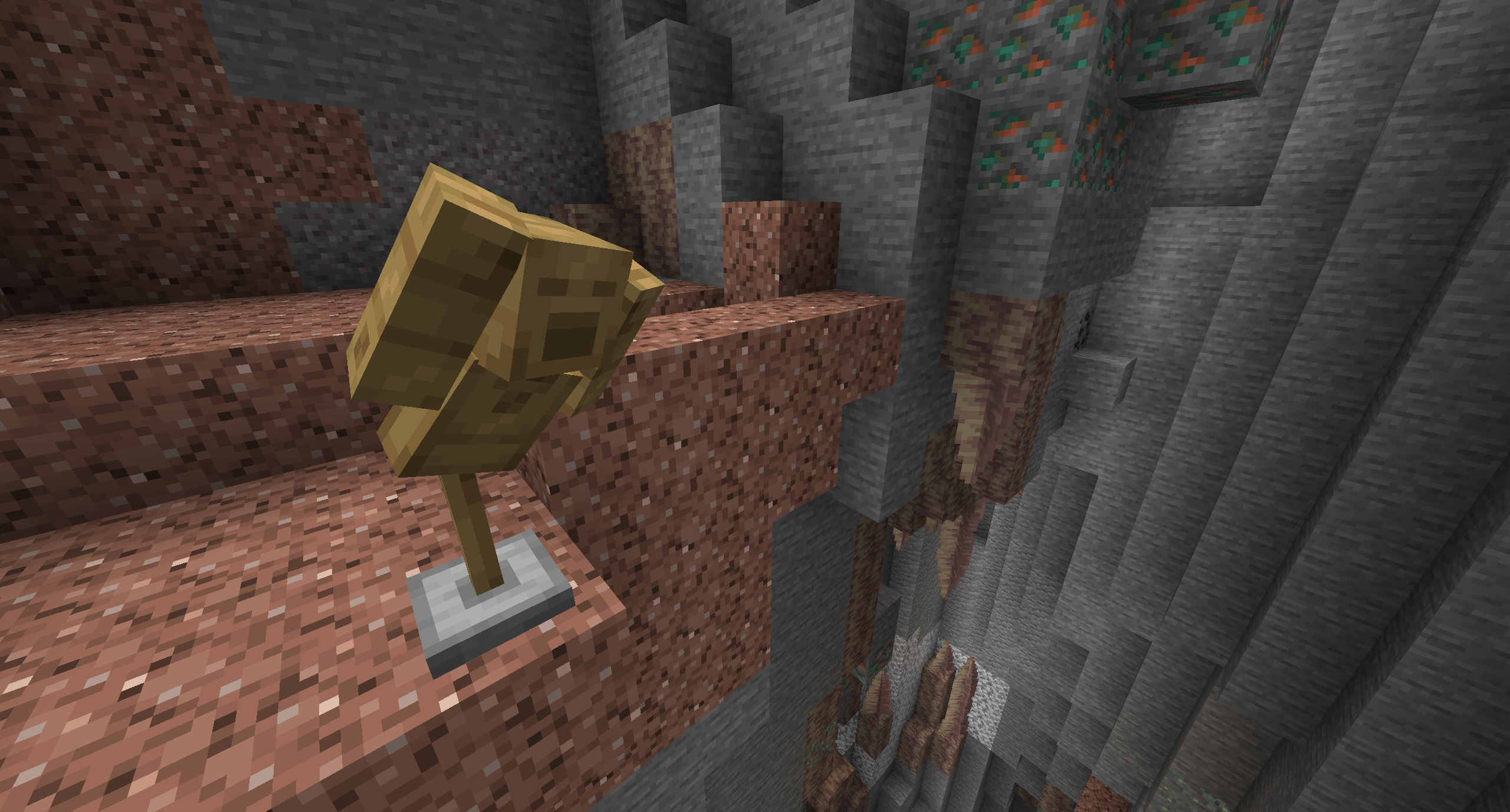 😱 Don't fall!
 -
 🏖️ Enjoying a warm sunny day.
 -
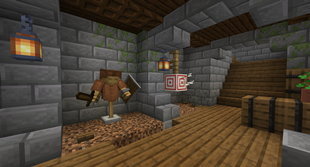 🎯 At the Shooting Range!
 -
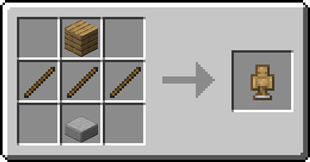 🛠️ Crafting the Mannequin
 -
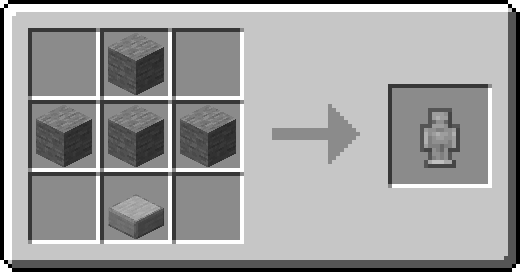 ⚒️ Creating the Statue
-
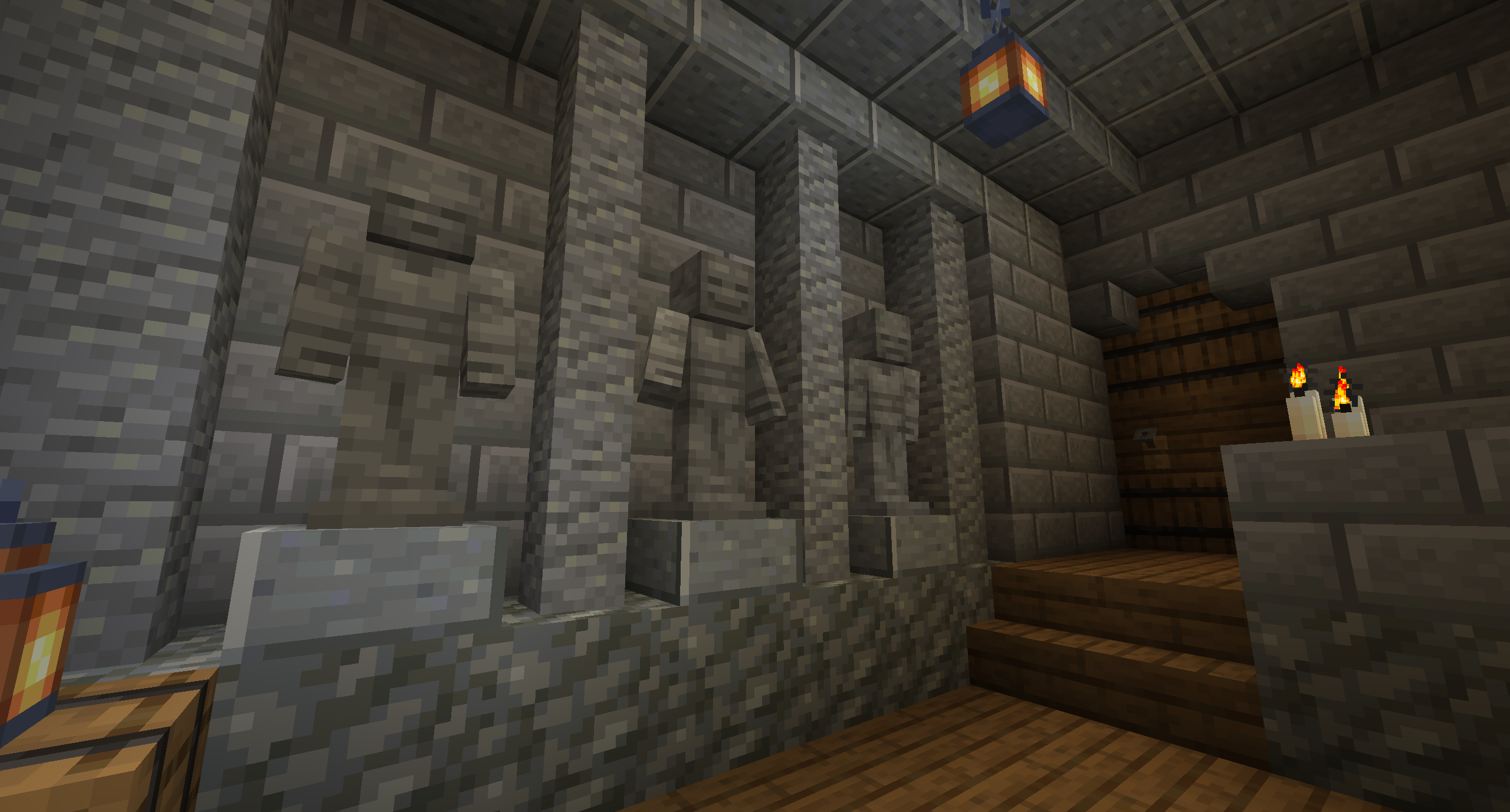 Stiff as a Statue They aren't going anywhere. At least, I hope they aren't.
 -
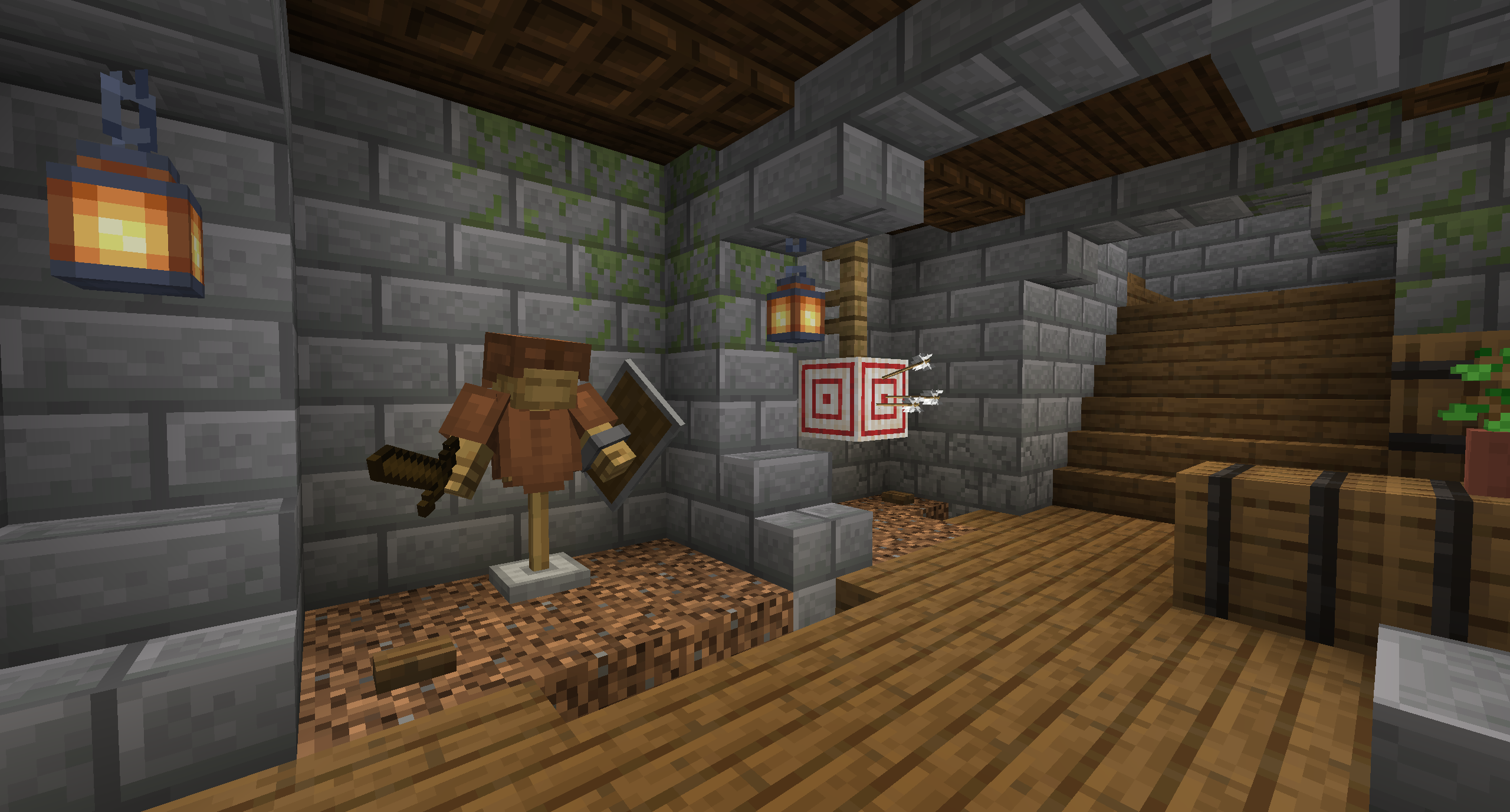 Prepare for Battle Train and test your best gear on your Mannequin to prepare for the toughest of battles.
 -
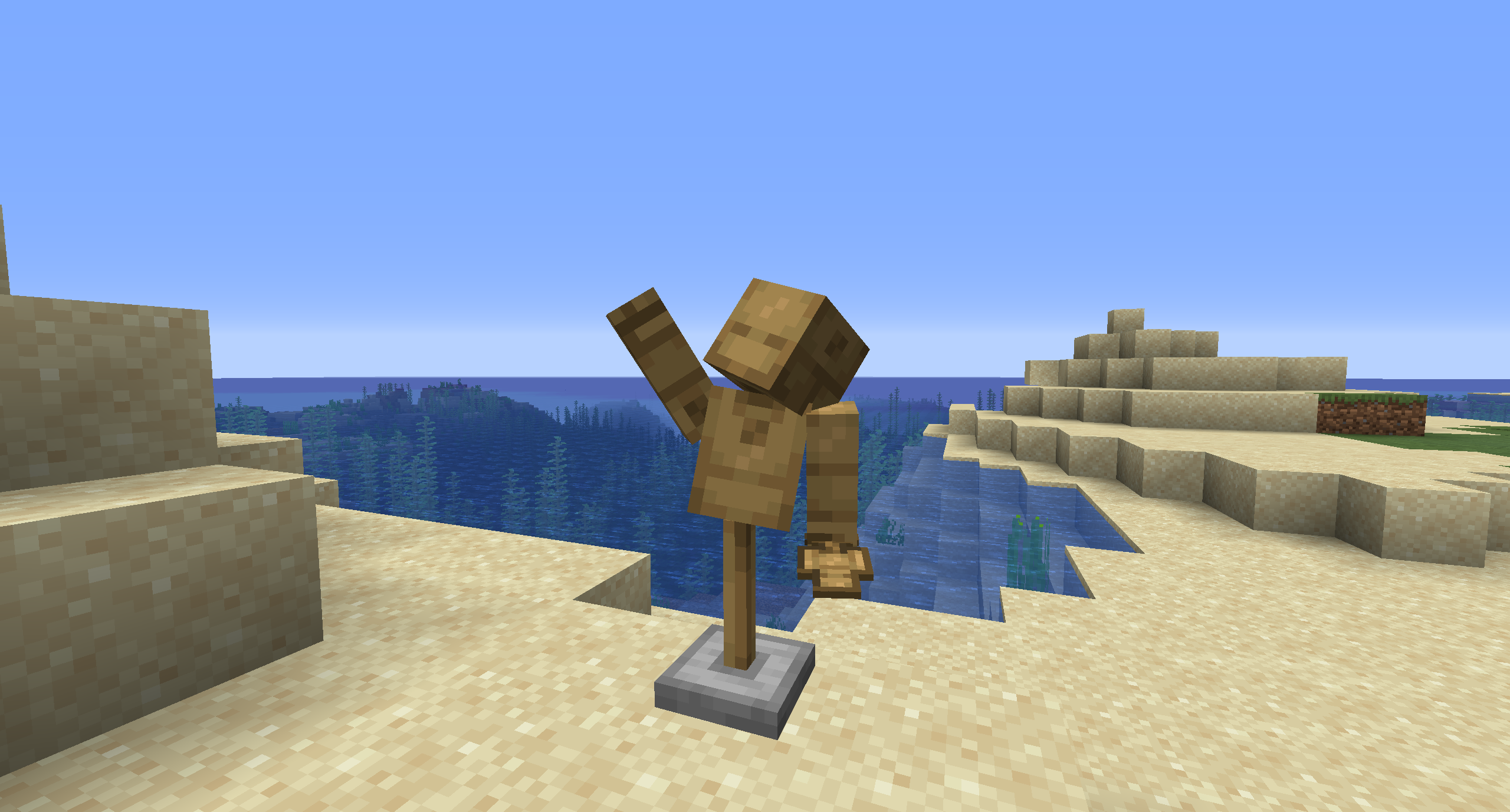 Beach Days Your new pal is awaiting adventure!
 -
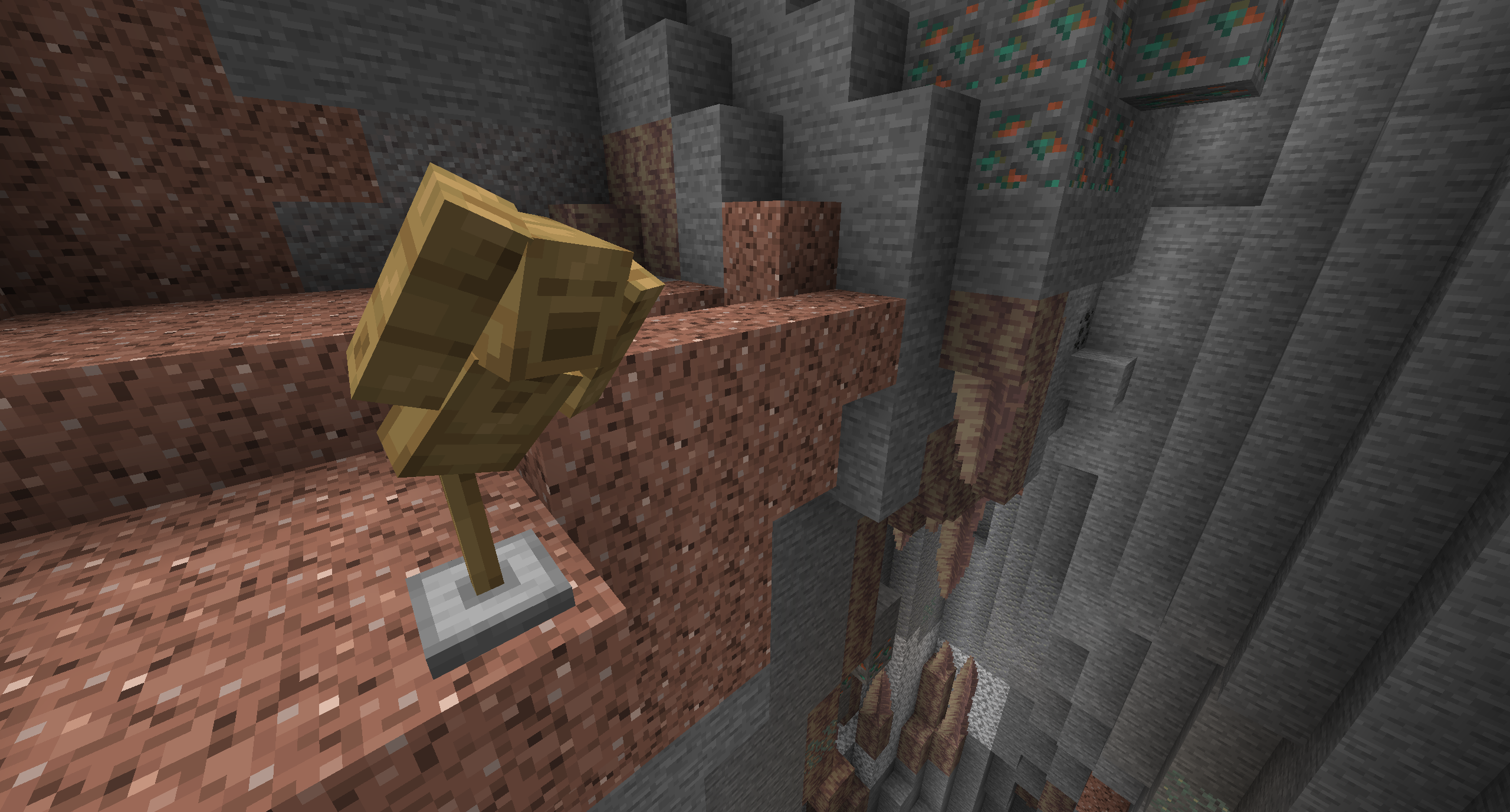 Don't Fall Despite not being able to feel, Mannequins surely are able to look like they do.
 -
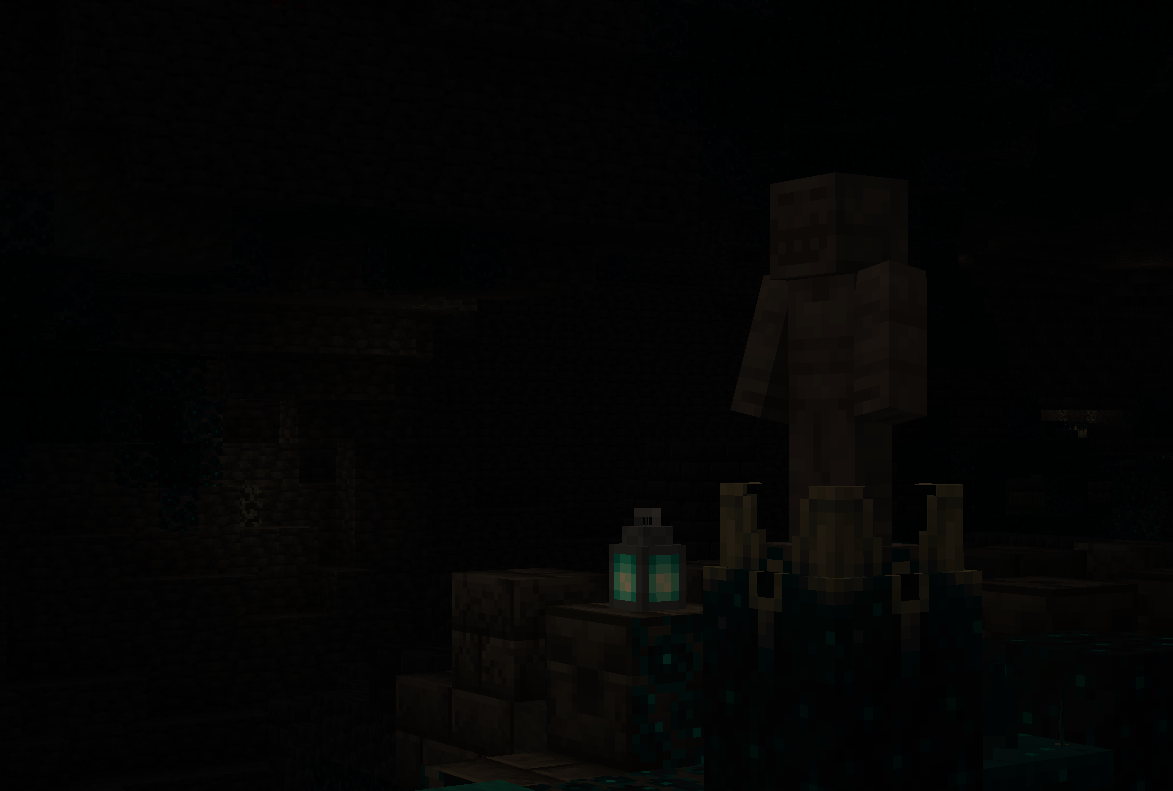 Don't Look Really, don't.
Versions
Files
Relations
Project Relations
More like this
Similar Mods
Suggestions use data such as tags, dependencies, dependents, descriptions, titles, and more to rank how much they overlap with this mod.
On ModDex
Community snapshot
By the numbers
Statistics
 (opens in a new tab)
Get it on
Available Platforms
On ModDex
Community snapshot
By the numbers