
Community listing page, reviews here may not be monitored by the author.
New Fantasy Additions

No reviews yet
Add-on for the [New Fantasy] modpack. Includes many additions for other mods as well as new content for the modpack.

Community voices
Reviews
No reviews yet. Be the first to review this project!
Get it on
Available Platforms
About
Project Details
For authors
Embed Badge
If you're the author of this project, you can embed a live badge anywhere that supports HTML or Markdown. It updates automatically whenever ratings change.
Use HTML for any page that supports it, or Markdown for README files and Markdown-based descriptions.
Identifiers
Platform IDs
Resources
External Links
About
Description

WARNING! SOME OF THE FUNCTIONS OF THIS MOD DO NOT WORK ‘OUT OF THE BOX’. THIS MOD REQUIRES ADDITIONAL CUSTOMISATION BY OTHER MODS! IT WAS CREATED PRIMARILY TO ENHANCE THE MODPACK! THIS MOD HAS HARD DEPENDENCIES!
Mods that you MUST install, otherwise the game will crash:
1. FutureMC;
2. Aether Legacy;
3. Electroblob's Wizardry;
4. Wizardry Utils;
5. Spartan Weaponry;
6. Baubles (or BaublesEX);
7. End Expansion:
8. Unseen's Dungeon Additions;
Soft dependencies (still better to install):
1. Better Nether;
2. Ice and Fire: RoTN Edition;
3. Ancient Spellcraft:
4. Combustive Fishing;
5. Unseen's Nether Backport;
6. Mowzie's Mobs;
Mods I highly recommend if you decide to install it:
1. InControl to set some mobs spawn;
2. Raids Backport to make custom pillagers to appear.
PLEASE NOTE THAT ALL CUSTOM CONTENT FOR ICE AND FIRE IS NOT DESIGNED TO WORK WITH RL VERSION, SO IF YOU EXPERIENCE ANY CRASHES, OR BUGS RELATED TO THIS VERSION – PLEASE USE THE ORIGINAL ICE AND FIRE OR THE ROTN VERSION!

Blocks:
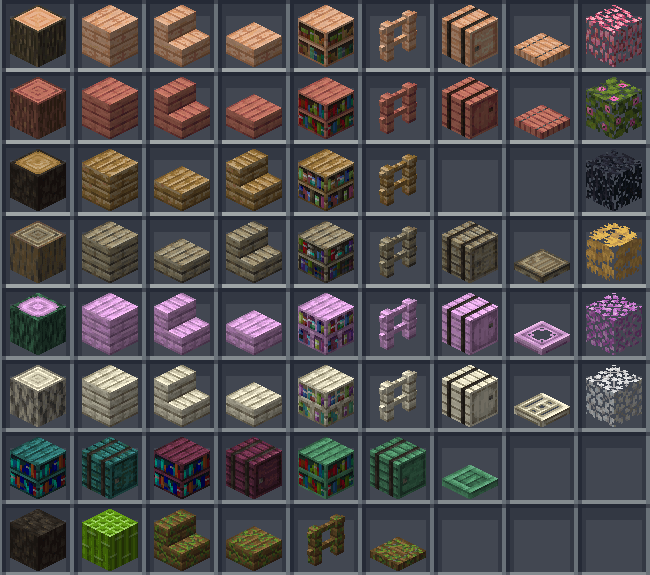
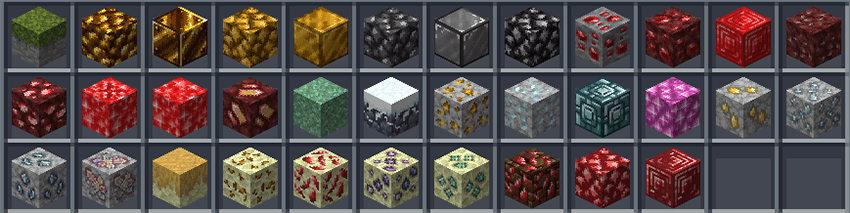
Dungeon blocks (unbreakable):

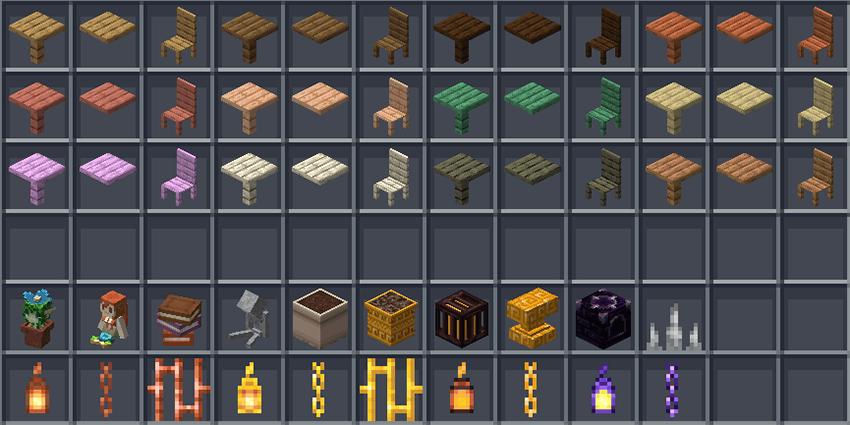
Decoration/functional blocks:
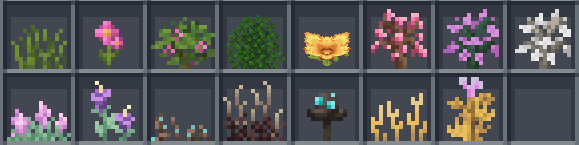
Plants:
Food:
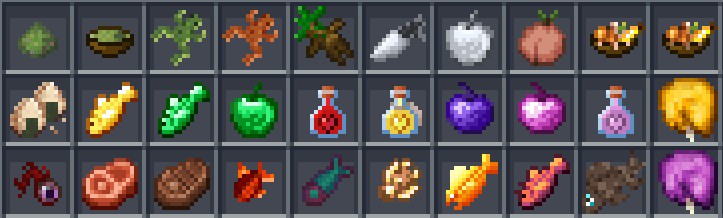
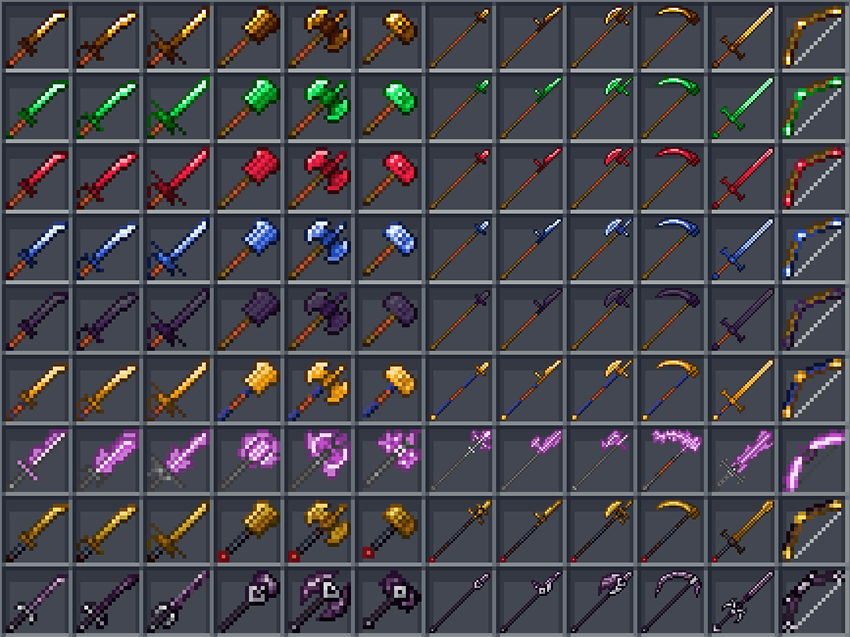
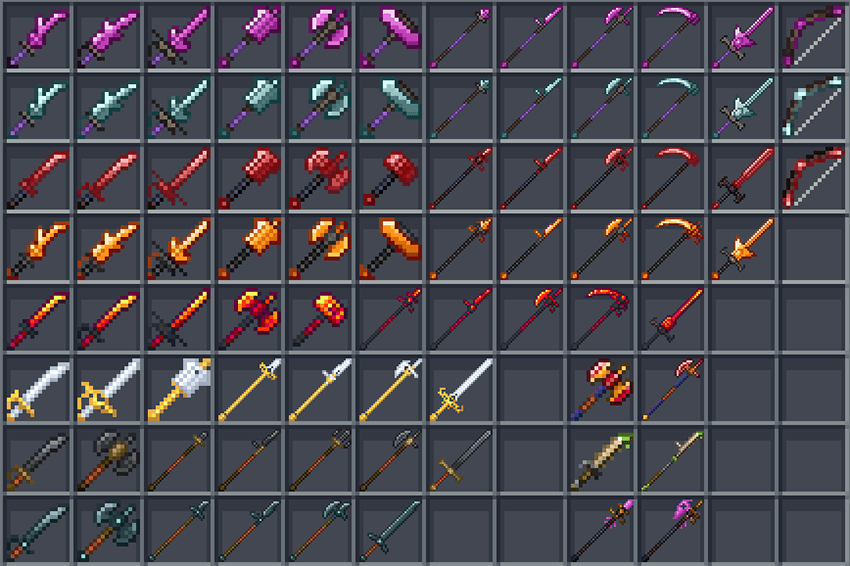
Tools and weapons:
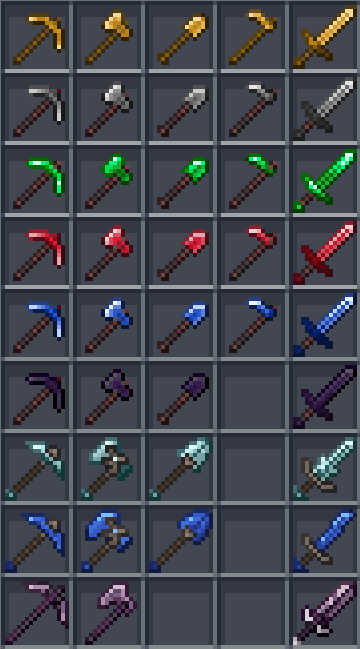
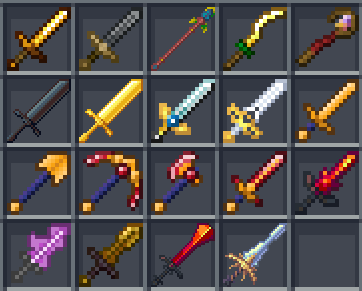
Armors:
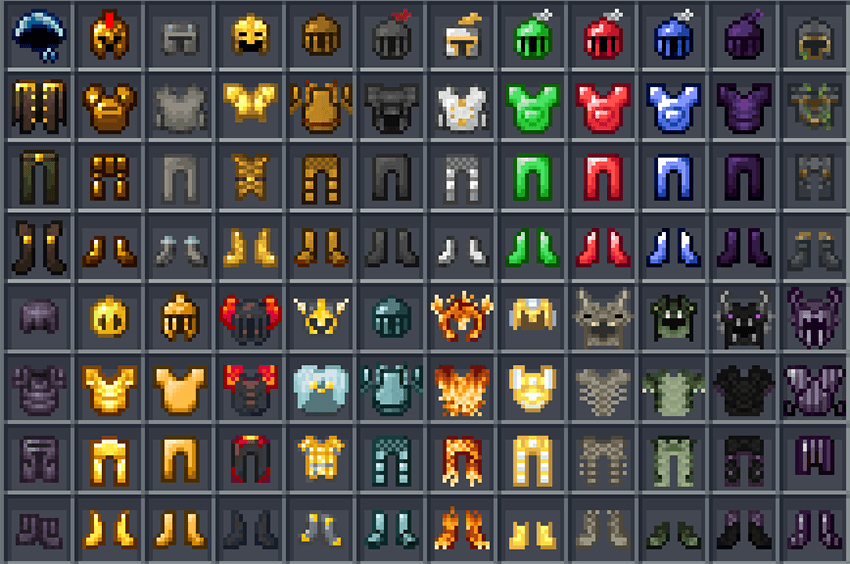
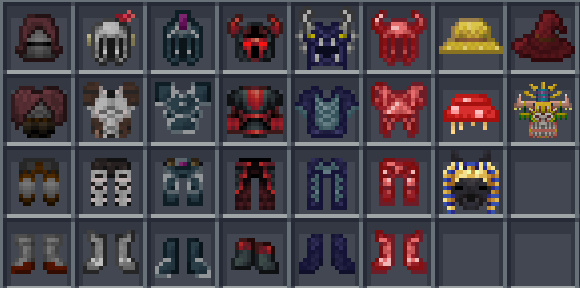
Custom Spartan weapons:
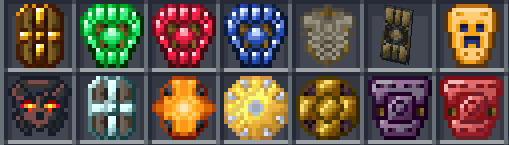
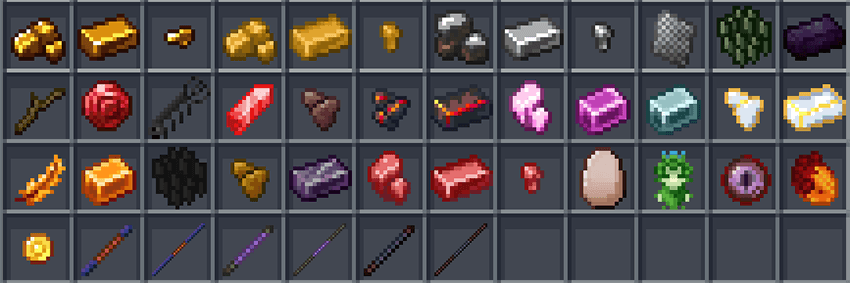
Materials, mobs drop and Baubles:
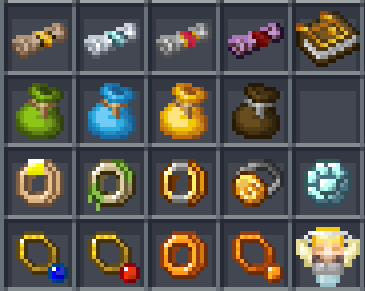
Spells for Electroblob's Wizardry:

Tweaks/utility:
In ocean biomes, skeletons and zombies will spawn in pirate costumes. Zombies will also hold a sword in their hands (if Spartan Weaponry is installed, they will hold an iron saber). In jungle biomes they will spawn with Maya mask and spear.
Zombies and skeletons have a chance to spawn in full armor, and zombies will also hold swords in their hands.
All wither skeletons that spawned with a stone sword in their hands will spawn with a cincinnasite sword.
Mod replaces loot tables from all dungeons in Aether Legacy, trades for piglins from Nether Backport, loot for some mobs from Ice and Fire, and replaces the loot table for fishing in the Nether (from Combustfish mod).
In addition, the mod removes some drops from plants/foliage that were broken due to generation bugs. This is useful if you use Ice&Fire or mods that have similar bugs.
The mod also combines Electroblobs Wizardry/Ancient Spellcraft with Aether, adding crystal ores to the generation. In addition, the Nether and the End have also received their own variations of crystal ores.
Since v5.20 mod also has some modpack fixes settings (which can be disabled), for now there are 3 fix options:
1. List of mobs, which won't despawn;
2. Door double drop fix;
3. Tweak, that remove ALL mobs spawn (except Ender Dragon) from main End island;
Mods to which this addon adds new content:
1. Bosses of Mass Destruction;
2. Aether Legacy;
3. End Expansion;
4. Nether Backport;
5. Ice and Fire;
6. Better Nether;
7. Mowzie's Mobs;
8. Combustive Fishing;
9. Ancient Spellcraft;
10. FutureMC;
11. Spartan Weaponry;
12. Electroblob's Wizardry;
13. Baubles;
List of used textures/models/ideas:
Special mention goes to the Grimoire of Gaia mod, as its mob designs inspired me to create my own. My mod uses replicas of some models from this mod, recreated from scratch (namely: harpy, goblin, beholder, gryphon, valkyrie, and mandrake). I do not claim any rights to their creation; all rights belong to the author of the original models, and I strongly recommend supporting his project!
1. Azalea tree and flower textures from GWLush Caves;
2. Azalea barrel textures from Charm;
3. Azalea bush texture from Natural Azaleas;
4. Gigas cedar concept from Sword Craft Online;
5. Some Aether textures from Deep Aether and Aether Gravitation;
6. Bush model from Natural Decor Mod;
7. Crymson, Warped, Stalagnate barrels and bookshelves textures from Better Nether;
8. Soul fish and witherbone fish textures from Nether Depths Upgrade;
9. Flower pot and peach textures, book stack model from Comfy Cozy;
10. Pirate costume texture from Ending's Pirate Gear!;
11. Base angel model from Gray's Monster Overhaul;
12. Toad model was inspired by Enhanced Frogs;
13. Few sounds from Lycanites Mobs;
14. Some End textures from Better End;
15. Base ent model from Mo'Creatures;
16. Beliers Rune logic from Dead Cells;
17. Skirt logic and model from Varied Commodities;
Q&A:
1. Can you add 'item name' to the mod?
Only if I need it in my modpack;
2. Can you port this mod to the 'insert number' version?
No, this mod will only be on 1.12.2;
3. I installed this mod, but some items/blocks have no crafting/can't be obtained.
Please read the warning at the beginning again;
4. I like your mod, can I use it in my modpack?
Sure, if your modpack is published on CurseForge, you are free to use it. If your modpack is published elsewhere, use the File Director to configure the mod installation;
5. I want to replace the mod textures, how do I do that?
Via resource pack or Resource Loader;
Screenshots
Gallery
-
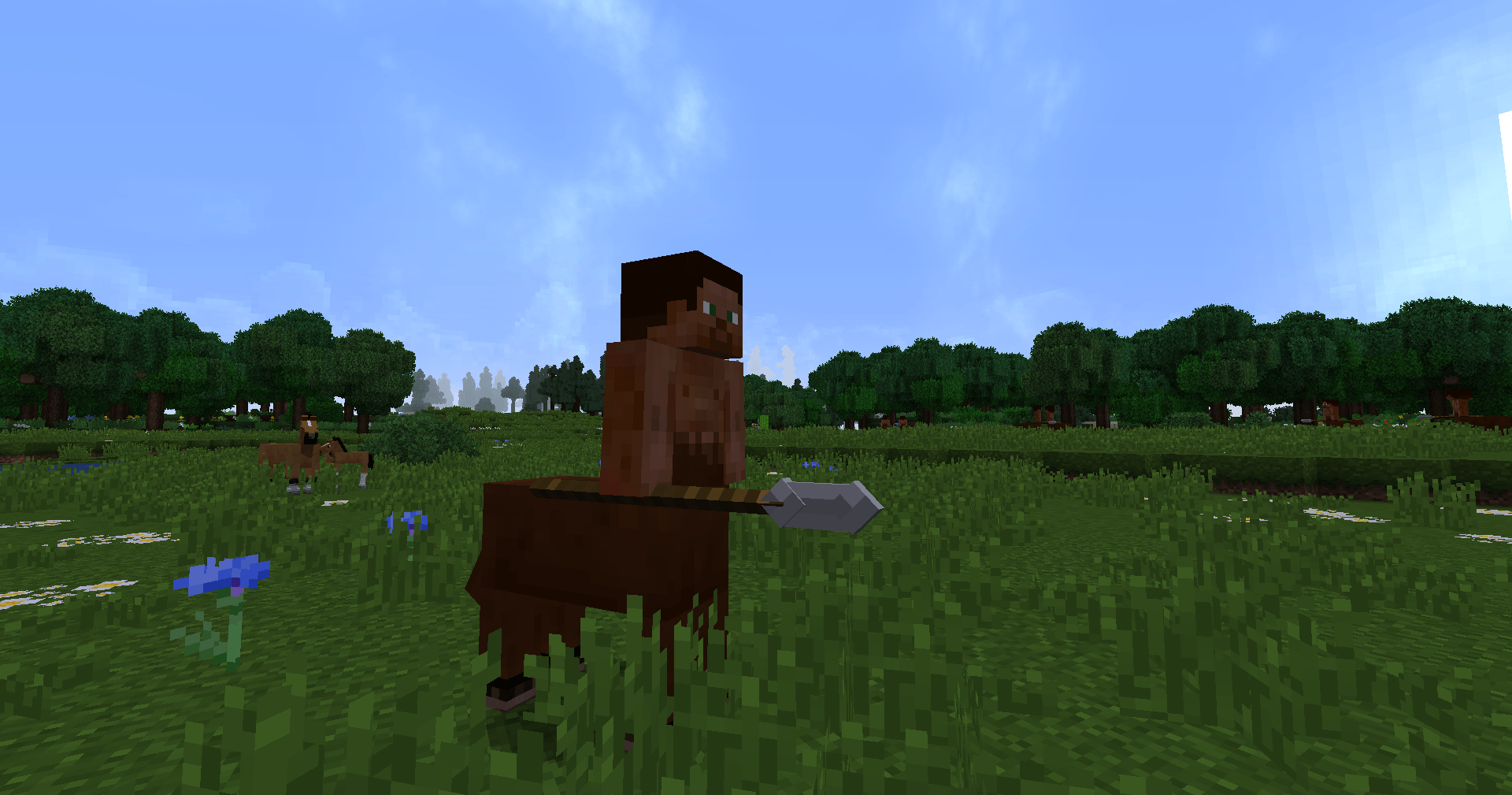 2025-11-18_00.11.13.png Centaur
 -
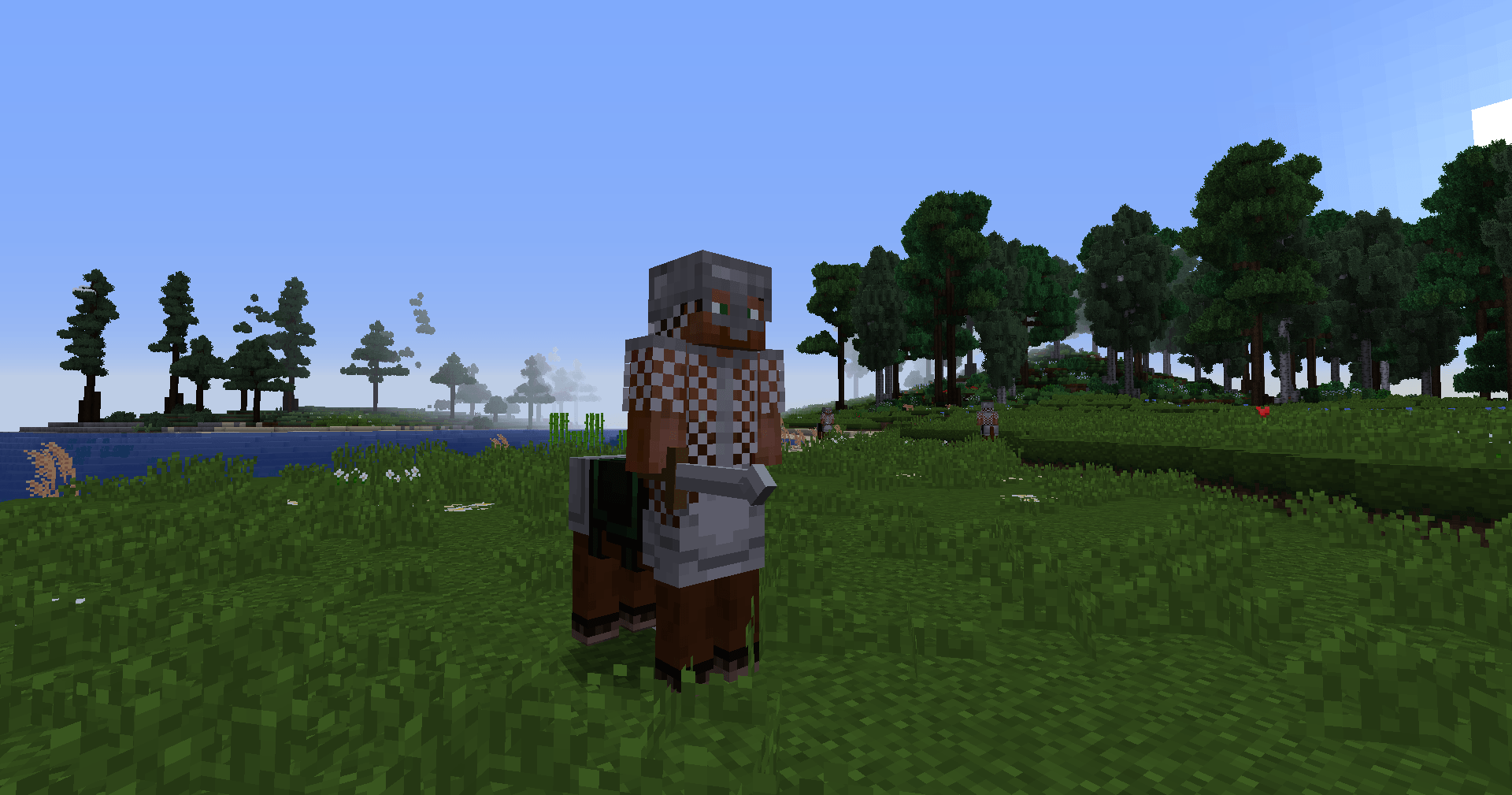 2025-11-01_12.07.28.png Armored centaur
 -
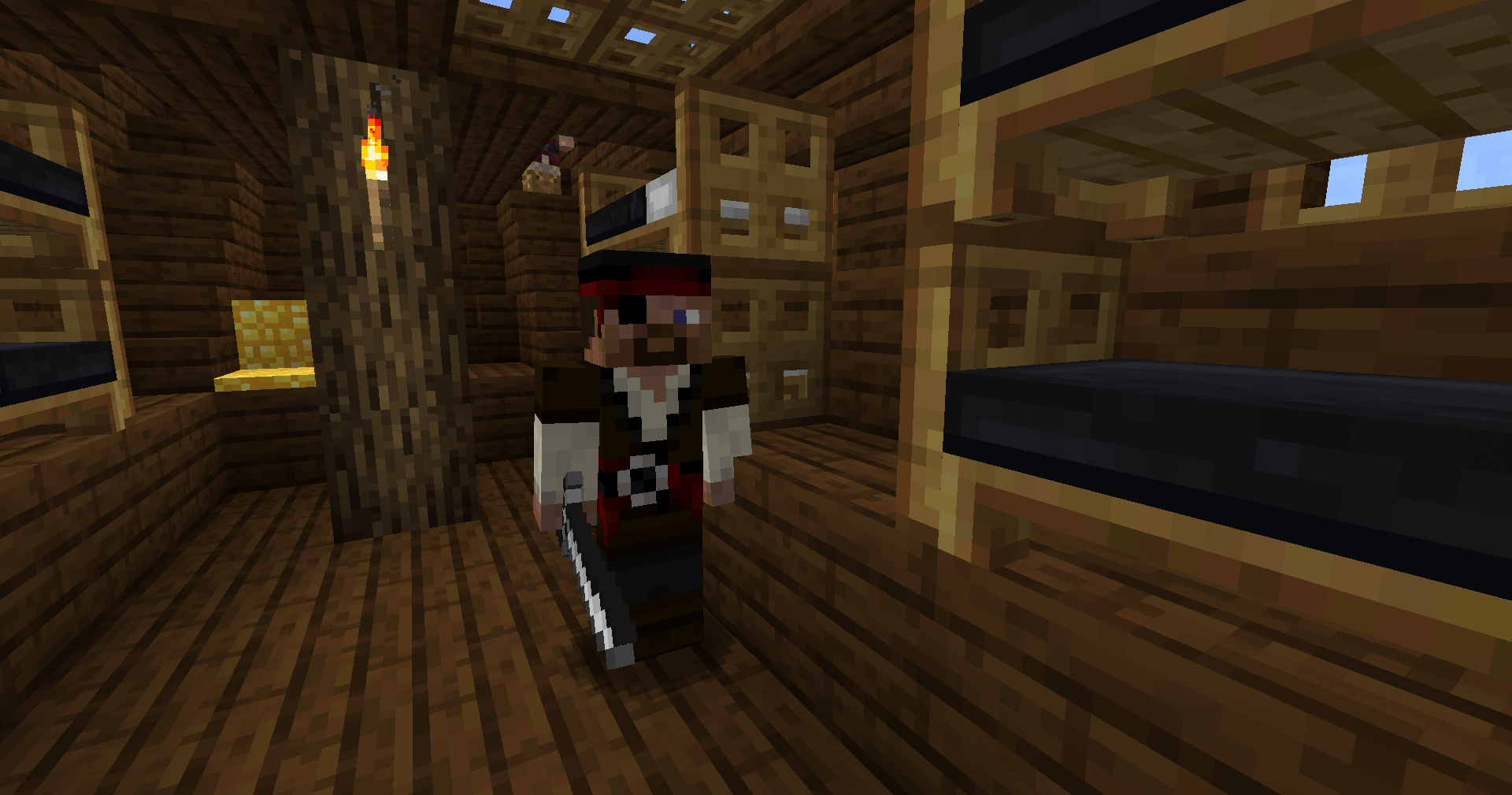 2025-11-18_01.28.47.png Pirate
 -
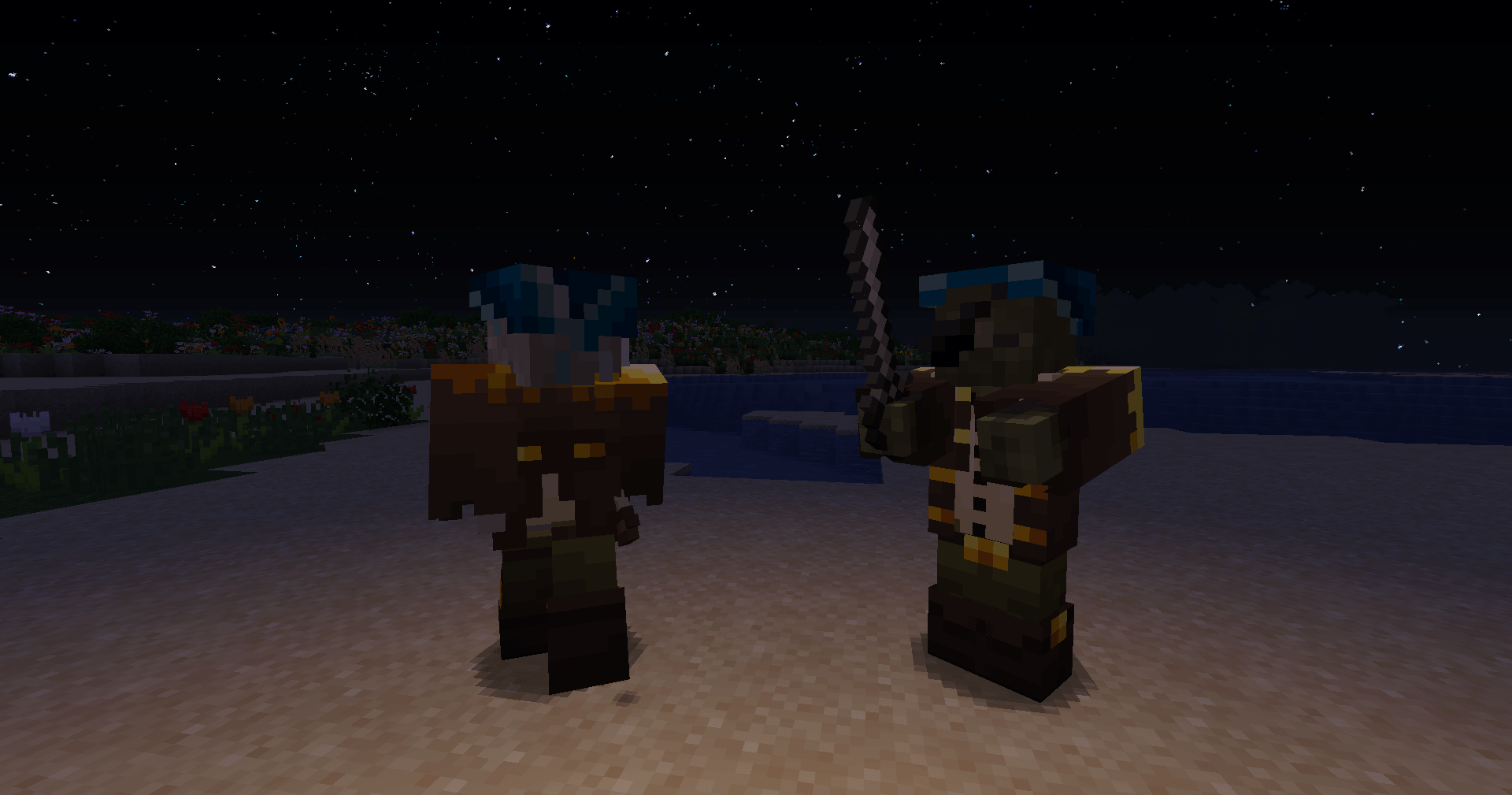 2026-02-04_22.02.51.png Skeleton and zombie in pirate suit
 -
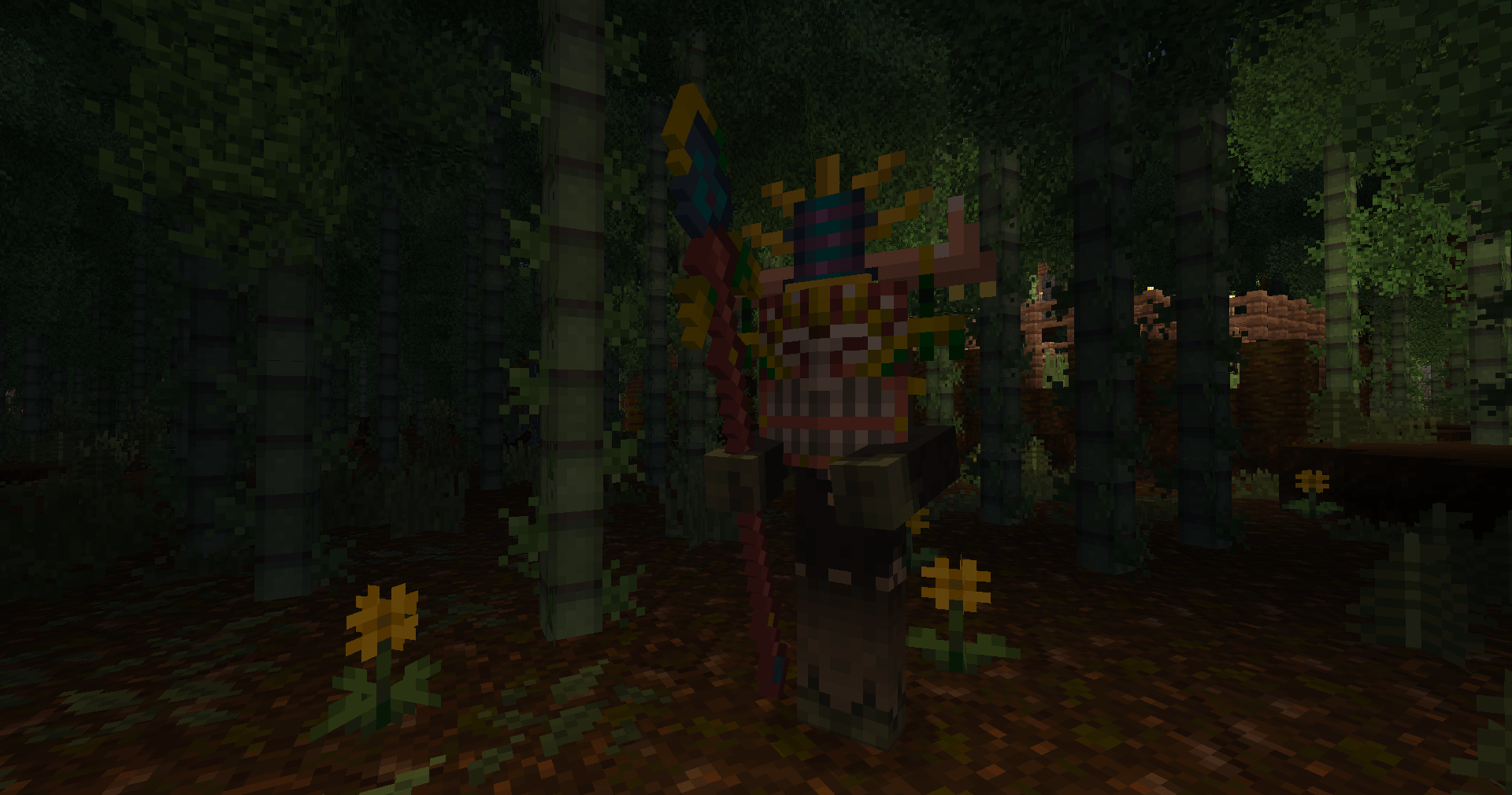 2026-02-04_21.58.45.png Zombie with Maya mask and spear
 -
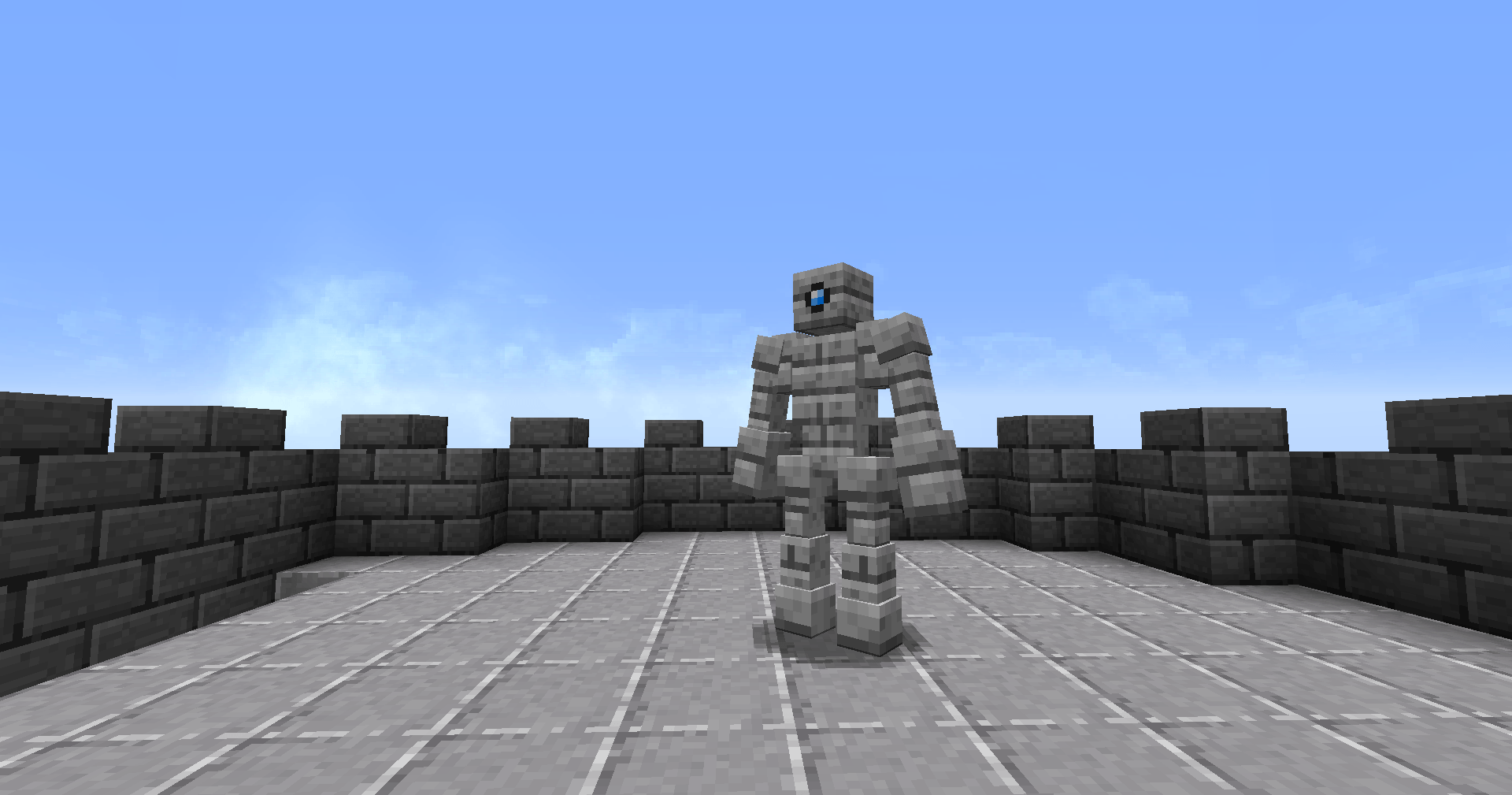 2025-12-30_05.23.06.png Battletower Golem
 -
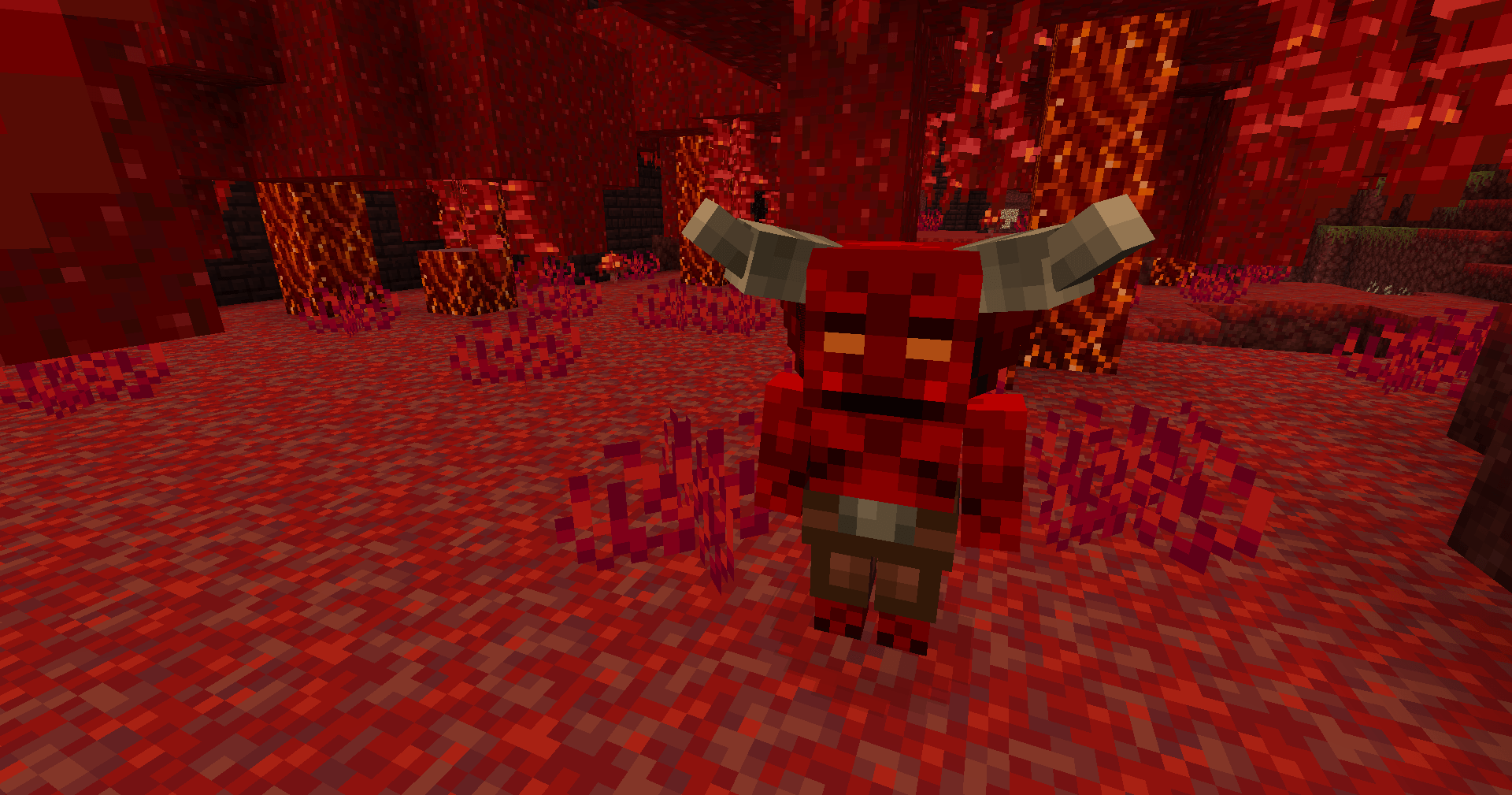 2025-11-04_22.16.57.png Imp (neutal mob, you can trade with him using nether amethyst shards)
 -
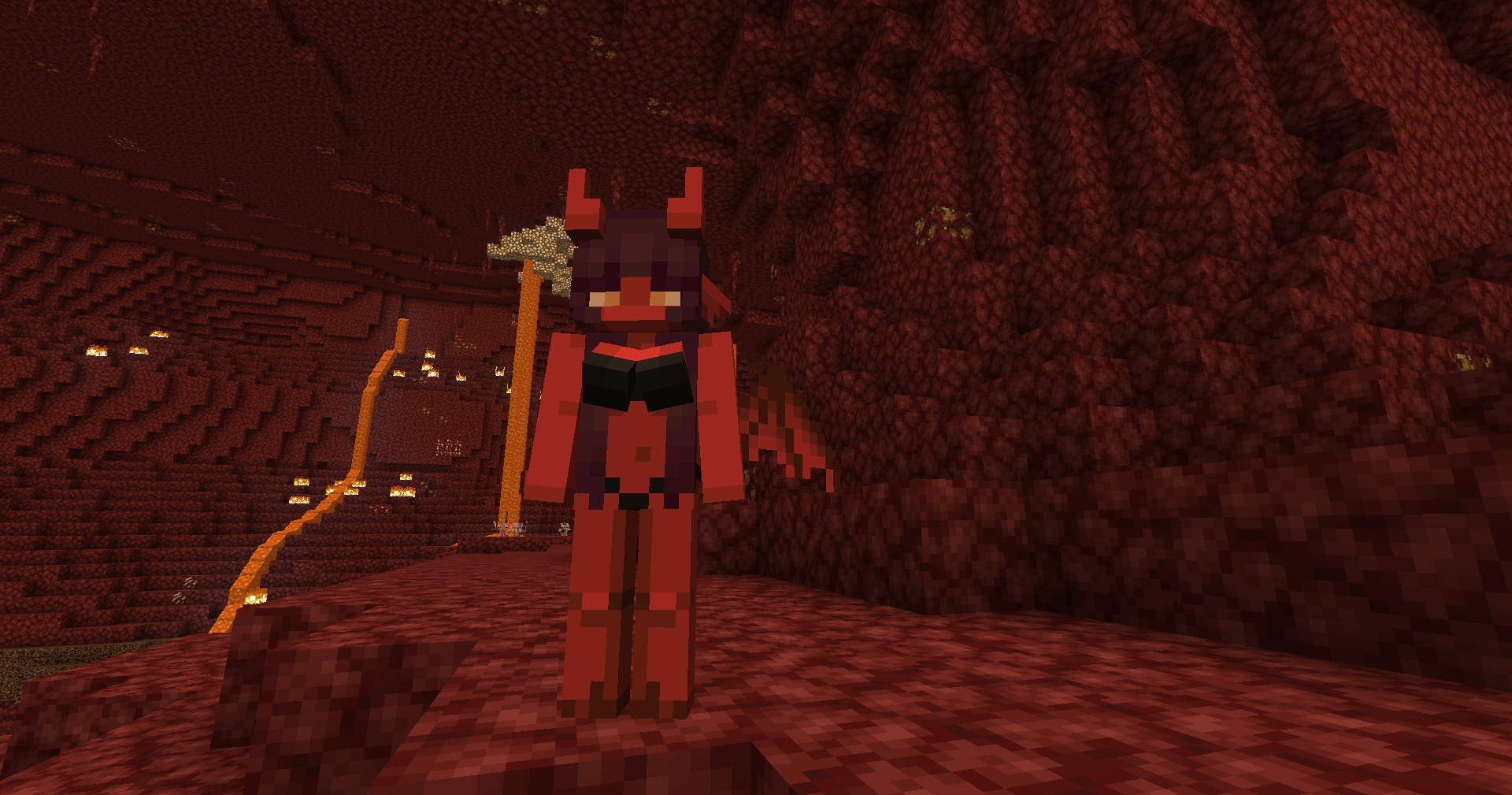 2025-11-04_22.21.06.png Succubus
 -
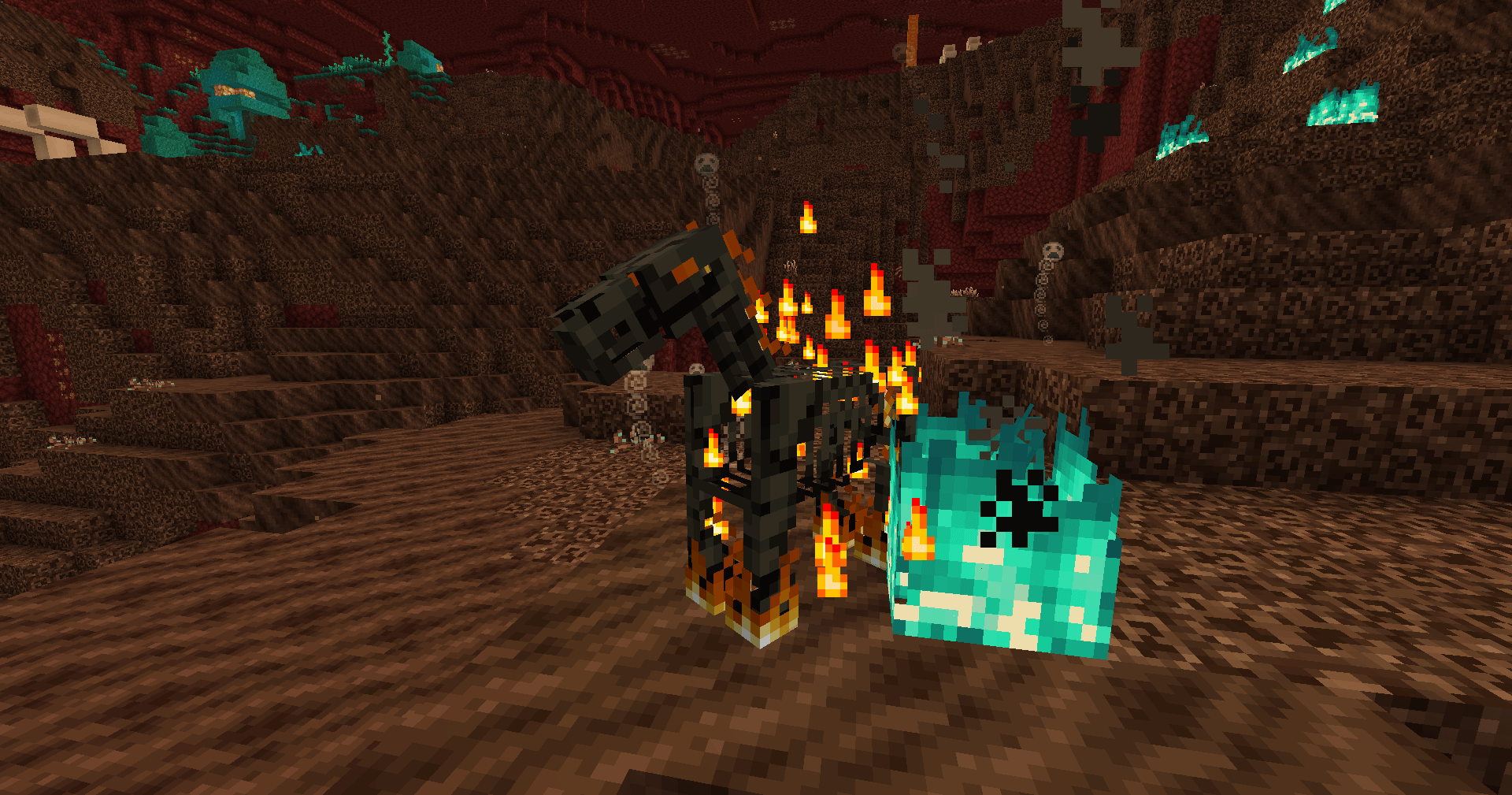 2025-11-04_22.15.21.png Nightmare
 -
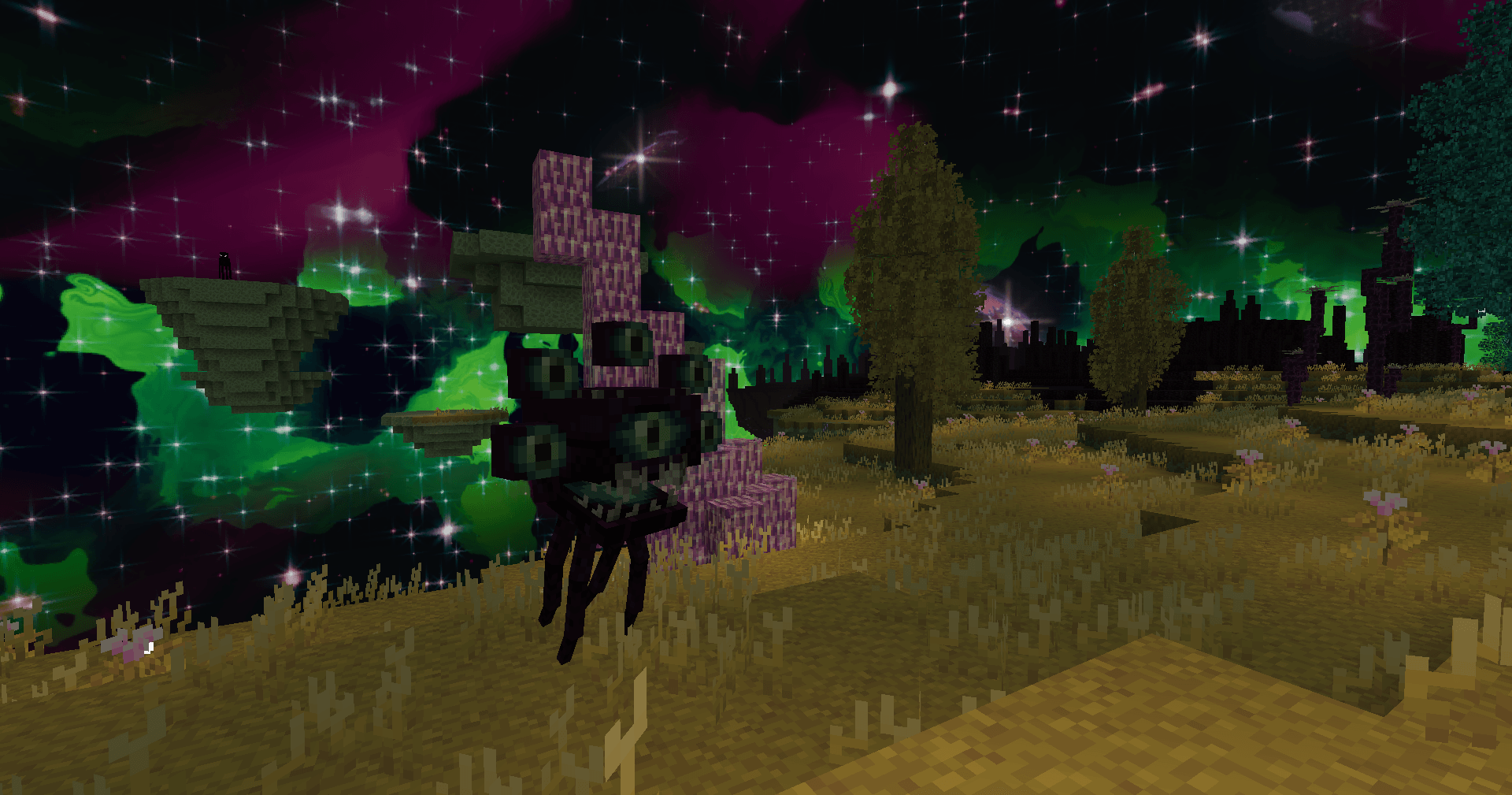 2026-04-04_19.20.54.png Evil Eye in End Plains biome
 -
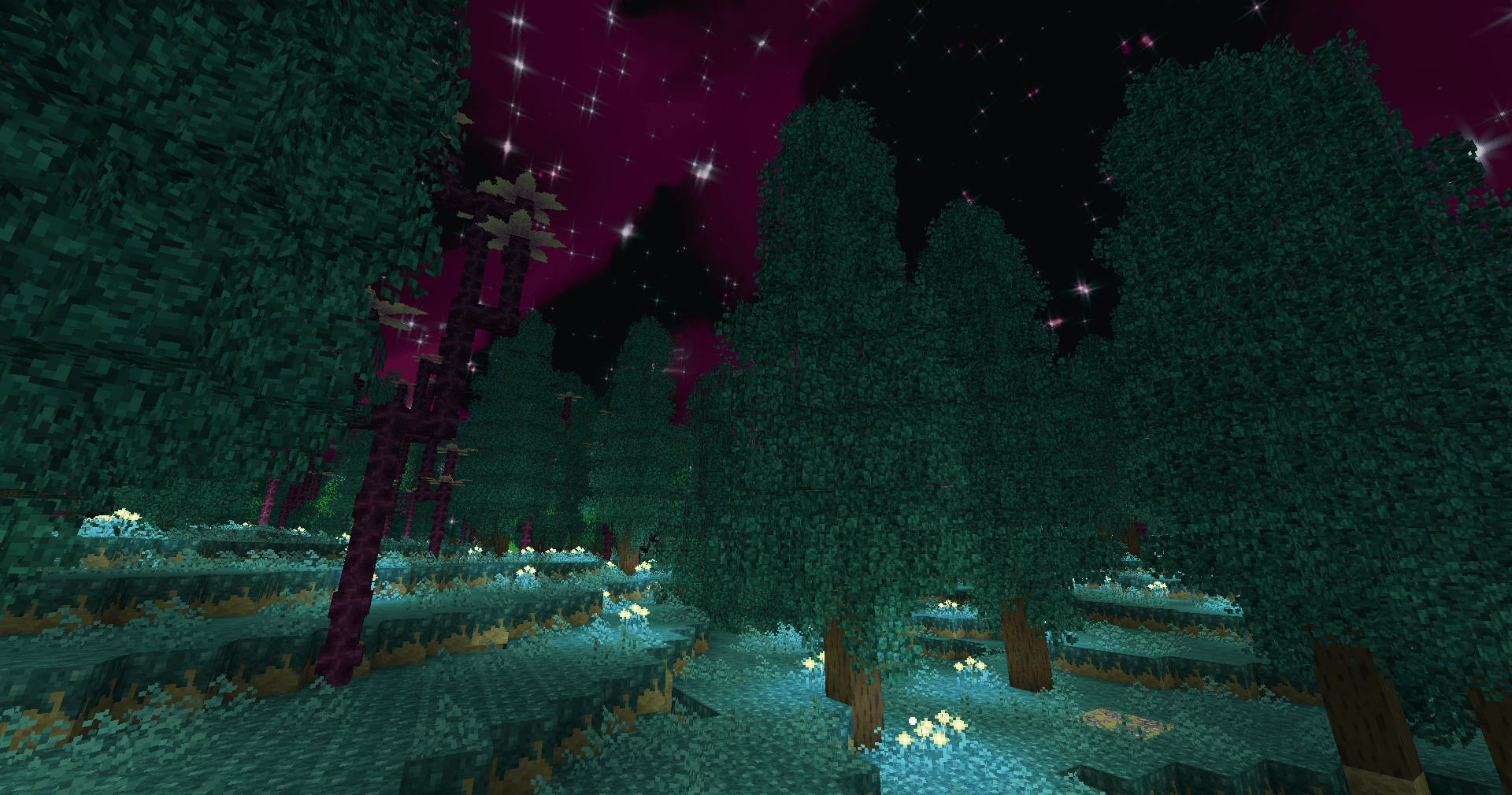 2026-04-04_19.17.26.png Mystical Land biome
 -
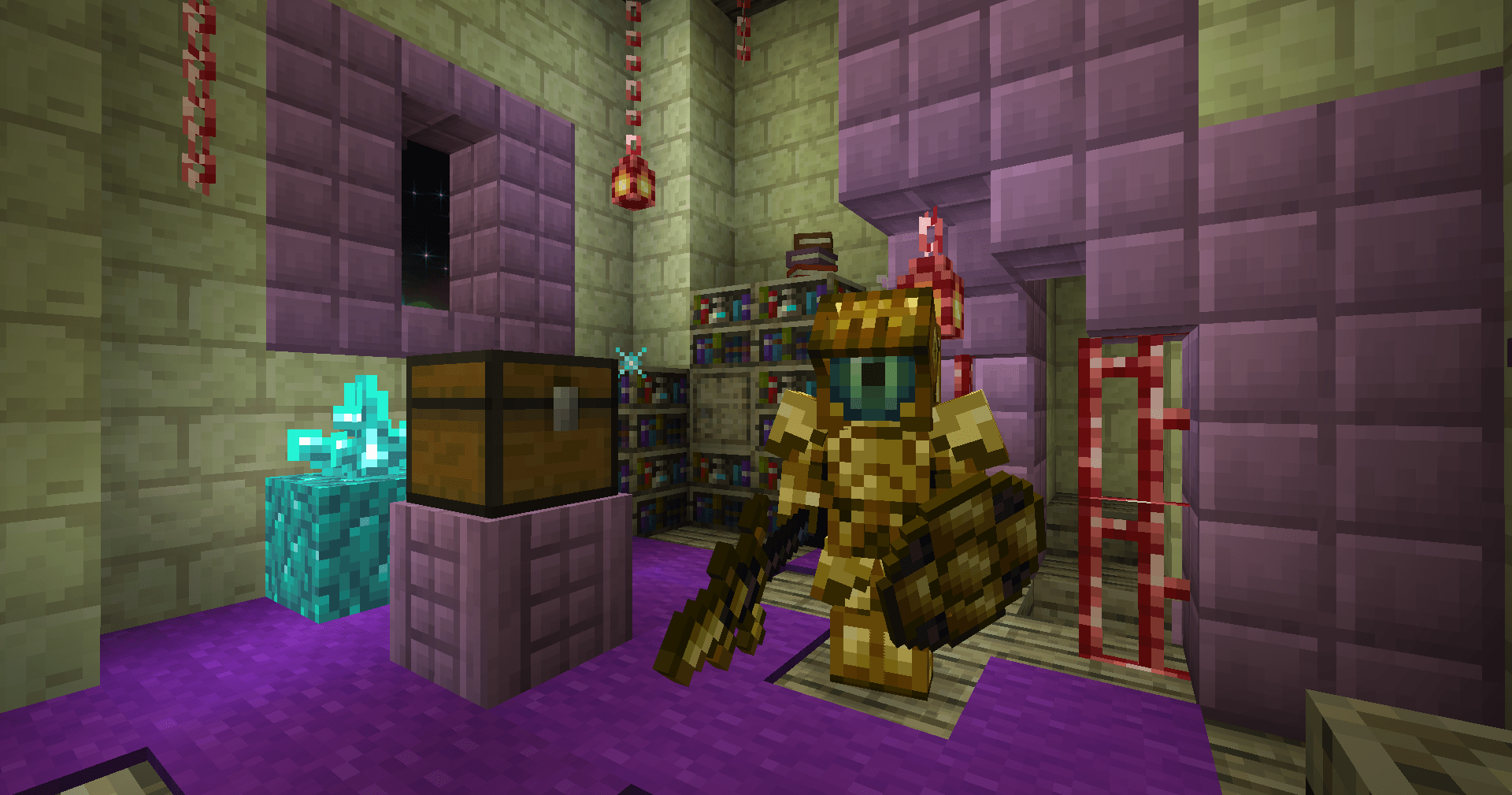 2026-04-06_06.11.56.png Void Knight
Versions
Files
Relations
Project Relations
More like this
Similar Mods
Suggestions use data such as tags, dependencies, dependents, descriptions, titles, and more to rank how much they overlap with this mod.
On ModDex
Community snapshot
By the numbers
Statistics
 (opens in a new tab)
Get it on
Available Platforms
On ModDex
Community snapshot
By the numbers
Statistics
Resources