RPG Warehouse Storage

Quick rating

Community listing page, reviews here may not be monitored by the author.

RPG Warehouse Storage

No reviews yet

An RPG Warehouse Storage Implementation

Mod Loaders
Minecraft

About

Description

A configurable personal storage mod for RPG servers — each player gets their own
private warehouse that persists across sessions, backed by a database so nothing
is ever lost to a server restart or world reload.
 
 
Features
 
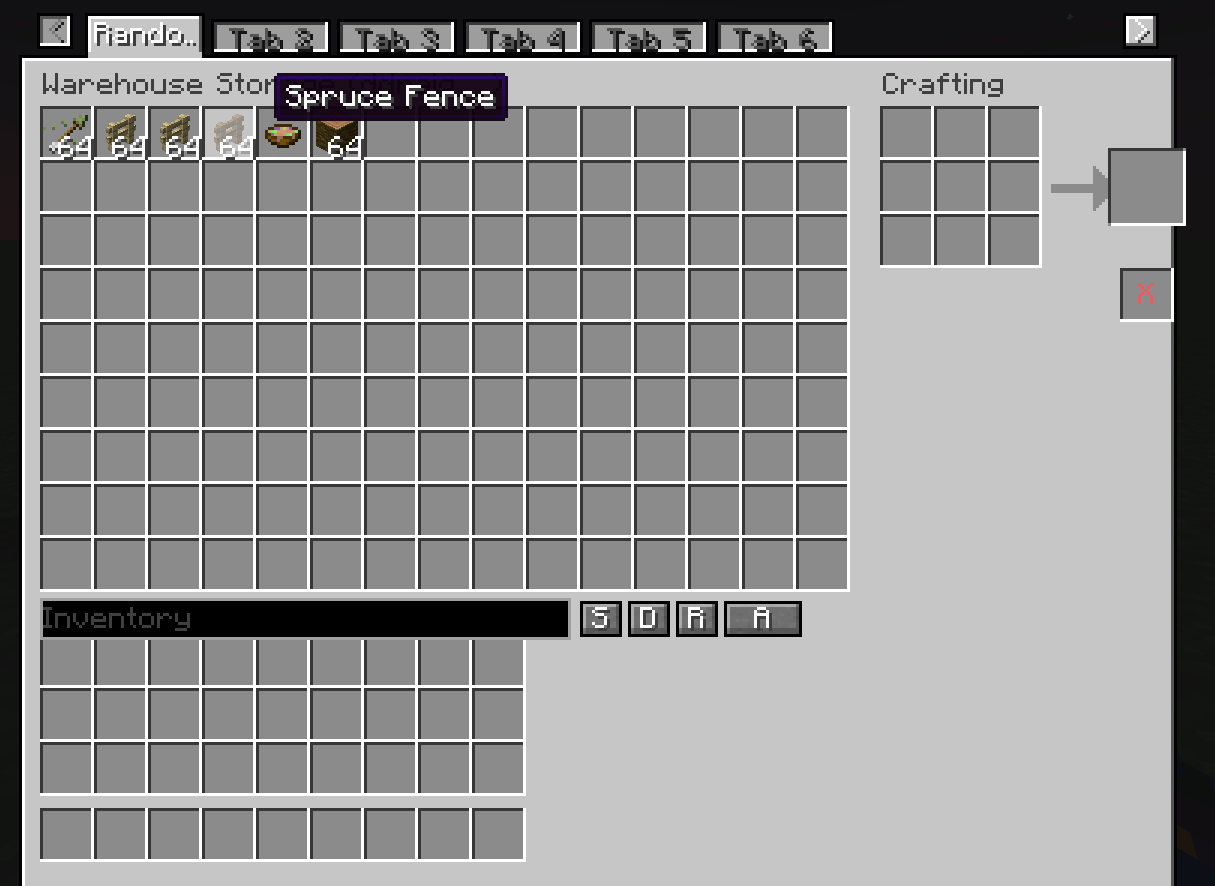
- Fully configurable grid size: set the number of columns, rows, and maximum tabs
allowed per player via the server config. (maximum of 15 columns, 9 rows)
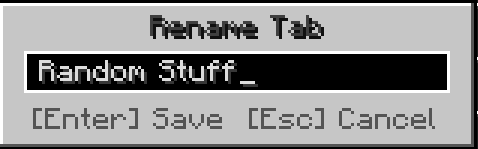
- Multiple tabs: players can own several warehouse tabs, each independently named.
Rename any tab by right-clicking its label directly in the UI.
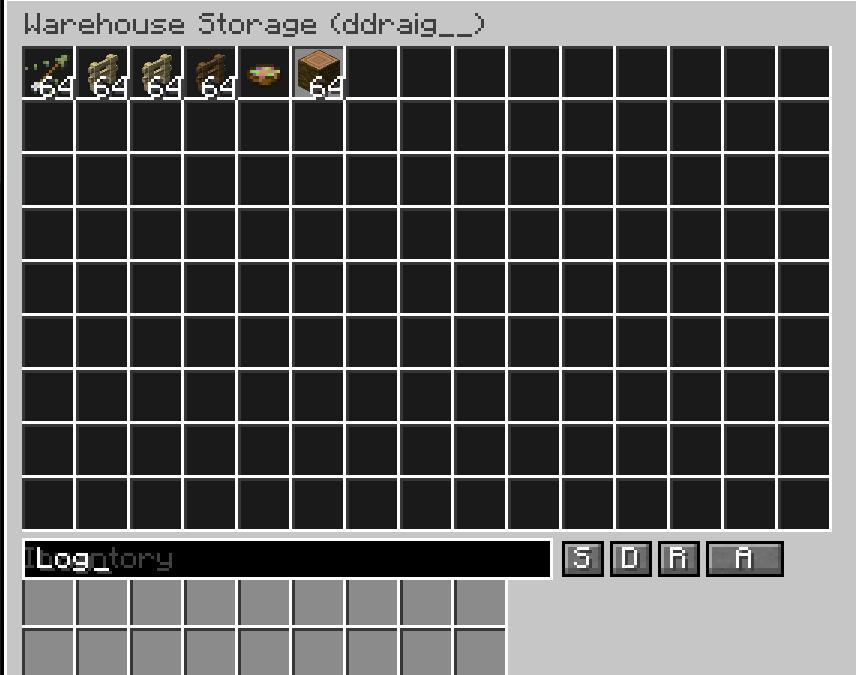
- Database-backed storage: all inventories are stored in a persistent database.
Individual players can be backed up and restored independently.
- Admin access: admins can view and directly edit any player's warehouse tabs and
inventory contents.
- Currency system (requires RPG Marketplace or RPG Auction House): define custom
in-game currencies using any item, with support for multiple denominations per
currency group.
 
 
How to use
 
Open your warehouse with:
/player_warehouse open
Or right-click the chest block placed with:
/player_warehouse admin create-warehouse-chest
 
 
Admin commands
 
Open and inspect a player's warehouse:
/player_warehouse admin check-player <player>
 
Check how many tabs a player has:
/player_warehouse admin tab-count <player>
 
Add or remove a tab from a player's warehouse:
/player_warehouse admin add-tab <player>
/player_warehouse admin remove-tab <player>
 
View the admin audit log:
/player_warehouse admin audit-log
 
Back up the entire warehouse database, or a single player:
/player_warehouse admin backup-complete-warehouse
/player_warehouse admin backup-player <player>
 
Restore a player from a backup file:
/player_warehouse admin import-player <player> <filename.json>
 
Restore from a backup where the UUID doesn't match (e.g. migrating a player):
/player_warehouse admin force-import-player <player> <filename.json>
 
Reload the server config and push all changes to connected players immediately:
/player_warehouse admin reload-config
 
 
Currency commands (1.0.1+ — requires RPG Marketplace or RPG Auction House)
 
Hold the item you want to use as currency in your hand, then run:
 
/rpg_warehouse admin currency add <type> <denomination>
/rpg_warehouse admin currency remove <type> <denomination>
 
To disable all built-in default currencies:
/rpg_warehouse admin remove-default-currency