Community listing page, reviews may not be monitored by the author.


Community voices
Reviews
No reviews yet. Be the first to review this project!
Get it on
Available Platforms
About
Project Details
For authors
Embed Badge
If you're the author of this project, you can embed a live badge anywhere that supports HTML or Markdown. It updates automatically whenever ratings change.
Use HTML for any page that supports it, or Markdown for README files and Markdown-based descriptions.
Identifiers
Platform IDs
Resources
External Links
About
Description


A library and quality-of-life mod for Forge 1.20.1. It gives you a HUD editor with windows like windows 7, a cosmetic armor system by example, and an API so Rudolph's mods can use.
HUD editor

Open the editor with its keybind (default "h") and arrange your HUD however you like.
- Drag HUDs with the right mouse button, or nudge them with the arrow keys (hold Shift for bigger steps).
- Every HUD is a window with a border and an X button. Closing one shrinks it away.
- Closed HUDs wait in the "Choose removed huds" panel (Tab). Drag them back out with the right mouse button.
- HUDs slide along each other's edges instead of getting stuck, so you can place them flush.
- Optional grid snapping and center guide lines.
- Per-HUD option: show it while playing, or only while the editor is open.
- Positions and visibility are saved per HUD.
Cosmetic armor

- Visual-only armor slots: your real armor keeps its stats, but you show whatever compatible armor you want.
- The armor HUD shows only your cosmetic armor. It stays empty if you have no cosmetic pieces, even when you wear real armor.
- The inventory screen includes your real armor and off-hand slots, and its inventory window can be closed.
- Cosmetic armor is visible on you and on other players, and works in multiplayer.
- Optional: drop cosmetic items on death.
Config

A configuration screen with ordinary Minecraft buttons, so resource packs can restyle it. You can change:
- Window, border, panel and scrollbar colors
- Editor background color, opacity and blur
- Animation speeds
- Every editor key
- Whether window borders are shown, and whether the HUD key opens the inventory screen directly
Debug mode (off by default)

Use any block face as a HUD, or duplicate any HUD. Handy for testing layouts.
Notes
- Required on both client and server.
- Required by Rudolph's Cheval Grand Utils. (Cooming soon)
- Available in English and Spanish.
- License: All Rights Reserved with limited permissions (see the LICENSE file).
© 2026 Rudolph15. All rights reserved. You may share and modify for non-commercial use with visible credit. See the license file in the mod for the full terms.
Screenshots
Gallery
-
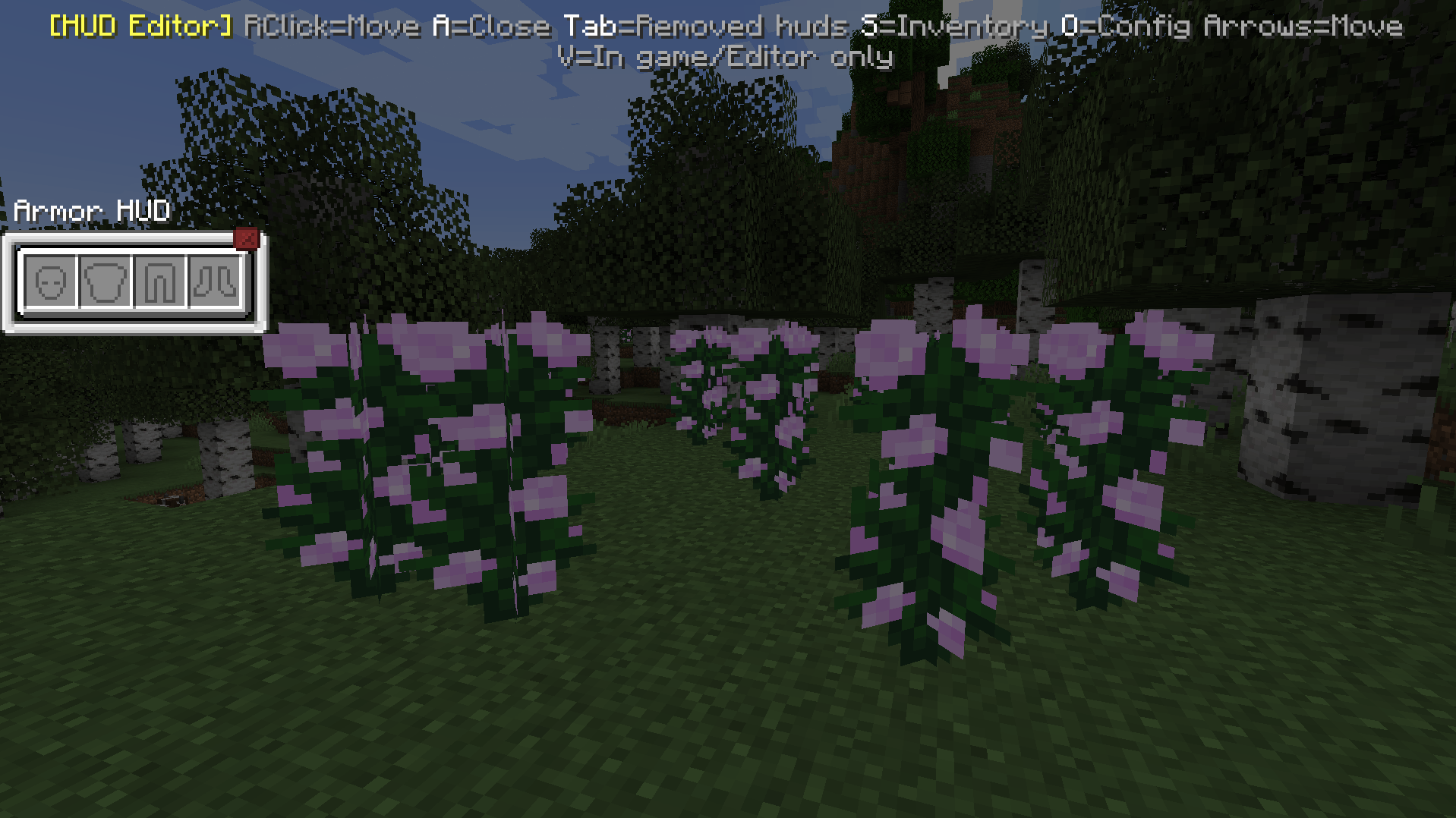 Open the hud for first time
 -
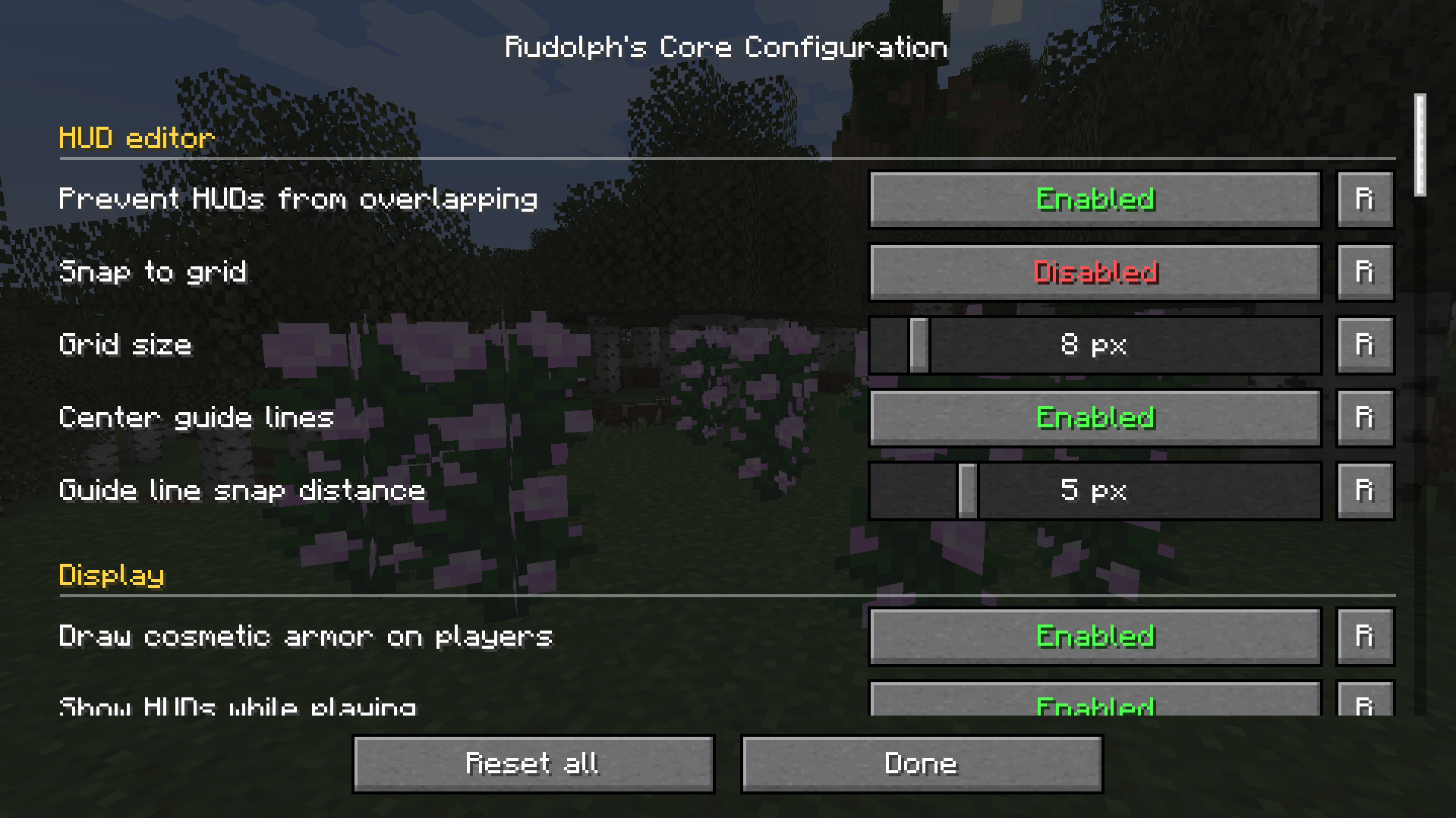 Config 1
 -
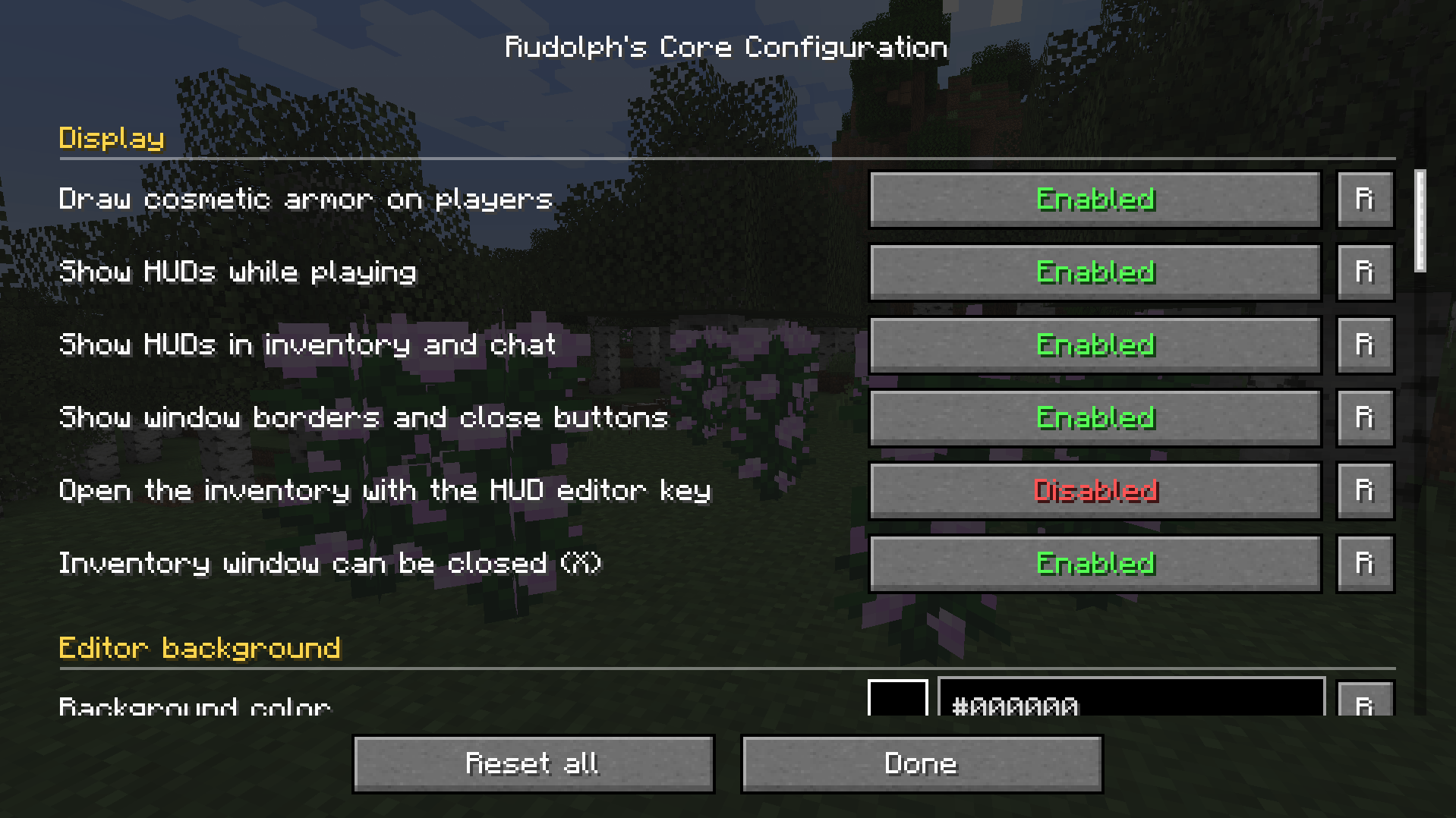 Config 2
 -
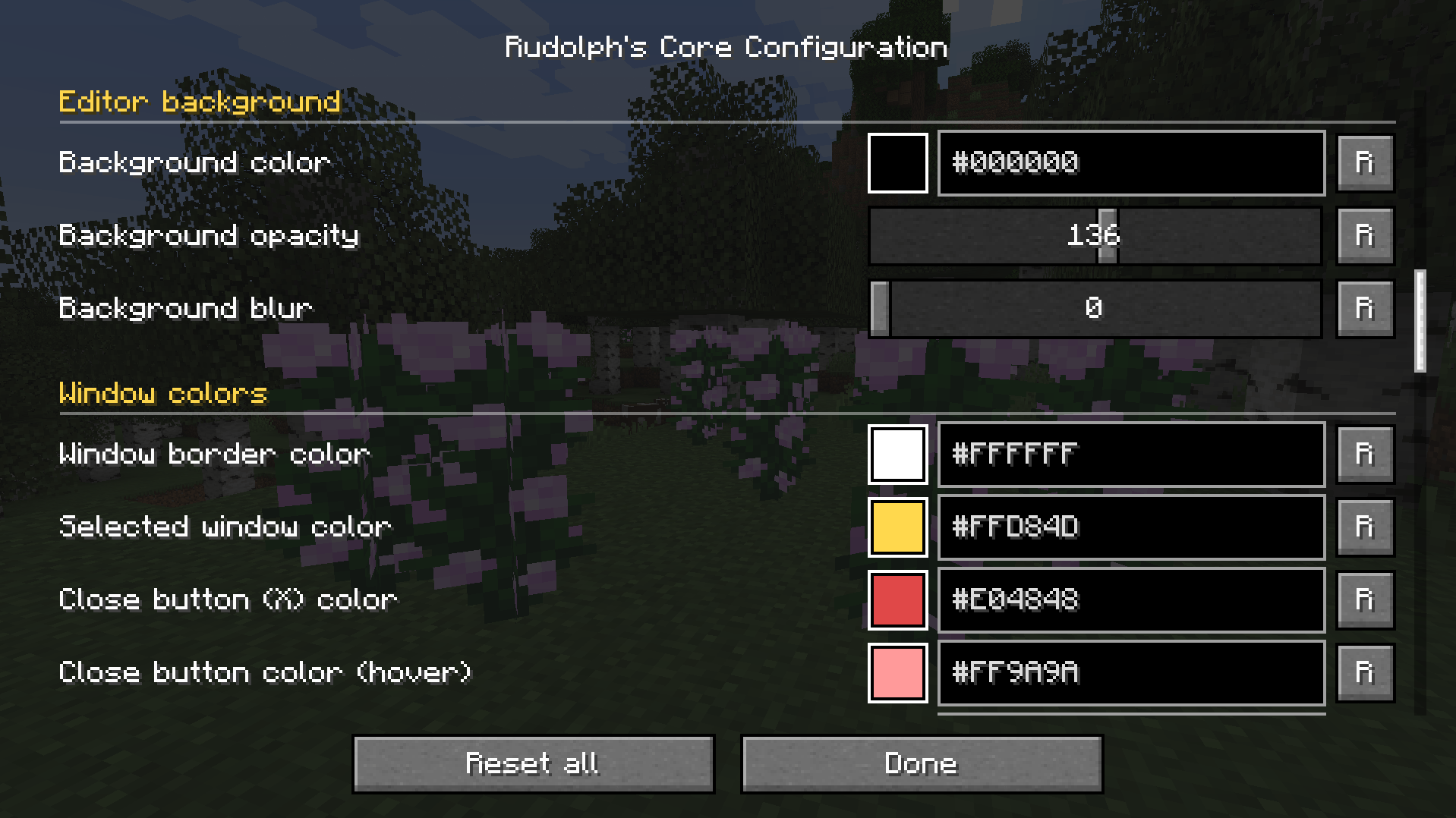 Config 3
 -
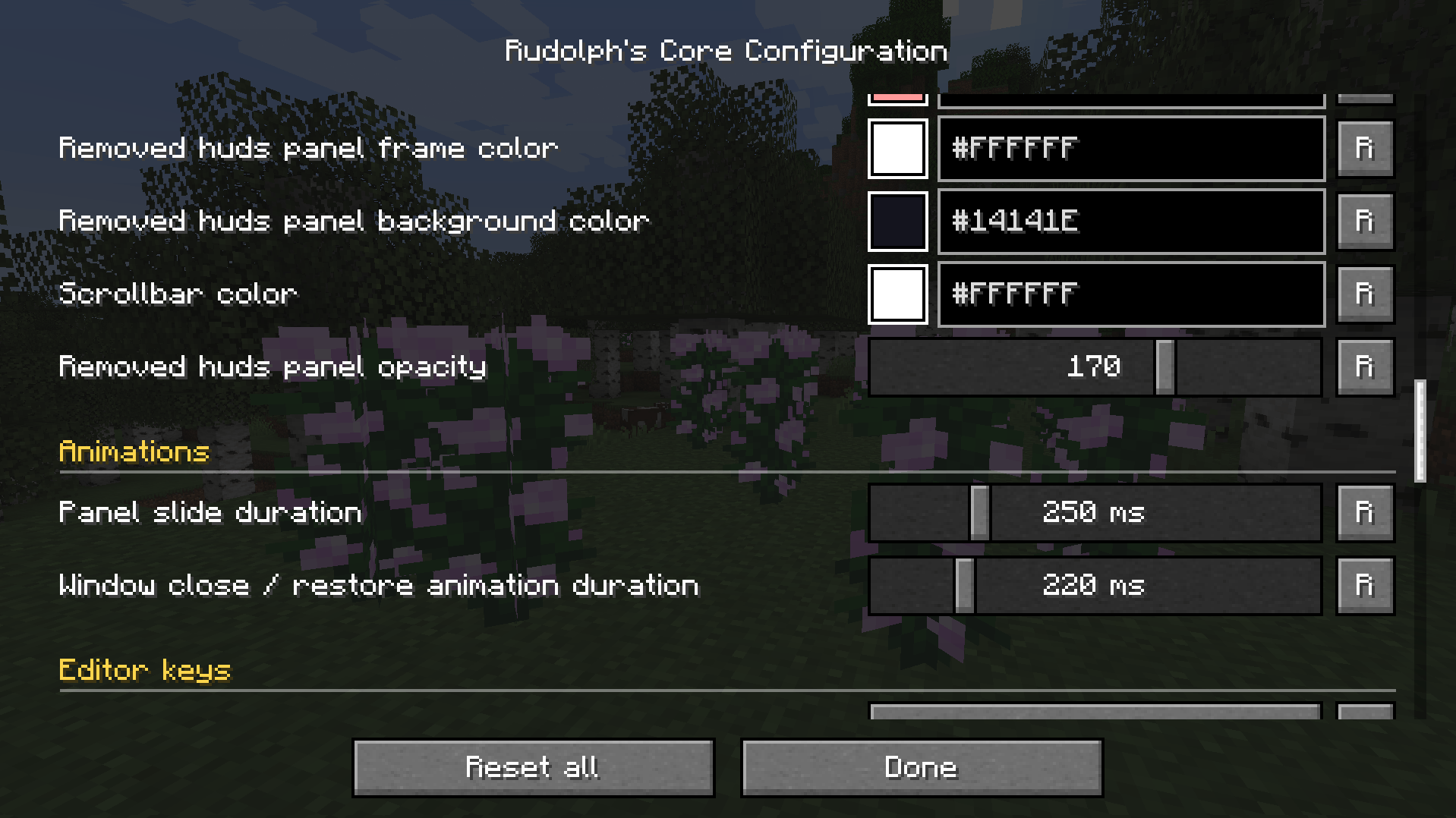 Config 4
 -
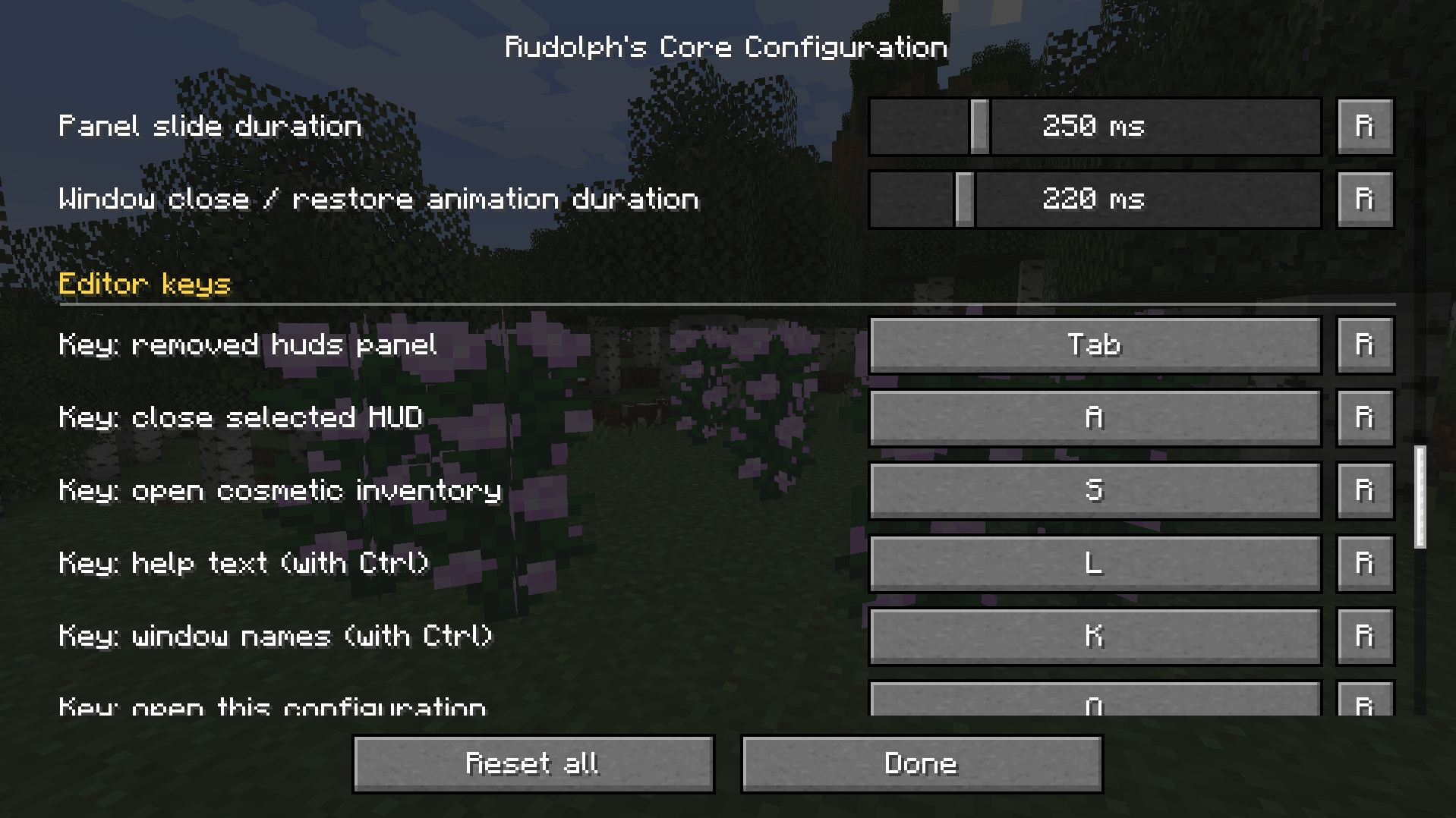 Config 5
 -
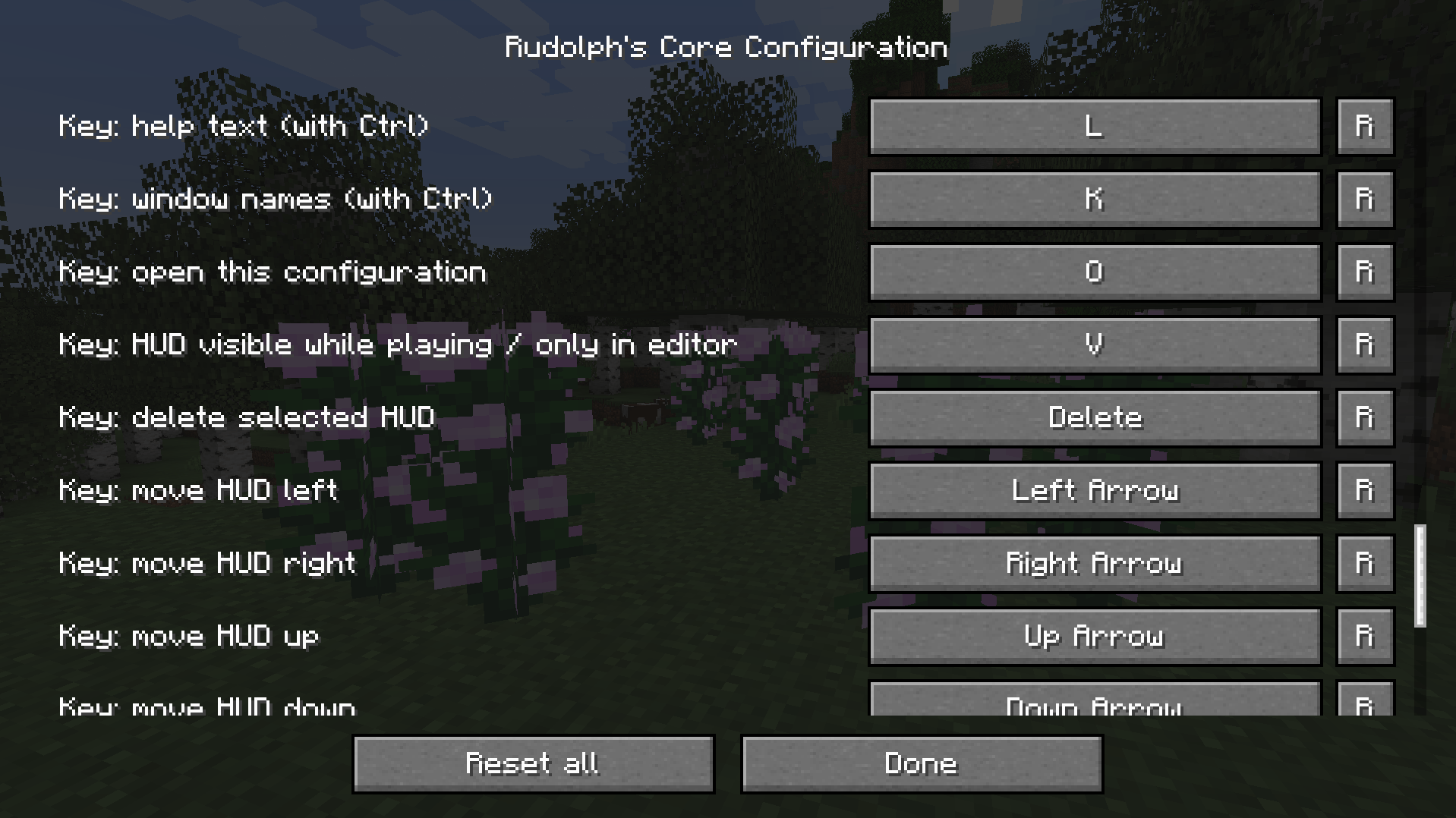 Config 6
 -
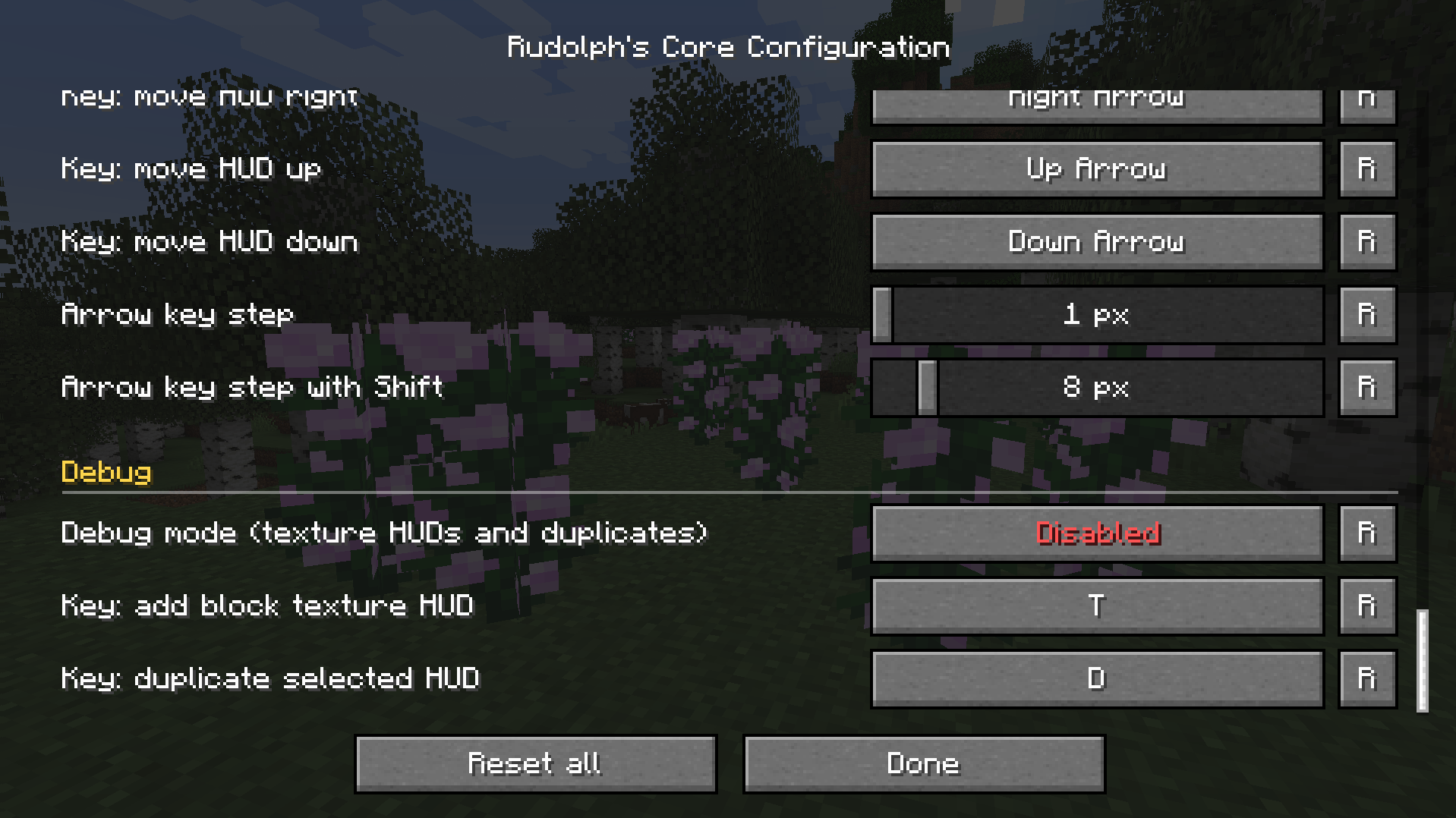 Config 7
 -
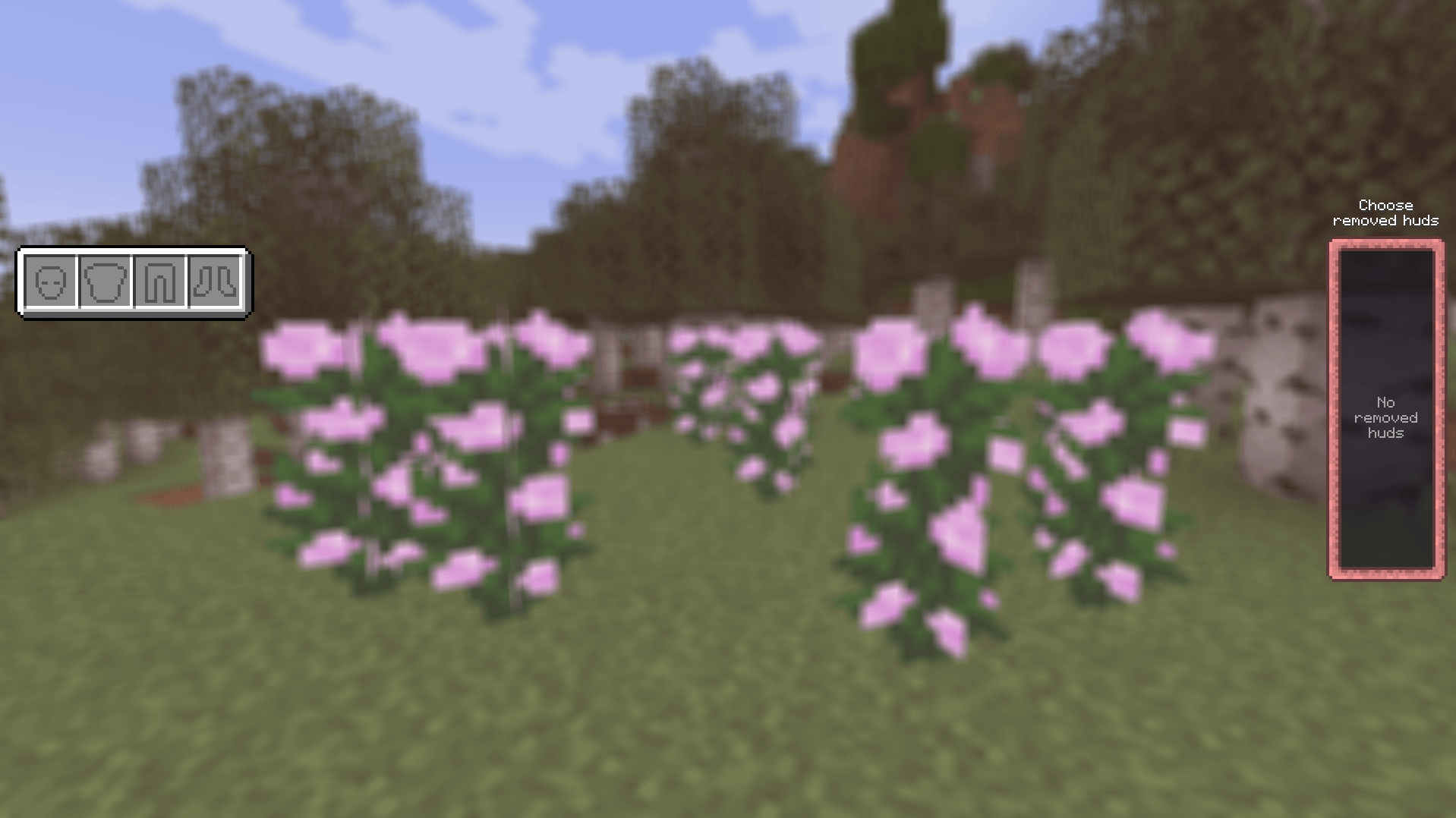 Configurated
Versions
Files
Relations
Project Relations
More like this
Similar Mods
Suggestions use data such as tags, dependencies, dependents, descriptions, titles, and more to rank how much they overlap with this mod.
On ModDex
Community snapshot
By the numbers
Statistics

Get it on
Available Platforms
On ModDex
Community snapshot
By the numbers
Statistics
Resources