
Community listing page, reviews here may not be monitored by the author.
Sound Awareness

No reviews yet
A mod adding visual cues to know your sorroundings!
Community voices
Reviews
No reviews yet. Be the first to review this project!
Get it on
Available Platforms
Compatibility
Supported Environments
Runs entirely on the client. Works on vanilla servers.
Required on the client. Installing it on the server adds functionality.
Varies by version.
About
Project Details
For authors
Embed Badge
If you're the author of this project, you can embed a live badge anywhere that supports HTML or Markdown. It updates automatically whenever ratings change.
Use HTML for any page that supports it, or Markdown for README files and Markdown-based descriptions.
Identifiers
Platform IDs
About
Description
Sound Visualizer
Never miss a sound again.
Sound Visualizer translates in-game audio into intuitive HUD indicators. See where sounds come from before you see the source. Works on both Fabric and NeoForge — one universal JAR for both.
Features
- Color-coded indicators — Hostile (red), Friendly (green), Footsteps (gray), Blocks (yellow), Player (white), Ambient (cyan)
- Category toggles — Enable or disable each sound category individually
- Smart merging — Same-direction sounds merge into one indicator to reduce clutter
- Opacity control — Adjust overall indicator visibility from 0% to 100%
- Custom colors — Pick your own color for each sound category
- Icon support — Category icons rendered on each arc
- Whitelist/Blacklist — Filter specific sound events
- Presence Footsteps compatible — Footsteps from modded sources detected correctly
- Client-side only — Works on any server, no install required
Configuration
Open via Mod Menu (Fabric) or the Mods button (NeoForge), then find Sound Visualizer and click Config.
| Setting | Default | Description |
|---|---|---|
| Opacity | 100% | Overall indicator visibility |
| Arc Thickness | 32 | Size of the directional arcs |
| Orbit Radius | 50 | Distance from crosshair |
| Icon Scale | 1.0 | Size of category icons |
| Fade Time | 2.0s | How long indicators linger |
| Distance Scaling | On | Indicators shrink with distance |
| Show Icons | On | Display category icons on arcs |
| Max Hearing Distance | 16 | Maximum range for sound detection |
Category Colors tab
Each category has two settings:
- Show — Toggle to enable/disable that category
- Color — Pick a custom color for the indicator
Filter Settings tab
- Whitelist — Only show these sound events
- Blacklist — Hide these sound events (default:
minecraft:weather.rain)
Requirements
- Minecraft 26.1+ (tested on 26.1.2 and 26.2)
- Java 25
- Fabric Loader 0.19+ or NeoForge 26.1+
- Architectury API
- Cloth Config
- Mod Menu (optional — provides the config screen on Fabric)
Installation
- Install Fabric or NeoForge for your Minecraft version
- Install Architectury API and Cloth Config
- Drop the universal JAR into your
modsfolder - Launch — no server-side install needed
Changelog
2.2.0
- Added category enable/disable toggles — hide categories you don't want to see
- Improved Presence Footsteps compatibility — footsteps now correctly show neutral icons
- Fixed SoundSource.NEUTRAL being misclassified as Friendly
2.1.0-beta.2
- Fixed config not loading on NeoForge (settings now persist across restarts)
- Renamed Transparency to Opacity for clarity
- Added single universal JAR for both Fabric and NeoForge
2.1.0-beta.1
- Added Opacity slider (0-100%) to reduce indicator visibility
- Fixed config not persisting across restarts
2.1.0-beta
- Updated to Minecraft 26.1.2 and Java 25
- Updated Architectury API, Fabric API, NeoForge, Cloth Config, and Mod Menu
- Migrated Shadow plugin for Gradle 9.x compatibility
- Fixed Fabric client source set configuration
- Verified working on Fabric (26.2) and NeoForge (26.1.2, 26.2)
2.0.0
- Initial cross-loader release (Fabric + NeoForge via Architectury)
- Added NeoForge support
- Added config screen via Cloth Config
- Added sound merging, distance scaling, and icon rendering
License
MIT — free to use in any modpack.
Developed with ❤️ by G10W5.
Screenshots
Gallery
-
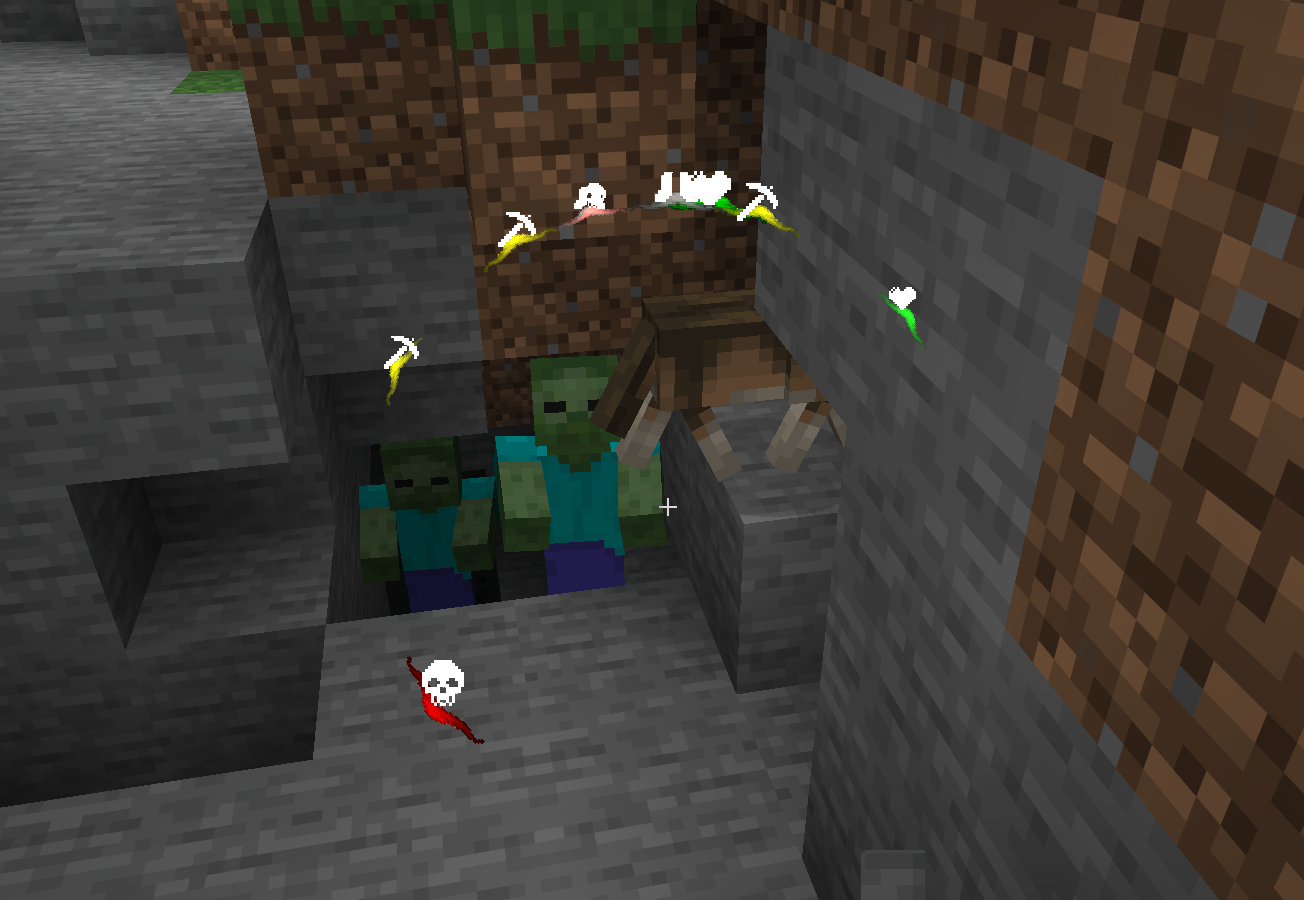 Mod Showcase #4
 -
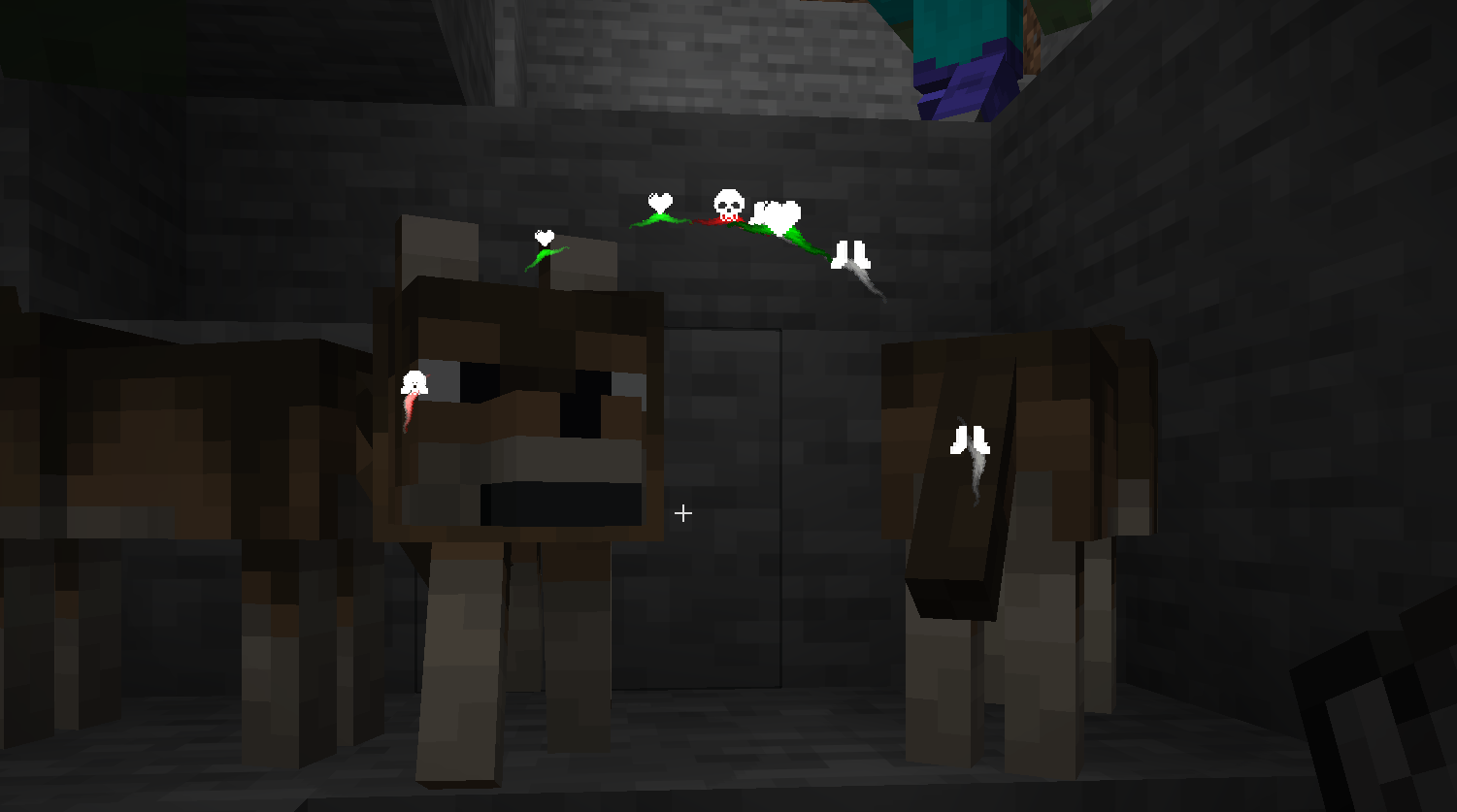 Mod Showcase #3
 -
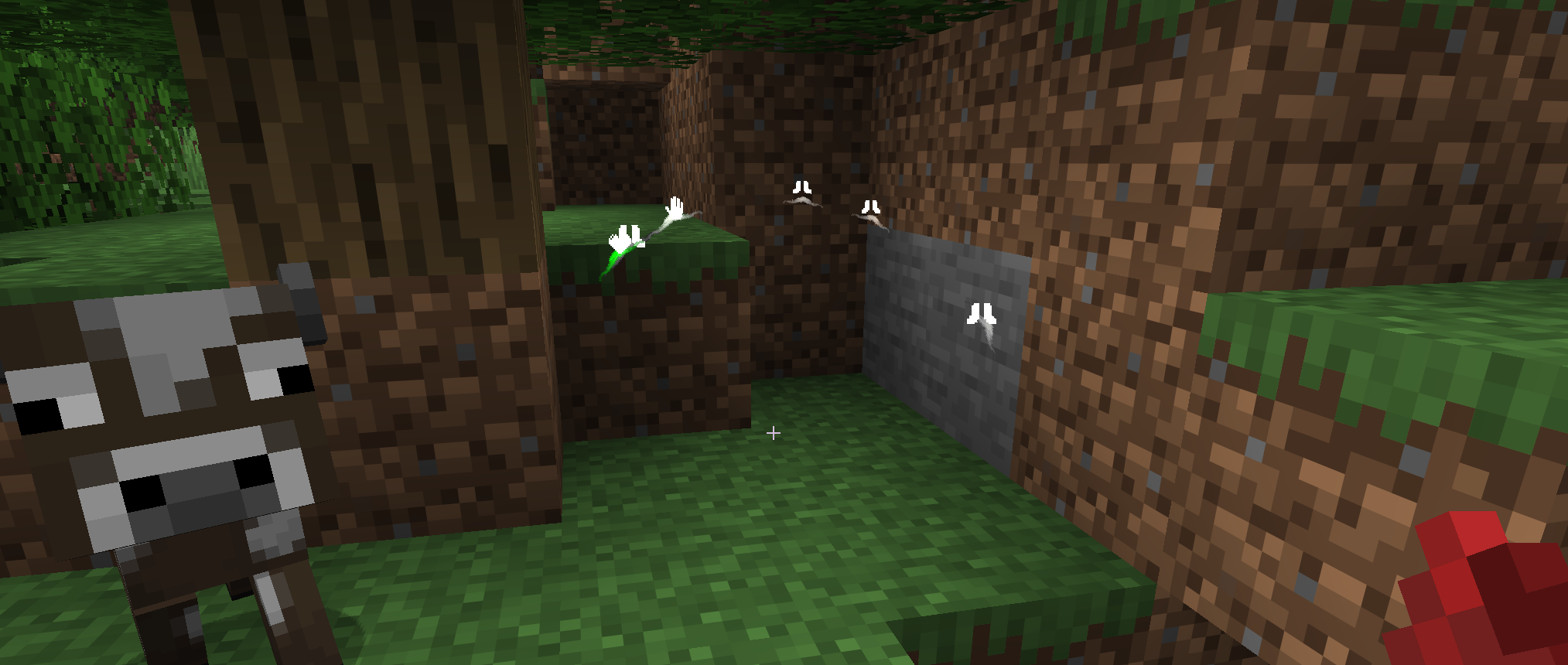 Mod Showcase #1
 -
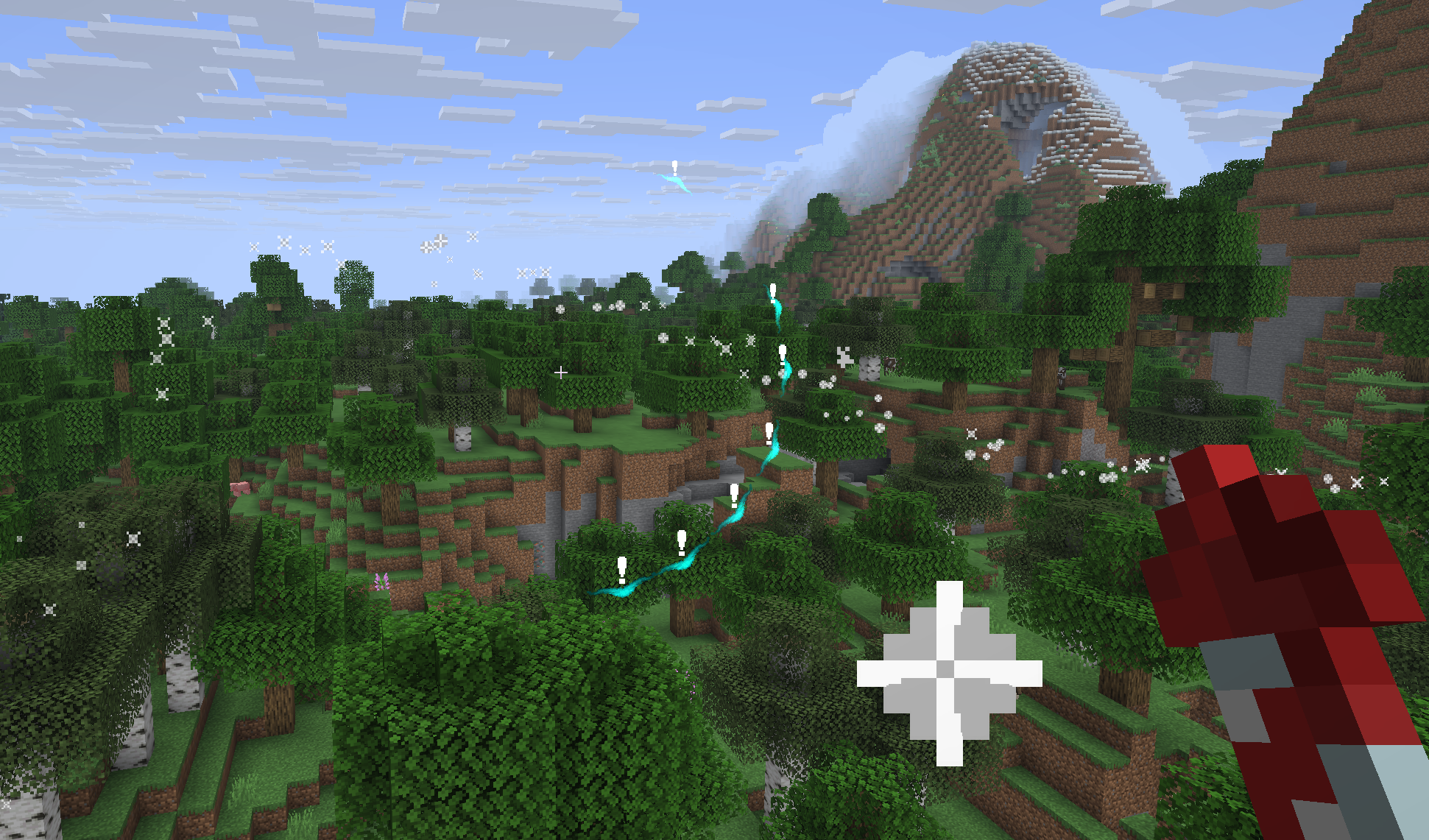 Mod Showcase #5
 -
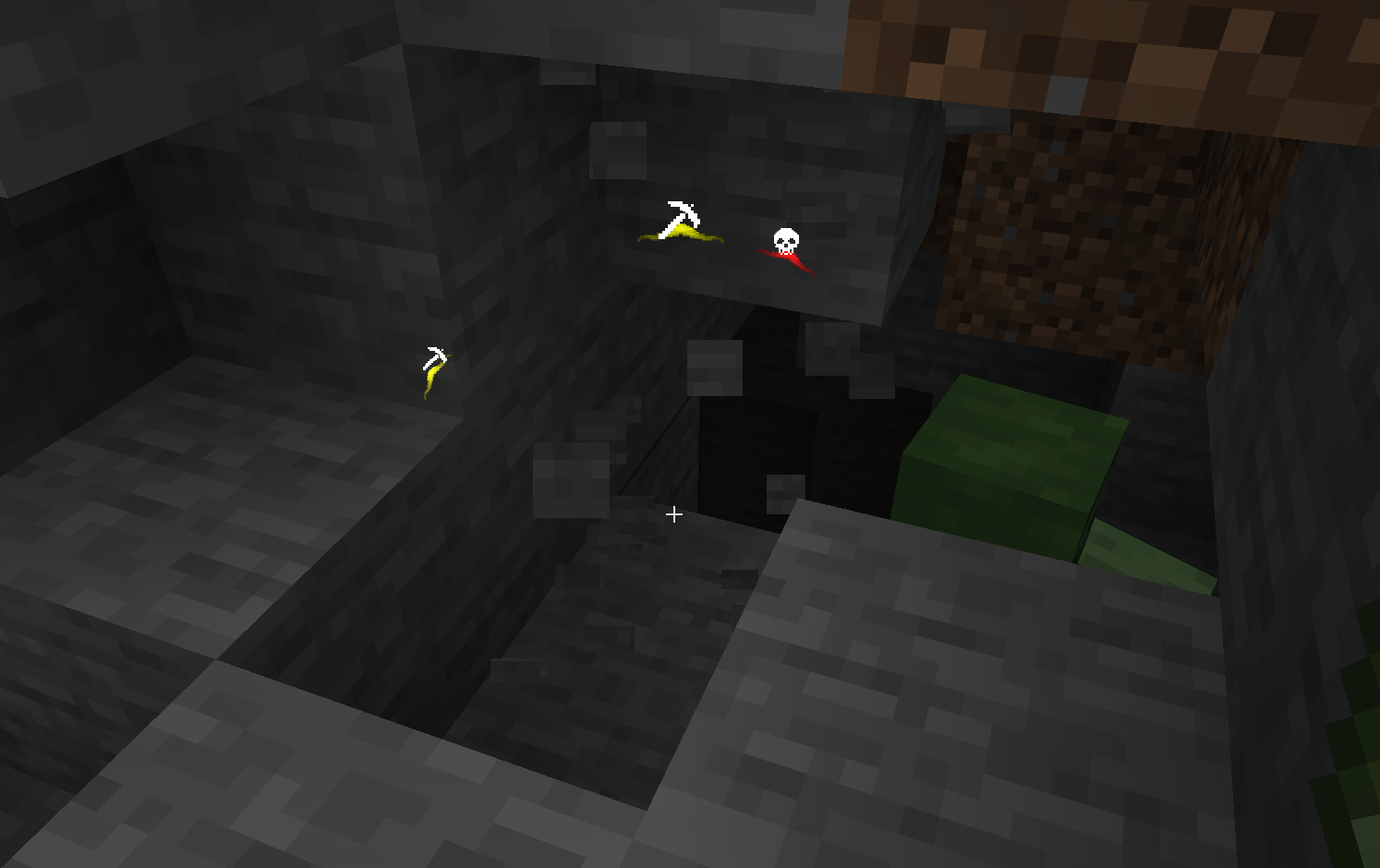 Mod Showcase #2
Versions
Files
Relations
Project Relations
More like this
Similar Mods
Suggestions use data such as tags, dependencies, dependents, descriptions, titles, and more to rank how much they overlap with this mod.
On ModDex
Community snapshot
By the numbers
Statistics

Want to reach Minecraft players?
We're looking for a server hosting partner to feature here and other parts of the site. Interested? Send us a message!
Get in touchGet it on
Available Platforms
On ModDex
Community snapshot
By the numbers