
Community listing page, reviews may not be monitored by the author.
Ultimate Browser

No reviews yet
A fully functional Chromium web browser inside Minecraft, with multiple tabs, Picture-in-Picture mode, fullscreen browsing, a chat link interceptor, and admin commands.

Community voices
Reviews
No reviews yet. Be the first to review this project!
Get it on
Available Platforms
About
Project Details
For authors
Embed Badge
If you're the author of this project, you can embed a live badge anywhere that supports HTML or Markdown. It updates automatically whenever ratings change.
Use HTML for any page that supports it, or Markdown for README files and Markdown-based descriptions.
Identifiers
Platform IDs
About
Description
Ultimate Browser
A fully functional Chromium web browser inside Minecraft, with multiple tabs, Picture-in-Picture mode, fullscreen browsing, a chat link interceptor, and admin commands.
Features
- Real Chromium browsing — powered by MCEF, so actual websites (Google, YouTube, GitHub, etc.) render and work inside the game, not a fake in-game "web page."
- Multiple tabs — open, switch, and close tabs from a tab strip at the top of the browser screen, just like a normal desktop browser.
- Fullscreen browser mode — a full in-game screen with an address bar, back/forward/reload buttons, and a "+" button for new tabs.
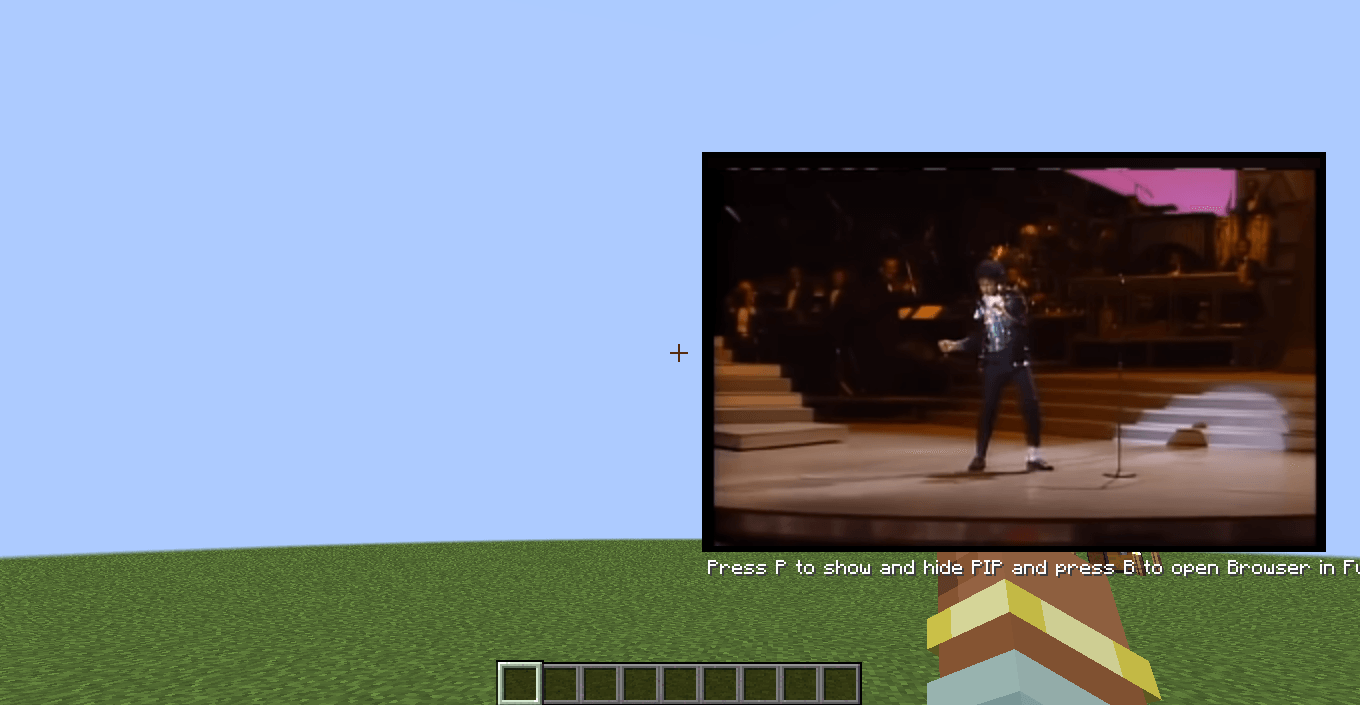
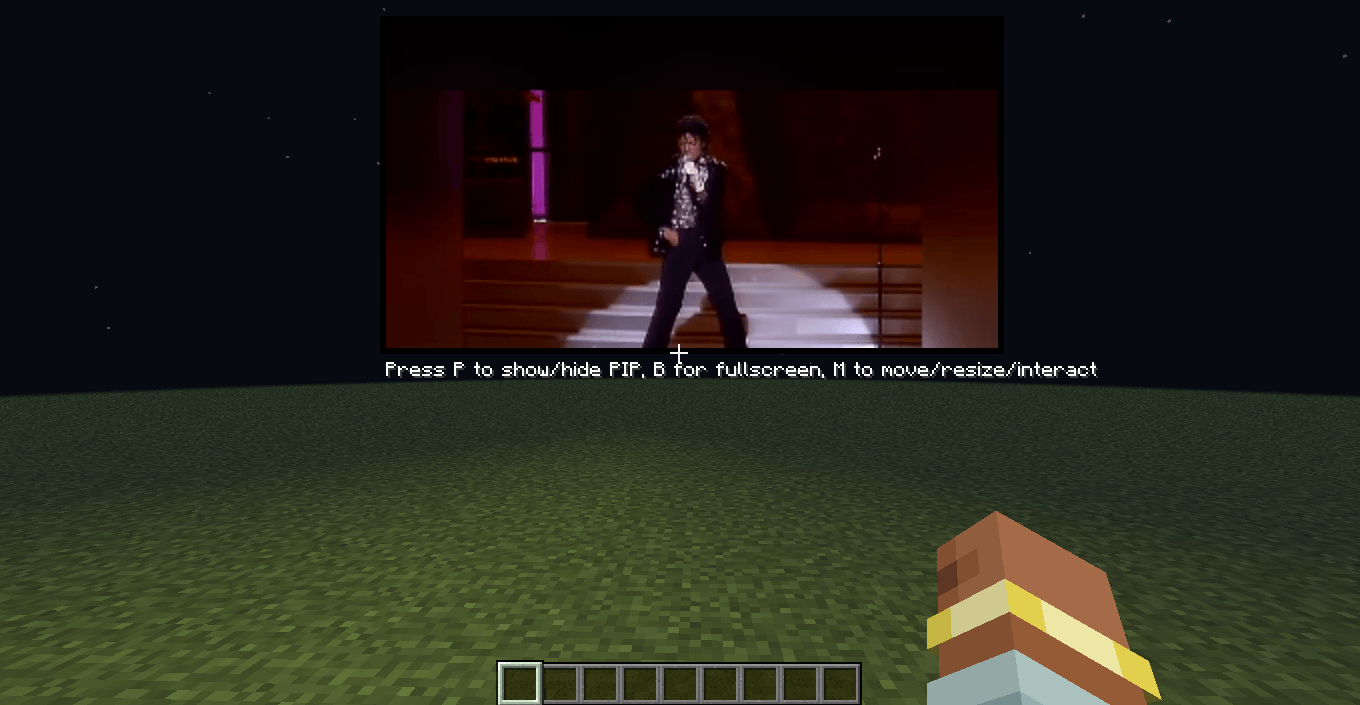
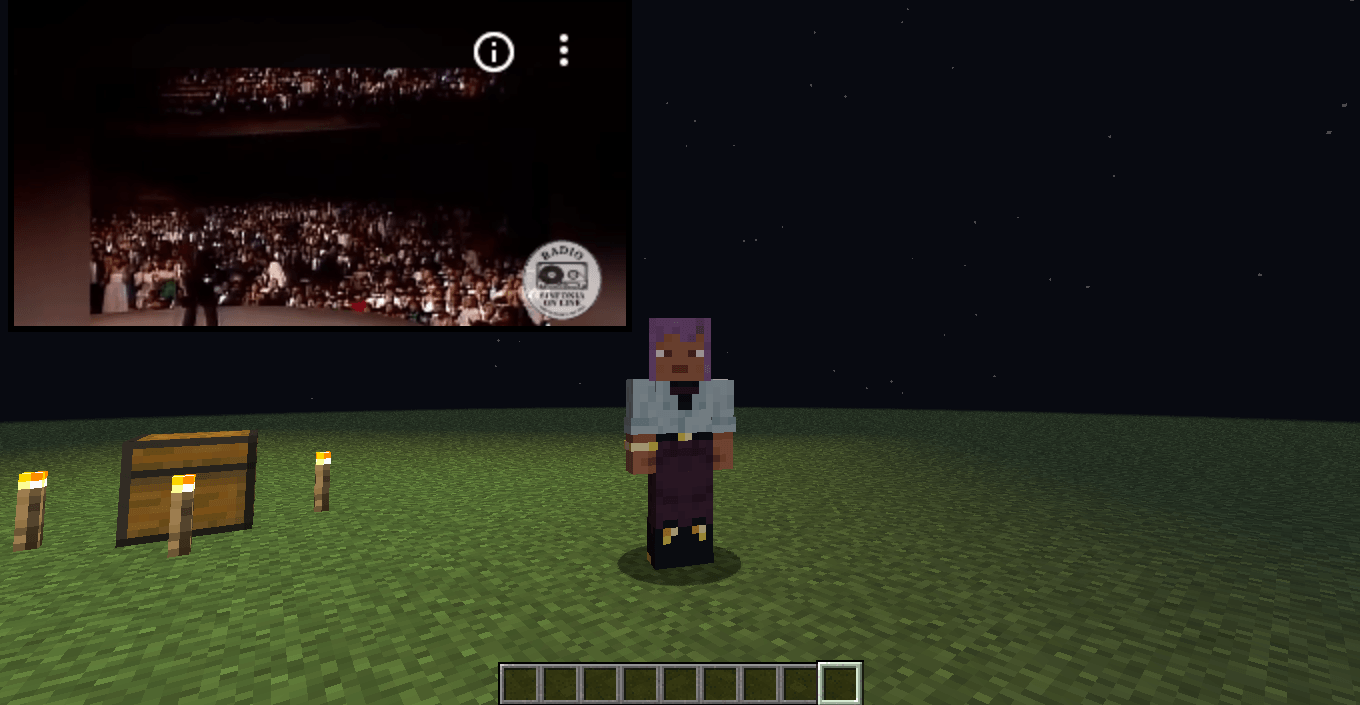
- Picture-in-Picture (PiP) mode — keep a page playing/visible in the corner of your screen while you keep playing Minecraft.
- Draggable and resizable: move the PiP window anywhere on screen and resize it to whatever size fits your setup.
- Fully interactive: click, scroll, and type directly into the page without leaving the game.
- Automatically clamps to your window size, so it never covers more of the screen than it should.
- Chat link interceptor — links posted in chat can be clicked to open directly in the browser instead of copy-pasting URLs.
- Admin commands — server operators can open a browser or navigate a specific player to a URL remotely.
- Persistent state — open tabs and PiP position/size are saved and restored between sessions.
- Localized — available in English and Spanish (Spain, Mexico, Argentina).
Keybinds
| Key | Action |
|---|---|
B |
Open/close the fullscreen browser |
P |
Toggle Picture-in-Picture mode |
M |
Move / resize / interact with the PiP window |
↑ / ↓ |
Scroll the page while in PiP |
F12 |
Toggle fullscreen while the browser screen is open |
All keybinds are rebindable from Minecraft's Controls menu.
Commands
Requires operator permission level 2.
/ub web <player> <url>— opens a specific URL for the target player./ub browser <player>— opens the browser (to its current tab) for the target player.
Requirements
- Minecraft 1.21.1
- NeoForge 21.1.220+
- MCEF (bundled/required dependency for Chromium Embedded Framework support)
Notes
Ultimate Browser renders a real, interactive Chromium instance inside the game — treat it like any other web browser: be mindful of what you load and who has access to the admin commands on your server.
Screenshots
Gallery
-
 2026-07-06_22.24.22.png 2026-07-06_22.24.22.png
 -
 2026-07-06_22.38.31.png 2026-07-06_22.38.31.png
 -
 2026-07-06_22.38.42.png 2026-07-06_22.38.42.png
 -
 2026-07-06_22.48.41.png 2026-07-06_22.48.41.png
 -
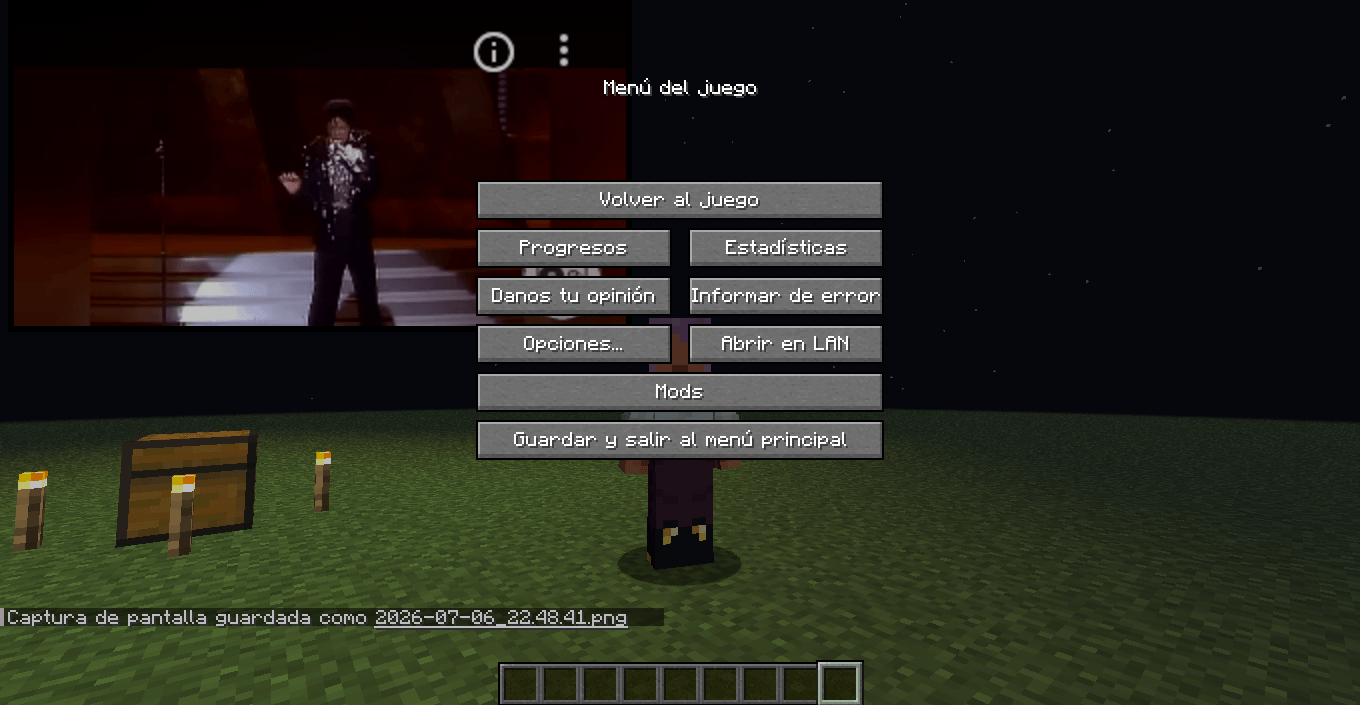 2026-07-06_22.48.46.png 2026-07-06_22.48.46.png
 -
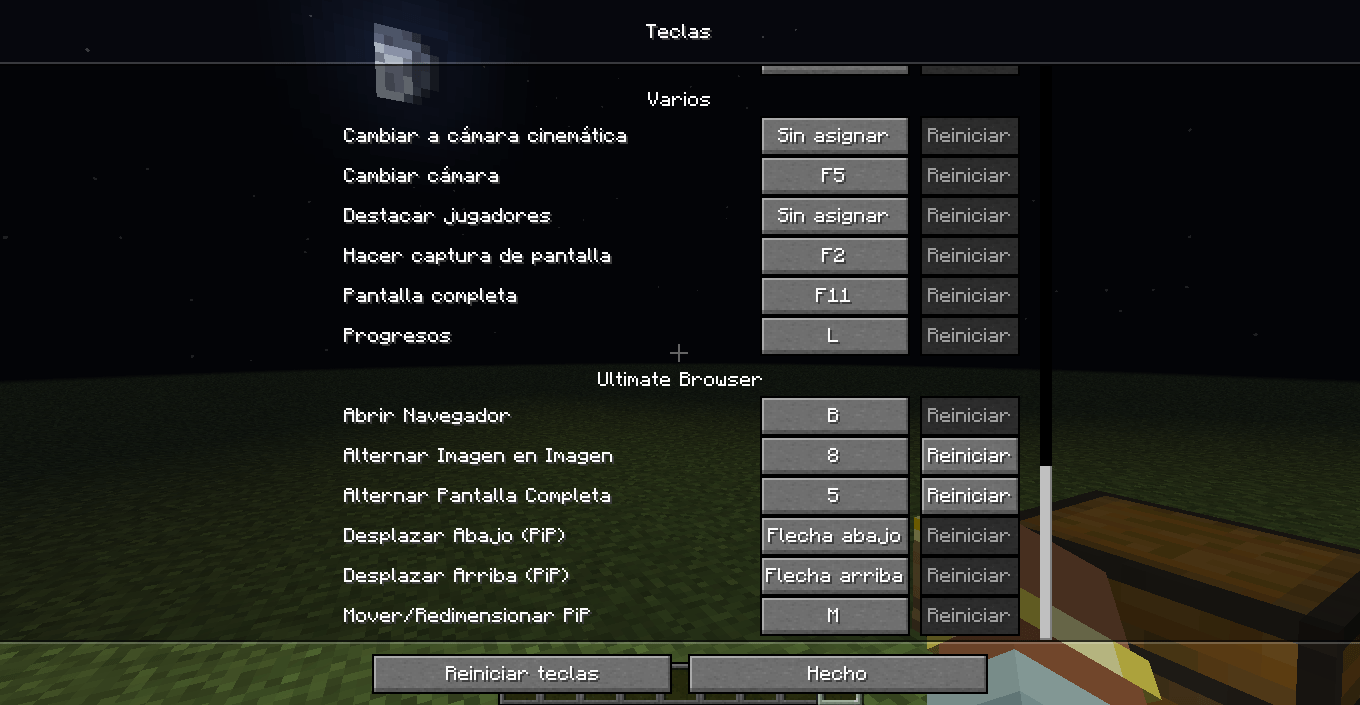 2026-07-06_23.02.27.png 2026-07-06_23.02.27.png
Versions
Files
Relations
Project Relations
More like this
Similar Mods
Suggestions use data such as tags, dependencies, dependents, descriptions, titles, and more to rank how much they overlap with this mod.
On ModDex
Community snapshot
By the numbers
Statistics

Get it on
Available Platforms
On ModDex
Community snapshot
By the numbers