
Community listing page, reviews may not be monitored by the author.
VanillaHUD


No reviews yet
A mod that modifies various vanilla HUD elements, such as the bossbar, action bar, and sidebar.

Community voices
Reviews
No reviews yet. Be the first to review this project!
Get it on
Available Platforms
Compatibility
Supported Environments
Runs entirely on the client. Works on vanilla servers.
About
Project Details
For authors
Embed Badge
If you're the author of this project, you can embed a live badge anywhere that supports HTML or Markdown. It updates automatically whenever ratings change.
Use HTML for any page that supports it, or Markdown for README files and Markdown-based descriptions.
Identifiers
Platform IDs
About
Description
VanillaHUD


Adds in a load of customization to a few native UI elements such as the bossbar, scoreboard, etc.
Features
- Boss bar customization
- Actionbar customization
- Scoreboard customization
- Title / subtitle customization
- Hotbar customization
- Tablist customization
- Scrollable tooltips
And, all elements can be customized with
- Toggle
- Scale
- Text color
- Text type
- Show in chat, debug (F3), GUIs
- Background (with rounded corners, borders, color customization)
Bossbar specific customization:
- Whether to render text
- Whether to render bar
- Position of bar
- Title and brackets for bossbar name
Actionbar specific customization:
- Whether to use the jukebox rainbow color
- Title and brackets for action bar
Scoreboard / sidebar specific customization:
- Whether to show score points
- Some servers use the numbers for legitimate purposes, and it makes no sense to hide the numbers in those scenarios. VanillaHUD lets you keep the numbers if the numbers are not consecutive.
- Whether to keep scoreboard title
Tablist specific customization:
- Whether to enable animations when opening / closing tab
- How many players show in tab
- Whether tab should be opened via toggle / key press
- Whether to show header / footer
- Whether the user should show at the top
- Whether to show the player's head or ping
- Whether ping should be displayed as a number or an icon
- Whether to hide ping if it is 0 or 1
Links and support
- Did you run into a bug? Open a bug report
- Service interruptions? Checkout Polyfrost Status
- Feeling social? Join our discord community
VanillaHUD


VanillaHUD turns the parts of Minecraft's own HUD into elements you can move, scale and hide. It covers the hotbar, action bar, held item tooltip, title, scoreboard, tab list and boss bar.
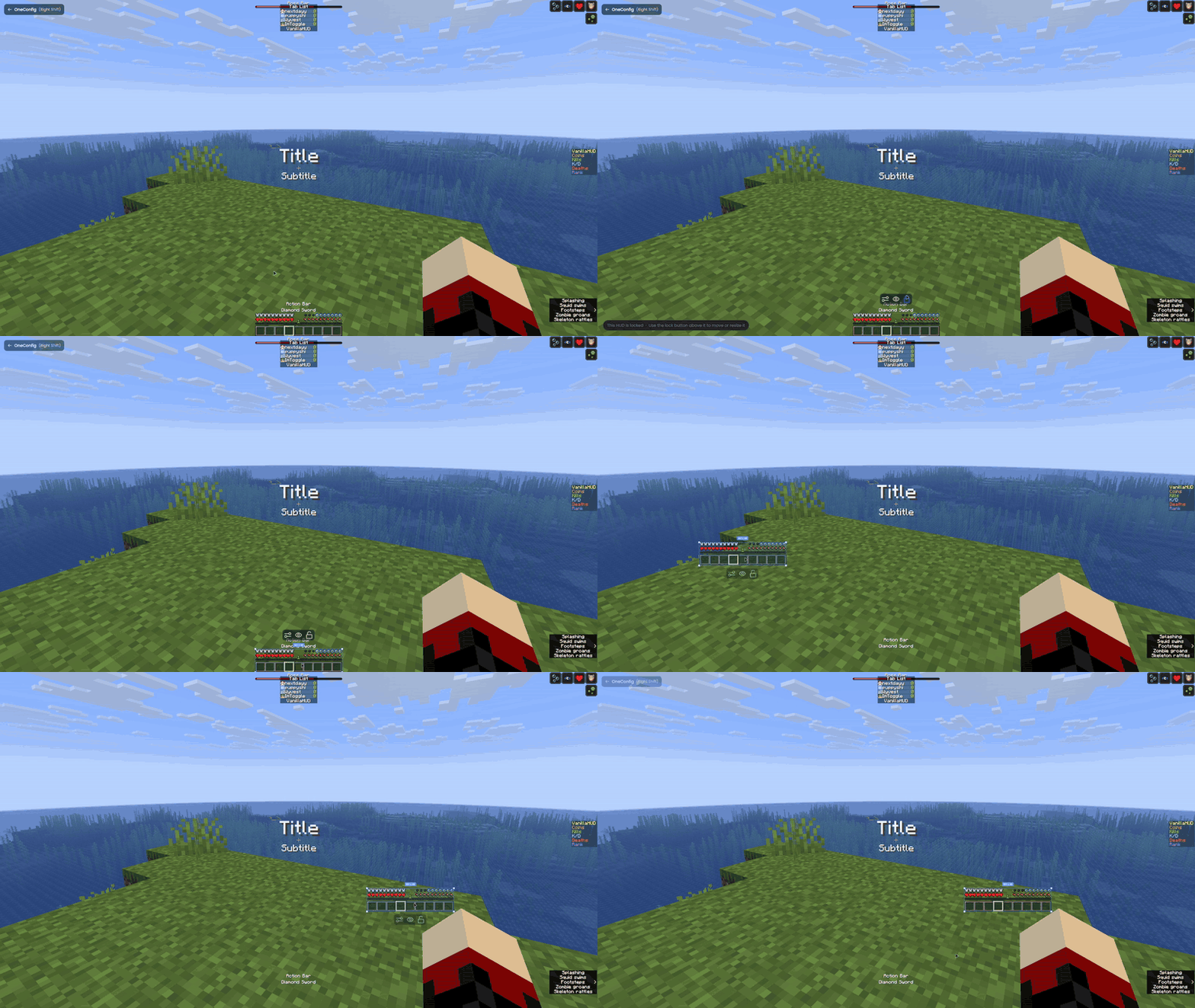
Hotbar
The hotbar moves together with the health, hunger, armor, air, mount health and experience displays.
Neat features:
- Animate the selected slot highlight between slots!
- Turn off the health bar animation on damage and healing, and the hunger bar shake (replicates 1.7)
- Always show hardcore hearts!
- Hide the experience bar or the experience level
- Draw the locator bar's waypoints over the experience bar

Action bar
- Turn off the rainbow color that the "Now Playing" text uses when a jukebox starts
Held item tooltip
- Keep the item name on screen all the time, or make it disappear without a fade
Title and subtitle
- "Auto Scale" to shrink titles that go out of window bounds
Scoreboard
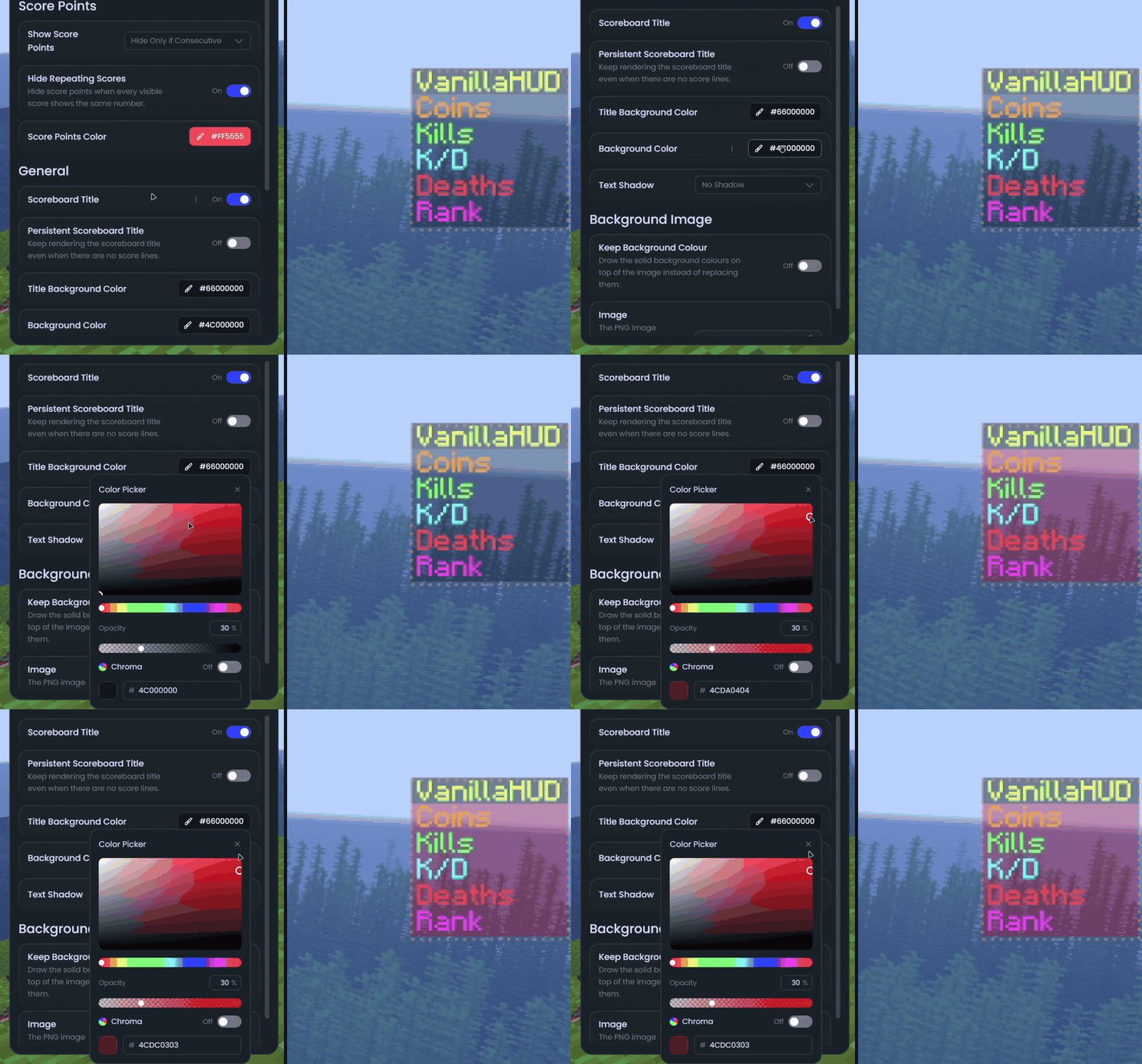
- Hide the red score numbers (always, or only when they're just consecutive numbers)
- Hide the numbers when every line has the same score
- Change the color of the score numbers
- Hide the scoreboard title, or keep it on screen when there are no lines
- Custom background colors for the title and the body
- Use a PNG image as the scoreboard background
- Text shadow
Tab list
- Animate the tab list opening and closing
- Hold or toggle mode for the tab key
- Limit how many players are shown
- Show ping as a colored number (you pick the color for each range)
- Hide the fake ping values some servers send
- Hide the header, the footer, the player heads or the ping
- Put yourself at the top of the list
- Custom background colors for the header, body, footer and player rows
- Turn off the text shadow

Boss bar
- Hide the boss name or the health bar
Status effects and closed captions
These two only exist on the Fabric versions.
- Move, scale or hide the status effect icons
- Move, scale or hide the closed captions
- Custom text color, background color and text shadow for the captions
Supported versions
- Minecraft 1.8.9 on Ornithe.
- Minecraft 1.21.1-26.3 on Fabric.
VanillaHUD needs OneConfig and Fabric Language Kotlin. The Fabric builds also need Fabric API.
Support
- Report bugs and ask questions on the Polyfrost Discord.
- Check Polyfrost Status if a Polyfrost service is down.
Screenshots
Gallery
-
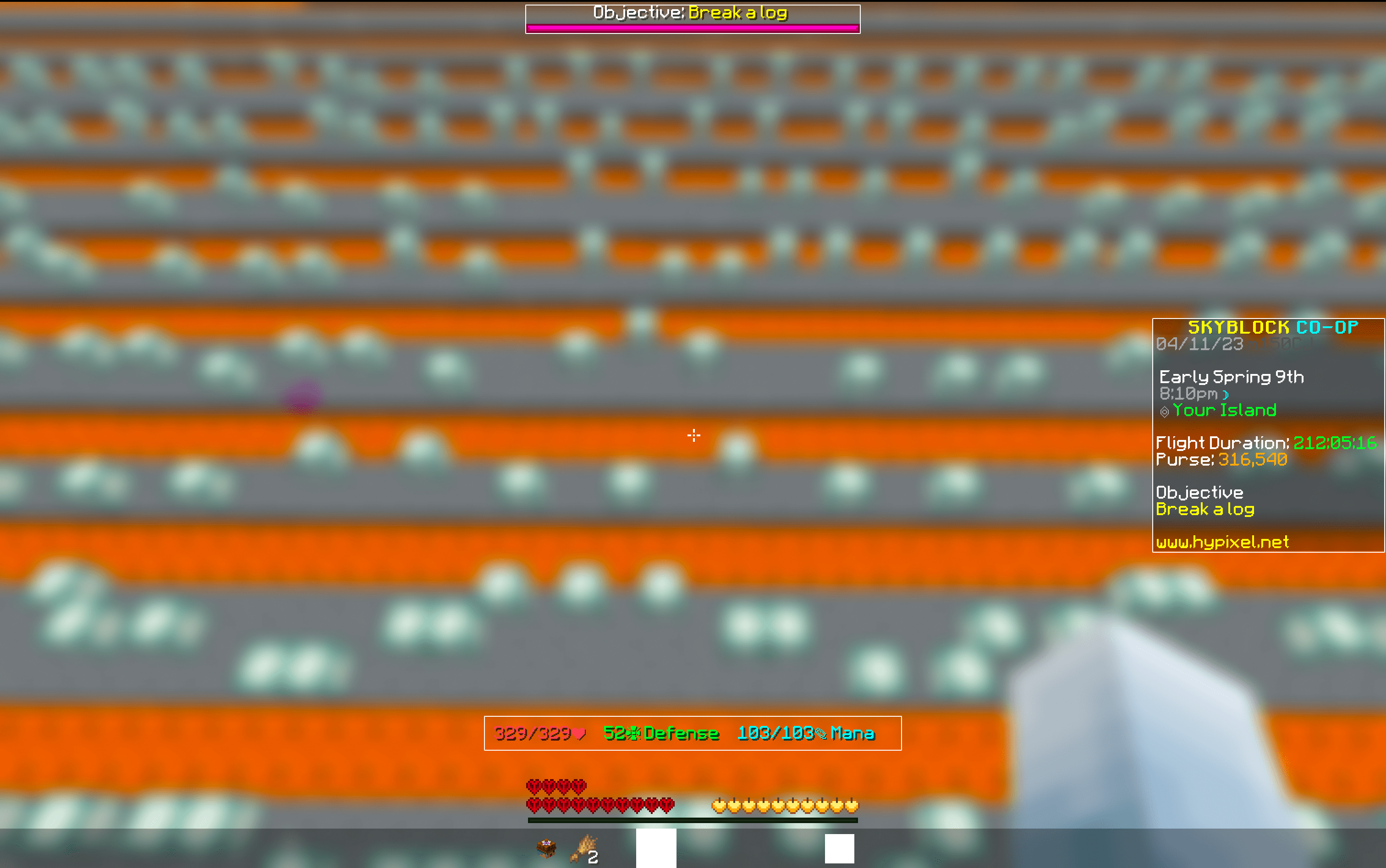 HUD Editor view Shows the HUD editor view inside OneConfig for VanillaHUD elements.
 -
 VanillaHUD Bossbar Powered by OneConfig HUD API
 -
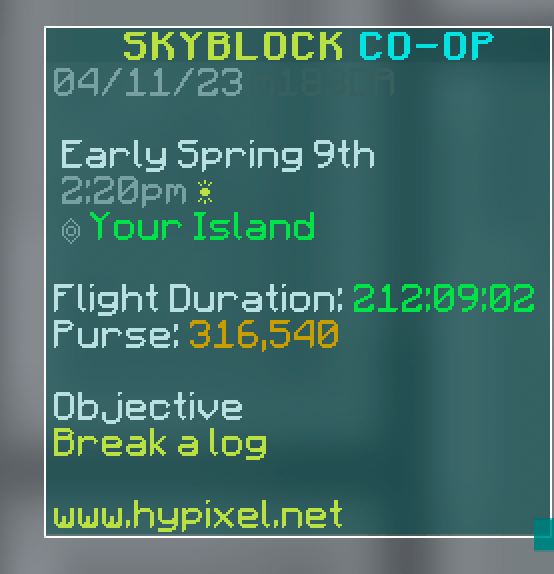 VanillaHUD Sidebar Powered by OneConfig HUD API
-
 HUD editor
 -
 Hotbar animation
 -
 Scoreboard options
 -
 Tab list
Versions
Files
Relations
Project Relations
More like this
Similar Mods
Suggestions use data such as tags, dependencies, dependents, descriptions, titles, and more to rank how much they overlap with this mod.
On ModDex
Community snapshot
By the numbers
Statistics
 (opens in a new tab)
Get it on
Available Platforms
On ModDex
Community snapshot
By the numbers