
Community listing page, reviews may not be monitored by the author.
EvergreenHUD


No reviews yet
Improves your heads up display.

Community voices
Reviews
No reviews yet. Be the first to review this project!
Get it on
Available Platforms
Compatibility
Supported Environments
Runs entirely on the client. Works on vanilla servers.
About
Project Details
For authors
Embed Badge
If you're the author of this project, you can embed a live badge anywhere that supports HTML or Markdown. It updates automatically whenever ratings change.
Use HTML for any page that supports it, or Markdown for README files and Markdown-based descriptions.
Identifiers
Platform IDs
About
Description
EvergreenHUD


EvergreenHUD, originally maintained by isXander, is the most advanced HUD mod for 1.8.9 and 1.12.2. Now, with OneConfig support, this mod is built for every type of player; from a telly bridger to a mad PvPer, from a SkyBlock player to a Arcade Games player.

EvergreenHUD


EvergreenHUD adds around 40 HUD elements to the OneConfig HUD editor. Place, scale and style whichever ones you want.
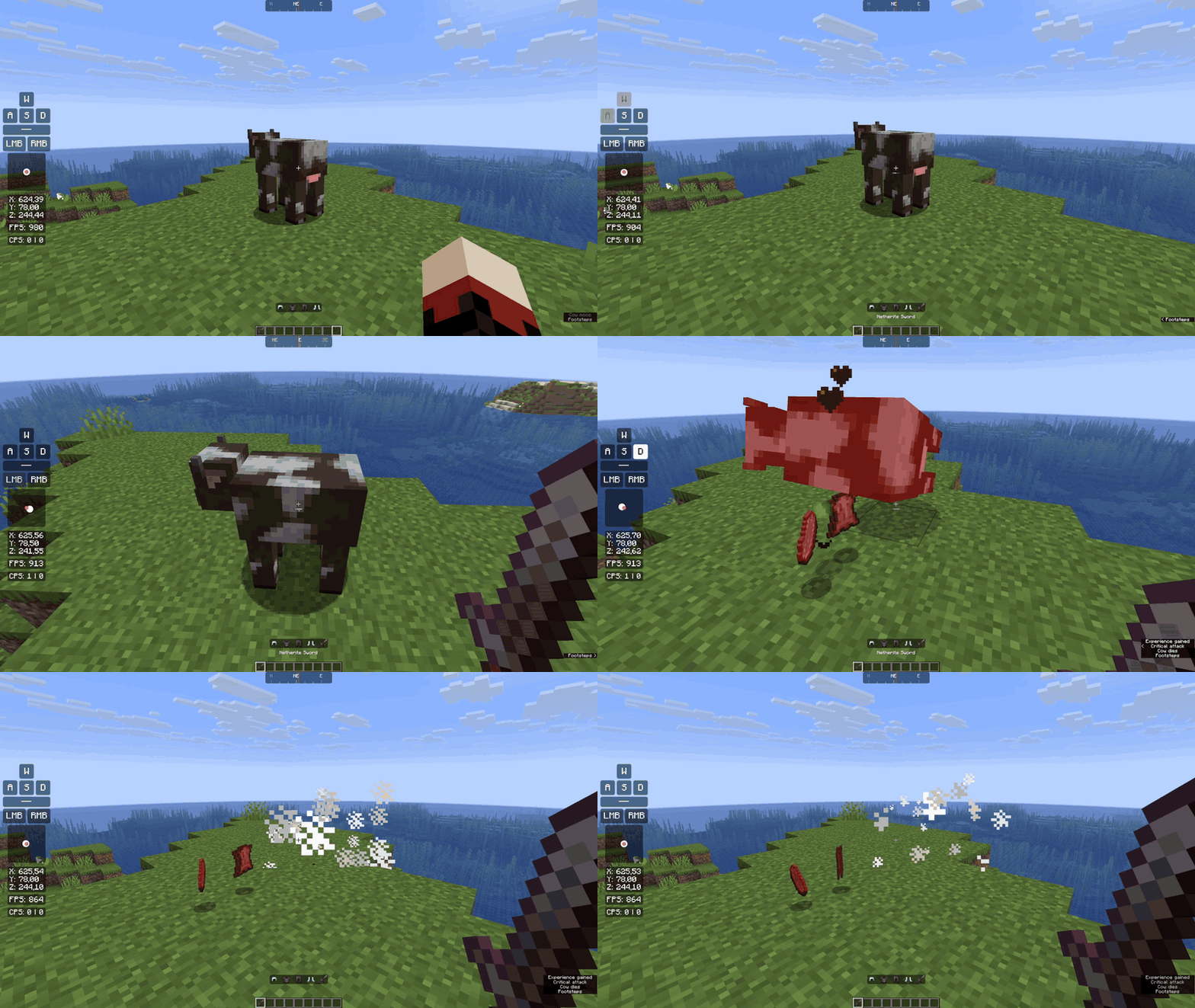
Elements
- Combat: CPS, Keystrokes, Mouse Strokes, Combo, Reach, Block Place Count
- Player: Armor Status, Potion Effects, Inventory, Item Counter, Item Tracker, Item Lore, Saturation, Player Preview, Player Head
- World: Position, Facing, Direction, Speed, Biome, Block Above, Day, In Game Time, Entity Counter
- Performance: FPS, Ping, TPS, Memory, Server Address, Play Time, Resource Pack
- Clocks: Clock, Digital Clock
- Custom: Custom Text, Custom Image, Shape
- Online: Weather, Social Media Stats
- Battery (Windows laptops) and Shaders (with Iris)
Some highlights
- Keystrokes with custom rows, colors and fade times, plus a trail for your mouse movement
- Armor Status with durability, percentage, item name or count next to each piece
- Inventory can show your ender chest, or the shulker box you're holding
- FPS with average, median and percentile values
- Combo and Reach for your last hits
- A compass strip that scrolls as you turn
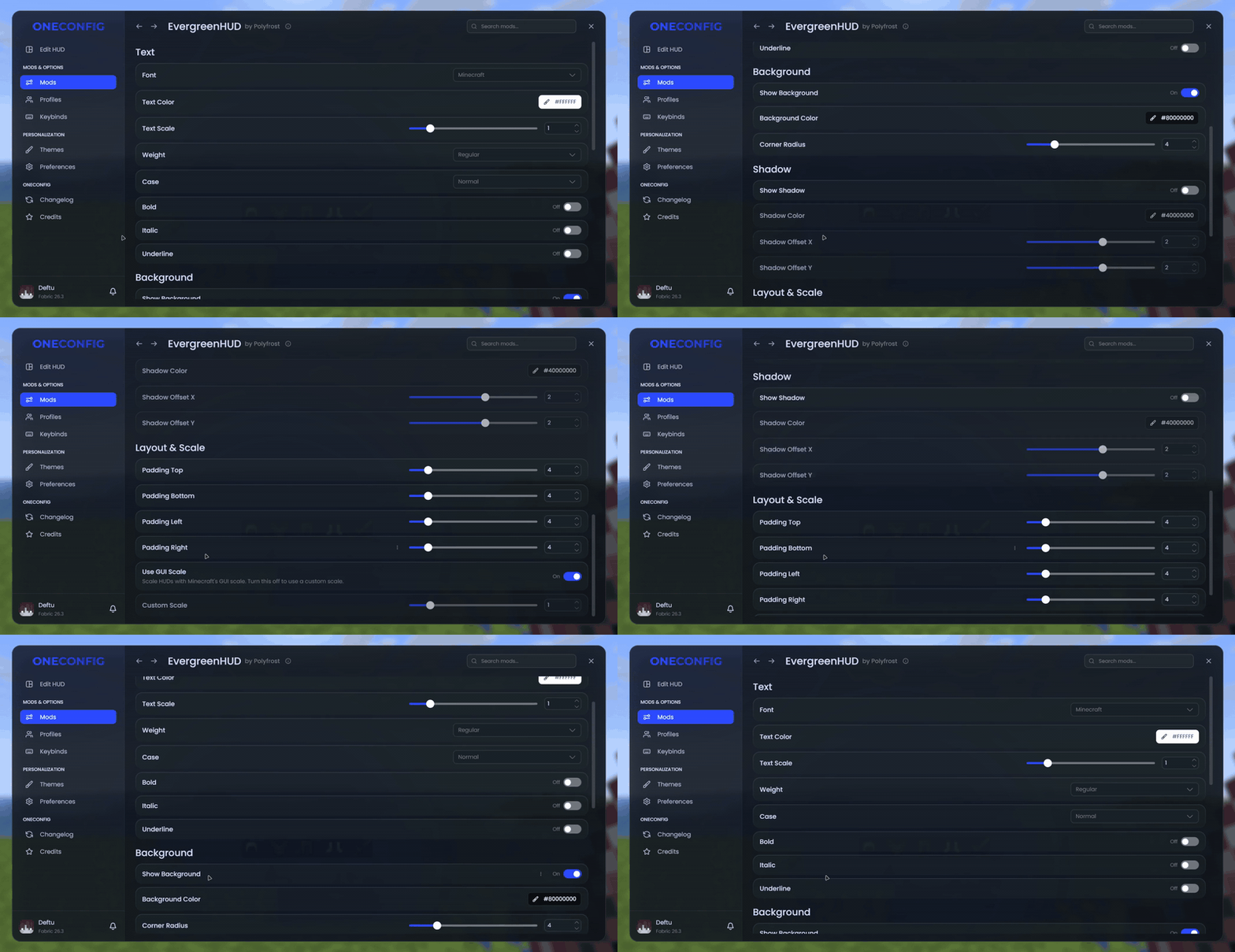
Font, colors, background, corner radius, shadow and padding can be set for every element at once from the EvergreenHUD settings page.
Compatibility
If you also use VanillaHUD, the Potion Effects element can hide VanillaHUD's status effects so the two do not overlap.
Supported versions
- Minecraft 1.8.9 on Ornithe.
- Minecraft 1.21.1-26.3 on Fabric.
EvergreenHUD needs OneConfig and Fabric Language Kotlin. The Fabric builds also need Fabric API.
Support
- Report bugs and ask questions on the Polyfrost Discord.
- Check Polyfrost Status if a Polyfrost service is down.
Screenshots
Gallery
-
 HUD in game
 -
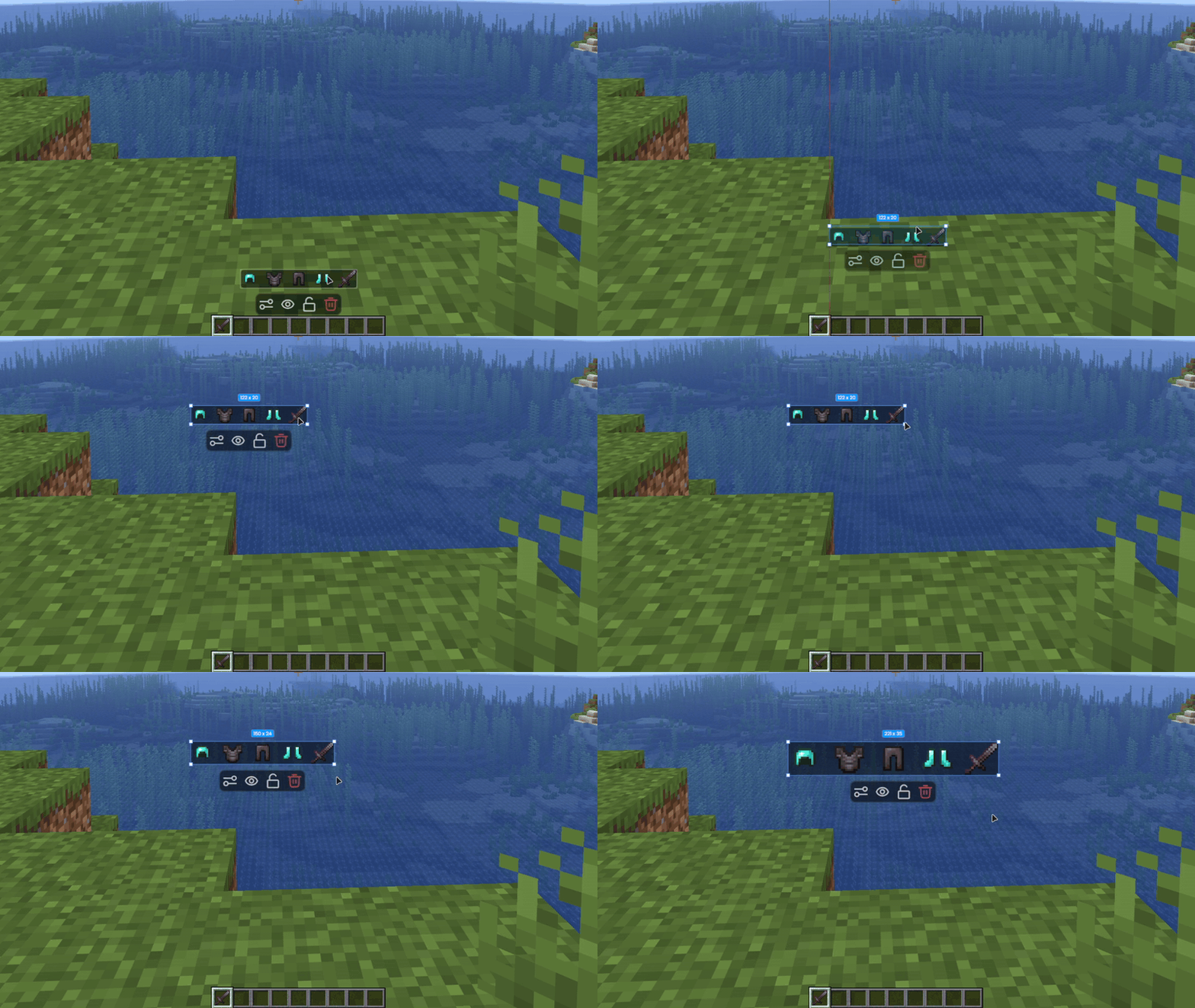
 Moving and scaling
 -
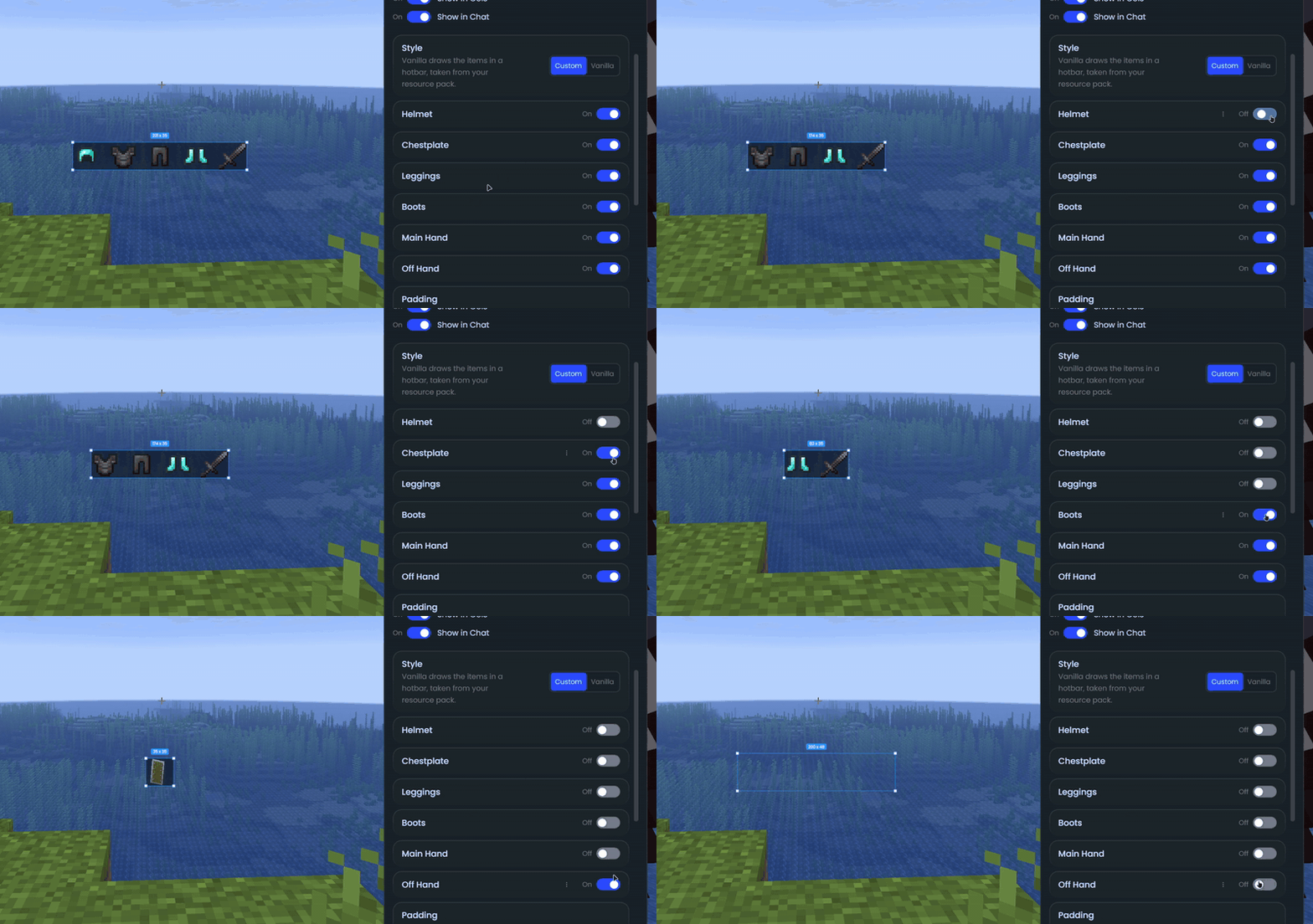
 Armor Status options
 -
 Settings
Versions
Files
Relations
Project Relations
More like this
Similar Mods
Suggestions use data such as tags, dependencies, dependents, descriptions, titles, and more to rank how much they overlap with this mod.
On ModDex
Community snapshot
By the numbers
Statistics
 (opens in a new tab)
Get it on
Available Platforms
On ModDex
Community snapshot
By the numbers