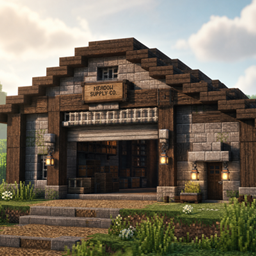
Community listing page, reviews here may not be monitored by the author.
WareHouse

No reviews yet
A Mod, which let's you expand your storage and more.
Community voices
Reviews
No reviews yet. Be the first to review this project!
Get it on
Available Platforms
About
Project Details
For authors
Embed Badge
If you're the author of this project, you can embed a live badge anywhere that supports HTML or Markdown. It updates automatically whenever ratings change.
Use HTML for any page that supports it, or Markdown for README files and Markdown-based descriptions.
Identifiers
Platform IDs
Resources
External Links
About
Description
Warehouse — Smarter Storage. Better Logistics. 📦
Warehouse is a logistics and storage mod made for Minecraft players who enjoy building, organizing and creating their own realistic warehouses.
Whether you're building a small storage room or a huge industrial distribution center, Warehouse gives you the tools to make it feel alive and functional.
📦 Store everything
Warehouse adds four crate sizes, from Small to Industrial. Crates work similarly to shulker boxes — fill them up, pick them up and move the whole thing somewhere else without losing what's inside.
You can also use wooden and industrial pallets, Shipping Parcels, and the 18-slot Steel Storage Drum for storing and moving your goods.
➡️ Move items with conveyors
Build your own conveyor systems and watch your items actually travel through your warehouse.
There are basic and fast conveyor belts, 90° corners, splitters, mergers, item filters, loaders and unloaders. Everything works without requiring power or additional mods.
Just build your system, place an item on the belt and watch it go!
🖥️ Manage your warehouse
The Warehouse Scanner can count items moving through your conveyor belts and show live totals.
The Warehouse Control Panel lets you keep an eye on nearby storage. It can display the contents of crates, drums, parcels and shelves within 5 blocks, including total storage, capacity and individual item counts.
🏗️ Move heavy loads
Need to move a whole crate across your warehouse?
The Pallet Jack lets you pick up crates, drums and parcels — contents included — and place them wherever you need them.
🏭 Build your own warehouse
Make your warehouse look and feel unique with colour-coded zones, steel and hazard floor tiles, checker flooring, steel beams and Industrial Lights.
Add signs such as No Entry, Watch Your Step, Exit, Fire Exit and First Aid to give your building that extra bit of detail.
You can also label shelves with editable plaques and decorate the walls with Photo Frames.
And if you like having something to work towards, the advancement tree will guide you from your first crate to a complete warehouse.
📖 A manual for when you get stuck
Not sure how something works?
Warehouse 1.2.0 adds a complete in-game Warehouse Manual. Craft it with a book and an iron ingot, then right-click it to open the guide.
It has a clean dark industrial interface, page arrows and a page counter, with no distracting blurred background.
The manual is also included inside the mod file at docs/PLAYER_MANUAL.md.
🖼️ Real warehouse photos
The Photo Frame has been upgraded with eight original 3D-rendered warehouse scenes.
You'll find images featuring storage crates, pallet racks, conveyor lines, loading docks, warehouse zones, night shifts and more.
They're a small detail, but they can make your warehouse feel much more like an actual working facility.
⚙️ Smoother and more stable
Version 1.2.0 also includes performance improvements, optimization and a collection of bug fixes.
Several issues involving rendering, textures, models, block behaviour, UI and interactions have been fixed, along with smaller stability issues found during testing.
The mod has also been tested on different hardware, including older and lower-end PCs, to help make Warehouse enjoyable on a wider range of computers.
❤️ Made with care
Warehouse is an independent project made from scratch, with original textures and 3D models.
I'm always happy to hear feedback, suggestions and bug reports. If you find something that doesn't work correctly, feel free to report it — it genuinely helps improve the mod!
No dependencies. Fully standalone.
Warehouse 1.2.0 — In-Game Manual, Photo Frames, Optimization, Bug Fixes and Visual Polish.
Available for Minecraft 1.21.1 (NeoForge) and Minecraft 1.20.1 (Forge).
Screenshots
Gallery
-
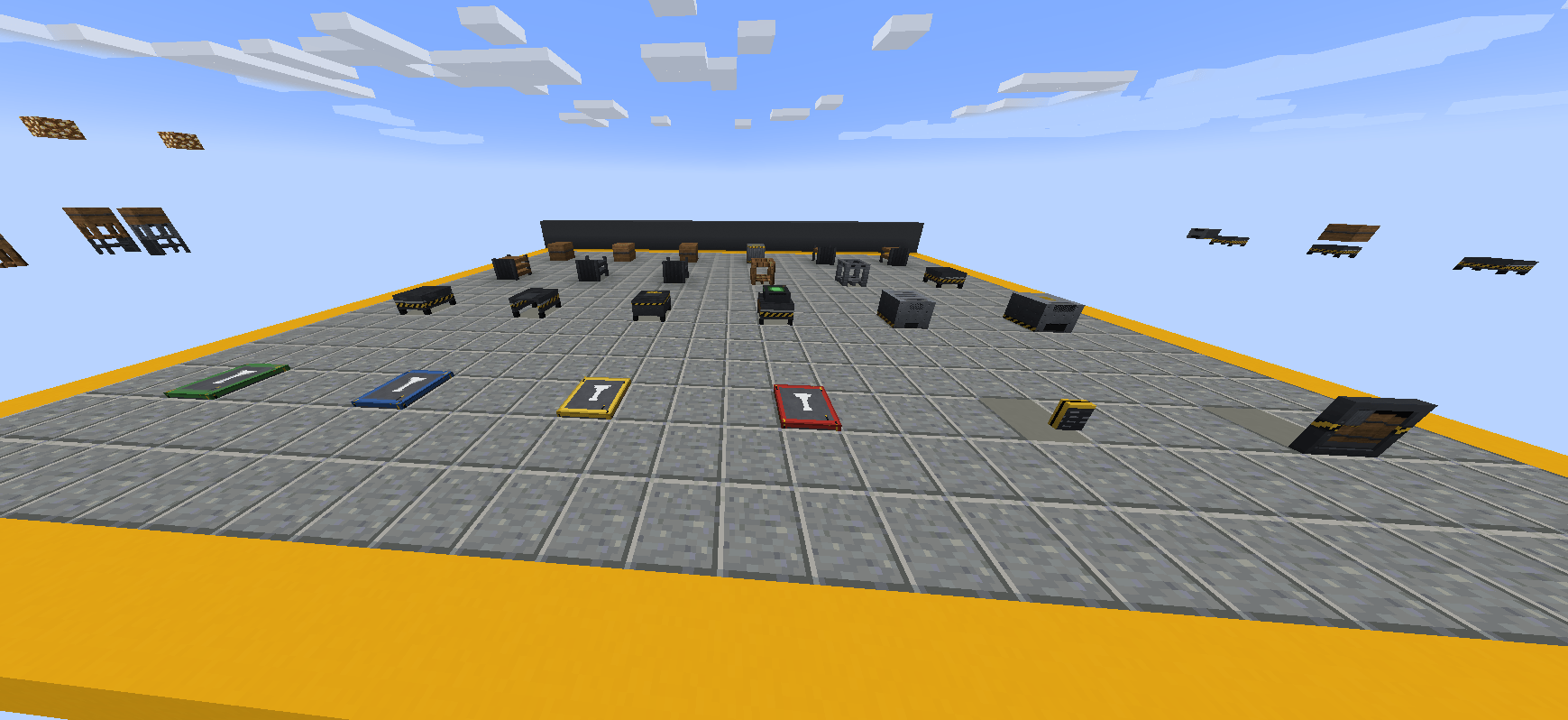 Screenshot 2026-08-14 103532.png Screenshot 2026-08-14 103532.png
 -
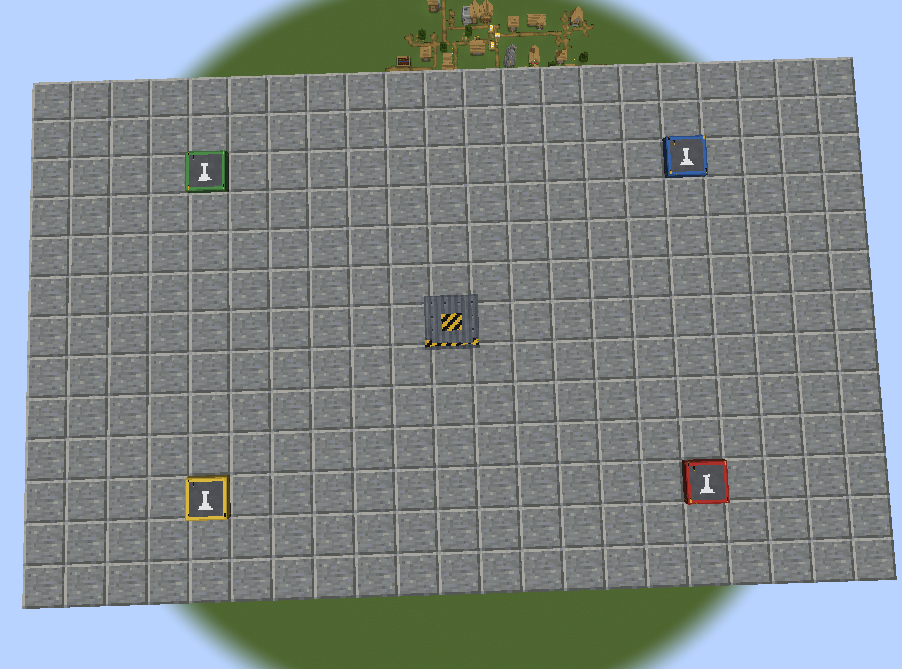 Screenshot 2026-08-14 103017.png Screenshot 2026-08-14 103017.png
 -
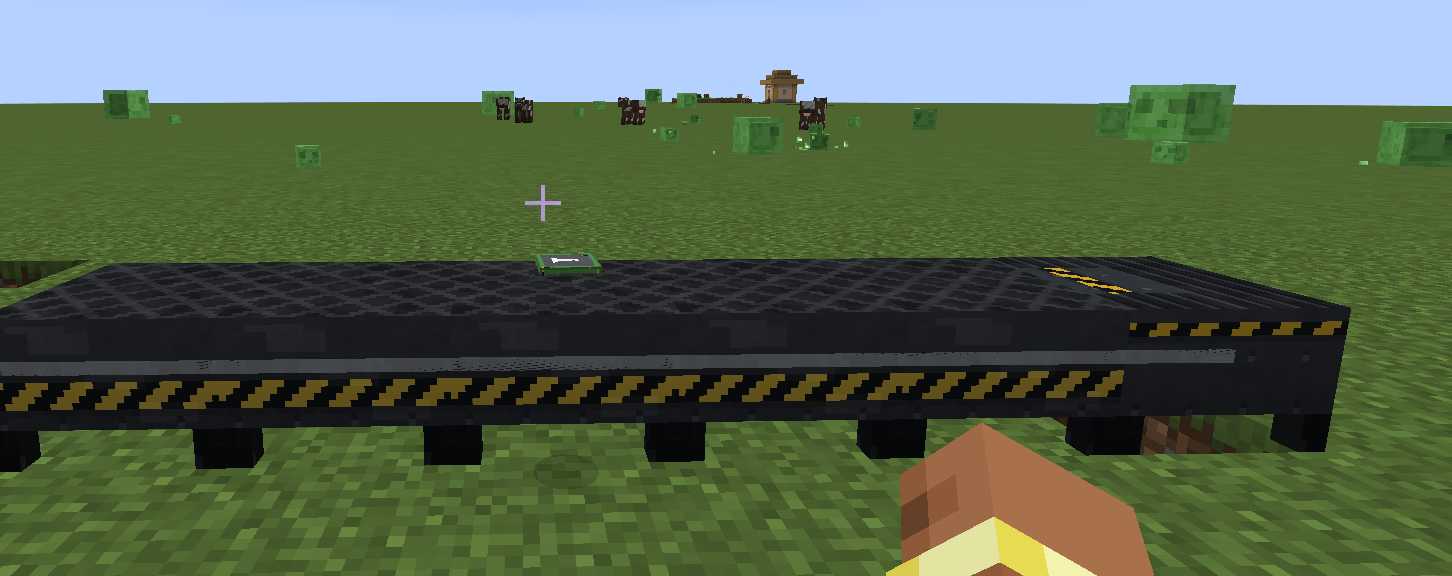 Screenshot 2026-08-12 110159.png Screenshot 2026-08-12 110159.png
Versions
Files
Relations
Project Relations
More like this
Similar Mods
Suggestions use data such as tags, dependencies, dependents, descriptions, titles, and more to rank how much they overlap with this mod.
On ModDex
Community snapshot
By the numbers
Statistics
Want to reach Minecraft players?
We're looking for a server hosting partner to feature here and other parts of the site. Interested? Send us a message!
Get in touchGet it on
Available Platforms
On ModDex
Community snapshot
By the numbers
Statistics
Resources