Community listing page, reviews may not be monitored by the author.
AskGemini


No reviews yet
A Minecraft Fabric mod that integrates Google Gemini AI directly into the in-game chat.

Community voices
Reviews
No reviews yet. Be the first to review this project!
Get it on
Available Platforms
Compatibility
Supported Environments
Runs entirely on the client. Works on vanilla servers.
About
Project Details
For authors
Embed Badge
If you're the author of this project, you can embed a live badge anywhere that supports HTML or Markdown. It updates automatically whenever ratings change.
Use HTML for any page that supports it, or Markdown for README files and Markdown-based descriptions.
Identifiers
Platform IDs
About
Description
AskGemini



AskGemini is a client-side Minecraft Fabric mod that integrates Google's Gemini AI directly into the in-game chat.
It allows players to ask questions, get crafting recipes, building tips, or just chat with the AI without ever leaving the game world. The mod is designed to be lightweight, fast, and unobtrusive.
🔑 Configuration
Prerequisites:
- Make sure you have Minecraft Java Edition installed.
- Install the Fabric Loader for Minecraft 1.21.11.
- Download the Fabric API mod (required).
To use AskGemini mod, you need to create a Google Gemini API Key.
- Go to Google AI Studio and create a new API Key.
- Launch Minecraft with the mod installed.
- In the game, run the following command (only needed once):
/gemini config <YOUR_API_KEY_HERE>Example:/gemini config AIzaSyD... - The key will be saved locally in
config/askgemini.json.
🎮 Usage
Simply open the chat and type @Gemini or @gemini followed by your prompt:
General Questions:
@Gemini How do I build a redstone clock?Creative Writing:
@gemini Tell me a story about a creeper who is afraid of exploding.Coding Helper:
@gemini How does the /fill command work?The AI response will appear in your local chat (visible only to you).
AskGemini
AskGemini is a client-side Minecraft Fabric mod that integrates Google's Gemini AI directly into the in-game chat.
It allows players to ask questions, get crafting recipes, building tips, or just chat with the AI without ever leaving the game world. The mod is designed to be lightweight, fast, and unobtrusive.
🔑 Configuration
Prerequisites:
- Make sure you have Minecraft Java Edition installed.
- Install the Fabric Loader for Minecraft 1.21.11.
- Download the Fabric API mod (required).
To use AskGemini mod, you need to create a Google Gemini API Key.
- Go to Google AI Studio and create a new API Key.
- Launch Minecraft with the mod installed.
- In the game, run the following command (only needed once):
Example:/gemini config <YOUR_API_KEY_HERE>/gemini config AIzaSyD... - The key will be saved locally in
config/askgemini.json.
🎮 Usage
Simply open the chat and type @Gemini or @gemini followed by your prompt:
General Questions:
@Gemini How do I build a redstone clock?
Creative Writing:
@gemini Tell me a story about a creeper who is afraid of exploding.
Coding Helper:
@gemini How does the /fill command work?
The AI response will appear in your local chat (visible only to you).
Screenshots
Gallery
-
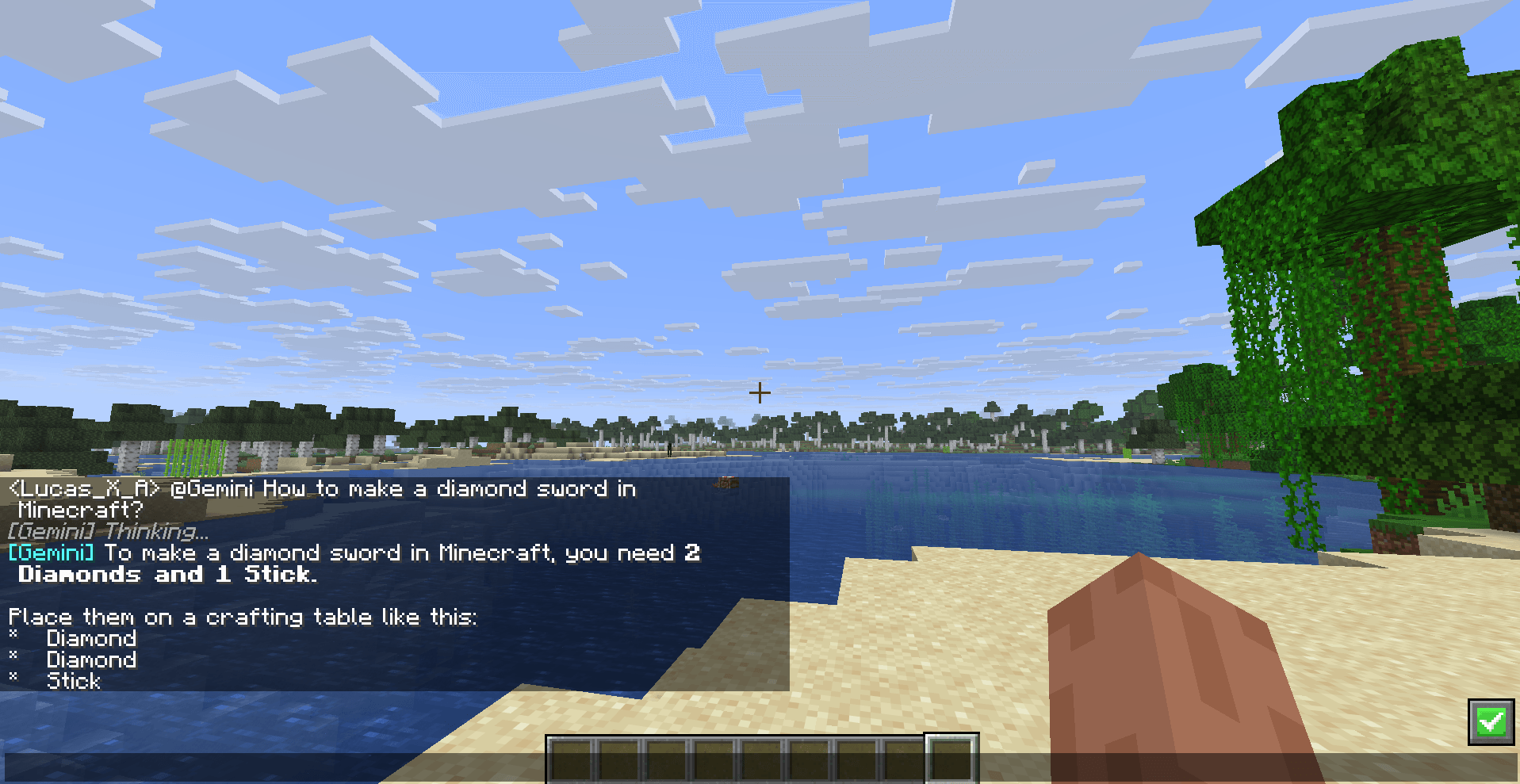 See the answer within the game chat. Gemini's response will be displayed within the Minecraft chat itself.
 -
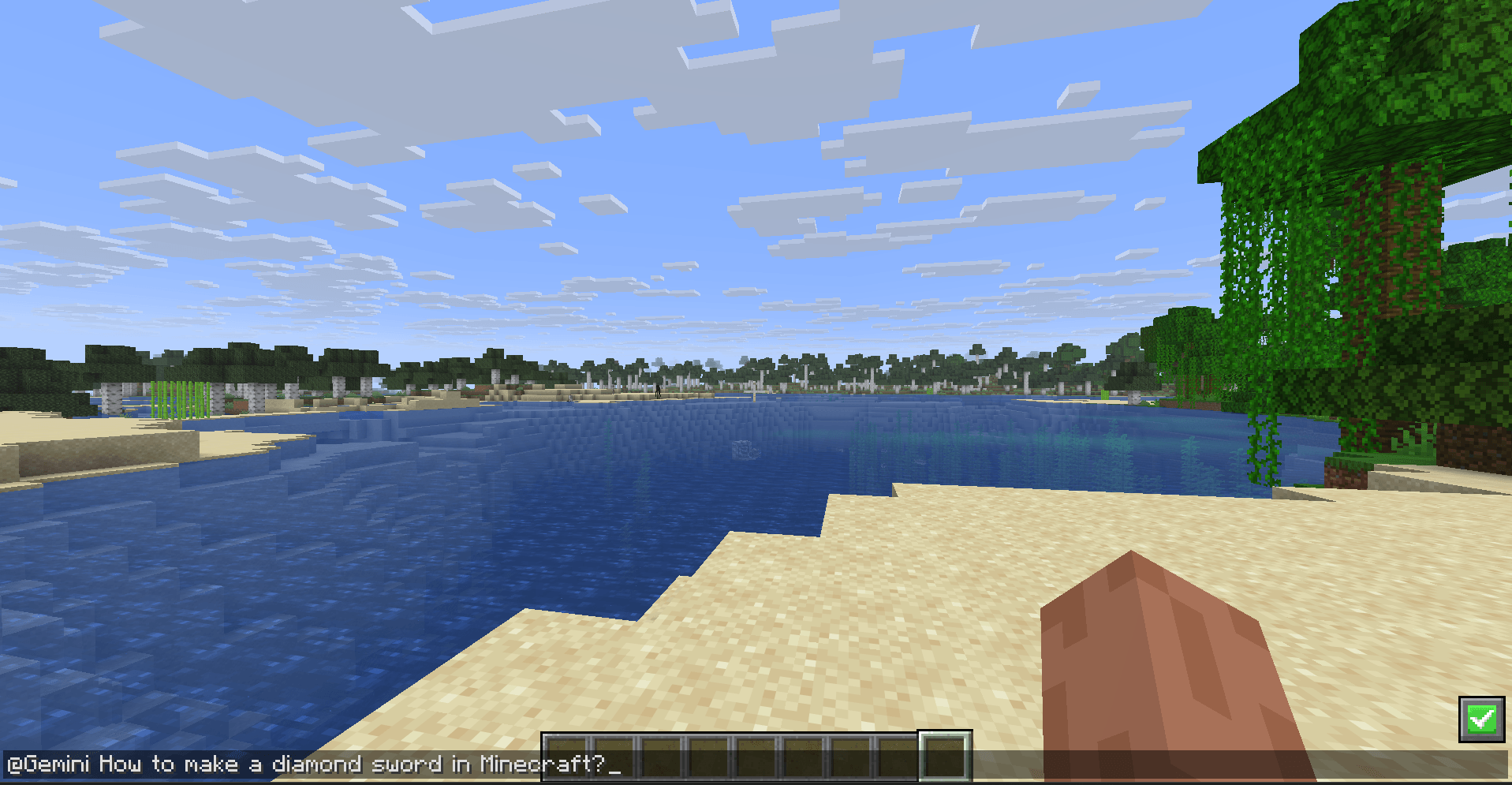 Asking Gemini Ask Gemini a question using "@Gemini" in the beginning of the sentence.
 -
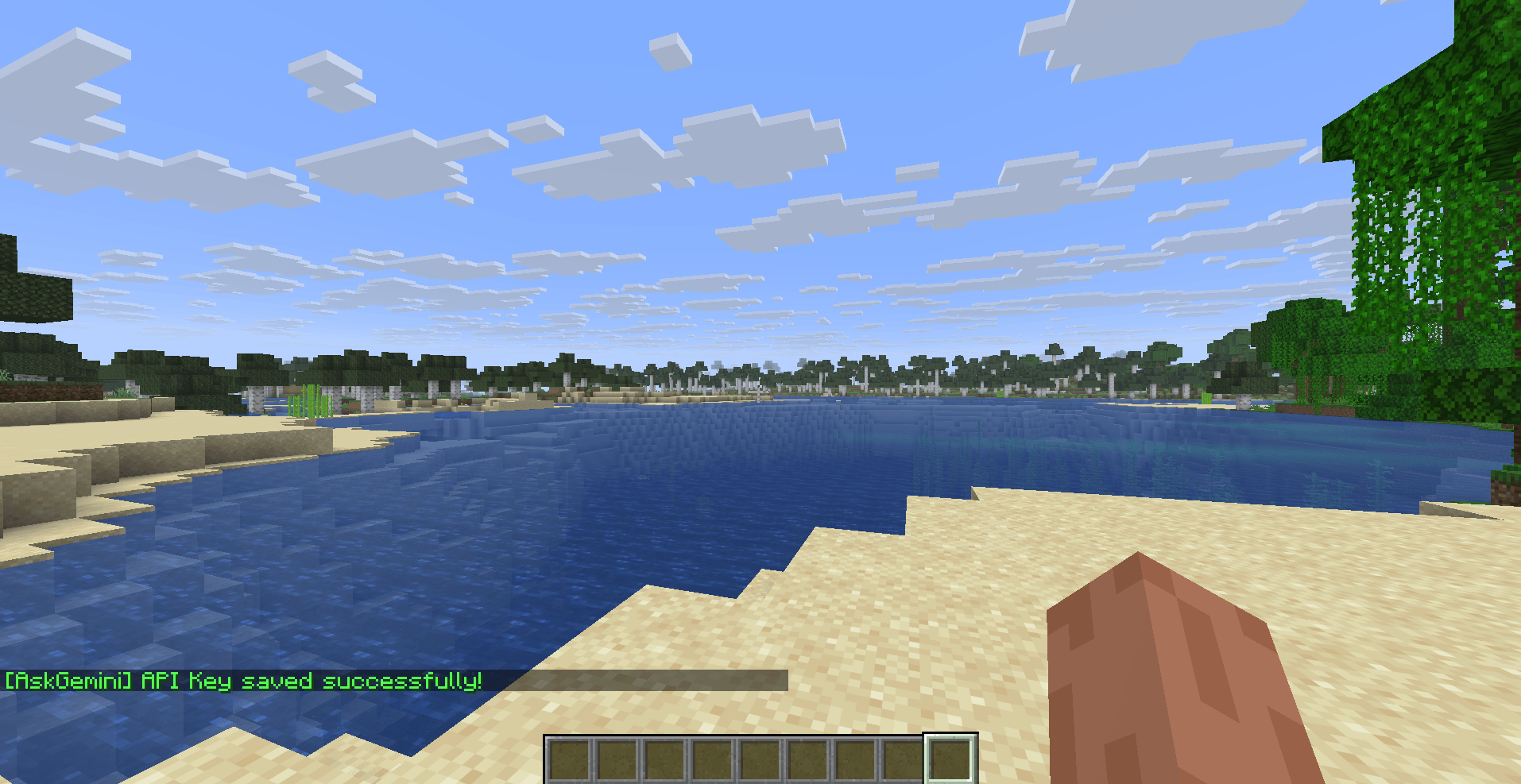 API key saved message A message of success will appear after the API key has been set.
 -
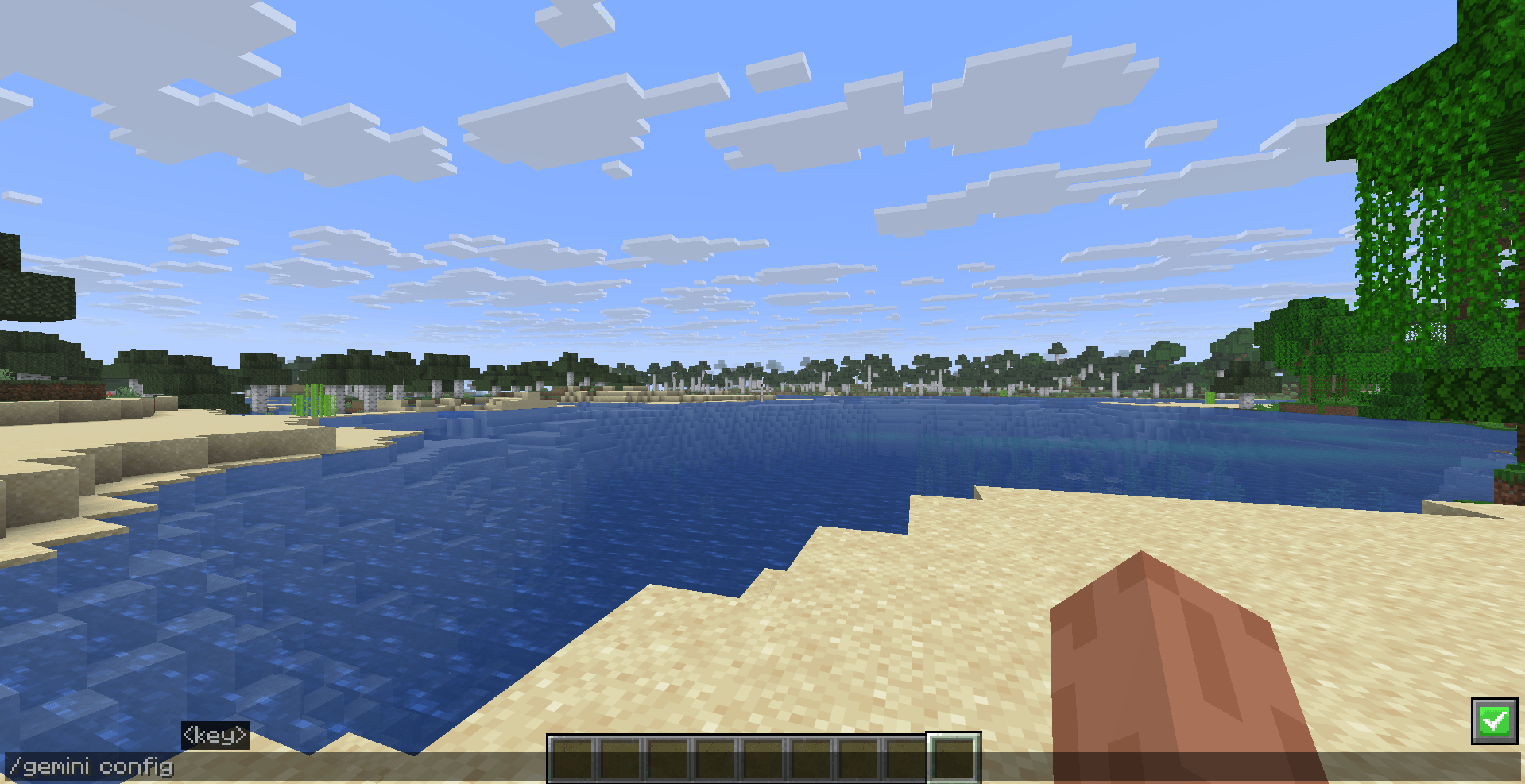 Setting the personal Gemini API key To use the mod, you need a Google Gemini API Key. Go to Google AI Studio and create a new API Key. Launch Minecraft with the mod installed. In the game, run the following command (only needed once): /gemini config <YOUR_API_KEY_HERE>
-
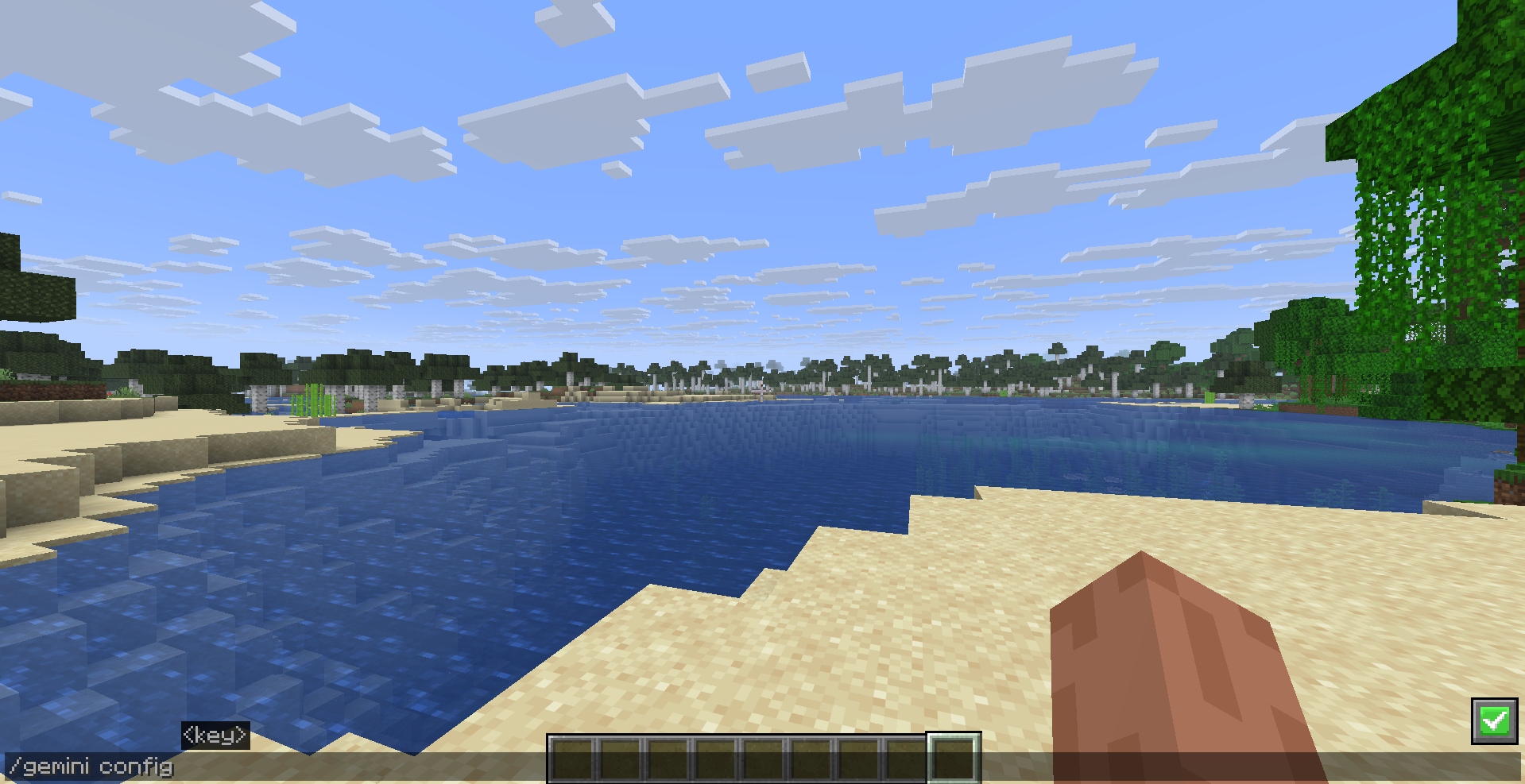 Setting the personal Gemini API key To use the mod, you need a Google Gemini API Key. Go to Google AI Studio and create a new API Key. Launch Minecraft with the mod installed. In the game, run the following command (only needed once): /gemini config <YOUR_API_KEY_HERE>
 -
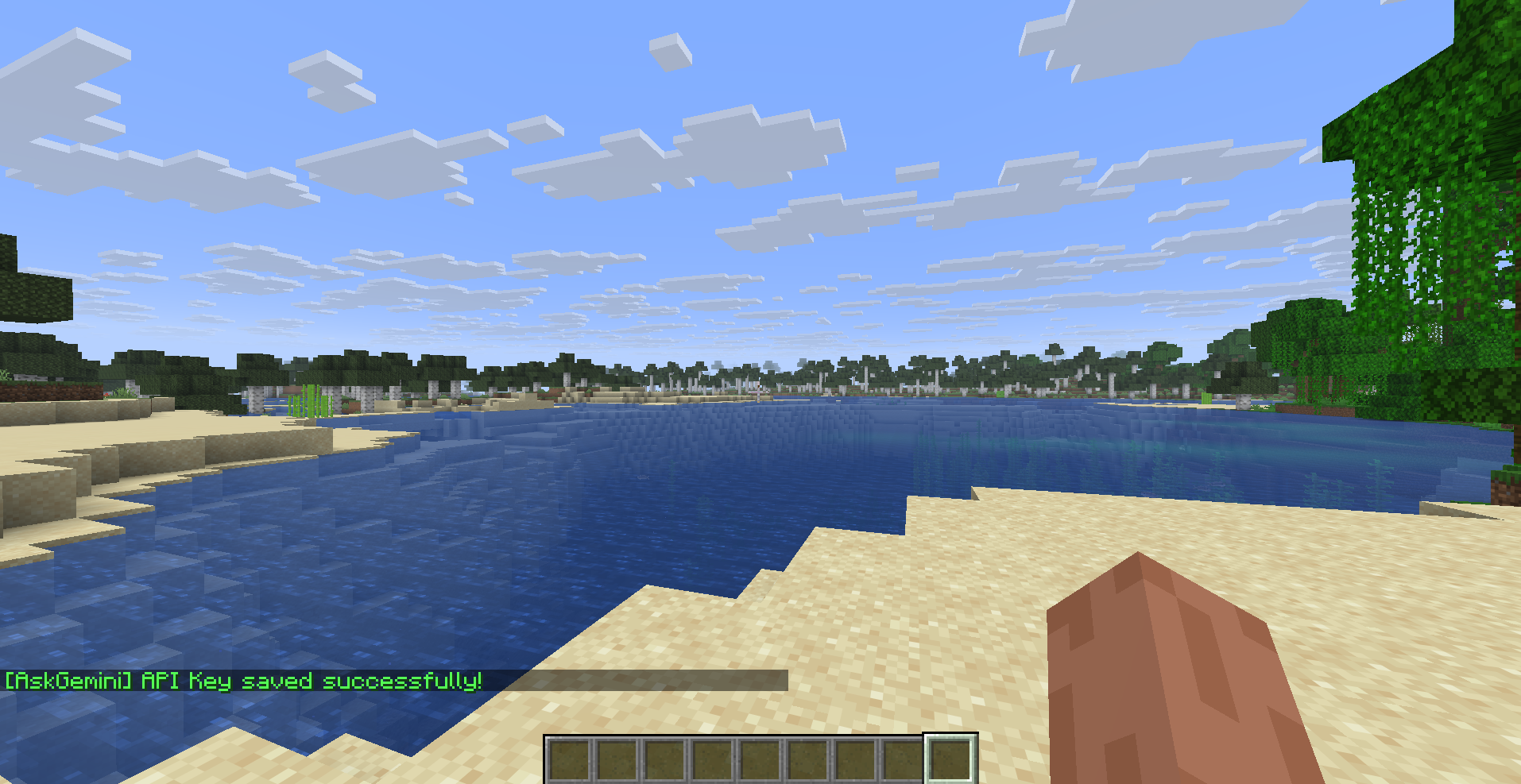 API key saved message A message of success will appear after the API key has been set.
 -
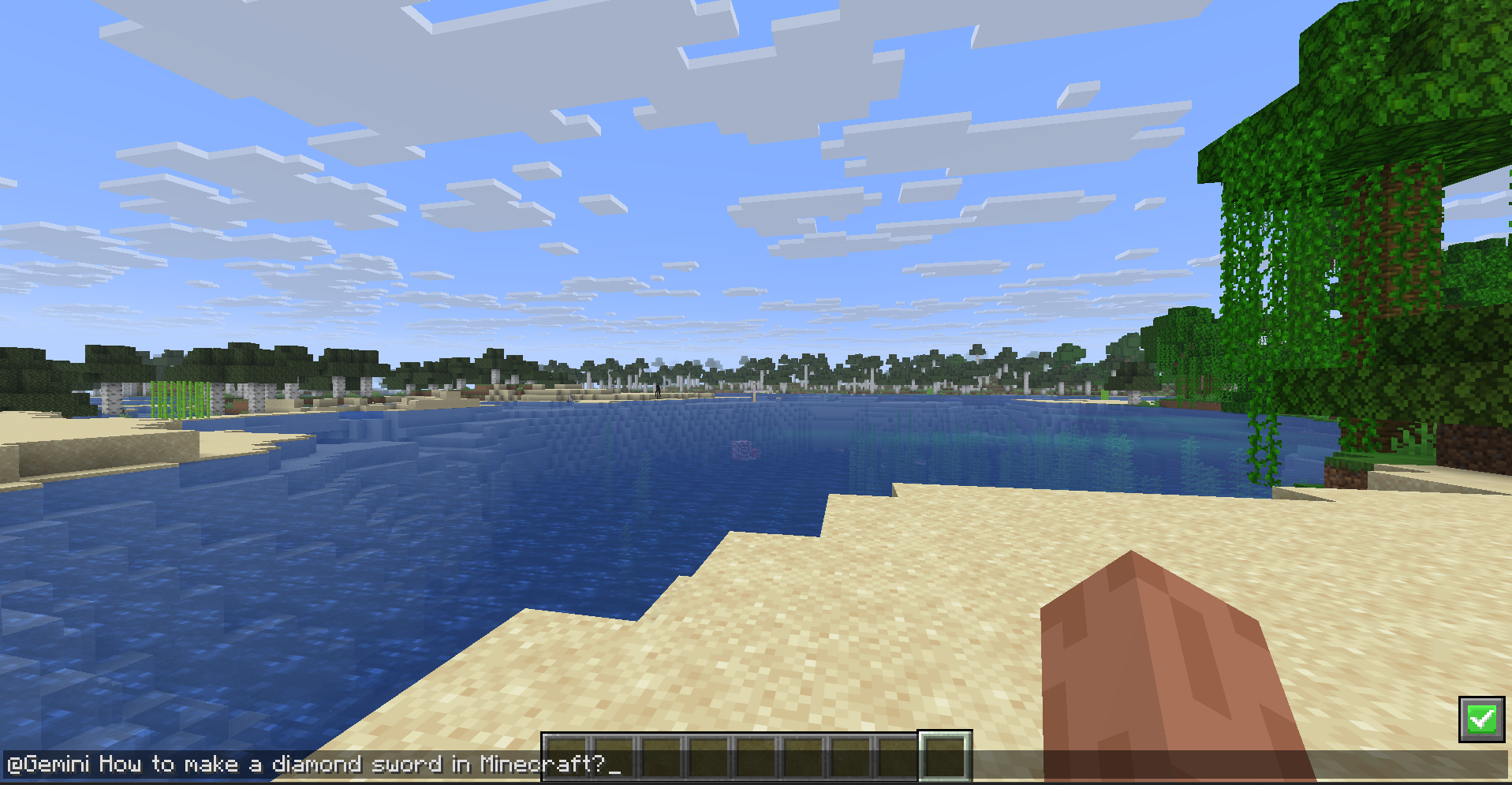 Asking Gemini Ask Gemini a question using "@Gemini" in the beginning of the sentence.
 -
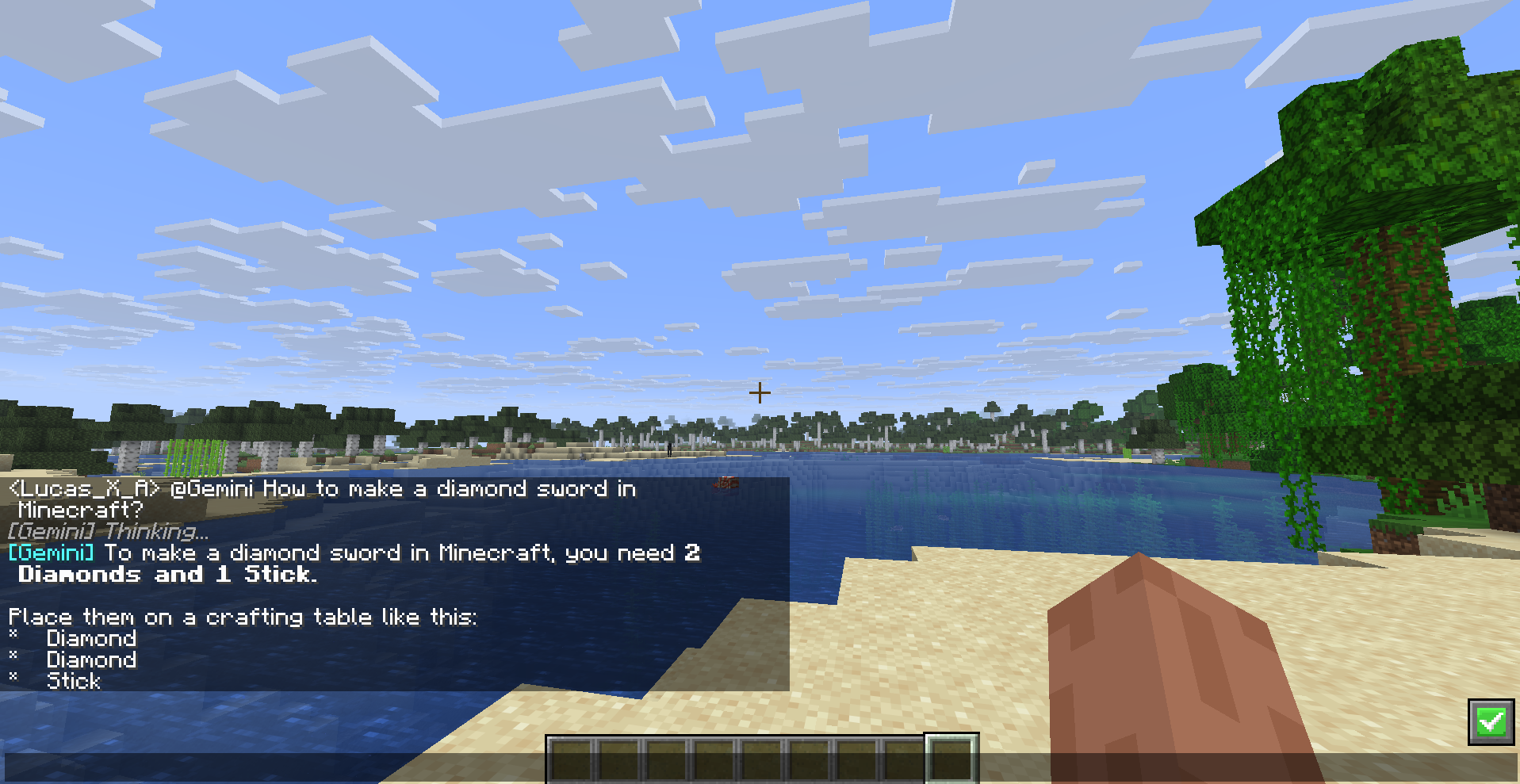 See the answer within the game chat. Gemini's response will be displayed within the Minecraft chat itself.
Versions
Files
Relations
Project Relations
More like this
Similar Mods
Suggestions use data such as tags, dependencies, dependents, descriptions, titles, and more to rank how much they overlap with this mod.
On ModDex
Community snapshot
By the numbers
Statistics
 (opens in a new tab)
Get it on
Available Platforms
On ModDex
Community snapshot
By the numbers