Community listing page, reviews here may not be monitored by the author.
Block Image Renderer

No reviews yet
Fabric client mod that dumps item icons (F7) and decorated-pot/banner/shield pattern overlays (F8) to PNGs for the purpose of developing resource/data packs.
Community voices
Reviews
No reviews yet. Be the first to review this project!
Get it on
Available Platforms
Compatibility
Supported Environments
Runs entirely on the client. Works on vanilla servers.
About
Project Details
For authors
Embed Badge
If you're the author of this project, you can embed a live badge anywhere that supports HTML or Markdown. It updates automatically whenever ratings change.
Use HTML for any page that supports it, or Markdown for README files and Markdown-based descriptions.
Identifiers
Platform IDs
About
Description
Block Image Dumper
A Fabric client mod for Minecraft 26.1 that exports the game's rendered icons straight to PNG files — no manual screenshotting, cropping, or transparency cleanup.
- F7 — items. Writes every registered item's inventory icon as a clean, transparent 64×64 PNG (one file per item).
- F8 — decorations. Exports the overlays a flat icon can't capture: per-face decorated-pot sherds and tintable banner & shield pattern masks.
Why would I want this?
Data packs and resource packs that preview container contents — like the shulker-preview data pack — need a pixel-accurate image of every item exactly as it appears in the inventory, including block-type items that have no flat sprite of their own. Producing ~1,600 of those by hand is impractical. This mod generates the entire set in seconds, with correct transparency and decoration overlays, ready to drop into a build pipeline.
It has no dependency on any particular pack, though — it just writes PNGs you can use for atlases, wikis, web tools, or anything else.
How it works
Minecraft 26.1's screenshot path force-sets every pixel opaque, so transparency can't be read back directly. The mod works around this by rendering two icons side by side in a single frame and combining the captures:
- Items are drawn over black and over white; comparing the two reconstructs exact per-pixel alpha.
- Pots compare a plain pot against a one-sherd pot to isolate the sherd motif.
- Banners & shields render the pattern in white dye over a black base, so the brightness difference becomes a tintable white mask.
Usage
- Install this mod alongside Fabric API.
- Load any world, then press F7 (items) or F8 (decorations).
- Find your PNGs in
<minecraft>/block-images/.
Client-side only · MIT licensed · Source & releases on GitHub
Screenshots
Gallery
-
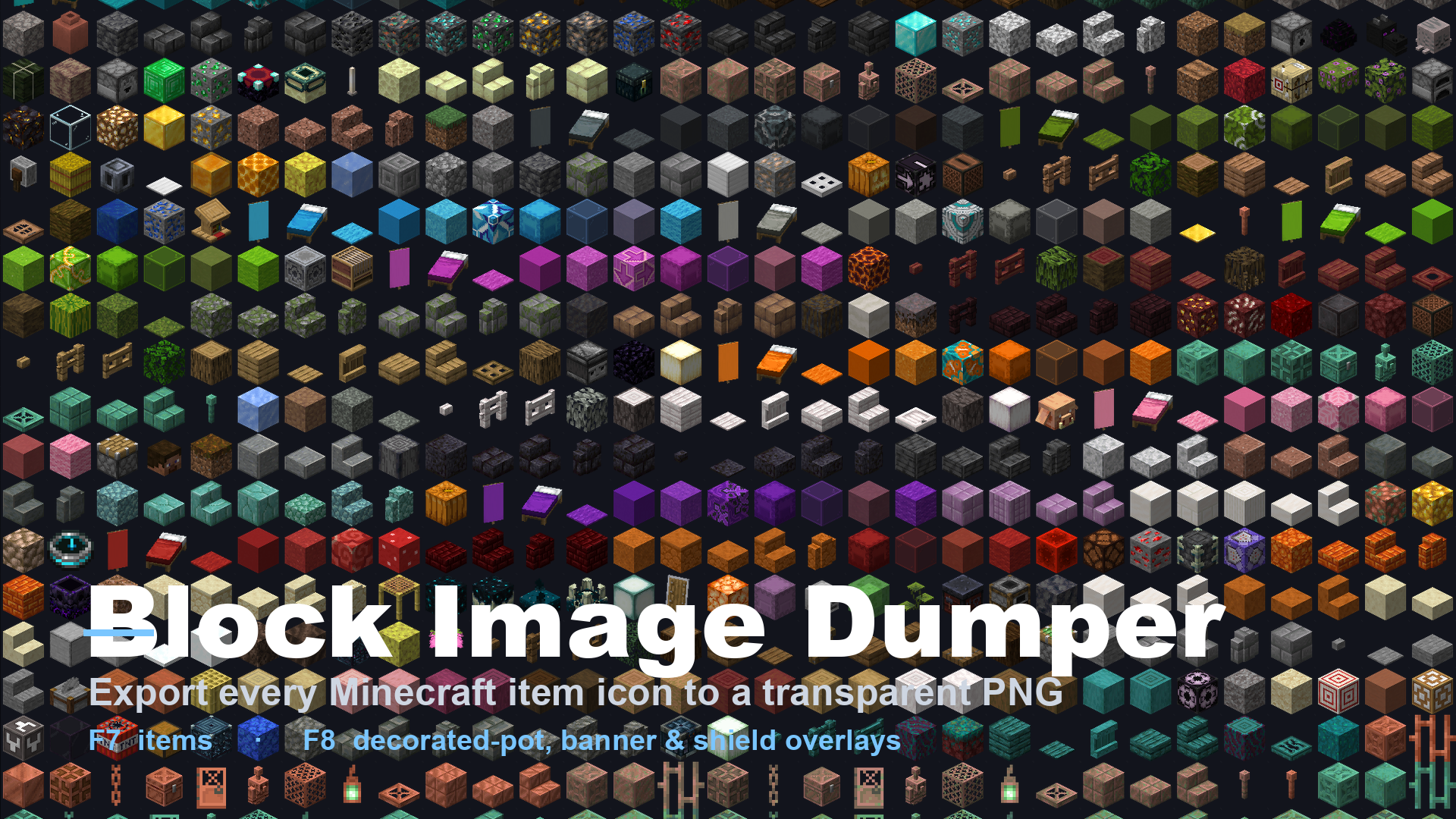 Block Image Dumper Export every Minecraft item icon to a transparent PNG
Versions
Files
Relations
Project Relations
More like this
Similar Mods
Suggestions use data such as tags, dependencies, dependents, descriptions, titles, and more to rank how much they overlap with this mod.
On ModDex
Community snapshot
By the numbers
Statistics

Want to reach Minecraft players?
We're looking for a server hosting partner to feature here and other parts of the site. Interested? Send us a message!
Get in touchGet it on
Available Platforms
On ModDex
Community snapshot
By the numbers