
Community listing page, reviews here may not be monitored by the author.
BundleInCreative


No reviews yet
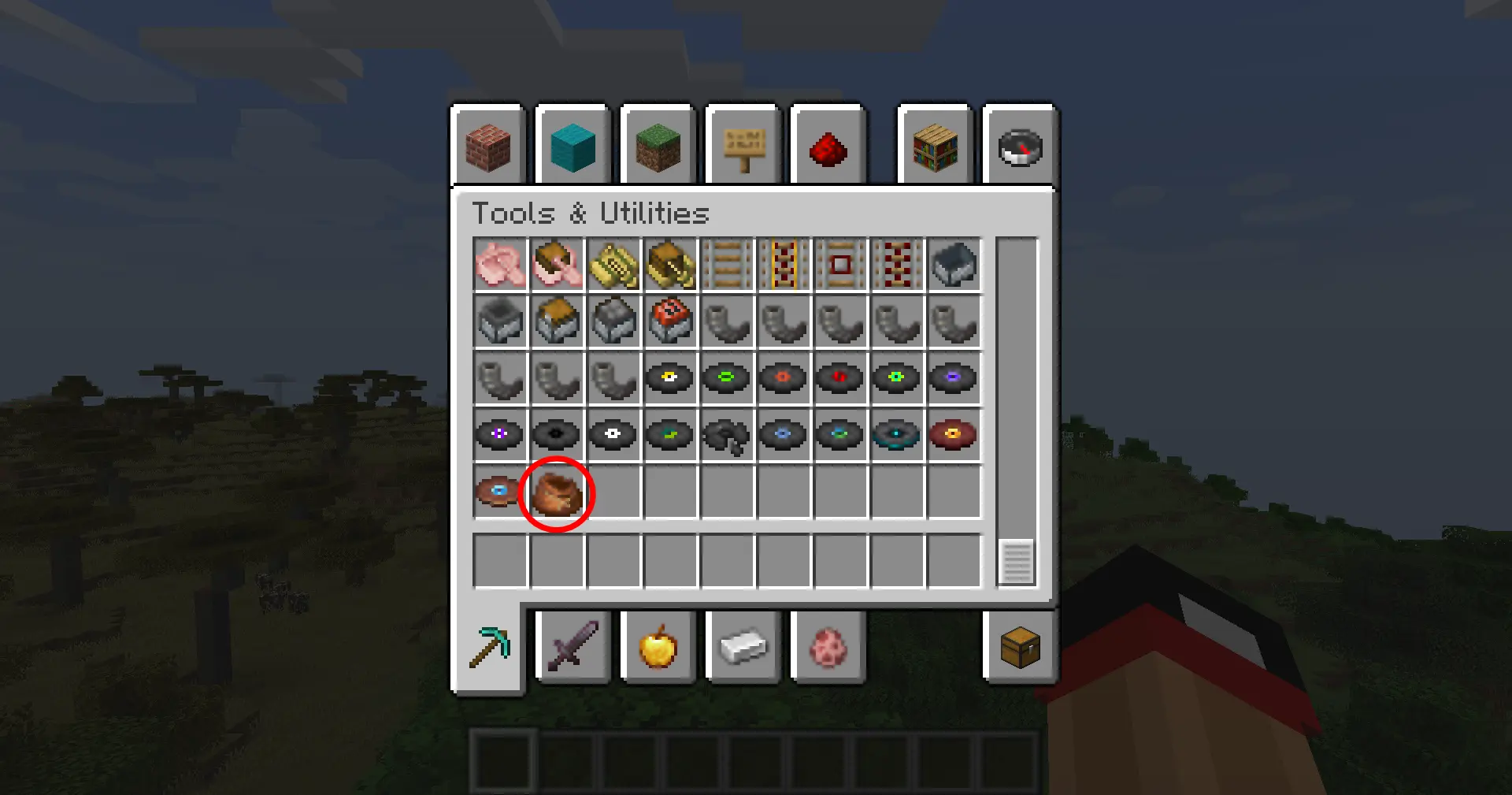
Adds the vanilla Bundle item to the Tools & Utilities creative tab.
Community voices
Reviews
No reviews yet. Be the first to review this project!
Get it on
Available Platforms
Compatibility
Supported Environments
Install on the client or the server; either alone gives full functionality.
About
Project Details
For authors
Embed Badge
If you're the author of this project, you can embed a live badge anywhere that supports HTML or Markdown. It updates automatically whenever ratings change.
Use HTML for any page that supports it, or Markdown for README files and Markdown-based descriptions.
Identifiers
Platform IDs
Resources
External Links
About
Description
Bundle In Creative
Give the vanilla Bundle the attention it deserves: drop it into any creative tab, keep recipe viewers honest, and choose which crafting recipes you want enabled without touching a datapack.
Features At A Glance
- Creative menu support – the Bundle is injected into the Tools & Utilities tab by default, or any tab you pick (Building Blocks, Redstone, Combat, etc.).
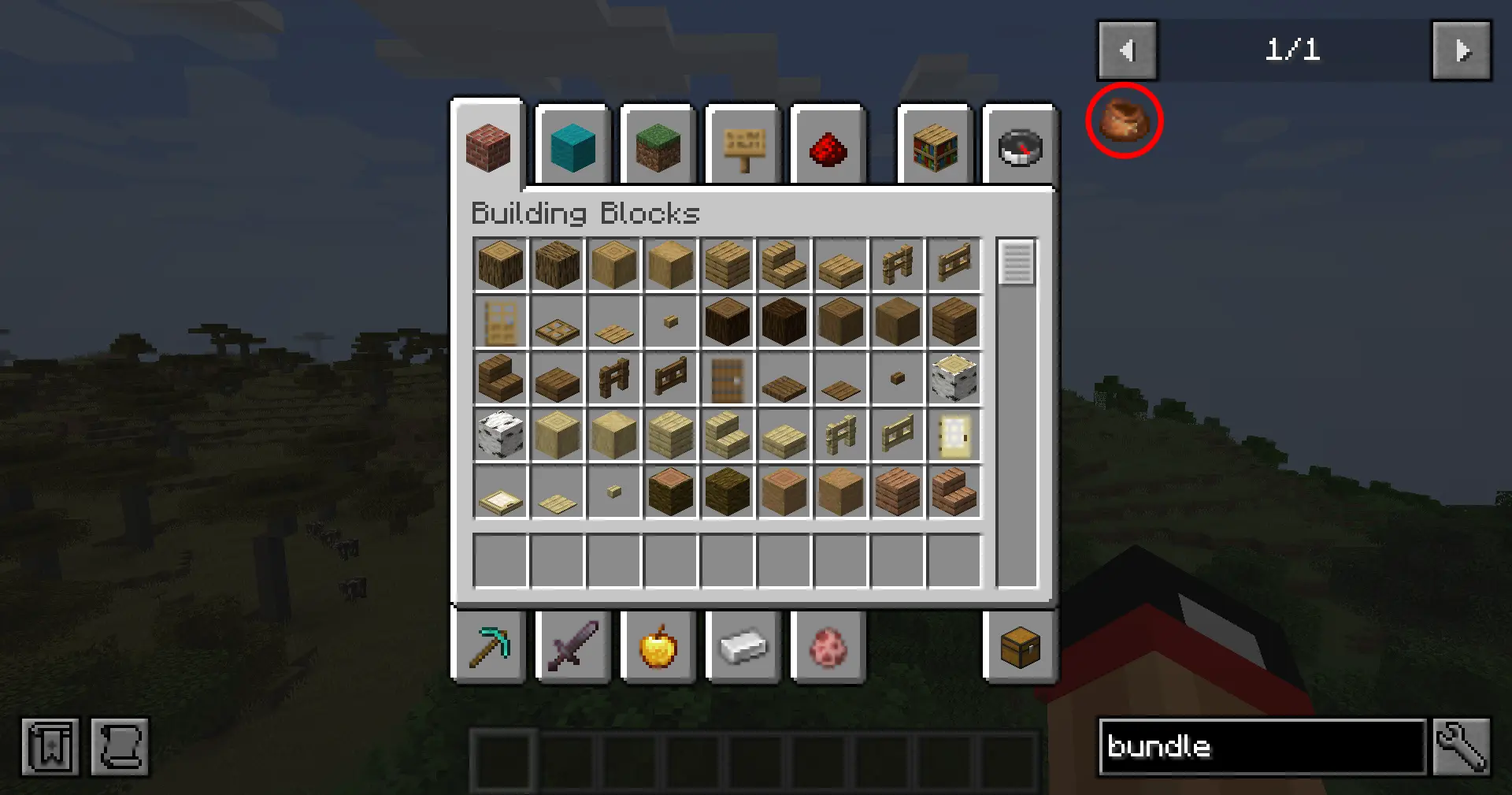
- Searchable everywhere – EMI/JEI/REI and quest books (FTB Quests) recognize the item so players can find it quickly.
- Built-in config screen – open Mods → Bundle In Creative → Config (Configured/Forge Config Screen) to toggle options in-game.
- Recipe control – disable the Bundle entirely, enable just the classic rabbit-hide recipe, opt into the modern leather recipe, or run both simultaneously.
- Server friendly – options live in
bundleincreative-common.toml, so you can ship the same ruleset to clients and servers.
Configuration
- Launch Minecraft with Forge 1.20.1 and this mod installed.
- Open the Mods list, select Bundle In Creative, and click Config (or use the Forge Mod Menu button).
- Adjust:
- Show in Creative – hide/show the Bundle globally.
- Creative Tab – cycle through curated tab names until you find the one you want.
- Bundle Recipe – choose
Off,Rabbit Hide,Leather, orBoth.
- Click Done to save (writes to
config/bundleincreative-common.toml). /reloador restart your game to finalize the settings.
Prefer manual editing? Open config/bundleincreative-common.toml and change enableBundle, creativeTab, or recipeMode.

Recipe Modes
The recipeMode toggle controls two built-in recipe JSONs gated by a custom Forge condition:
| Mode | Enabled recipes |
|---|---|
off |
No Bundle crafting recipes |
rabbit |
Classic rabbit hide + string pattern |
leather |
Leather-based pattern (string spine) |
both |
Both recipes load together |

Bundle In Creative
Give the vanilla Bundle the attention it deserves: drop it into any creative tab, keep recipe viewers honest, and choose which crafting recipes you want enabled without touching a datapack.
Features At A Glance
- Creative menu support – the Bundle is injected into the Tools & Utilities tab by default, or any tab you pick (Building Blocks, Redstone, Combat, etc.).
- Searchable everywhere – EMI/JEI/REI and quest books (FTB Quests) recognize the item so players can find it quickly.
- Built-in config screen – open Mods → Bundle In Creative → Config (Configured/Forge Config Screen) to toggle options in-game.
- Recipe control – disable the Bundle entirely, enable just the classic rabbit-hide recipe, opt into the modern leather recipe, or run both simultaneously.
- Server friendly – options live in
bundleincreative-common.toml, so you can ship the same ruleset to clients and servers.
Configuration
- Launch Minecraft with Forge 1.20.1 and this mod installed.
- Open the Mods list, select Bundle In Creative, and click Config (or use the Forge Mod Menu button).
- Adjust:
- Show in Creative – hide/show the Bundle globally.
- Creative Tab – cycle through curated tab names until you find the one you want.
- Bundle Recipe – choose
Off,Rabbit Hide,Leather, orBoth.
- Click Done to save (writes to
config/bundleincreative-common.toml). /reloador restart your game to finalize the settings.
Prefer manual editing? Open config/bundleincreative-common.toml and change enableBundle, creativeTab, or recipeMode.
Recipe Modes
The recipeMode toggle controls two built-in recipe JSONs gated by a custom Forge condition:
| Mode | Enabled recipes |
|---|---|
off |
No Bundle crafting recipes |
rabbit |
Classic rabbit hide + string pattern |
leather |
Leather-based pattern (string spine) |
both |
Both recipes load together |
Installation
- Download or build the mod JAR.
- Drop the JAR into your Minecraft
modsfolder. - Launch Minecraft with Forge 47.3.0 (MC 1.20.1) and Java 17.
Building From Source
# Windows
gradlew.bat build

# Linux/macOS
./gradlew build
Screenshots
Gallery
-
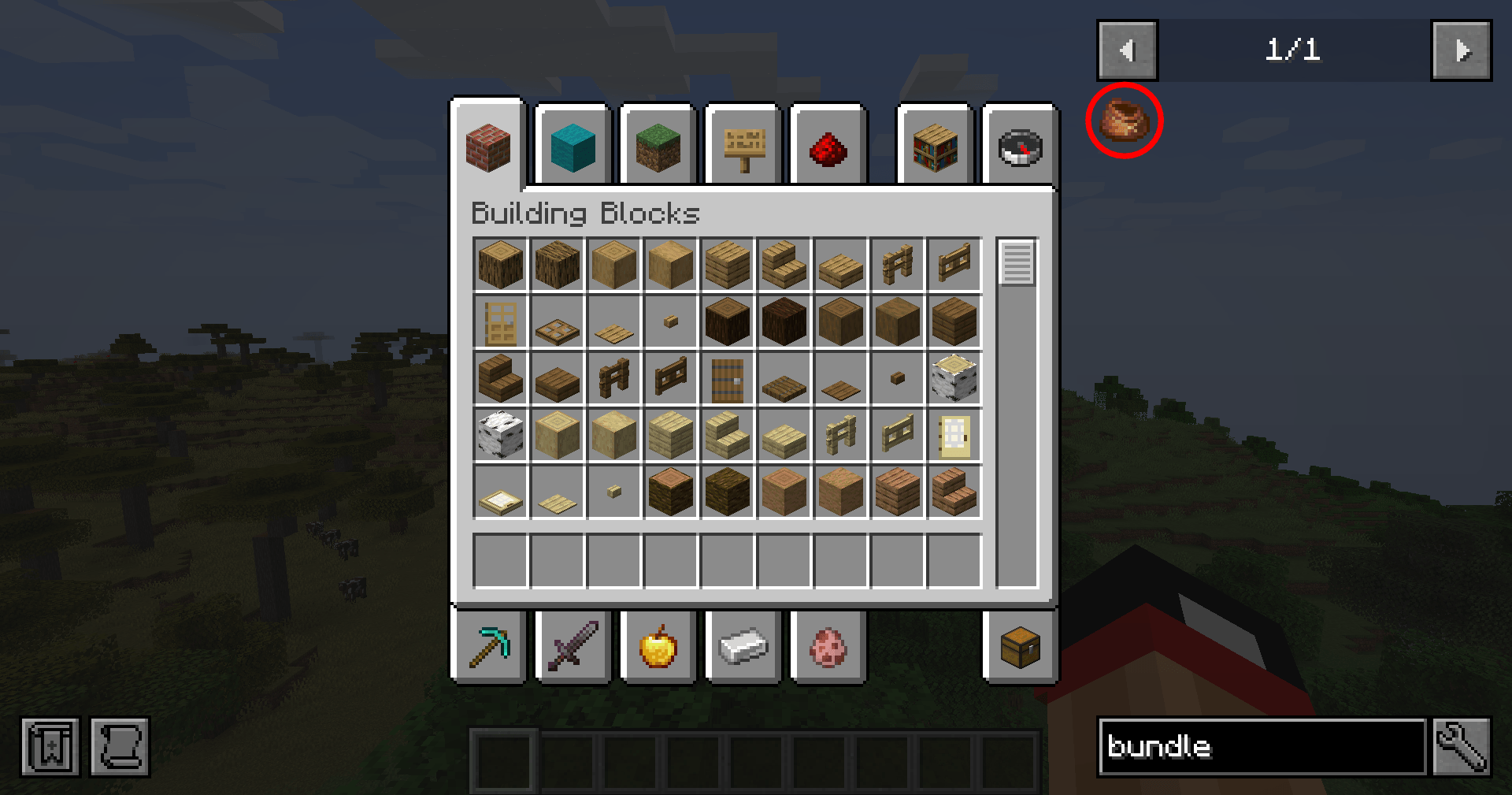 JEI Compat Bundles now show in JEI/REI/EMI
 -
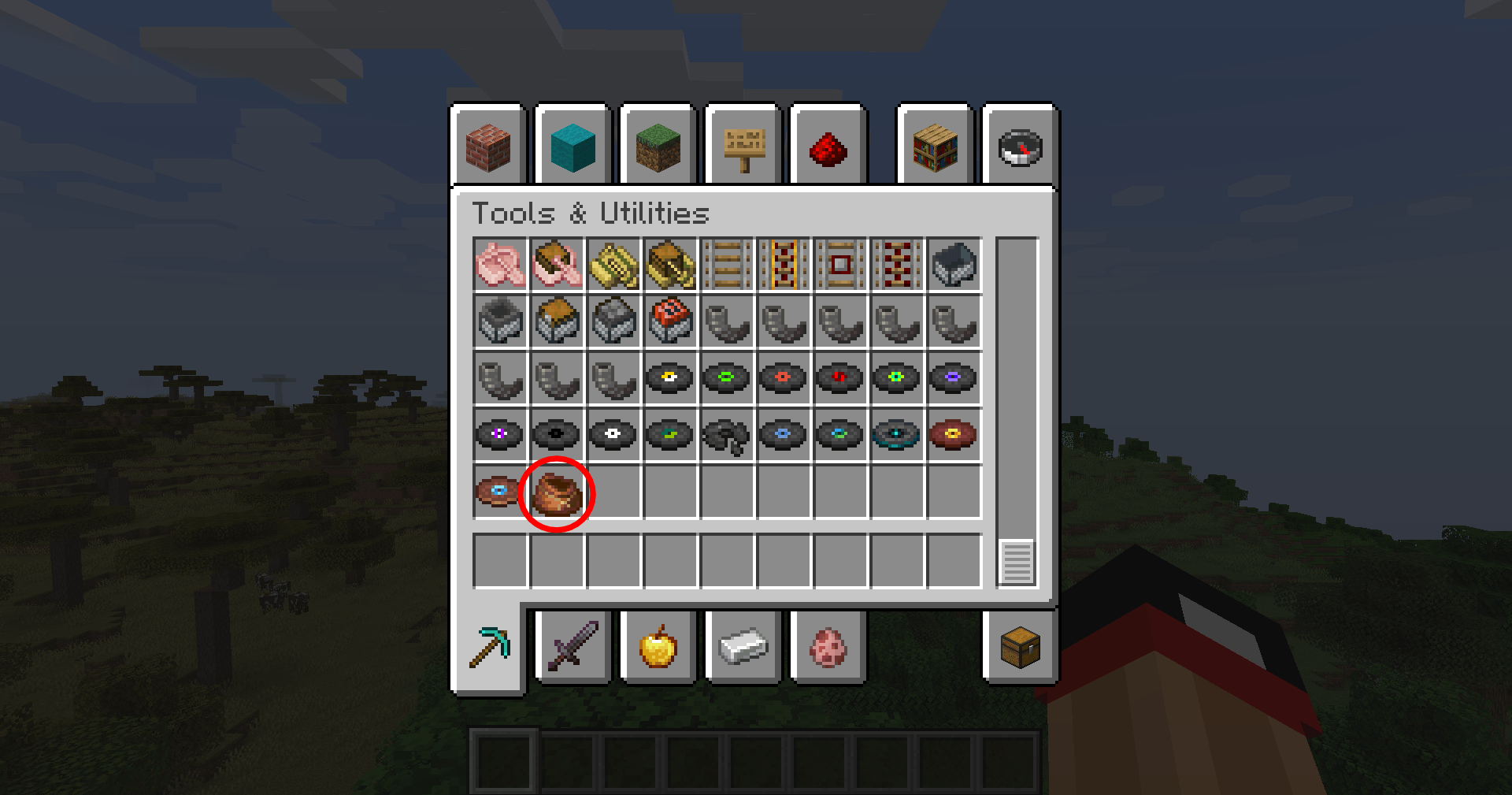 Bundle in Creative Bundles now shows in Creative Tab
-
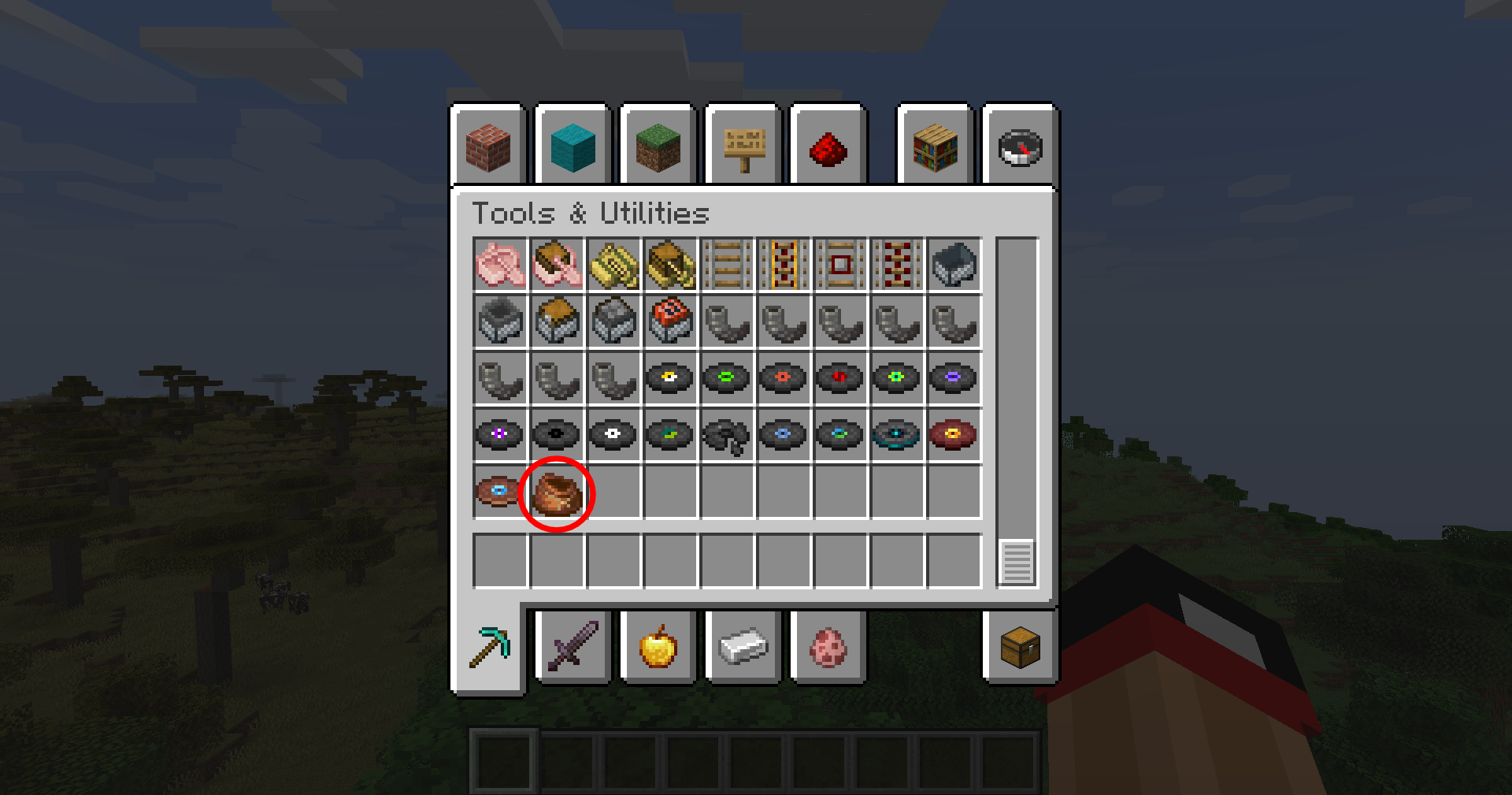 Bundle In Creative
 -
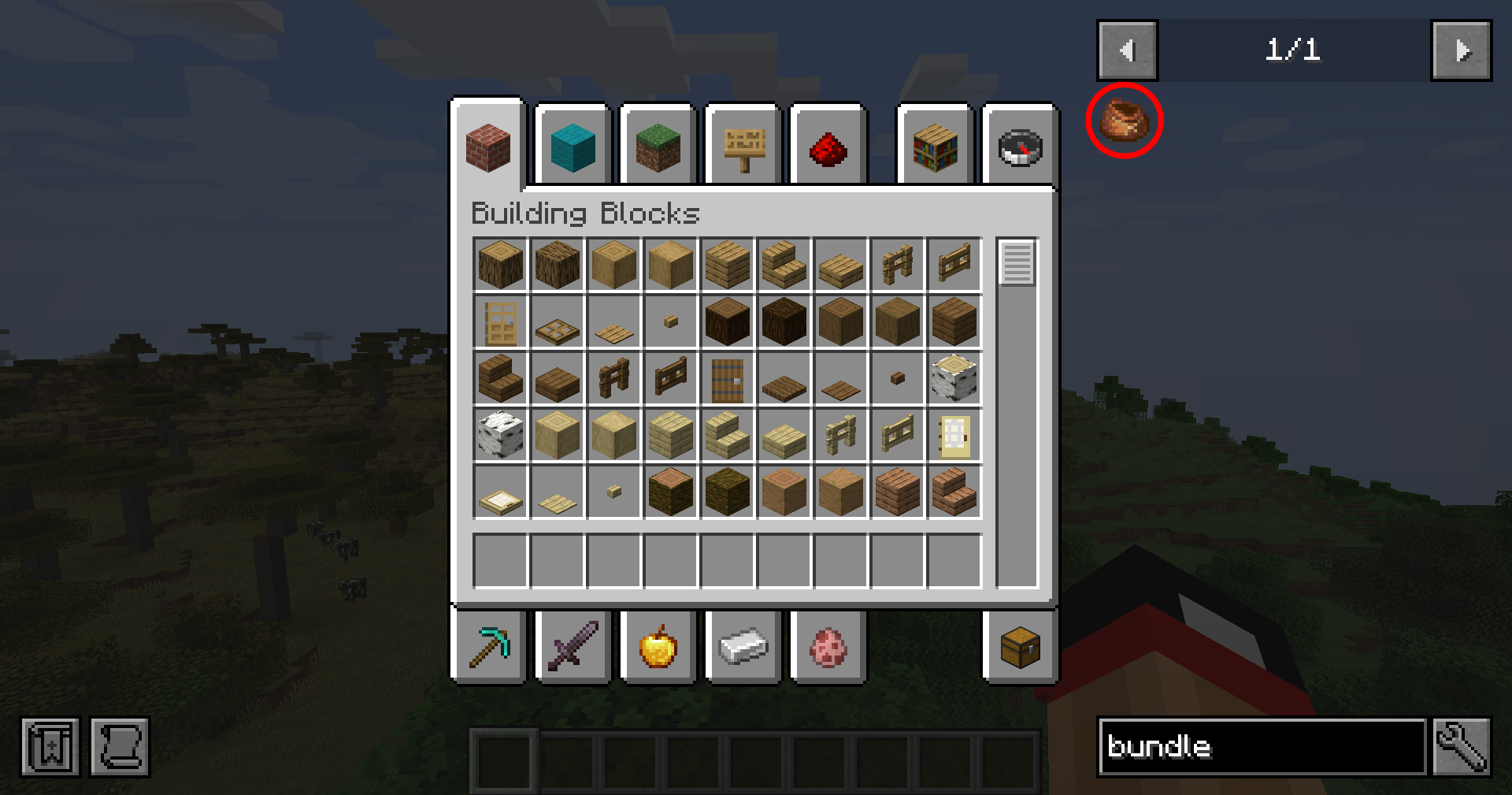 JEI Compat
Versions
Files
Relations
Project Relations
More like this
Similar Mods
Suggestions use data such as tags, dependencies, dependents, descriptions, titles, and more to rank how much they overlap with this mod.
On ModDex
Community snapshot
By the numbers
Statistics
Want to reach Minecraft players?
We're looking for a server hosting partner to feature here and other parts of the site. Interested? Send us a message!
Get in touchGet it on
Available Platforms
On ModDex
Community snapshot
By the numbers
Statistics
Resources